Solutions
We make
building games easier.
Whether you're designing characters, UI, environments, or marketing materials, Layer gives your team fast, high-quality tools that slot right into your workflow.



















Game Characters





Concept Art


Backgrounds & Environments

Create scenes in landscape & portrait
Make beautiful background images for
all game types and genres across devices.

Build layered environments for game levels
Create layered environments with objects like trees, shrubs, and buildings - then export as PSD.

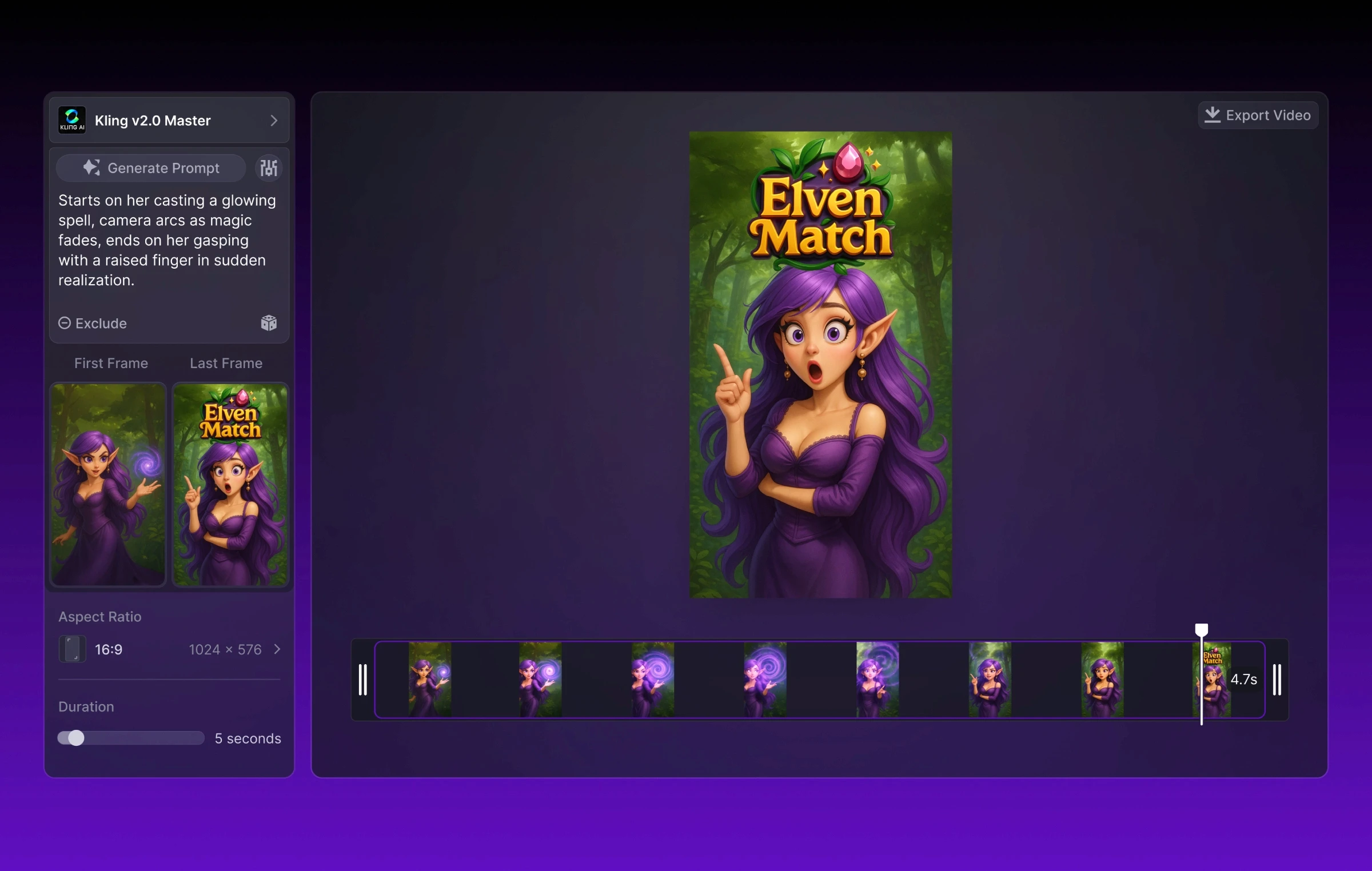
Animate background game scenes
Bring backgrounds to life with our video models using a premade image or prompts.
Game UI
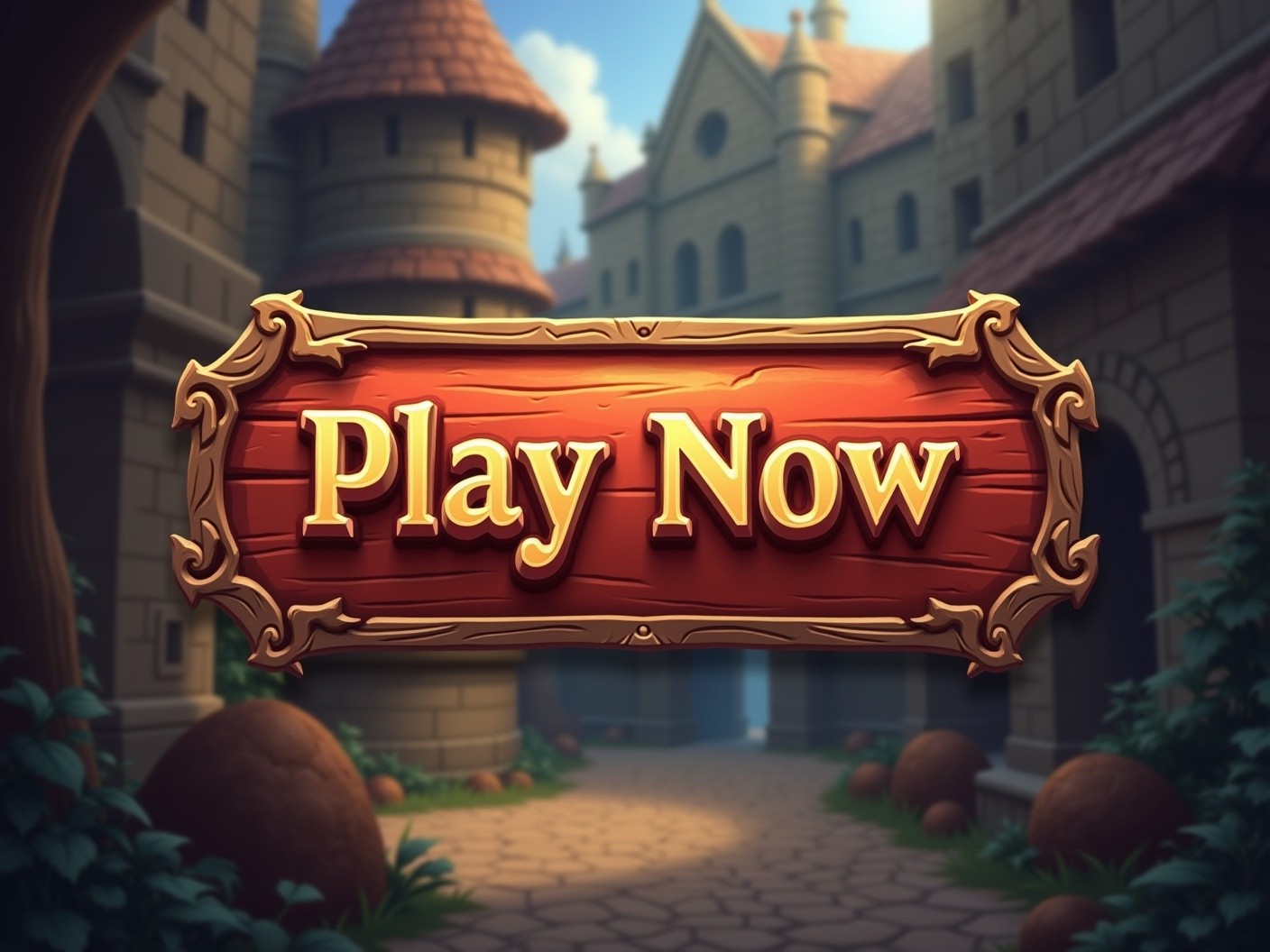
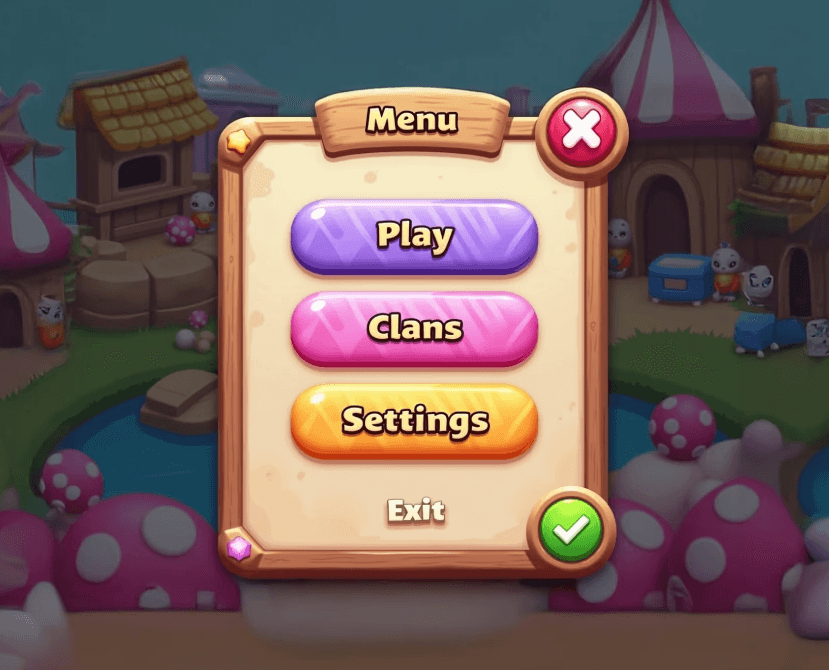
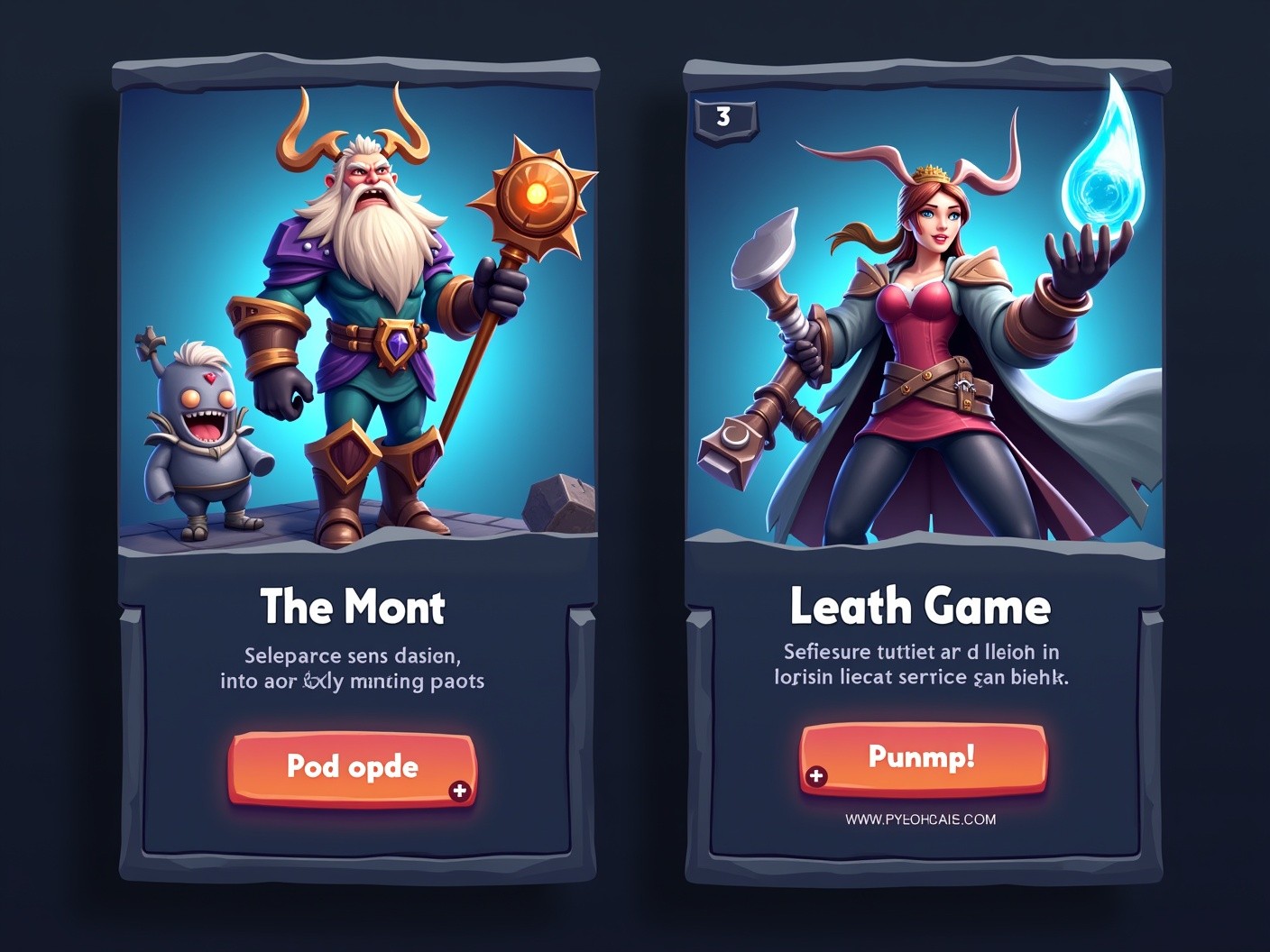
Create in-game buttons
Design and build out buttons for any
game resolution - mashability optional.
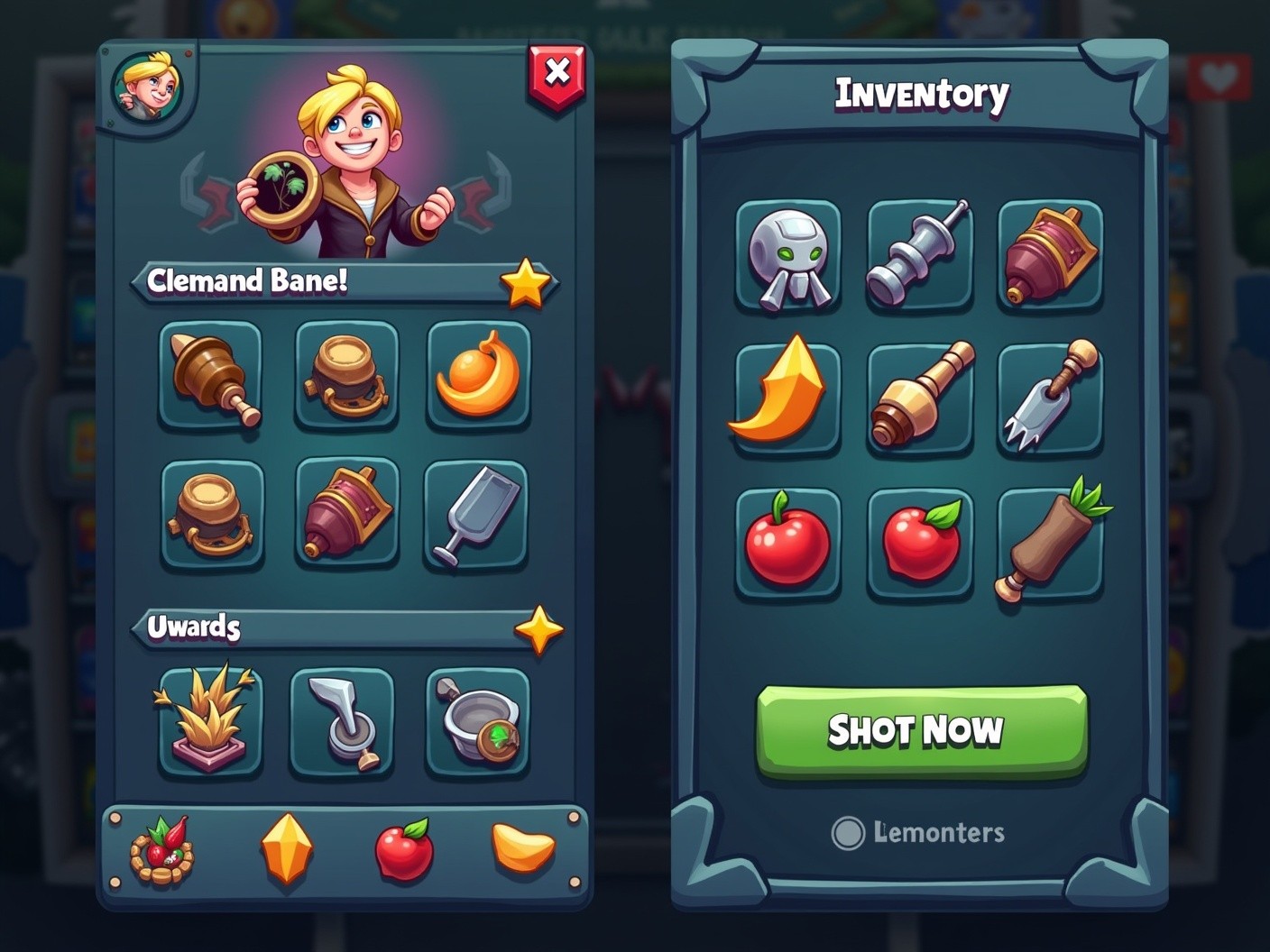
Create frames for game levels
Build out UI elements for things like inventories, overlays, items, and more.
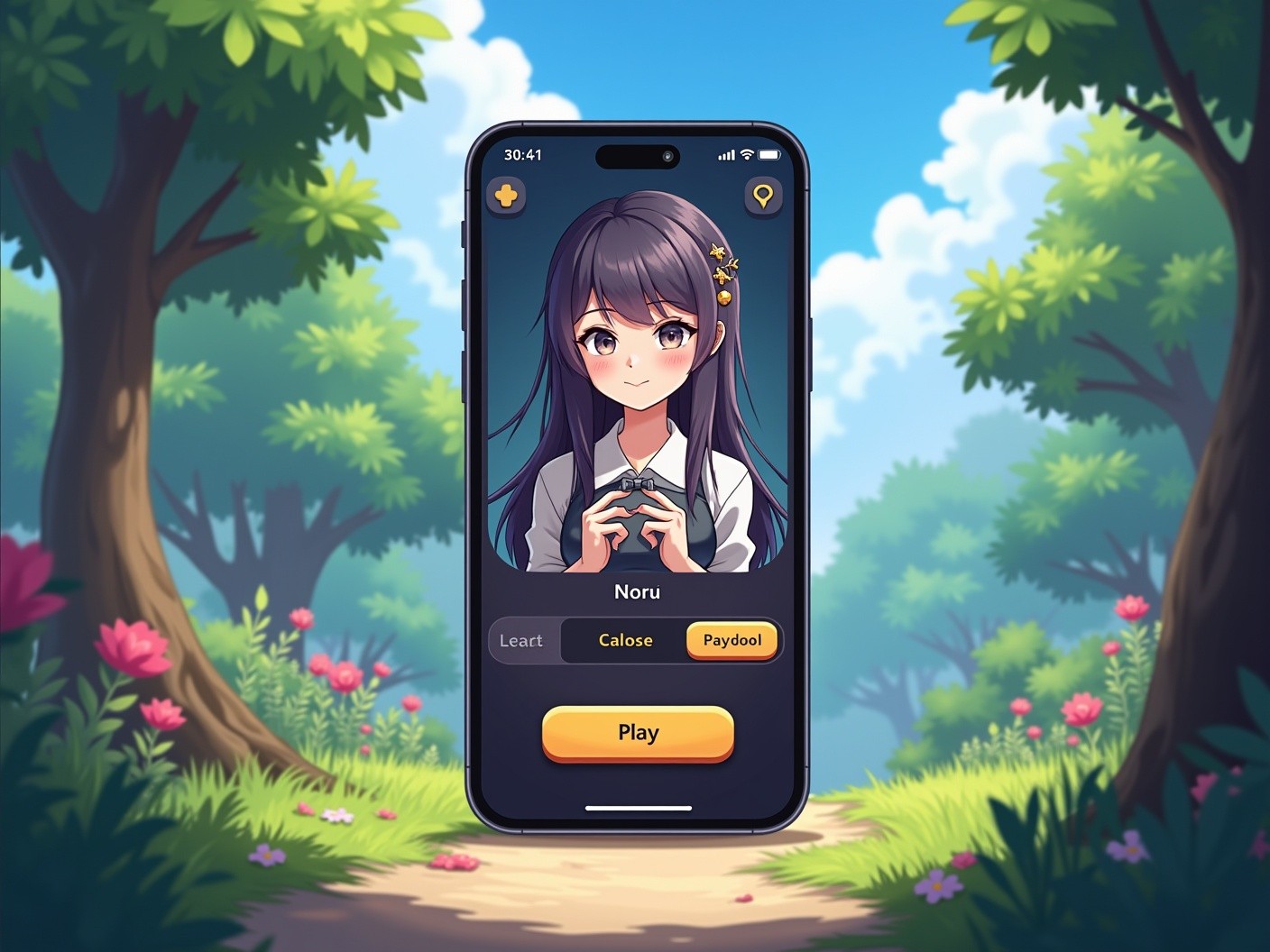
Make in-game popups for mobile
Generate popups and other elements
to drive player engagement.
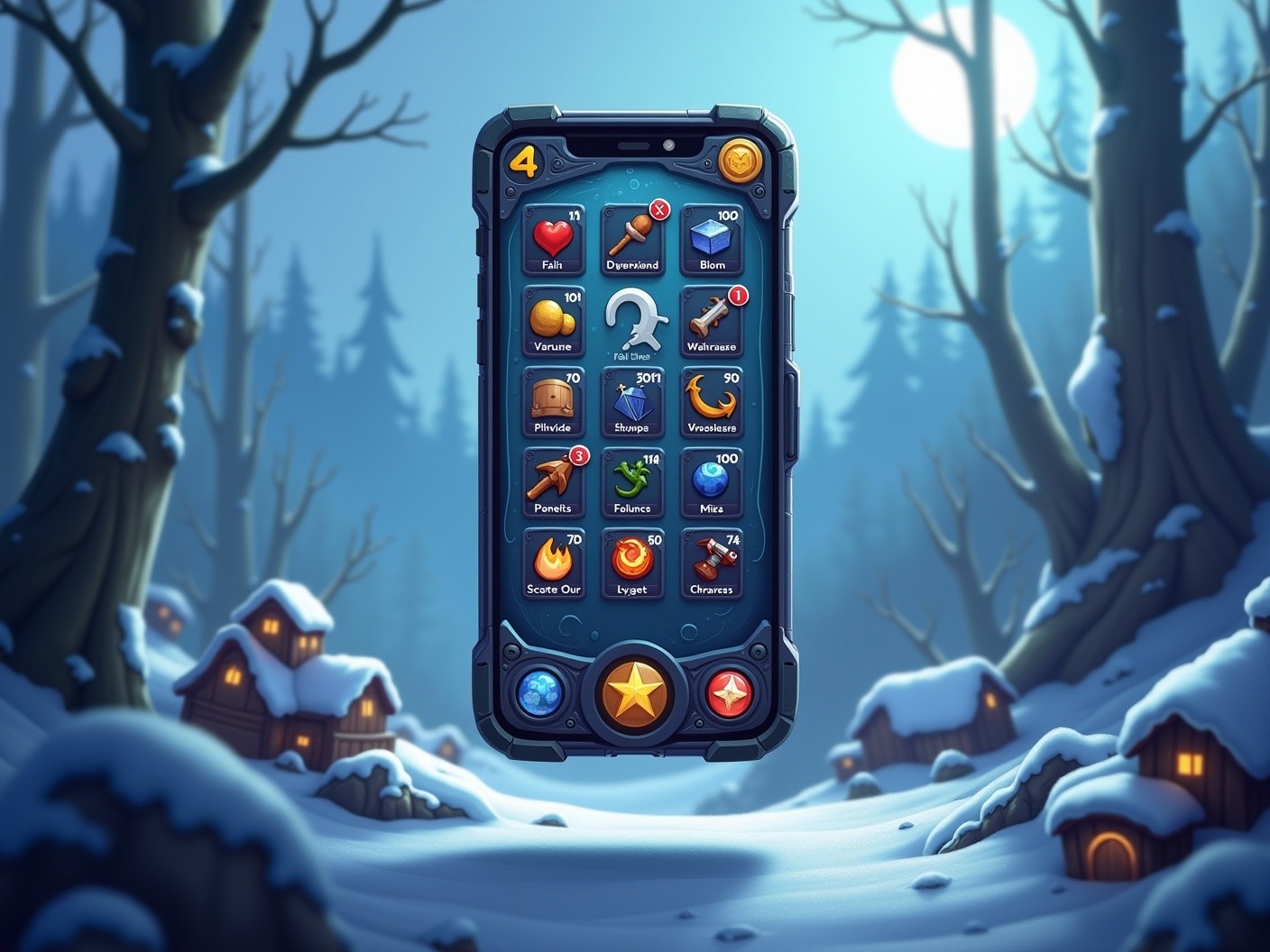
Generate game icons
Create clean and crisp iconography for
in-game items, menu items, currency, and more.
Game Items
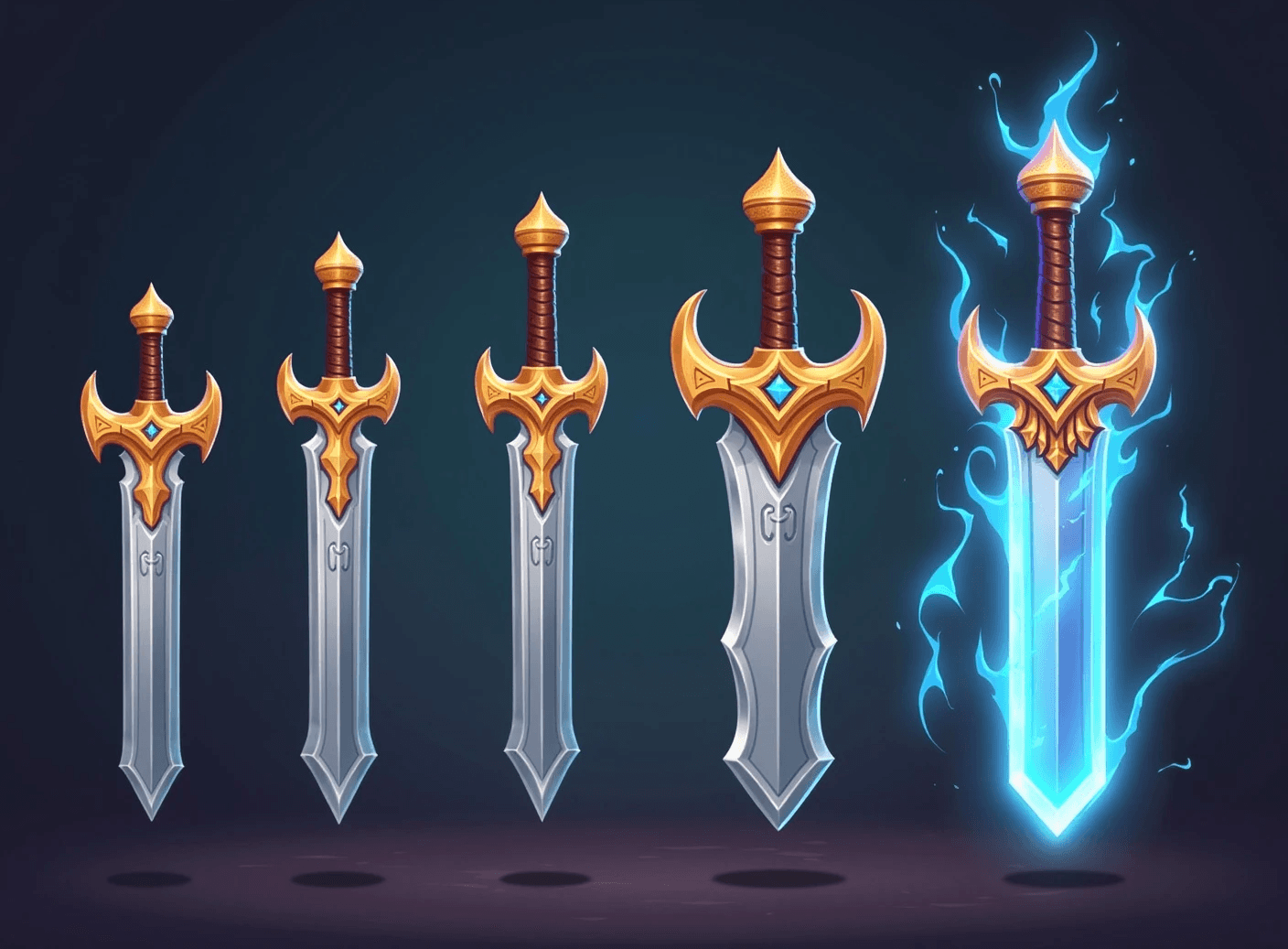
Create upgradeable item sets
Design item sets that evolve across tiers,
with consistent style and visual clarity.

Generate in-game collectibles
Quickly produce collectible items for events,
seasons, and ongoing content drops.
Live Service
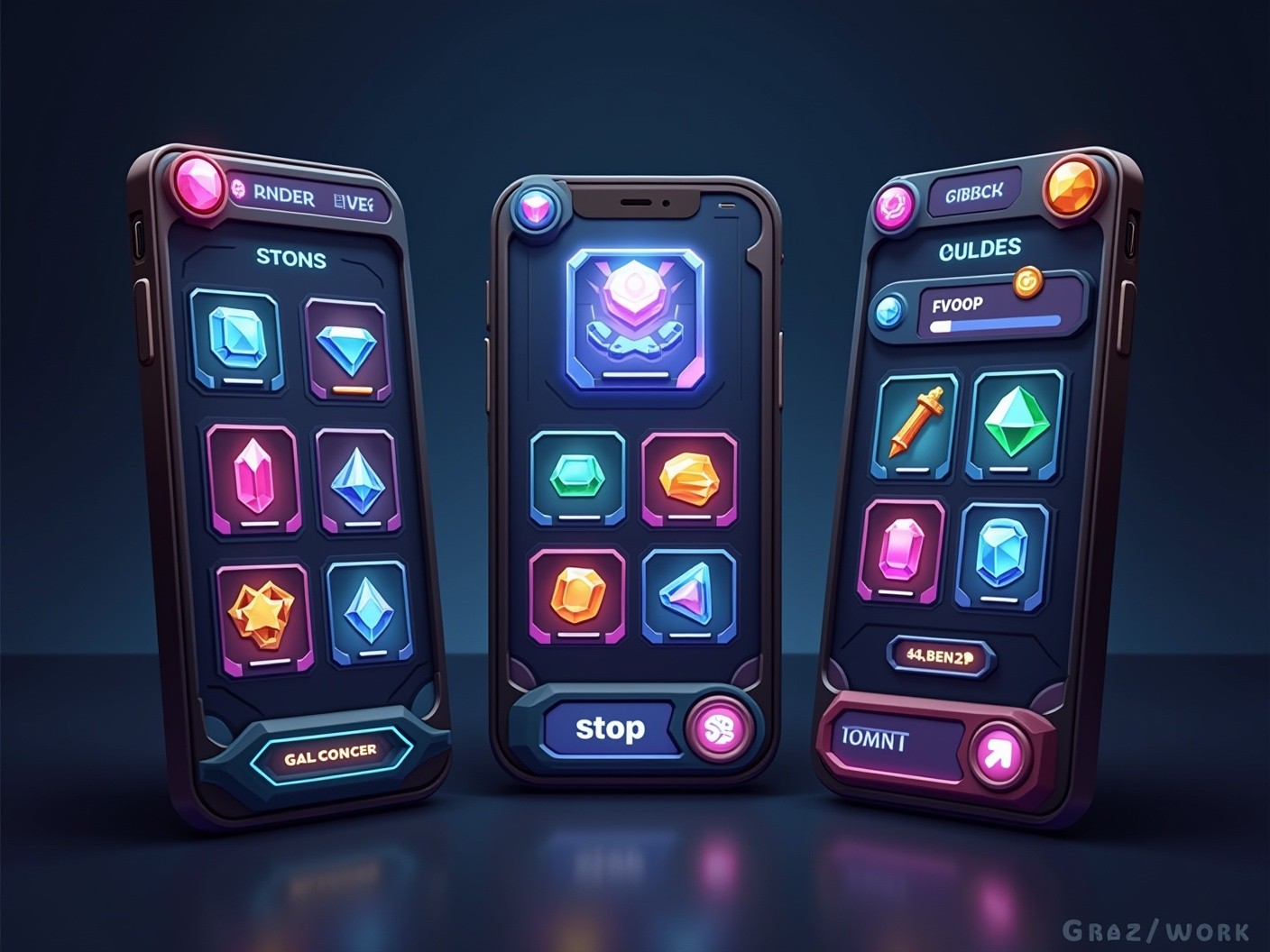
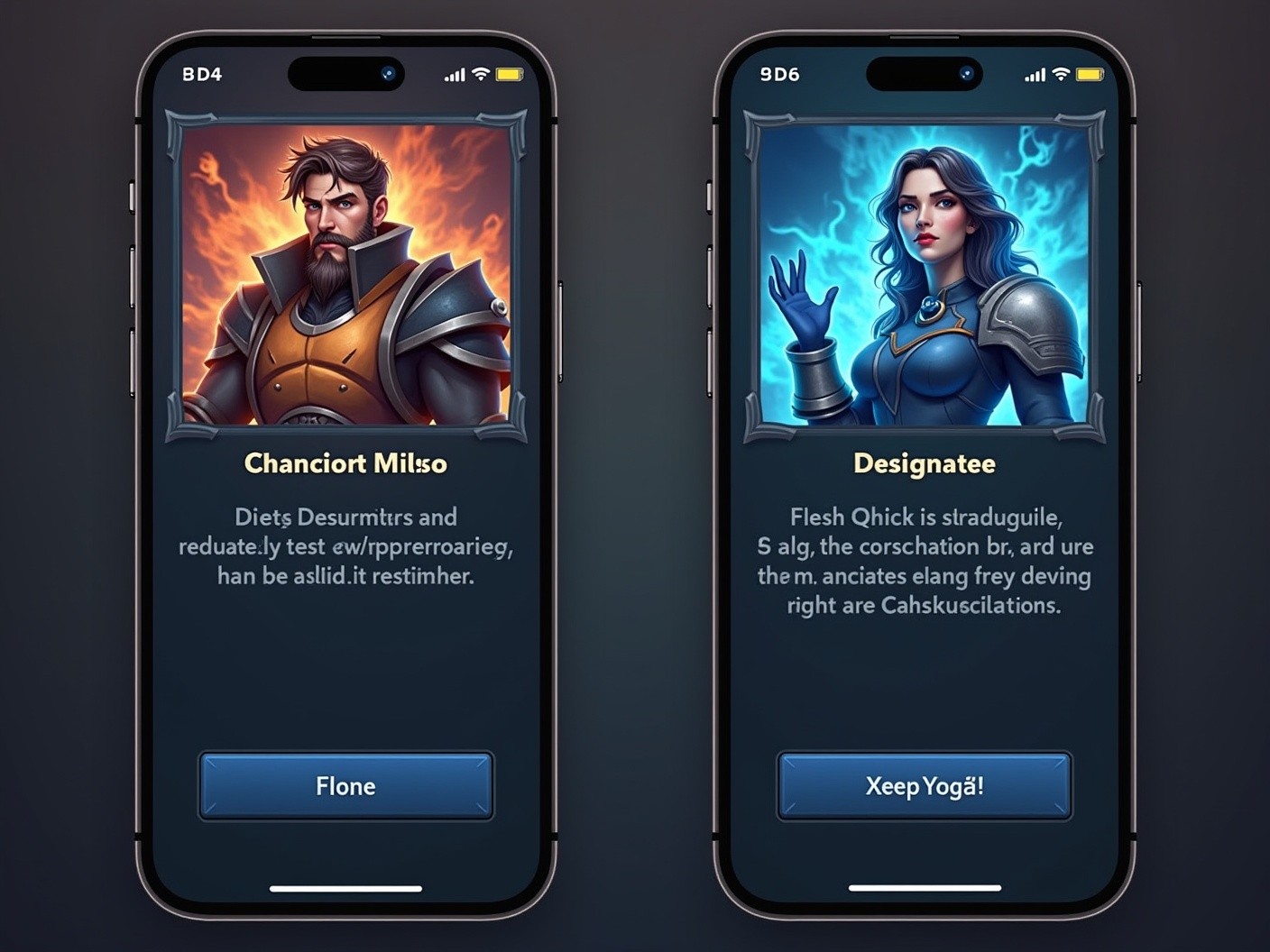
Run A/B tests with ease
Quickly test visual variants to see what resonates best with your players. Swap backgrounds, localize, or refresh existing assets.

Create seasonal events
Increase player engagement with content mapped to real-world seasons, events, holidays, and more.
Marketing Assets
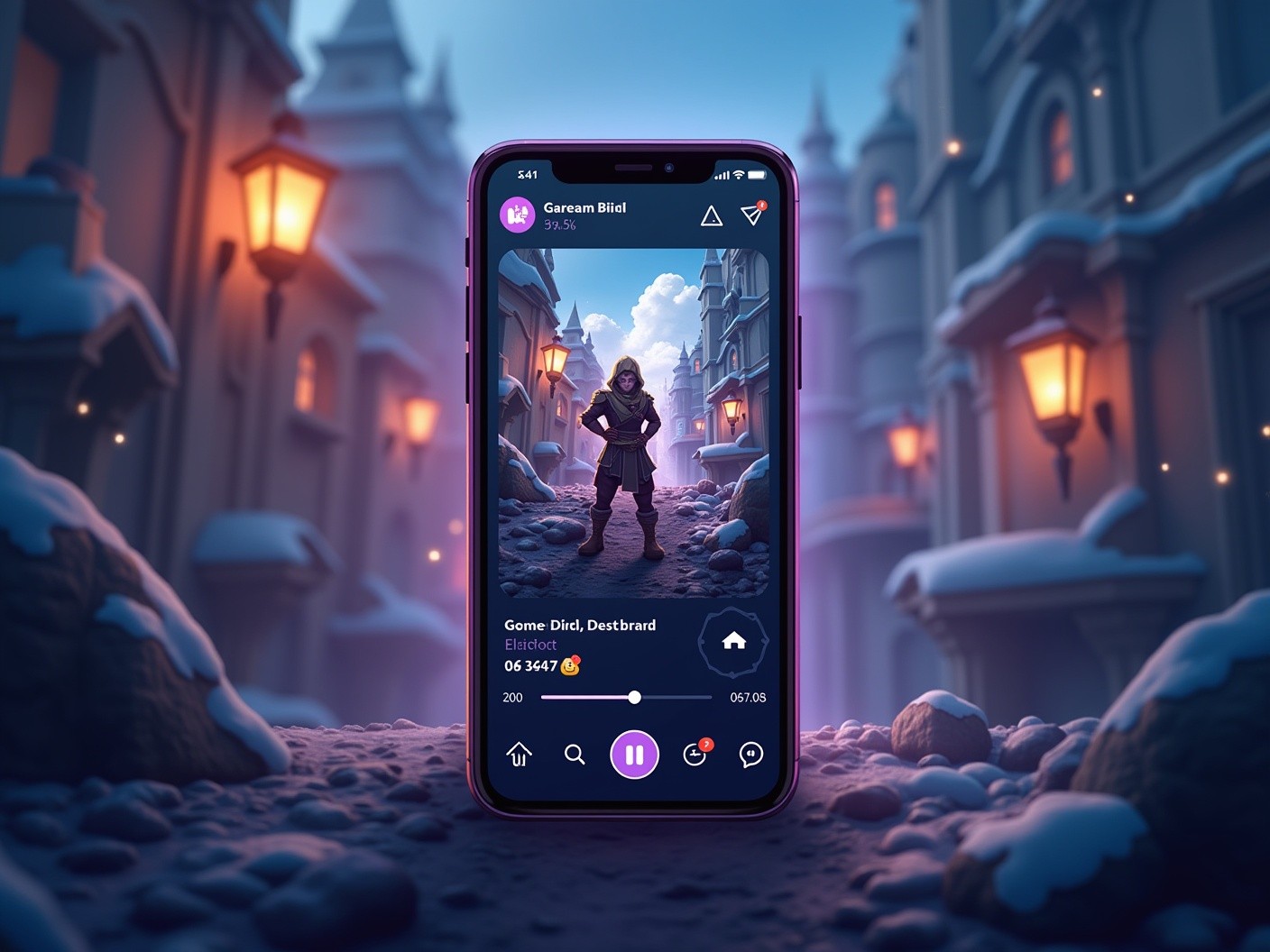
Create social media assets in every size
Generate platform-ready visuals for
Instagram, Twitter, TikTok, and more.
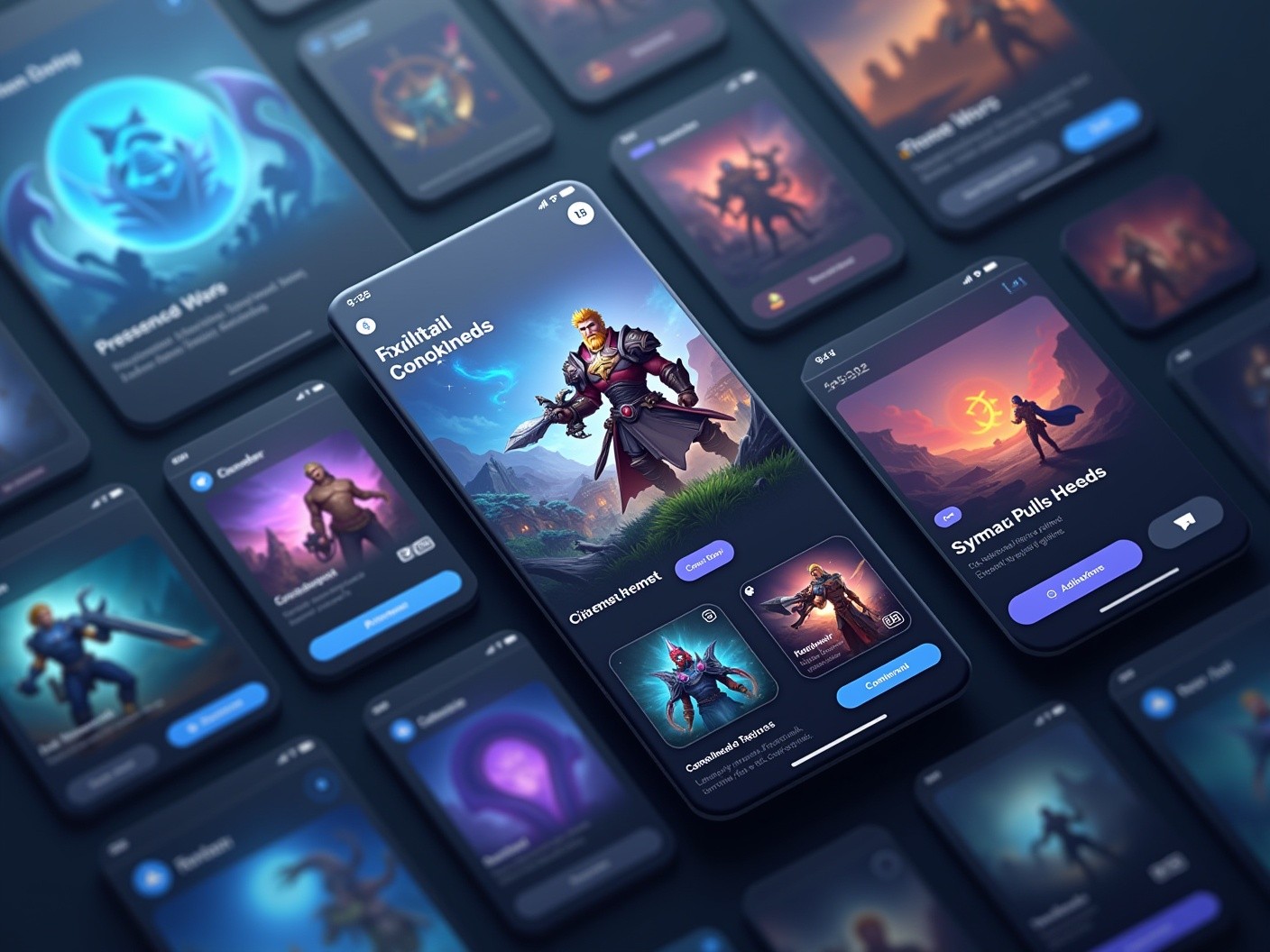
Design clean game menus
Design app icons, feature graphics, and
promotional images for any storefront.
Mock up screenshots with text
Add copy and UI to screenshots for App Store pages, social posts, or internal pitch decks.

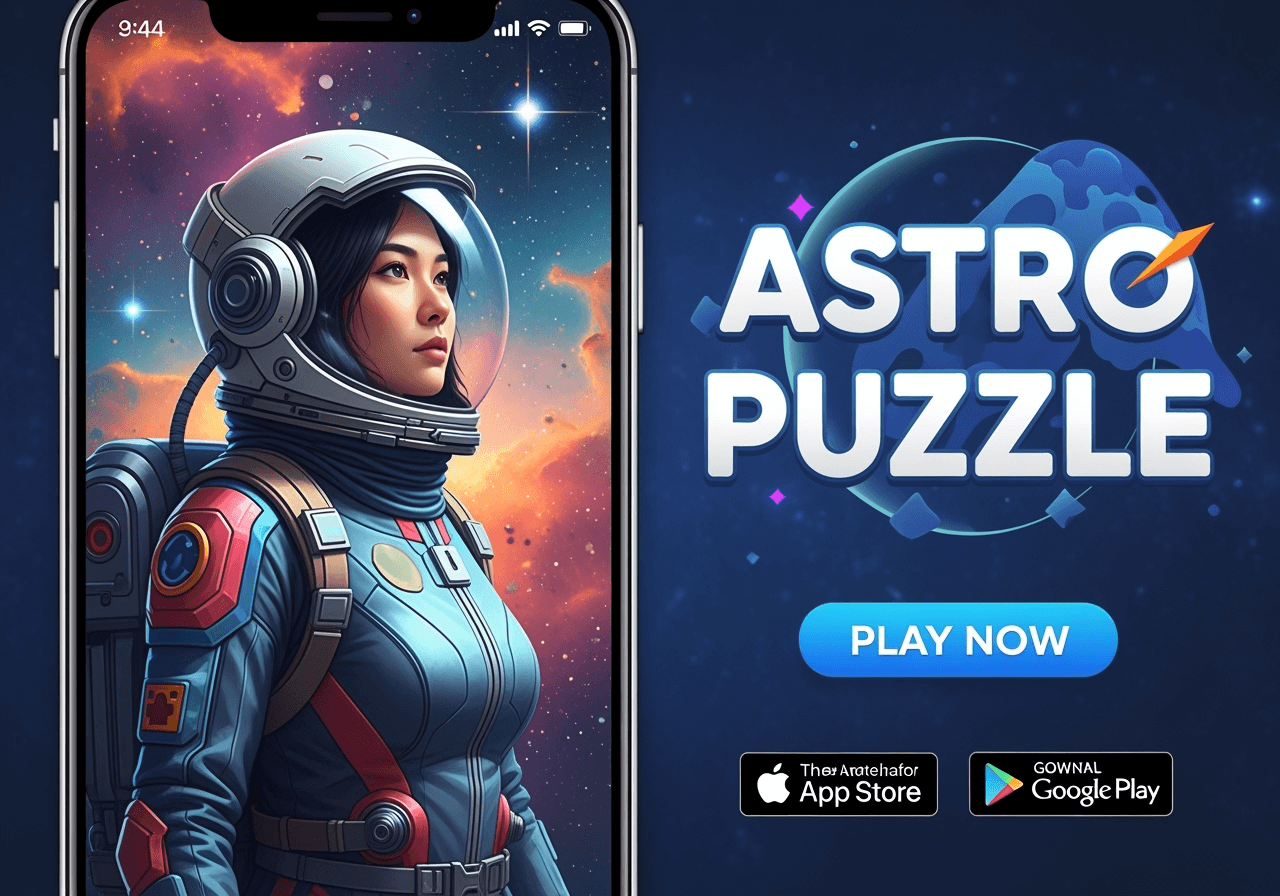
Produce high-performing UA ads
Quickly test and iterate on static and
video ads optimized for user acquisition.
FAQ
How does pricing work on Layer?
There are no seat fees, feature gates, or plans on Layer. Instead, our platform uses a consumption based system with Creative Units (CUs) with a flexible monthly subscription. Every generation on Layer (image, video, 3D, or audio) consumes a Creative Unit, and you only pay for what you create.
How do subscriptions work?
Subscriptions start at $10 a month for 300 Creative Units, and then increases by increments of $60 per 1000 Creative Units. You can add as many as you want, and change your subscription any month depending on how much you’re using.
How is usage calculated for my workspace?
Each model has a different cost in Creative Units depending on how complex or compute-intensive the task is. These prices are set by Layer and the model providers and the latest pricing can be seen in the Layer app.
Your usage is visible in a full dashboard - just click your workspace icon in the top left and then Usage. You can filter these results by date, model, modality, and user.
What level of subscription do I need?
The best way to figure this out is by checking your workspace usage. This gives you a great overview of how many Creative Units your team is using per month.
When you sign up for a subscription, we’ll also recommend an amount based on your current usage.
What happens if I run out of Creative Units?
If you use all your Creative Units before your billing period refreshes, you can either increase your subscription or purchase standalone CU Packs in your billing dashboard.
Creative Units refresh at the start of each billing cycle, which is typically monthly unless you’re on an annual subscription.
Do Creative Units (CUs) roll over?
10% of your total Creative Units are eligible for rollover between each month/year depending on your subscription.
How many members can I have in my workspace?
Once you have an active subscription, you can invite as many team members as you want to your workspace - at no additional cost. The only thing you pay for is what your team creates, as Creative Units are shared across all members.
How do I cancel my subscription?
You can cancel your plan anytime via Workspace Settings > Billing > Cancel.
Can I still use Layer after I’ve cancelled a subscription?
Absolutely. All generated asset files and your account history is accessible on the account. However, you can only generate if you have enough CUs.
More questions? Check out our full Pricing FAQ.