AI Tools
Quickly address all challenges faced by your team.
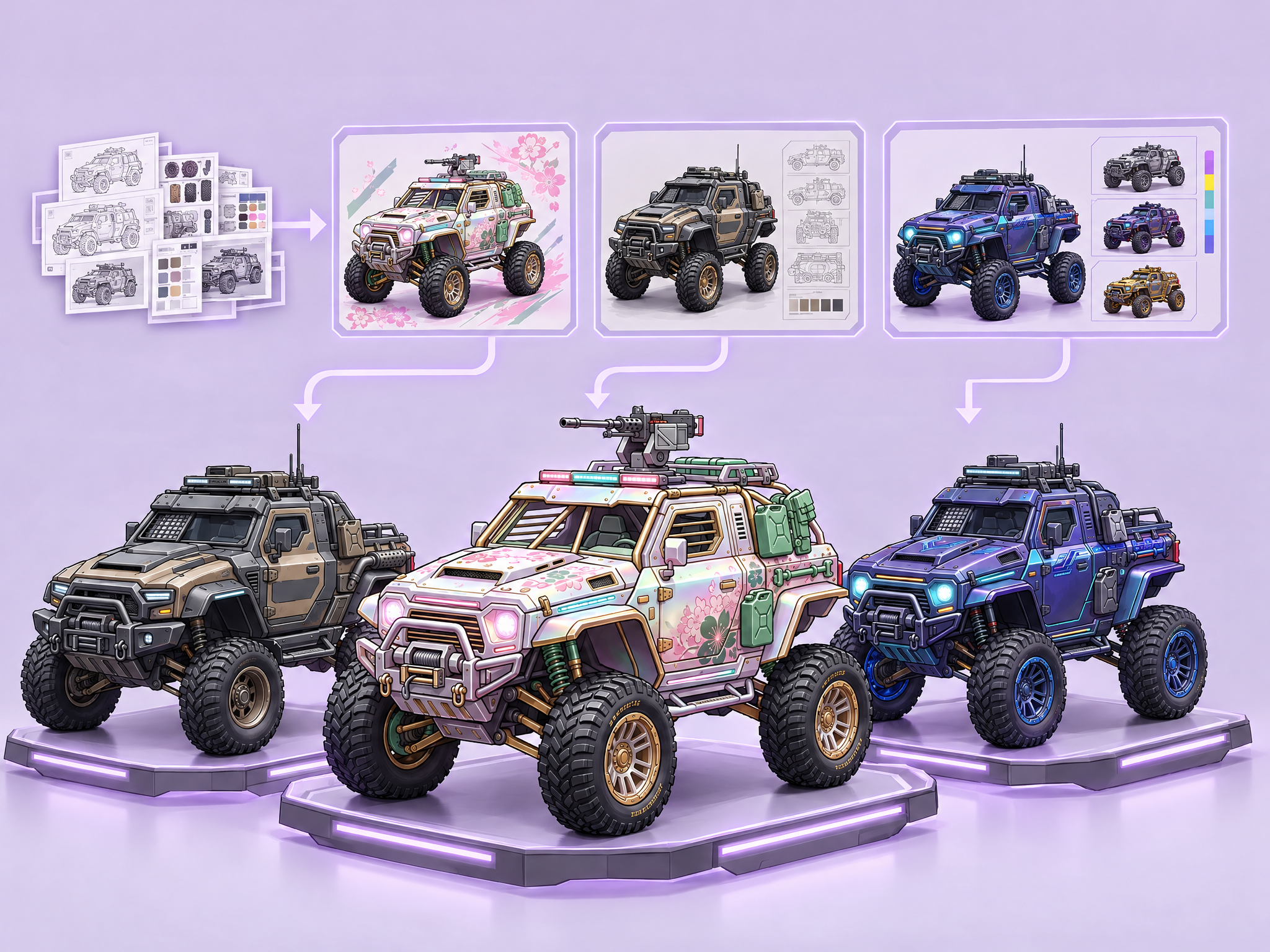
A complete Layer pipeline for creating vehicle production concepts, rarity levels, additional skins, and seasonal drops for Mobile, GAAS LiveOps, and AA games.
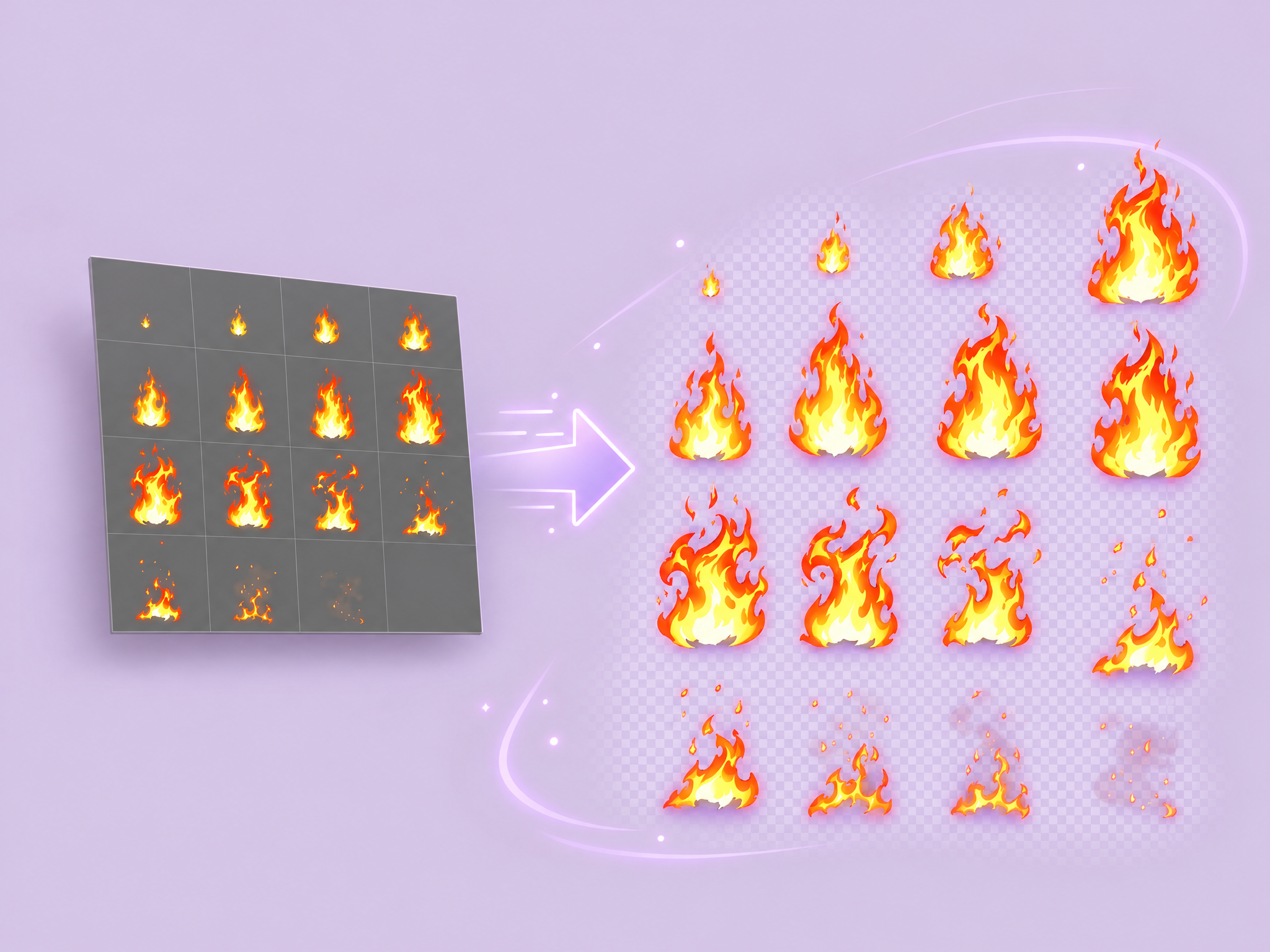
Generate a 2D visual effect, remove its background to preserve alpha, and output compositing-ready assets.
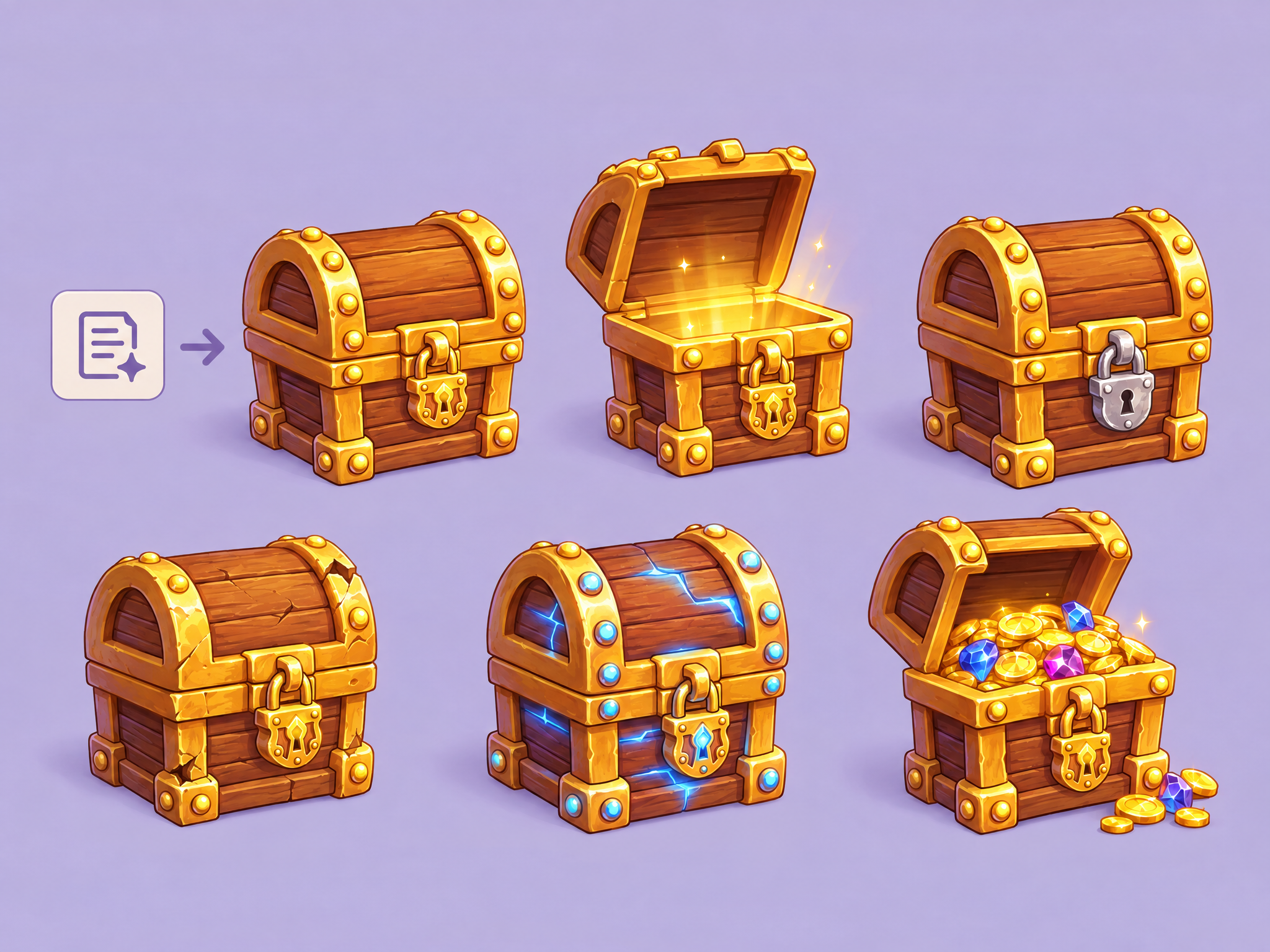
Generate an item from scratch and then create variations of it to show it in different states. The workflow will attempt to keep the base asset the same, only modifying the specific areas of the asset. Requires a prompt; Does not take in an image, but instead create a new image every time.
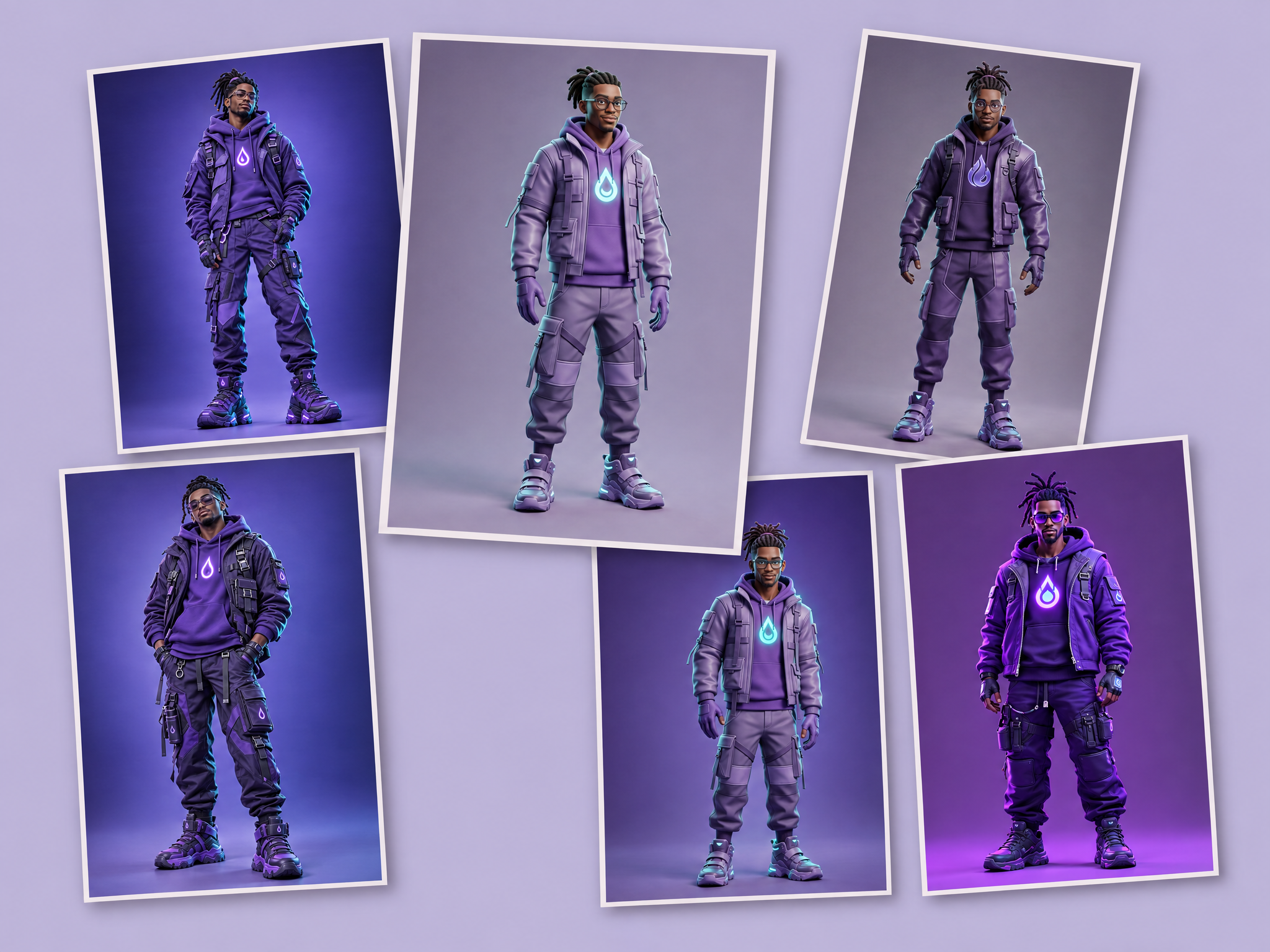
A workflow to explore a character in different styles and across multiple best-in-class generation models. Multiple images will be created, each of which will be made with a different generation base model. Ideal for exploring how different models interpret your ideas.
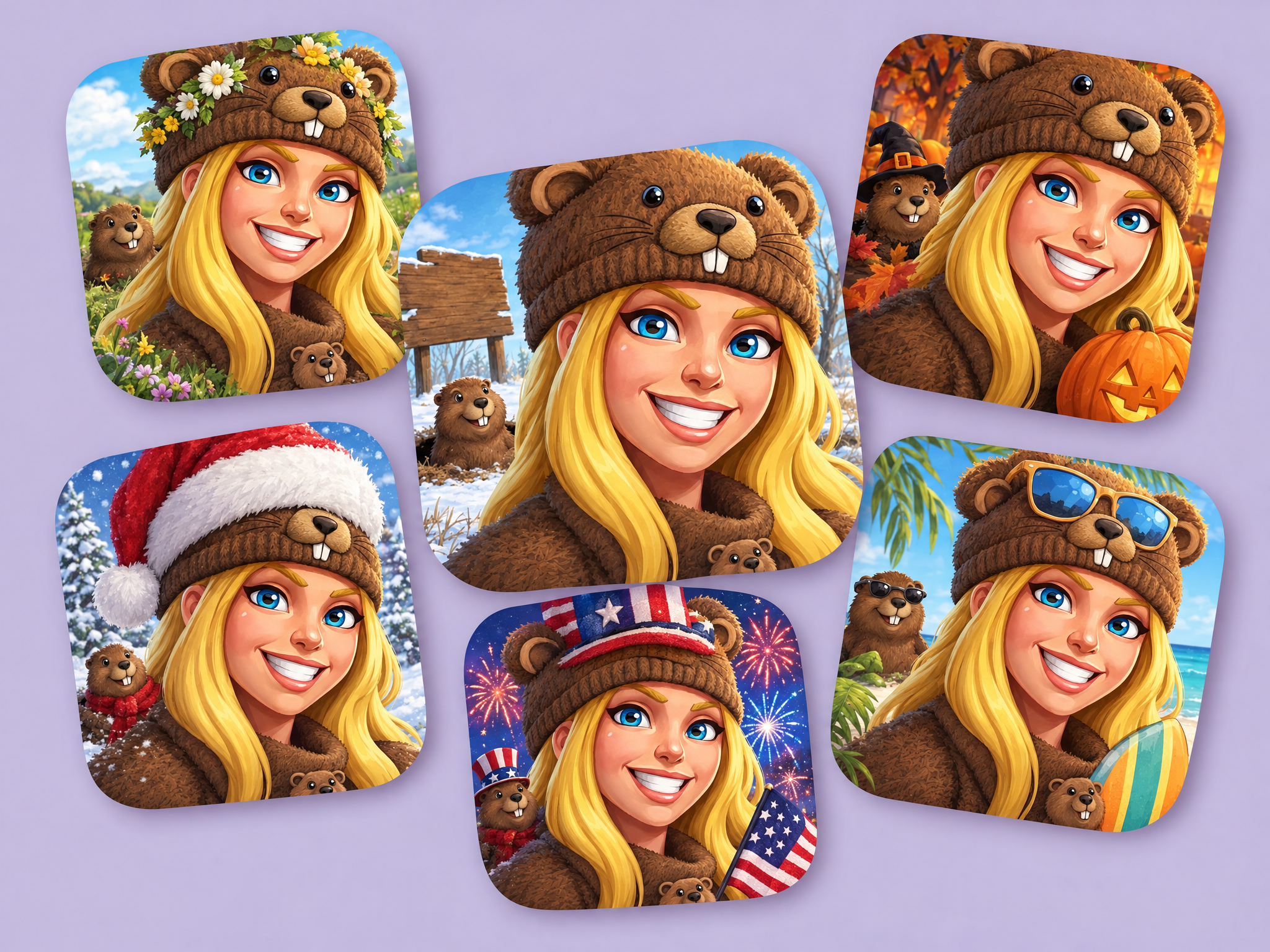
Want to modify your app store icon for each week of the month, or for specific holidays? Generate new app store icon variants with just a few clicks.
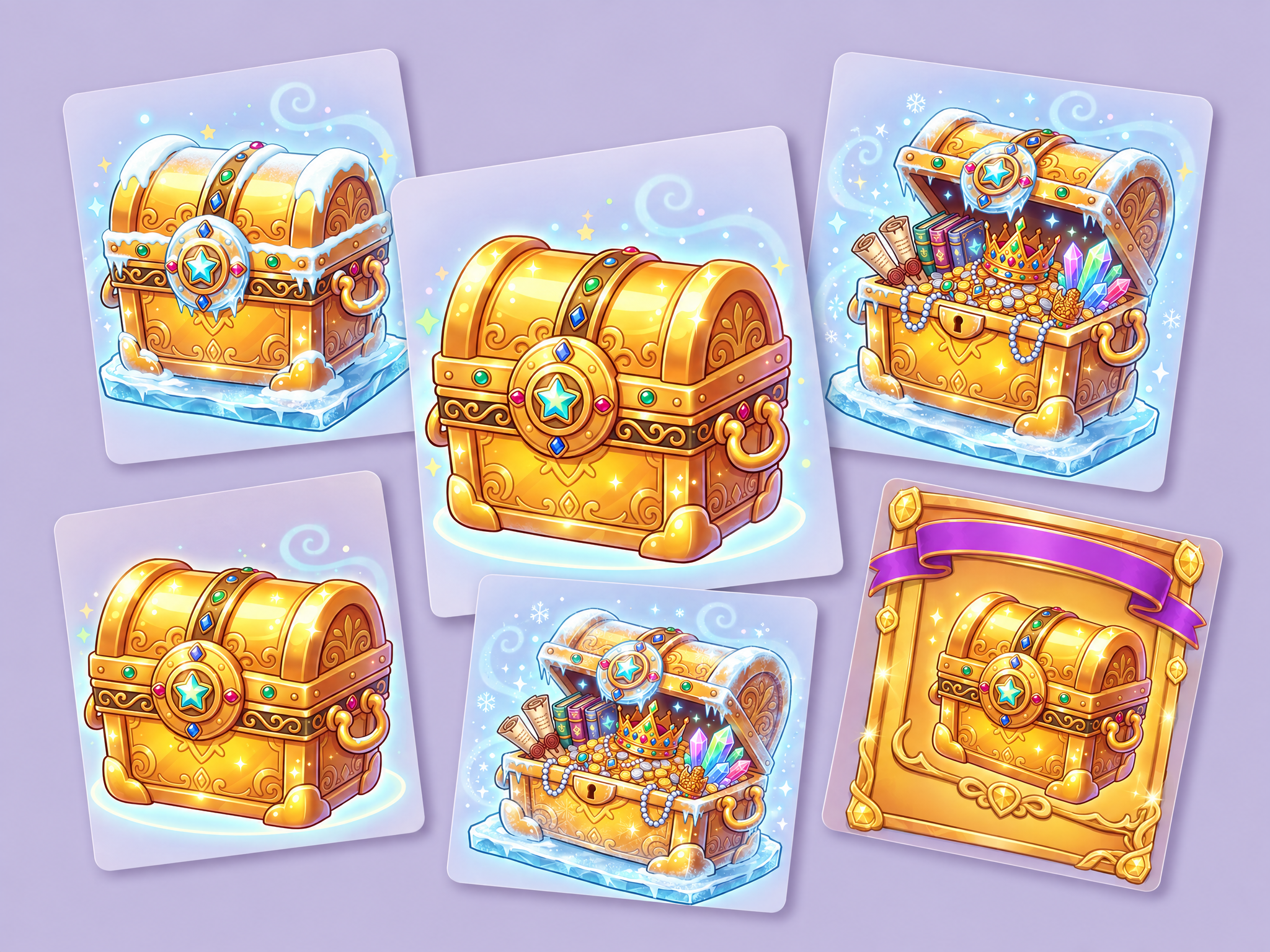
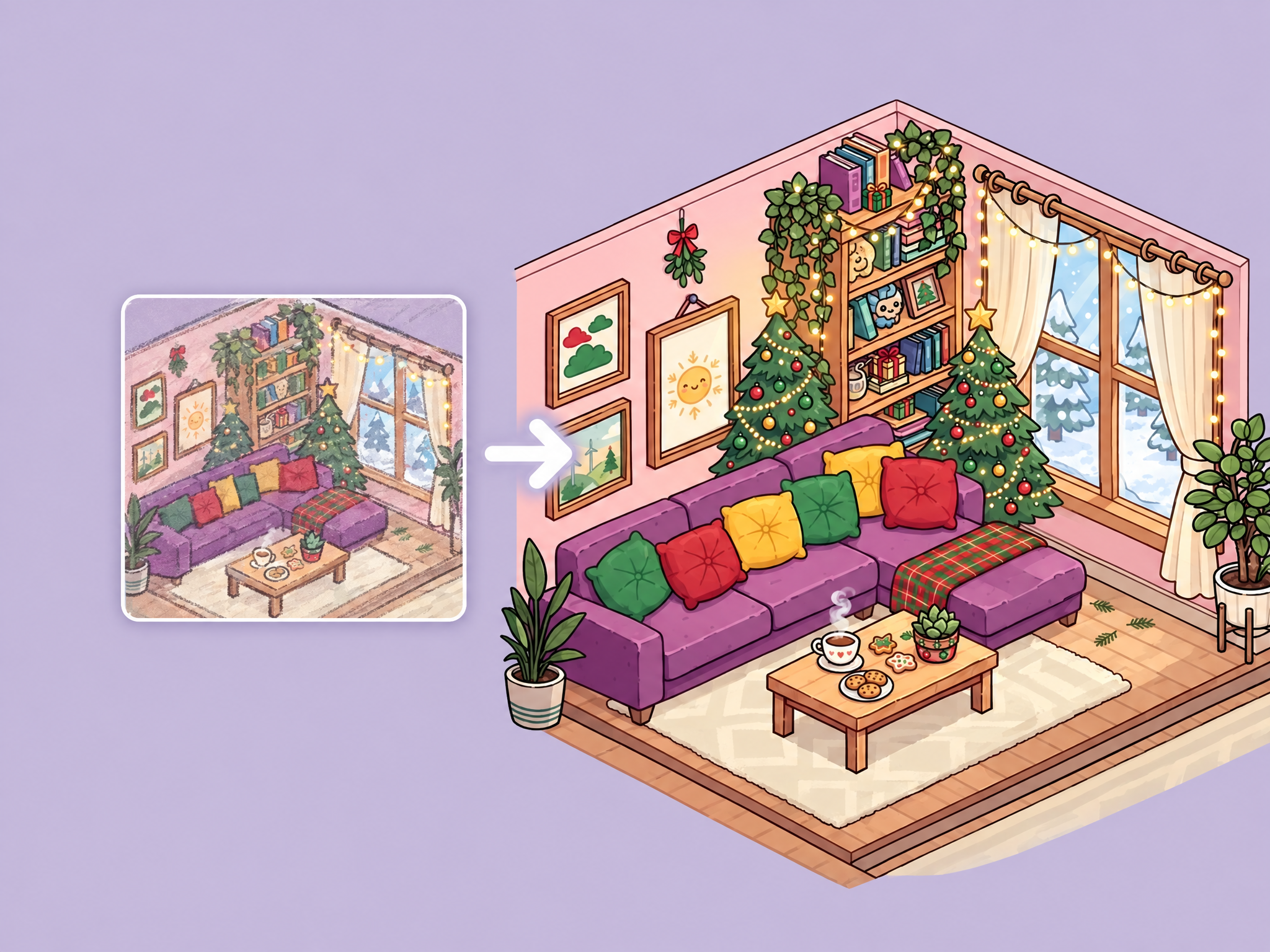
Creates various themed version of an environment.
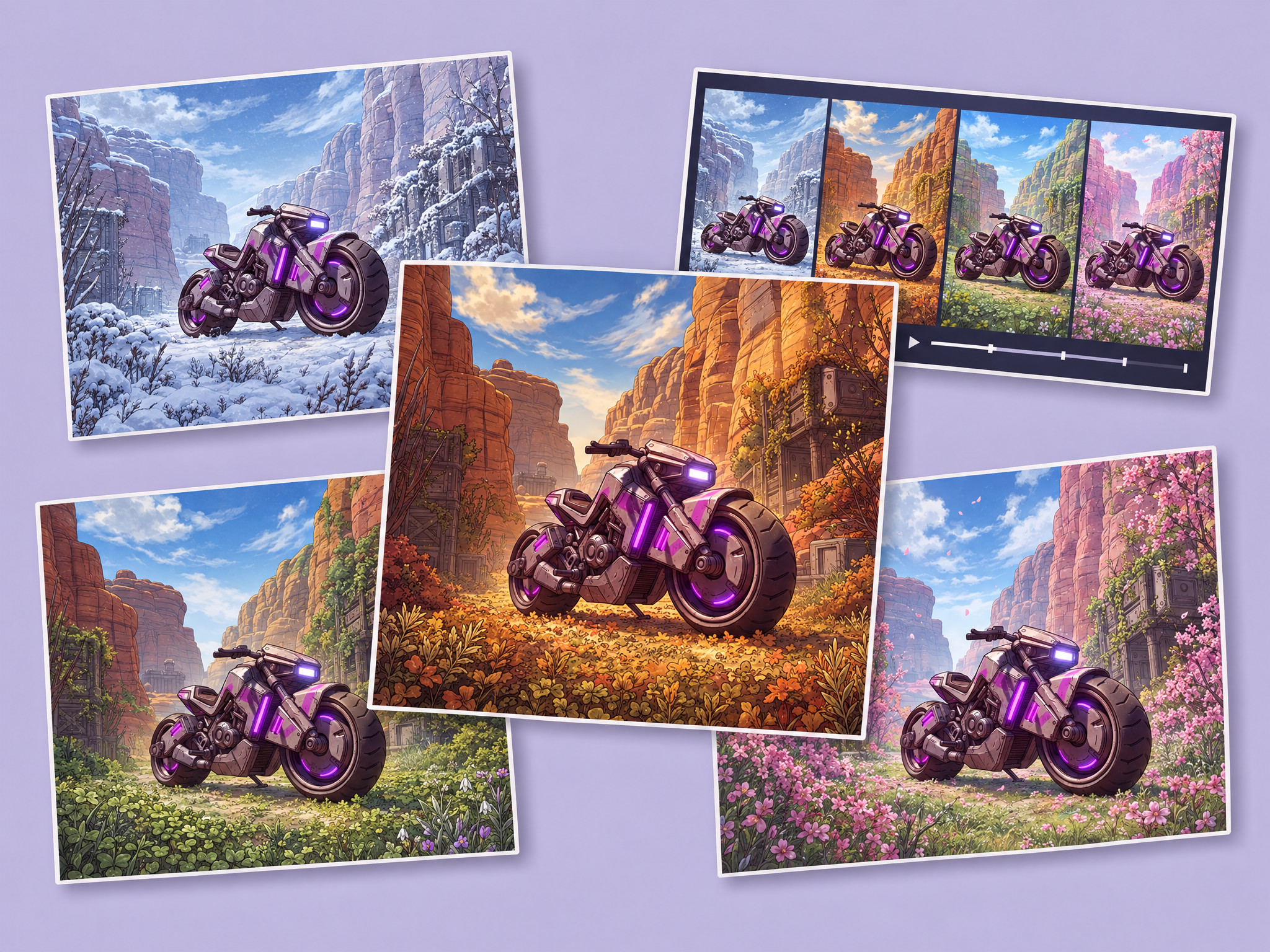
Creates seasonal changes for an existing environment asset, and create a final 9s video that showcases the scene transitions in a visual way alongside the four seasonal source images. Images will be in the aspect ratio of the initial image.
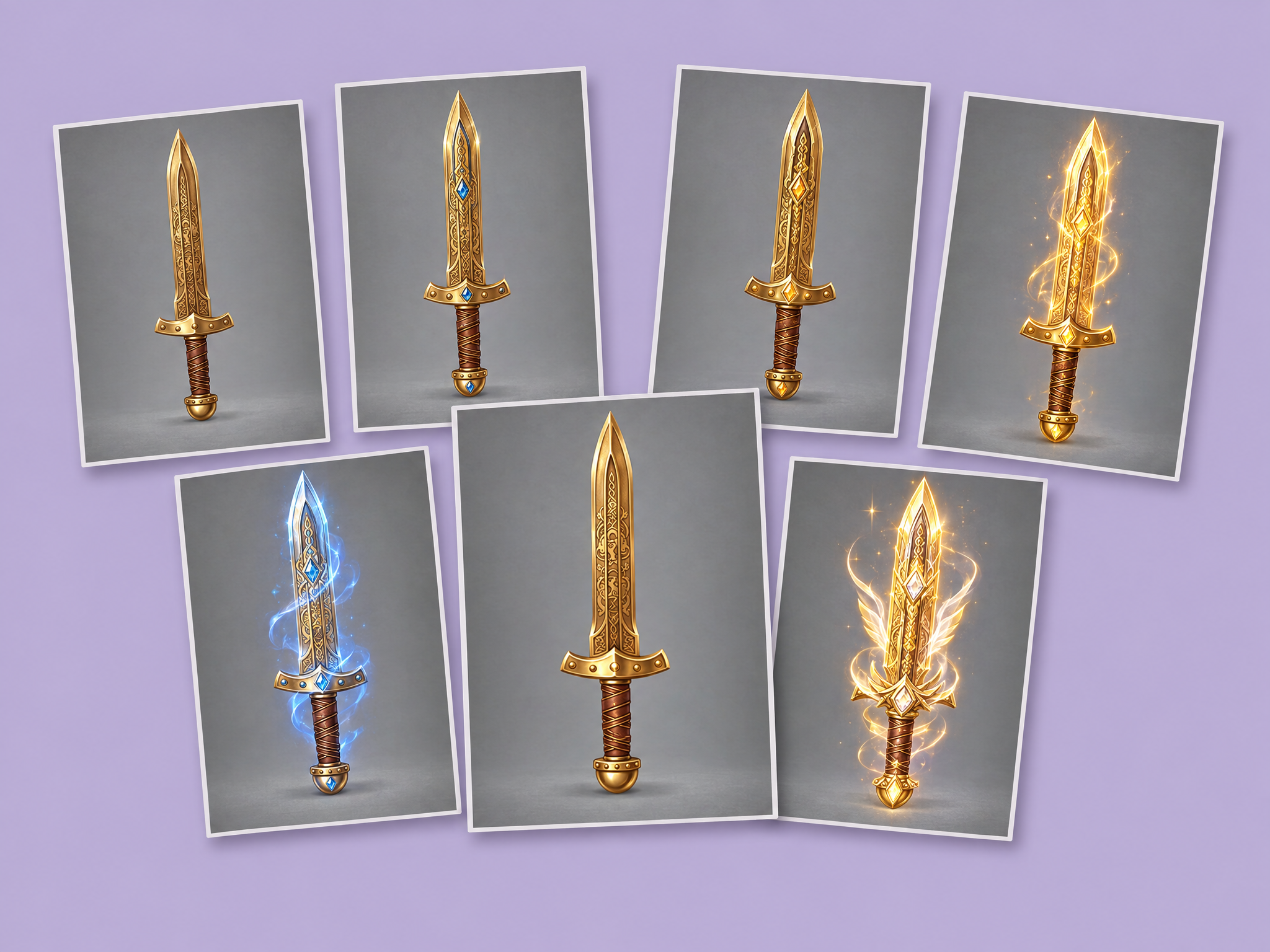
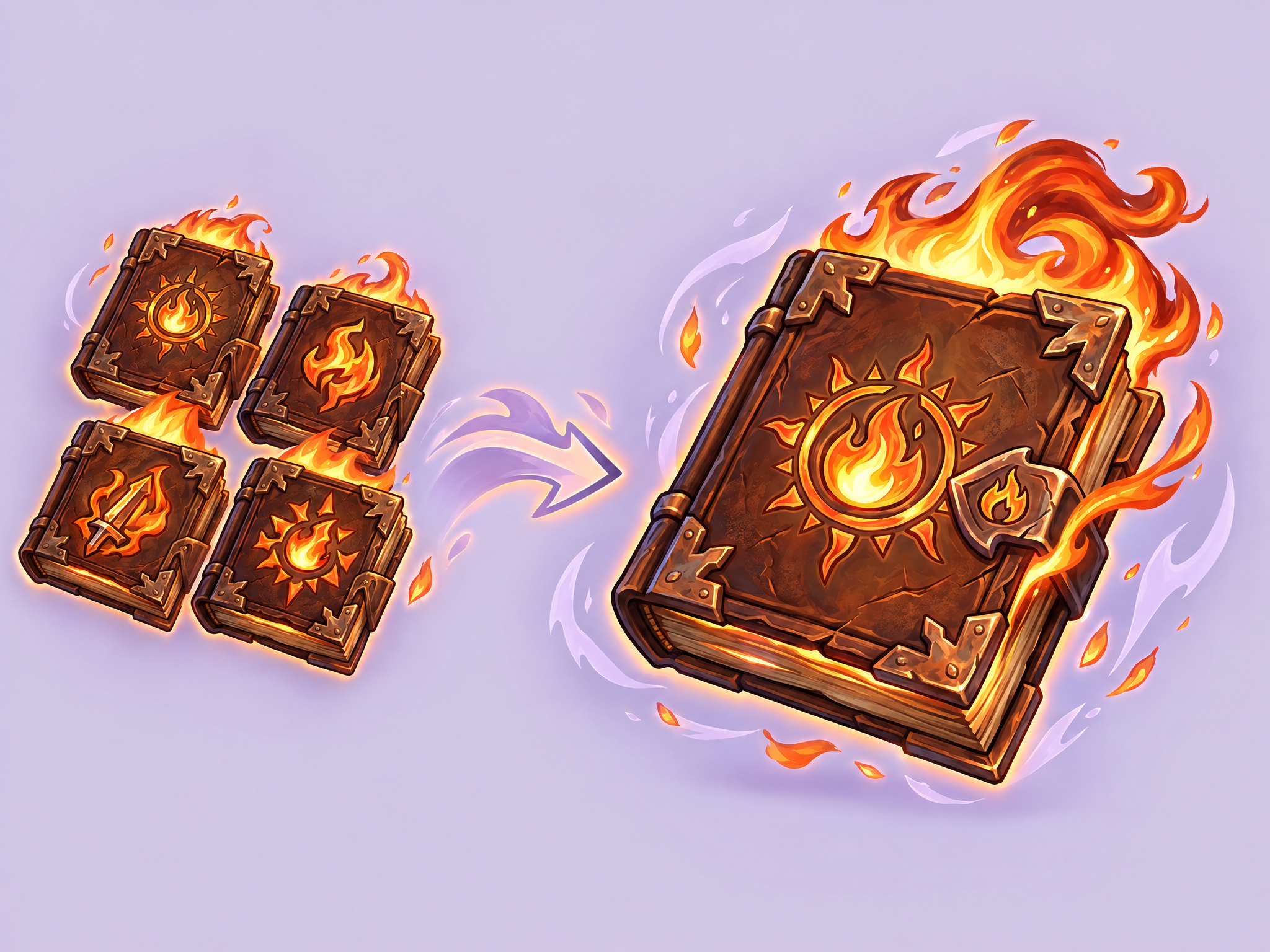
Using a 2D generator, create a base item. Then, using example upgrade images, use this workflow to generate six upgrade levels for the item. The end result will be a full upgrade flow for an item that may be used in your game.
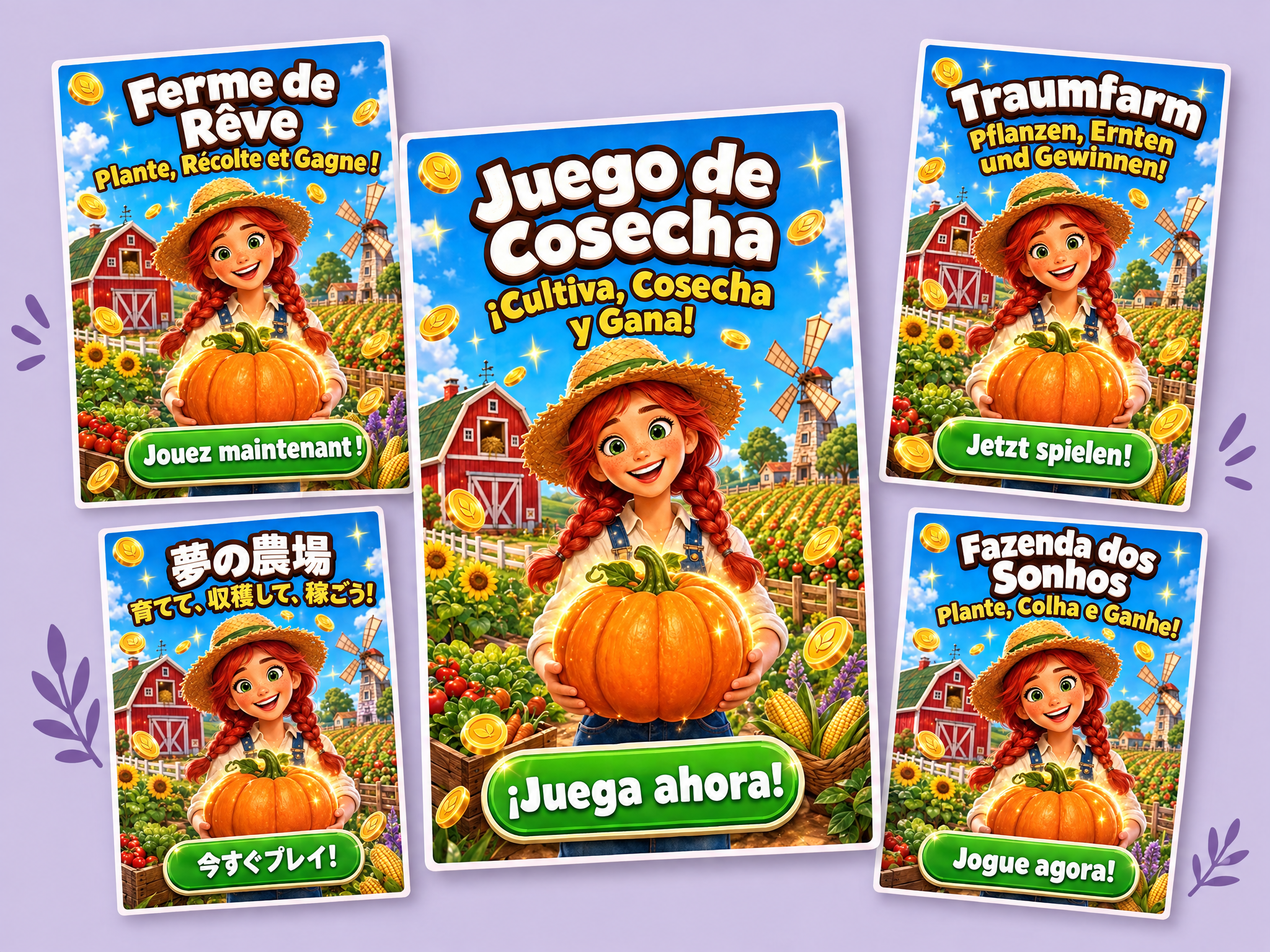
Translate the text in any image while keeping the design intact. Upload an ad, poster, UI screen or game scene, choose a language, and get the same image with every piece of text translated and localized, in matching fonts, colors, sizes and placement. Ideal for localizing game ads, store screenshots, UI and in-game signage, film and series posters and key art, and product ads for global markets.
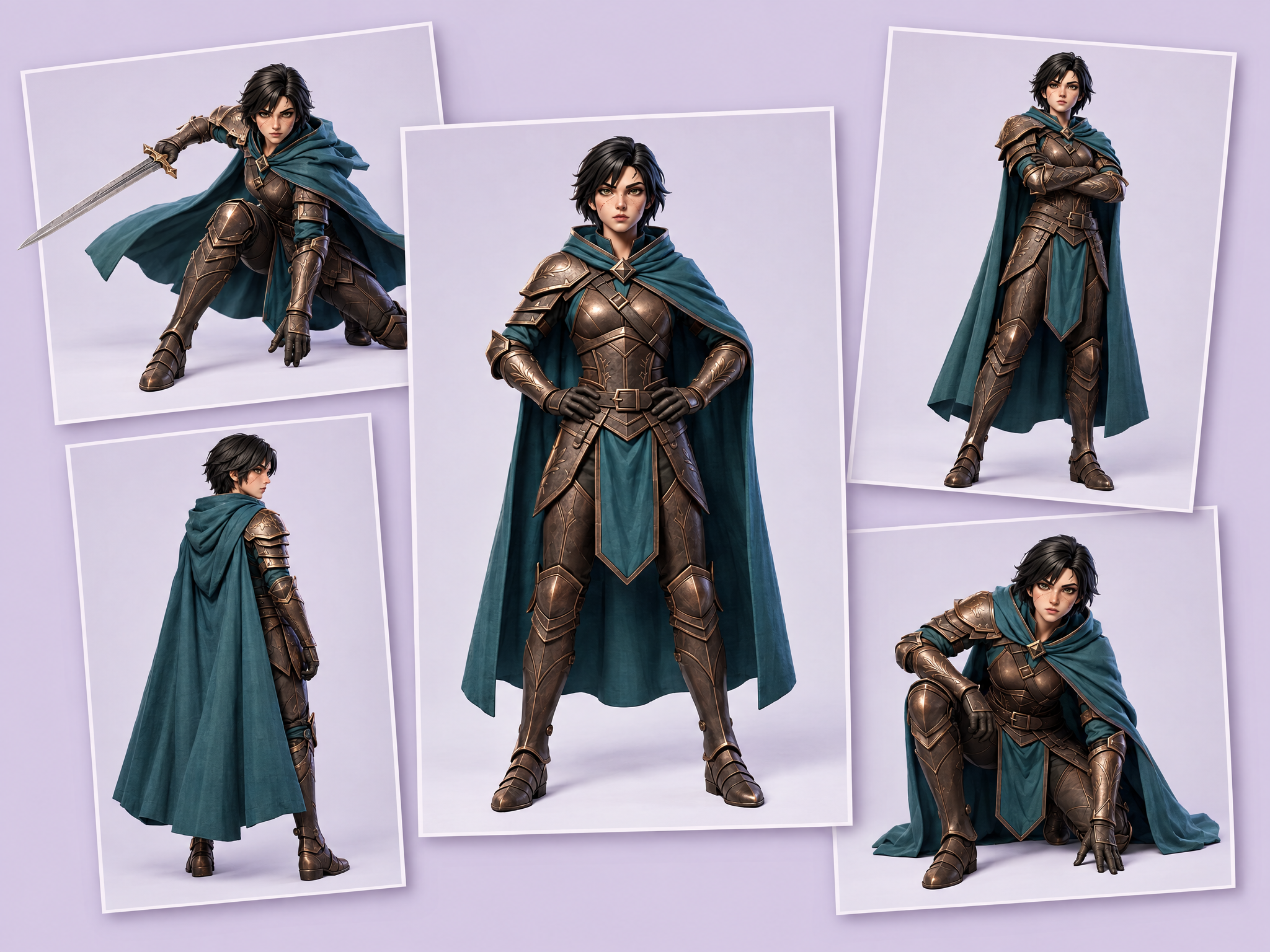
Pose up to four characters at once. Upload your characters, and the workflow generates five poses and applies them to every character, giving you a full grid of posed variations in one run with each character's design kept intact. Ideal for game roster sheets and character select art, animation and model sheets, film and series cast lineups, and ad or mascot pose sets.
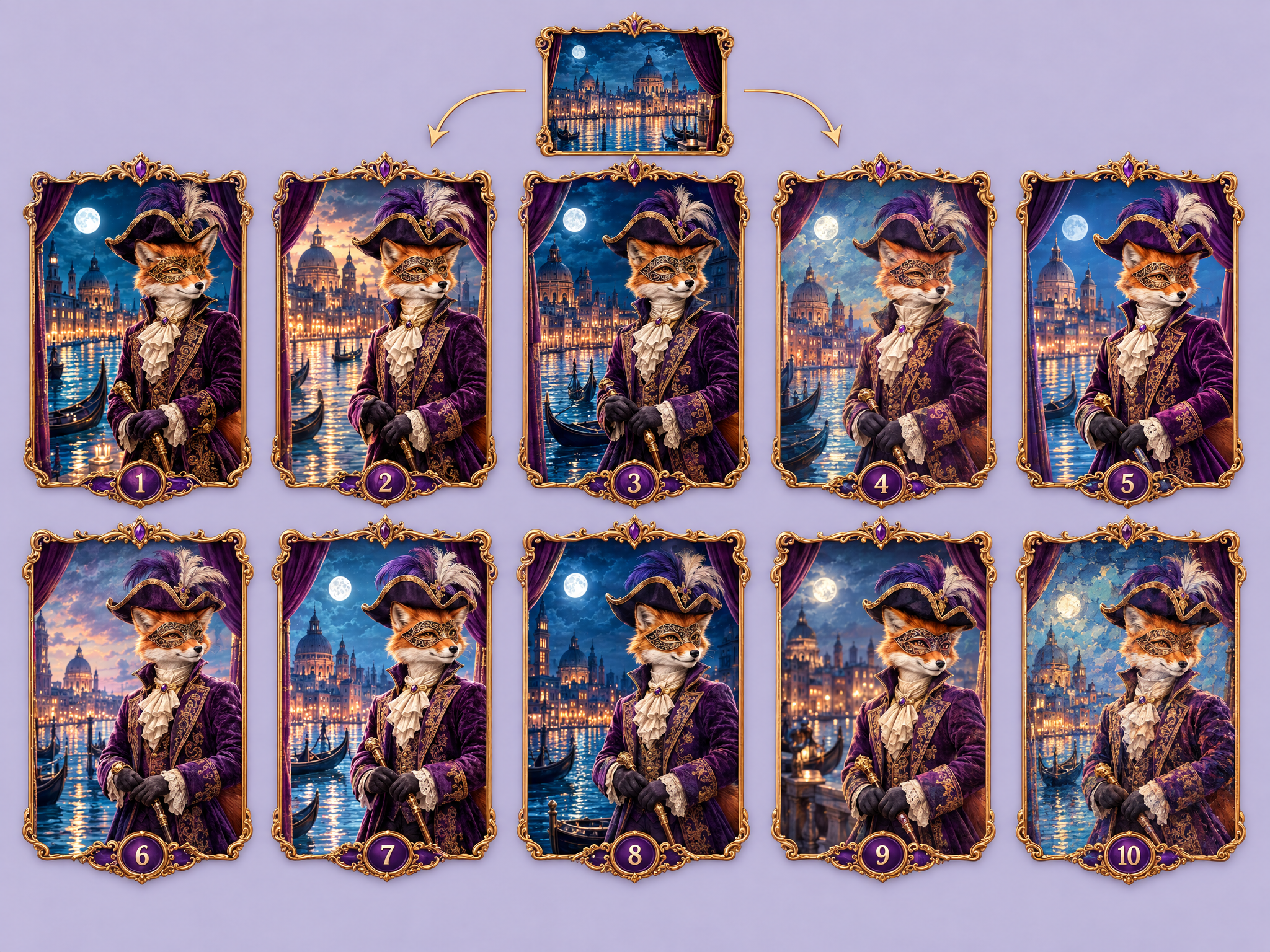
Generate one image prompt across ten different image models for comparison.
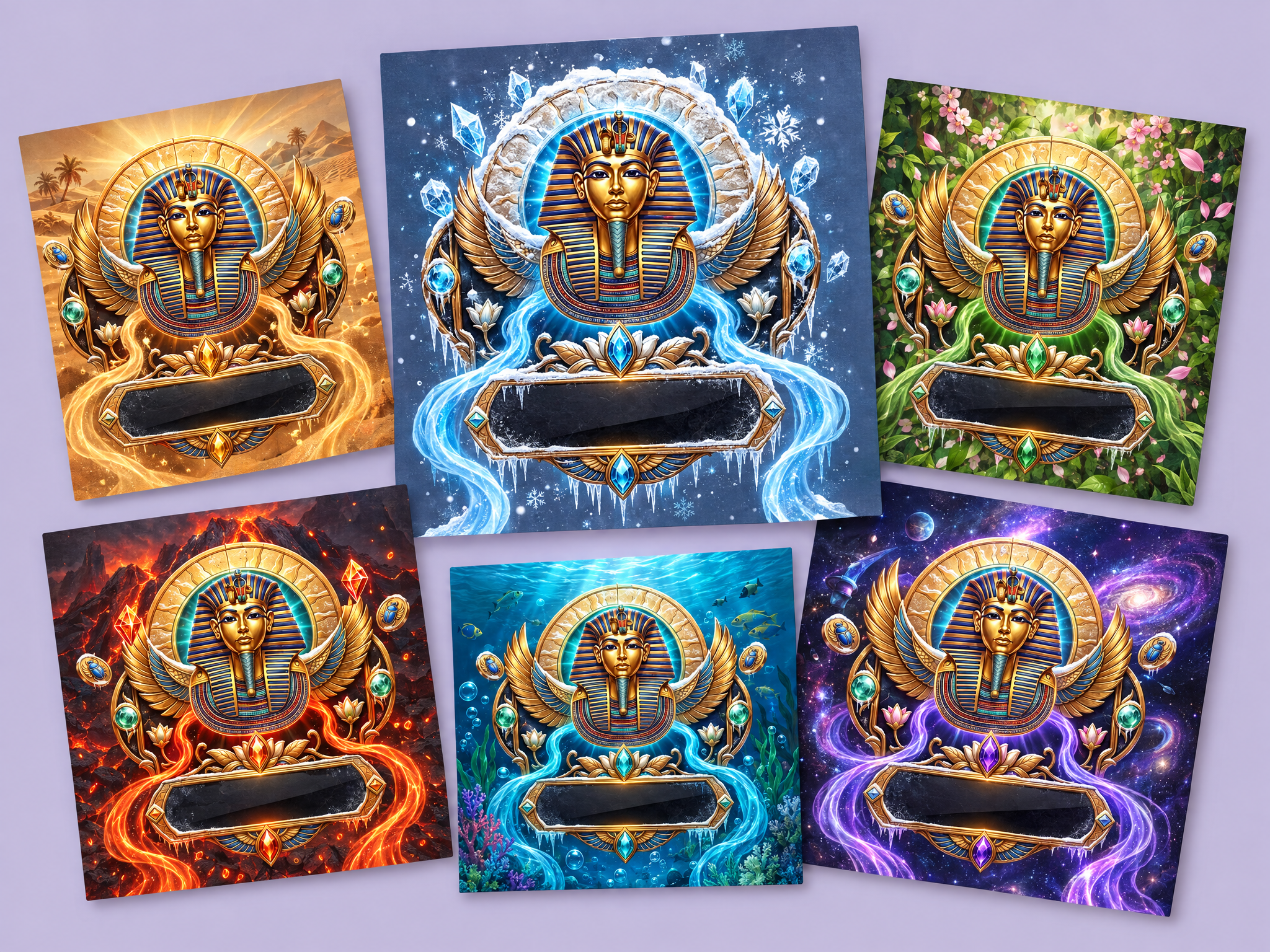
Reskin many input images into a new theme/style (e.g. Winter) in one run using an image-edit model, preserving original cStyle, composition and materials.
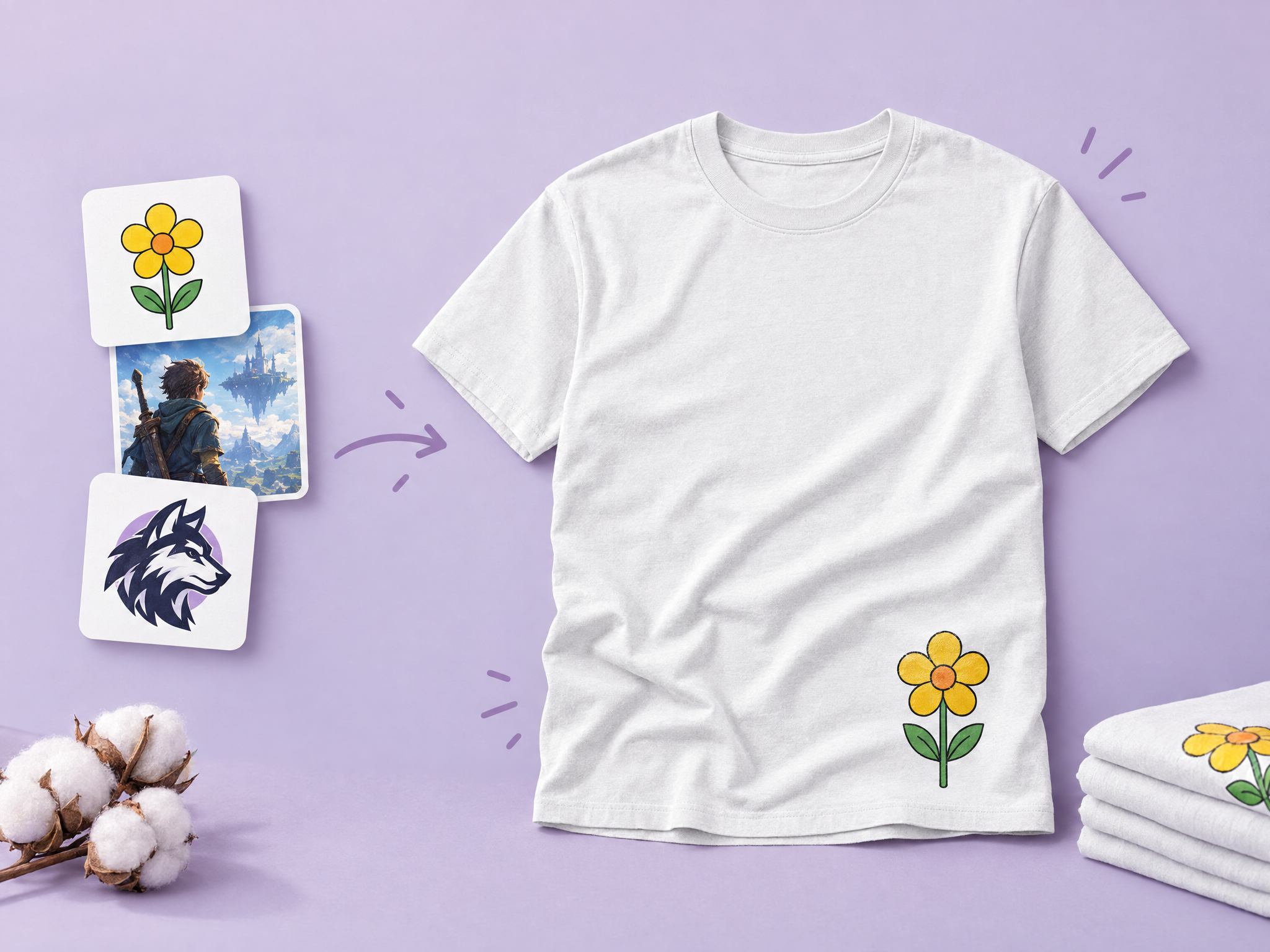
Turn game art, film key art, logos or characters into realistic t-shirt mockups with natural fabric folds, print texture and shadows. Ideal for merch pitches, ad creatives, store listings and fan-event promos.
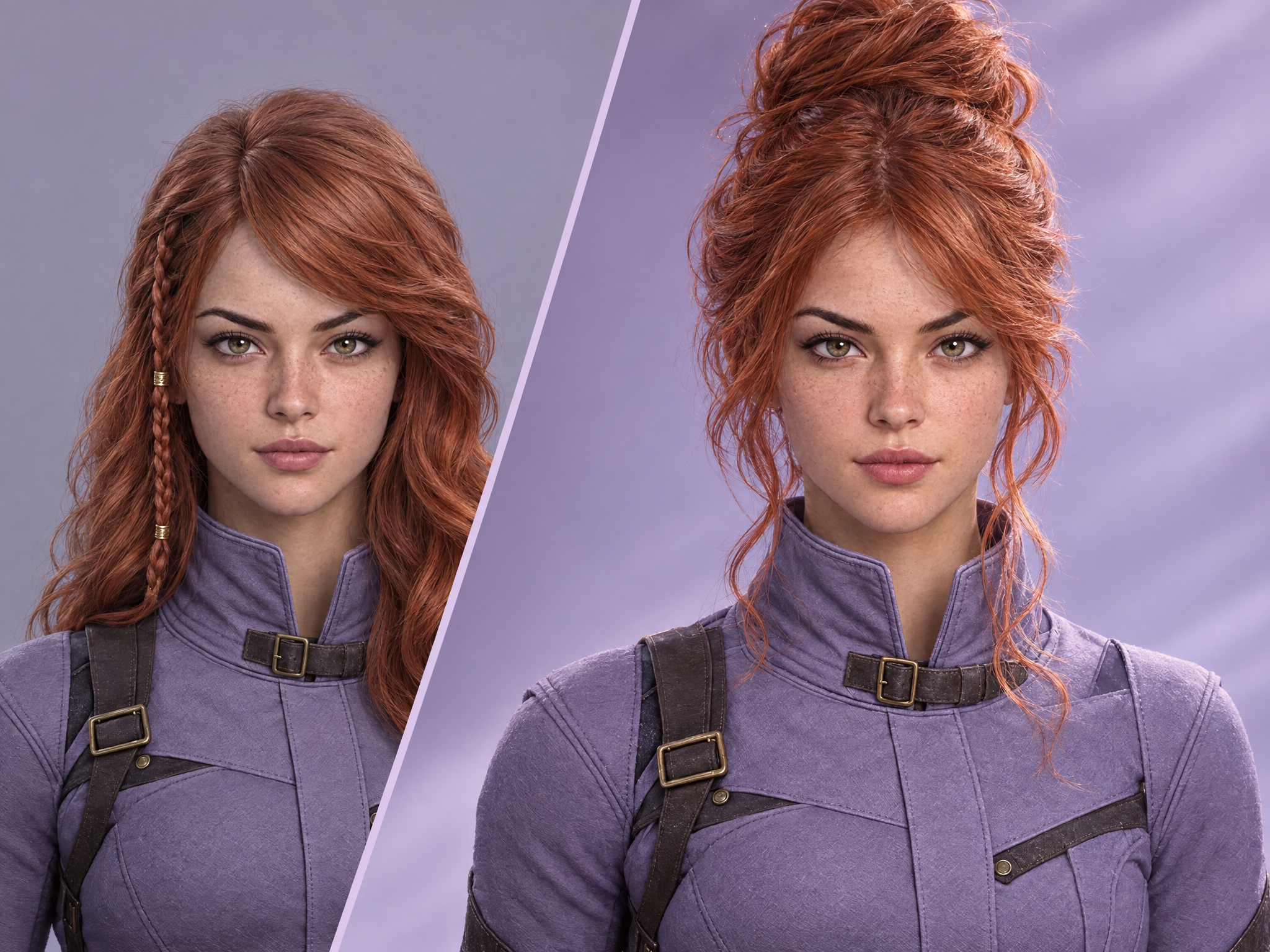
Give your character a new hairstyle in seconds. Upload a character and a hairstyle reference, and get the same character with the new hair while their face, outfit and style stay unchanged. Ideal for game character customization options, film and series look development, costume and styling tests, and ad or mascot variations.
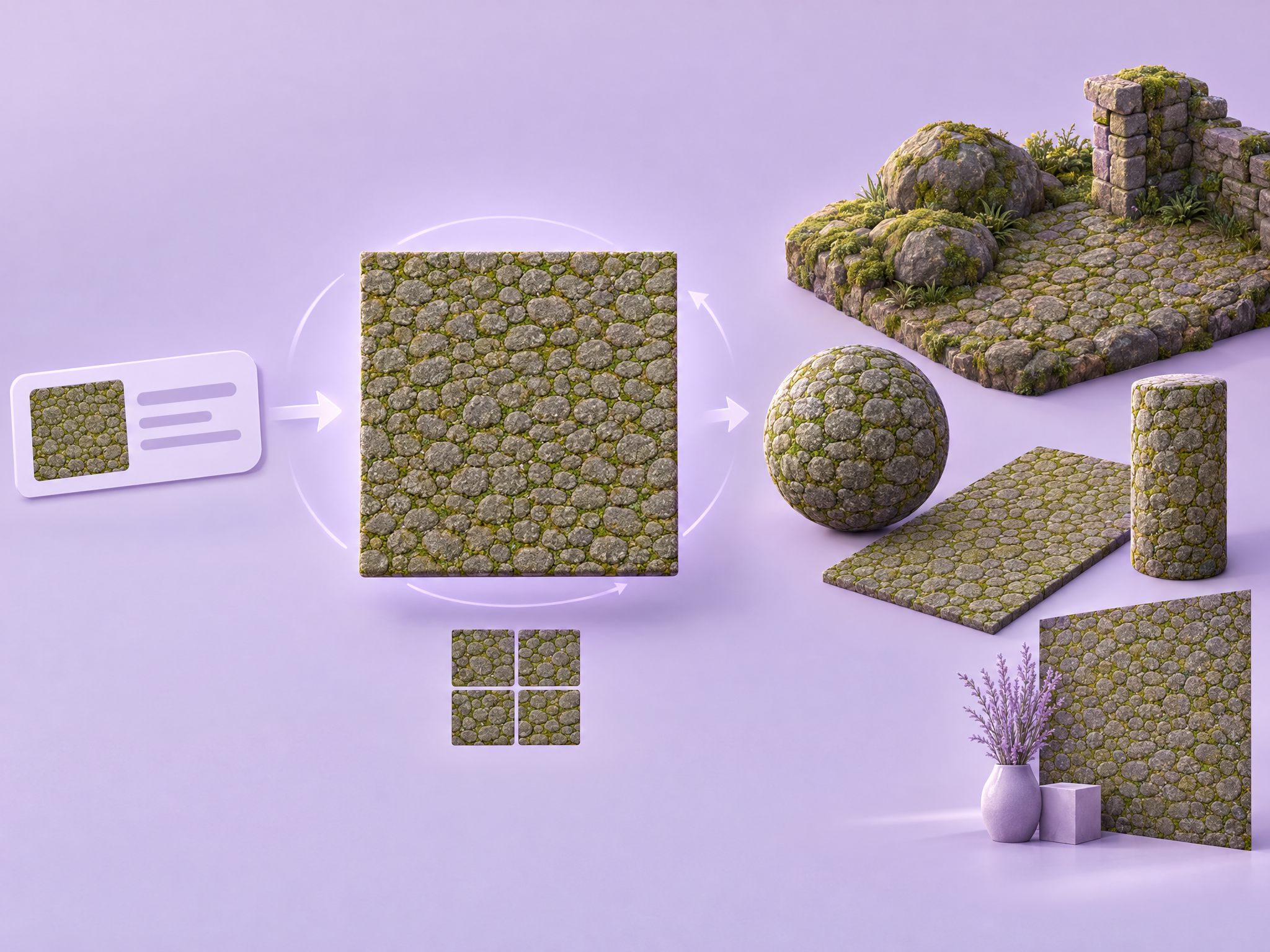
Create seamless, tileable textures from a text prompt. Describe any surface or material and get a texture that repeats with no visible seams. Ideal for game environments, terrain and props, 3D and VFX materials for film and animation, and background patterns for ads and UI.
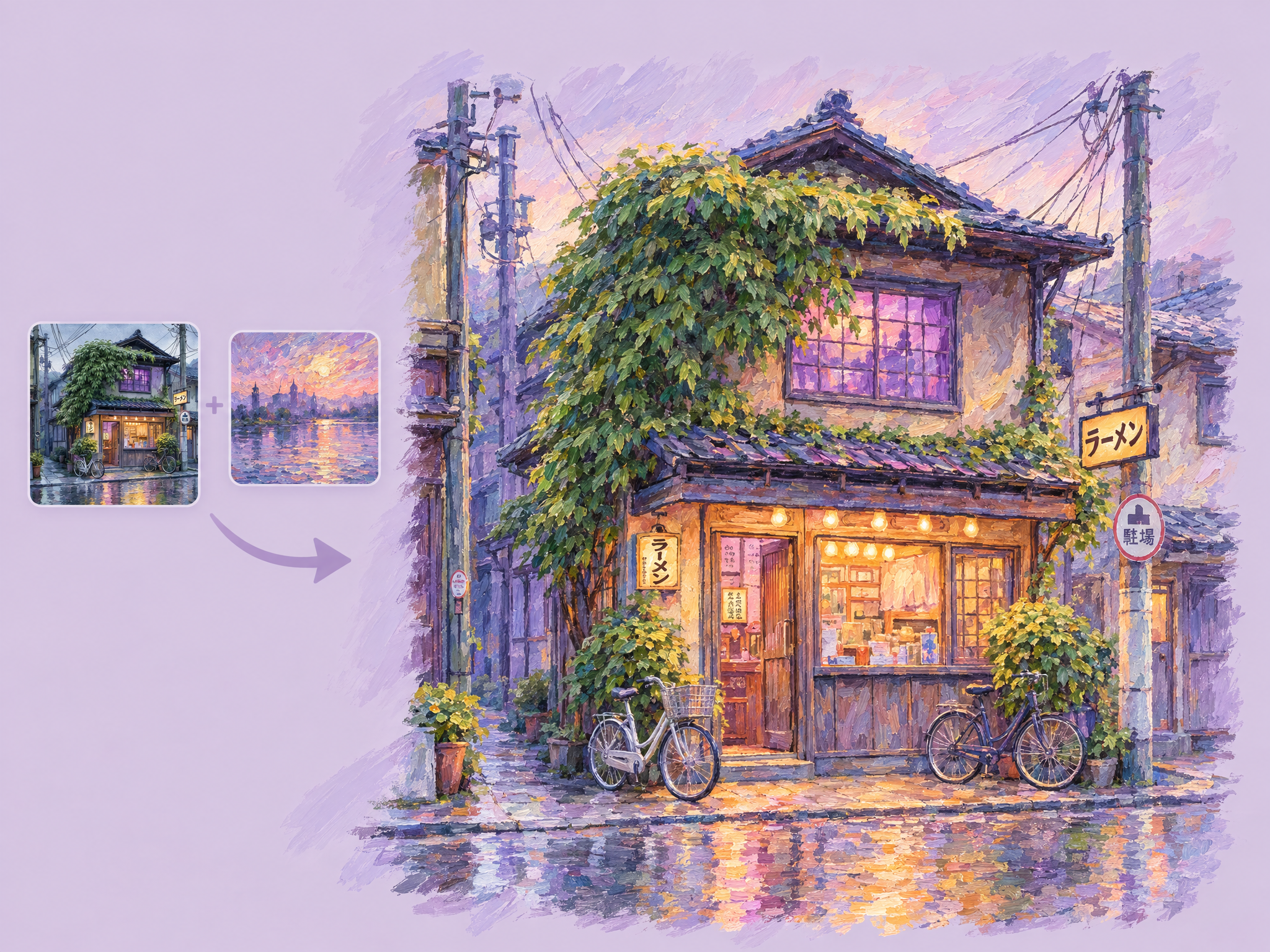
Repaint an entire scene in a new art style. Upload a scene and one or more style references, and get the same scene with the same layout, objects and composition, rendered in the reference's style: brushwork, colors, lighting and texture. Ideal for exploring art directions for game worlds, film and animation look development, stylized ad creatives, and quick style variations of key art.
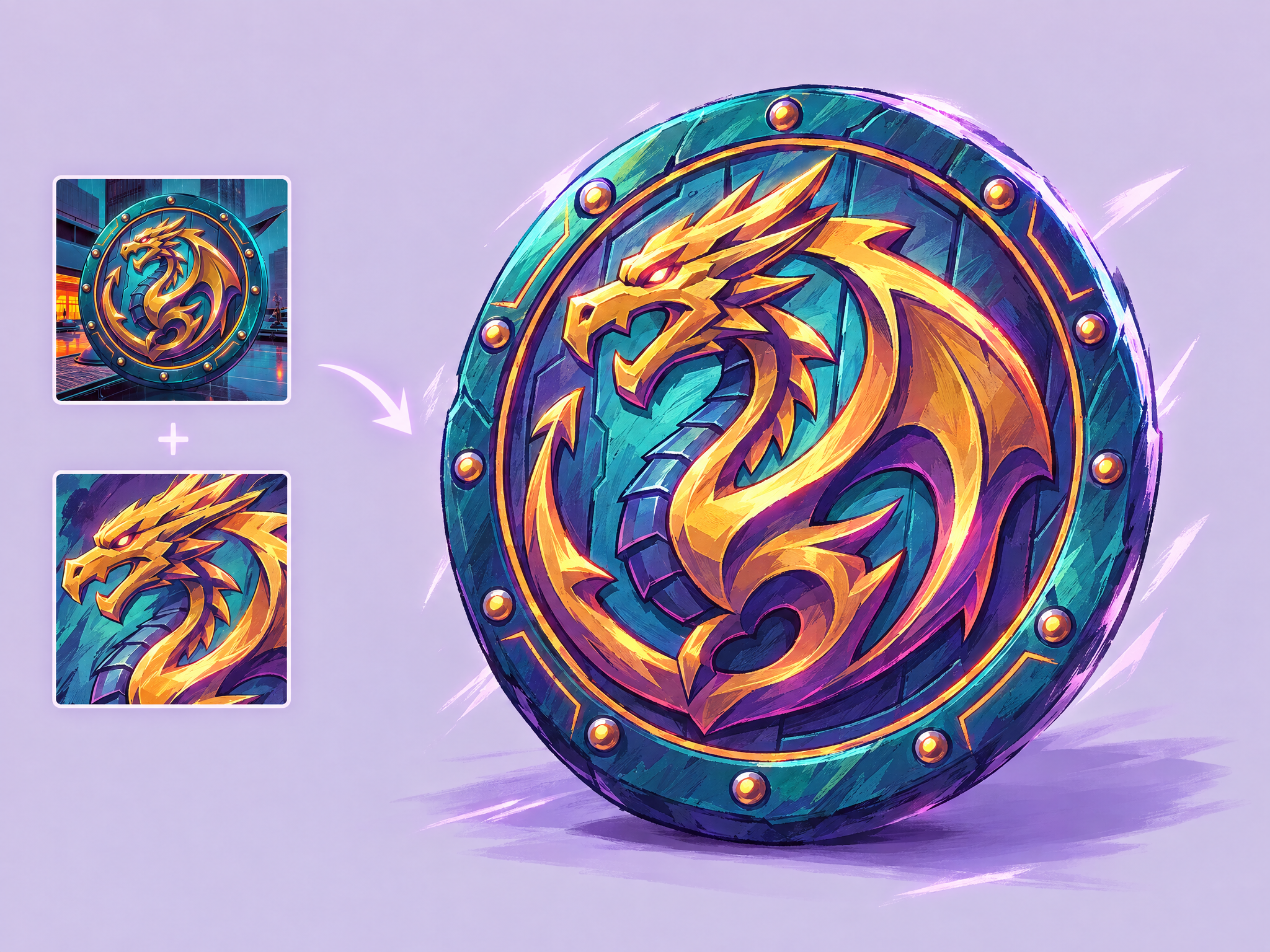
Redraw any item in a new art style. Upload an item and a style reference, and get the same item with its shape, details and function intact, rendered in the reference's style. Ideal for adapting game items and props to a new art direction, porting assets between games or platforms, film and animation prop style tests, and stylized merch and ad visuals.
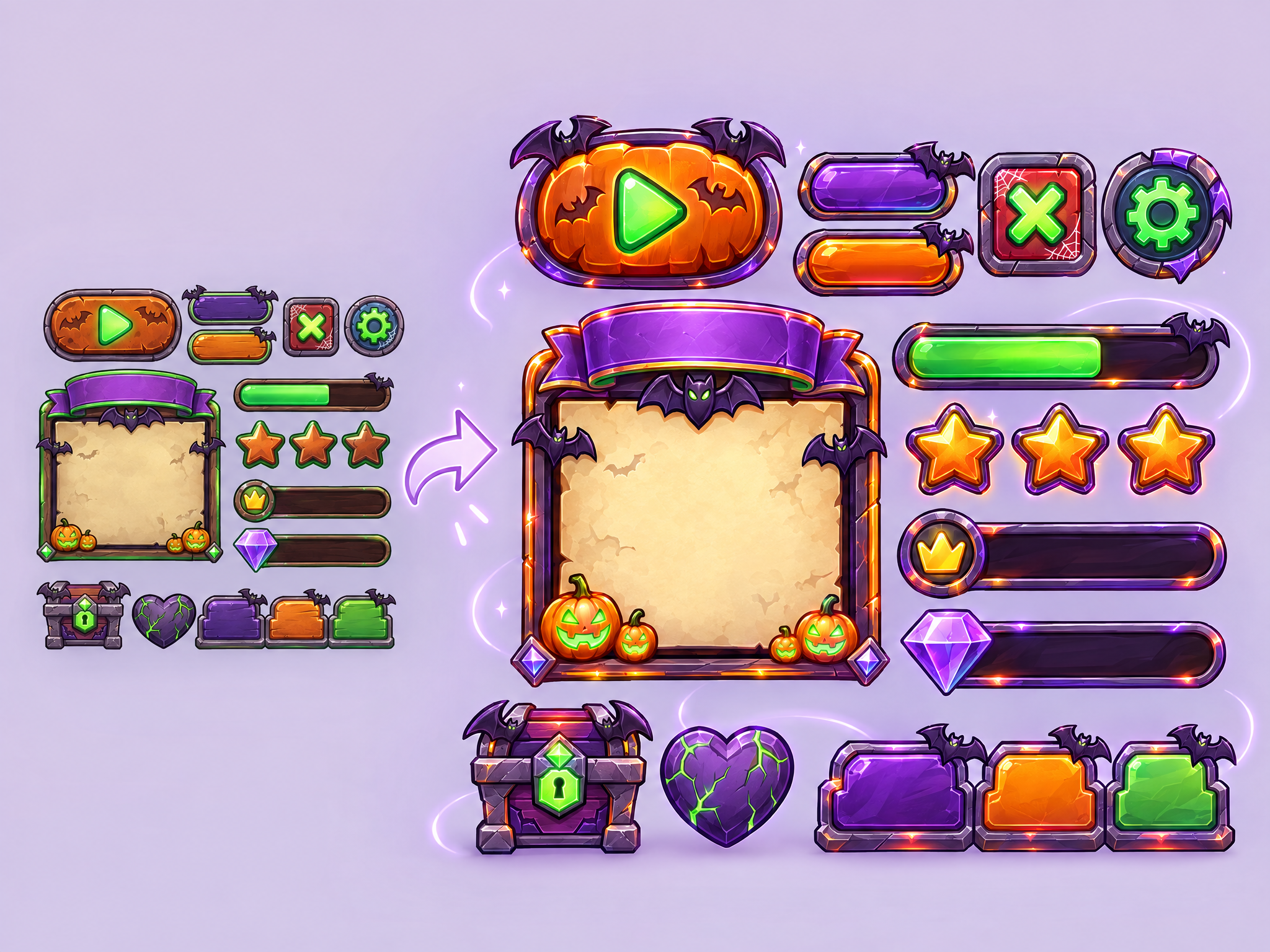
Give any interface a new look while keeping its exact layout and proportions. Upload a UI screen or element, describe the new style or state, and get a reskinned version ready to use. Ideal for game menus and HUDs, seasonal and event UI themes, alert and damage states, sci-fi screen graphics for film and TV, and app or ad UI variants.
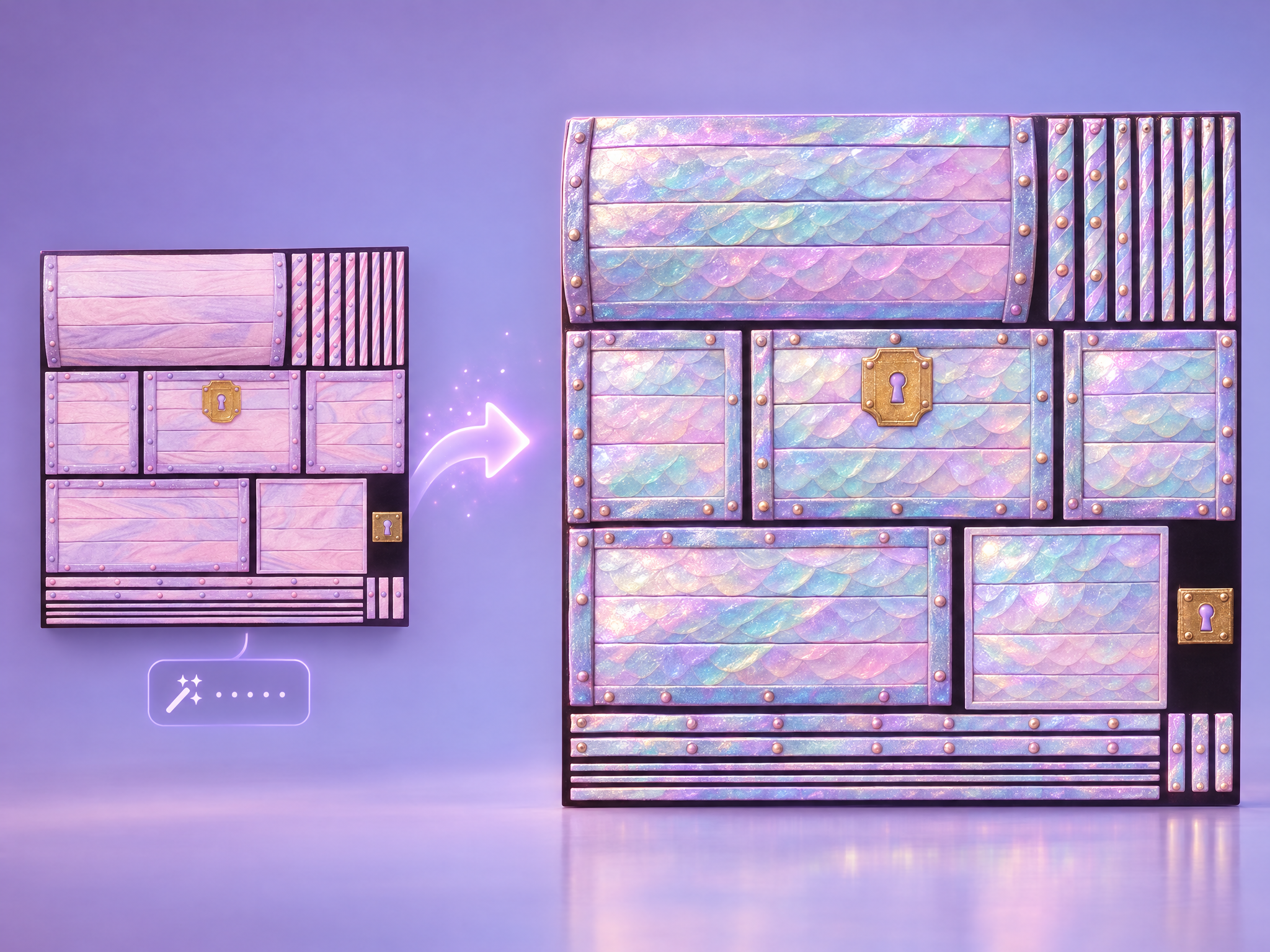
Retexture any texture map with a text prompt. Upload a texture map, describe the new material or style, and get a retextured version that keeps the original UV layout and structure. Ideal for game character, creature and prop skins, live-ops cosmetic variants, and fast look-dev for film and animation assets.
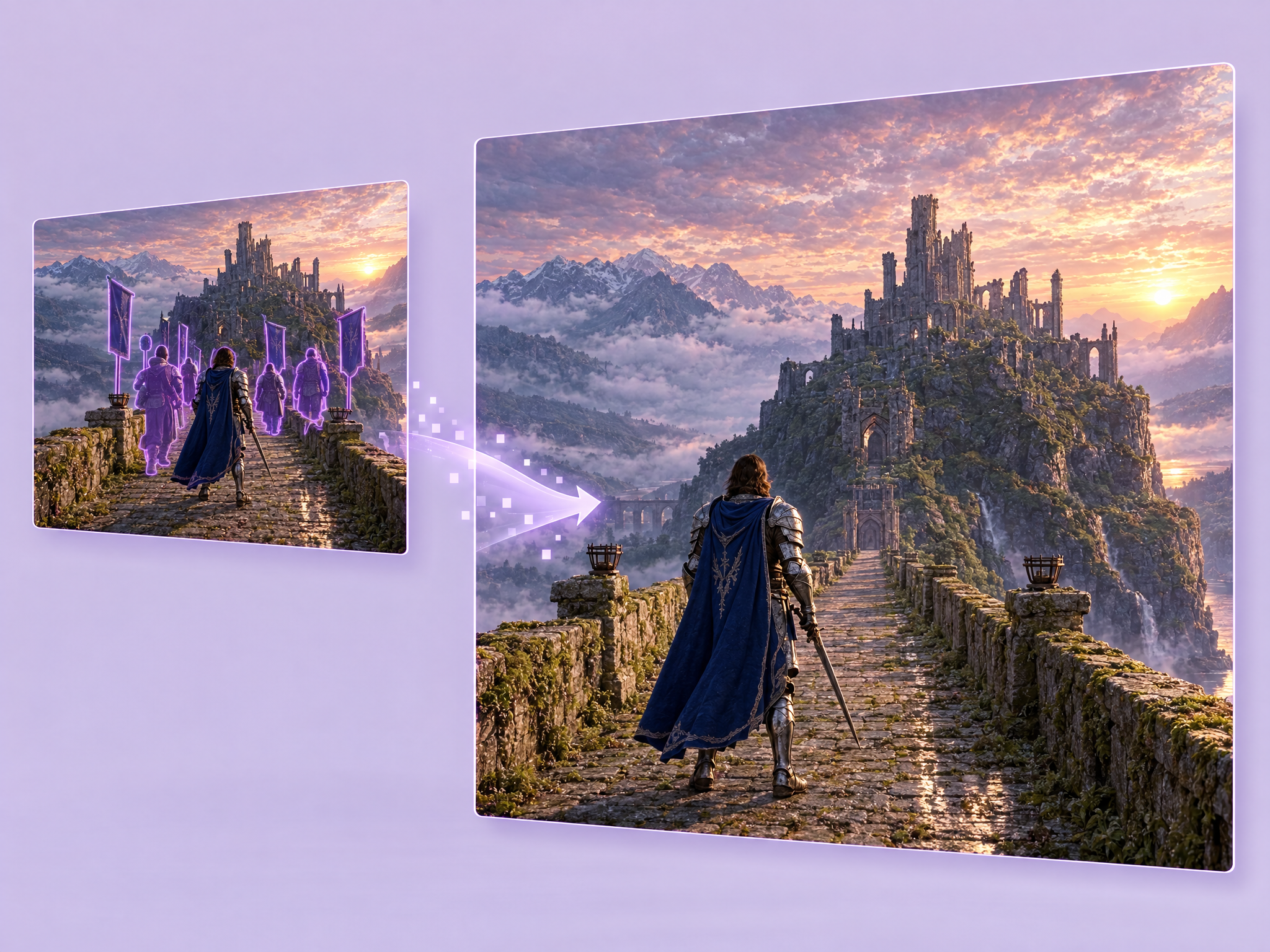
Remove unwanted objects from any image and keep everything else untouched. Describe what to remove, and the AI erases it and fills the space naturally. Ideal for cleaning up film frames and set photos, game screenshots and key art, and ad and product images before final delivery.
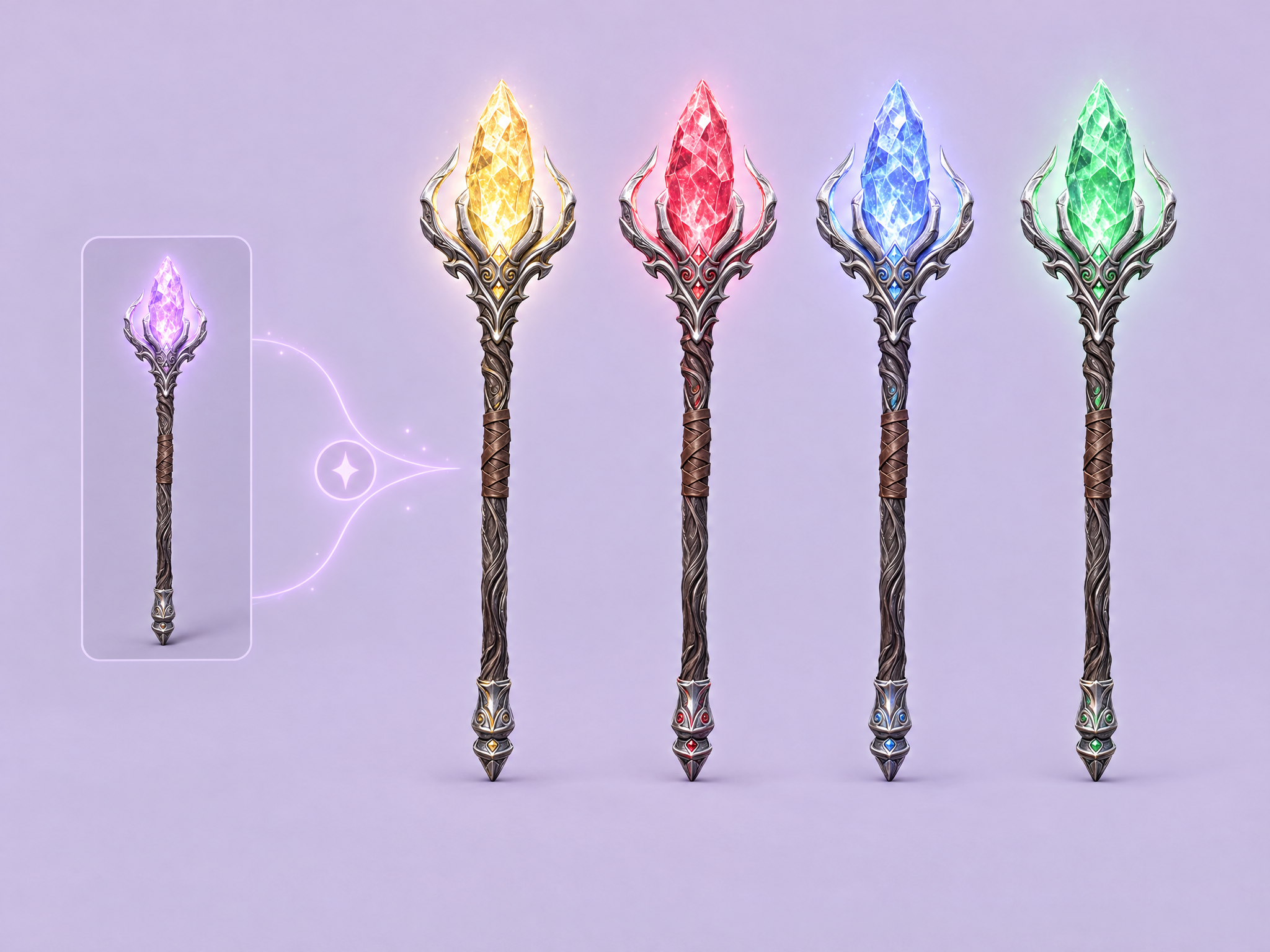
Recolor a whole image or just specific parts. Describe what to change, like "make the crystal gold" or "turn the armor red", and only those areas change while everything else stays the same. Ideal for game item rarity tiers, character and skin color variants, film costume and prop tests, and ad creative variations.
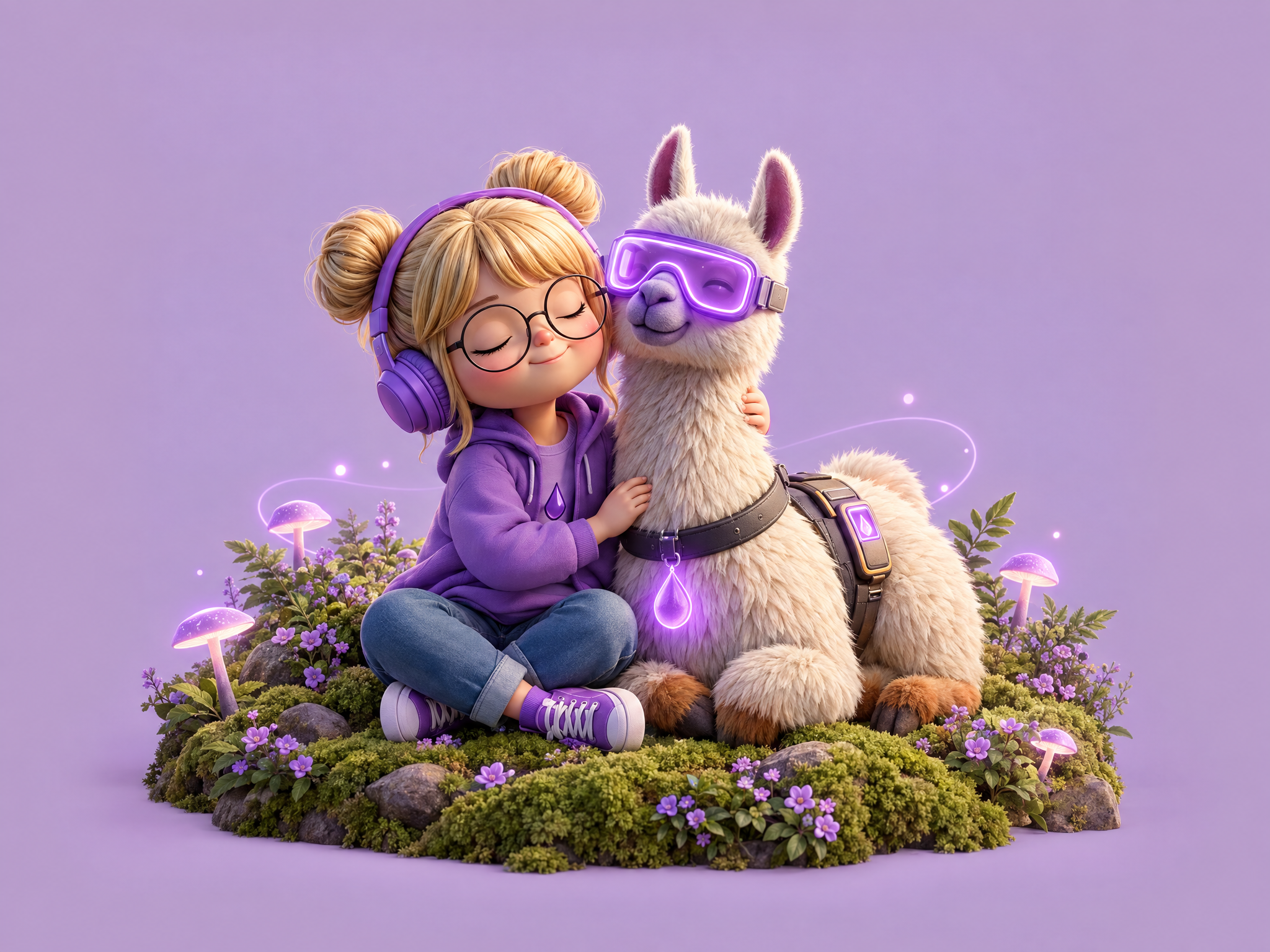
Put two of your characters together in a brand-new scene. Upload both characters and describe the moment, and get a scene with both of them interacting while their designs and art style stay consistent. Ideal for game key art and social posts, team and co-op promos, film and series character moments, and ad creatives featuring mascots.
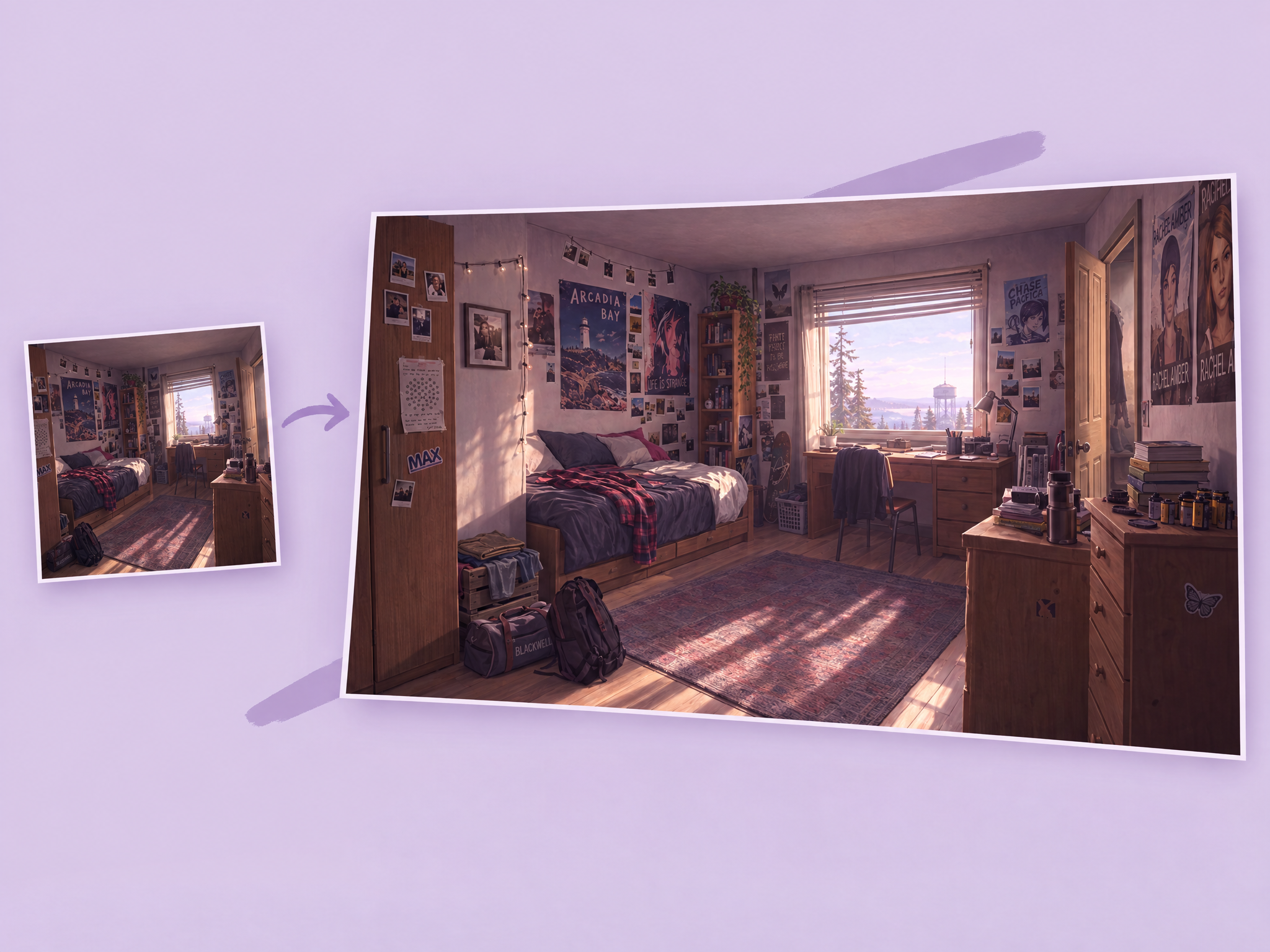
Expand size in images to create complete, seamless compositions
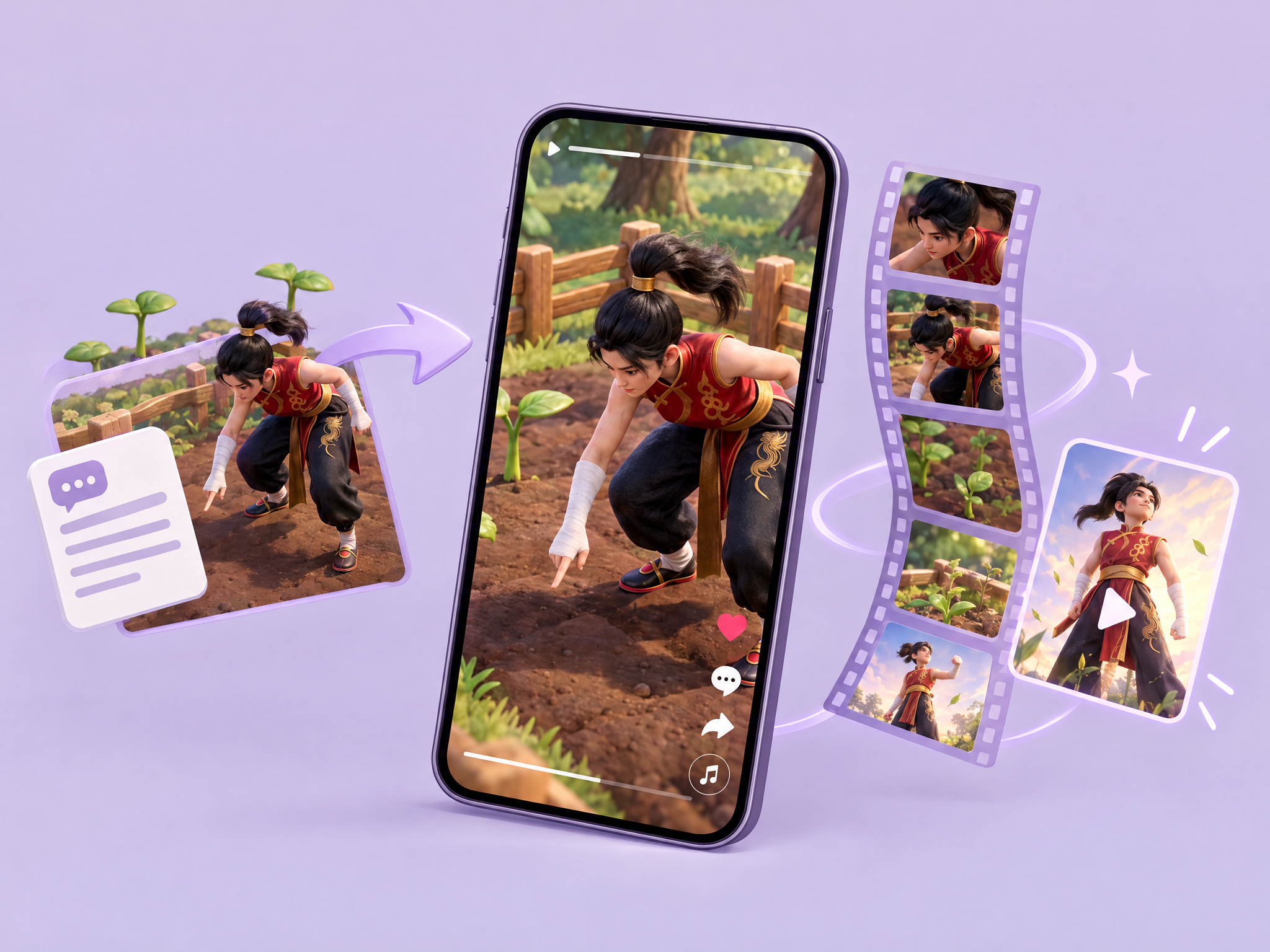
Create a vertical TikTok-style ad from just a text prompt. Describe the hook, the scenes, the voiceover and the end card, and get a short, punchy 9:16 video built for social feeds. Ideal for mobile game ads, film and series teasers, product promos and fast creative testing for social campaigns.
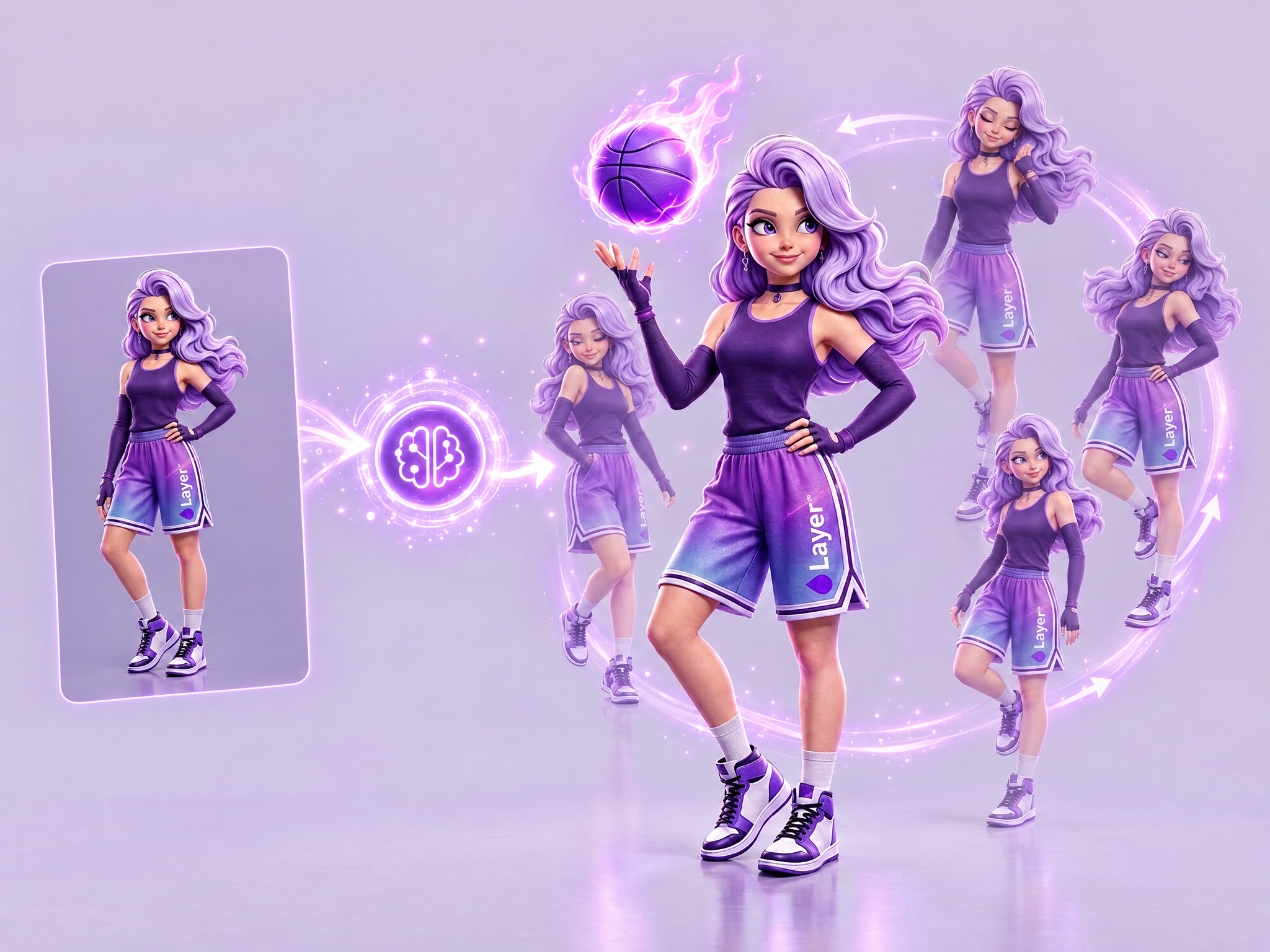
Create a looping idle animation of a character’s subtle motion.
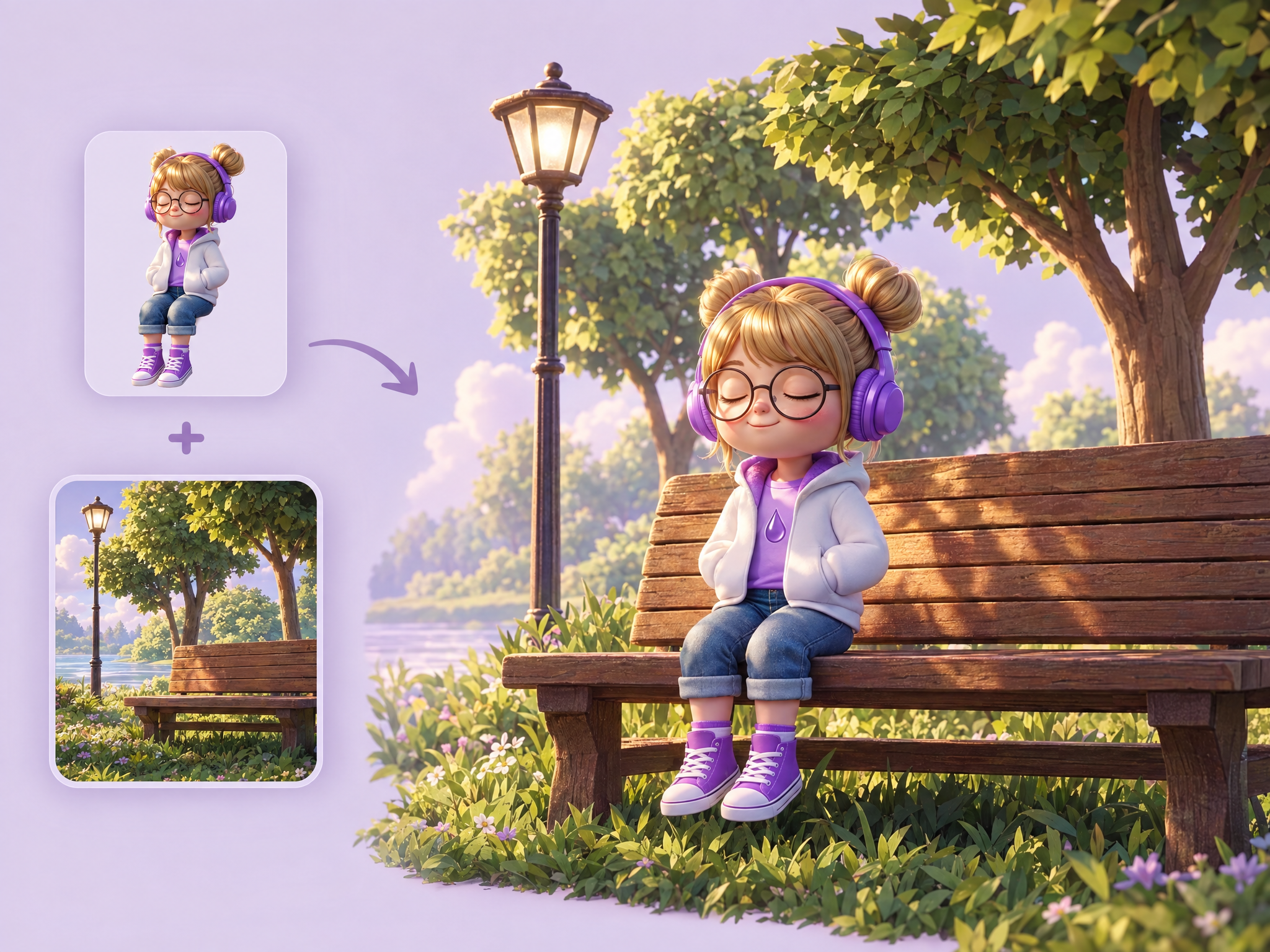
Place your character into any existing scene. Upload a character and a background, describe where they should be (sitting, standing or leaning), and get the character naturally integrated with correct scale and position while their design and style stay unchanged. Ideal for game key art and promo shots, storyboards and film previs, social posts and ad creatives with mascots.
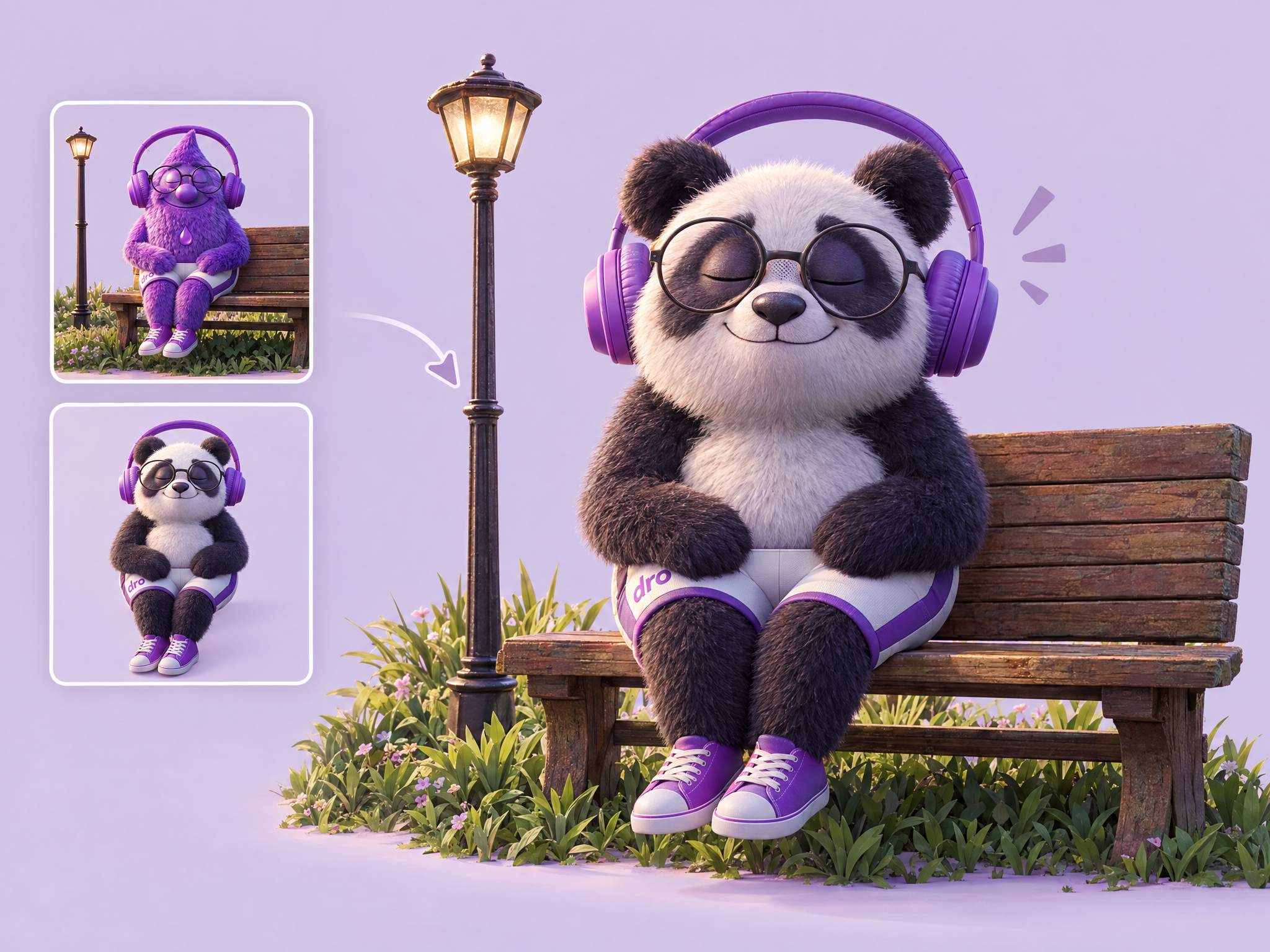
Replace a character in any scene with a different one. Upload the scene and your new character, and the new character takes the original's place with the same pose, position, lighting and scene intact. Ideal for testing different heroes in game key art and ads, localizing creatives with different characters, recasting concept shots in film previs, and reusing one scene across multiple campaigns.
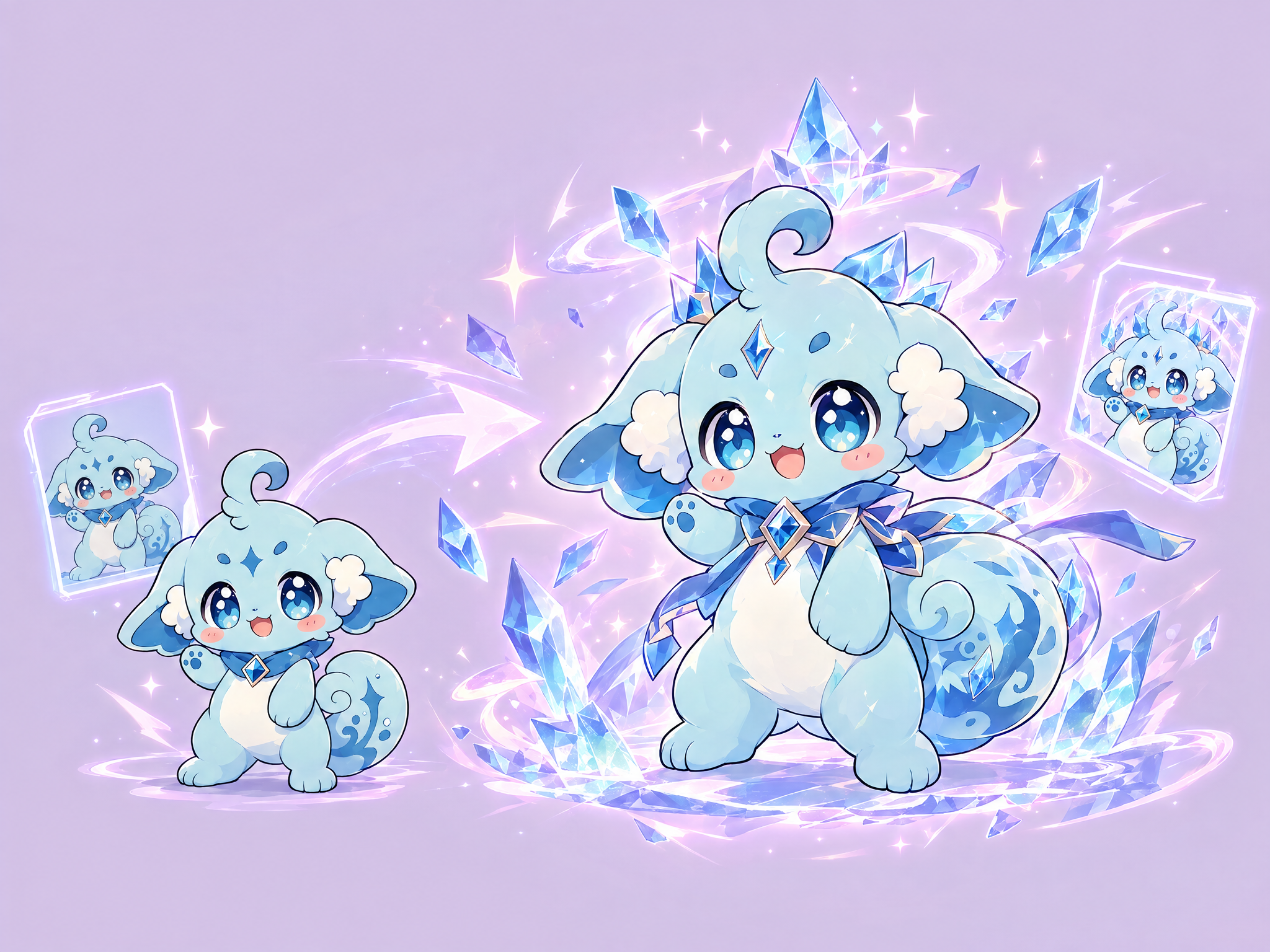
Animate your character's level-up moment. Upload the base character as the first frame and the upgraded version as the last frame, and get a flashy transformation video with glowing energy, particles and the new gear appearing. Ideal for game level-up, evolution and rarity-upgrade animations, reward and gacha reveals, trailers and ads, and animation inspiration.
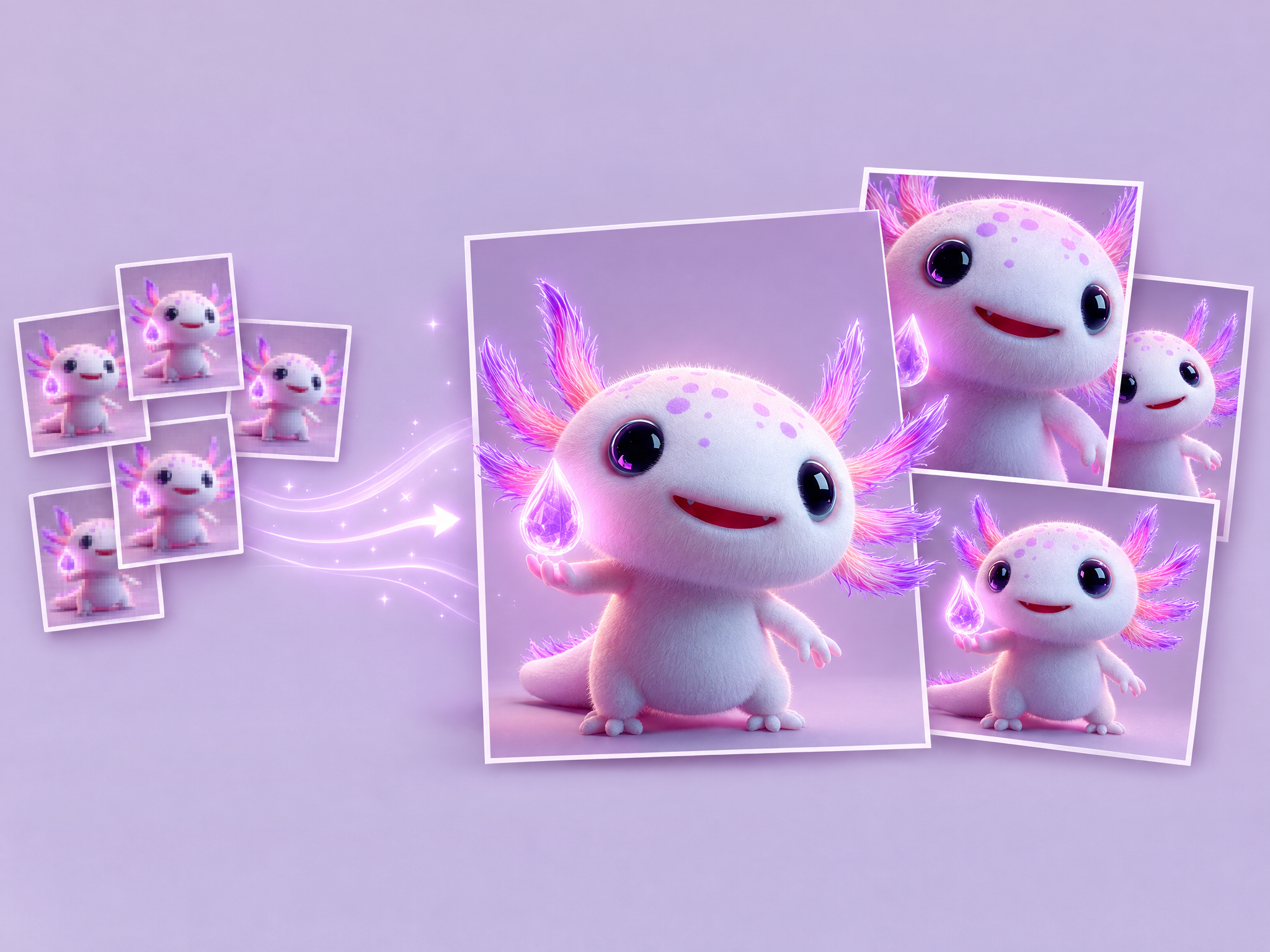
Upscale a whole set of images in one run. Upload several images and each one is enhanced to a higher resolution with sharper detail, with no need to process them one by one. Ideal for game asset packs, concept art and key art sets, film storyboards and frames, and ad creative batches that need to go to print or high-res delivery.
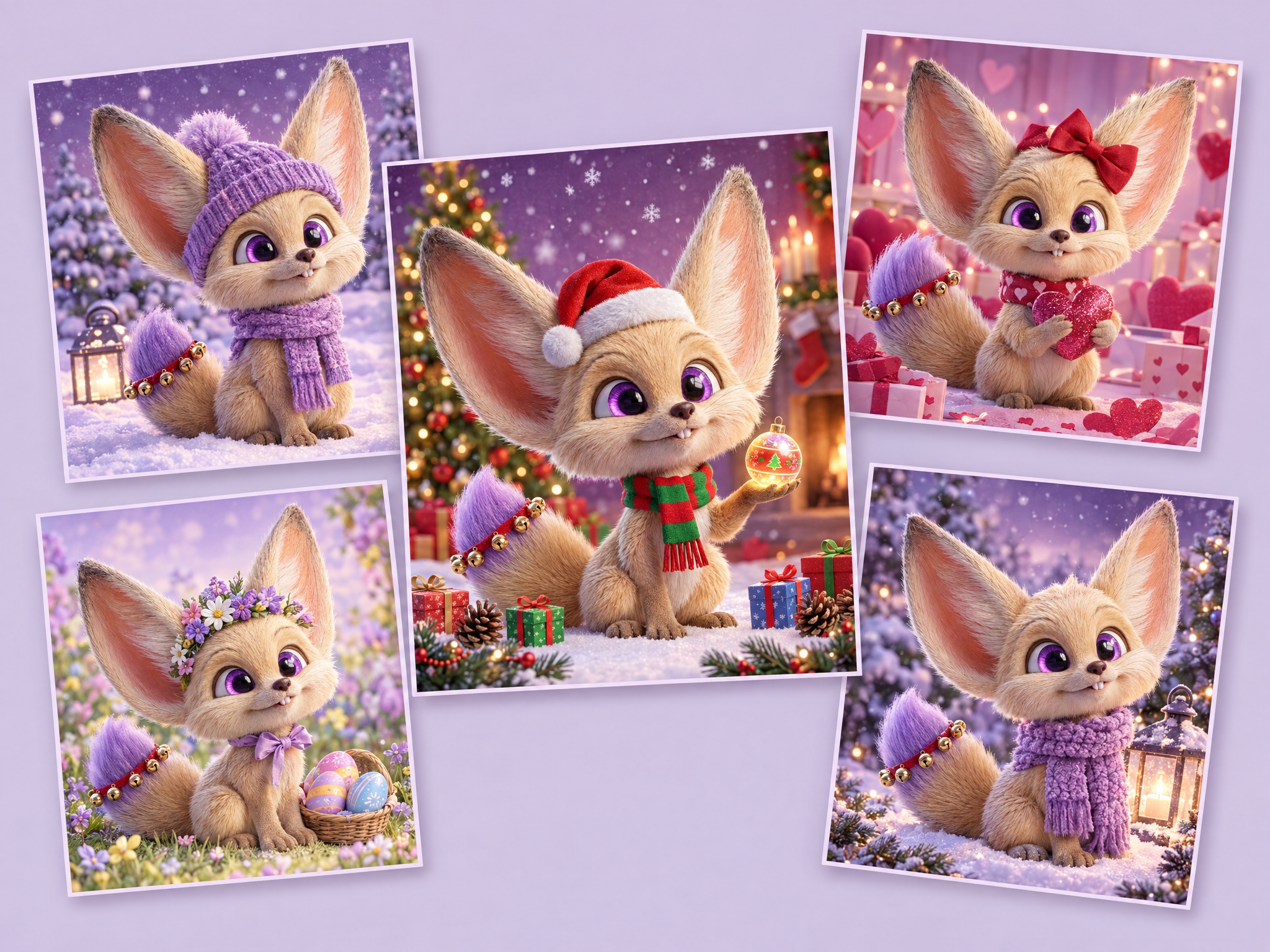
Apply a theme to multiple assets at once.
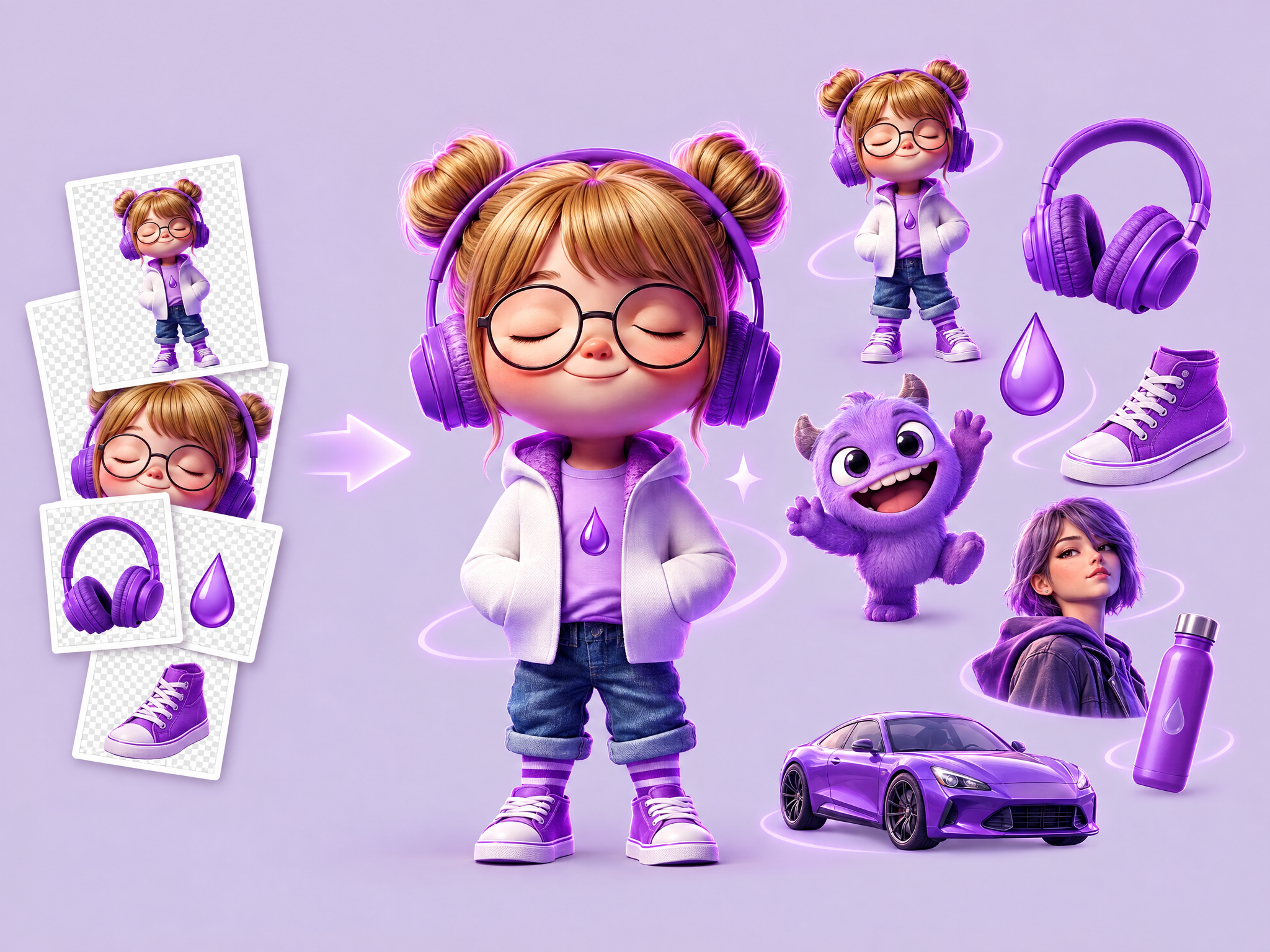
Remove backgrounds from a whole set of images in one run. Upload several images and get each subject cleanly cut out, with no need to process them one by one. Ideal for game character and item assets, film and series promo cutouts, product and merch shots for ads and store listings, and preparing assets for compositing.
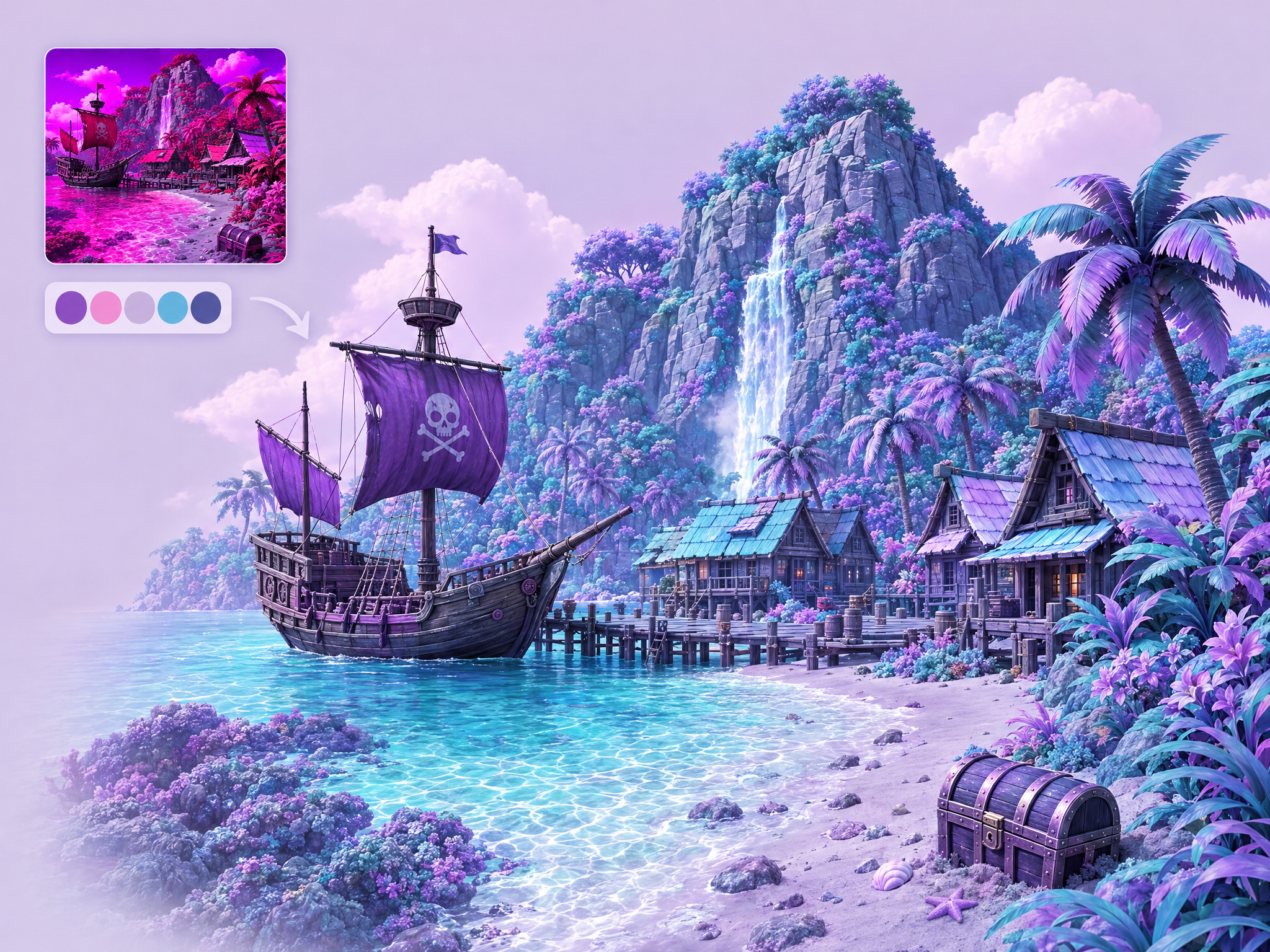
Recolor any image to match a color palette. Upload your image and a palette reference, and get the same image repainted in those colors while the composition, detail and lighting stay intact. Ideal for game environment and character color variants, seasonal and event recolors, film color scripts and mood exploration, and matching ad creatives to brand colors.
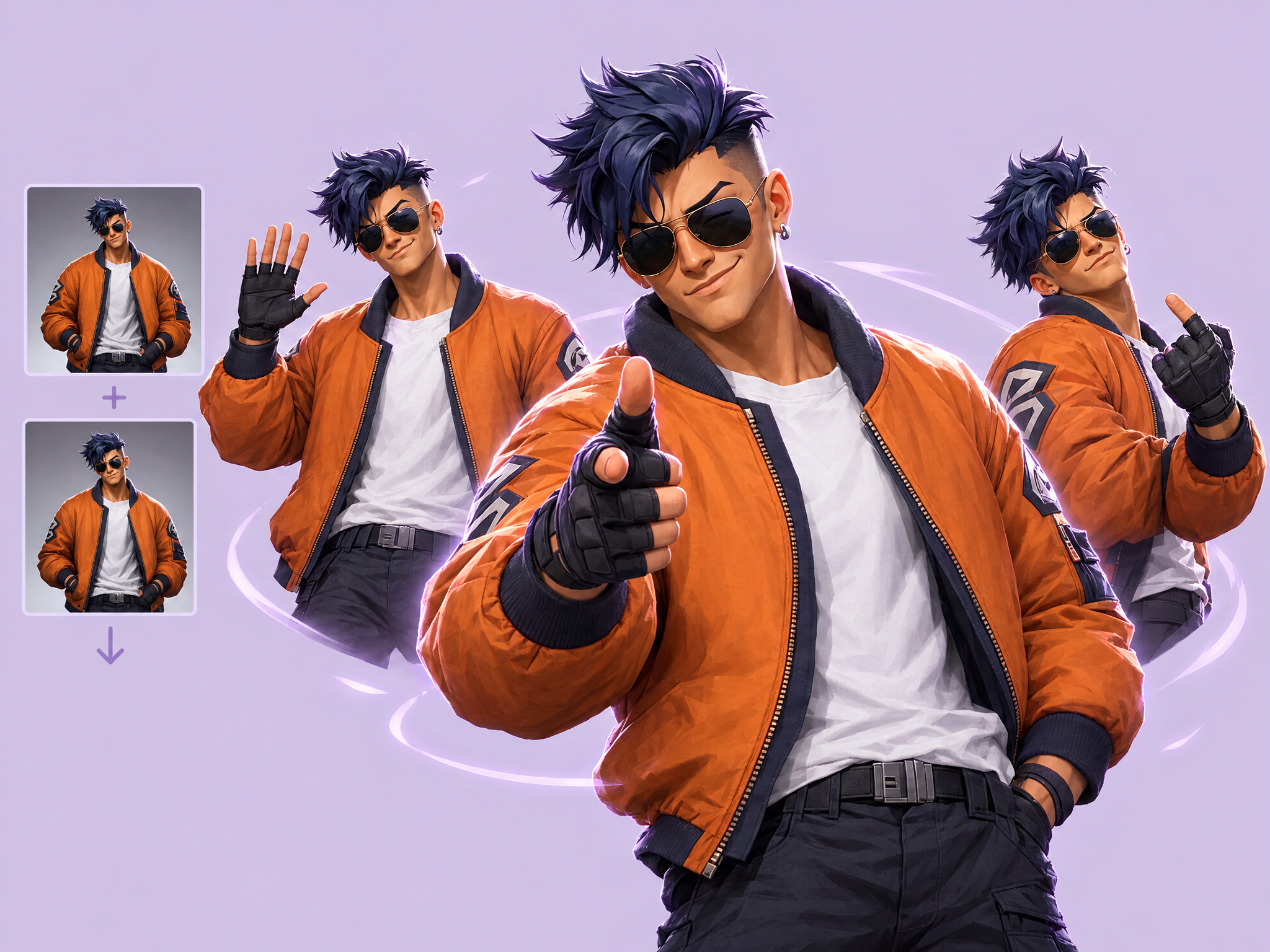
Animate your character doing any action you describe. Upload a first and last frame (use the same image for a seamless loop), describe the action (a wink, wave, taunt or spell cast), and get a smooth, natural animation with the character's design kept intact. Ideal for game emotes, victory poses and lobby animations, animated social posts and ads, and character moments for film and series promos.
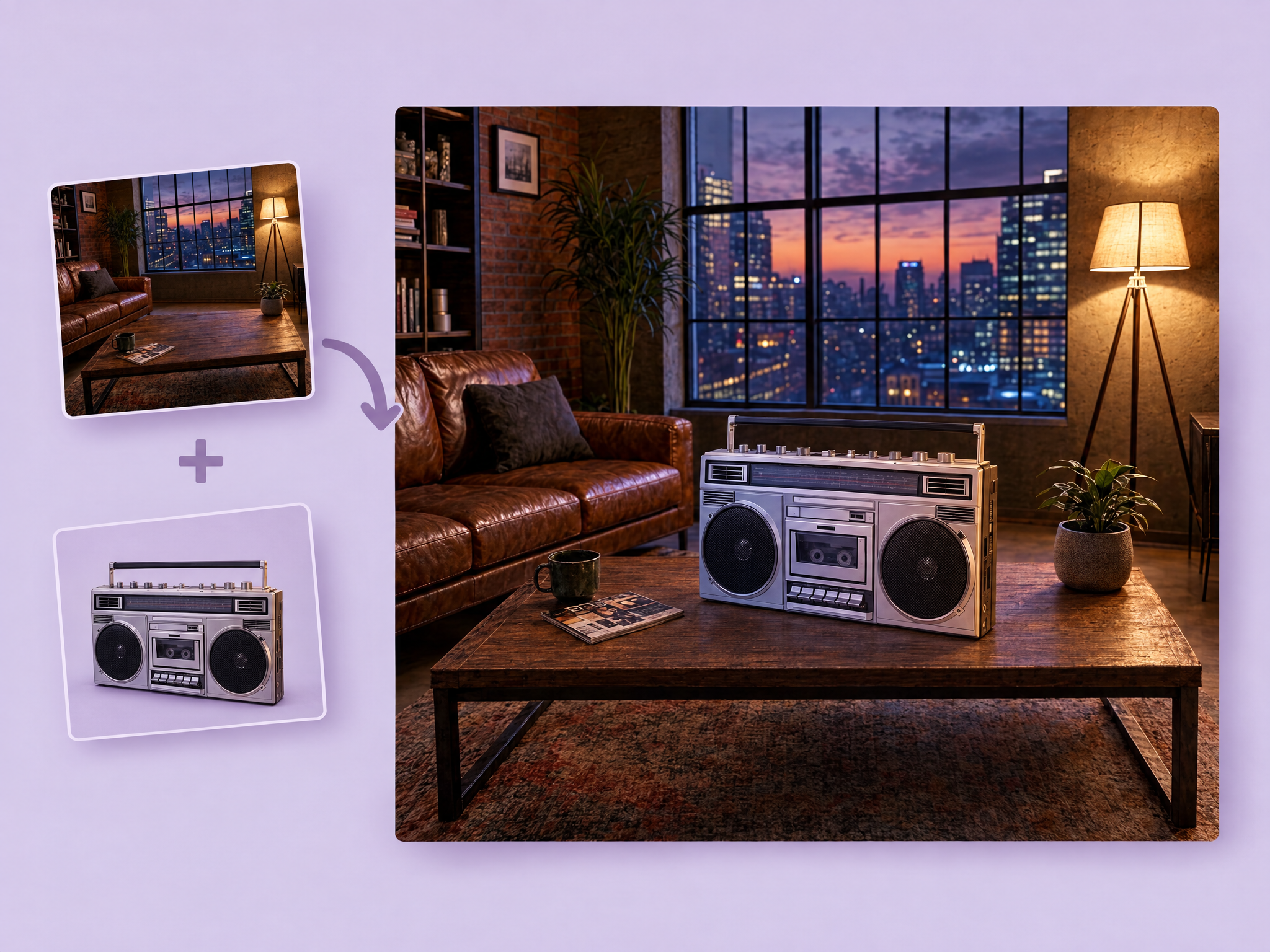
Add any object to a scene from a reference image. Upload your scene and an object reference, describe where it should go, and get the object placed naturally with matching perspective, scale, lighting and shadows while the rest of the scene stays untouched. Ideal for dressing game levels and key art, adding props to film set and previs frames, product placement in ads, and building scene variations.
Add sound effects to any silent video. Upload a clip, optionally describe the sounds you want, and get synced audio that matches the on-screen action: footsteps, impacts, ambience and effects. Ideal for game trailers and gameplay clips, animatics and previs for film, ad spots and social videos.
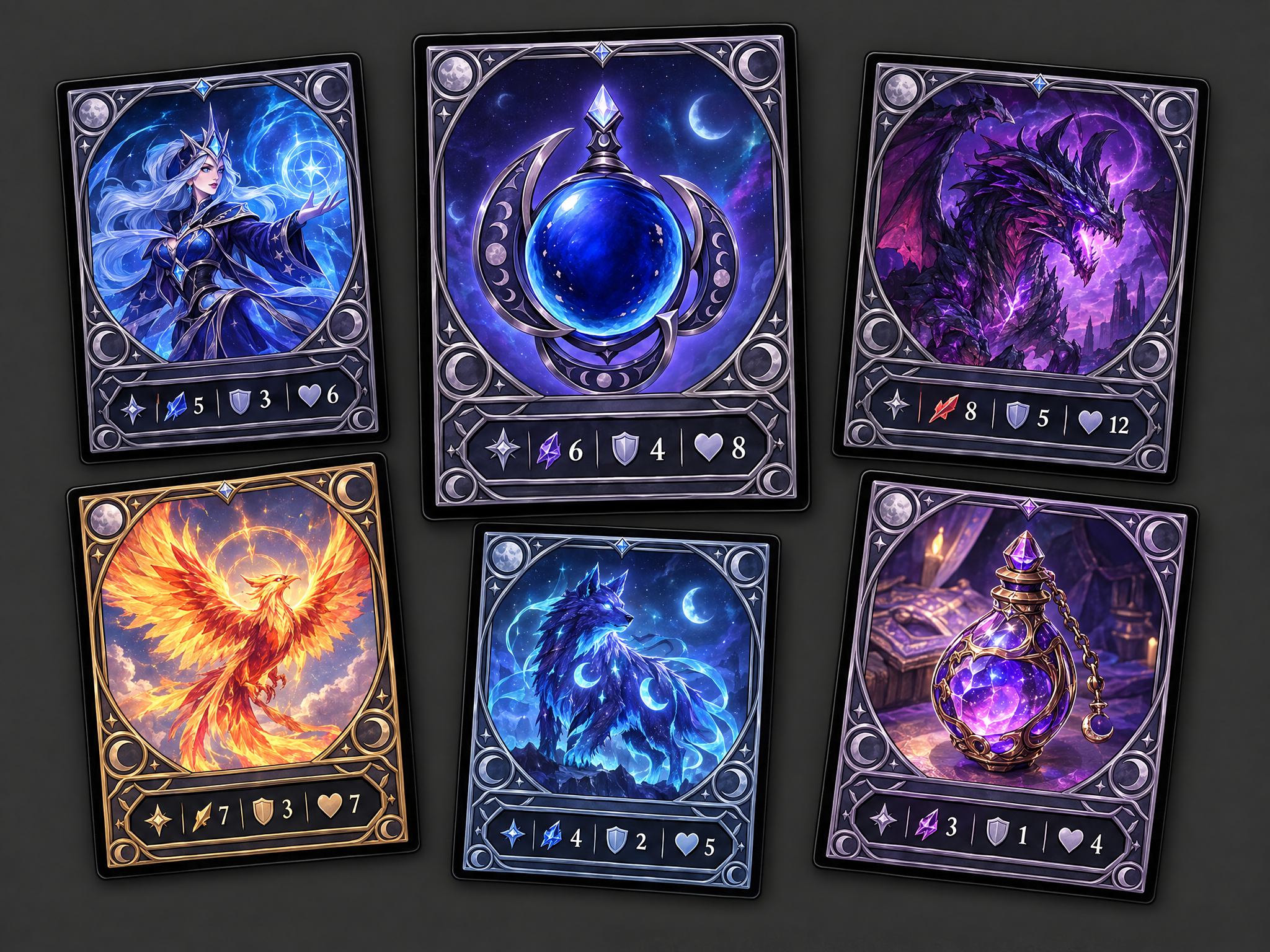
Turn a game character, boss, enemy, or item into an original collectible-card illustration. Choose a genre/style direction for the rarity frame and stat block; the workflow redraws the supplied source in a dynamic pose, invents plausible stats and flavor text, and produces one finished card image without copying a real card-game brand or layout.
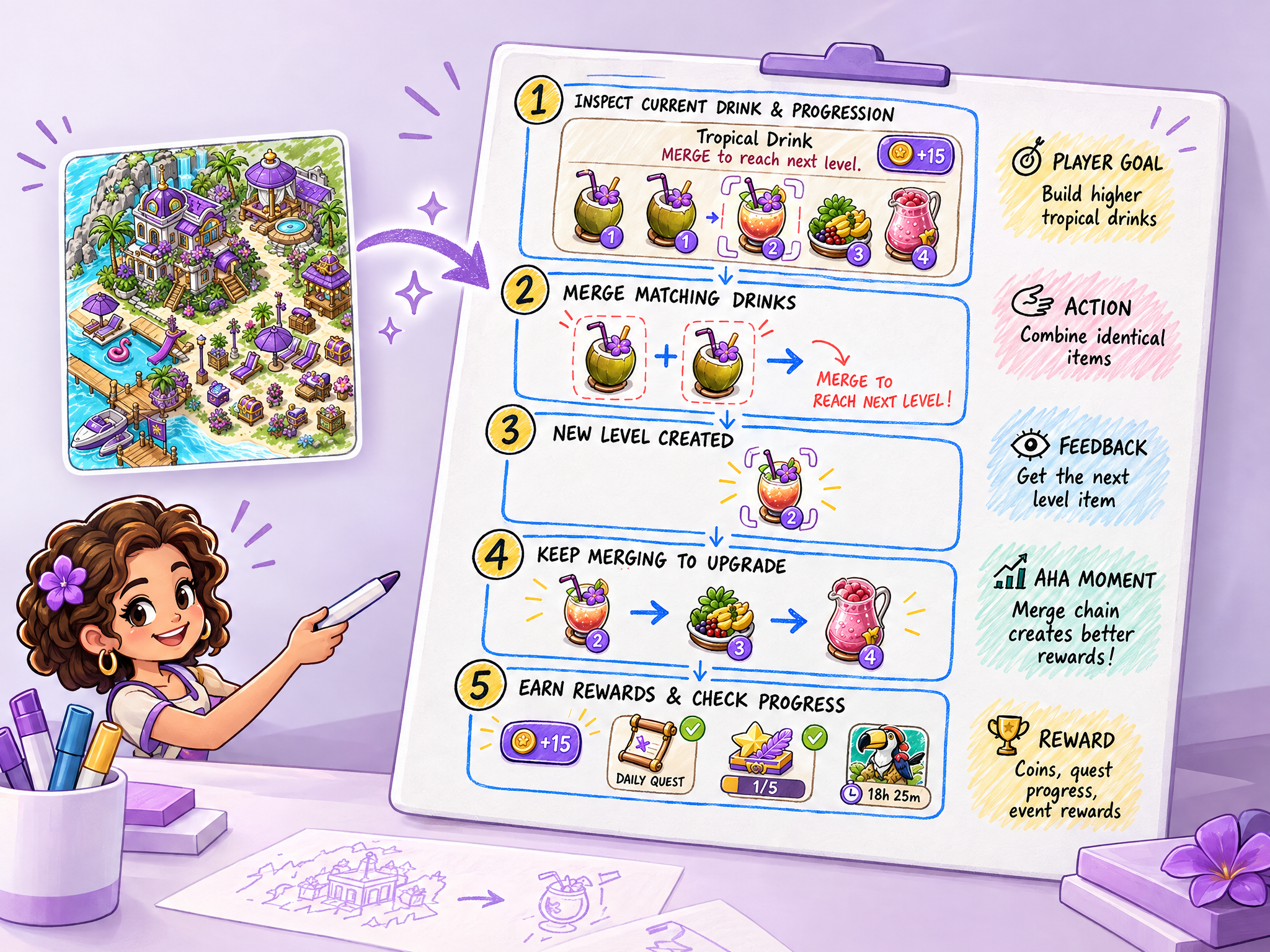
Generate gaming UA-ready "whiteboard explainer" creative from a game scene image: analyze the screenshot/concept art to identify UI, characters, objects, and implied actions, then redraw it as a sketch-style whiteboard diagram with blocks, arrows, and color highlights (ideal for UA concepts and internal pitch visuals).
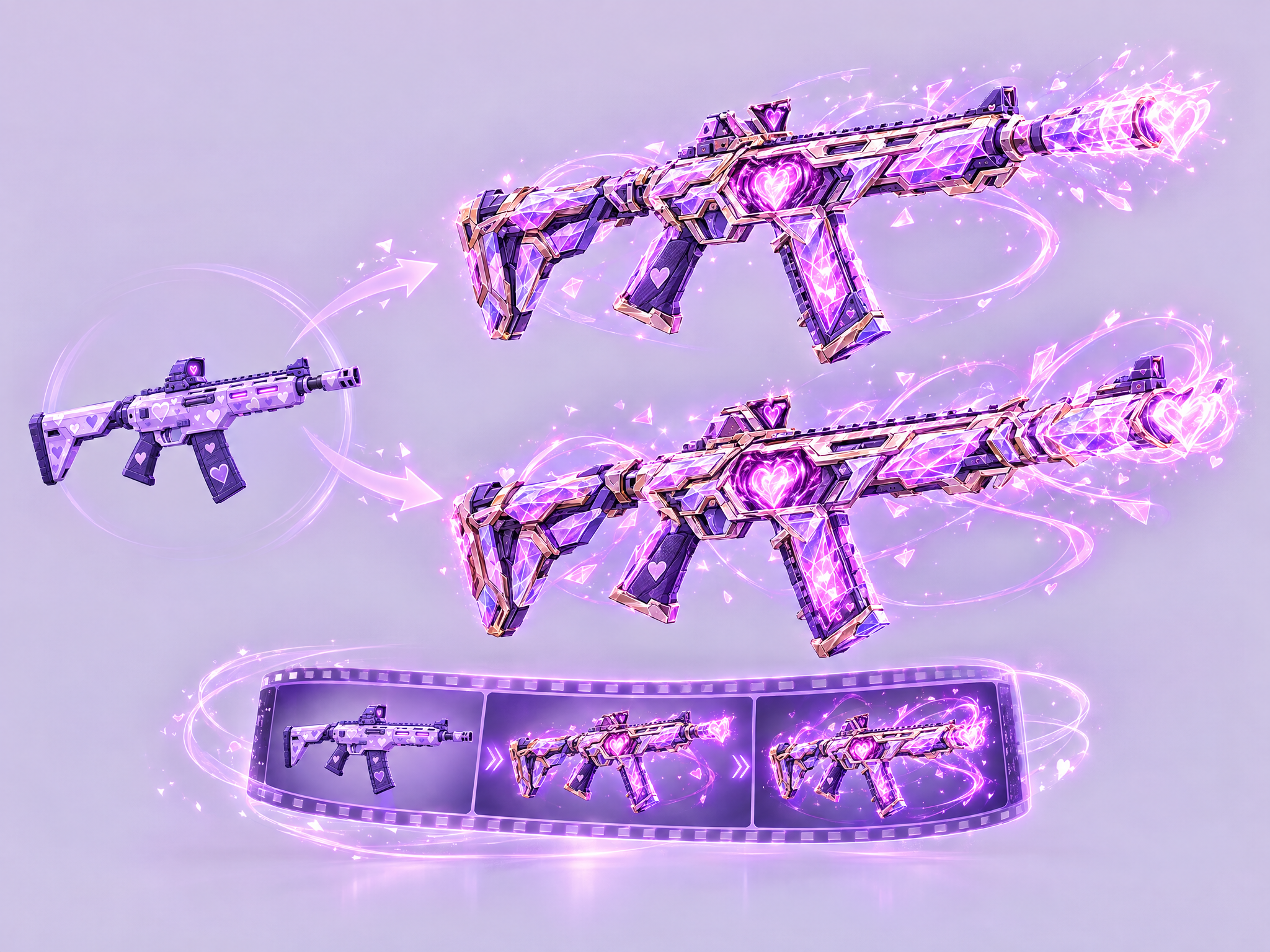
Upload any weapon and get two evolved versions plus a looping transformation video.
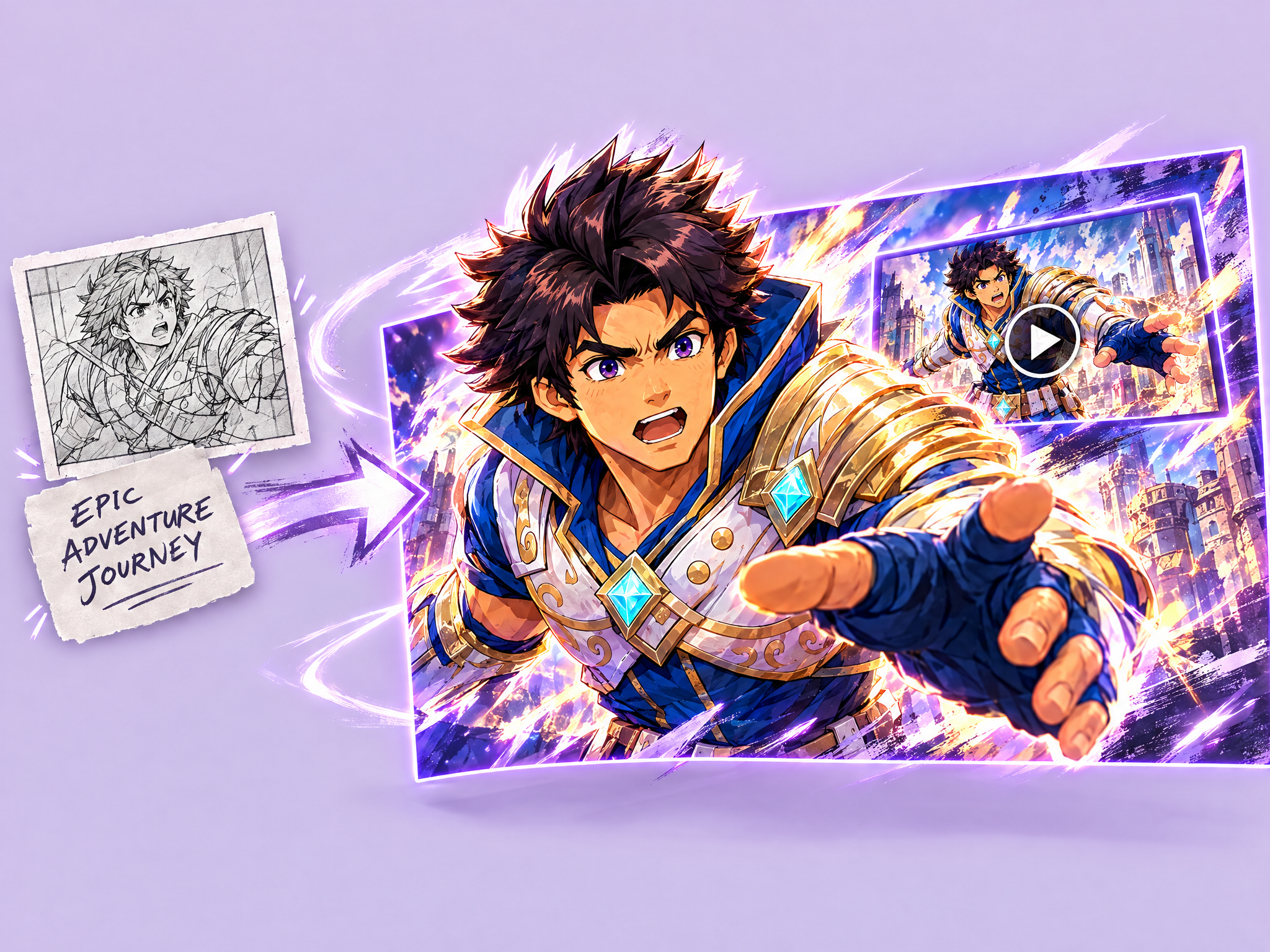
Creates eye-catching video thumbnails from images and text. Upload photos or concepts, add a title, and get bold, clickable thumbnails with dramatic effects and text overlays.
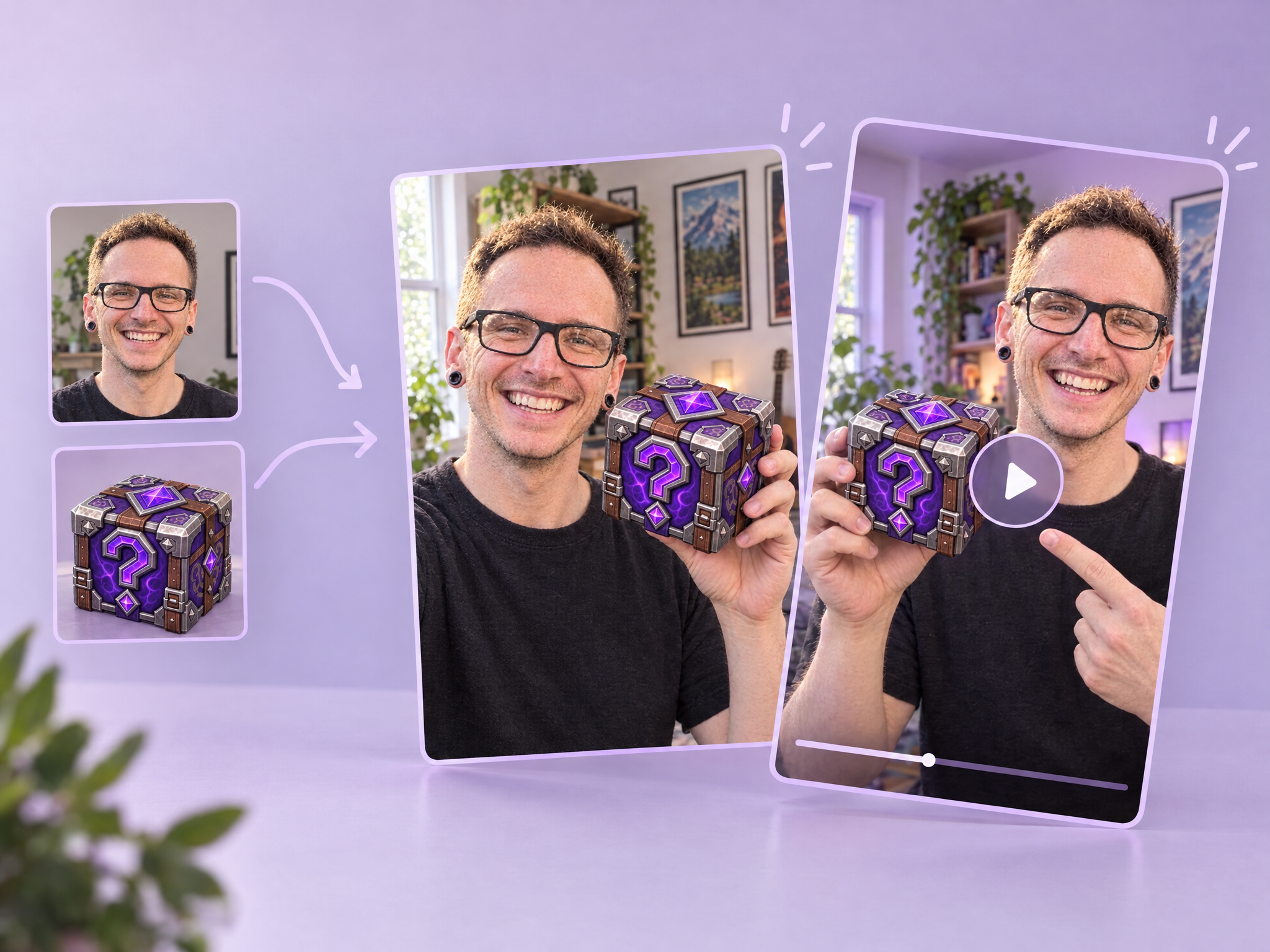
UGC Product Demo creates UGC-style content showing people naturally holding and using products. Upload a person photo and a product image to generate realistic, casual product demos in the style of creator content. Perfect for social media marketing and video generation.
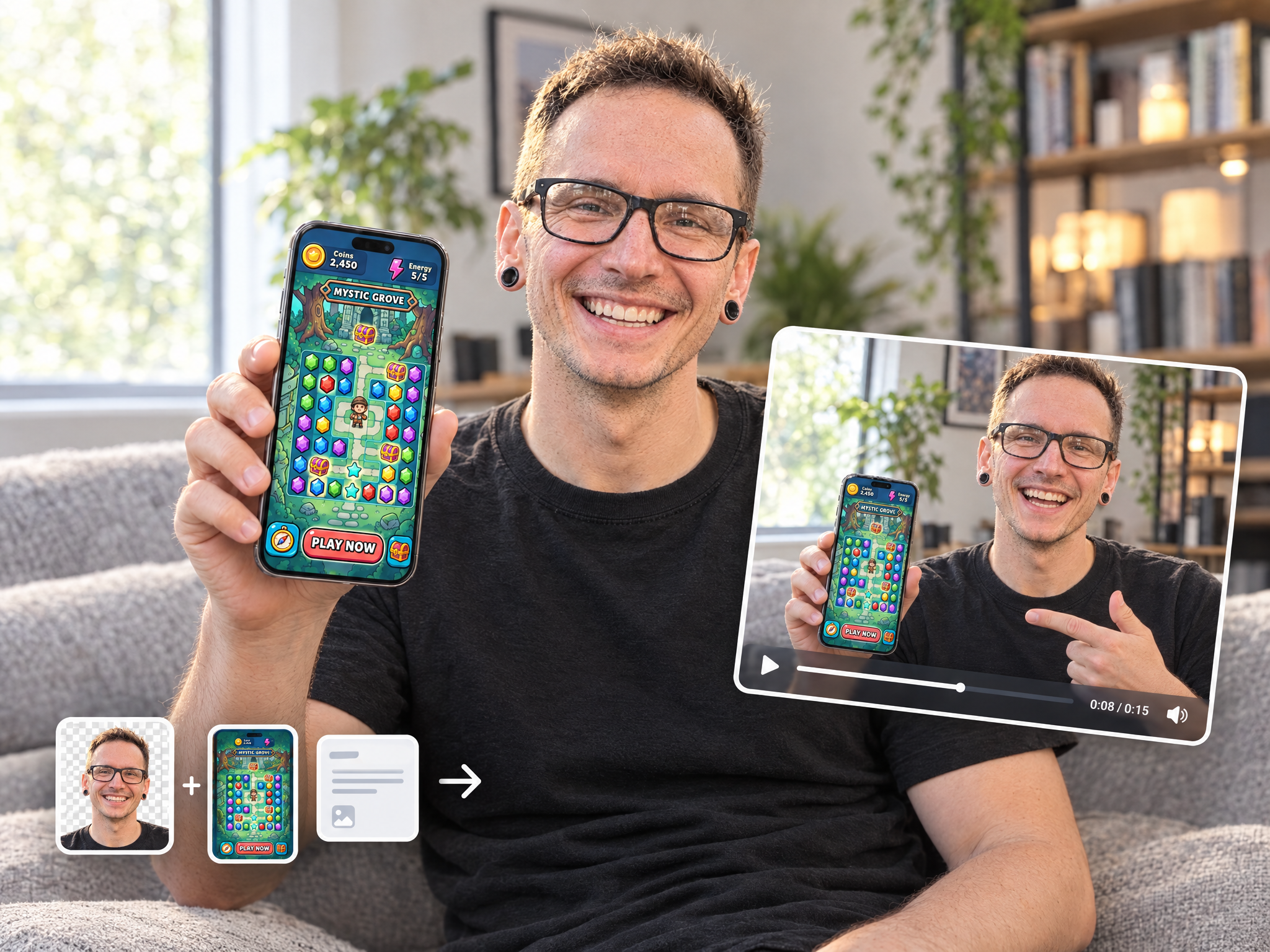
UGC App Showcase creates marketing photos of people holding an iPhone that displays your own app. Upload a person photo (with or without a background) and your app screenshot, optionally describe the scene, and the workflow places them together in a realistic setting.
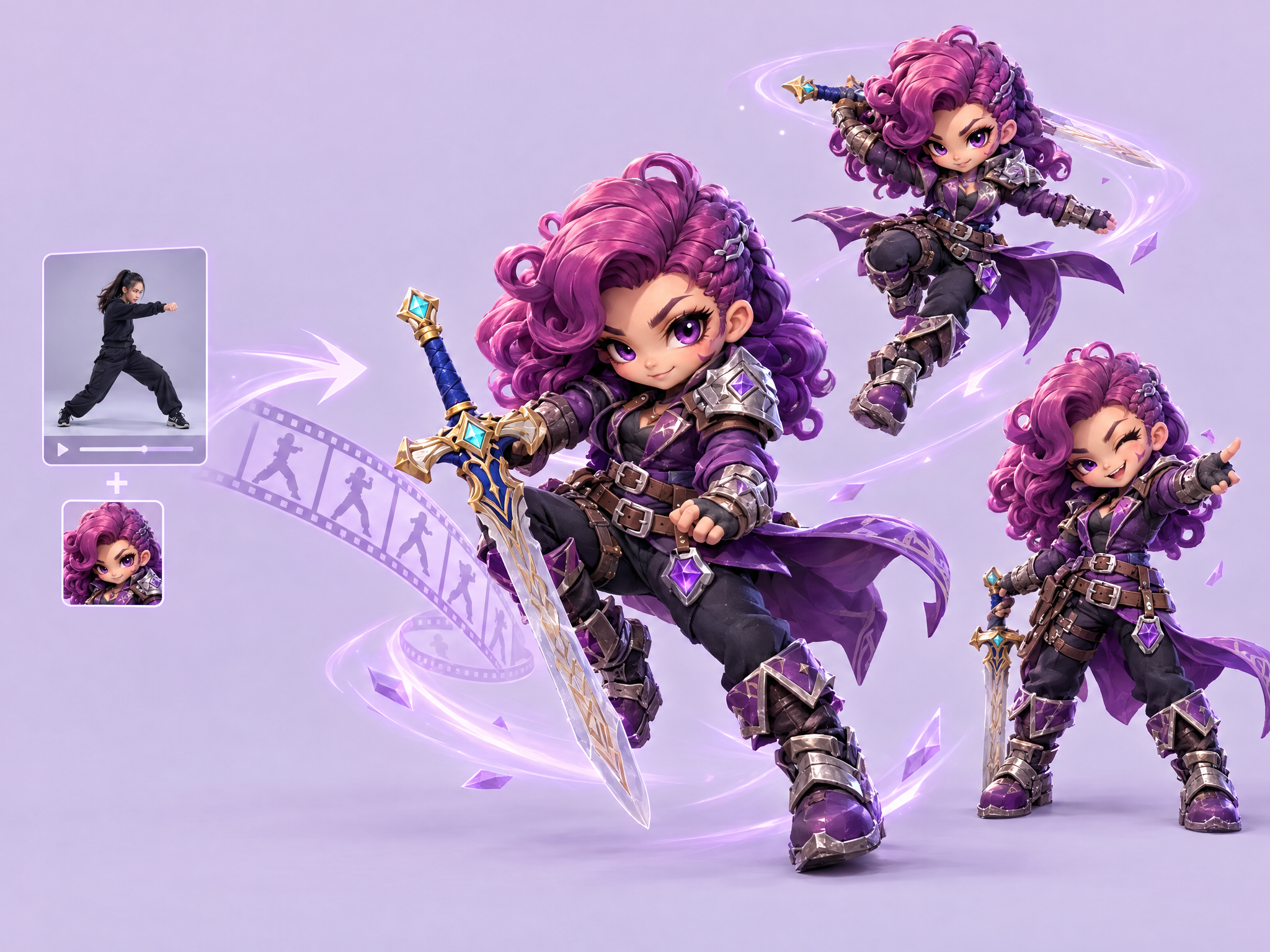
Transfer movements and acting from any reference video to a custom character image instantly.
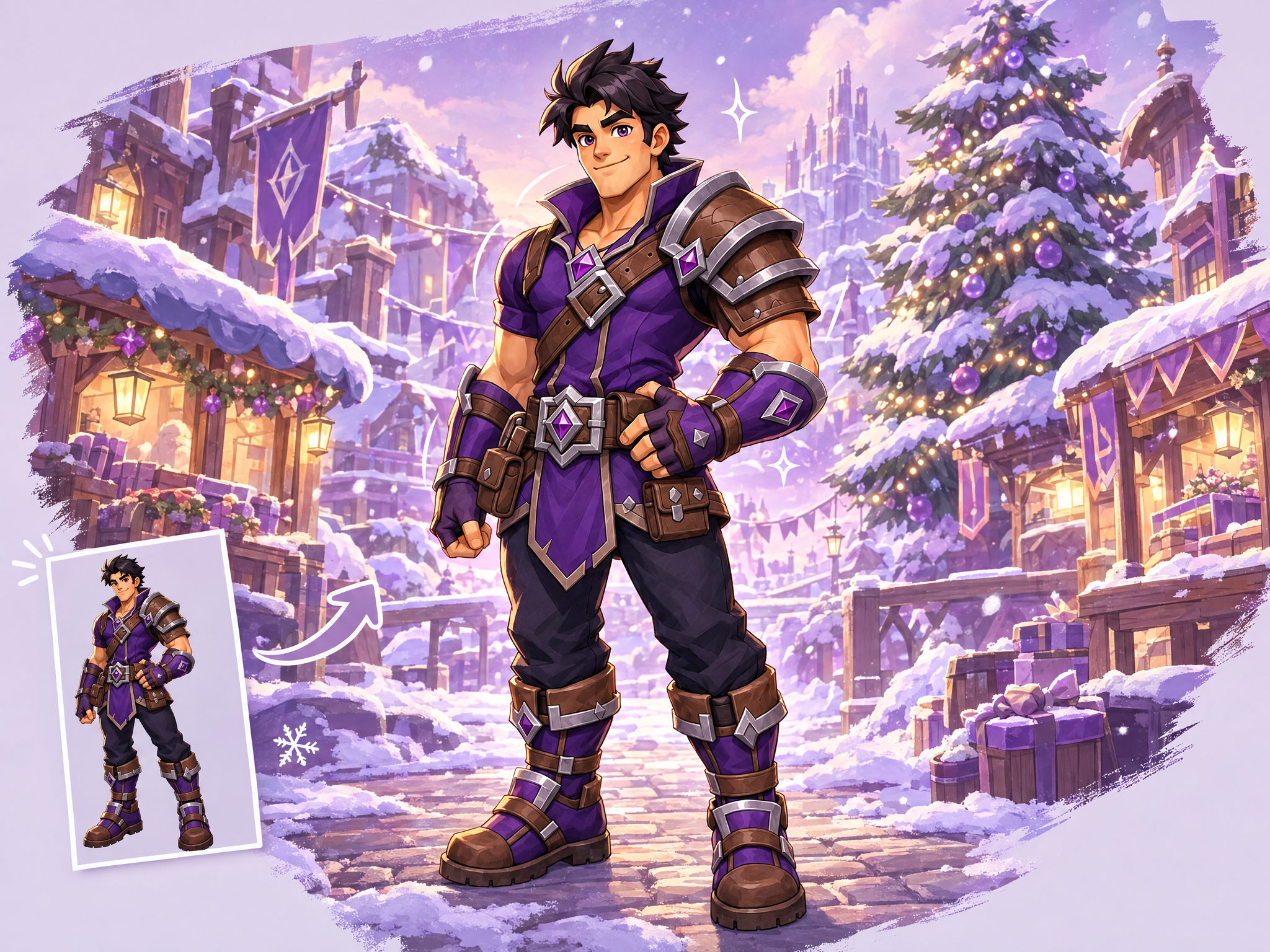
Drop your game's hero or character into a fully themed illustrated scene — instantly. Upload a character reference and enter a theme (a live-ops event, seasonal setting, or game-world moment — "winter festival," "boss arena," "victory podium," "space voyage"), and the workflow builds a brand-new colored backdrop plus playful white line-art details around your character to match it. Your character's design stays pixel-faithful to the source art — only the world around them transforms. Great for live-ops key art, seasonal event teasers, and rapid social content without touching your source assets.
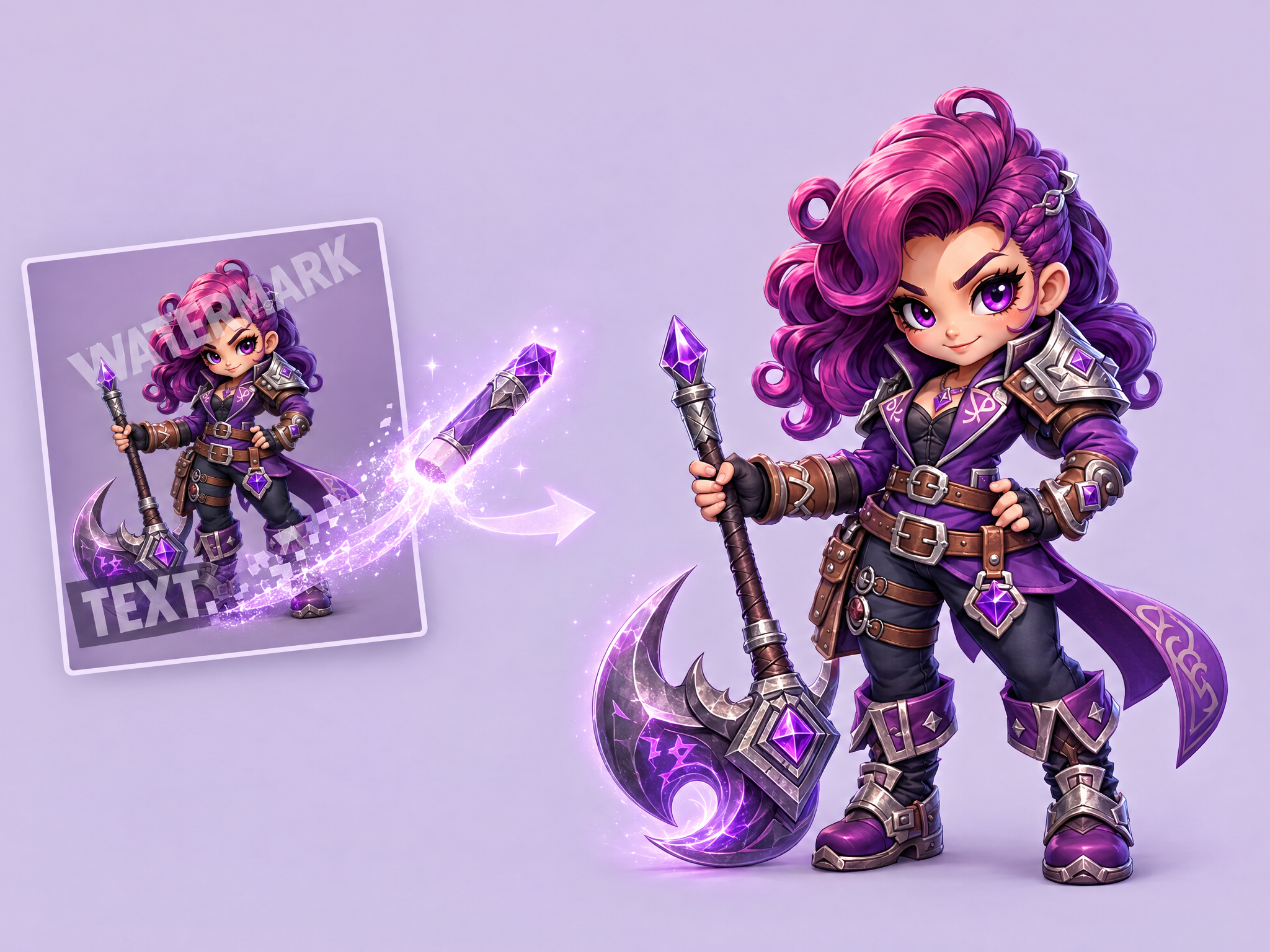
Text Eraser removes text, watermarks, or graphic overlays from images and fills in the area to match the background. Use it to clean up photos or repurpose content by removing unwanted text.
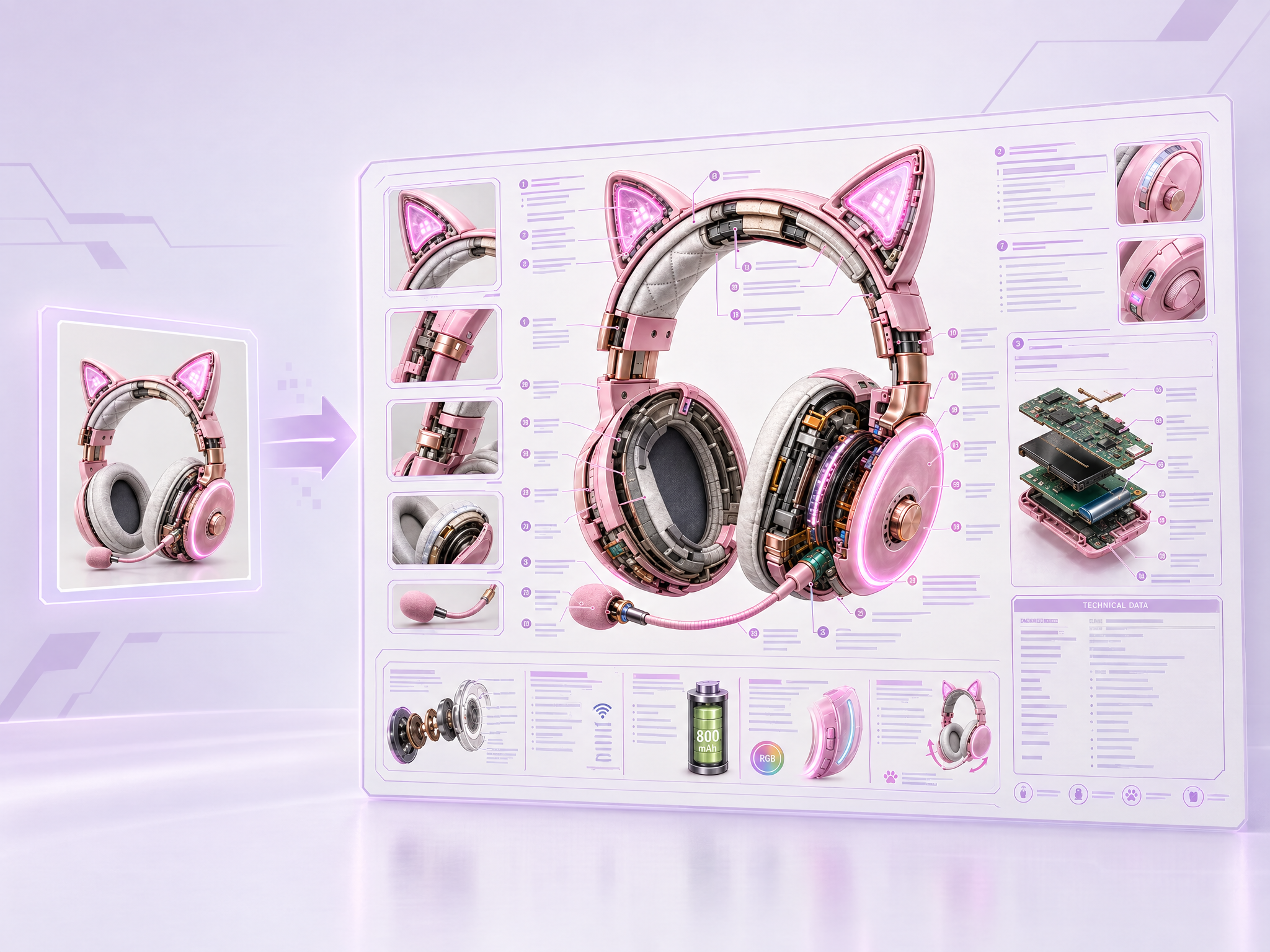
Transform any object into detailed annotated technical diagrams with cutaway views, callout labels, and specifications. Upload an image and the AI generates encyclopedia-quality illustrations with cross-sections, text blocks, and technical data panels.
T-Shirt Designer your visuals onto realistic t-shirt mockups with proper fabric wrapping and printing effects. Upload any graphic or design, and the AI places it on t-shirts with natural distortion or shadows.
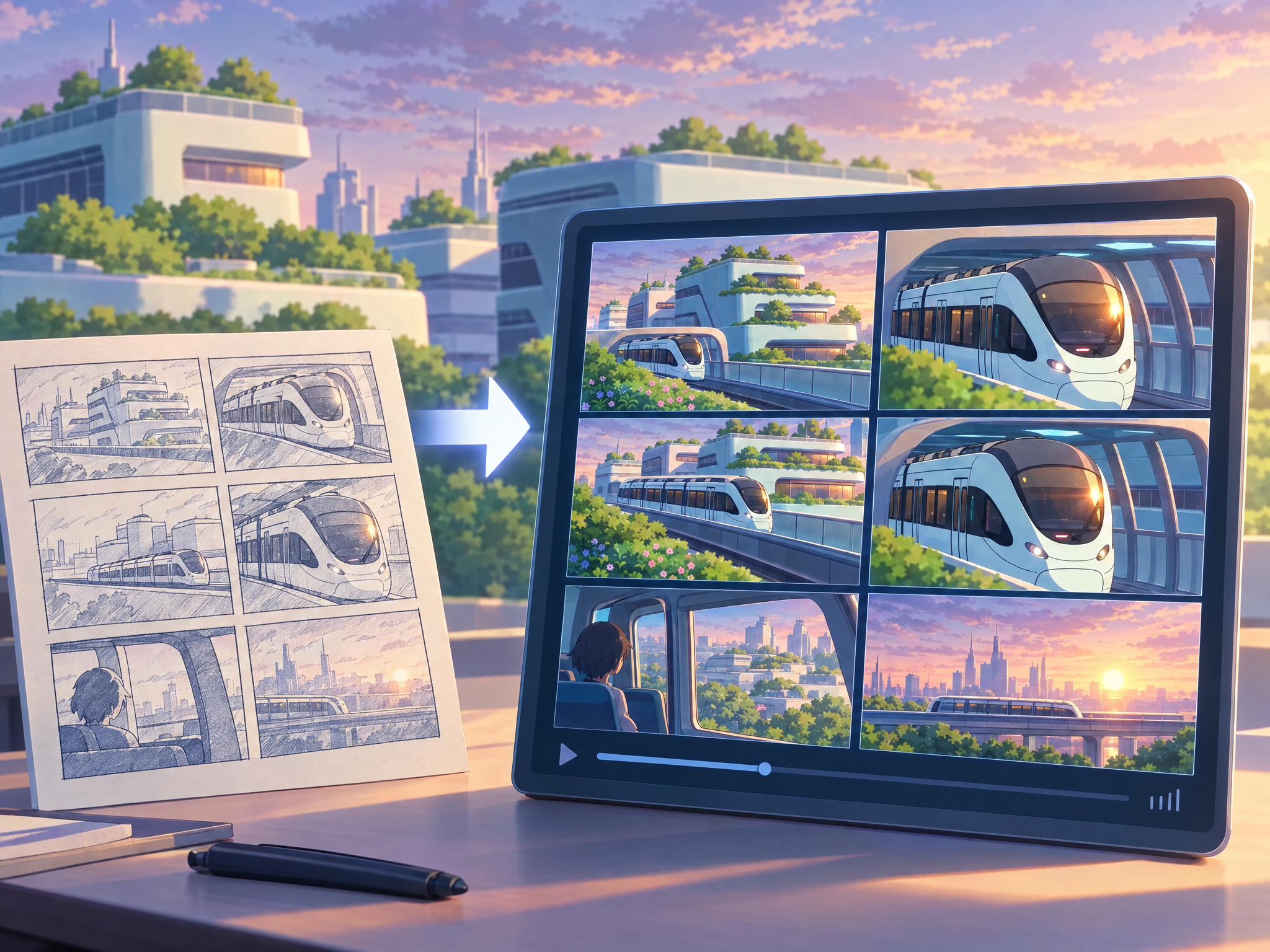
Bring your own 6-panel storyboard to life as a 6-shot cinematic sequence. Upload hand-drawn or digital boards and get a moving previs that keeps your framing and shot order. Ideal for pitching ad spots, game trailers and film scenes before production.
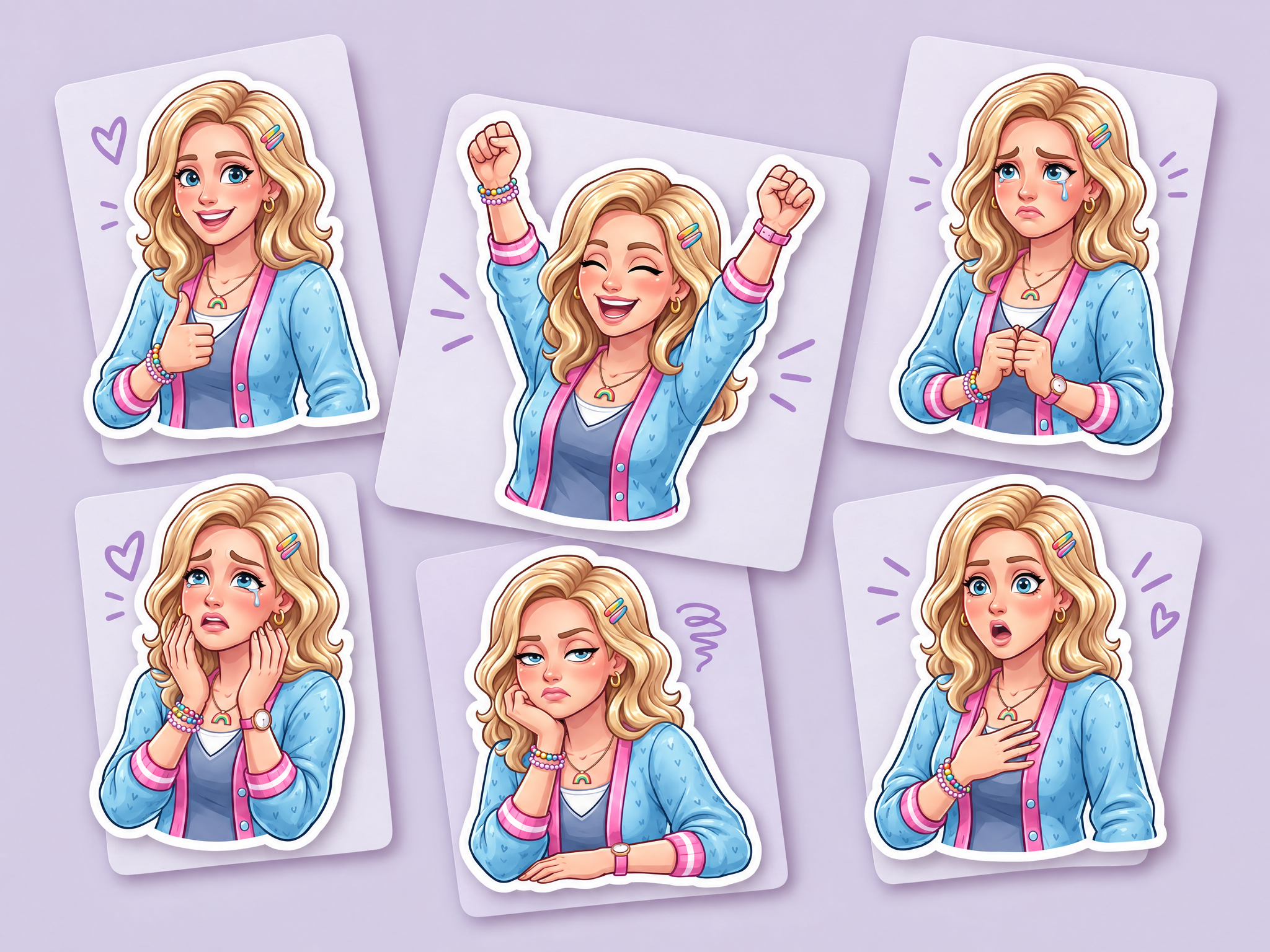
Turn any character into a sticker collection with varied poses and expressions. Upload your character and get multiple background-ready sticker variations for messaging apps and beyond.
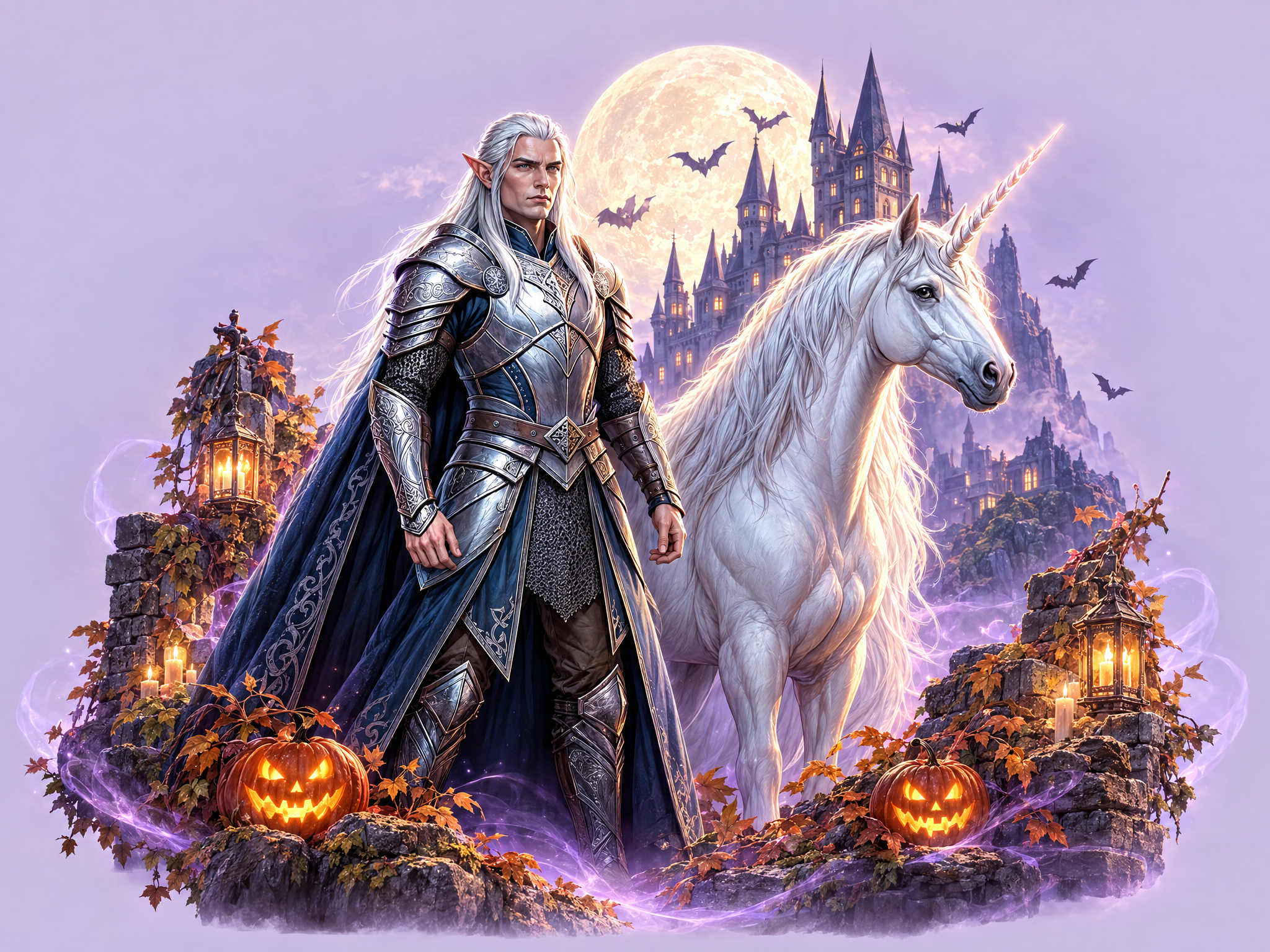
Combine characters, items and backgrounds into a polished event splash screen with clear depth and focal hierarchy. Upload your assets, describe the event, and get key art ready for live-ops announcements, in-game pop-ups, store banners and ad creatives.
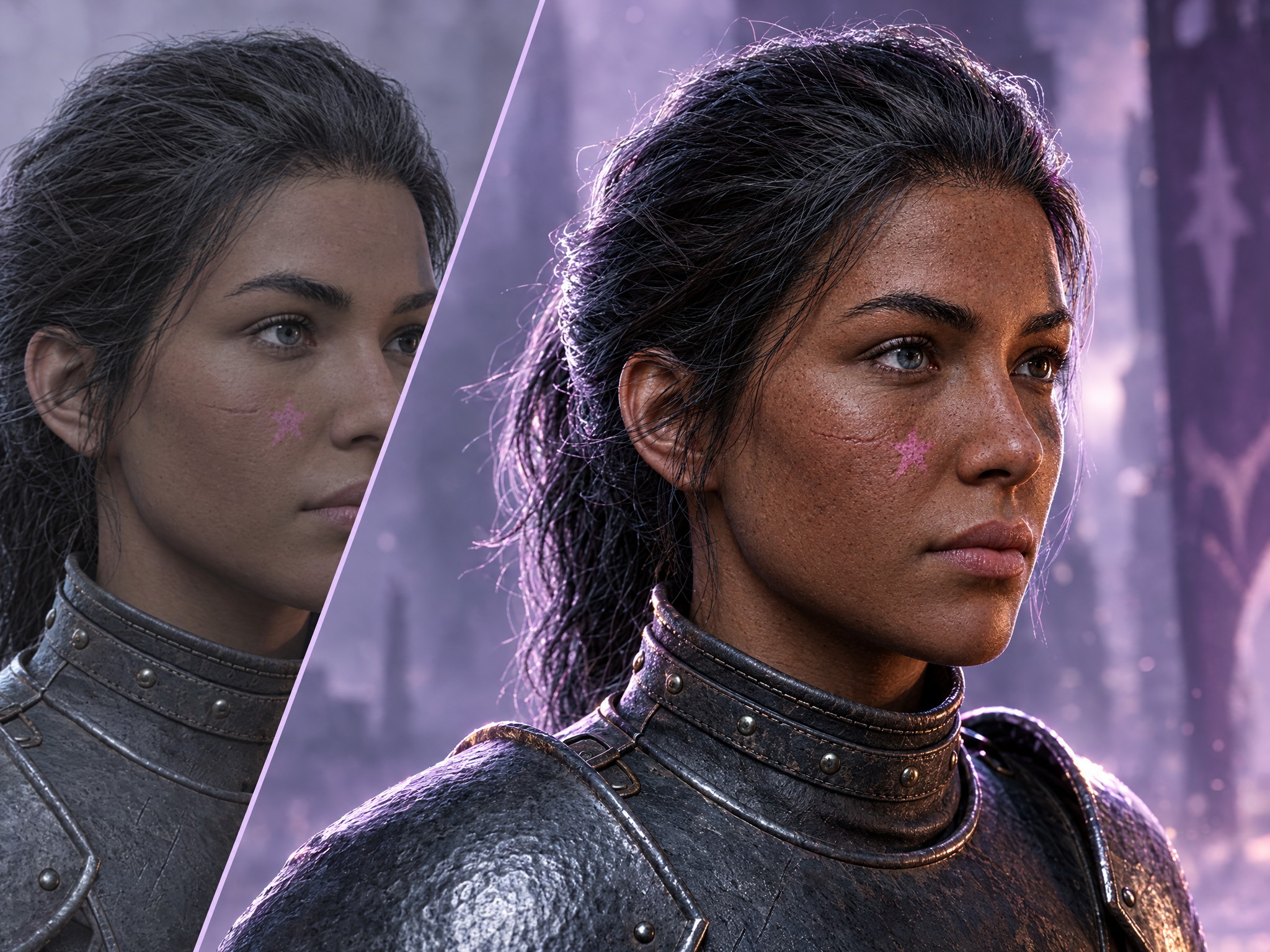
Skin Detail Enhancer adds natural pores, fine lines and realistic surface texture to portraits and character close-ups, making smooth or 'plastic' skin look photorealistic while preserving the subject's identity, expression and lighting. Ideal for bringing AI-generated or CG character renders up to AAA cinematic quality for key art, trailers and marketing close-ups.
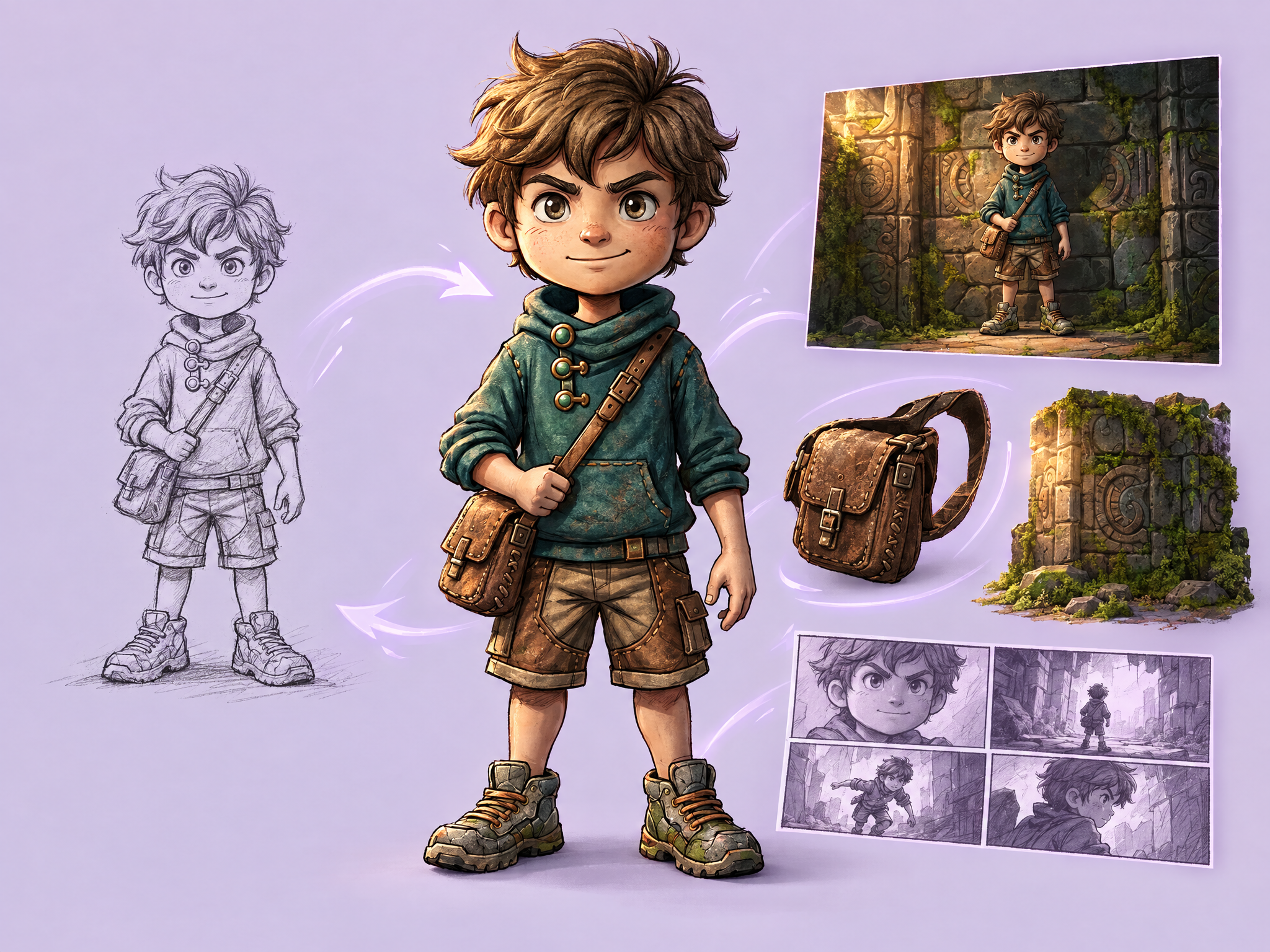
Turn rough sketches into fully colored renders, photoreal or stylized, while keeping the original composition and proportions. Ideal for quickly visualizing characters, props, environments and storyboard frames for games, film pre-vis and ad concepts.
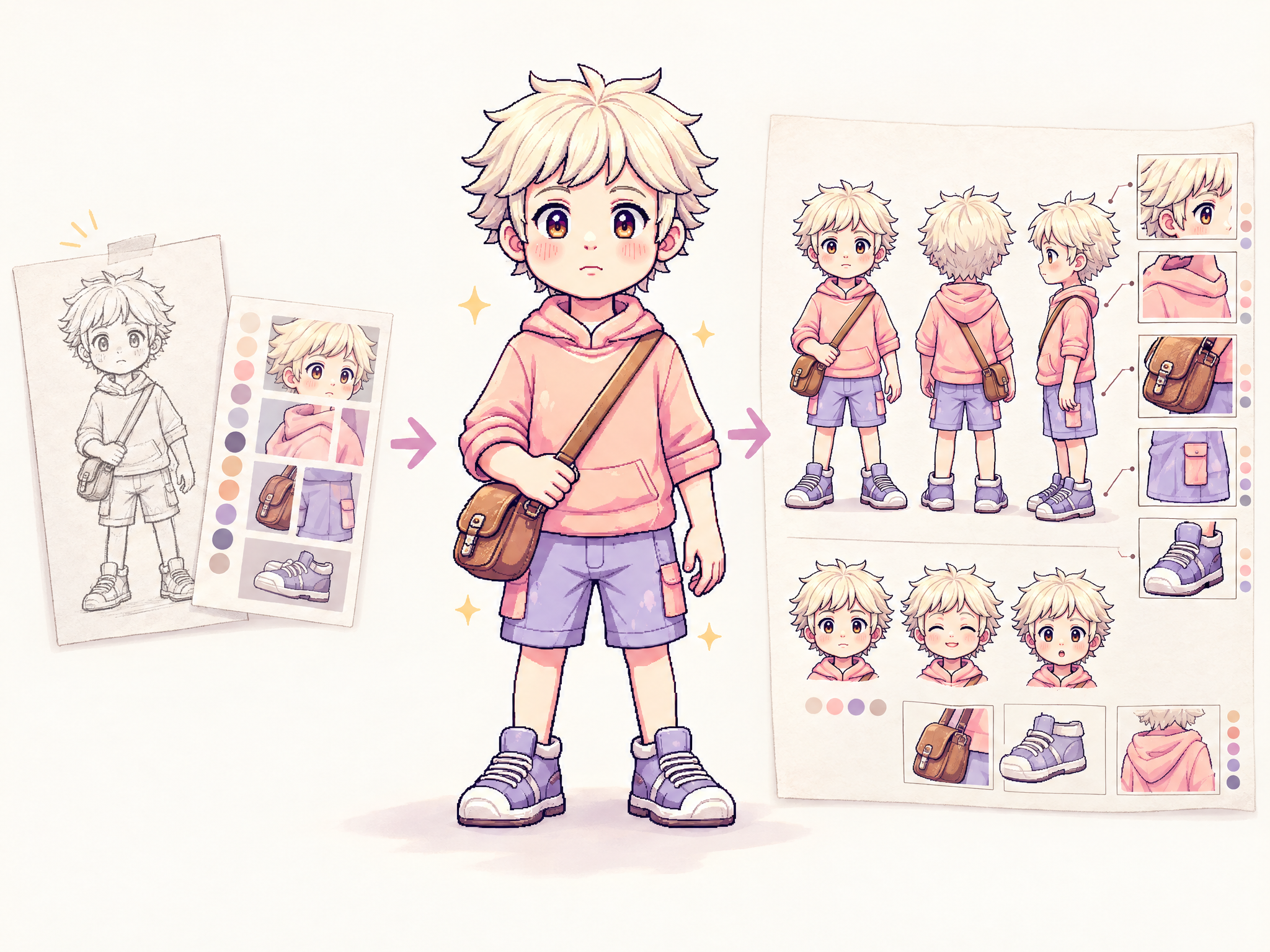
Upload a rough sketch and style references — the pipeline cleans lines, refines into full-color hero art, then outputs a final polished concept with an annotated callout sheet.
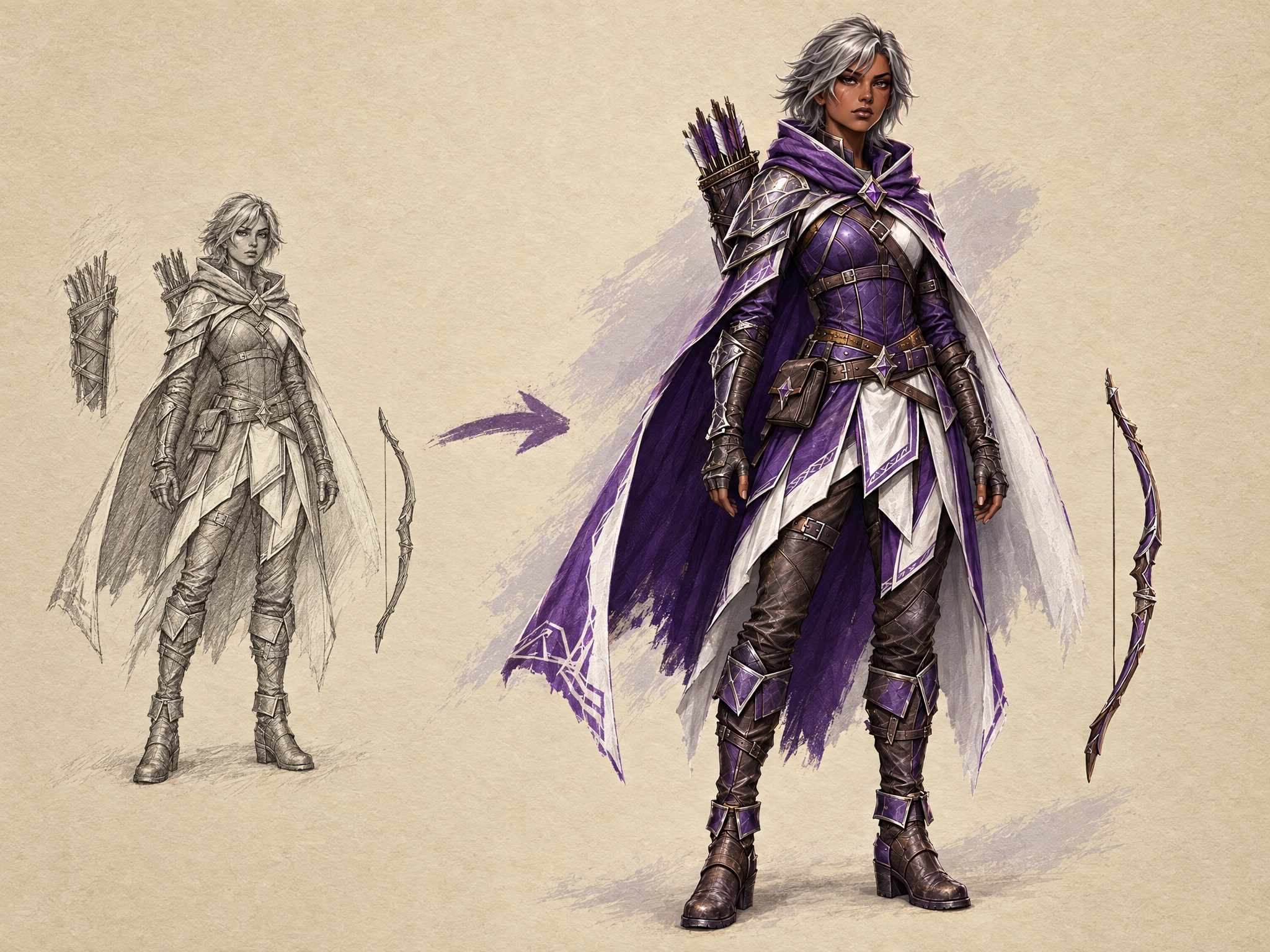
Transform your sketch by adding color, shading or textures.
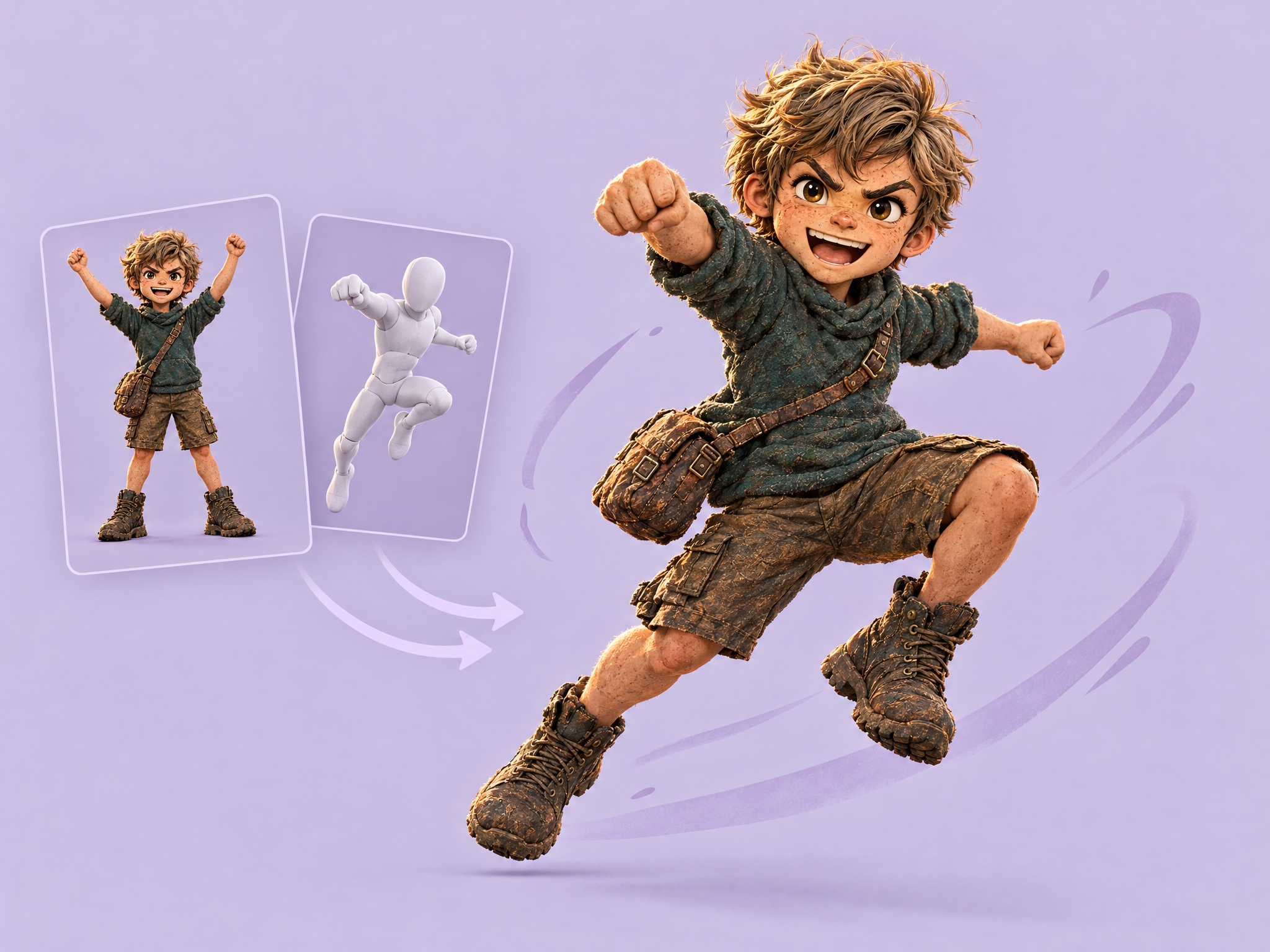
Put your character into any pose. Upload your character and a pose reference, and get the character in that exact pose with their design, outfit and proportions preserved. Ideal for character sheets, animation keyframes, game marketing art, ad creatives and film concept work.
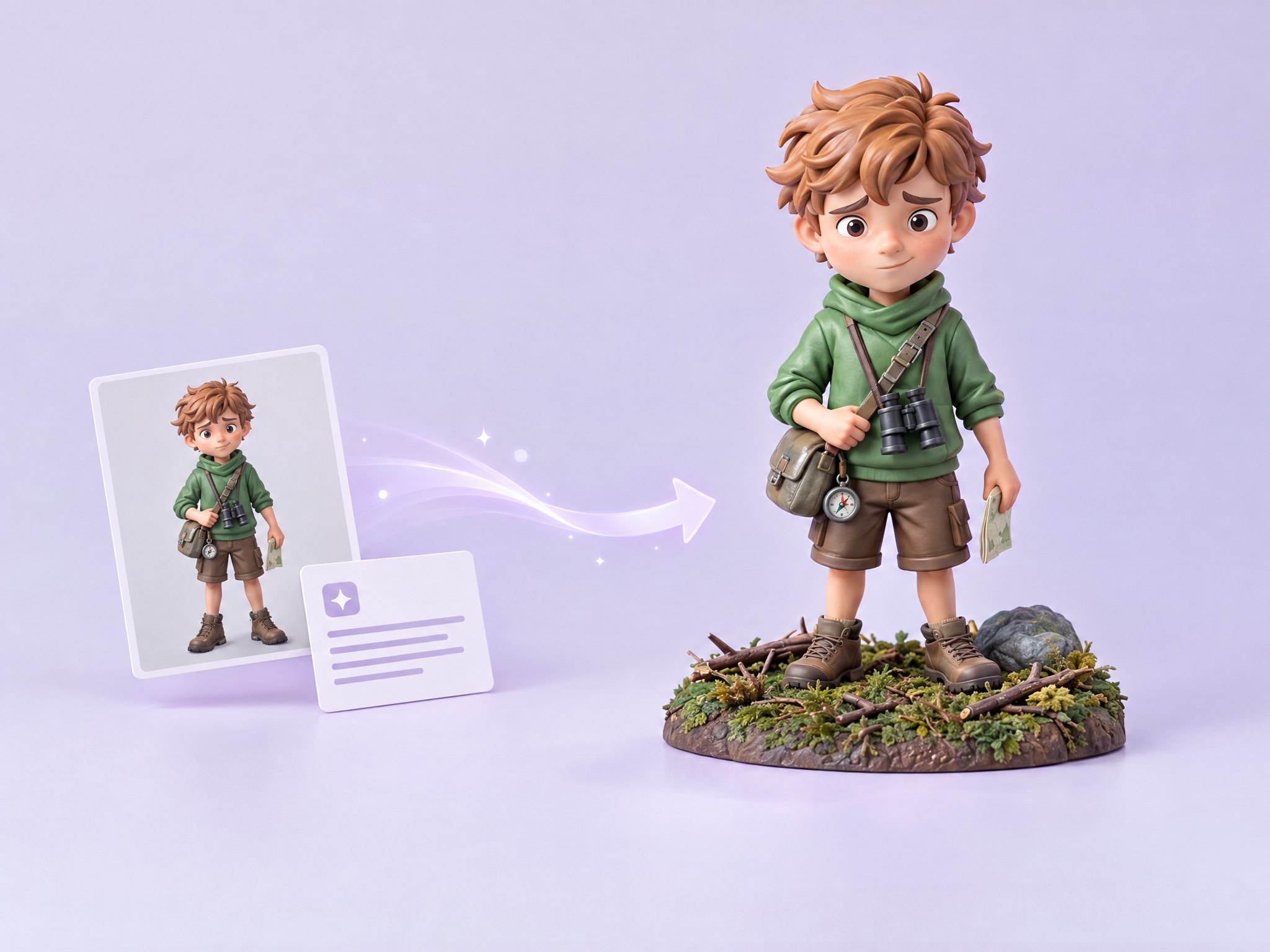
Upload a source asset and provide a brief. The Workflow writes an image-edit prompt and transforms the asset into an original collectible toy figurine.
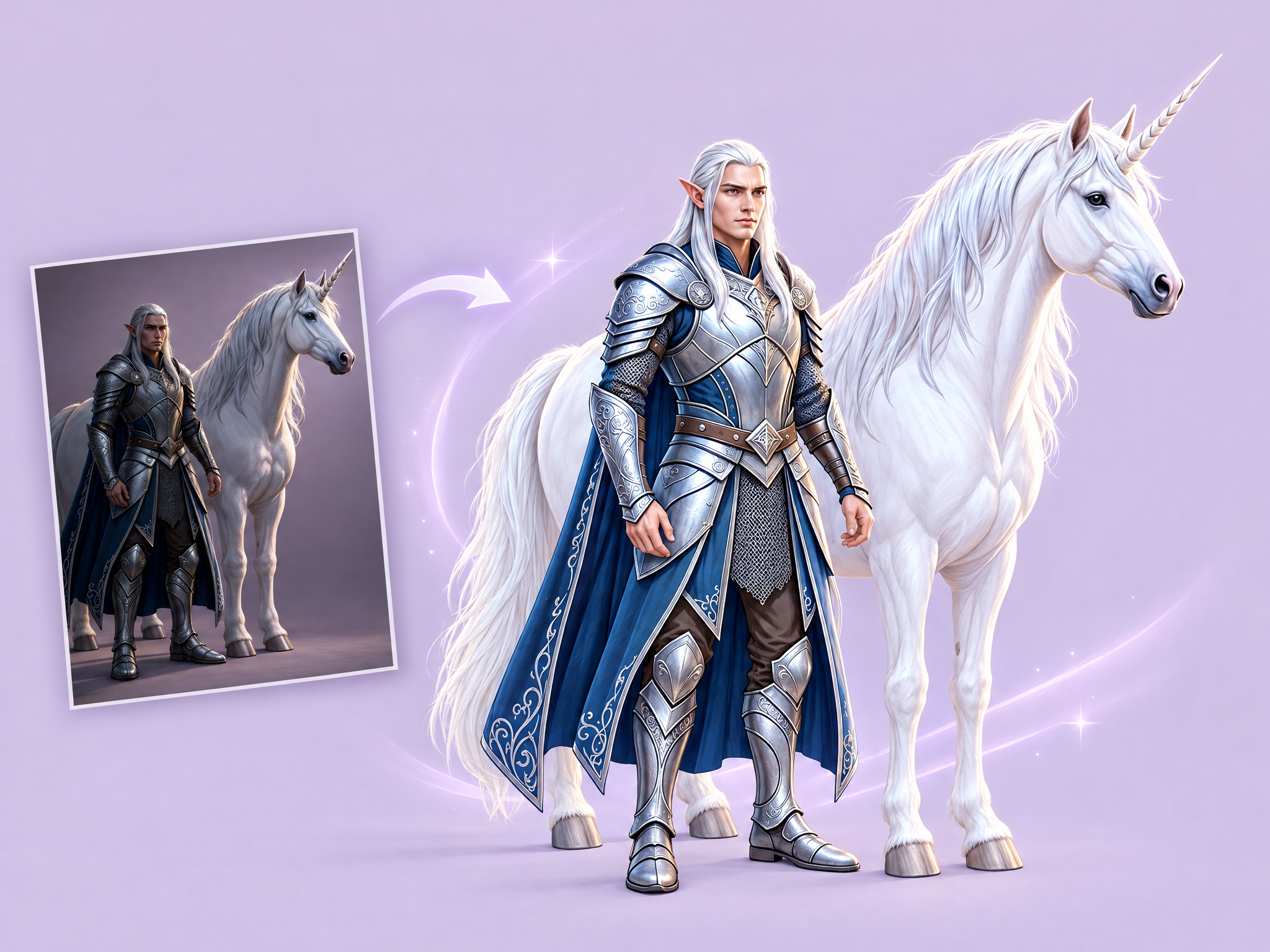
Clean up harsh or uneven shadows in photos, portraits and renders. Upload an image and get balanced, natural lighting with the subject unchanged. Ideal for prepping actor headshots, reference photos, product shots for ads and source images for other workflows.
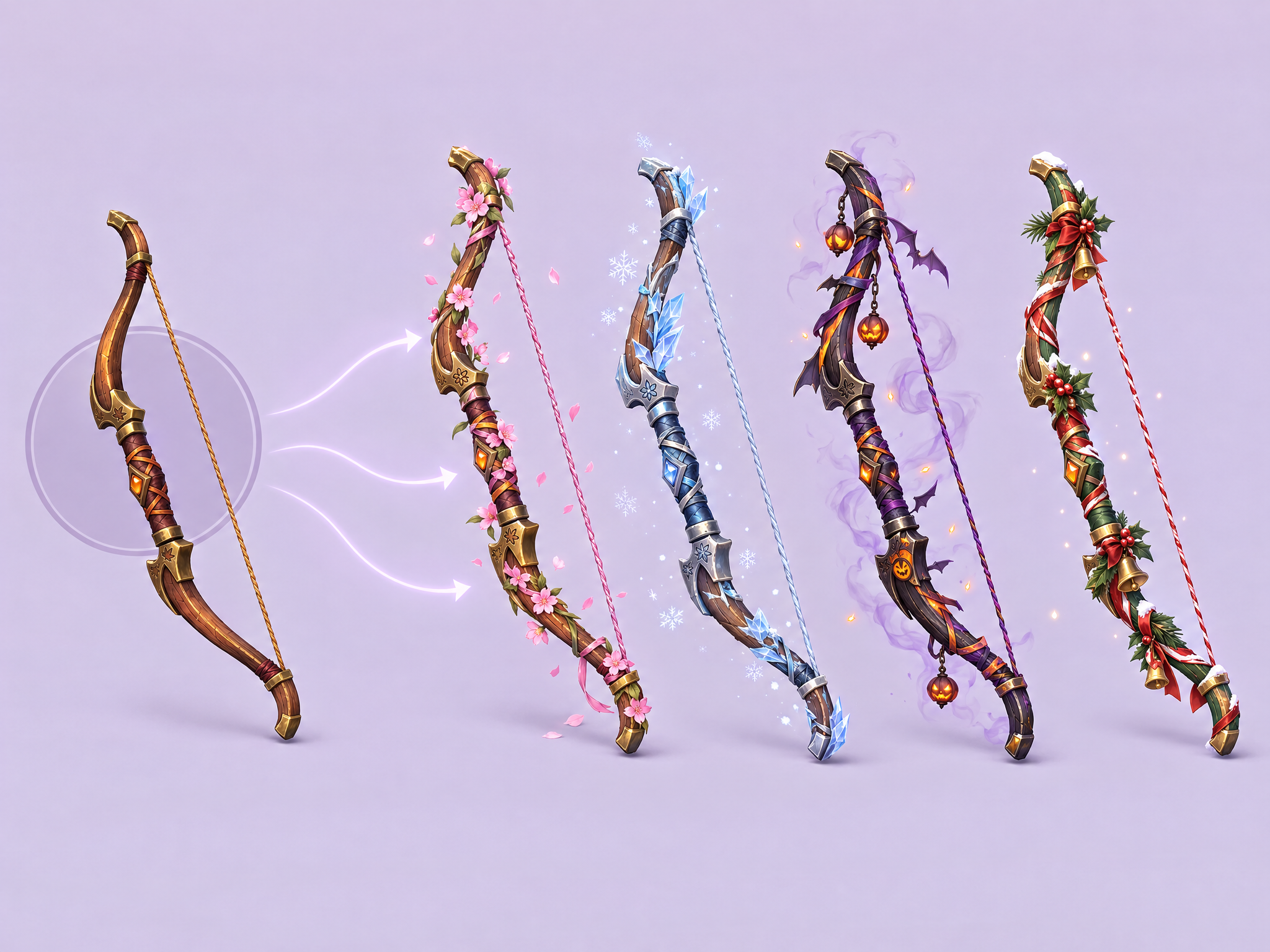
Create seasonal and event variants of game assets while maintaining the same art style and structure. Upload any asset and describe the theme, and the AI reskins it with appropriate colors, decorations, and effects. Perfect for seasonal events, holidays, and LiveOps.
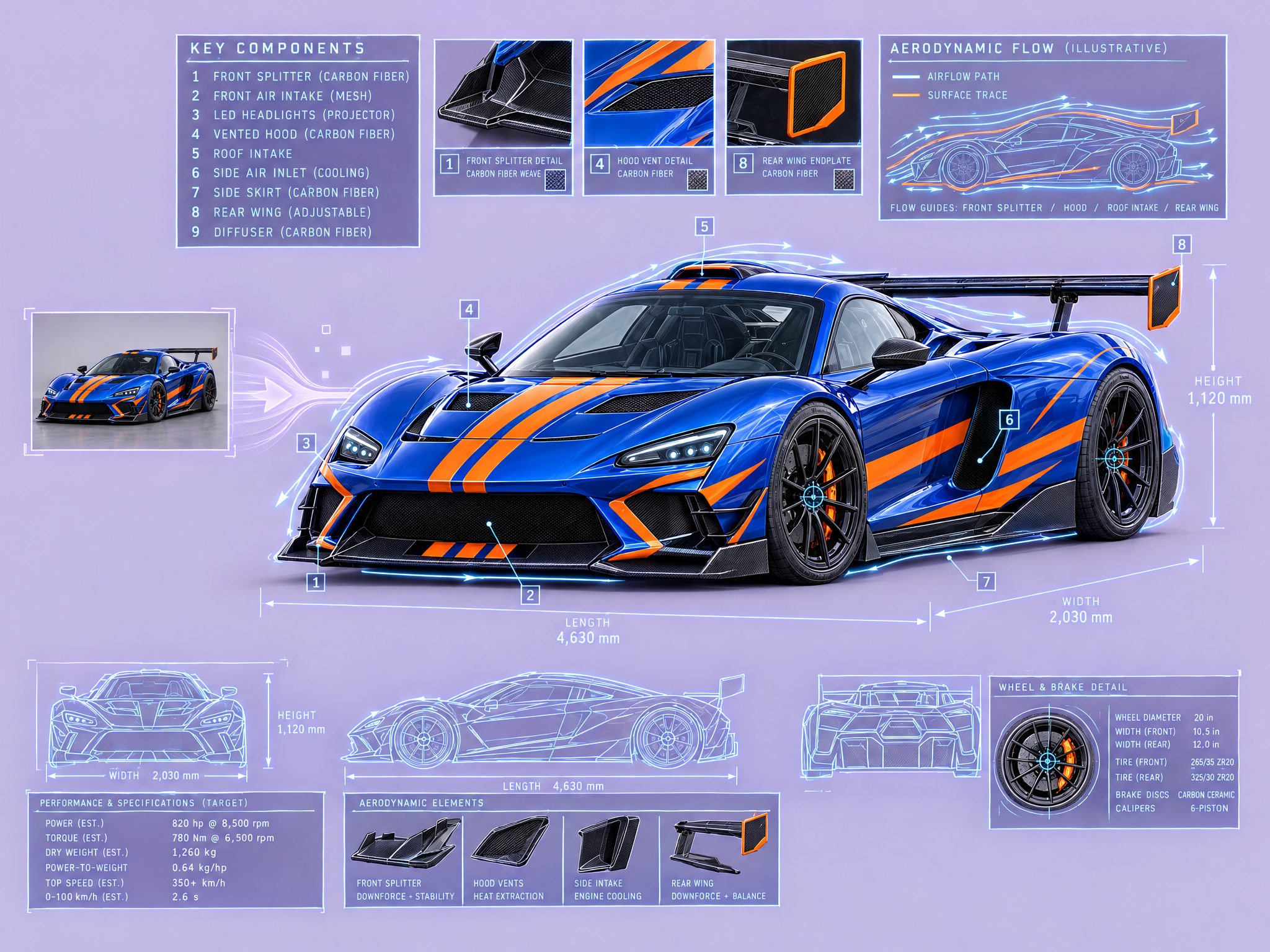
Generate scientific illustrations with technical annotations and data overlays.
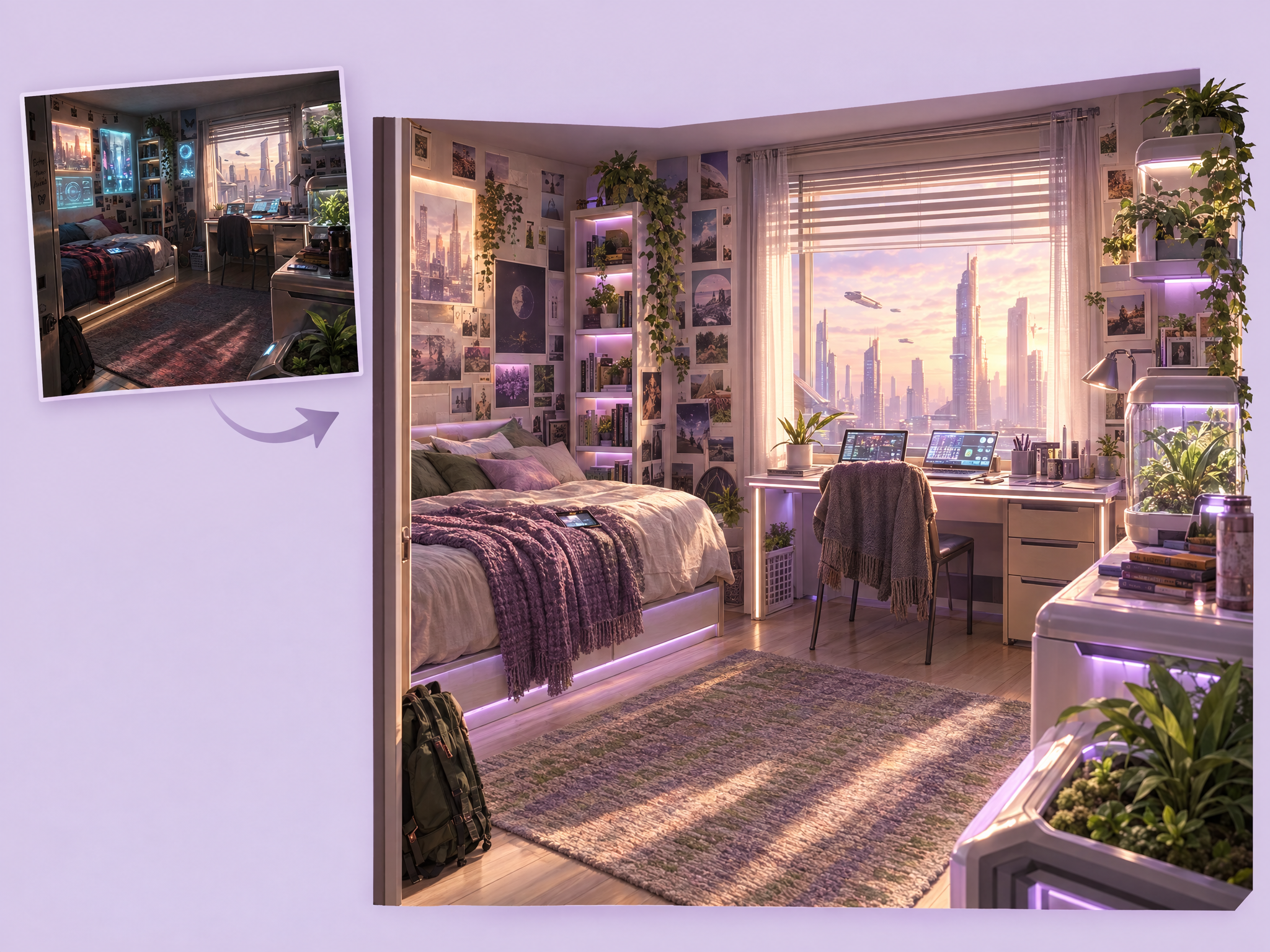
Restyle any interior without changing its layout. Upload a room or set image, choose a new style, palette or materials, and get the same space with a new look. Ideal for film set design, game interior variations, ad backdrops and exploring different moods for one location.
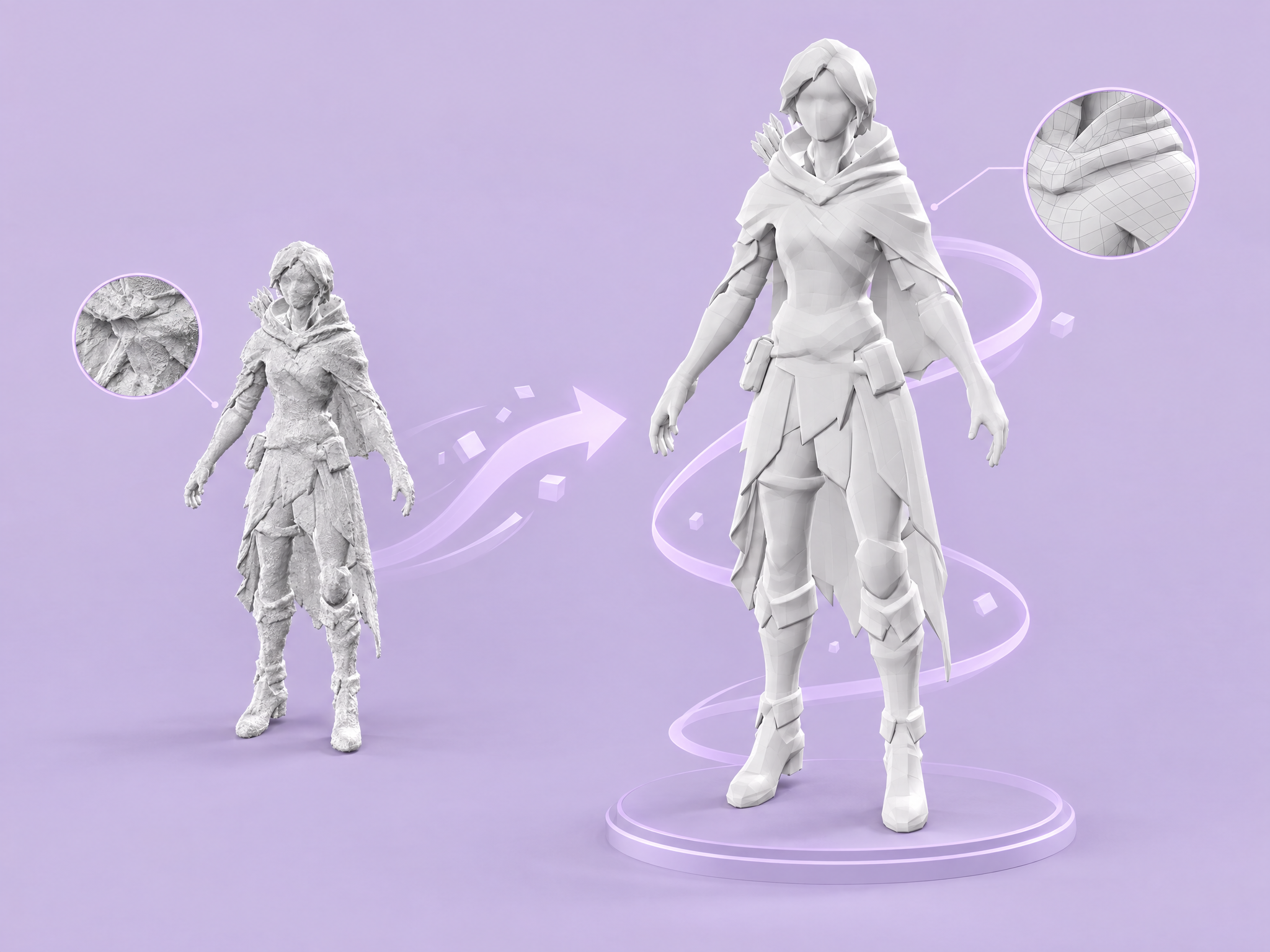
Instantly convert high-poly meshes into clean, optimized 3D topology.
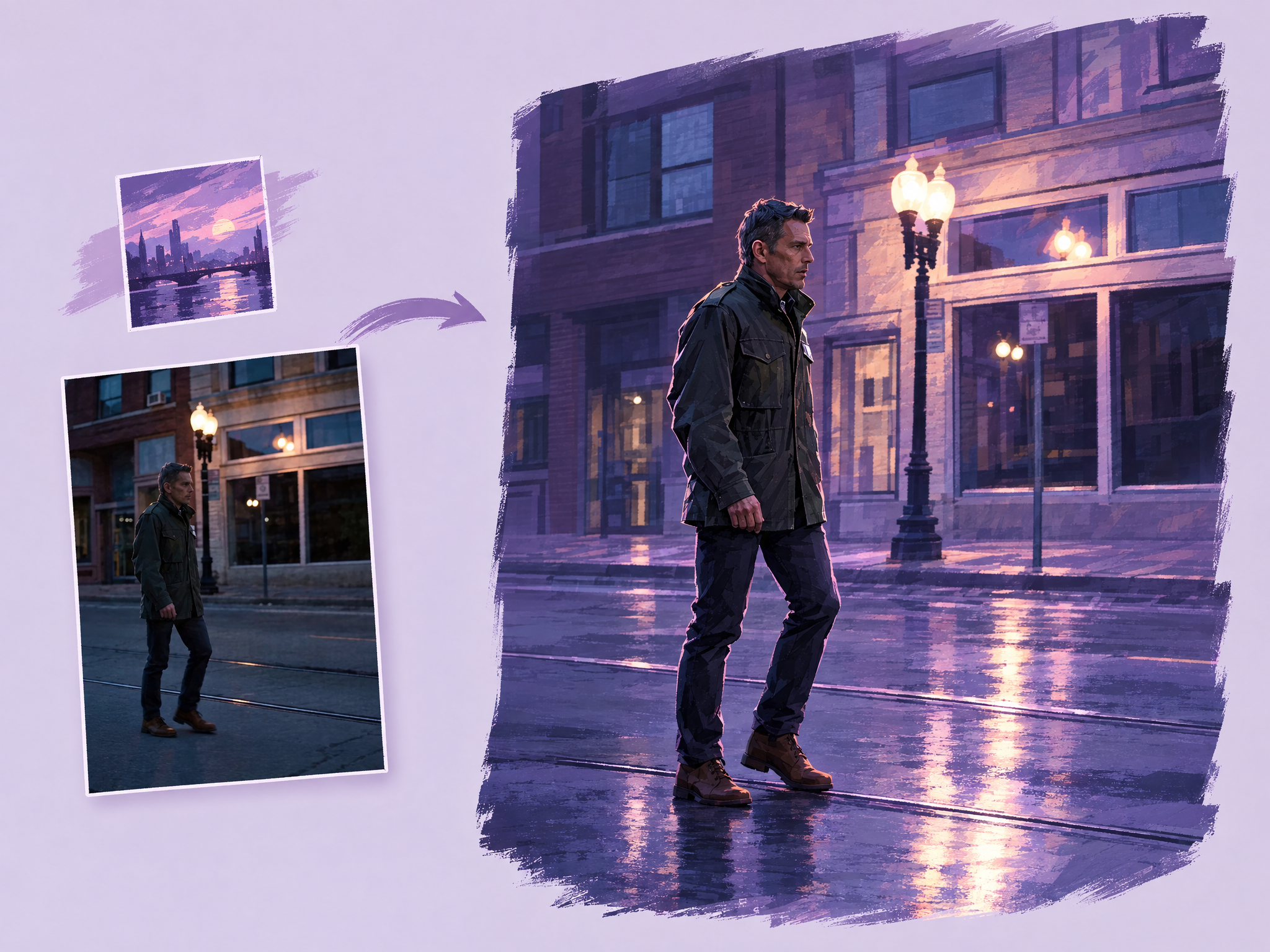
Re-render any short source clip in the rendering style of a reference image while preserving the original shot exactly. Use live-action footage, gameplay capture, or previs as motion and composition source; use one style reference for art direction. The output keeps motion, timing, clip duration, camera movement, framing, subject count and placement, and actions unchanged, while changing only technique, linework, texture, palette, lighting, materials, and rendering. Reference subjects and composition are never imported. Best for look tests, stylized trailers, cinematic experiments, and previs-to-final exploration.
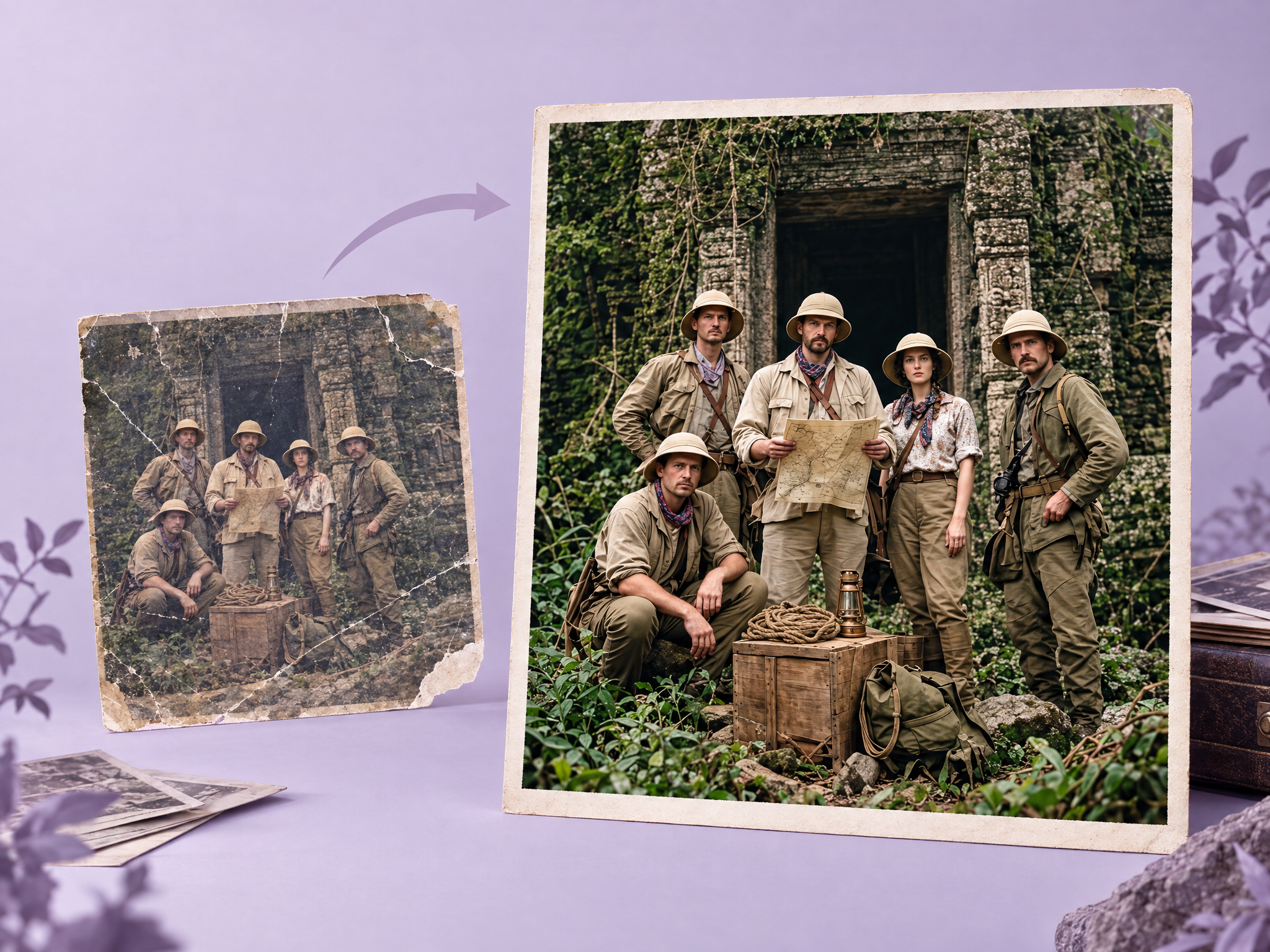
Bring damaged or faded photos back to life. Upload old photographs with scratches, tears or fading, and get a clean, sharp, color-corrected version that keeps the original look authentic. Ideal for documentary and period-film archives, heritage ad campaigns, restoring vintage reference photos for set and costume design, and game lore assets.
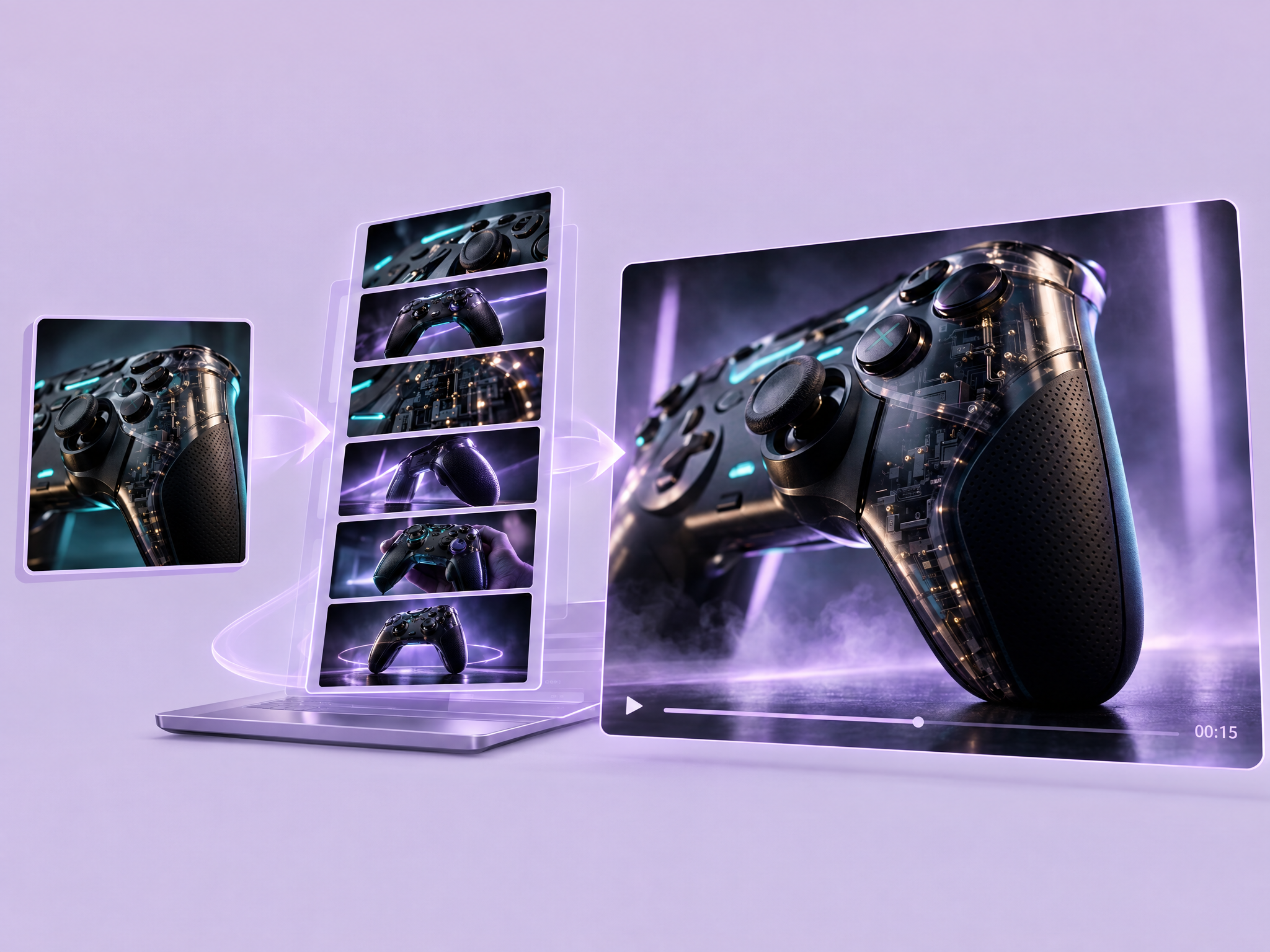
Turn one character or product image into a 15-second commercial. Upload a reference, and the workflow writes a 6-shot storyboard and animates it into a polished ad video with your subject kept consistent throughout. Ideal for game launch spots, film and series promos, product ads, pitches and social campaigns.
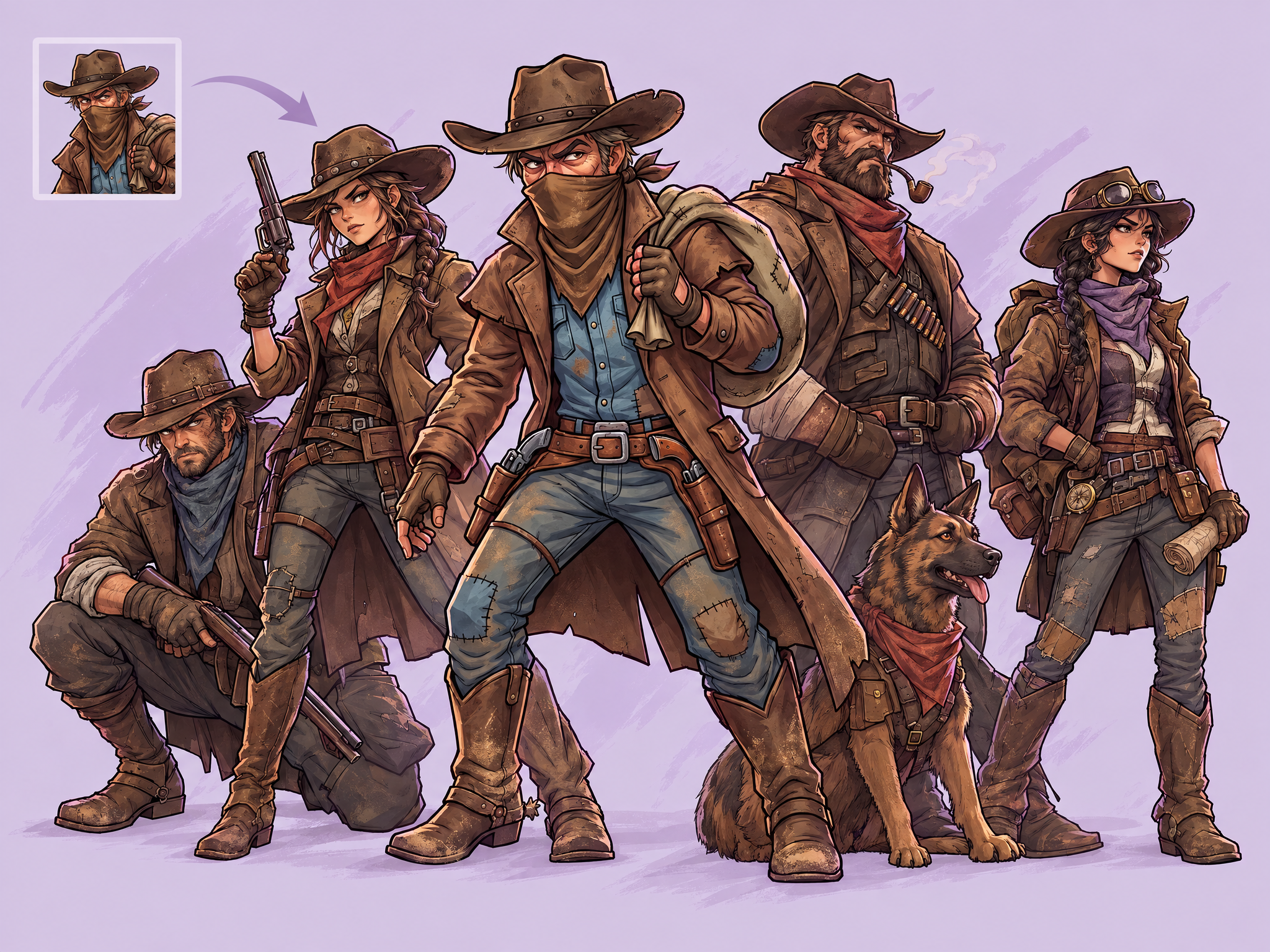
Create a whole cast of new characters from one reference. Upload a single character image and get a set of original characters that share its art style, proportions and visual DNA. Ideal for expanding game rosters, designing film or series ensembles, building mascot families for ads and keeping a consistent look across a project.
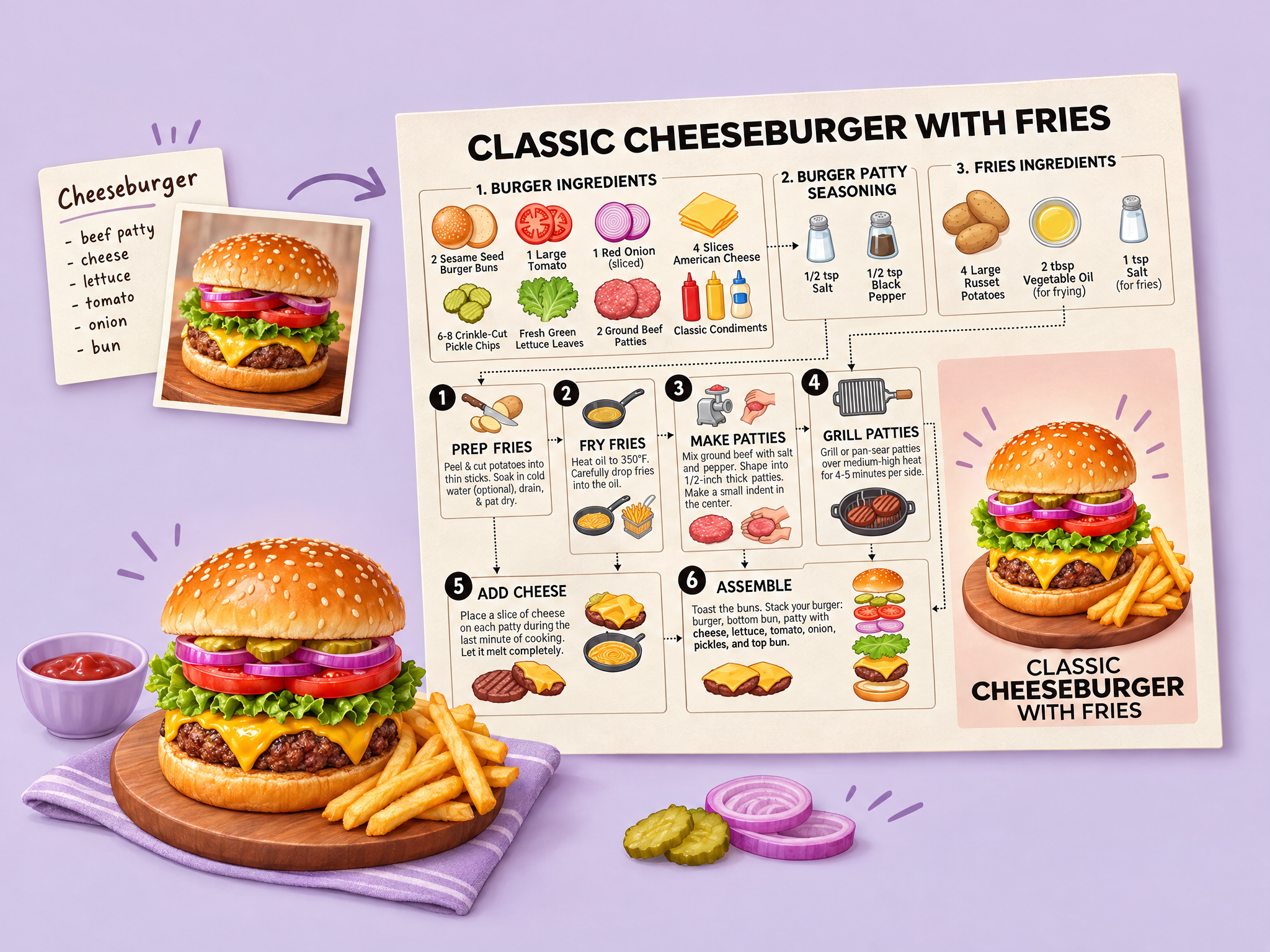
Turn any dish into a step-by-step recipe infographic. Enter a dish name or ingredients, optionally add a photo, and get a layout with ingredient shots, labeled quantities, cooking icons and a final plated hero shot. Ideal for food brand ads, social content, in-game cooking and crafting recipe cards, and prop recipe pages for film and series sets.
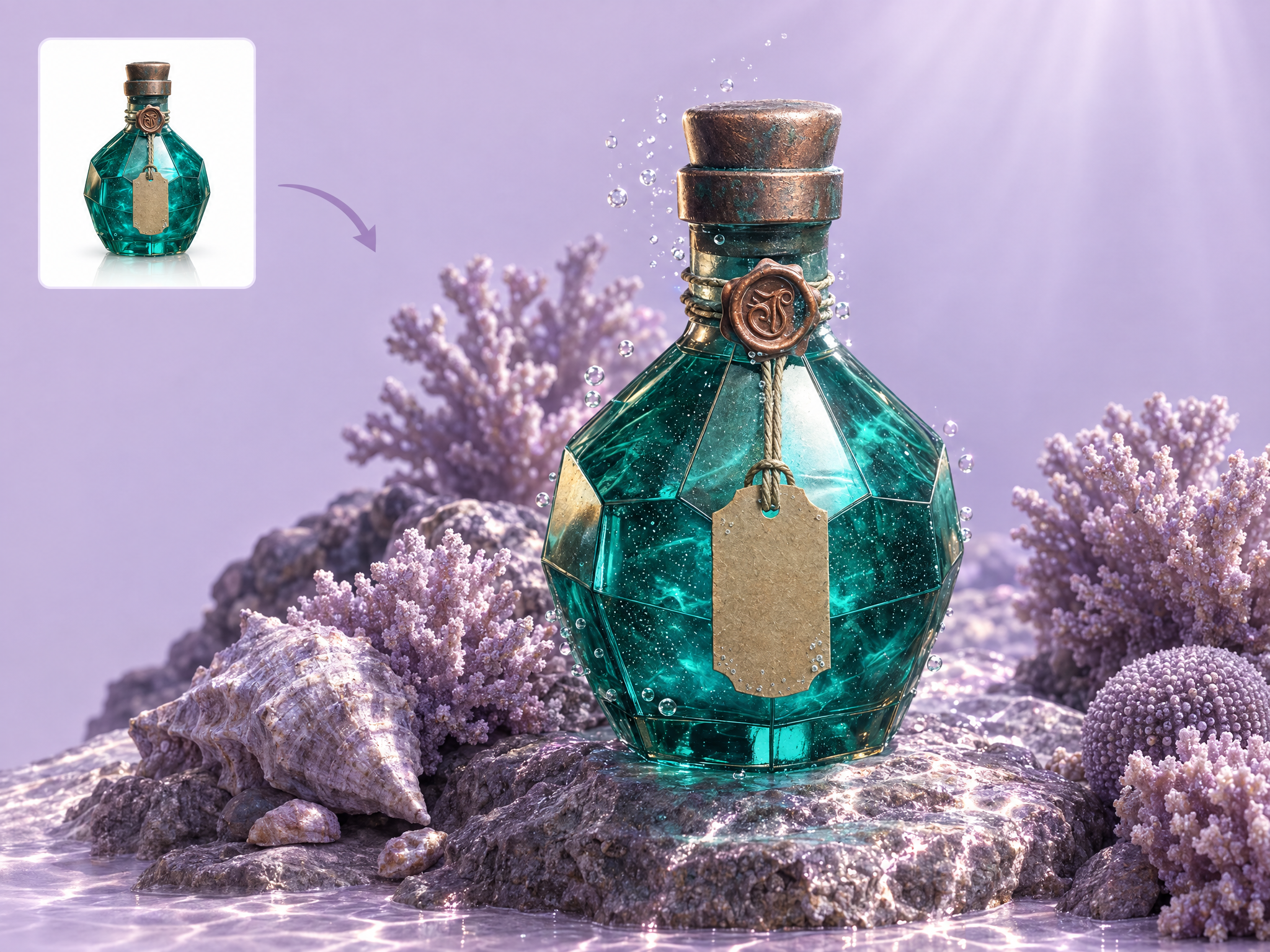
Drop any white-background product shot into a styled scene. Describe the setting and get your product placed naturally, with matching lighting, shadows and reflections. Ideal for game merch and collectible ads, gaming gear campaigns, film tie-in promos, store listings and social creatives.
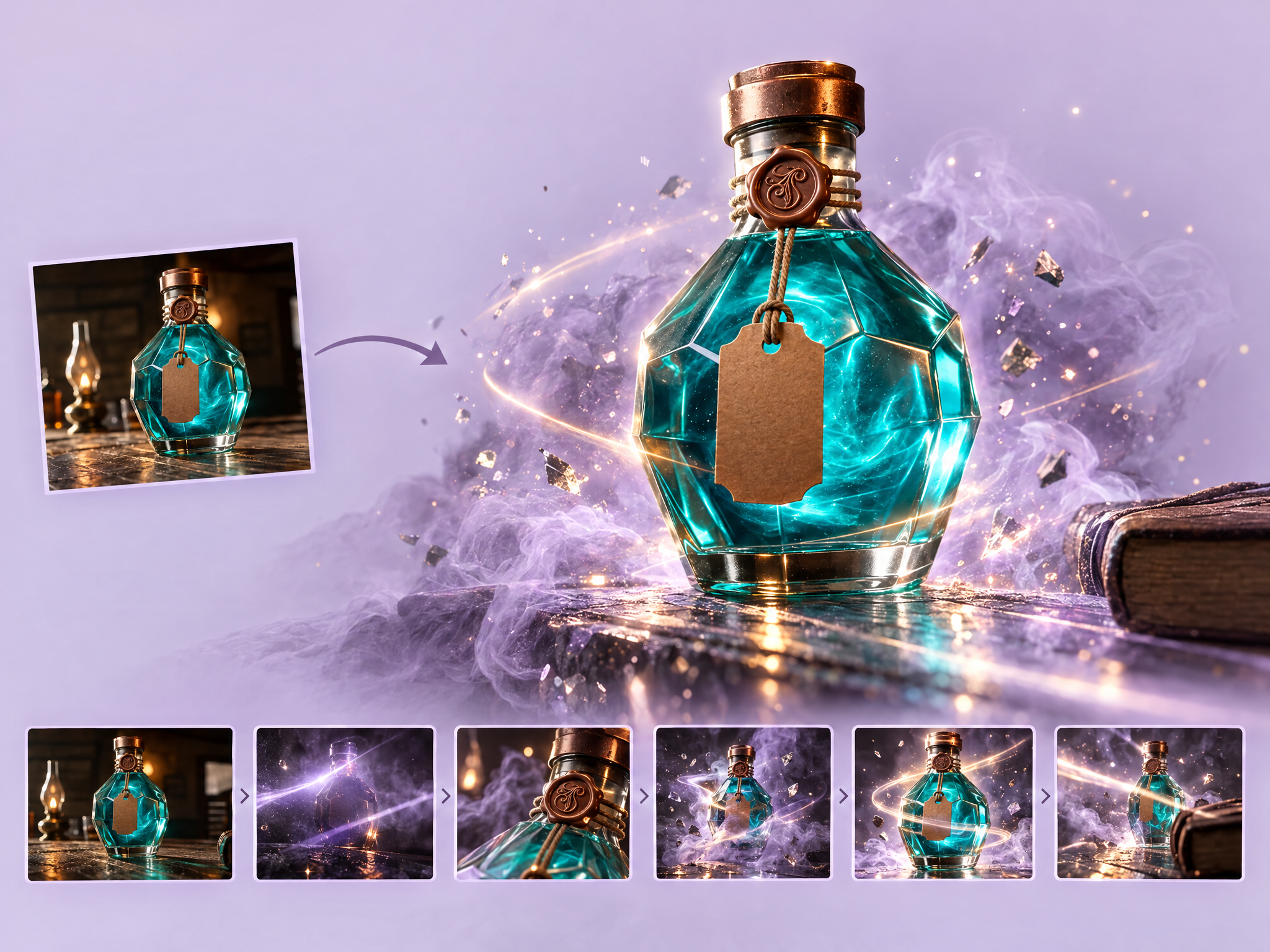
Turn a single product photo into a dramatic reveal video, with light sweeps, smoke, particles and camera moves that unveil your product like a launch trailer. Ideal for game merch and collectible drops, gaming gear launches, film tie-in products, ad teasers and social countdown posts.
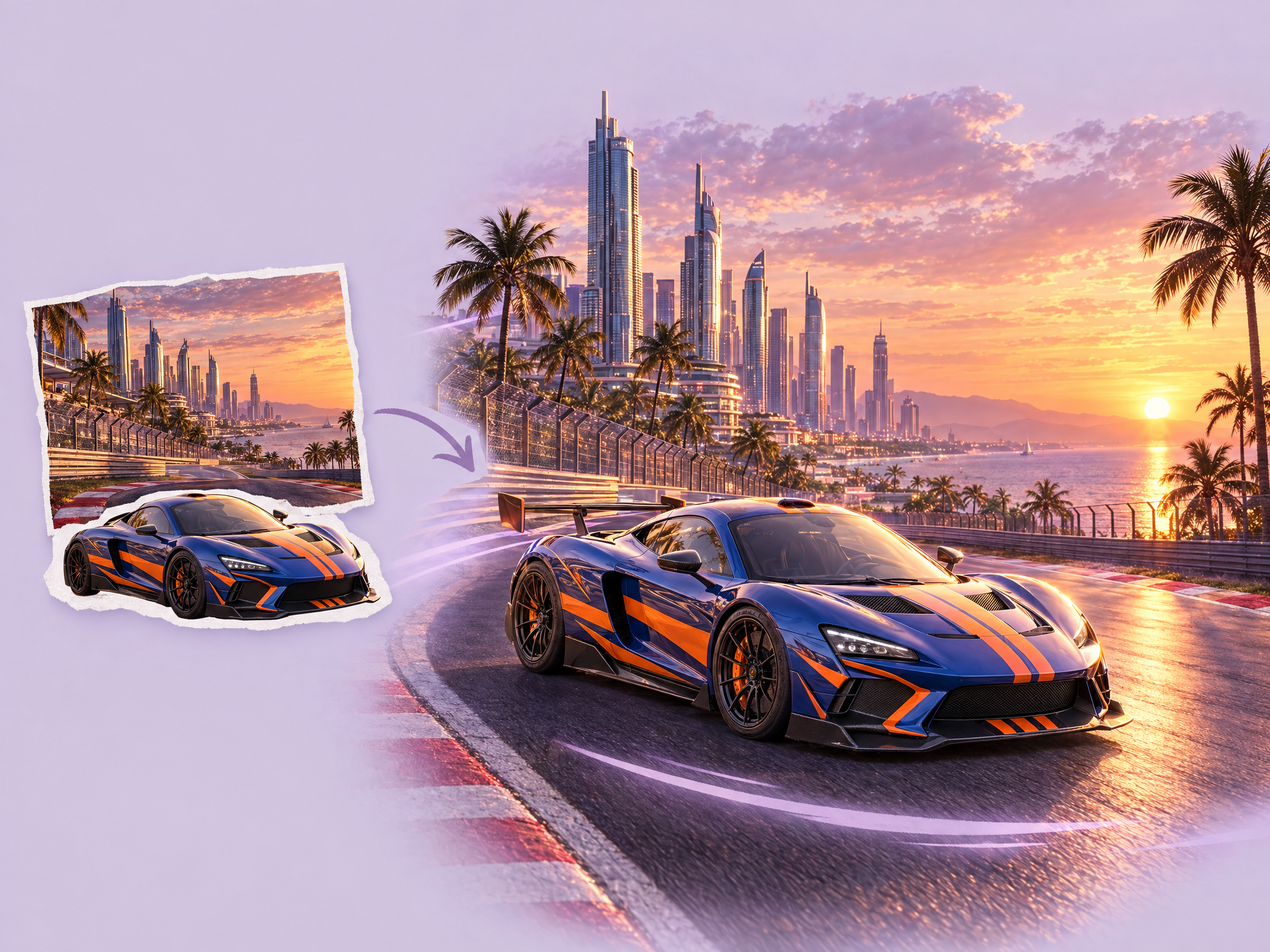
Turn a rough cut-and-paste collage into a seamless final image. Place your product, character or prop onto a background, upload the collage, and the AI fixes perspective, matches lighting and shadows, and blends everything naturally. Ideal for game key art, film poster and VFX mockups, ad composites and product-in-scene visuals.
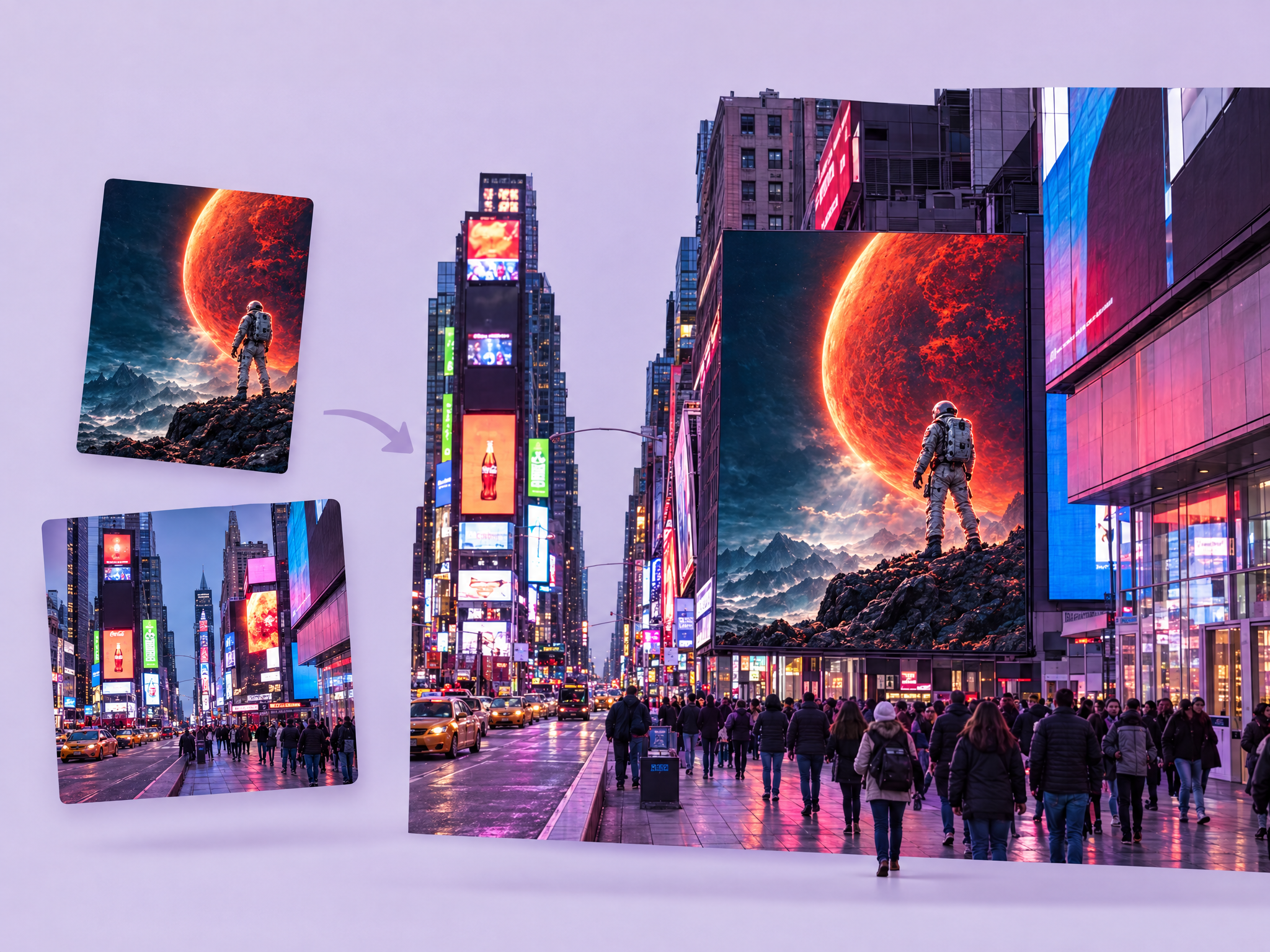
See your campaign on a real billboard before it's printed. Upload any visual (game key art, a movie poster or a product ad), describe the location, and get a realistic out-of-home mockup with correct perspective, lighting and environment. Ideal for pitching game launches, film and series campaigns, product ads and client presentations.
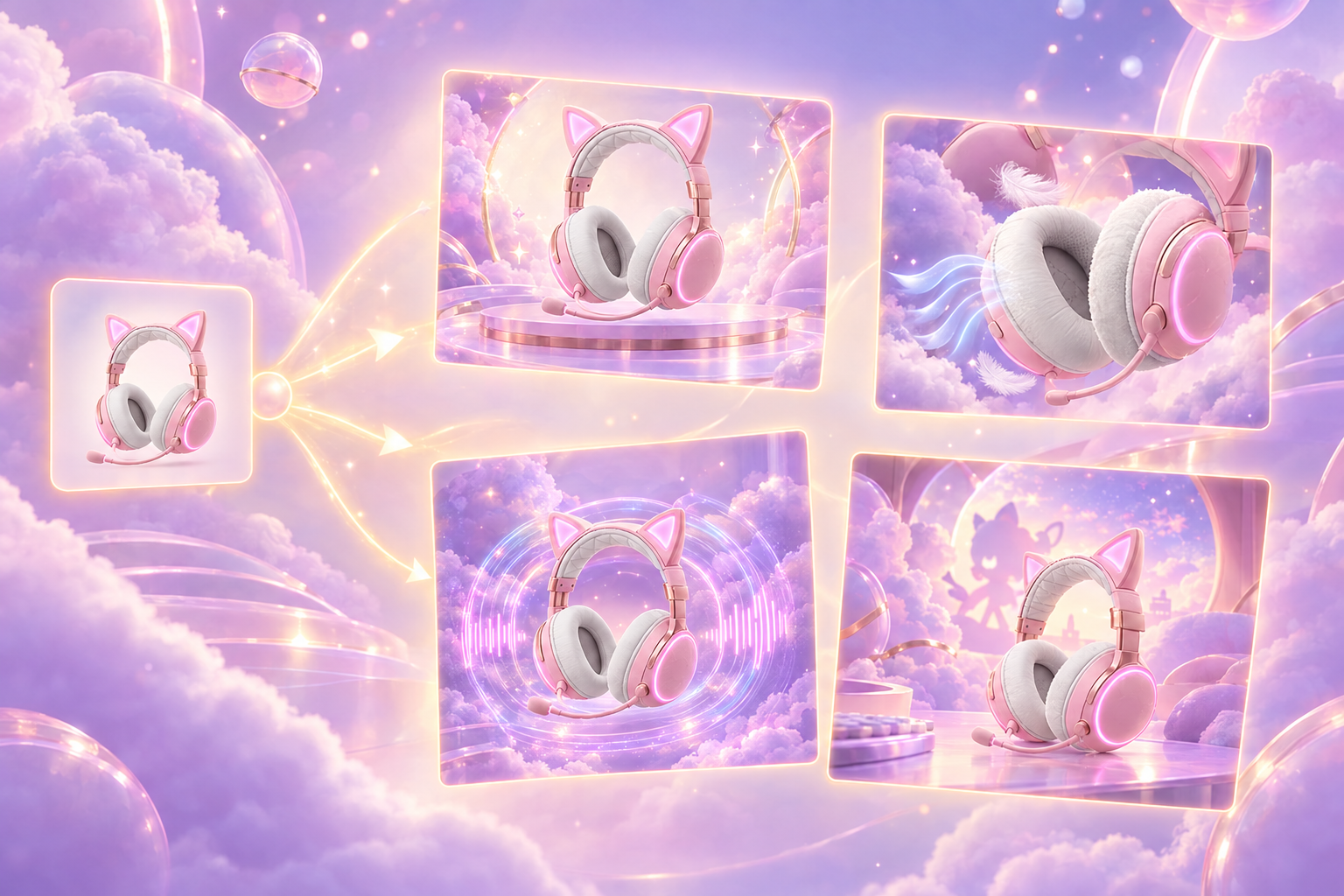
Turn one product photo into a set of ad creatives, each highlighting a different selling point. The AI reads the product, identifies its strongest features, and generates one polished ad image per feature, with optional brand reference for a consistent look. Ideal for gaming gear and merch campaigns, film tie-in products, A/B testing ad creatives and social ad sets.
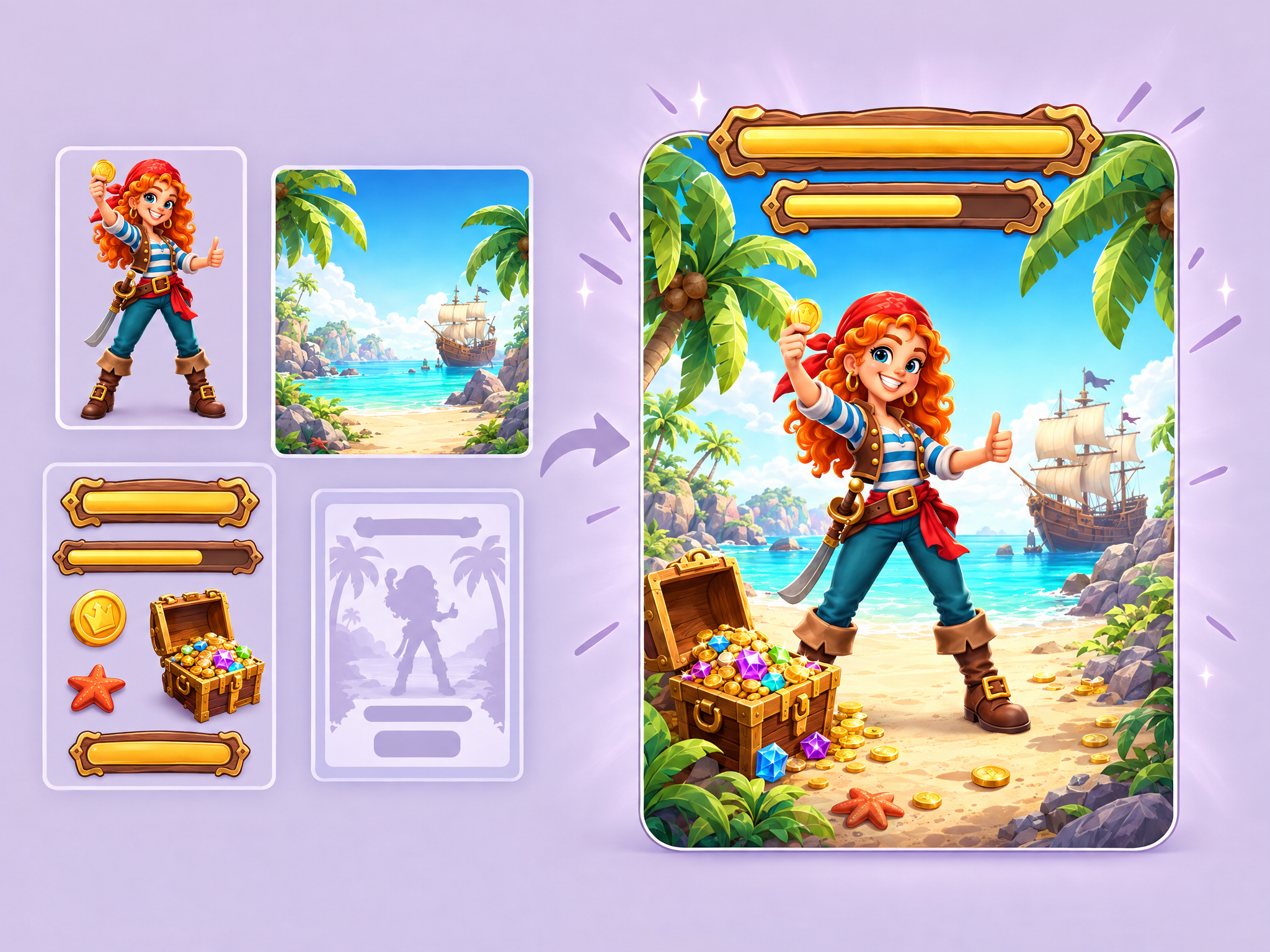
Build finished in-game popups from your separate assets. Upload a character, background, UI elements and optionally a reference layout, and get a complete popup with the character, frame, buttons and rewards arranged with clear hierarchy. Ideal for mobile LiveOps events, offers and sales, new content announcements, and quick ad and store creatives.
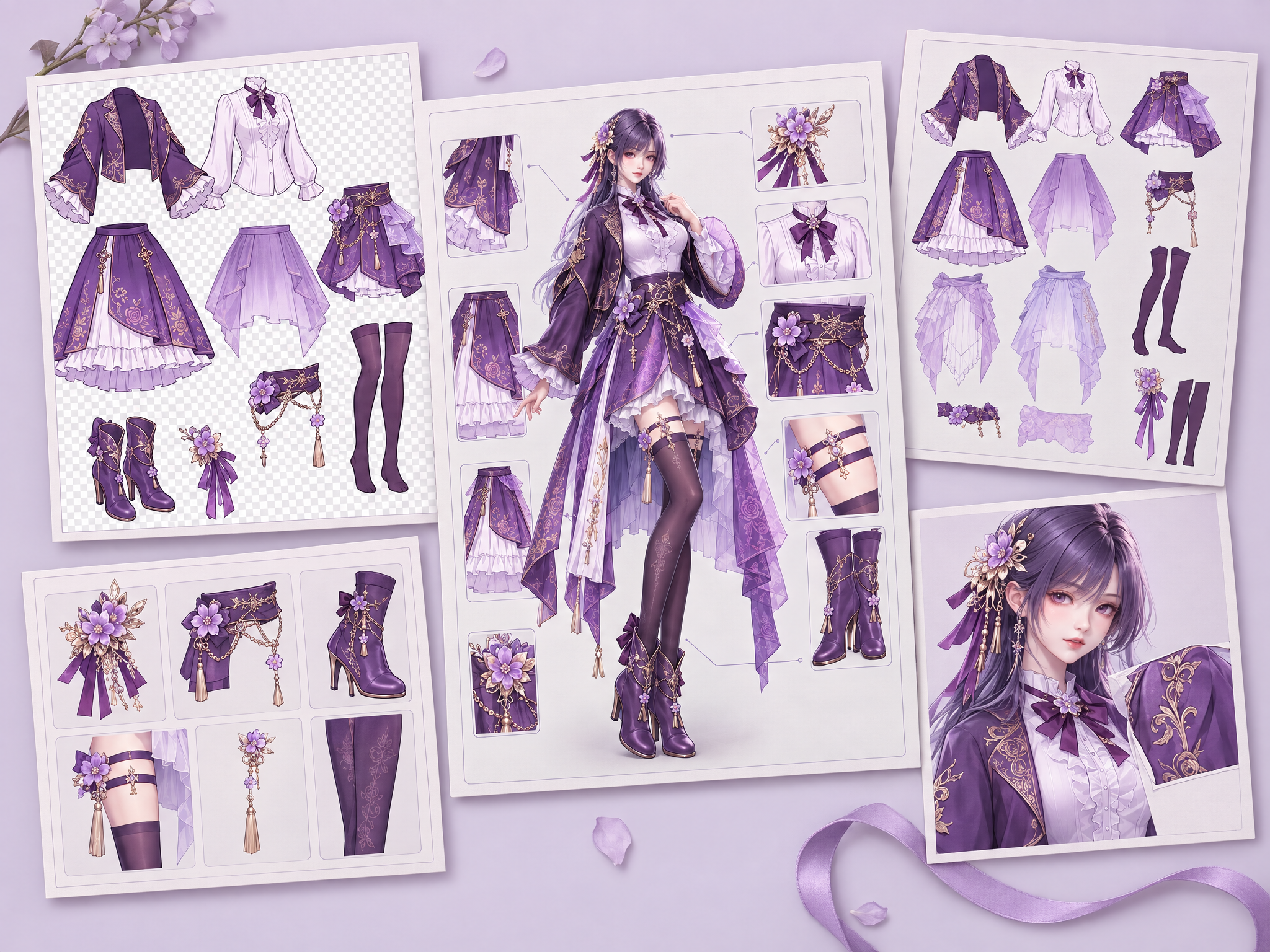
Upload a full-body game character reference (concept art, in‑game render, or character sheet) and get two outputs: 1) A catalog-style breakdown sheet: full character centered, each visible outfit piece/accessory/held item isolated around it with clean connector lines and material close-ups. 2) A set of standalone, UI-ready item assets: one image per extracted clothing item/accessory/held object, background removed to true transparency (alpha) for direct import into dress-up/inventory UIs. Designed for accurate outfit/skin documentation, concept hand-off, and marketplace display art. Preserves materials/colors/design from the source (no redesign).
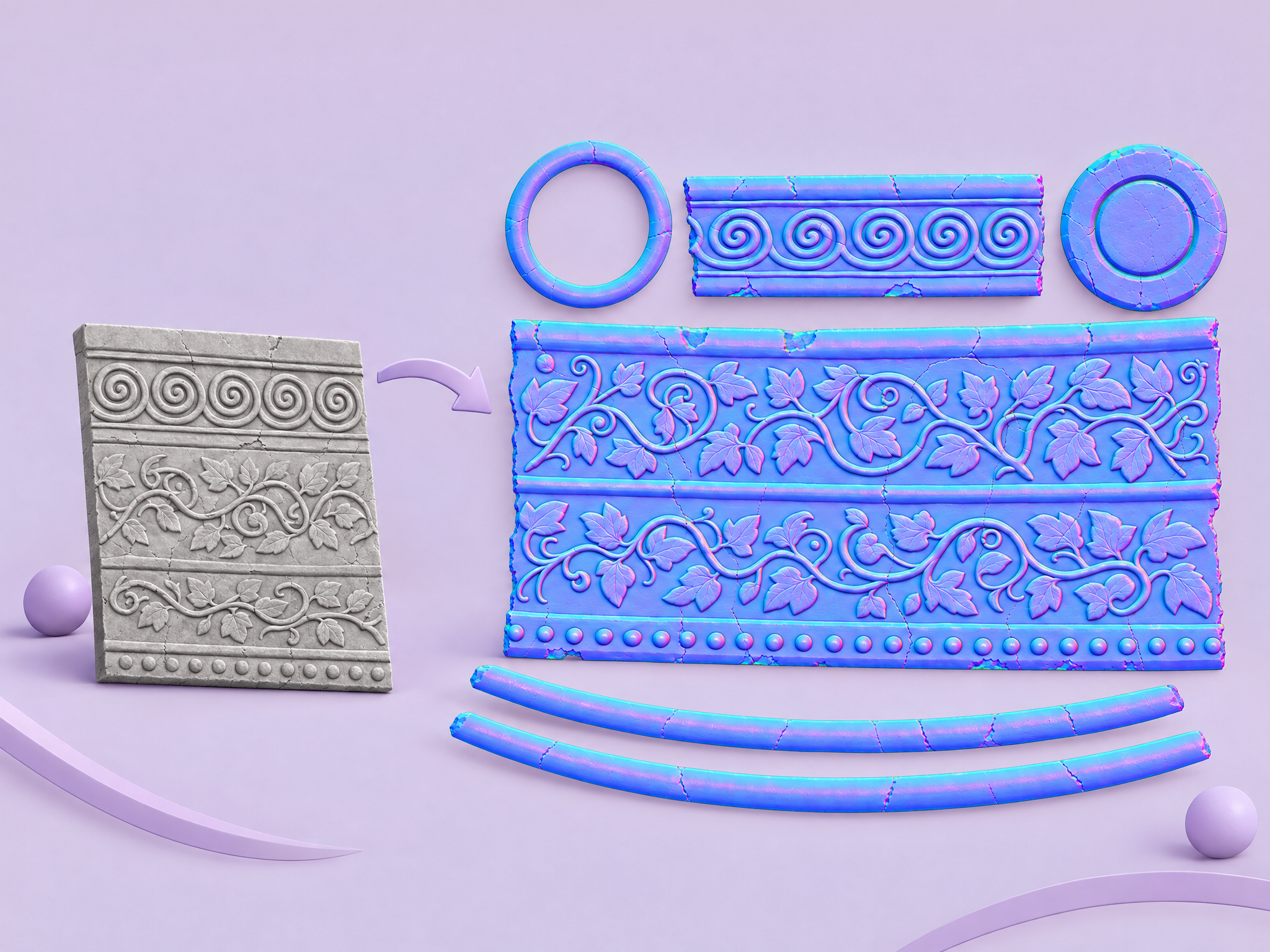
Turn any image or texture into an approximate RGB normal map that adds depth and surface detail in 3D engines.
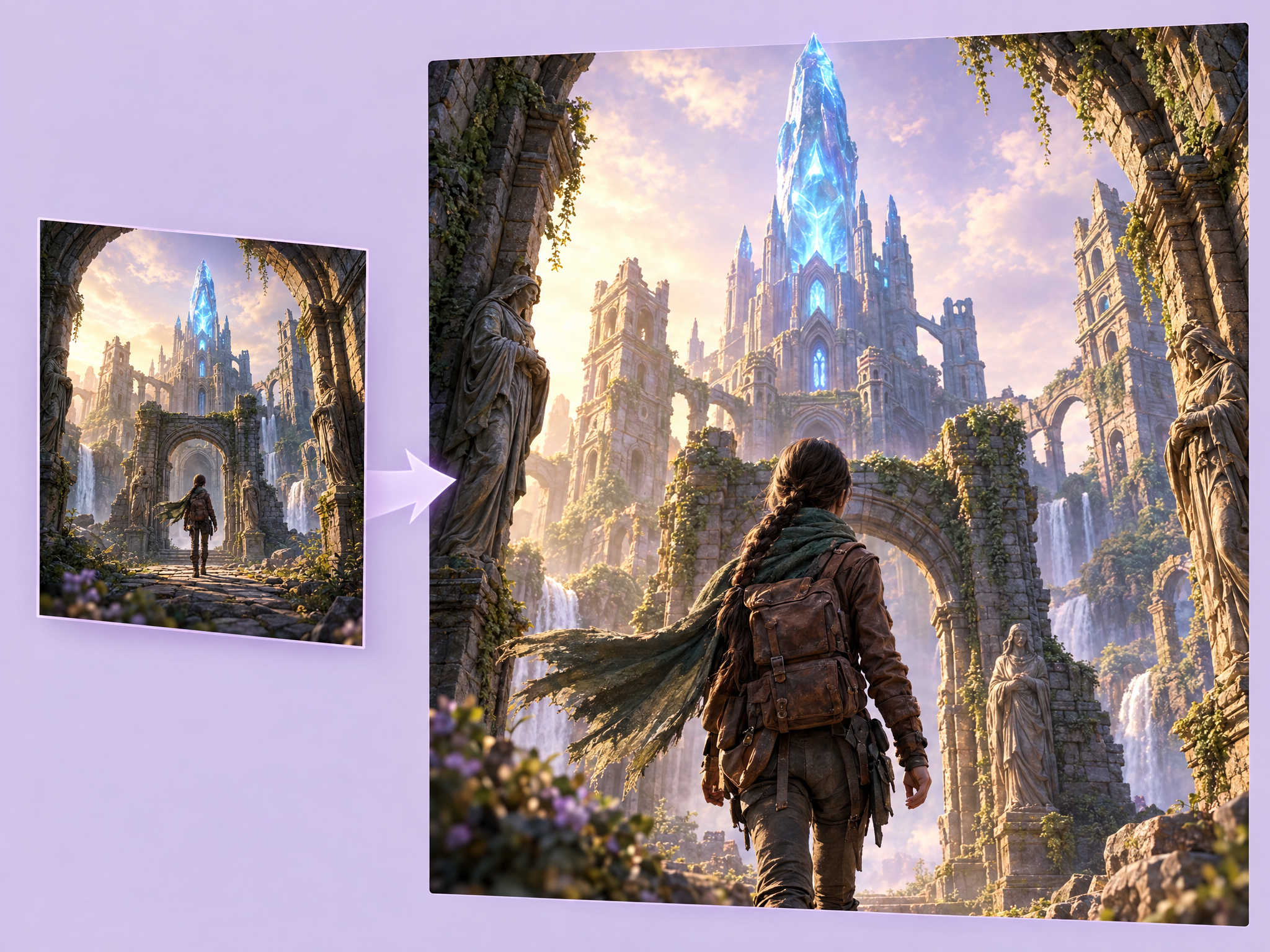
Create the next shot from any scene. Upload a frame, describe what happens next (the camera pushes in, the character turns, the light changes) and get a new shot with the same characters, location and style. Ideal for storyboards and film previs, game cinematic and cutscene planning, comic and animation keyframes, and multi-shot ad concepts.
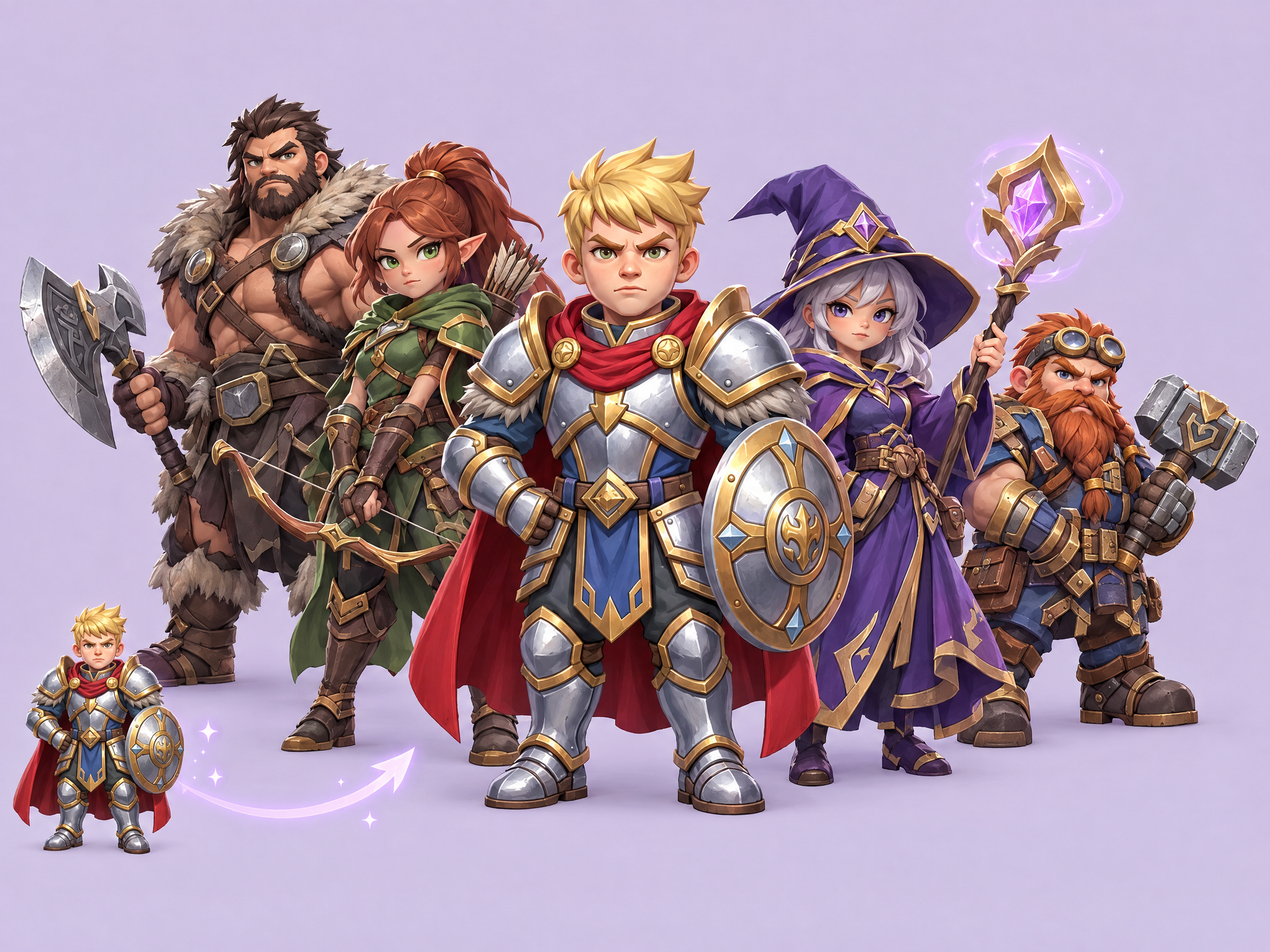
Grow your cast with new characters that fit right in. Upload 5–10 characters from your existing set, and get new ones with the same art style, proportions and design language, plus their own unique look, outfit and personality. Ideal for expanding game rosters and hero lineups, building film and series ensembles, creating mascot families for ads and adding new characters to live games.
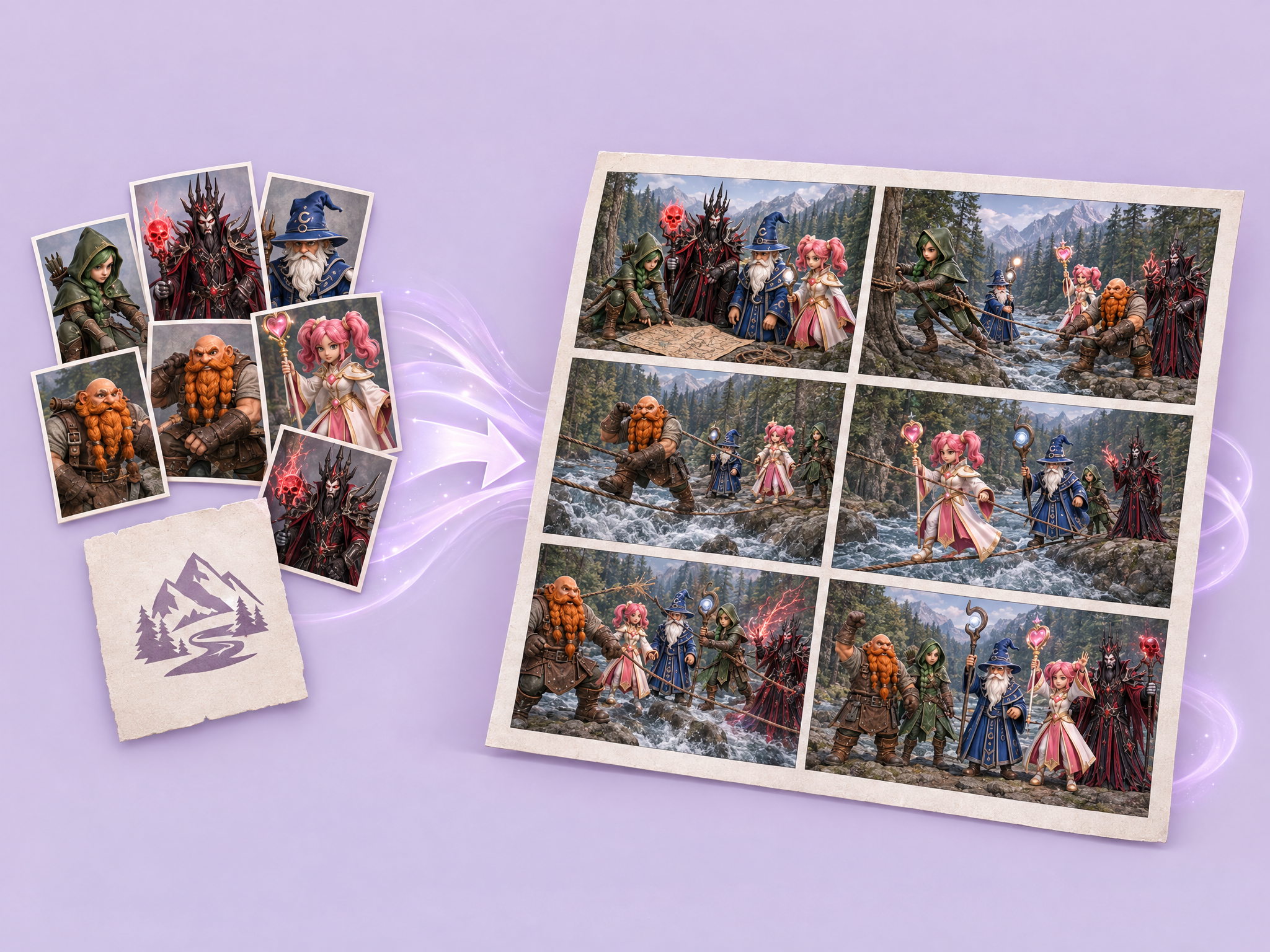
Upload up to seven character images and an activity/topic. The workflow plans a six-beat story and renders a cohesive 2×3 storyboard sheet with consistent character scale and staging.
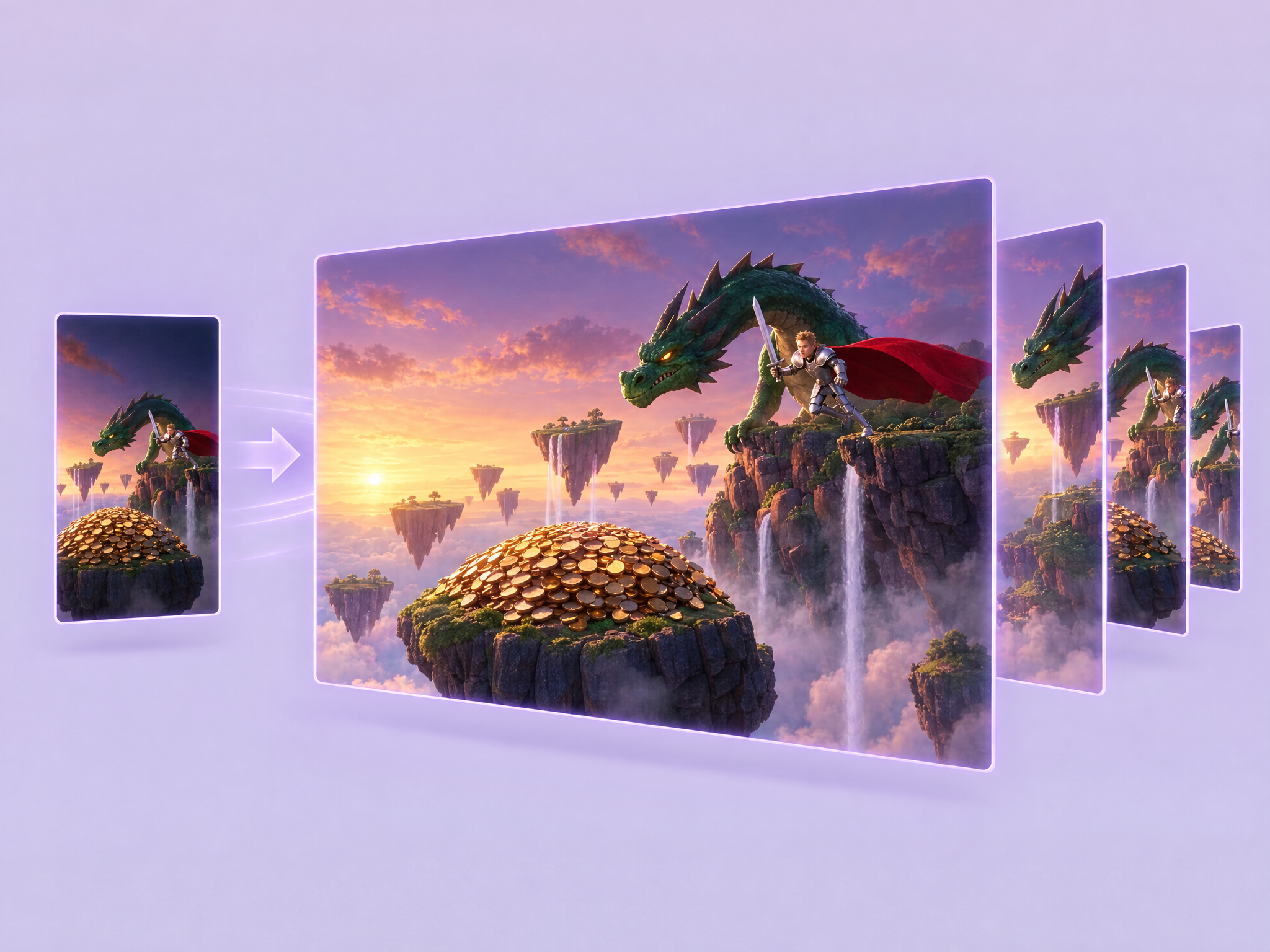
Reframe one source video into standard delivery formats while preserving the original footage and generating content to fill the expanded canvas.
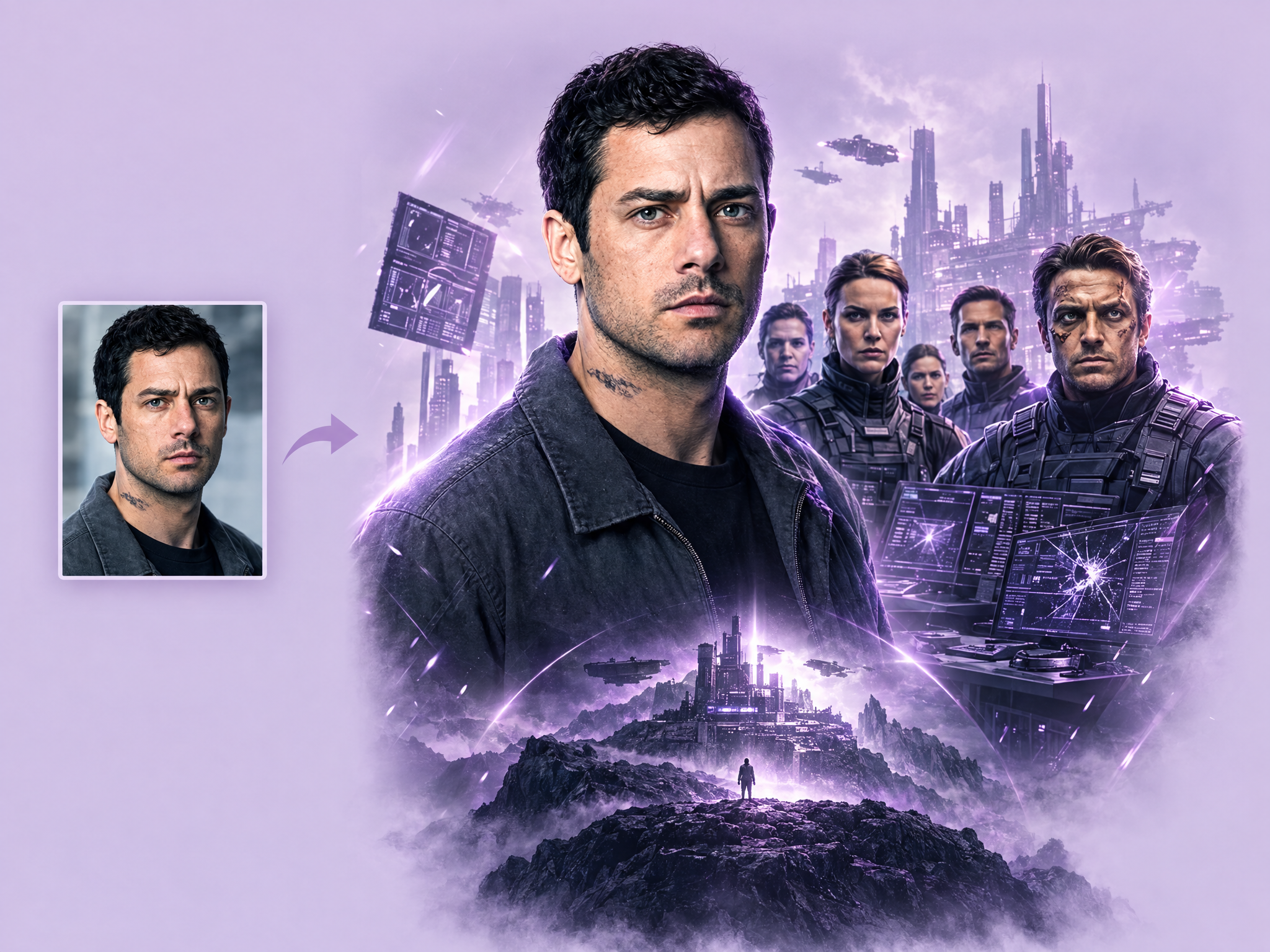
Turn any photo into a movie poster. Upload a photo of a person, character or scene, choose a genre, and get a complete poster with a cinematic layout, theme and title typography. Ideal for film and series pitch posters, game key art and trailer covers, promo and ad concepts, and fun social content.
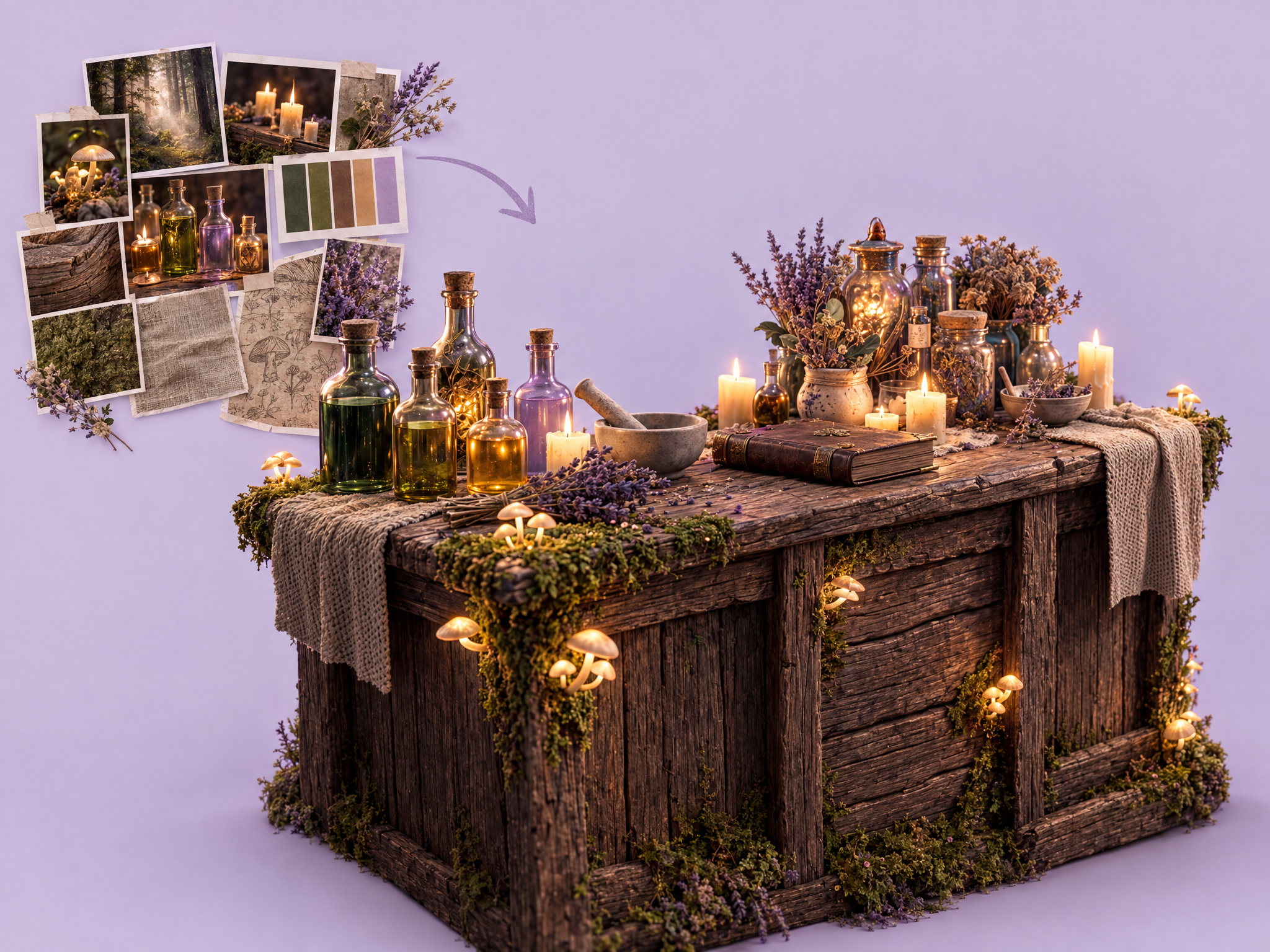
Turn a moodboard into a finished image. Upload a moodboard of colors, textures, references and inspiration, describe what you want (a scene, character, prop or environment), and get a cohesive image that captures the aesthetic. Ideal for game world and art direction exploration, film and series look development, key art and ad concepts, and pitch visuals.
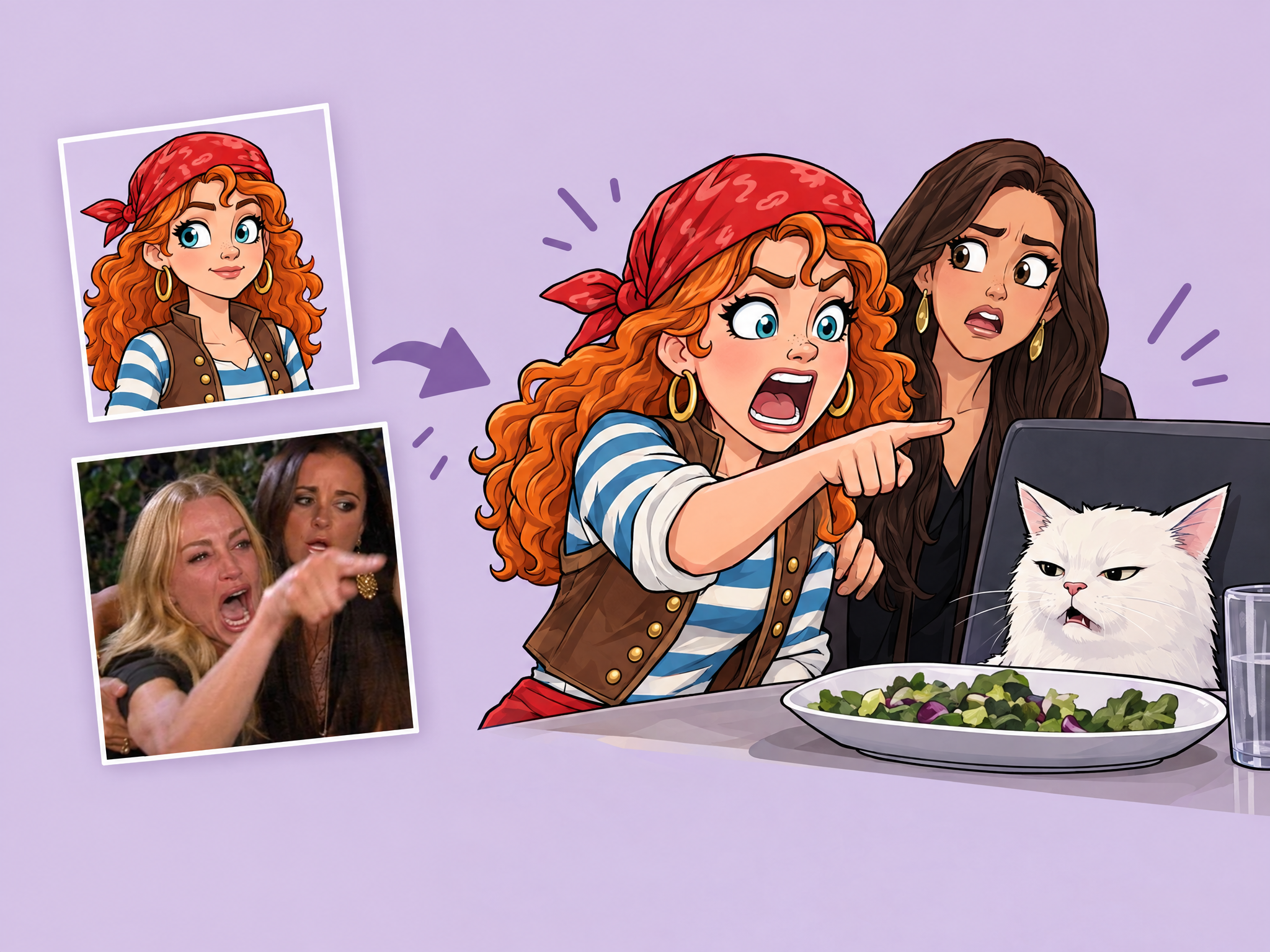
Put your characters into meme formats. Upload a character or person photo and a meme image, and get the meme recreated with your character in it, in the same pose, expression and composition. Ideal for game and film social media content, community engagement posts, playful ad creatives and trending-format marketing.
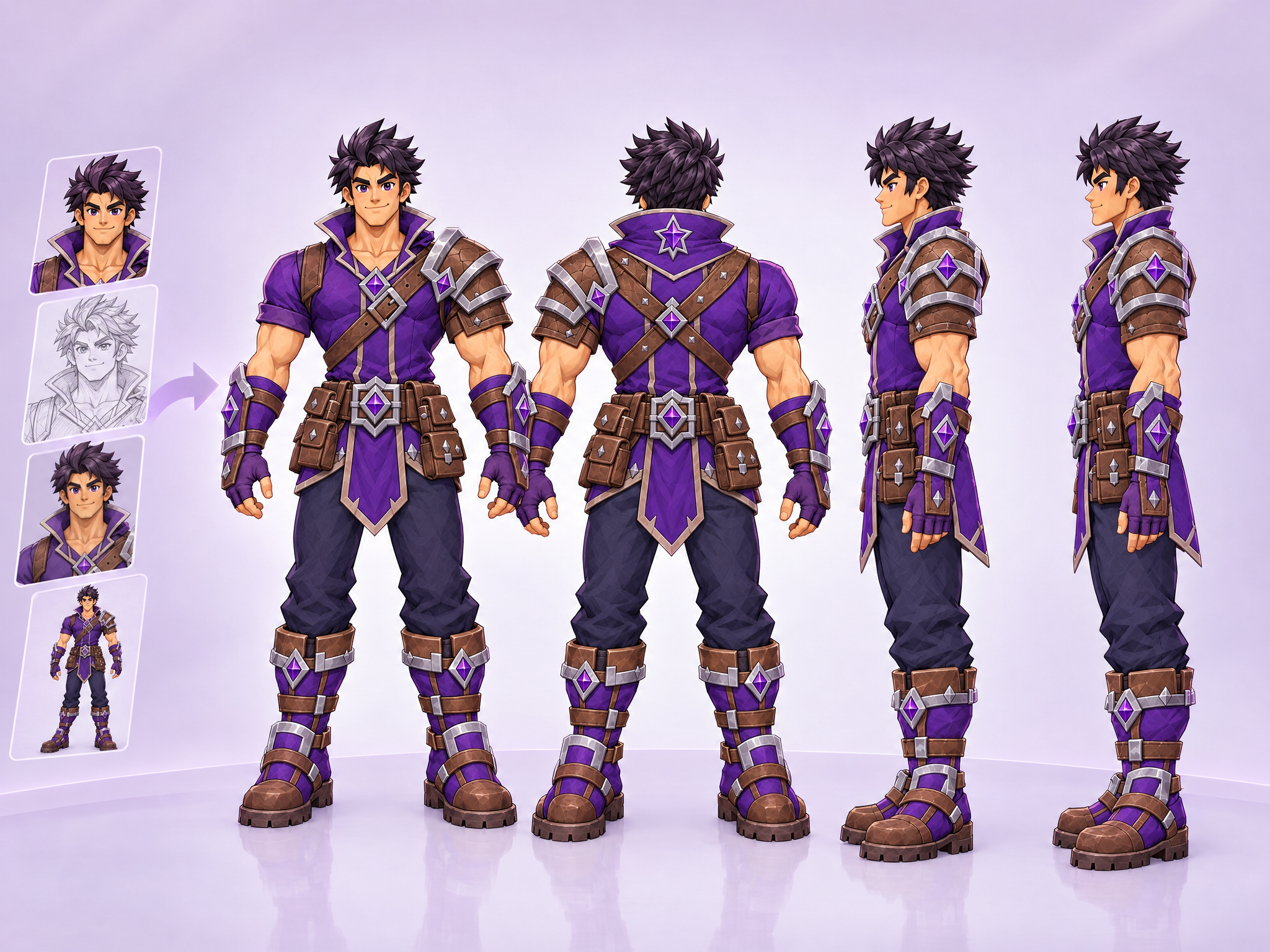
Turn any mascot or brand character (a logo mascot, an illustration, a render or a rough sketch) into a clean 4-view turnaround (front, right, back, left) with true rotation angles and consistent proportions, colors and details across every view. Built for taking a character off the screen and into physical production: toy and plush manufacturers, figurine and 3D print studios, walk-around mascot costume makers and licensing partners get an accurate, color-true reference sheet instead of a single front-facing illustration.
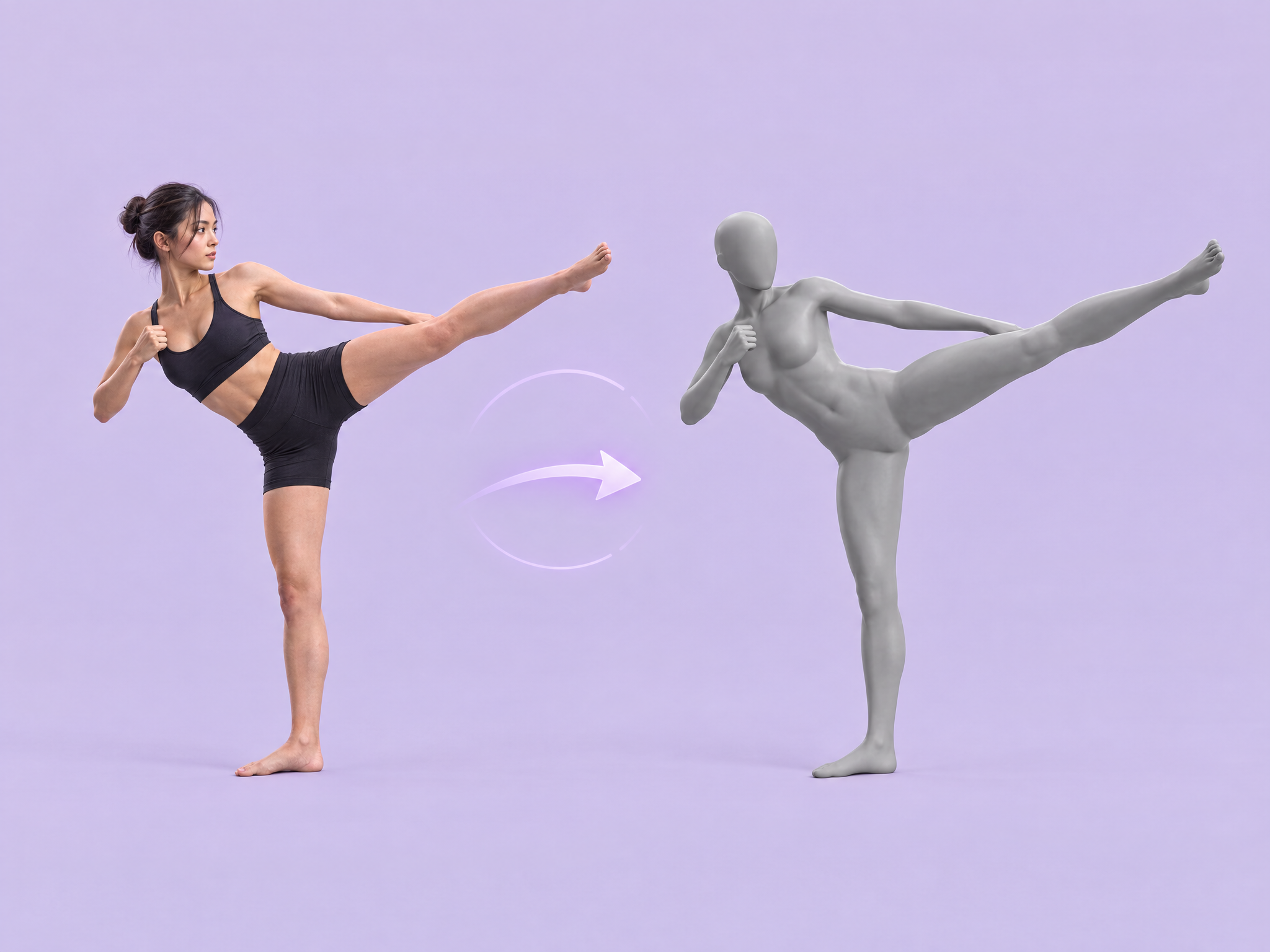
Turn any character or person into a clean grey mannequin in the same pose. Upload an image and get a smooth, neutral 3D base model that keeps the exact pose and proportions, with no clothing, face or details. Ideal as pose references for character art and animation, posing guides for game and film concept work, storyboard blocking, and clean inputs for pose transfer workflows.
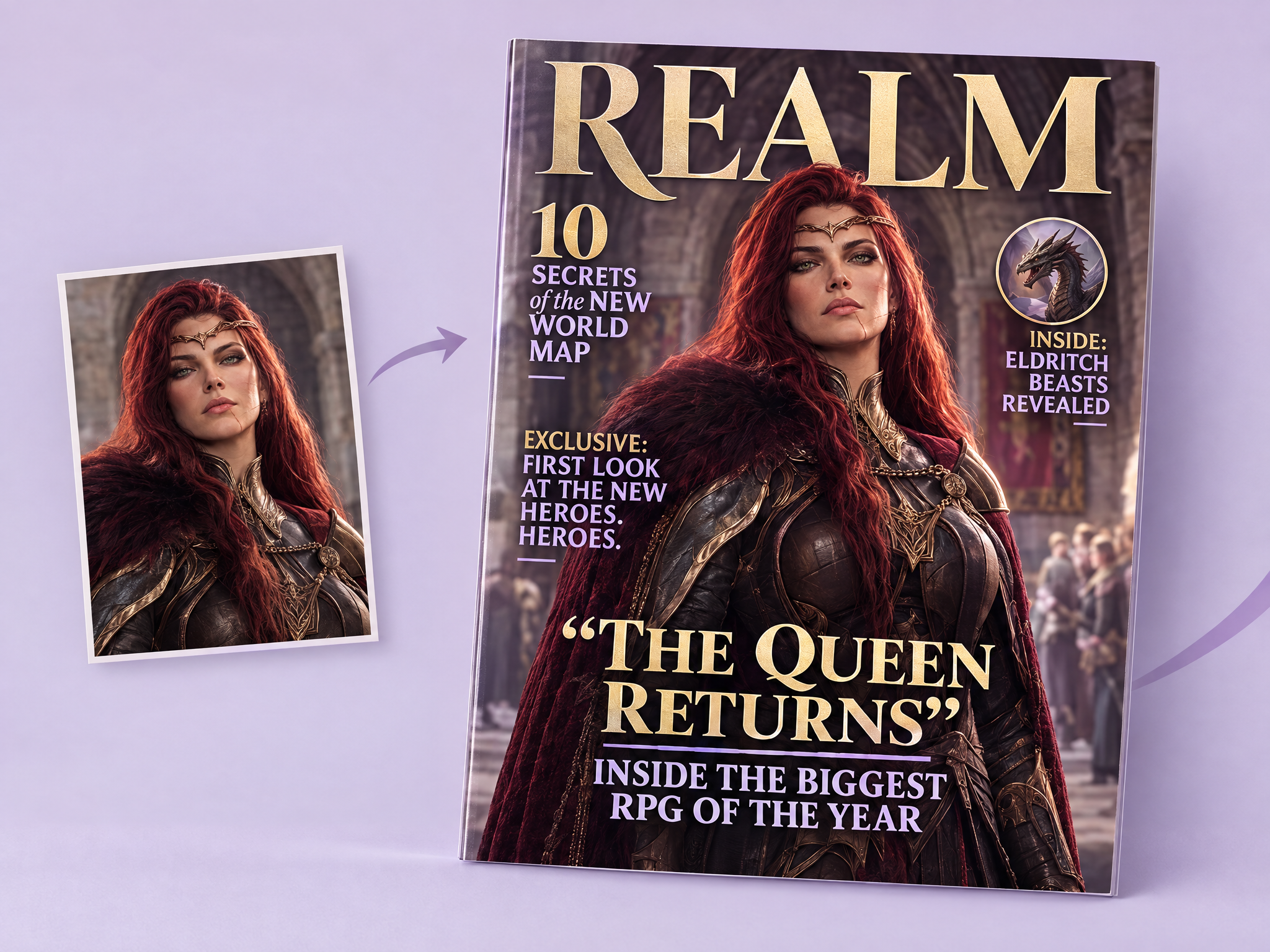
Turn any image into a magazine cover. Upload a portrait, group shot, product or scene, add your own title and headlines, and get a complete cover with a professional layout and typography matched to the image's style: fashion, gaming, film, tech or lifestyle. Ideal for game character and film cast promos, fictional in-world magazines for film and game sets, launch announcements, and social and ad creatives.
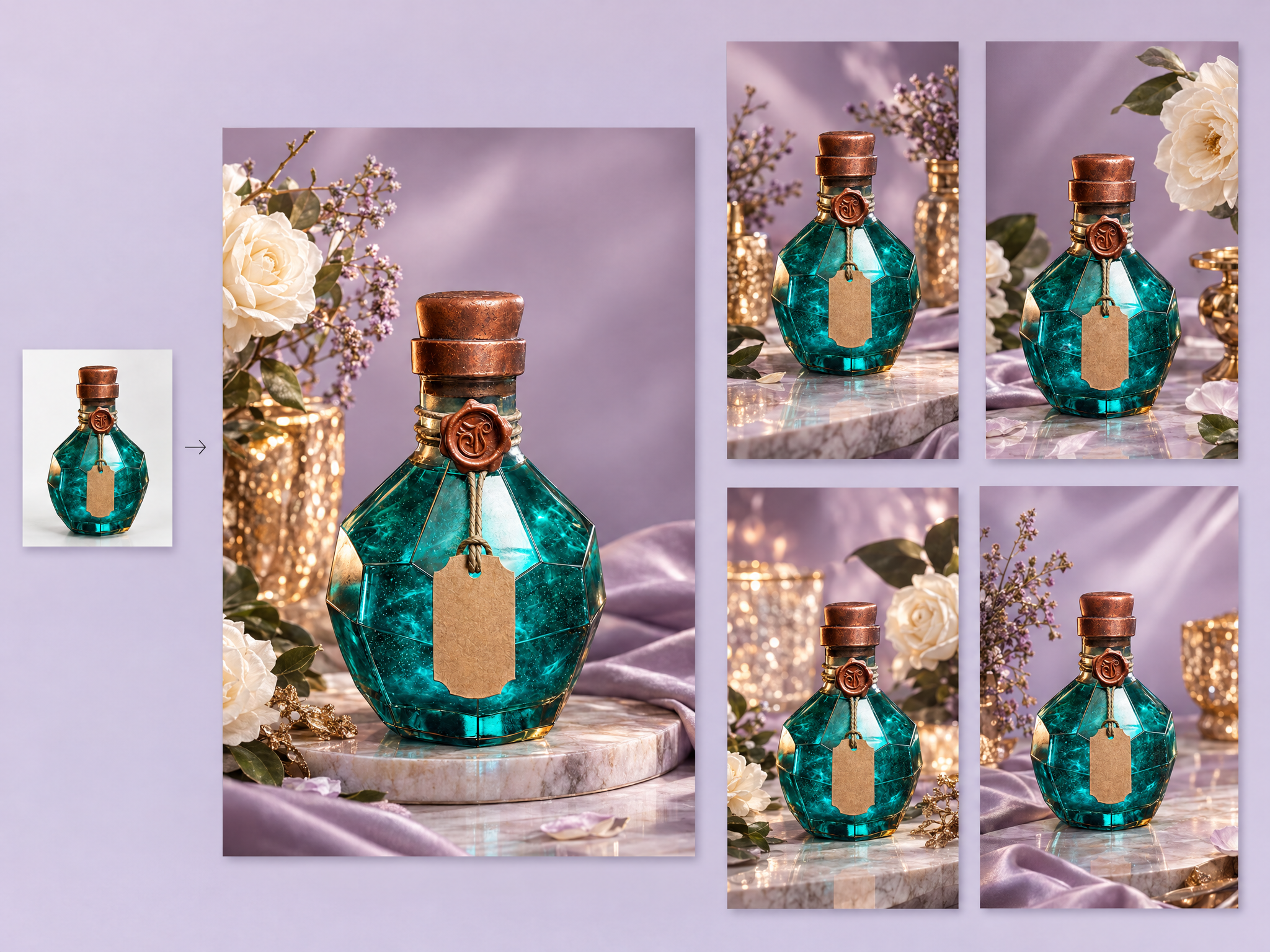
Turn a simple product photo into a premium, high-end ad. Upload any product shot and get luxury-style social ad creatives with elegant lighting, rich materials and a refined, upscale setting. Ideal for collector's editions and limited-edition game merch, film and series tie-in products, premium gaming gear and luxury brand collaborations.
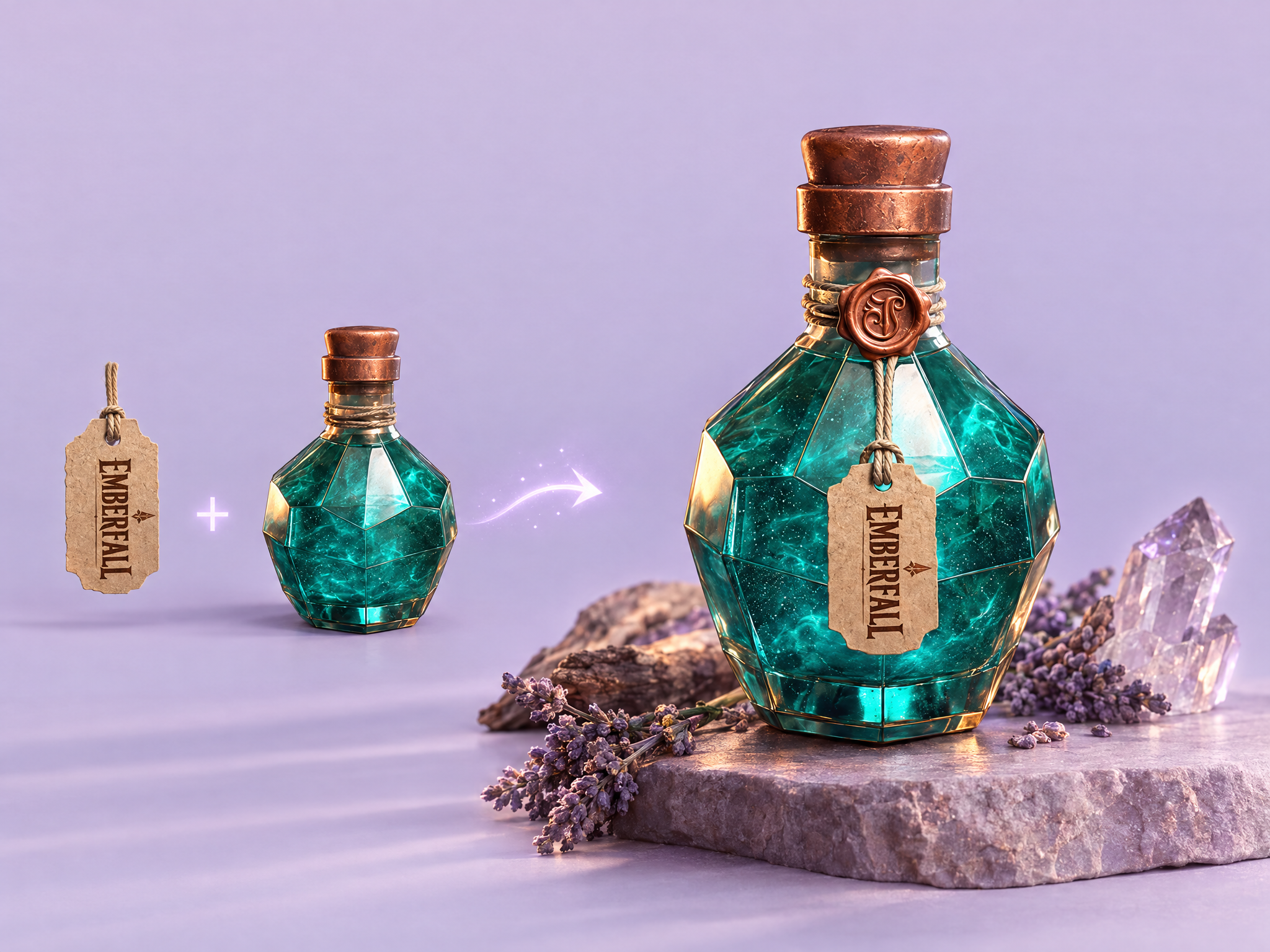
See your logo on real products. Upload a logo and a product, and get a realistic preview with the logo matched to the product's perspective, lighting and material, shown in a fitting real-world setting. Ideal for game and esports merch previews, film and series tie-in products, brand collaborations and ad mockups.
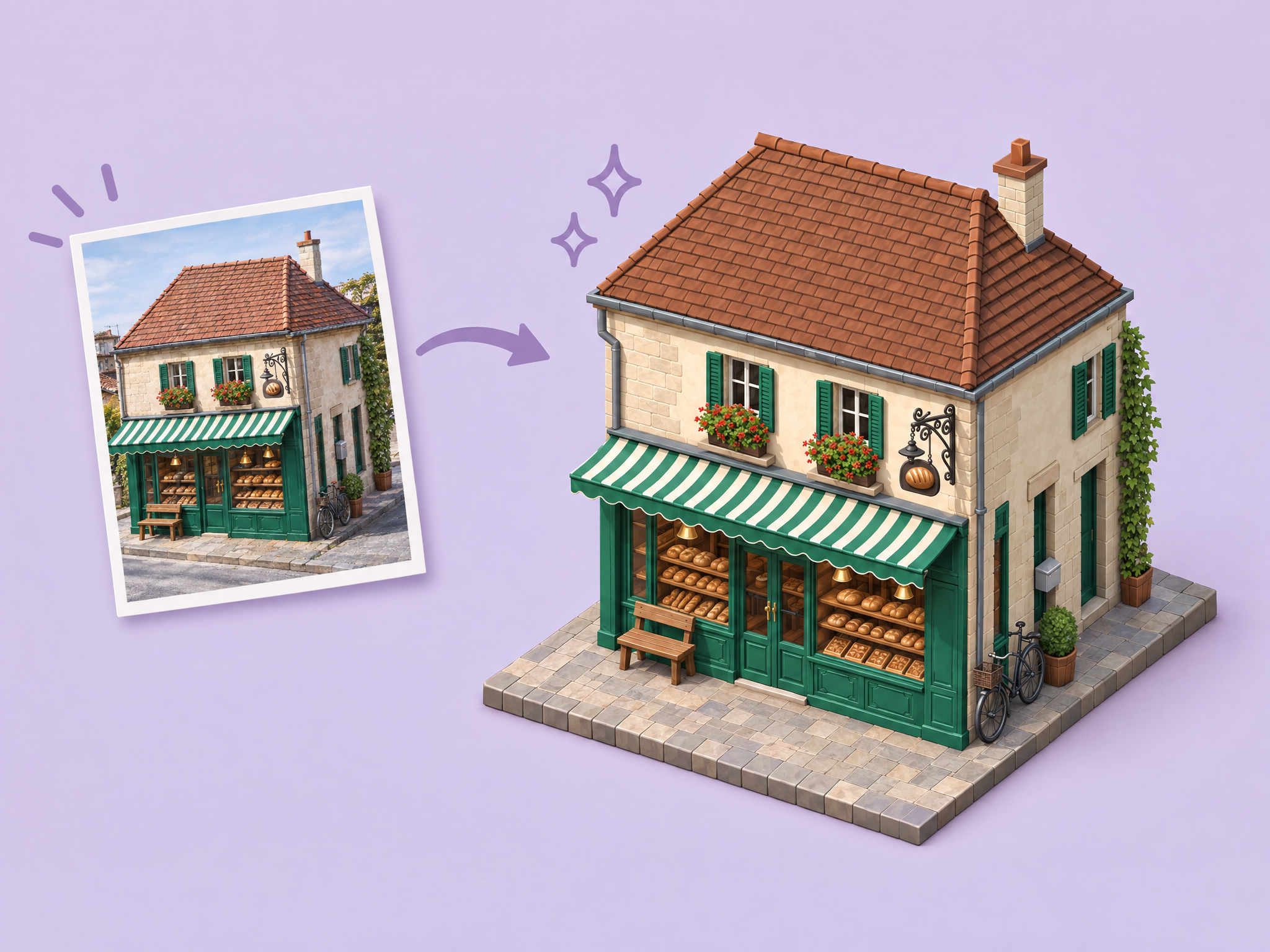
Turn any building photo into a game-ready isometric tile. Upload a photo of a building or structure, and get a miniature 3D-style version on an isometric tile with clean, consistent perspective. Ideal for city-builder and strategy game assets, mobile game maps, stylized locations for film and animation previs, and miniature-style ads and social visuals.
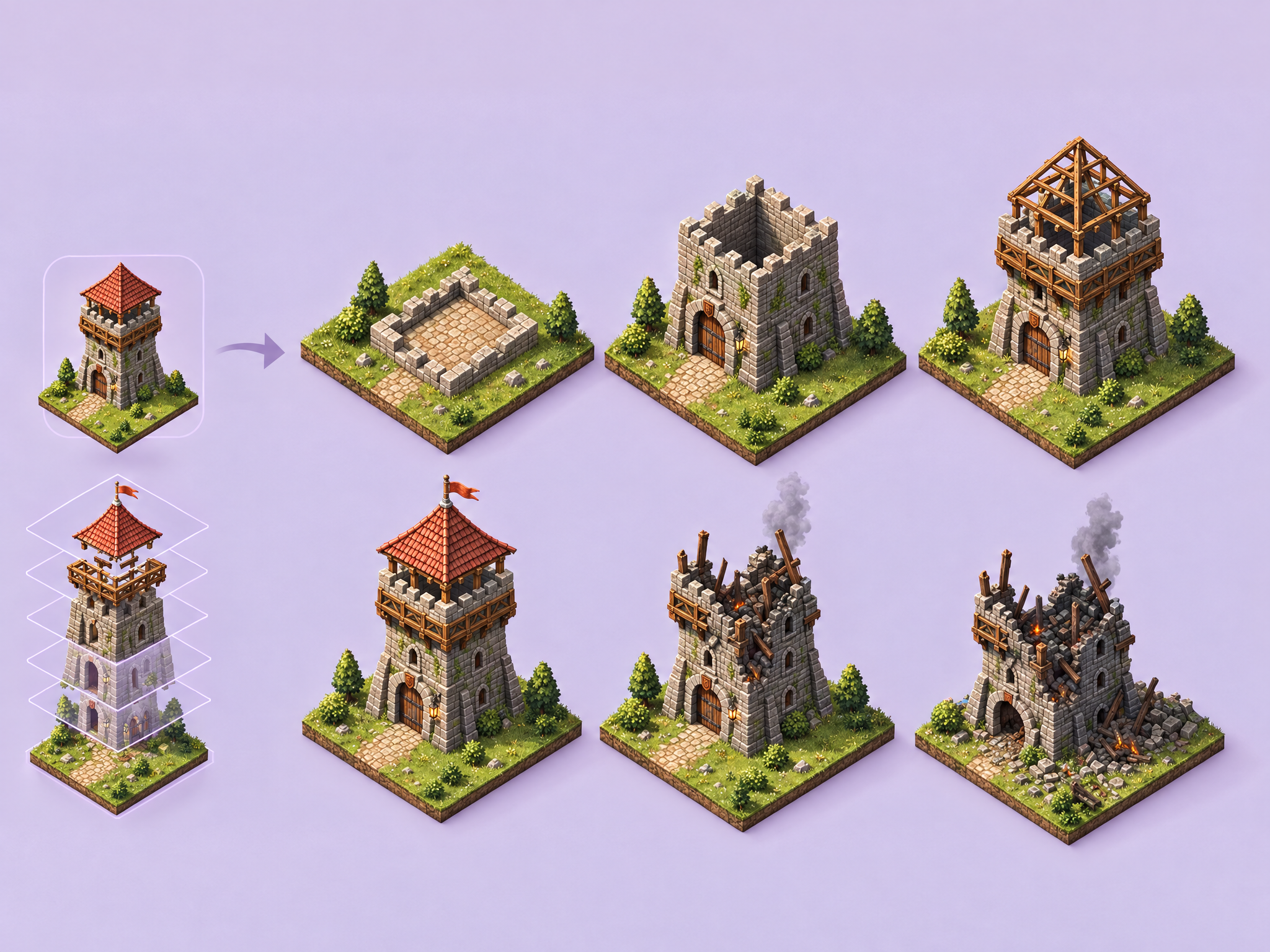
Turn one isometric building into a full set of construction and destruction states. Upload a single isometric building, and get a 6-state grid with matching angle, scale and style, from foundation and scaffolding to completed, damaged and ruined. Ideal for city-builder and strategy game upgrade and damage states, mobile base-building games, and environment storytelling for film and animation.
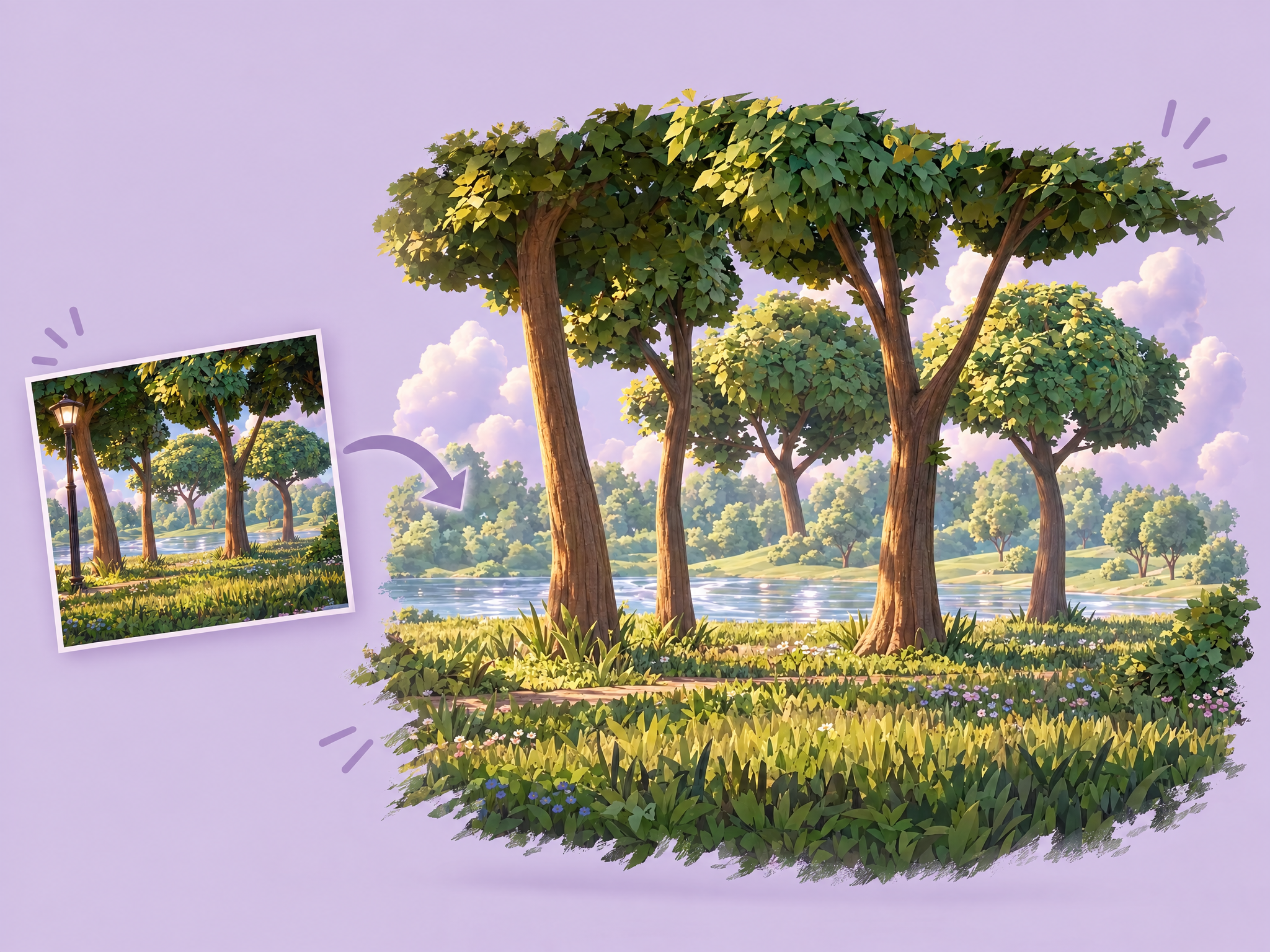
Isolate clean backgrounds by removing characters, animals, and objects from scenes. Upload any image and extract the fixed environment only. Ideal for video production, VFX work, animation backgrounds, and creating empty plates for compositing workflows.
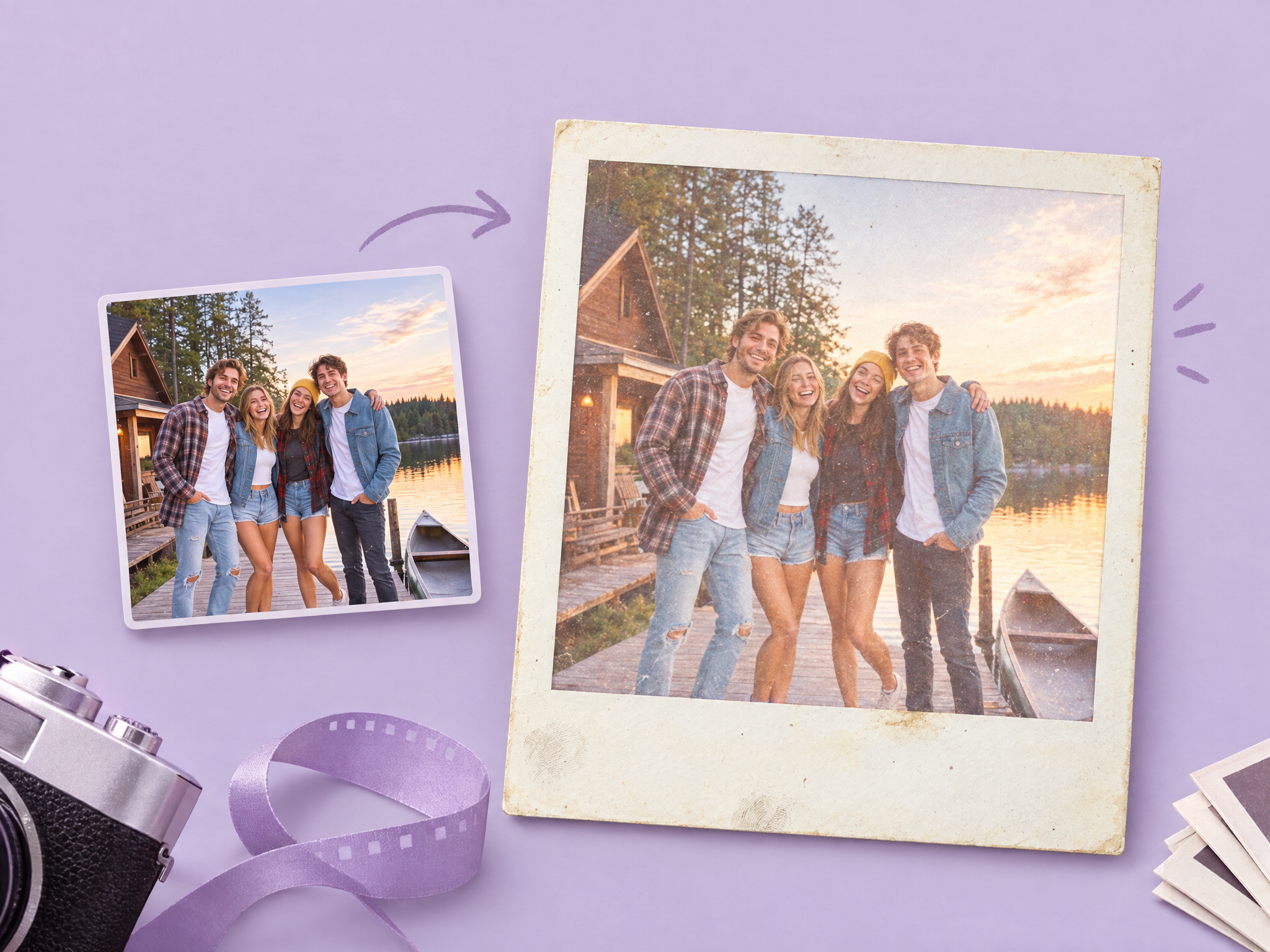
Turn any digital photo into a vintage instant print, with the white border, film grain, soft colors and slightly overexposed retro look. Ideal for film and series props like photos on walls, evidence boards and keepsakes, in-game lore items and collectibles, nostalgic social content and retro-styled ad campaigns.
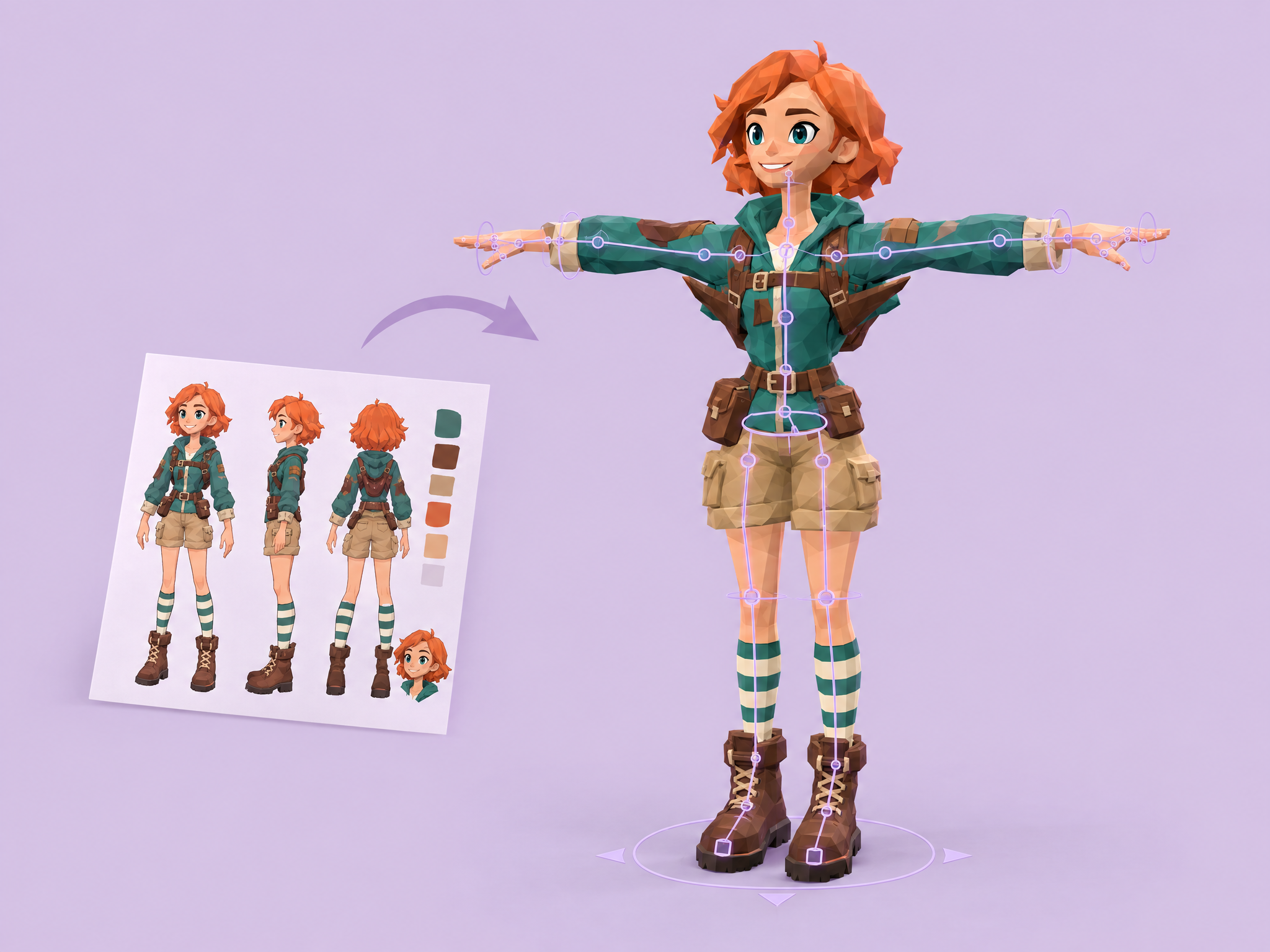
Turn 2D character art into a rigged, low-poly 3D model. Upload a single character image and get an optimized, textured 3D character with a rig, ready to pose and animate in game engines. Ideal for game prototyping and indie games, mobile and stylized game characters, pre-vis and blocking for film and animation, and fast 3D mockups for ads.
Add new icons that match your existing set. Upload 5–14 icons, describe what you need, and get a new icon in the same style, shape, colors, outline and lighting. Ideal for game item and skill icons, UI and menu icons, live-ops event items, and consistent icon sets for apps, ads and film or series promo sites.
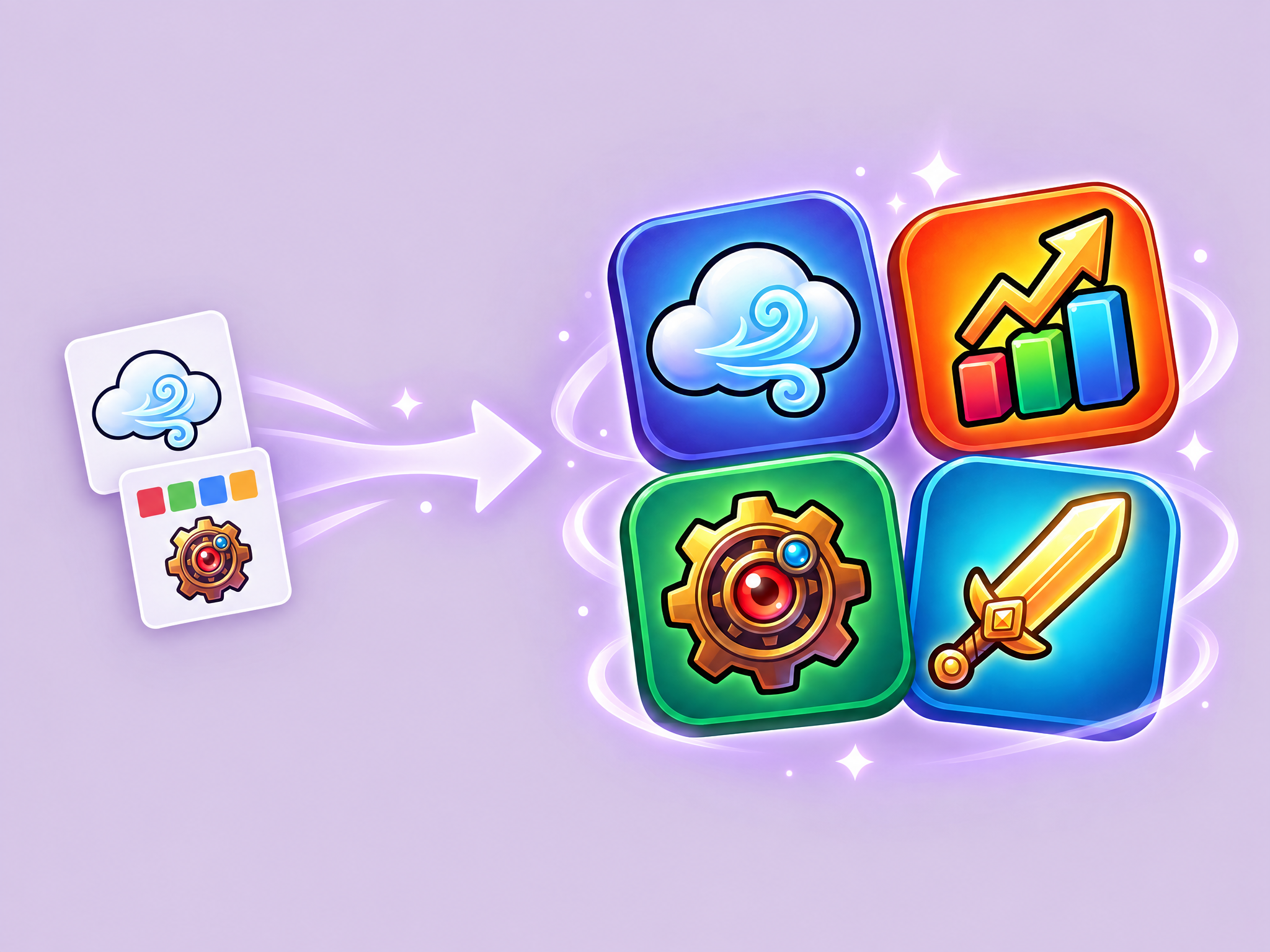
Create polished app icons and brand marks from a text prompt or style reference. Describe the icon, optionally add a reference for style, and get a clean, studio-quality design ready for stores and branding. Ideal for game and app store icons, studio and esports logos, film and series brand marks, and icons for social media and ad campaigns.
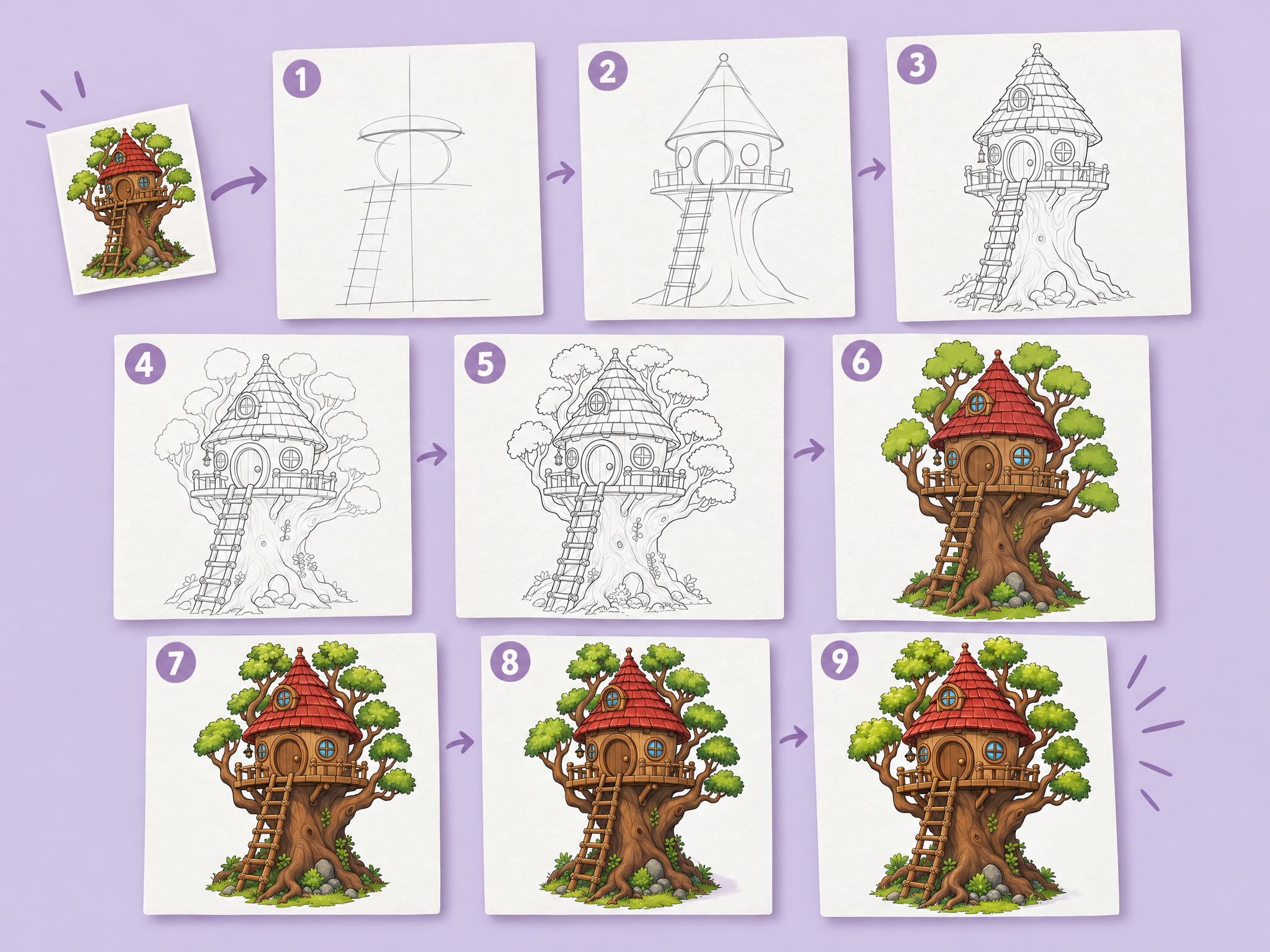
Turn anything into a 9-step drawing guide. Upload a character, creature, object, vehicle or scene, and get a visual breakdown from basic shapes and construction lines to the finished, colored drawing. Ideal for art team onboarding and style guides, game and animation design sheets, community and social content for game and film fans, and educational creative content. Results are an example progression, not a strict lesson.
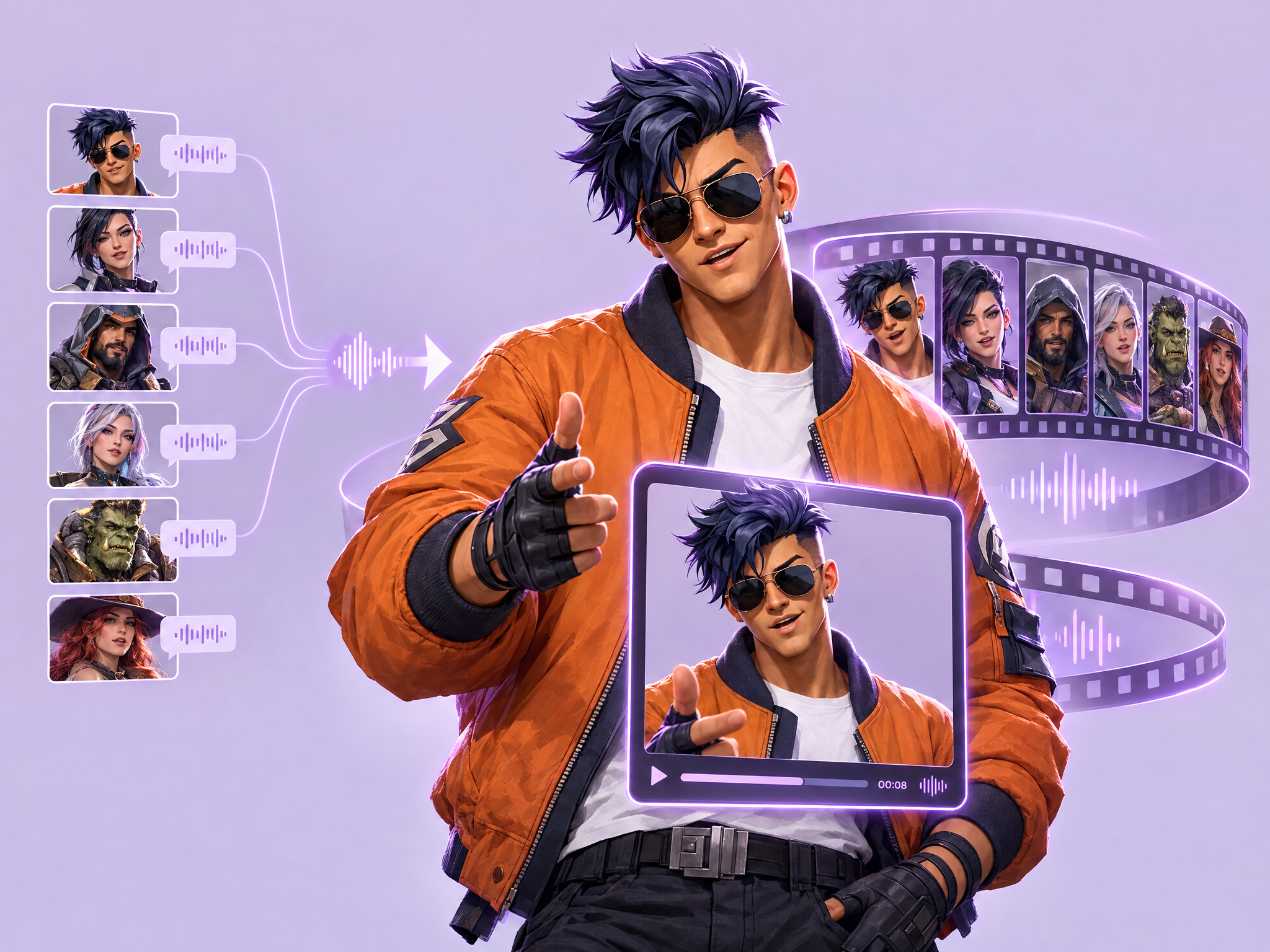
Bring a cast of characters to life as talking avatars. Enter up to six character descriptions and one line of dialogue each, and get portraits, matching voices and lip-synced animations assembled into a single video reel. Ideal for hero-shooter and RPG character reveals, game trailers and social teasers, film and series cast intros, and character-driven ad campaigns.
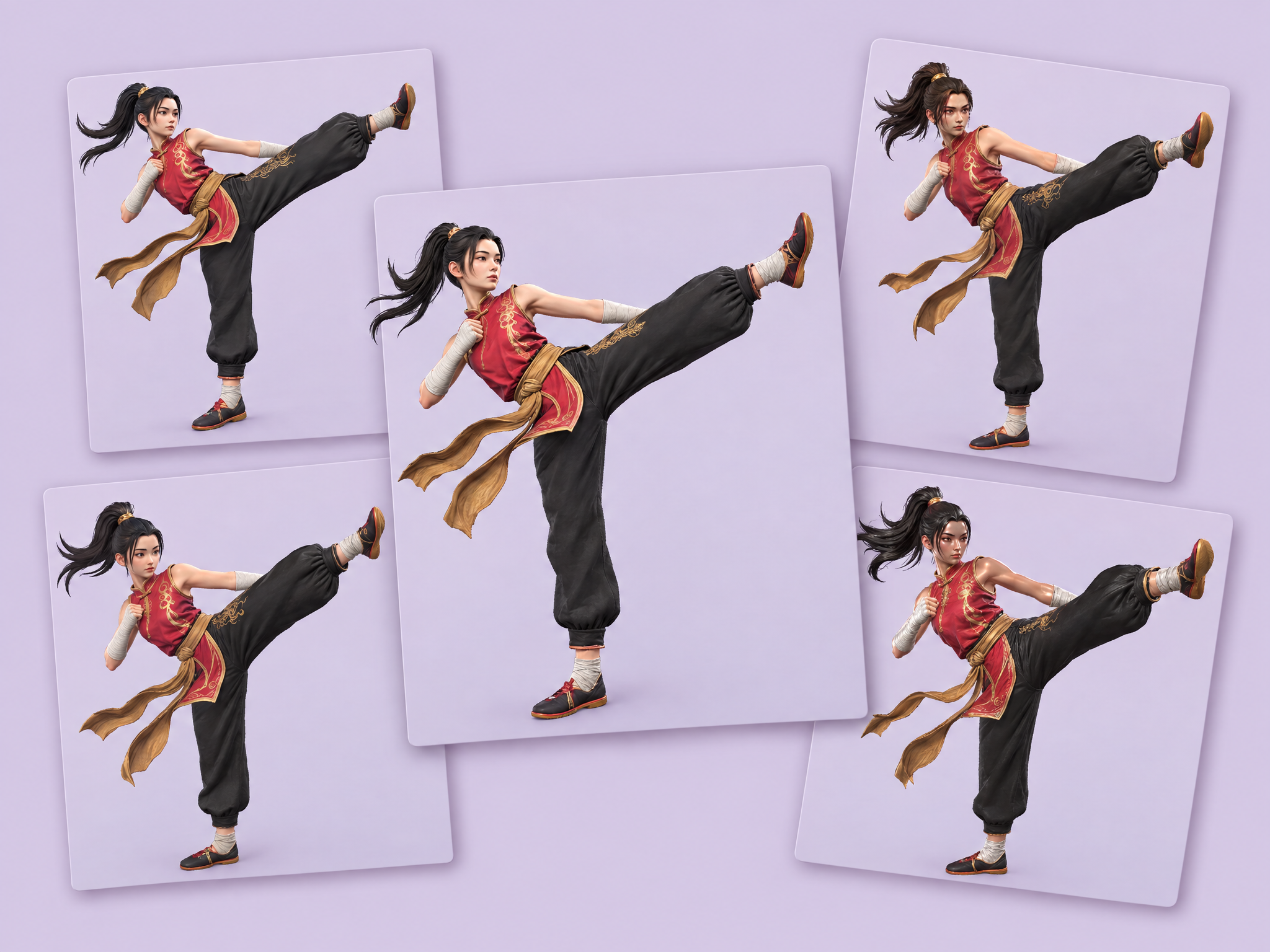
Compare top image-to-3D models side by side from one image. Upload a reference and get ten 3D models from six provider with notes on PBR textures, poly count, topology and pose modes. Ideal for choosing the right 3D tool for game asset pipelines, benchmarking quality for film and animation previs, and testing which model fits your style before production.
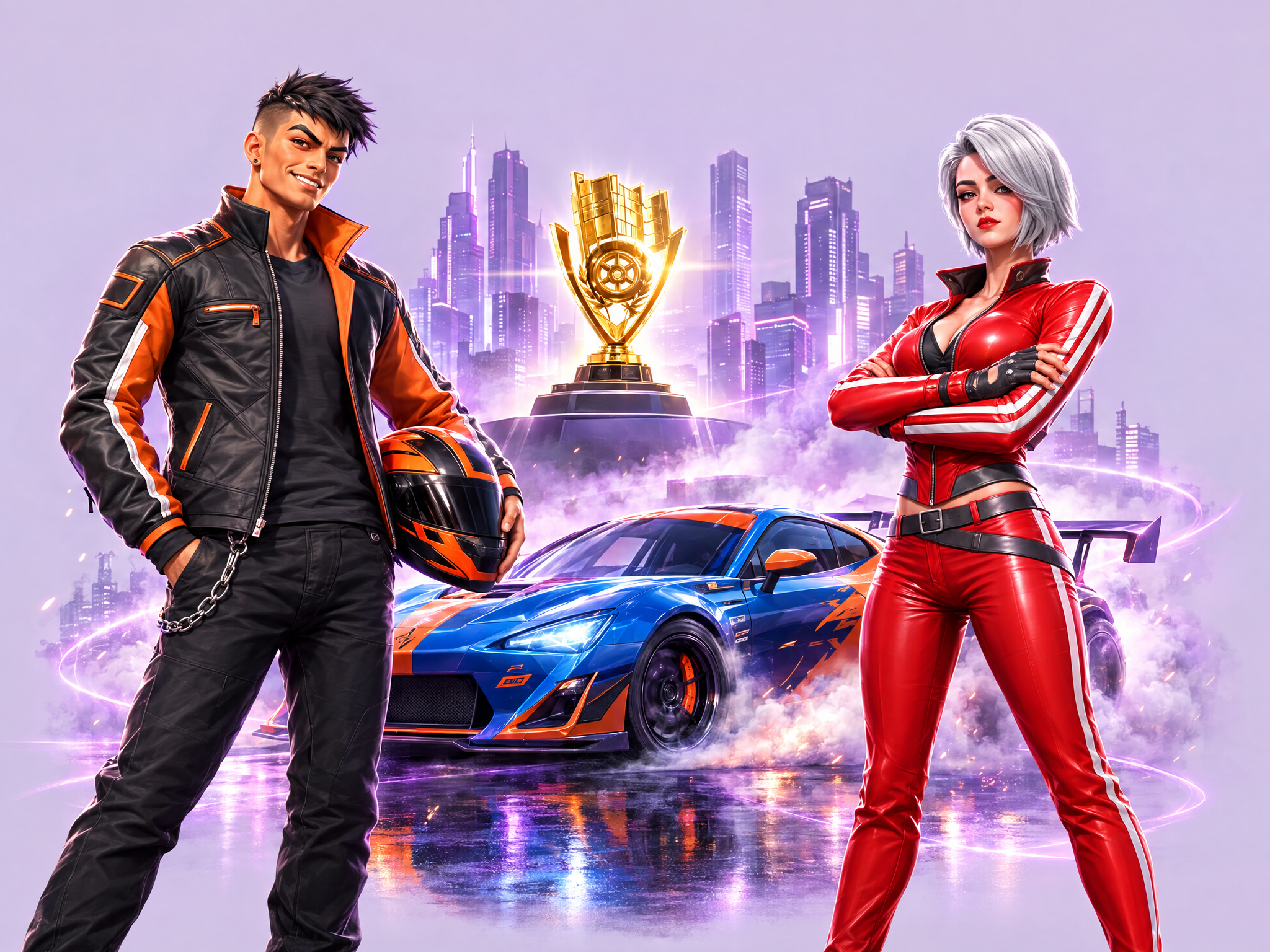
Build game marketing scenes from your own assets. Upload up to 14 images, describe the scene, and get one cohesive key art image.
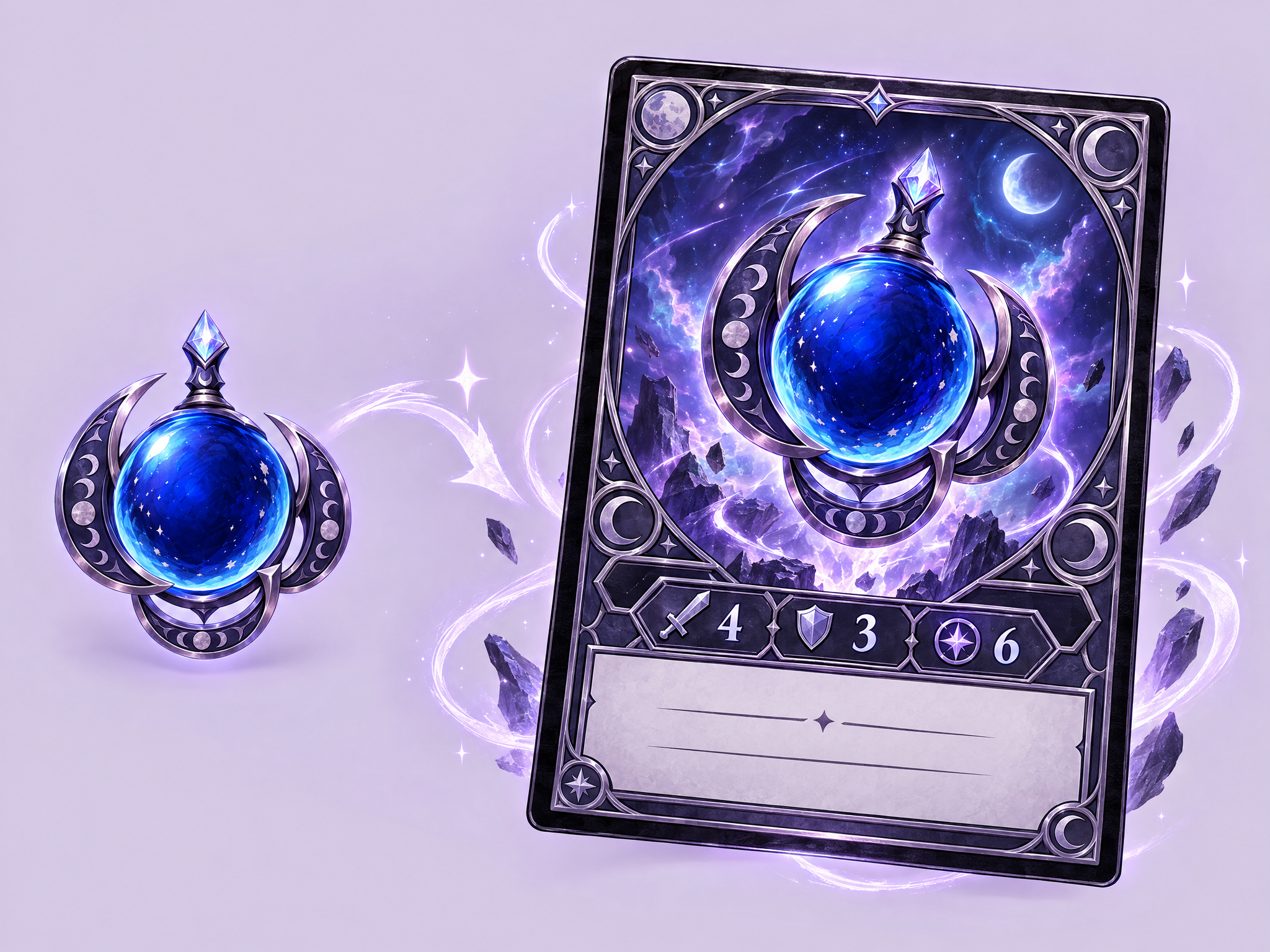
Turn a game character, boss, enemy, or item into an original collectible-card illustration. Choose a genre/style direction for the rarity frame and stat block; the workflow redraws the supplied source in a dynamic pose, invents plausible stats and flavor text, and produces one finished card image without copying a real card-game brand or layout.
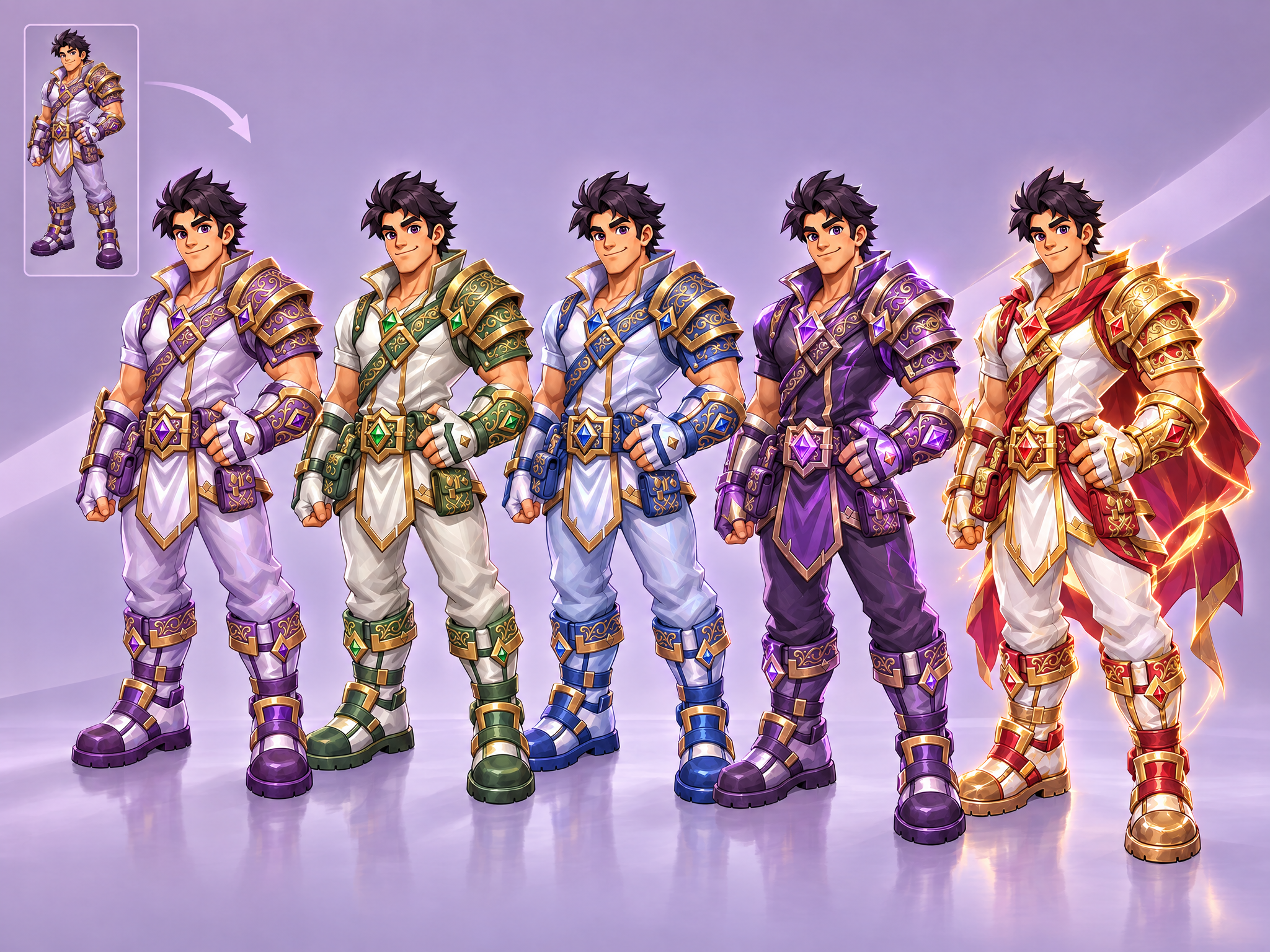
Generate production-ready variants of a game asset — character, weapon, item, prop, or environment piece — while keeping its silhouette, pose, composition, and structural layout exactly locked. Upload one source asset to create alternate color palettes and materials, rarity-tier escalation from common to legendary, seasonal reskins, or stylistic alternates that remain usable as drop-in replacements. Ideal for rapid character skins, weapon variants, item sets, and production palette exploration without redesigning the asset.
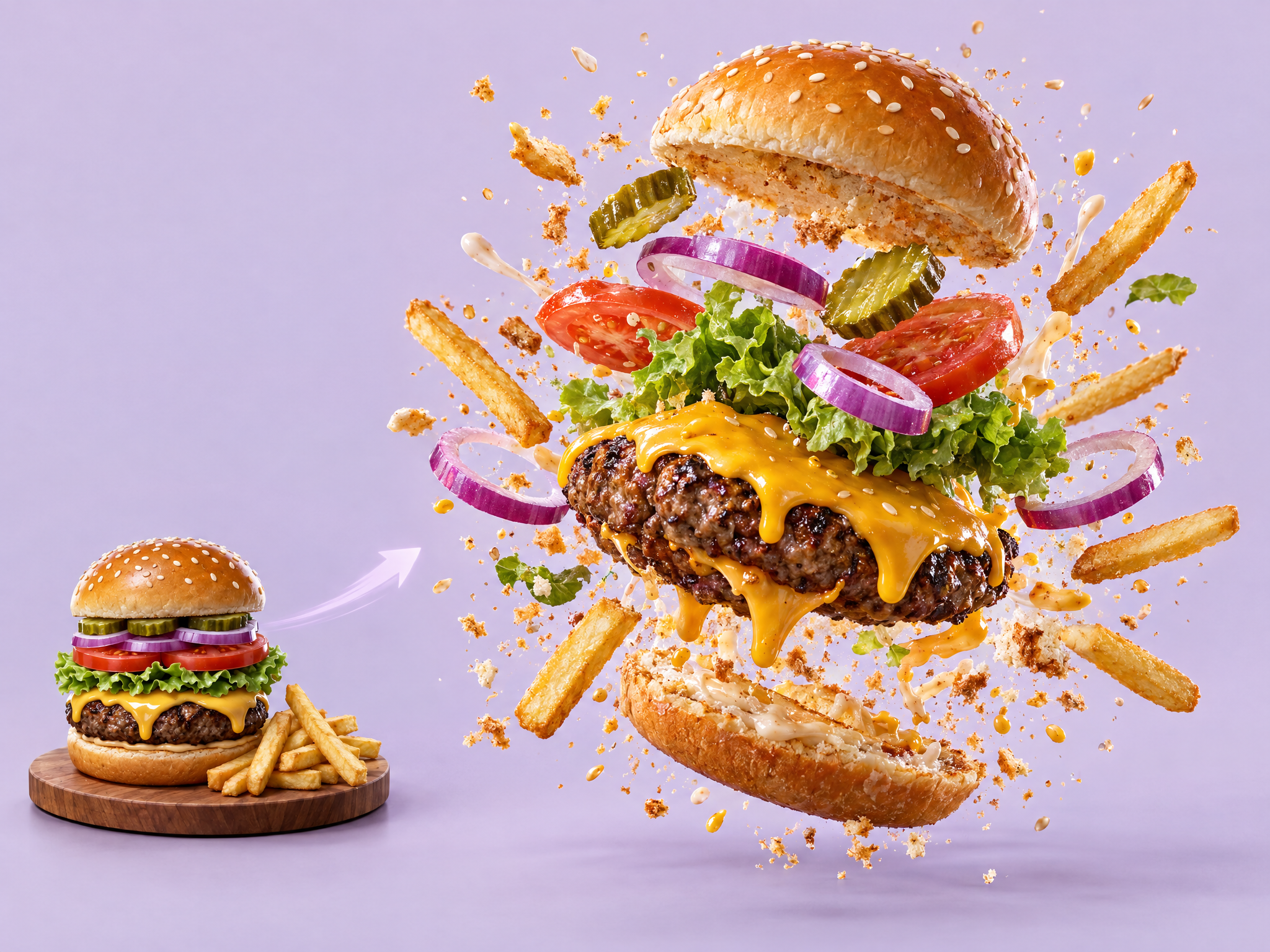
Turn a static food package into an explosive cinematic ad. Upload a snack, drink or food package, and get a dramatic slow-motion video where it bursts into flying ingredients, splashes and crumbs around the product. Ideal for snack and drink ads, film and game tie-in food products, social and short-form video ads, and launch teasers for new flavors.
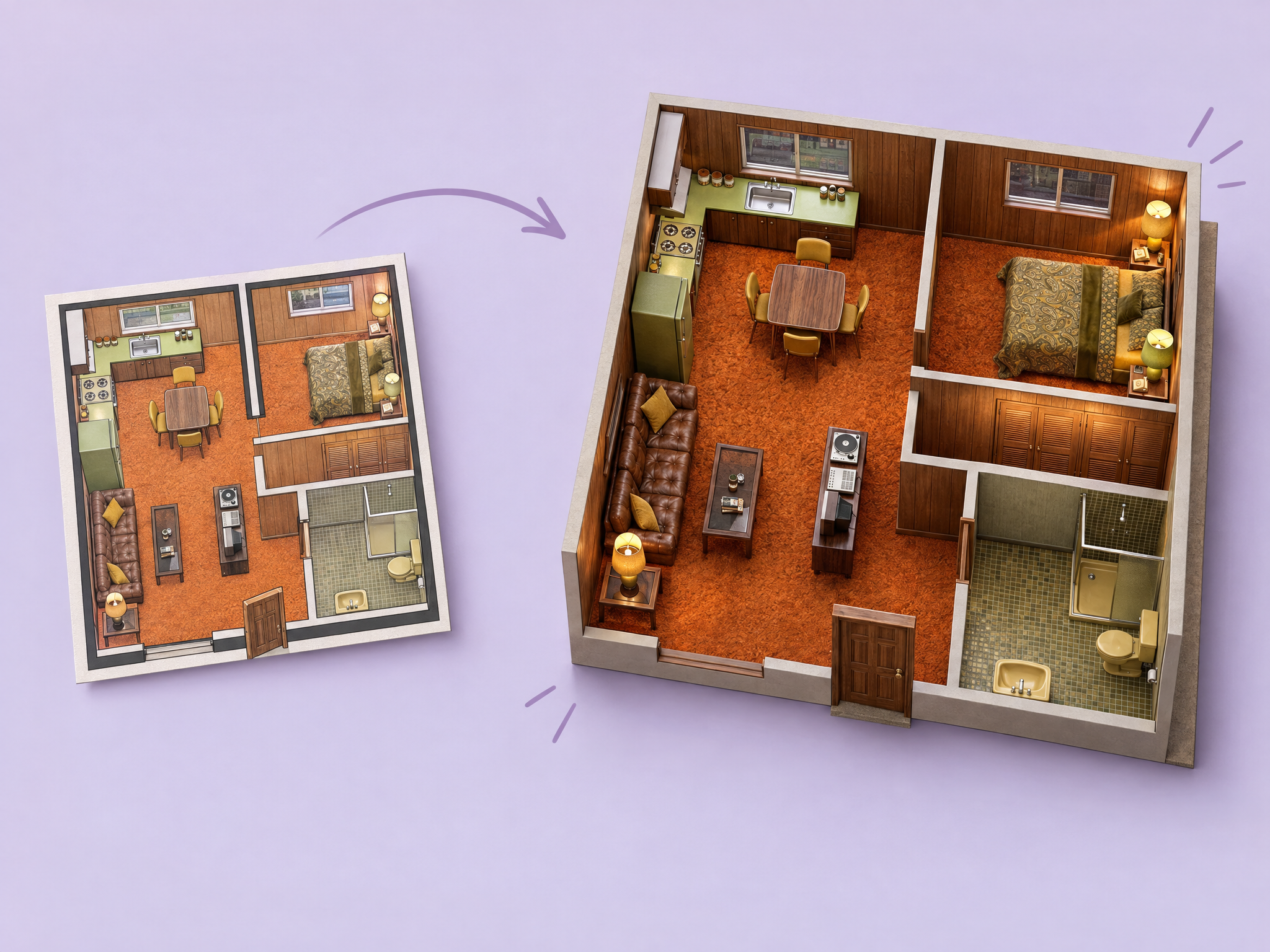
Turn a 2D floor plan into a realistic 3D interior. Upload any floor plan, describe the style, and get a photorealistic visualization of the space with correct layout, perspective, lighting and materials. Ideal for planning film and series sets and locations, blocking out game interiors and levels, virtual production and previs, and visualizing spaces for ads and product shoots.
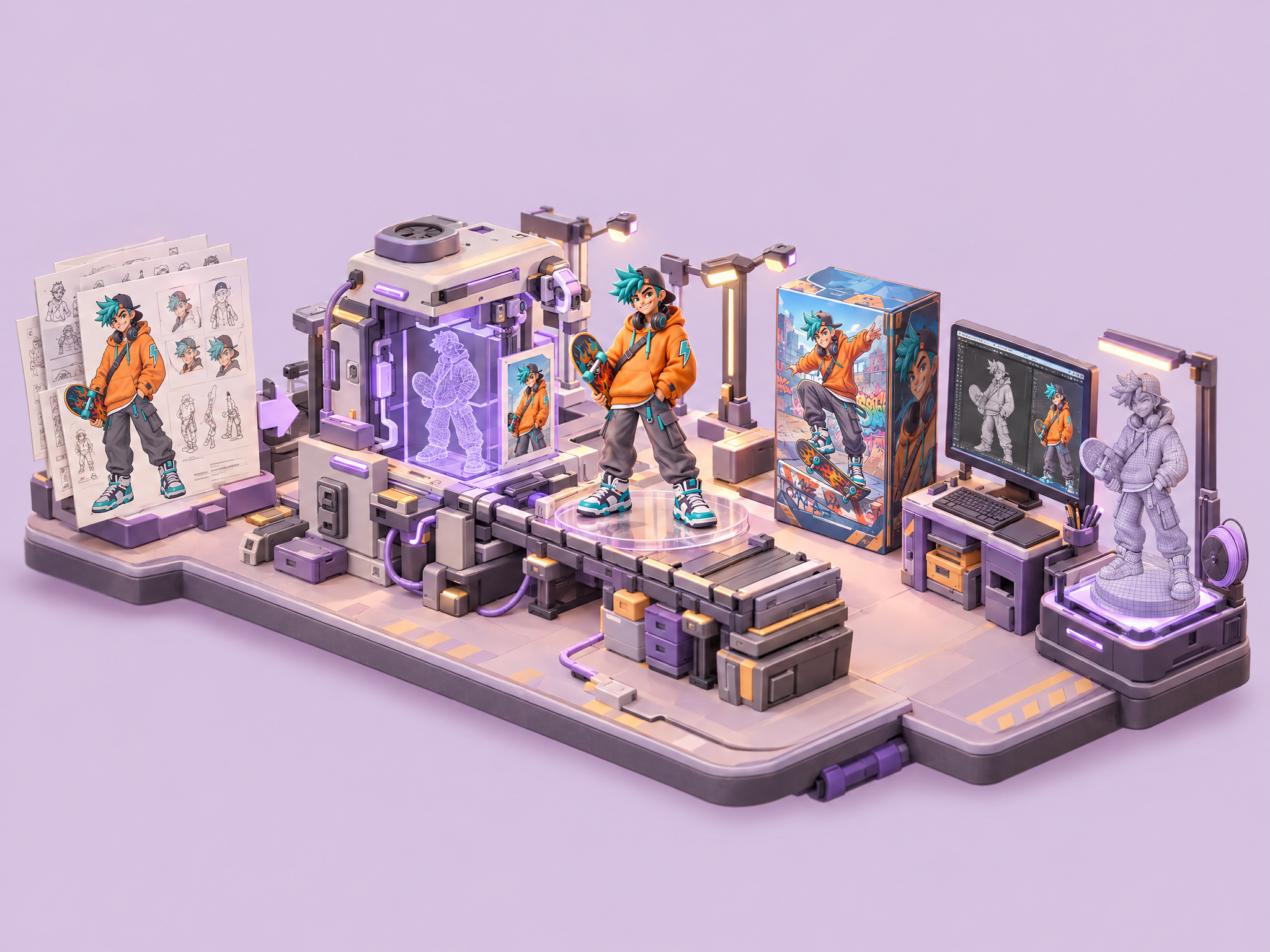
Turn any character into a collectible action figure. Upload a character, and get a full toy designer showcase: the figure, its retail packaging, a 3D model on a designer's screen, and a textured 3D mesh ready for printing. Ideal for game and film merch pitches, collectible and toy-line concepts, character promos for social and ads, and prototyping 3D-printed figures.
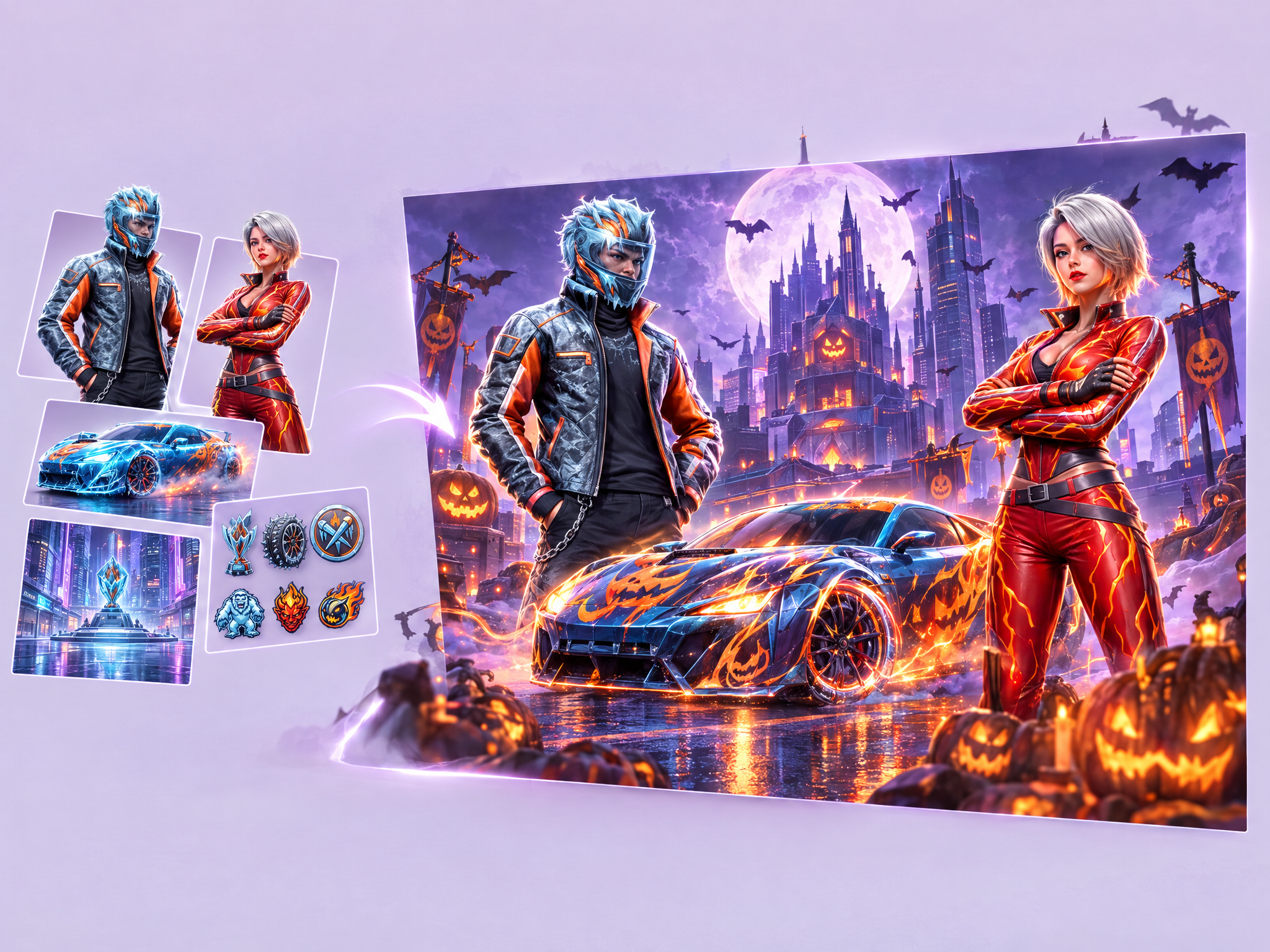
Turn your existing game assets into seasonal event promos. Upload characters, scenes or UI, describe the event theme (Halloween, winter, Lunar New Year, summer), and get polished promo graphics with your characters, backgrounds and UI re-themed for the event. Ideal for LiveOps events, in-game announcements, social media and ad creatives, and seasonal campaigns for film and series promos.
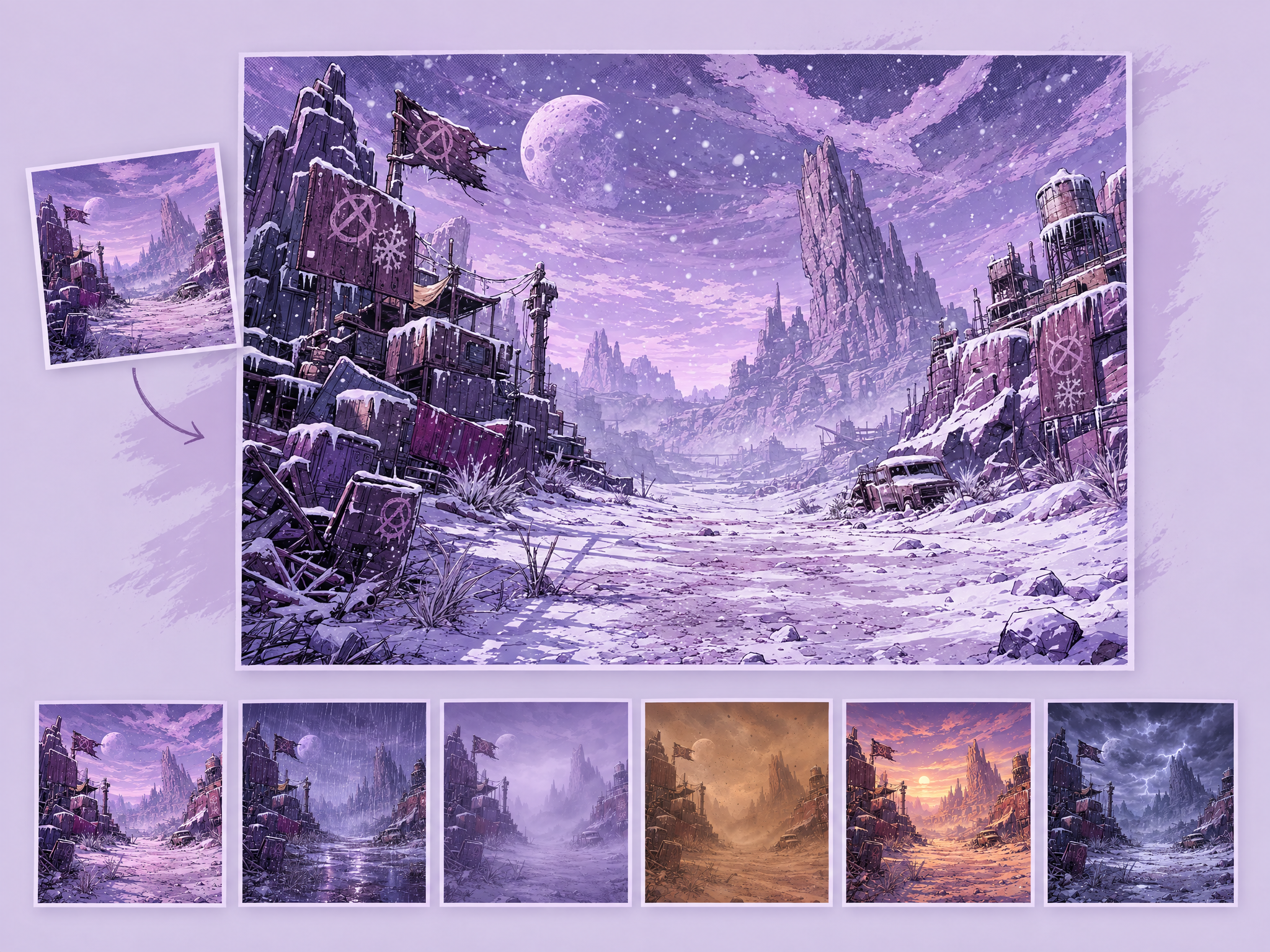
Generate weather variations of your game's environments and scenes. Upload a gameplay screenshot, concept art, or environment render, and describe the weather you want — rain, fog, snow, sandstorm, golden-hour haze, or anything else — and the workflow re-renders the scene accordingly while preserving the layout, geometry, and key elements. Useful for seasonal event art, live-ops variants, mood/lighting exploration, and UA creative testing across different atmospheric looks.
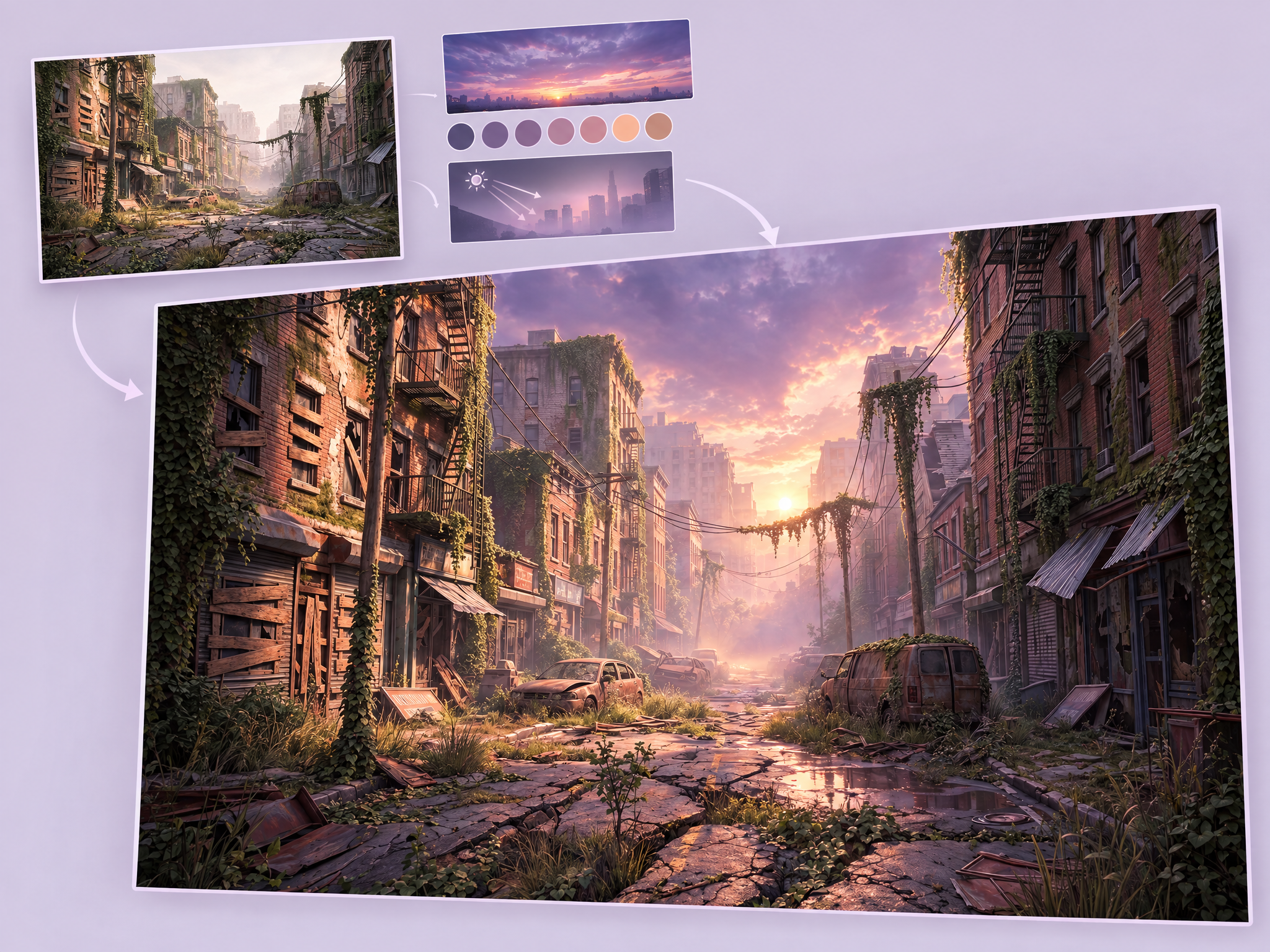
Relight a game environment capture—such as a level flythrough, cinematic camera pass, or environment showcase—with a lighting and mood reference plus an environment-lighting direction. The original camera path, geometry, architecture, terrain, props, and scene content remain locked. Only lighting, color grading, weather, fog, and atmospheric treatment change. Built for environment-art reviews, level-lighting pitches, and seasonal-event mood previews; not for gameplay, combat, or character-action footage.
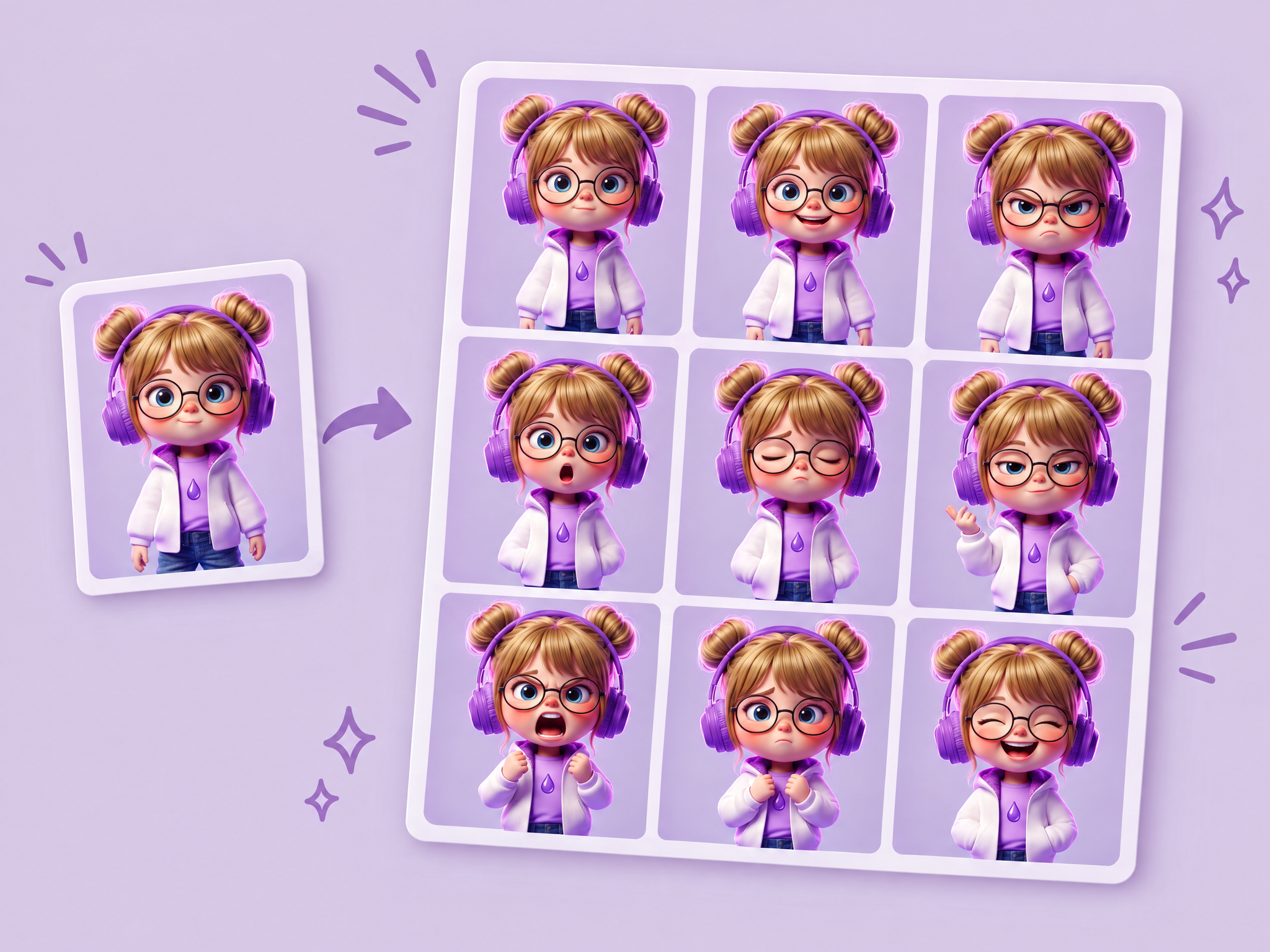
Create a 3×3 expression sheet for any character. Upload a character and get nine emotions with their face, design and art style kept identical.
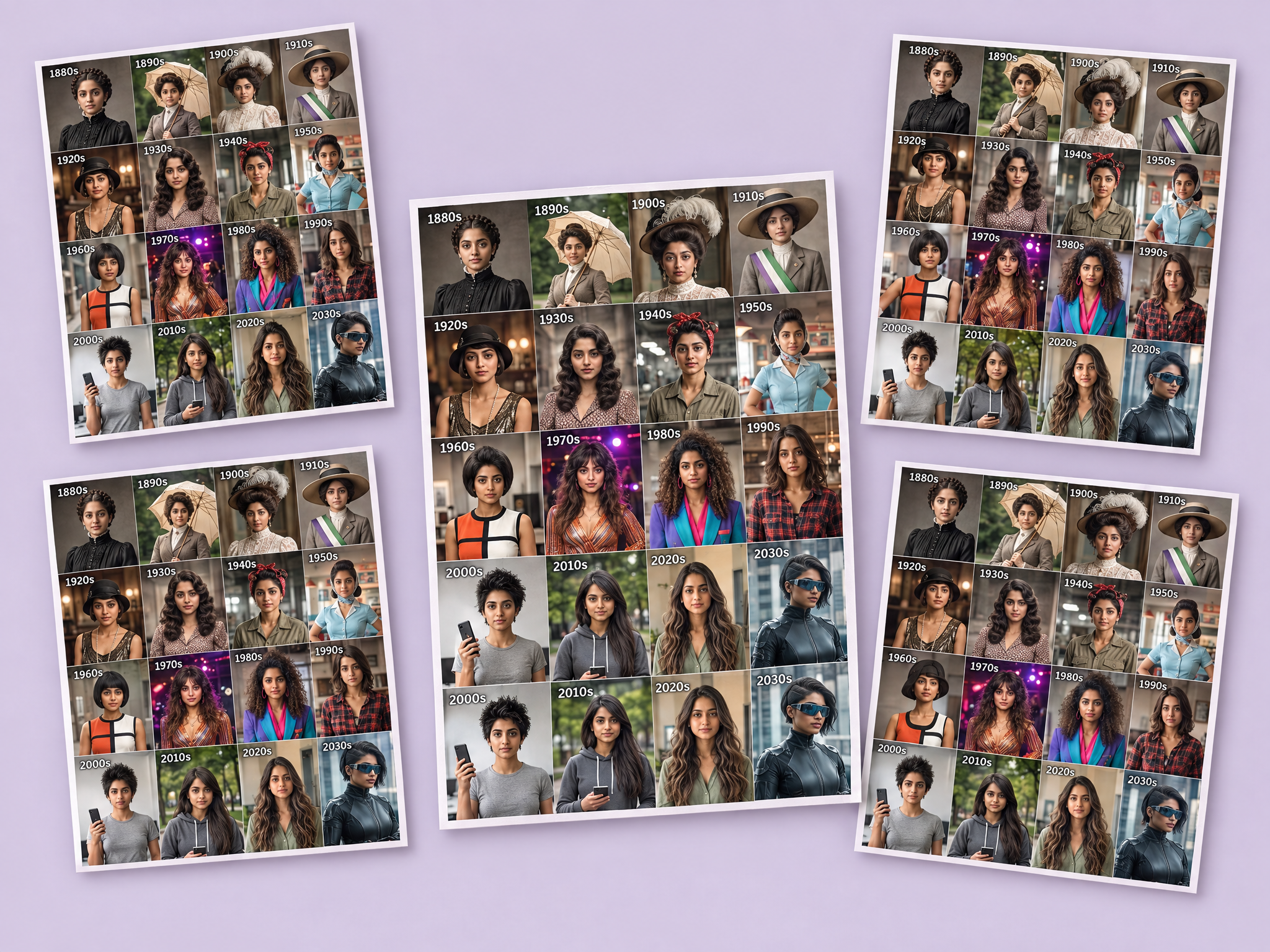
See any person or character styled across 16 decades. Upload a photo and get a 4×4 grid from the 1880s to the 2030s, with era-accurate clothing, hair, facial hair, accessories, backgrounds and photo styles. Ideal for period film and series costume and casting tests, characters across time for game and film stories, decade-themed ad campaigns and fun social content.
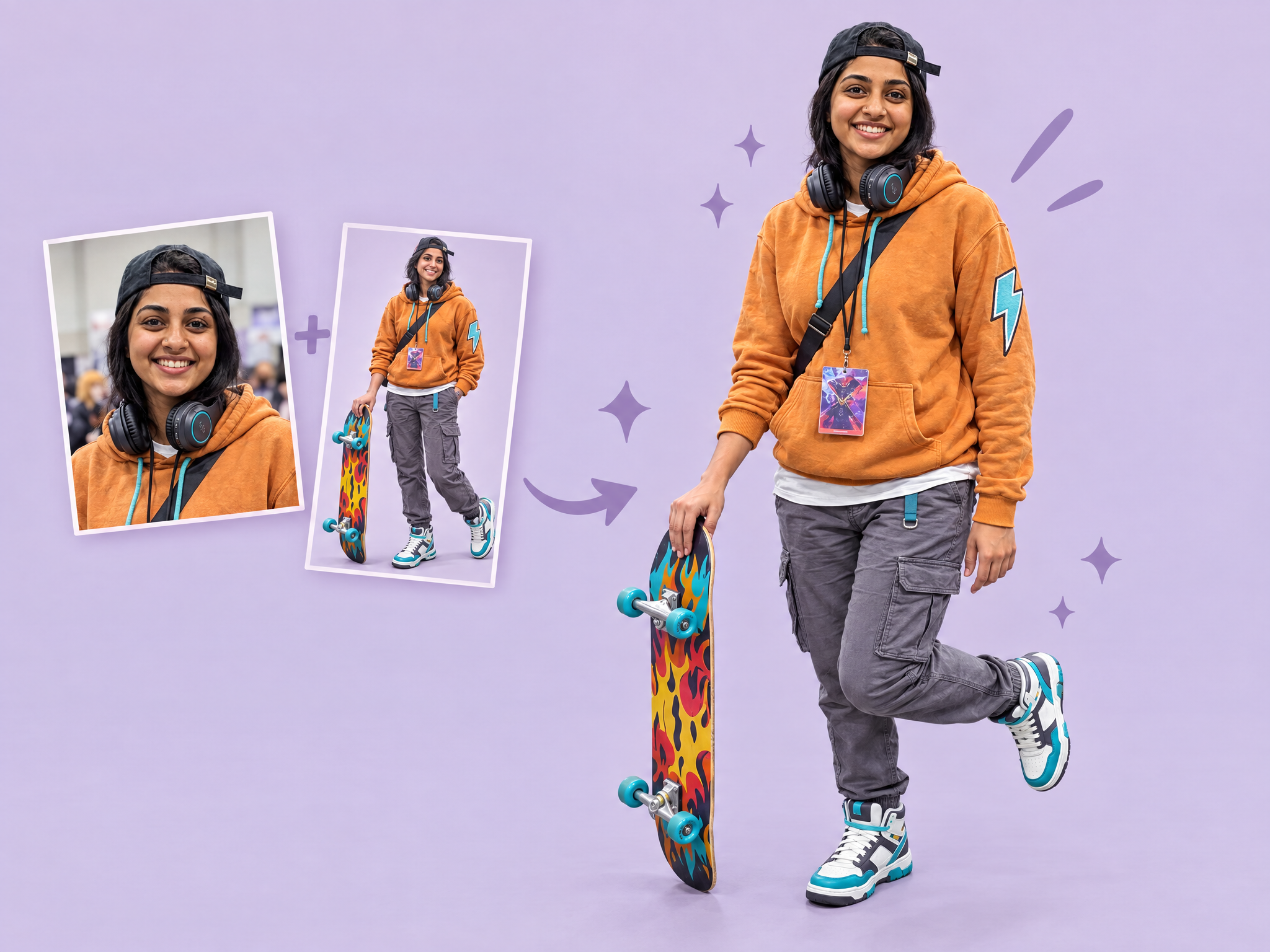
See any character recreated as a real cosplay. Upload a photo of a person and a character reference, and get a realistic cosplay photo with the person's real face and look kept intact, wearing a handmade-style costume in an everyday setting. Ideal for game and film fan community content, convention and cosplay contest promos, social campaigns for character launches, and showing how characters translate to real life.
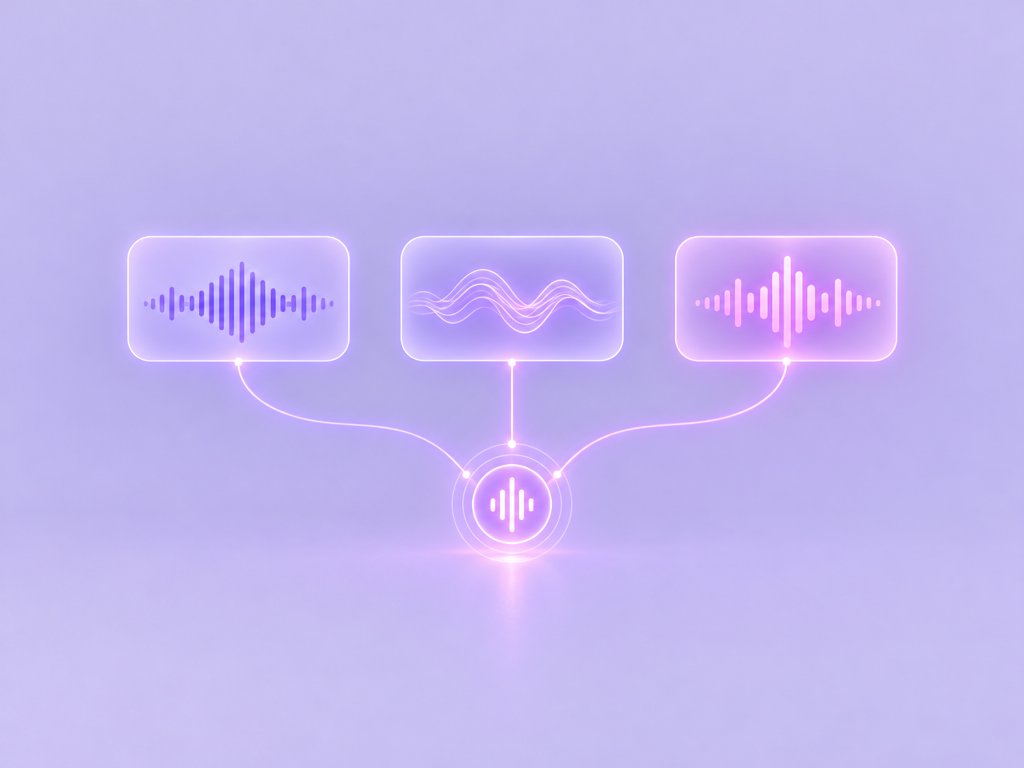
Generate the same music prompt with several AI models at once and compare the results side by side. Quickly hear how each model handles style, mood, structure and quality, and pick the best one for your project. Ideal for choosing music tools for game soundtracks and menus, film and series temp scores, trailer and ad music, and social content.
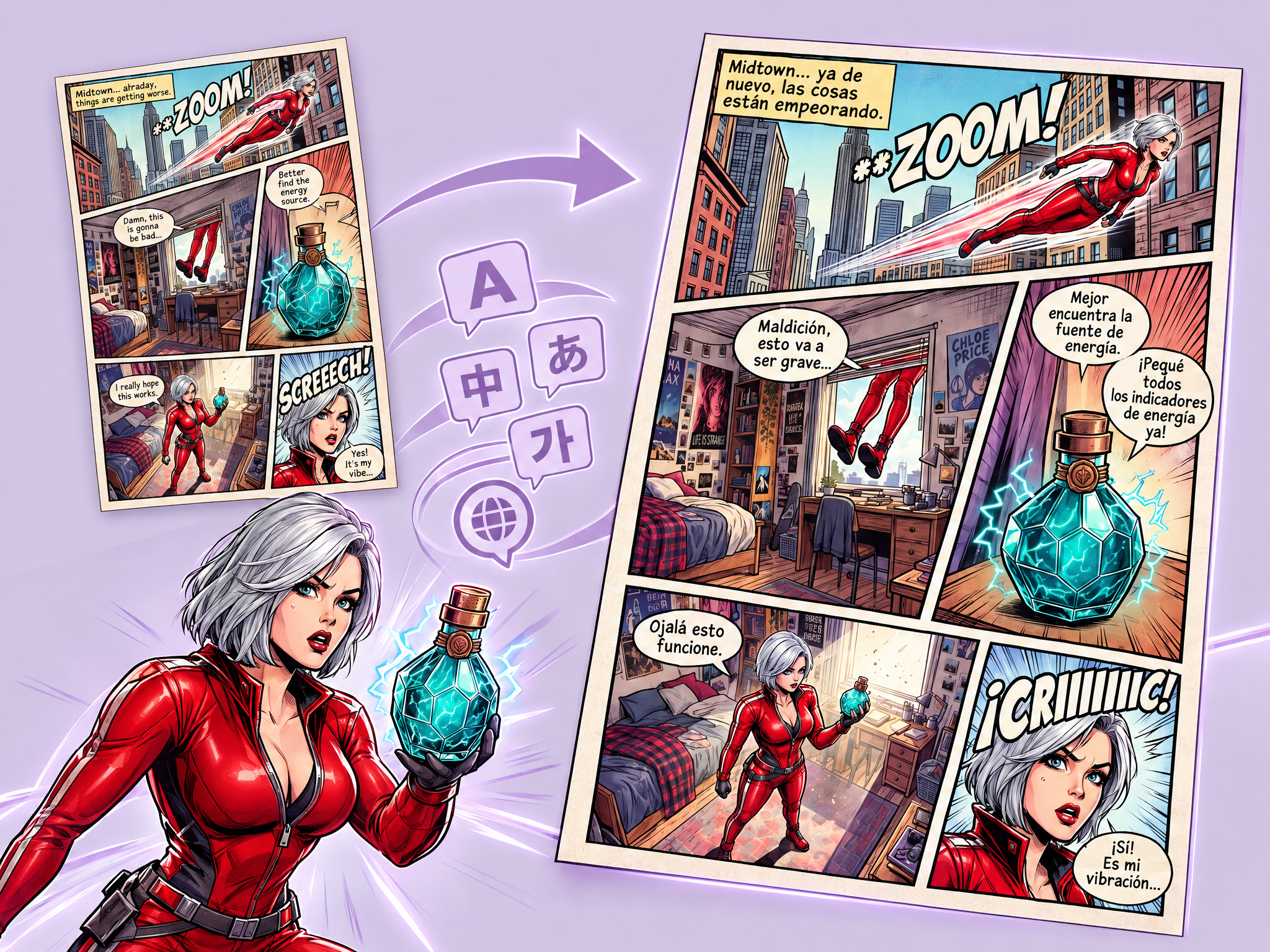
Translate comics into any language while keeping the artwork intact. Upload a comic page, choose a language, and get the same page in 4K with speech bubbles, captions and sound effects translated and lettered to match the original style. Ideal for localizing game and film tie-in comics, webtoons and manga for global readers, promo comics for international campaigns, and language learning.
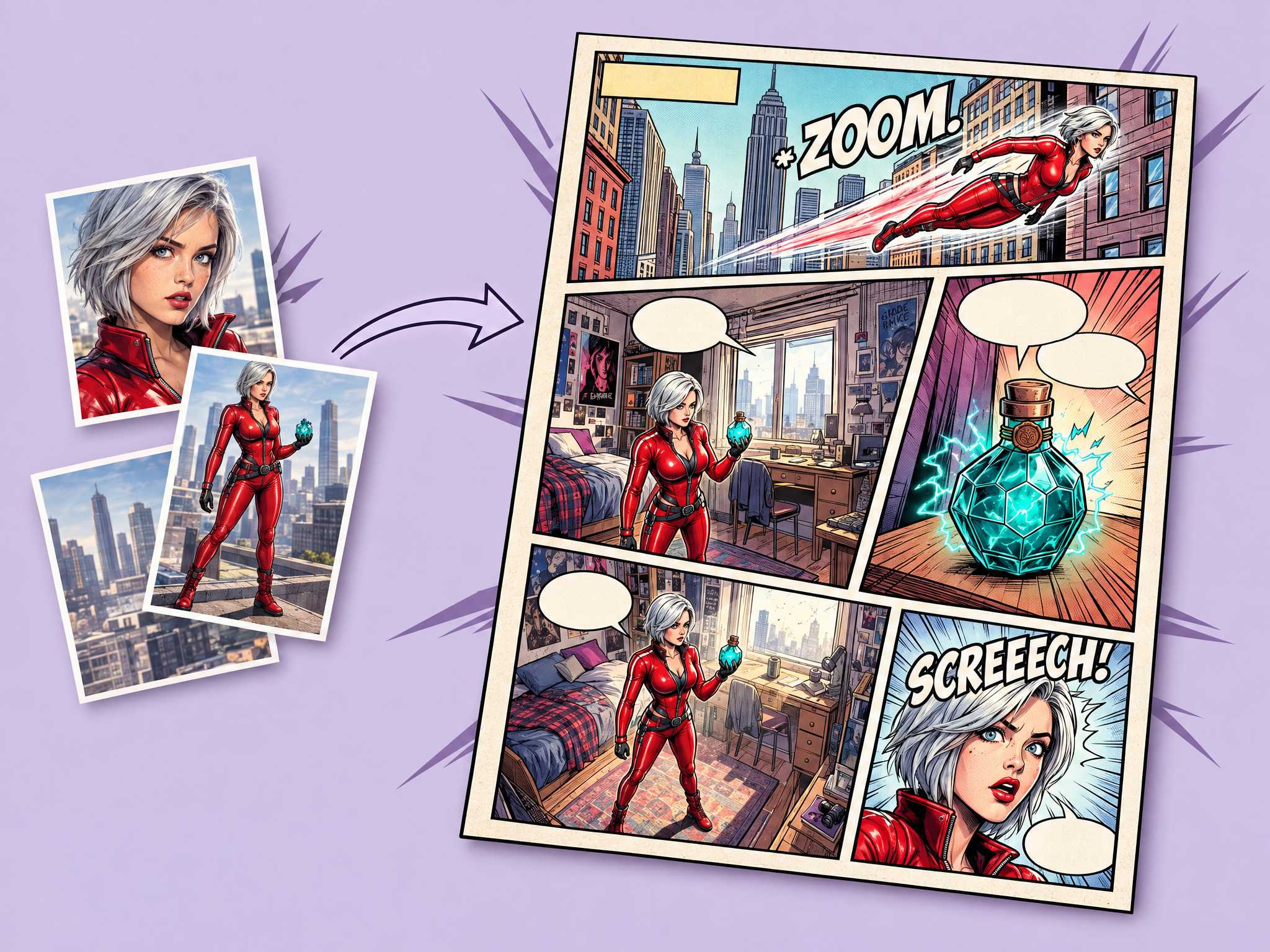
Turn your photos into a finished comic page. Upload one or more photos, describe the comic style, and get a fully composed page with stylized panels, speech bubbles, captions, sound effects and motion lines. Ideal for storyboards and pitch comics for film and series, game story and promo comics, social and community content, and comic-style ad campaigns.
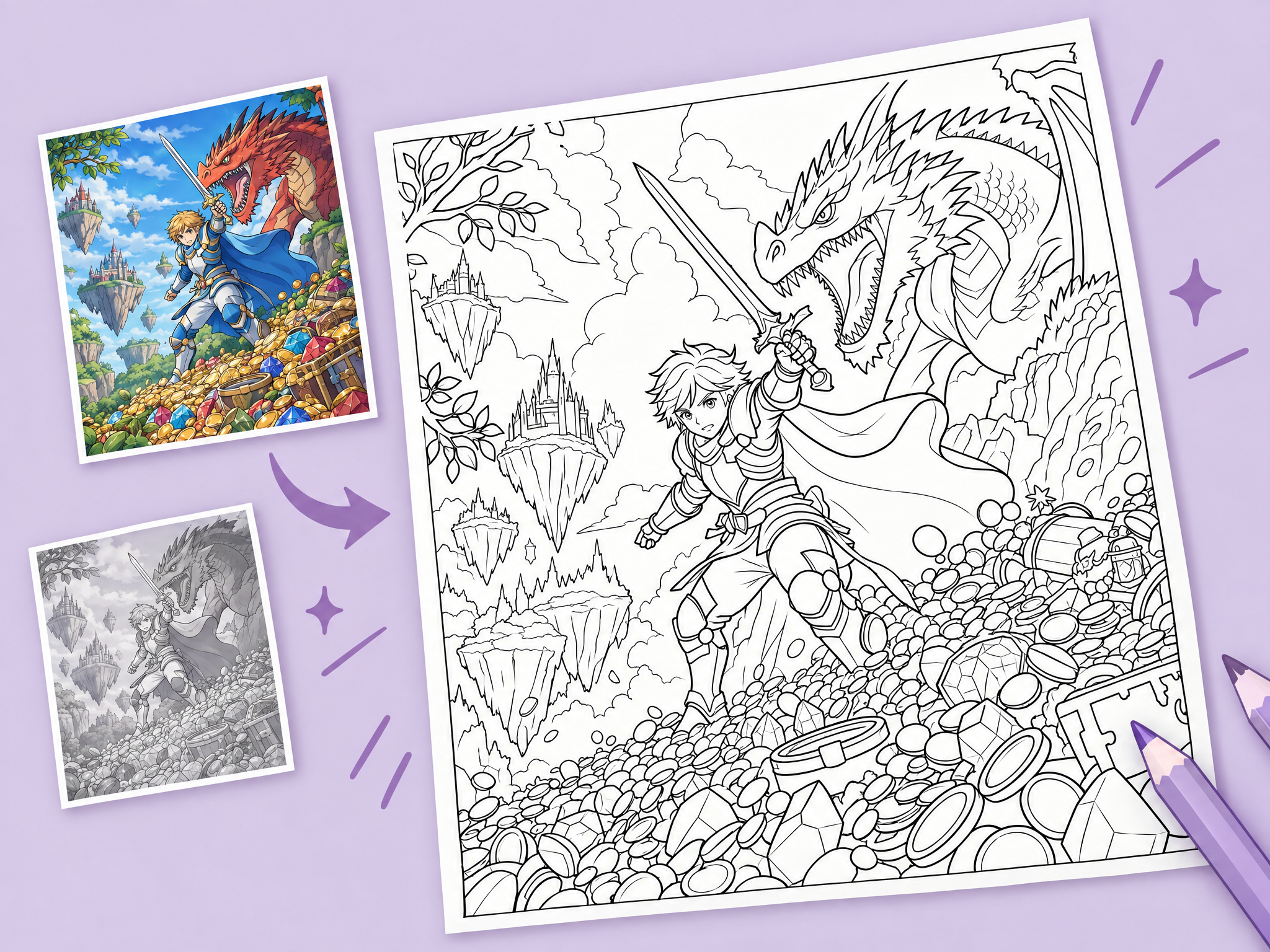
Turn any image into a printable coloring page. Upload a photo, render or illustration, and get clean black-and-white line art with the colors removed, in a classic coloring book style. Ideal for kids' activity books and merch for animated films, series and games, printable promo and event giveaways, fan community content, and line art bases for artists.
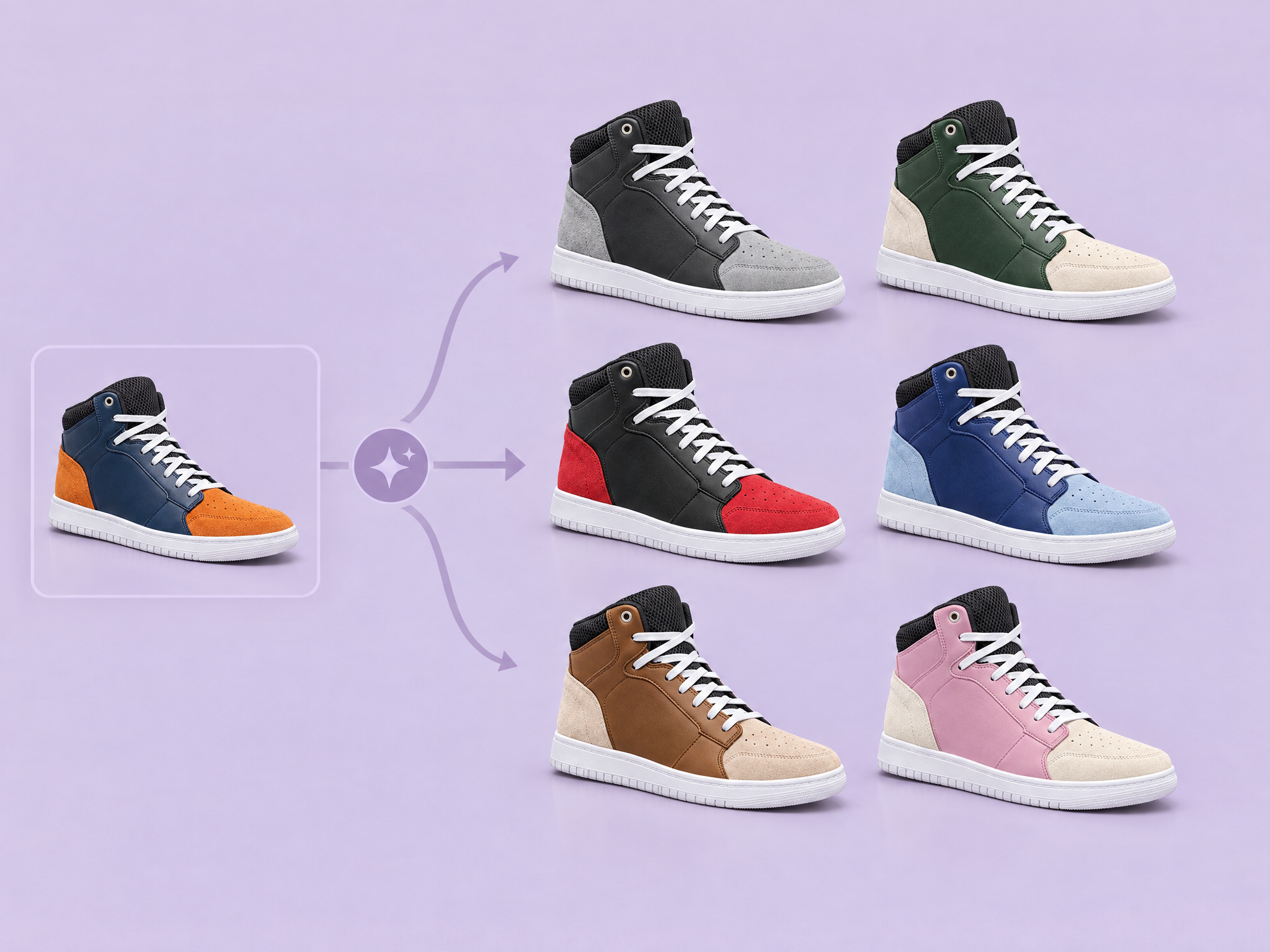
Create new colorways of any object without changing anything else. Upload an image, describe the new colors, and get the same object with its lighting, shadows, reflections and material details kept exactly the same. Ideal for game merch and gear variants, sneaker, apparel and product colorways for ads, costume and prop color tests for film and series, and in-game cosmetic color options.
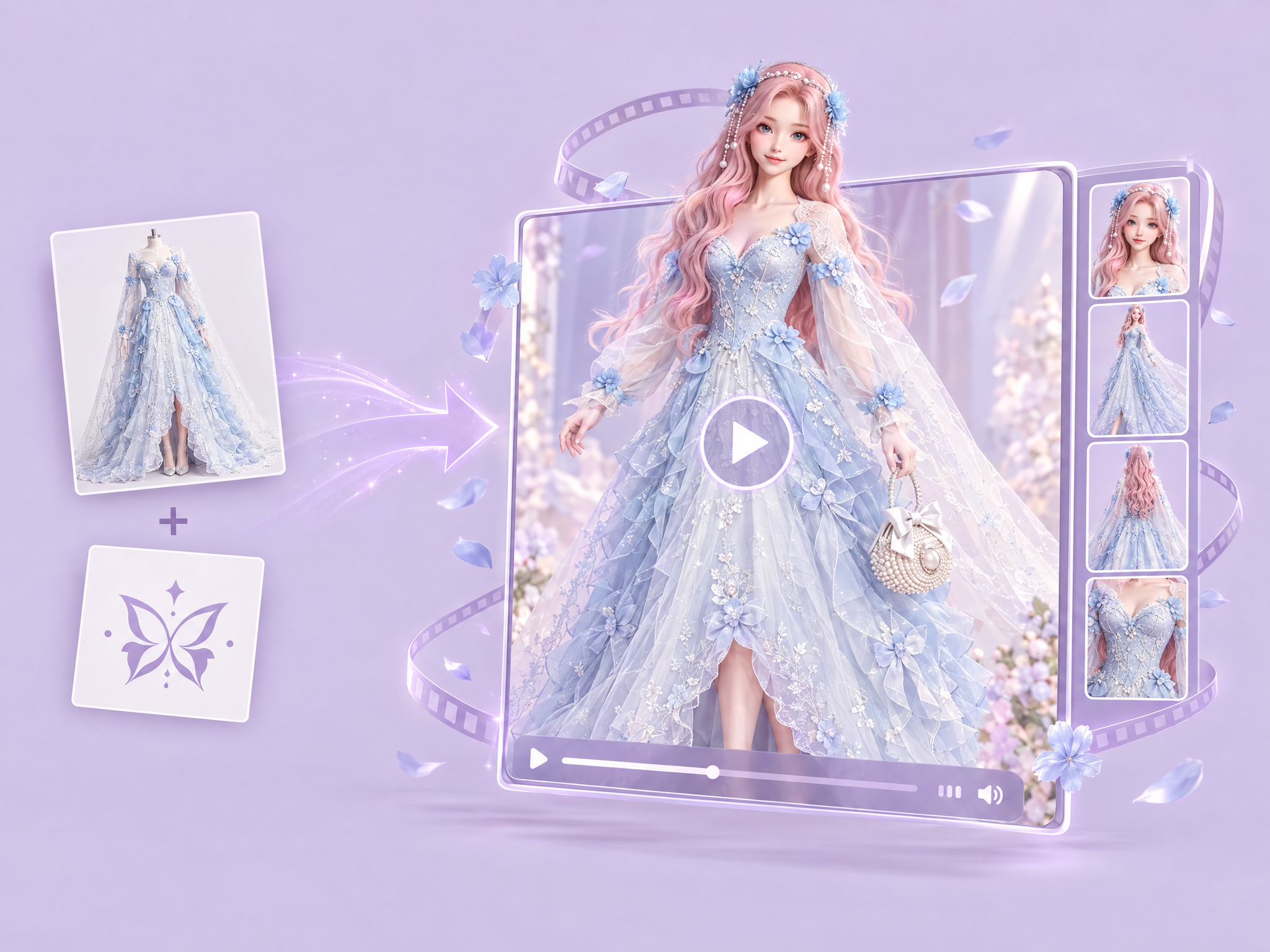
Turn clothing photos and a logo into a branded fashion ad video. Upload your garment and logo, and get a professional video of a model wearing the clothing, with your branding placed naturally and the garment's details kept intact. Ideal for game and esports merch drops, film and series apparel tie-ins, streetwear and fashion campaigns, and social and ad creatives for new collections.
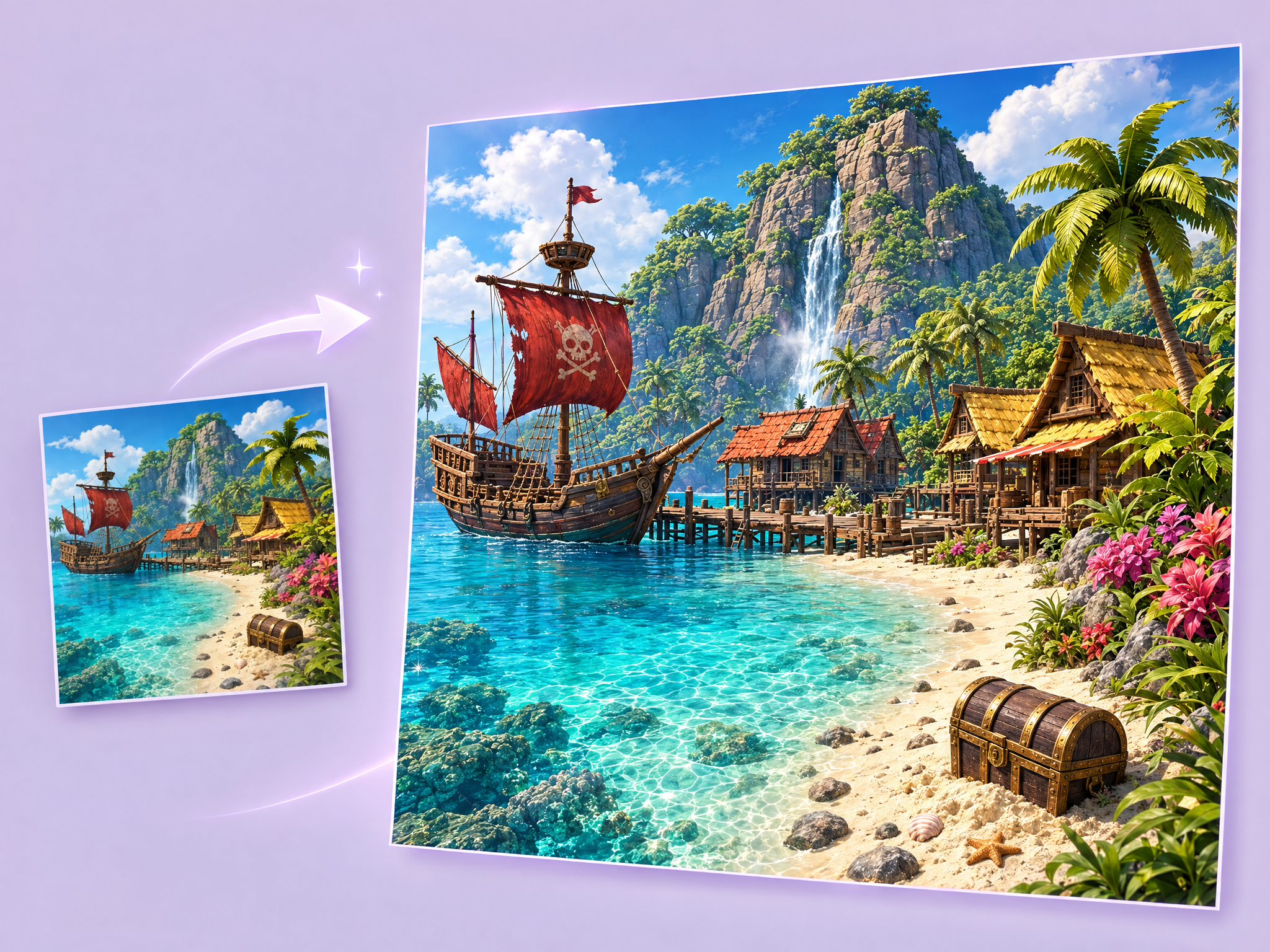
Cinematic Upscale Auto 4K enhances images to ultra-high-definition cinematic quality with absolute subject fidelity. Identity, expression, posture, clothing, environment, and composition stay completely unchanged. Micro-level details are reconstructed: precise facial contours, authentic skin texture, individually defined hair strands, sharp lifelike eyes, and clean edges throughout. Enhanced dynamic range and depth through studio-quality cinematic lighting — ready for print or professional use.
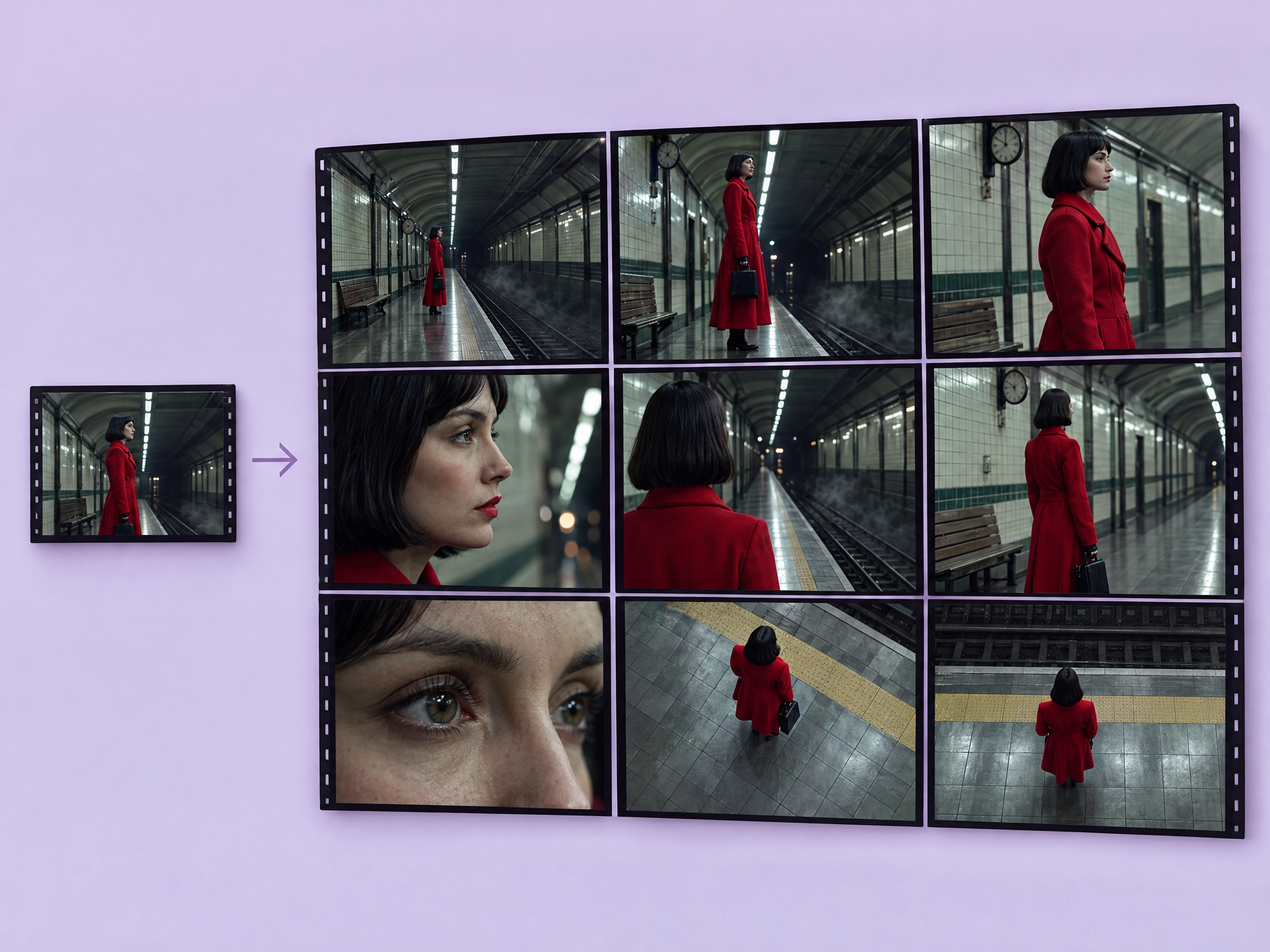
Turn one image into a 3×3 cinematic contact sheet with nine different camera angles. Upload a scene and get extreme wide shots, close-ups, low angles, over-the-shoulder shots and bird's-eye views, with the same subject, lighting and location in every panel. Ideal for film and series shot planning and storyboards, game cinematic and cutscene previs, ad and commercial shot exploration, and pitch decks.
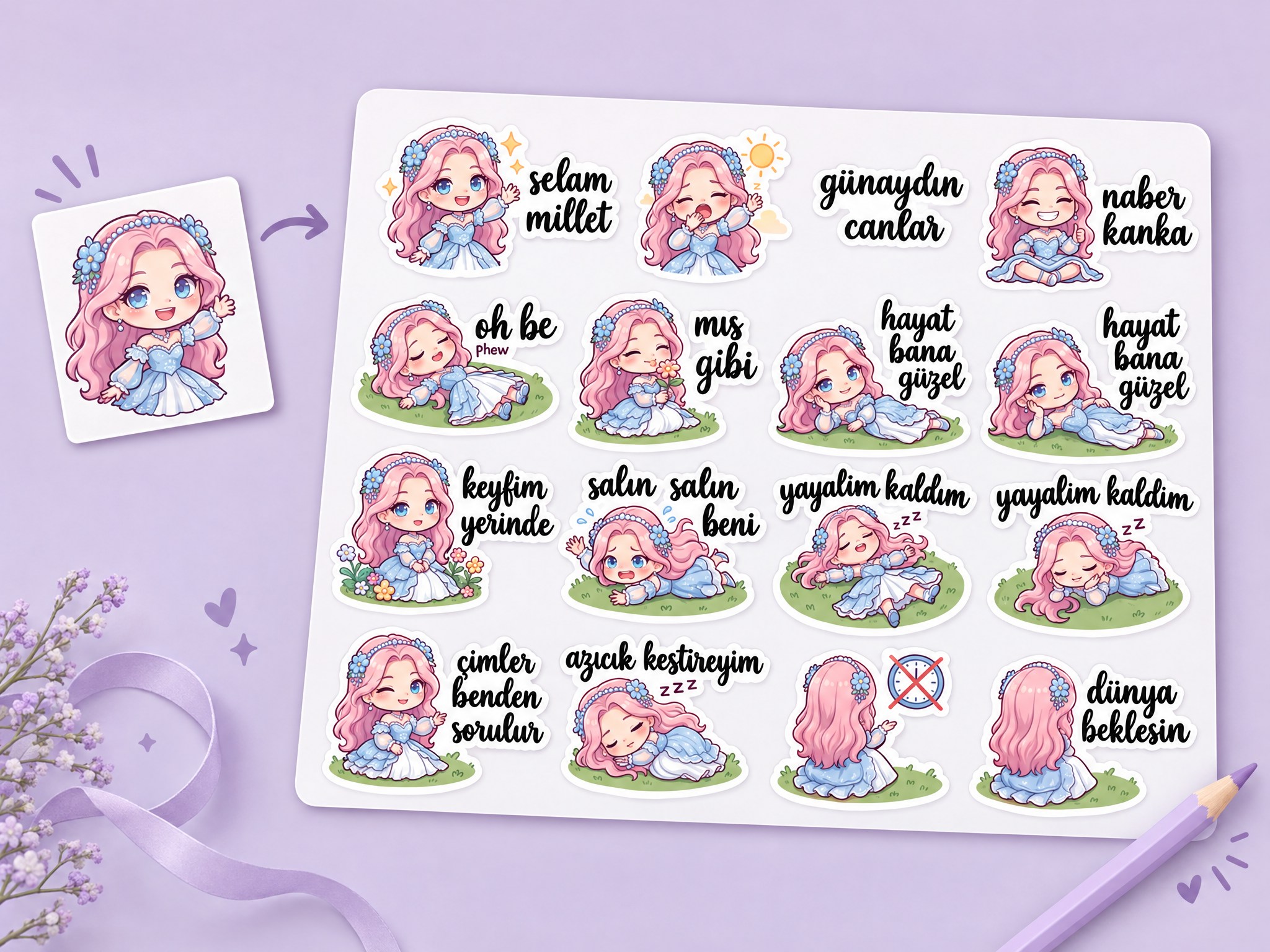
Create a consistent 12-piece chibi chat sticker set from a character reference. Choose an audience and any language or region to generate concise, native-sounding phrases in the correct script, with expressive poses and readable text on a clean white sticker sheet.
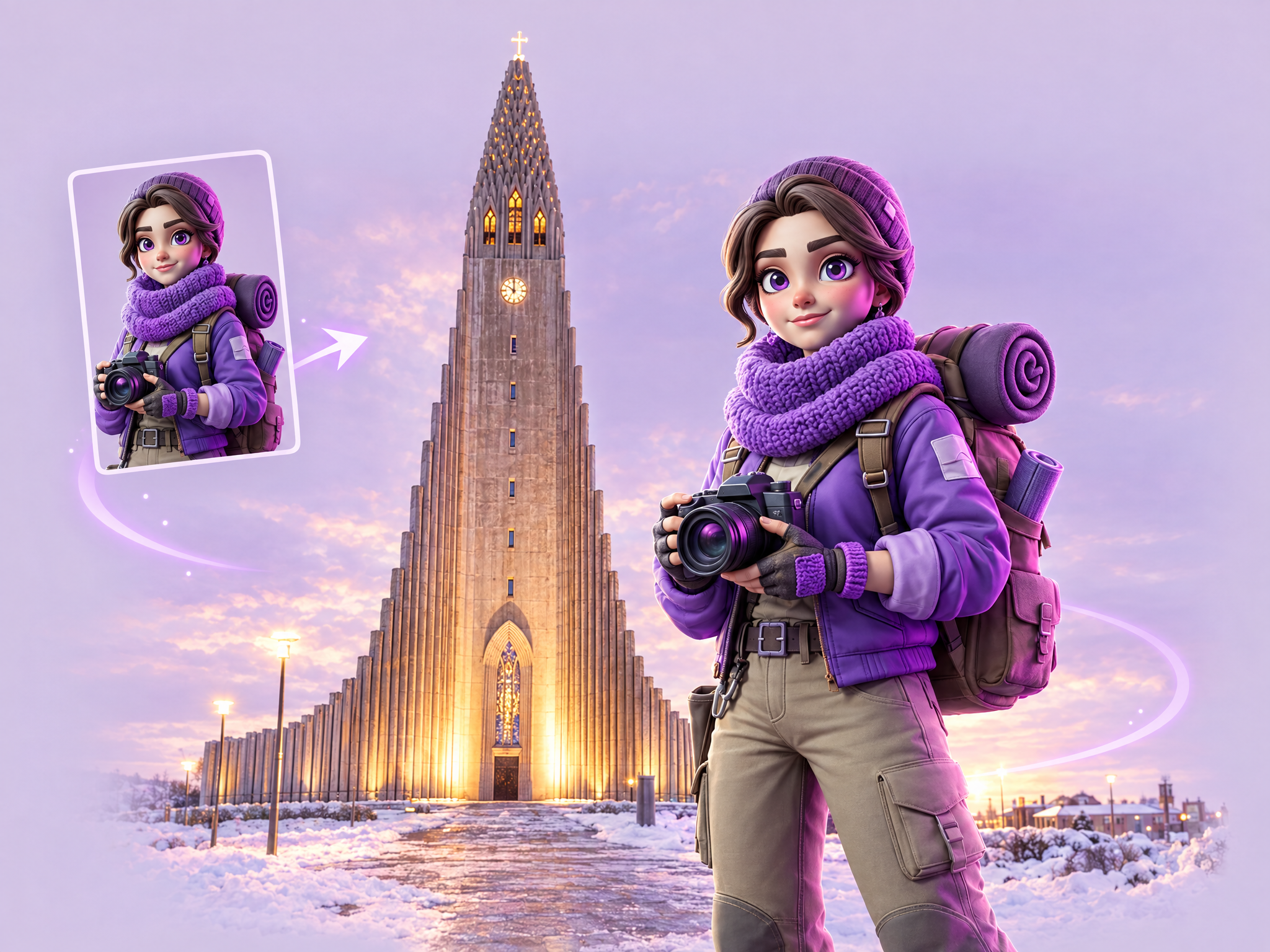
Send your game's character on location to real-world landmarks. Upload a character reference and name any destination — the workflow drops them into photoreal travel scenery with outfit, lighting, and setting matched to the location. Built for social teasers, UA hooks, and "our hero visits the real world" campaign moments.
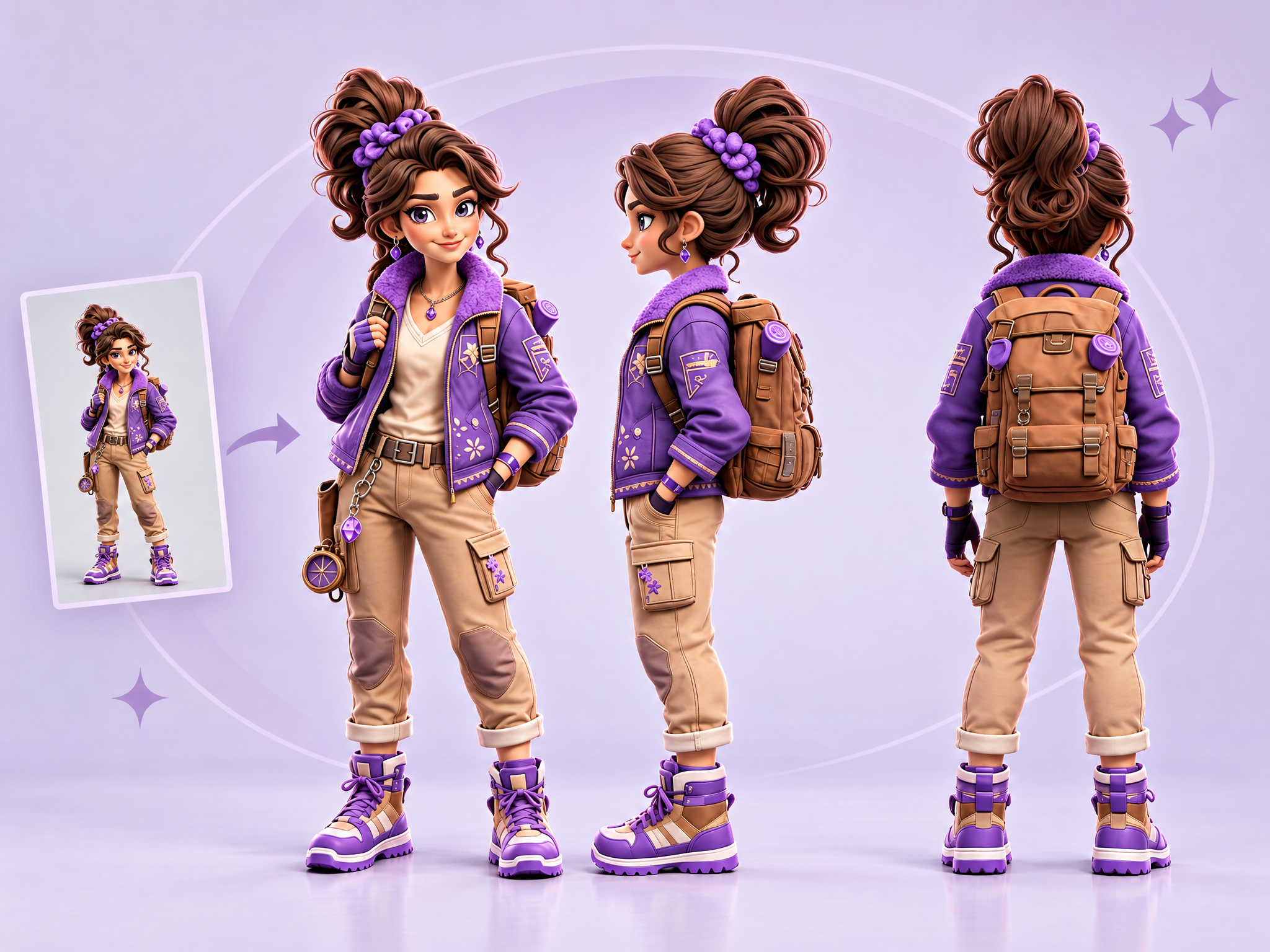
Generate a full character turnaround from a single reference image — front, side, and back views, with consistent style, proportions, and design details across all angles. Ready to use as a production reference sheet for animation, rigging, 3D modeling, or concept hand-off.
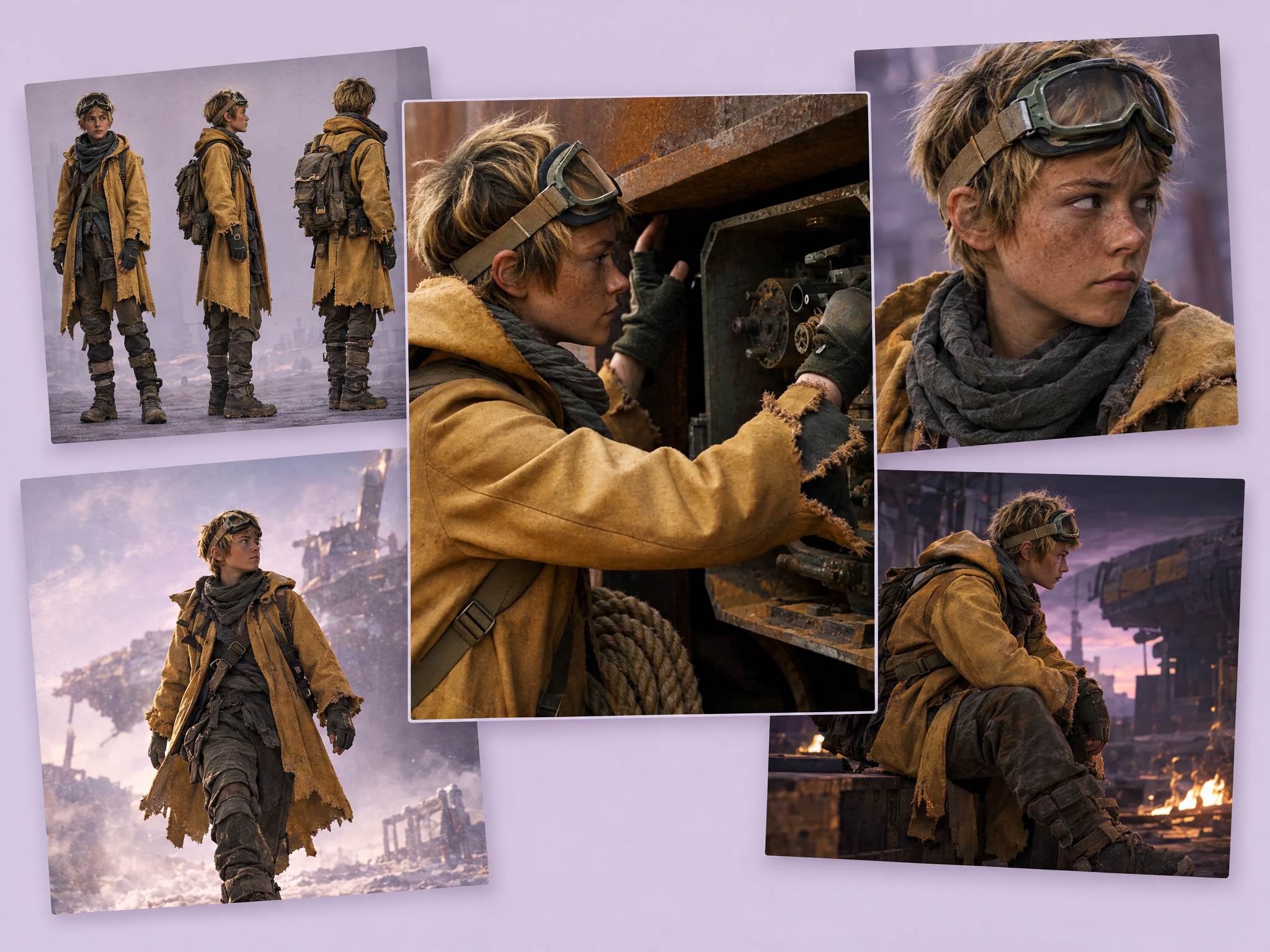
Bring your character sheet to life as a cinematic video. Upload a sheet with multiple views of your character, and get a cinematic shot sequence with the character consistent from every angle. Ideal for showcasing original characters in game trailers and pitches, animatics and previs for film and series, and character reveals for social and ads.
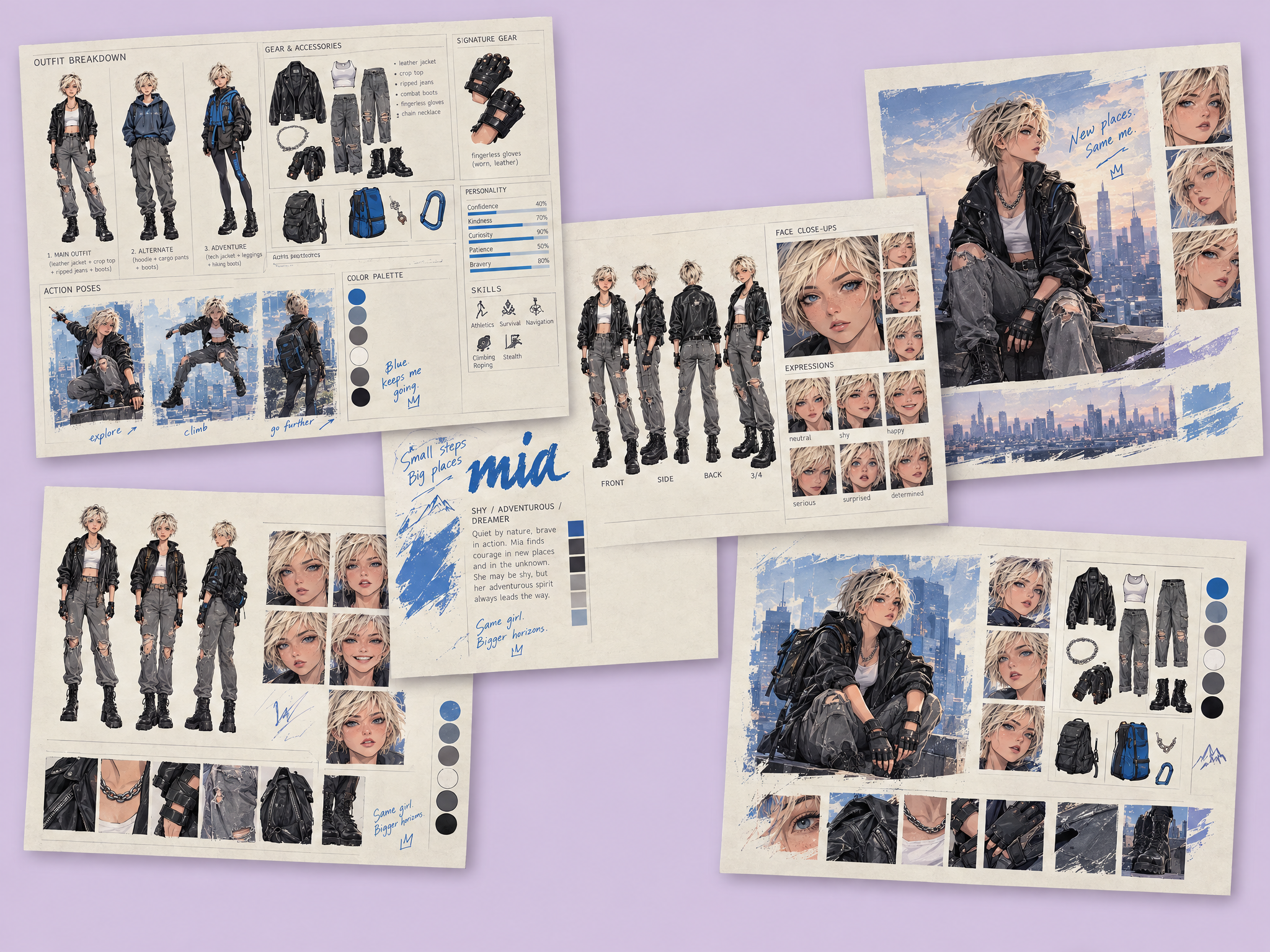
Create a detailed character sheet from a few simple inputs, with no uploads needed. Enter a name, age, hair, outfit and style, and get a complete editorial-style sheet with multiple views, expressions and outfit details. Ideal for game character concepts, character bibles for film and series, fashion and costume mood boards, and creative briefs and pitches.
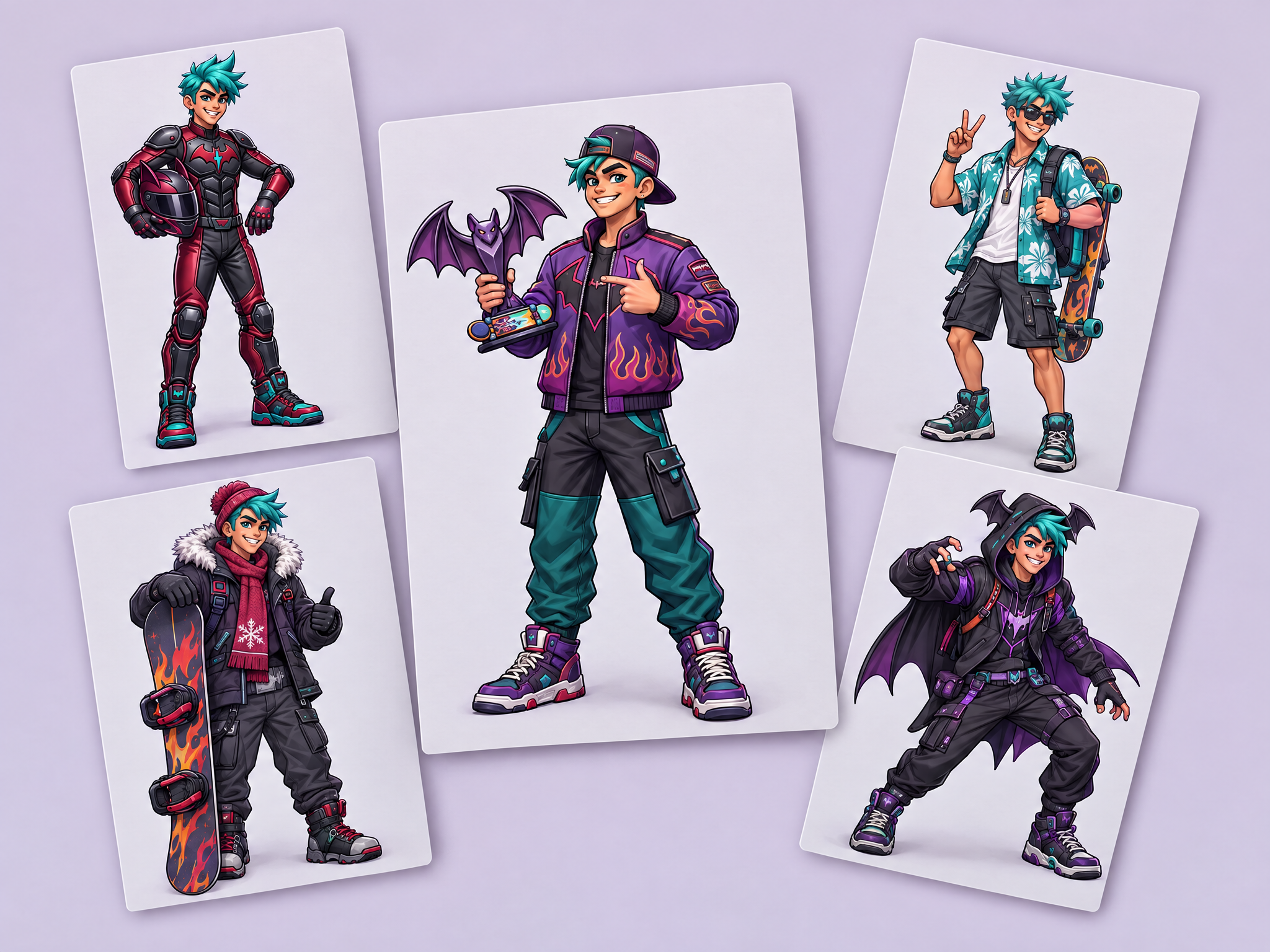
Create four new versions of your character while keeping their identity intact: same face, body and art style.
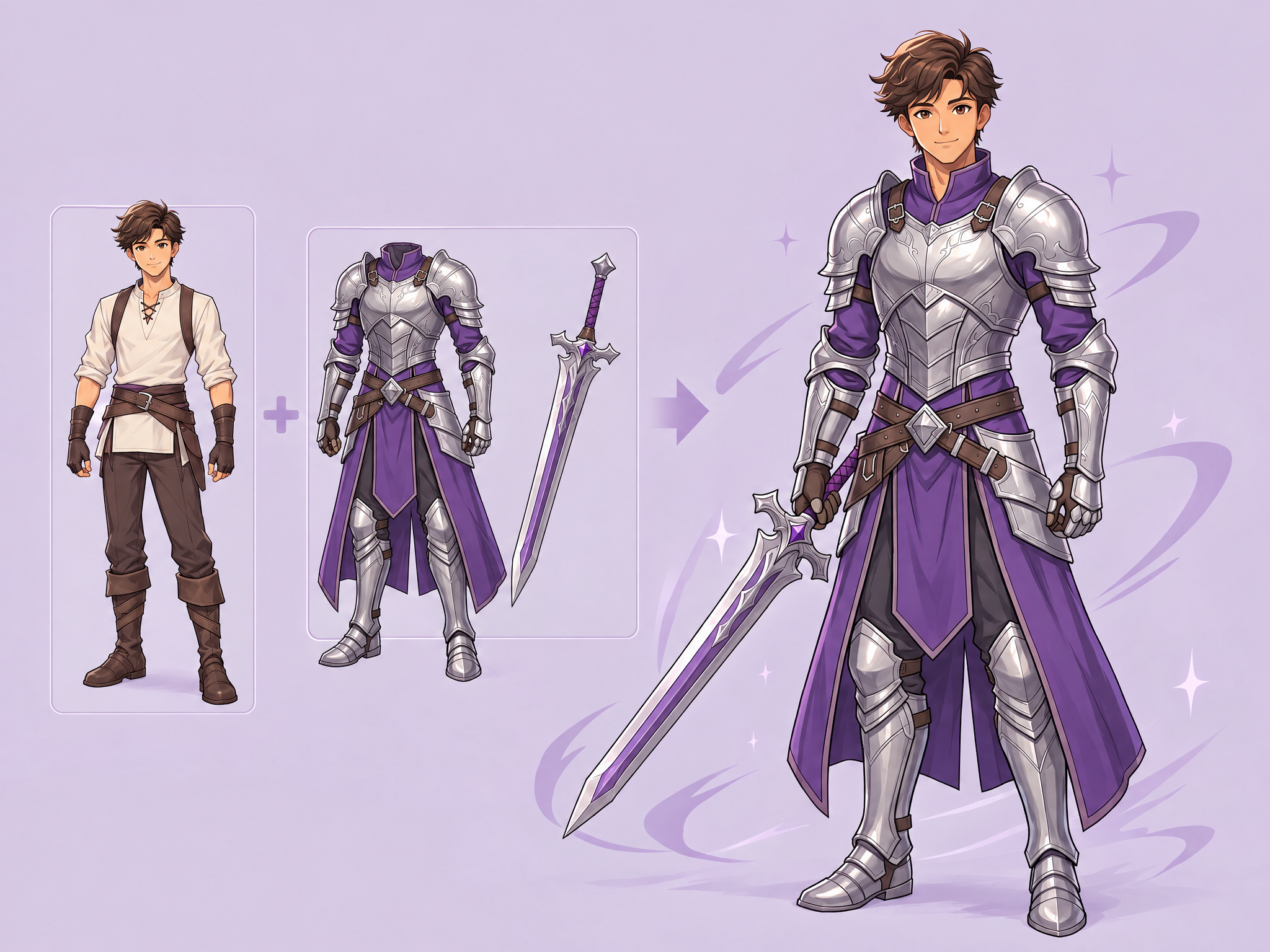
Dress your game character in any outfit. Upload a character reference (concept art or in-game render) plus one or more outfit/accessory asset images (including isolated PNG exports on transparency). The workflow fits the outfit onto the same character with consistent proportions, drape, and lighting in the character’s art style, preserving the character’s identity and leaving the original background unchanged.
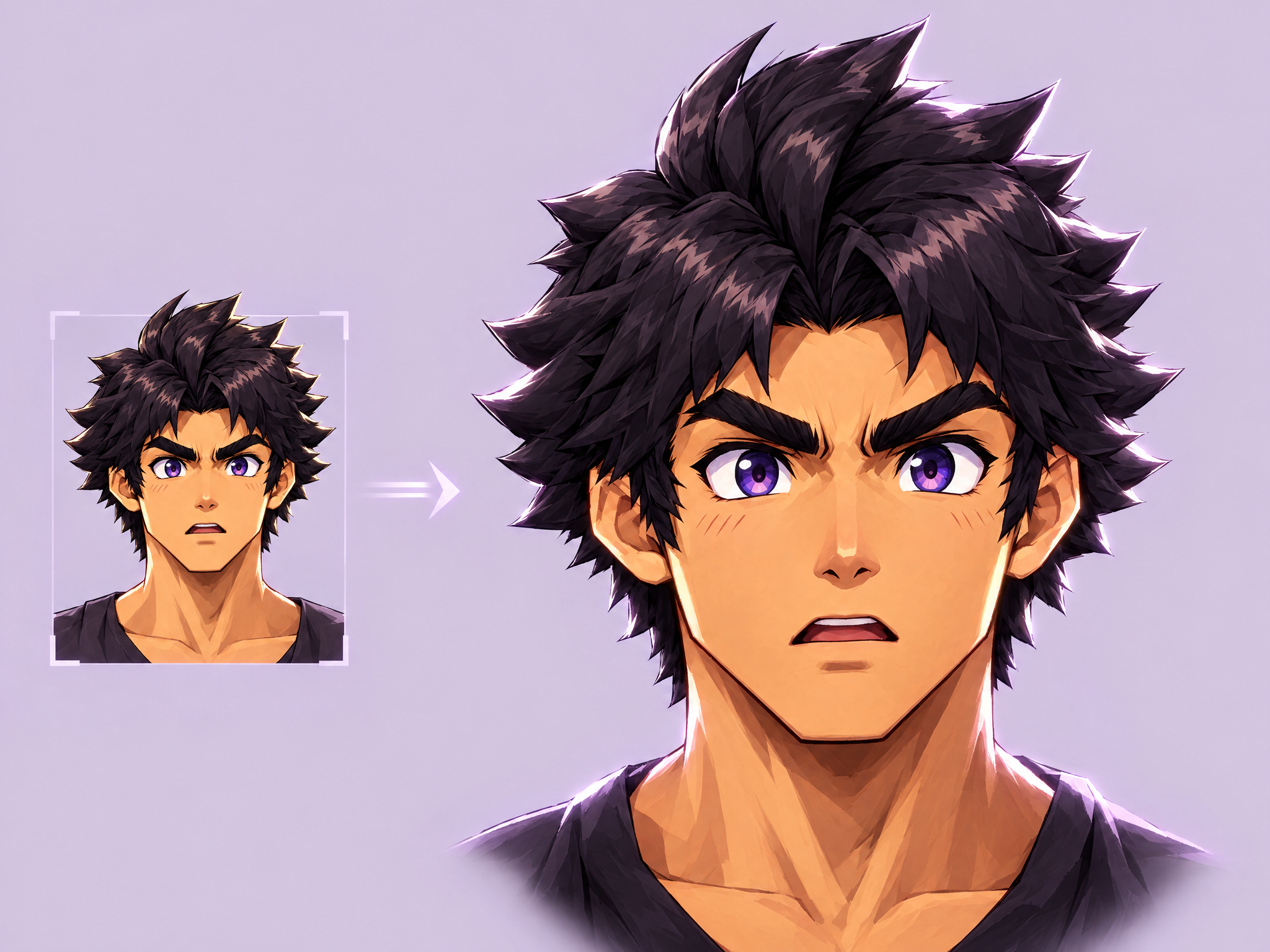
Upload any game character and generate a polished headshot-style portrait — dramatic studio-quality lighting, clean dark background, tight head-and-shoulders framing — while keeping the character's exact design, proportions, and art style intact. Built for character-select screens, profile/loadout icons, credits pages, dev-diary character reveals, and any UI surface that needs a clean, consistent portrait crop rather than a full-body illustration.
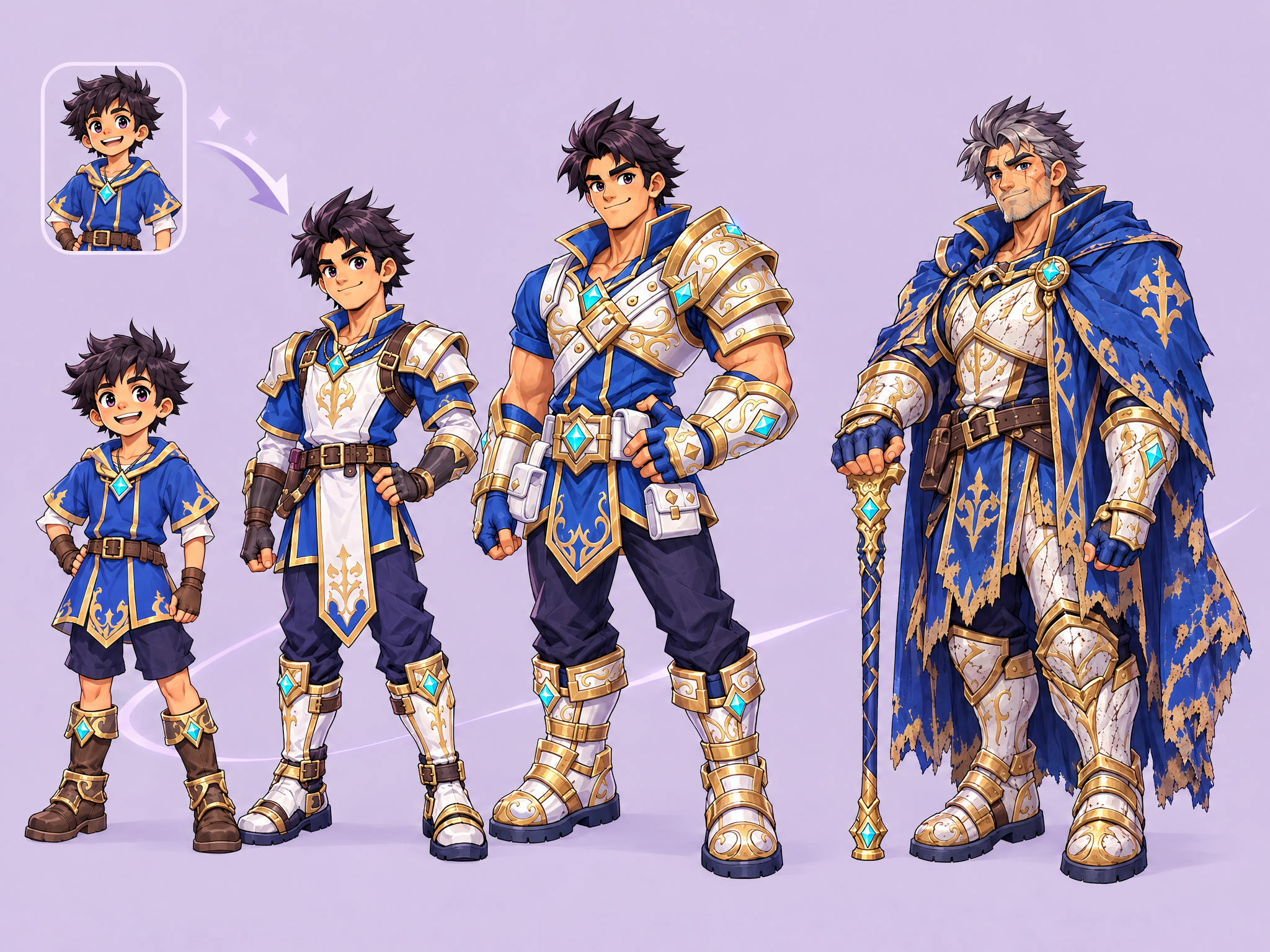
Upload any game character and get a multi-panel sheet showing them across life stages — child, teen, adult, and elder — with consistent identity, core design, and palette held across every panel while age-appropriate proportions, hair, and wear evolve naturally. Built for legacy/aging game mechanics, prophecy or vision sequences, character-bible documentation, timeskip storytelling, and promotional "hero's journey" content.
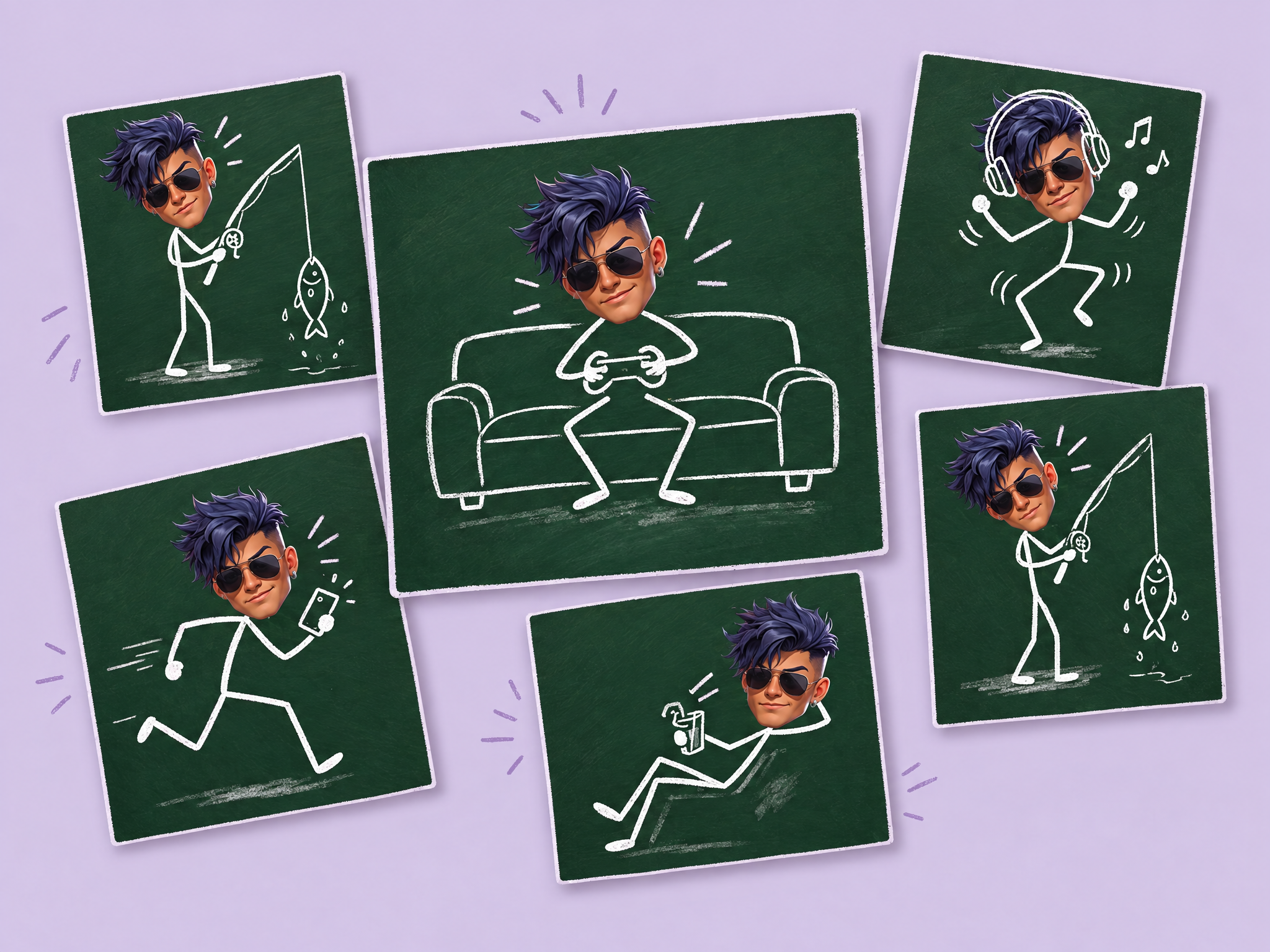
Turn a photo into a playful chalkboard sticker sheet. Upload a photo, and get the person's real face on chalk-drawn stick-figure bodies in multiple fun poses, all on a green chalkboard. Ideal for social media and community posts, film and series cast promos, back-to-school and event campaigns, streamer and influencer content, and playful ad creatives.
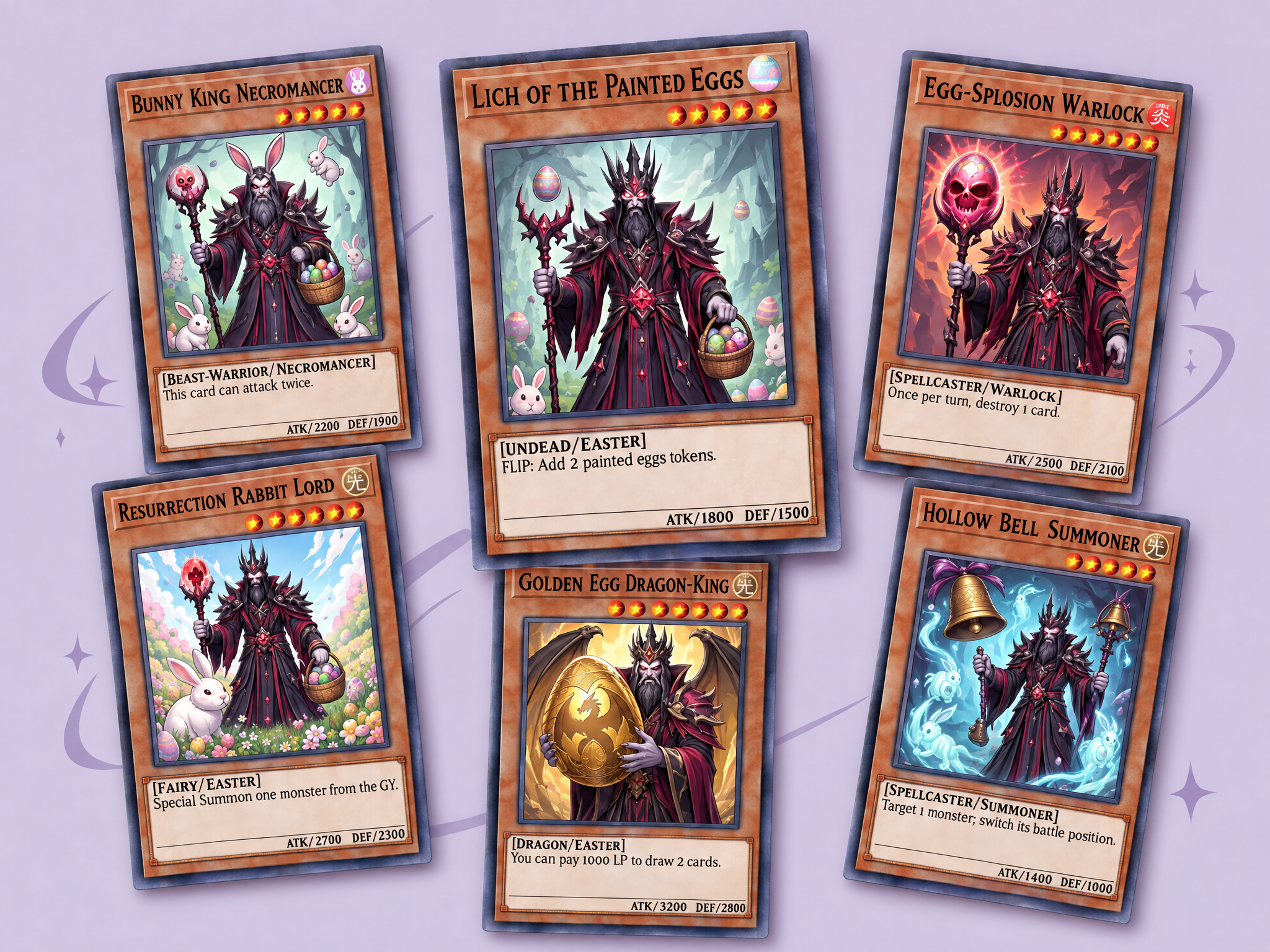
Turn your characters into a complete trading card pack. Upload up to 9 characters or theme images, choose a card style (heroic fantasy, pixel art, Japanese manga and more), and get a polished 3×3 pack of unique cards with names, stats, rarities and authentic card layouts. Ideal for collectible and card battle games, gacha and roster showcases, game and film merch concepts, and fan and social campaigns.
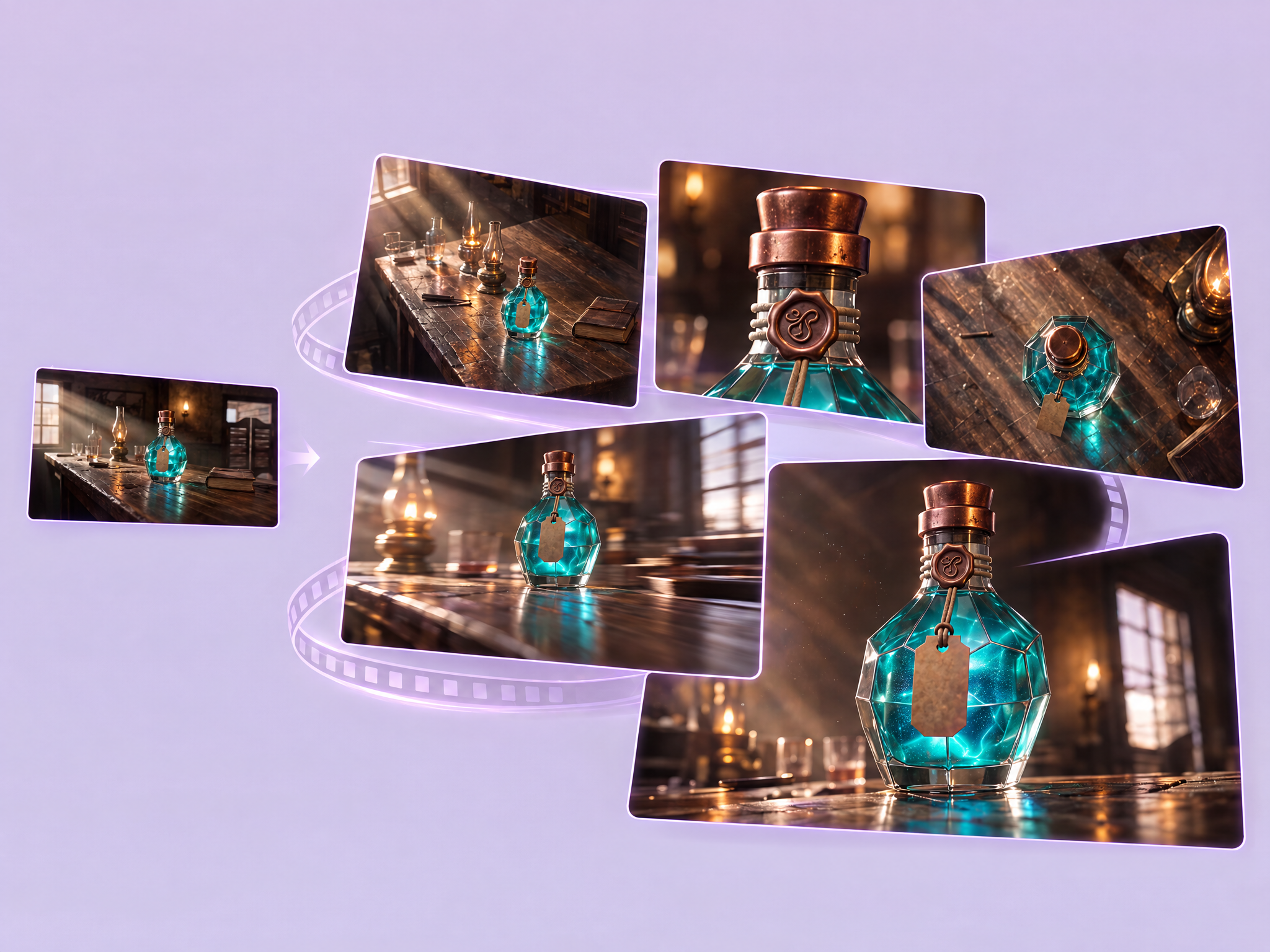
Turn one image into a cinematic video sequence with multiple camera angles and movements. Upload a character or scene, and get several shots, such as orbits, push-ins, crane moves and tracking shots, compiled into one smooth sequence with the same subject and location throughout. Ideal for film and series previs and shot planning, game cinematics and trailers, character reveals for social and ads, and pitch reels.
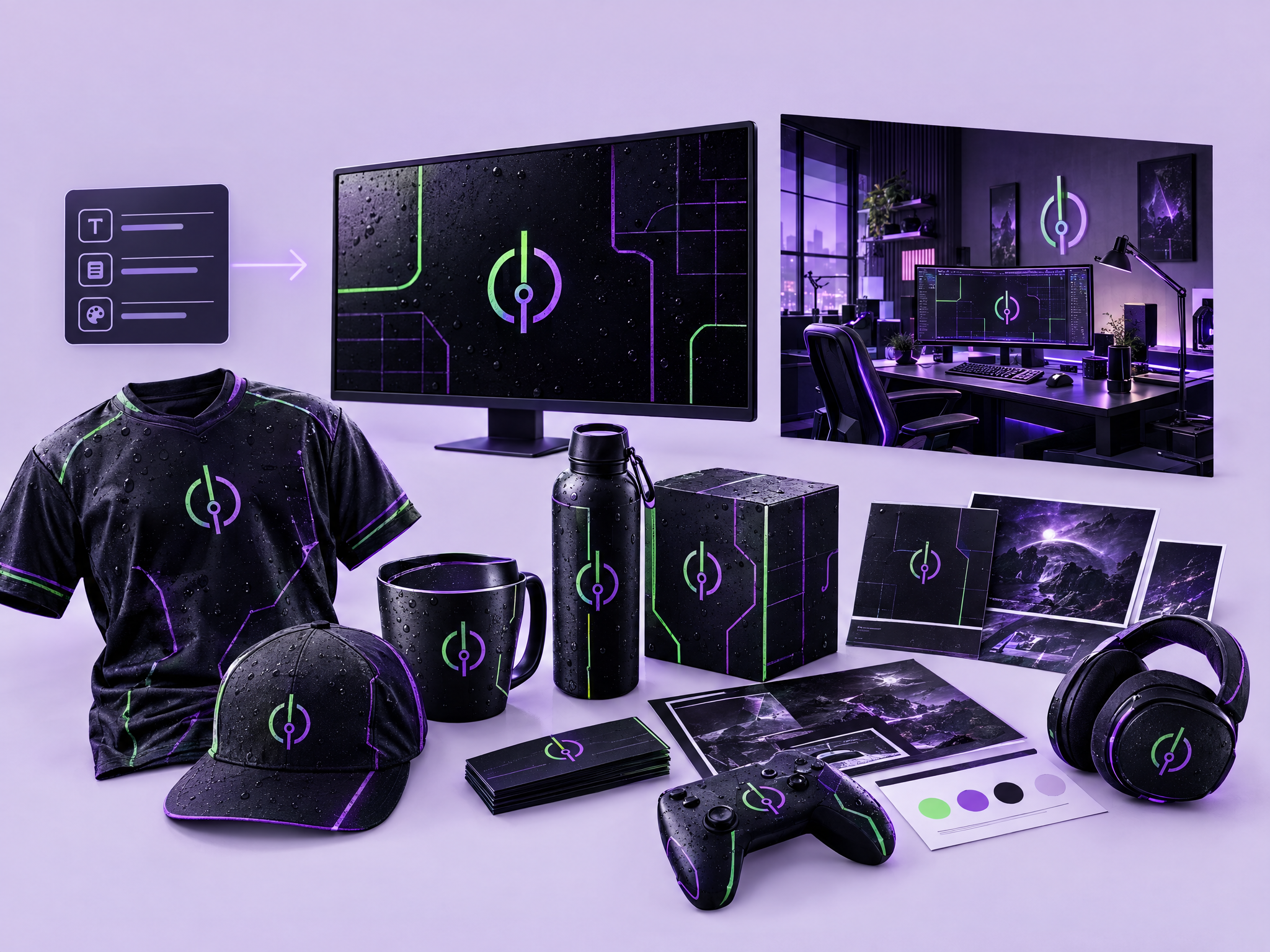
Create a complete brand identity from a name and a short description. Enter your brand name, what it does and the style you want, and get a logo, a branded workspace scene and product visuals that all share one consistent look. Ideal for indie game studios and esports teams, film and production companies, streamer and creator brands, and fast brand concepts for pitches and ads.
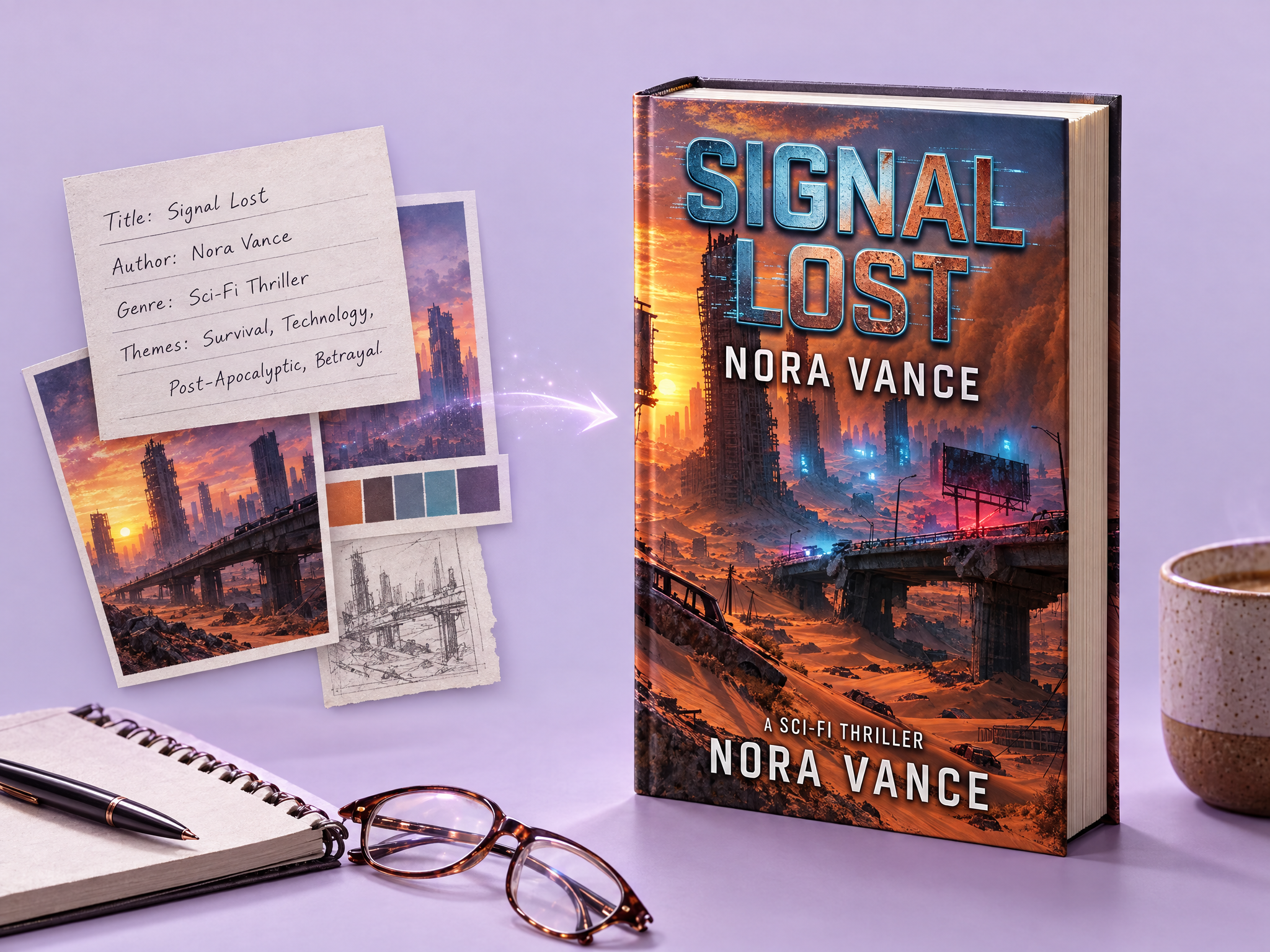
Design a book cover from your concept. Enter a title, author name, genre and themes, and get a finished cover with professional typography, imagery and composition. Ideal for game and film tie-in novels, artbooks and lore books, in-world book props for film and game sets, and covers for indie authors and pitches.
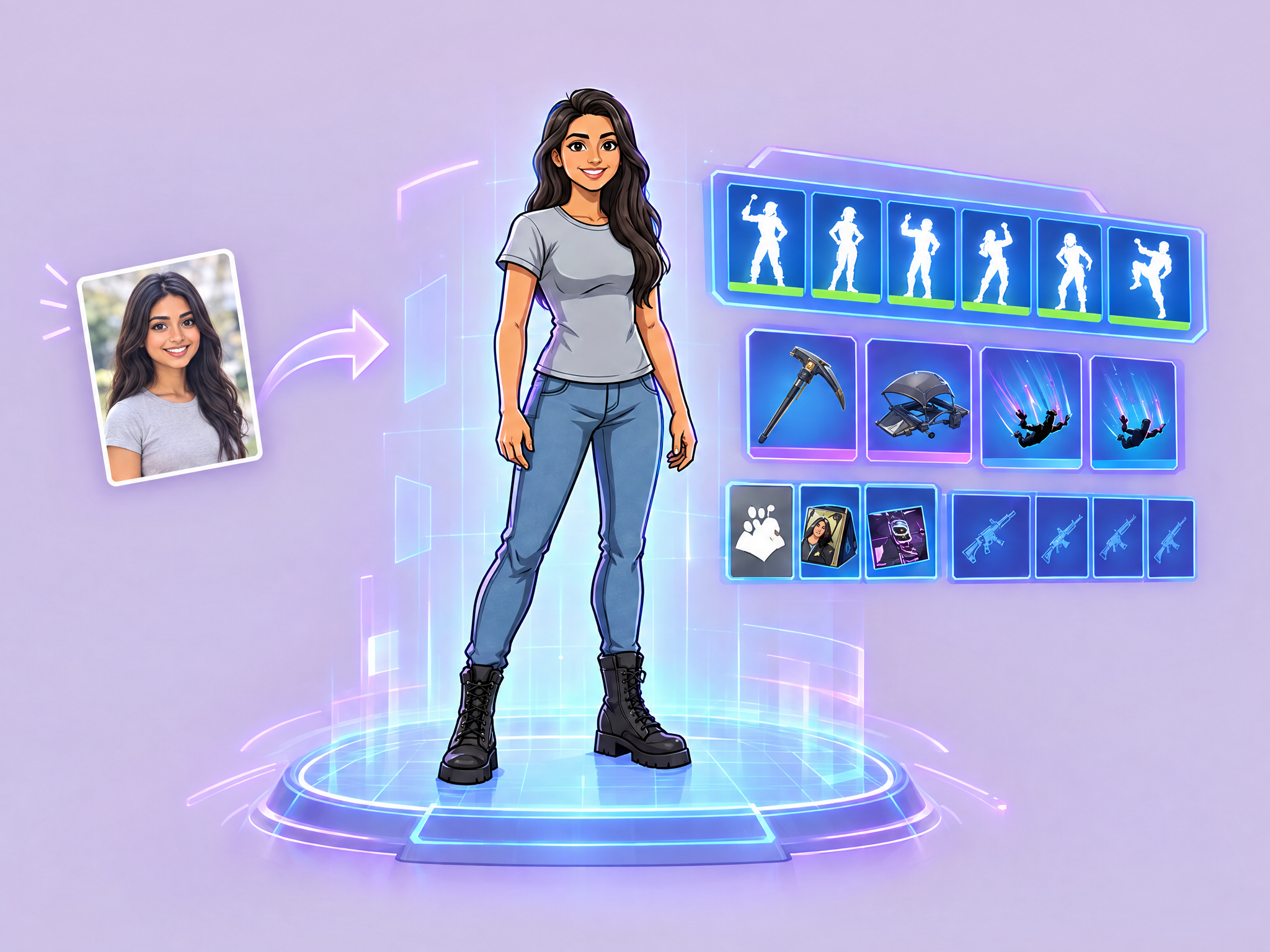
Turn your photo into a battle royale game character. Upload a photo and get yourself as a stylized legendary skin, shown on a holographic blue selection screen with emotes, accessories and gear, ready to drop in. Ideal for fan and community campaigns, game launch and season promos, streamer and influencer content, and social and ad creatives that put players in the game.
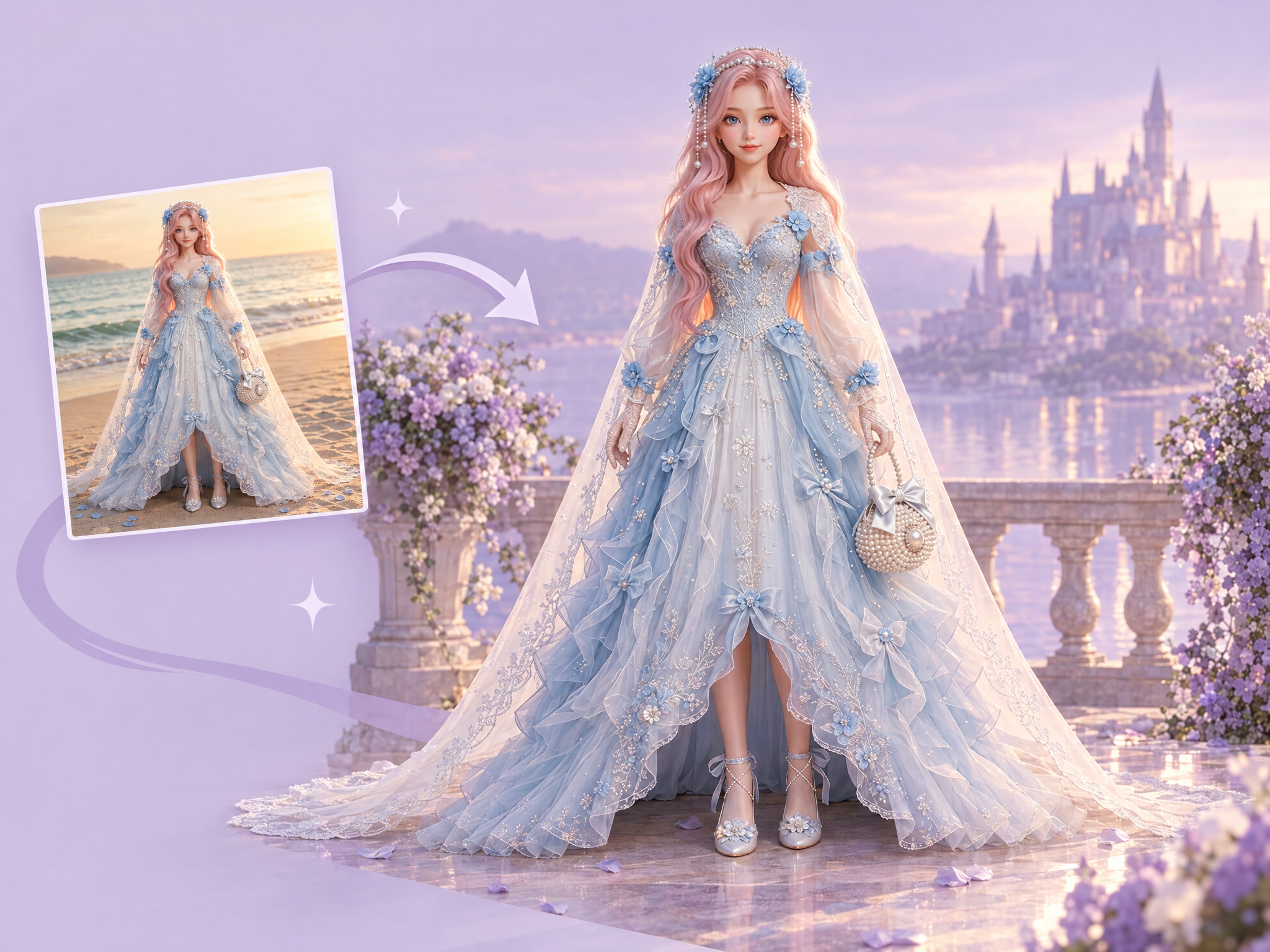
Replace the background of any image without a new shoot. Upload a photo or render, describe the new location, and get your subject placed into it with matching perspective, lighting, shadows and color while the subject stays unchanged. Ideal for film and series promo stills and location tests, game character and key art backgrounds, actor and influencer ad creatives, and product ads in new settings.
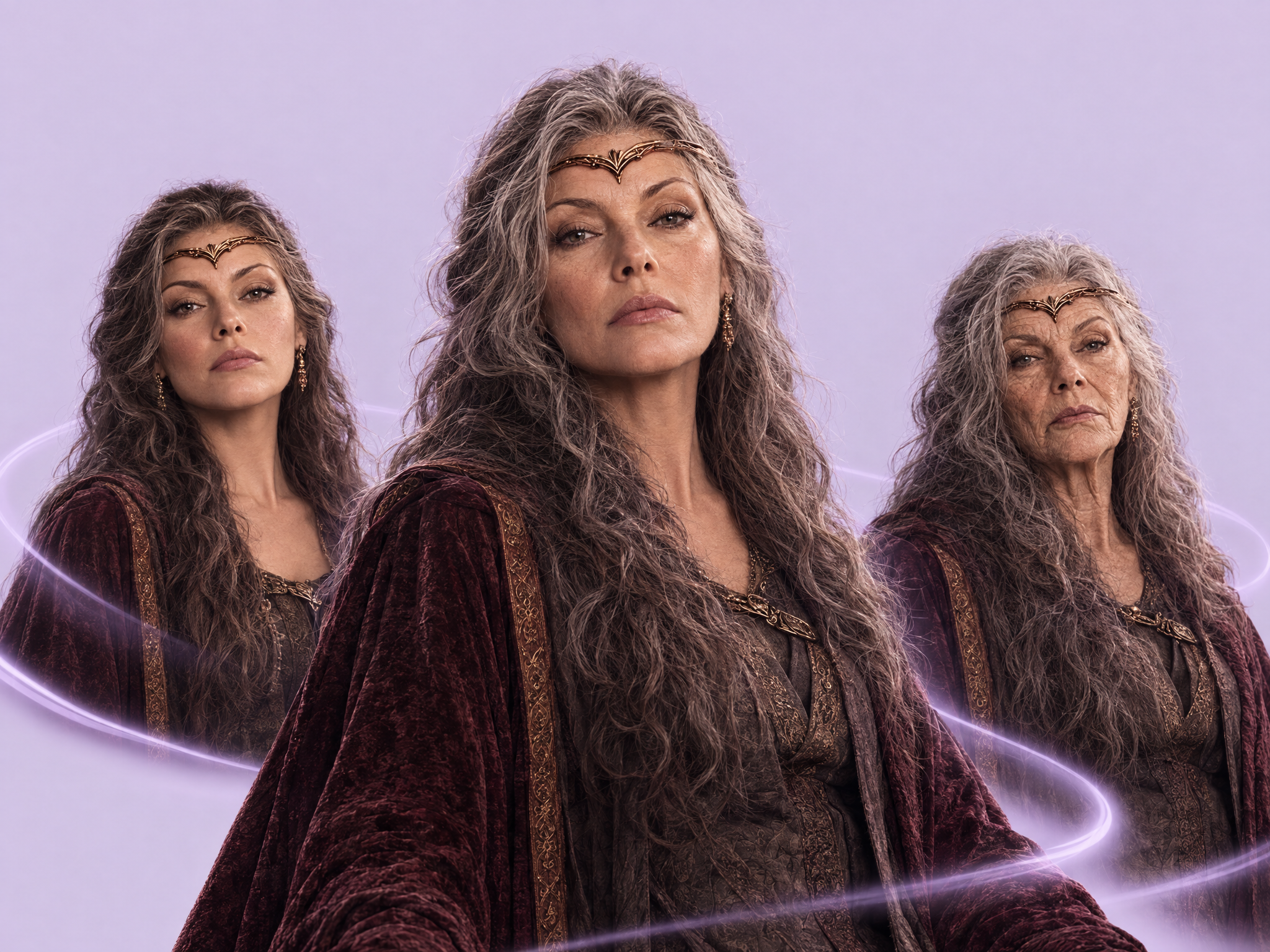
Make any person or character look younger or older while keeping their identity. Describe the target age, and get the same face with natural changes to features, skin texture, hair and proportions. Ideal for flashback and time-jump scenes in film and series, casting and makeup tests, game characters at different life stages, and ad and social content.
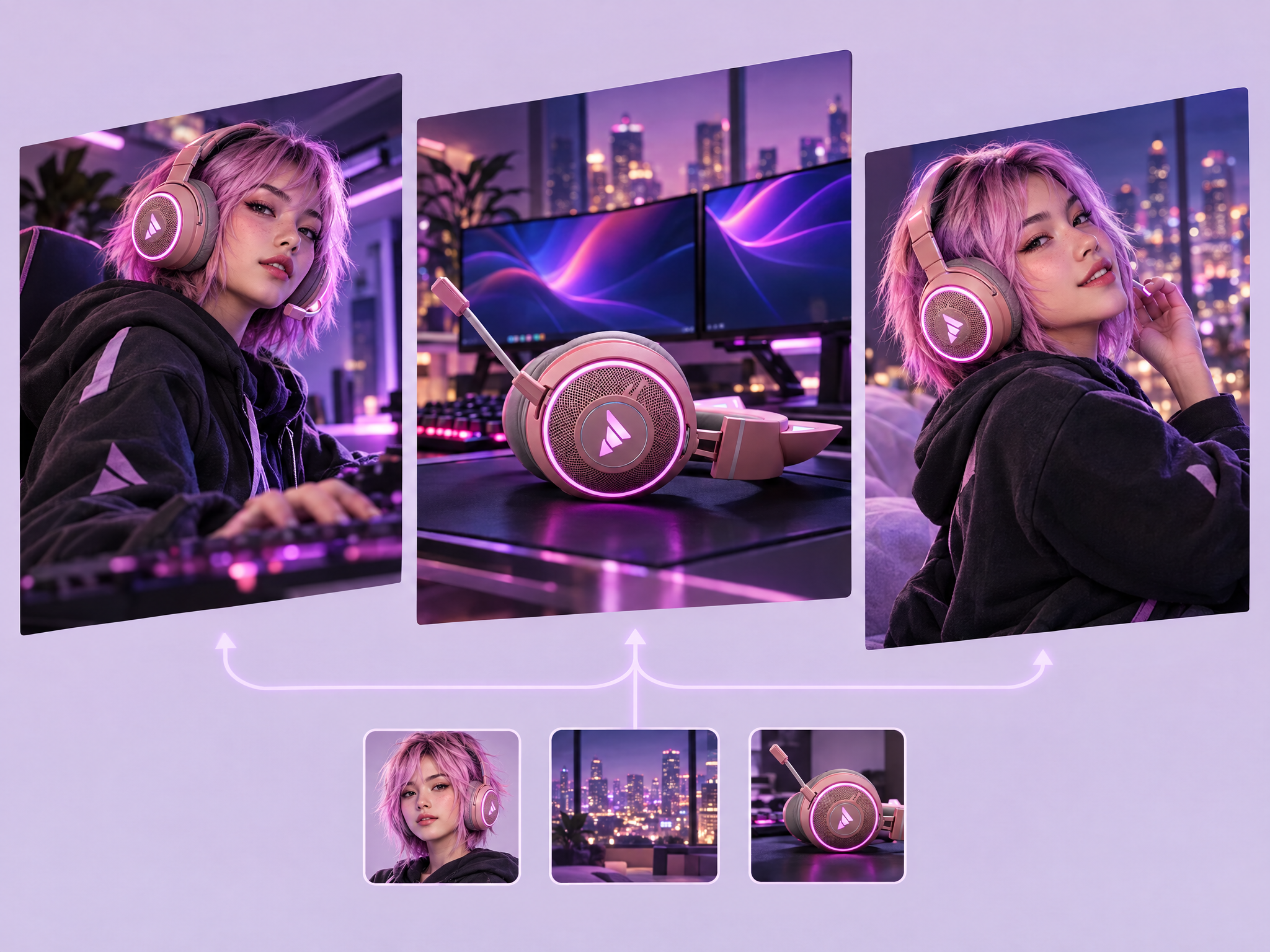
Combine a character, a background and a product into three cinematic ad scenes. Upload all three, and get three different ad shots, each with your character, product and location kept consistent and composed like a real commercial. Ideal for game and gaming gear ads, film and series tie-in campaigns, influencer and mascot-style product ads, and social and UA creatives.
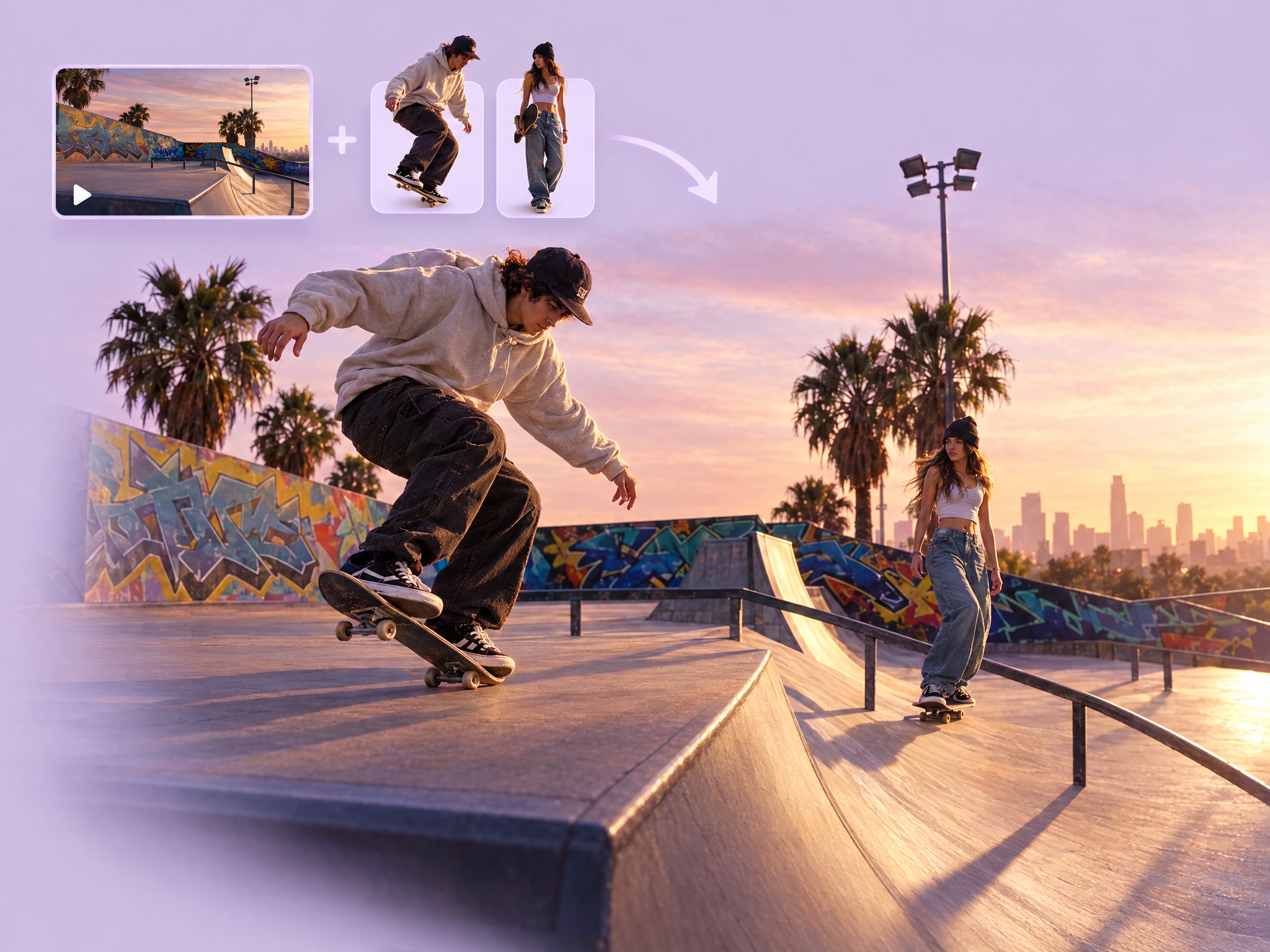
Add your characters into an existing video. Upload a video and one or two characters, and see them appear naturally inside the original scene, with matching lighting, perspective, shadows and camera movement. Ideal for game trailers and promo footage, film and series previs and VFX mockups, mascot and character ads, and social content.
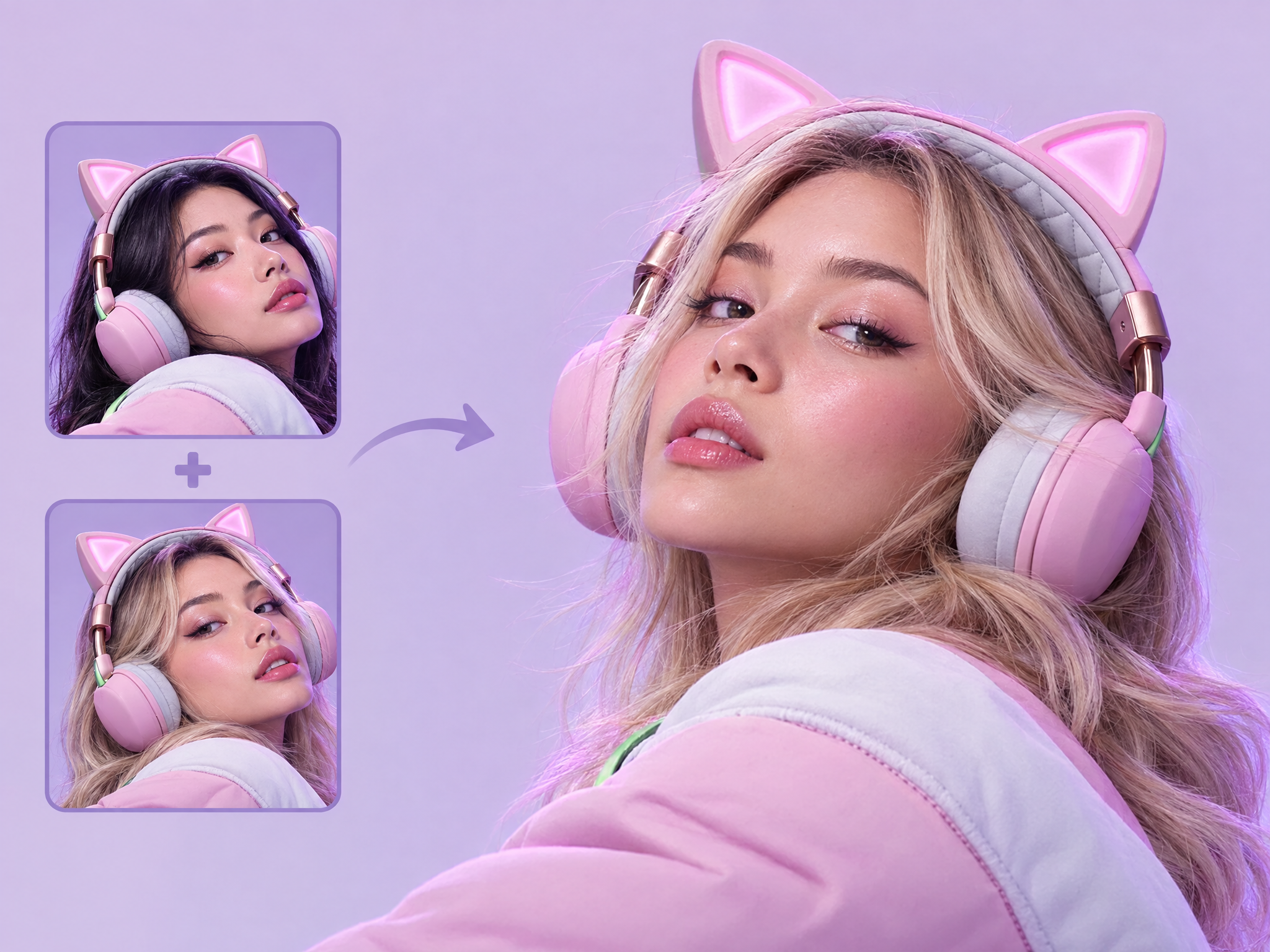
Replace the model in any ad while keeping everything else intact. Upload the ad and a new model, and get the same ad with the new person in the exact same pose, lighting, composition, outfit and product placement. Ideal for localizing game and product ad campaigns for different markets, testing different talent for film and series promos, diverse casting variations and A/B testing ad creatives.
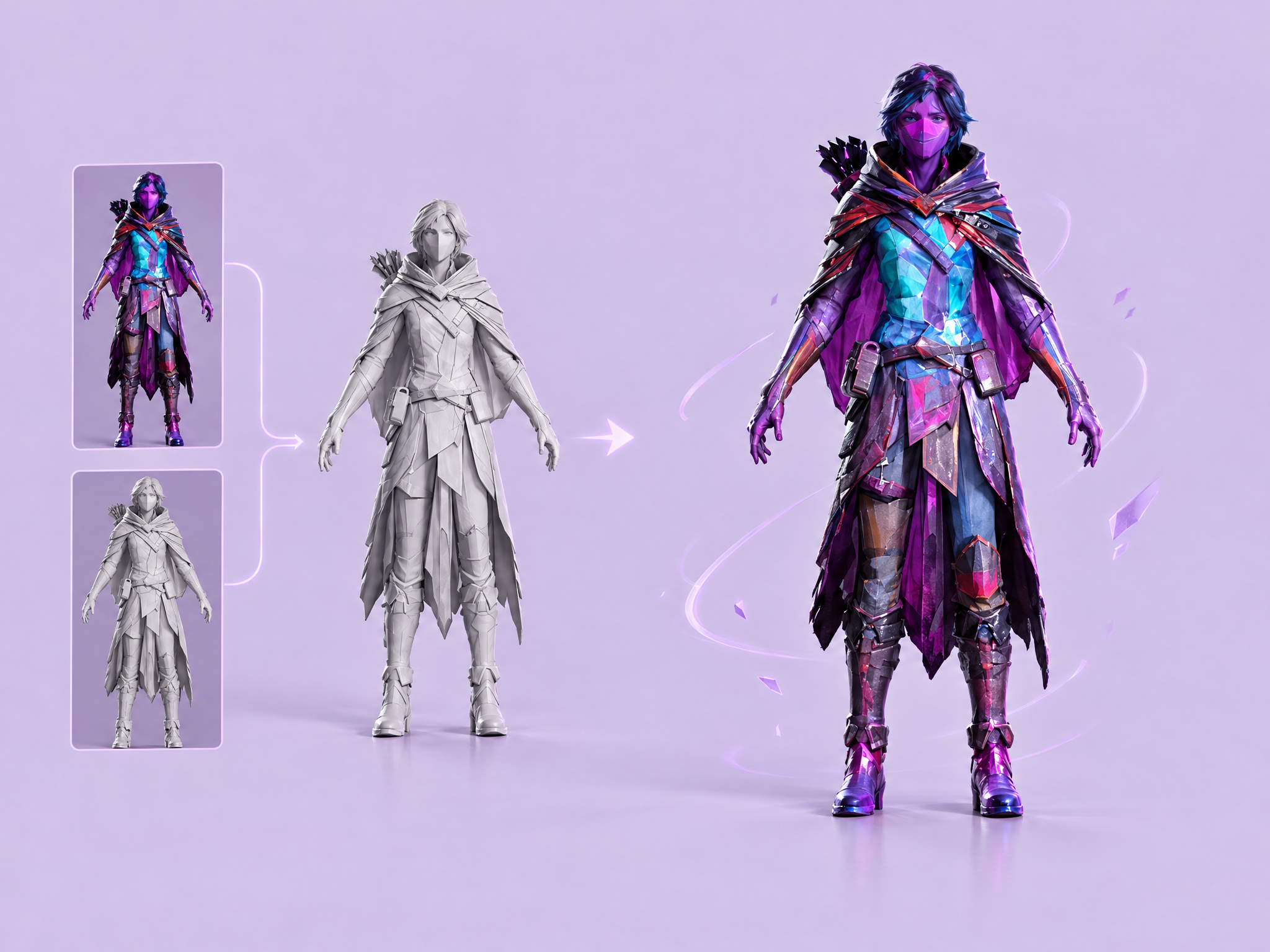
Texture any untextured 3D model from a reference image. Upload your mesh and a character or object image, and get the model fully textured to match the reference's colors, materials and details, ready for game engines and rendering. Ideal for game characters and props, fast look-dev for film and animation, texturing 3D-printed or sculpted models, and creating texture variants of one mesh.
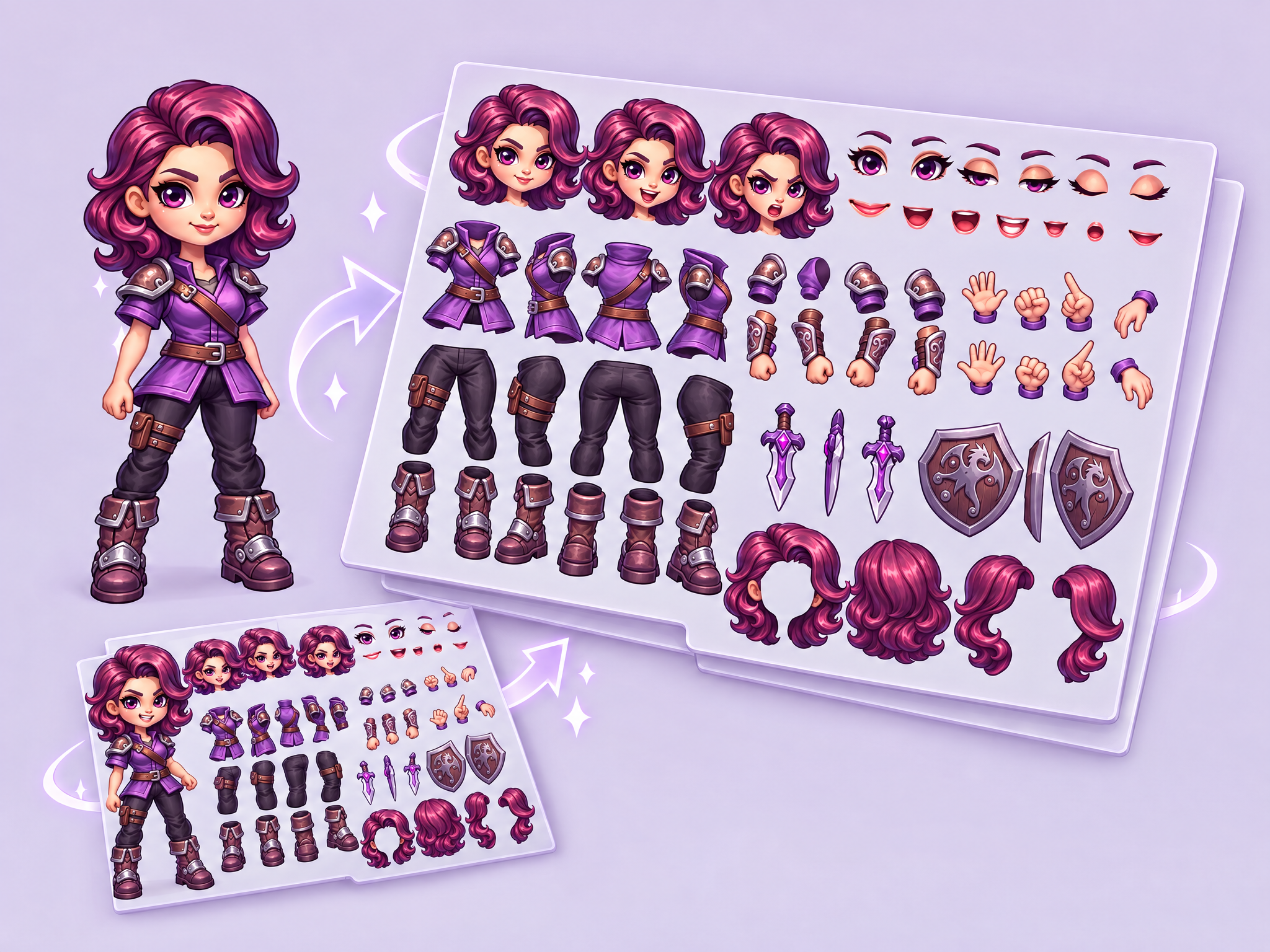
2D Animation Rigging Sheet AI is the ultimate tool for 2D animators and game developers using software like Spine, Live2D, or Moho. It takes your character concept and automatically generates a full "parts sheet," separating limbs, torsos, and heads into individual, consistent assets ready for rigging.
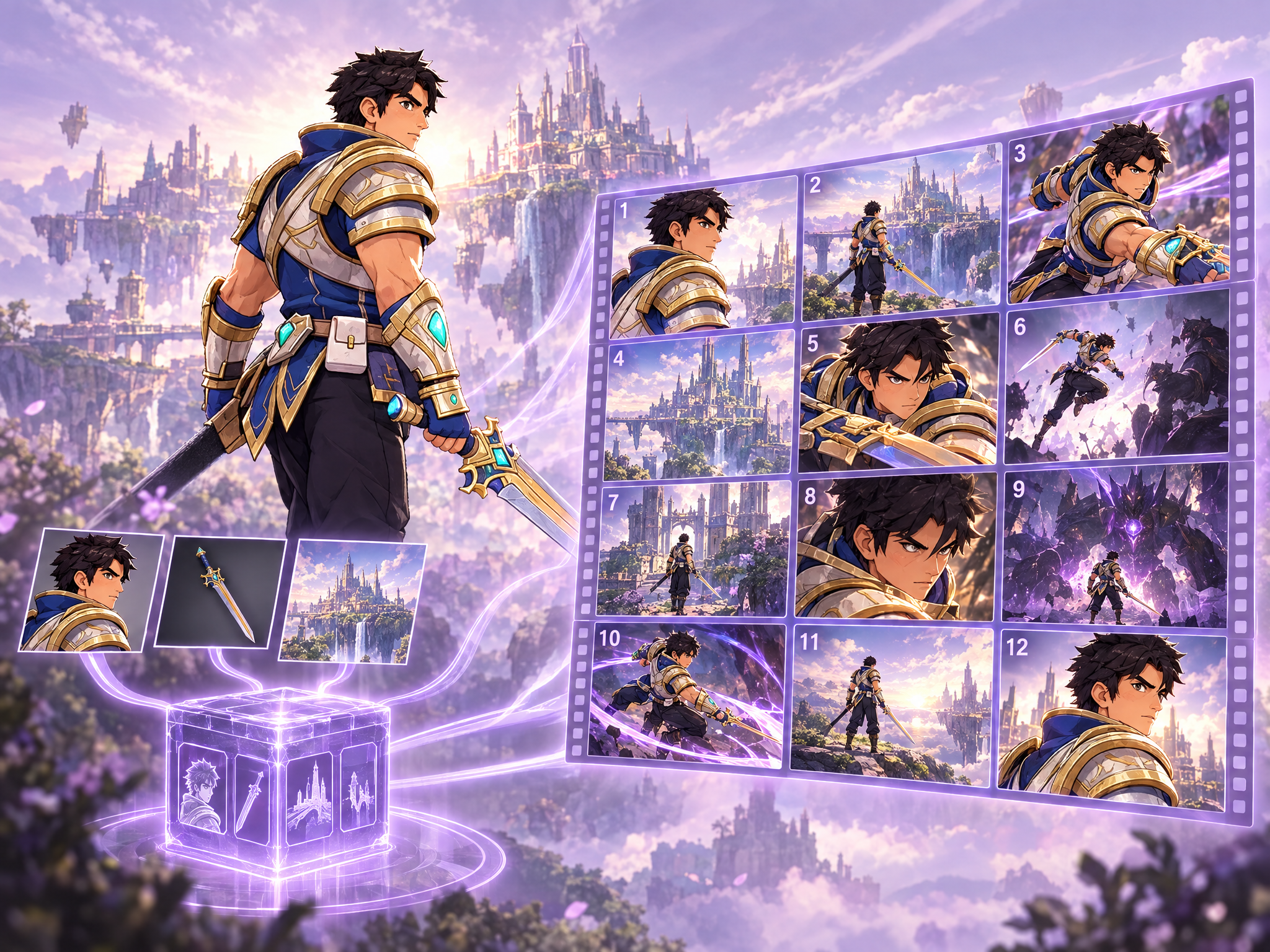
Upload game character art, an in-game weapon asset, and a game environment or level reference. The workflow locks their visual DNA into a reusable asset bible, then generates 12 sequential cinematic beats as video clips with strict continuity for character identity, weapon design, and environment art style—built for game missions, boss encounters, hero reveals, trailers, and live-ops cinematics.
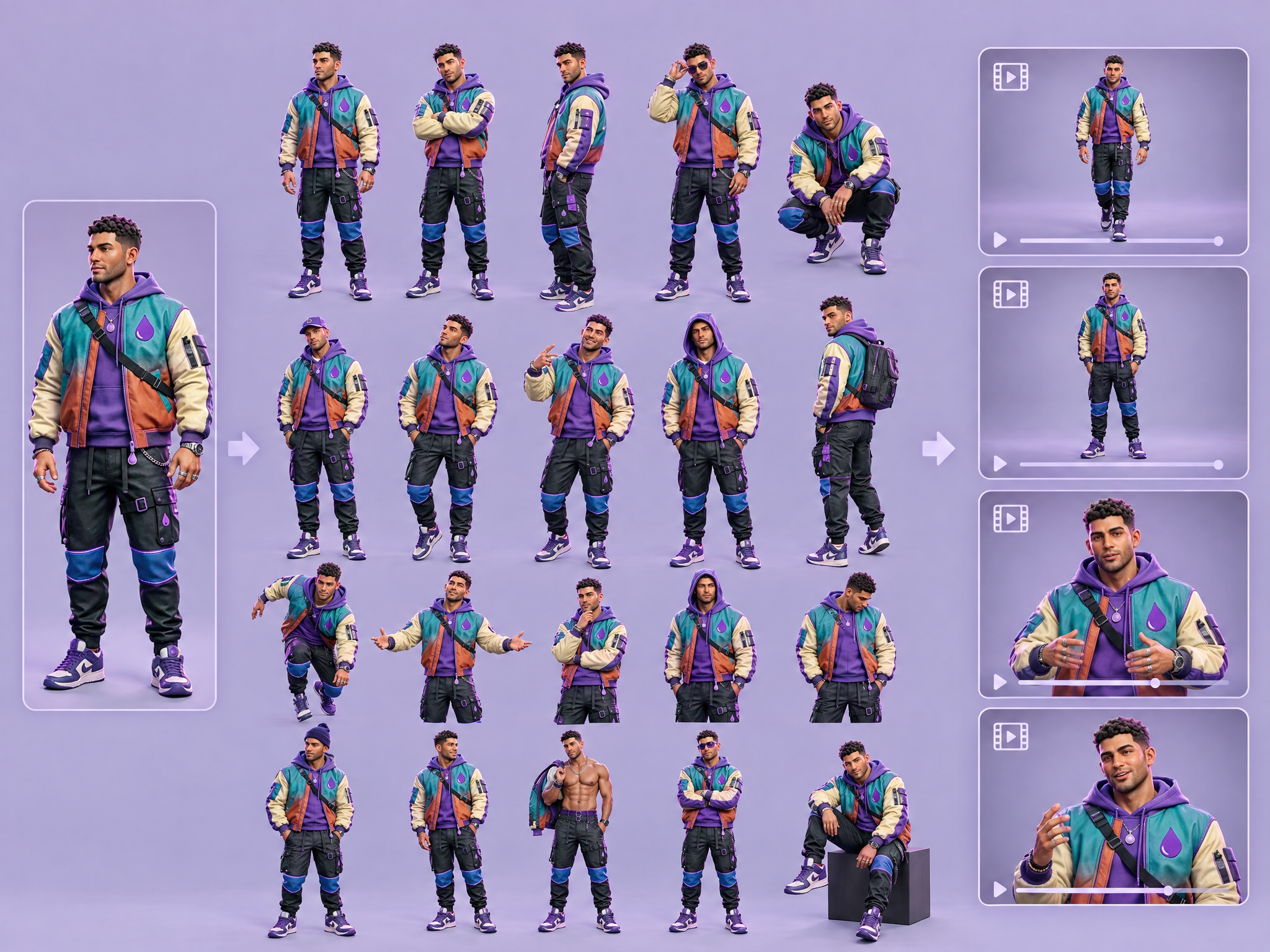
Upload a single character reference image (headshot/half-body/full-body); the workflow uses Gemini Flash to write 20 distinct variant prompts (outfits/expressions/poses) and then generates 20 identity-consistent edited images suitable as a LoRA training dataset.
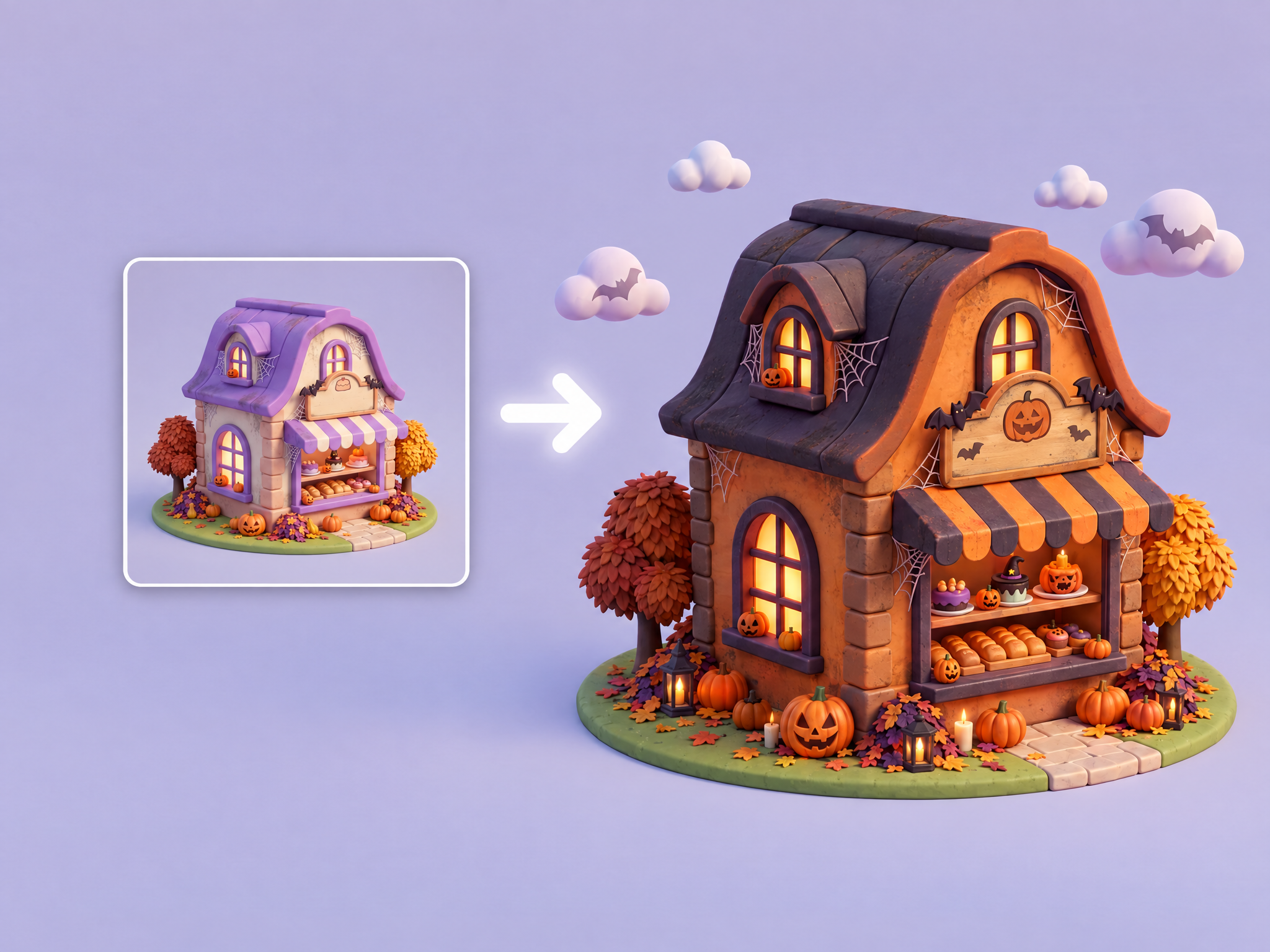
Reskin many input images into a new theme/style (e.g., Halloween) in one run using an image-edit model, preserving original composition, shape and materials.
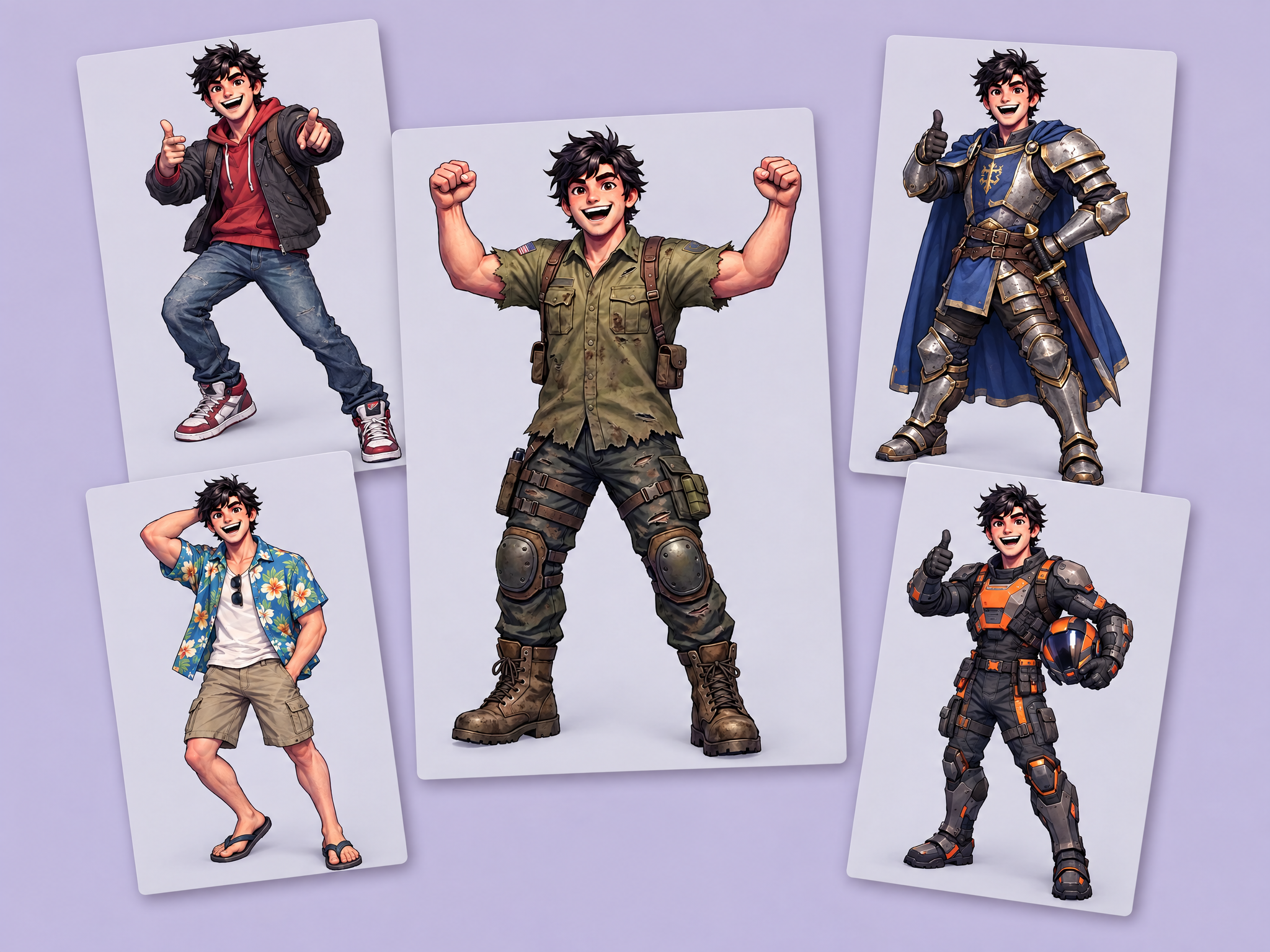
Want to apply a costume to your character's poses? Use this workflow to apply your costume images to your character's poses, which you can then use for animation, video, or implementation into your game.
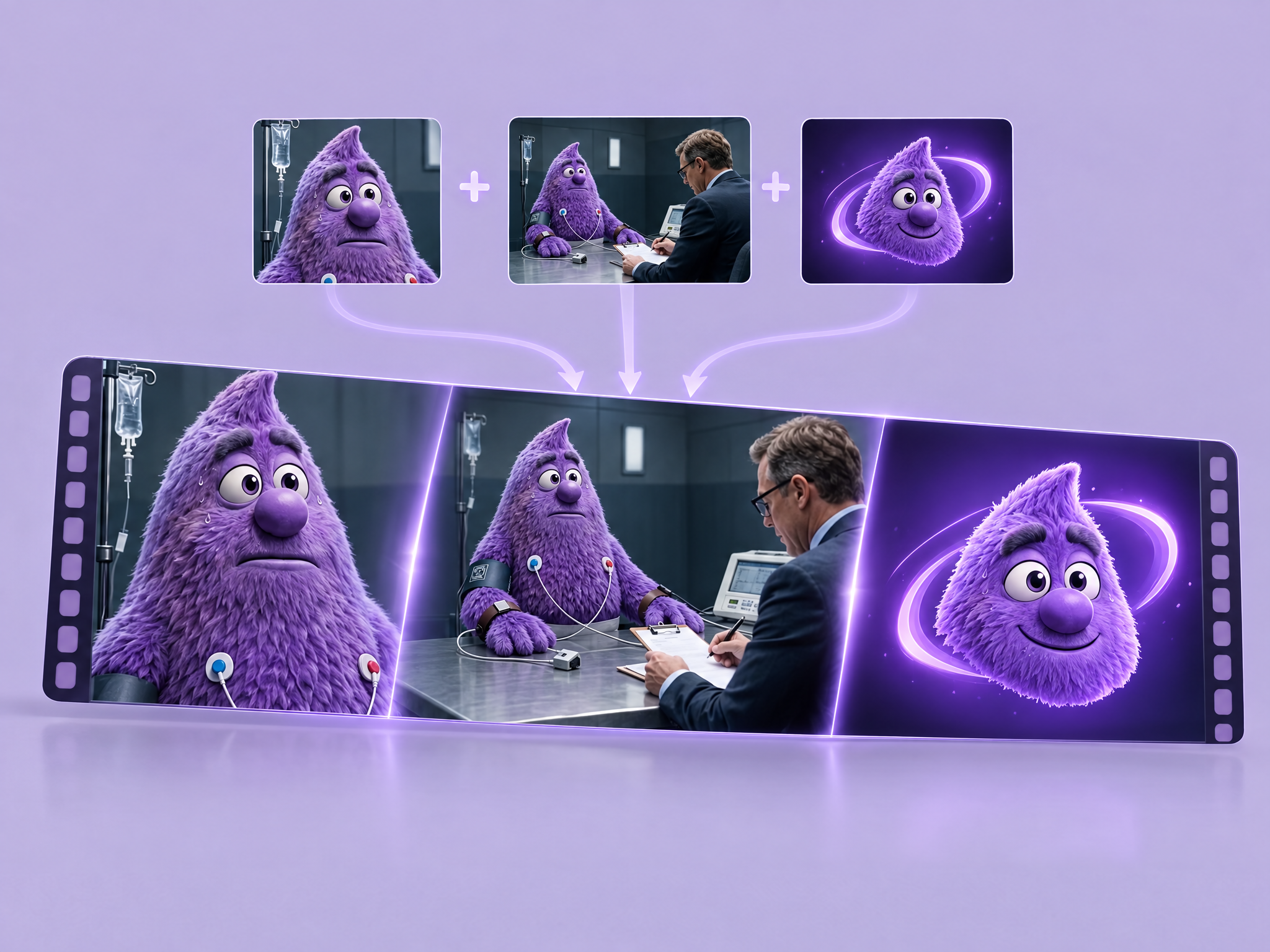
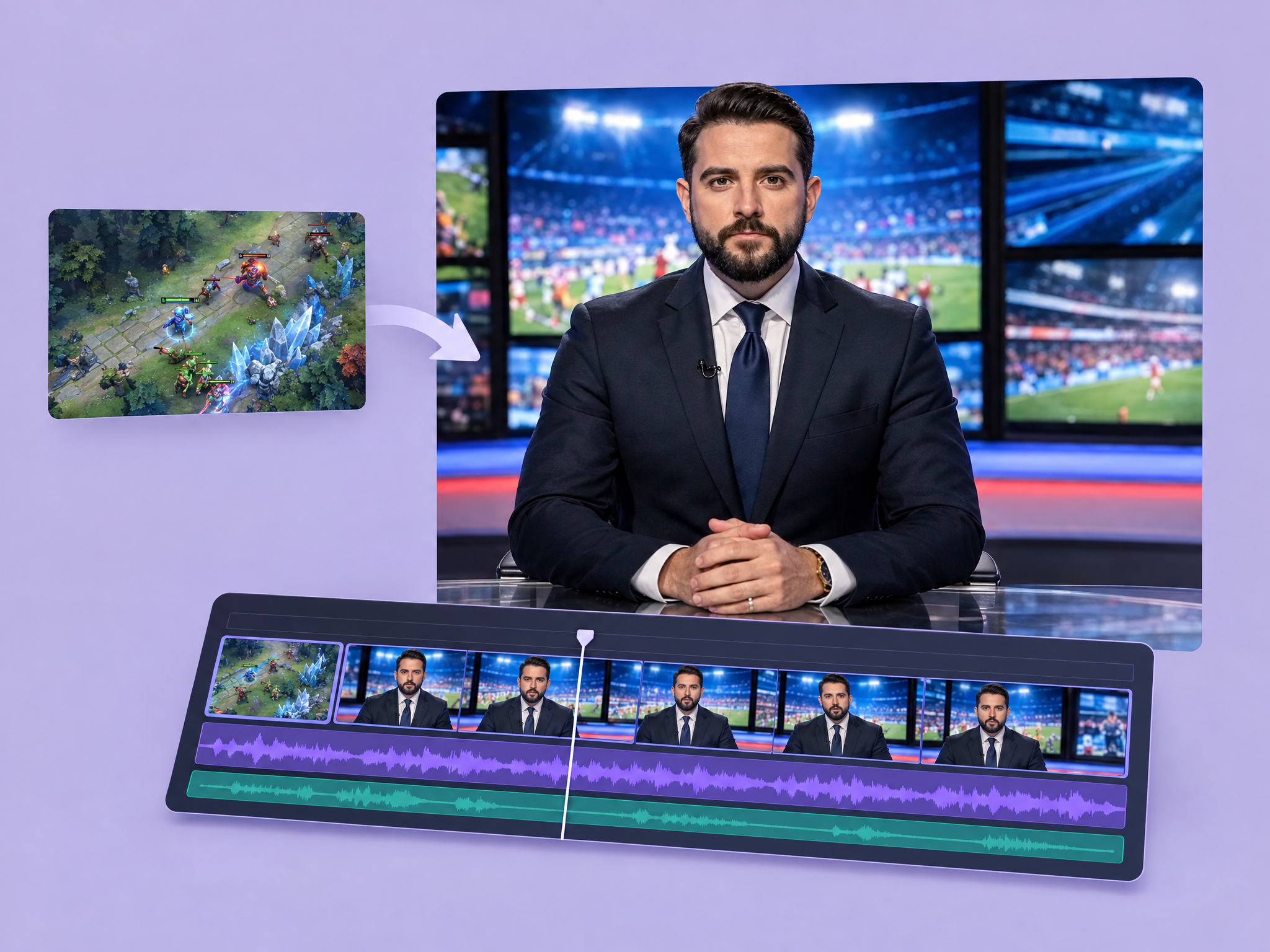
Stitch a hook video, gameplay video, and end logo animation, generating short AI transition clips that match the hook’s last frame to gameplay’s first frame and gameplay’s last frame to logo’s first frame.
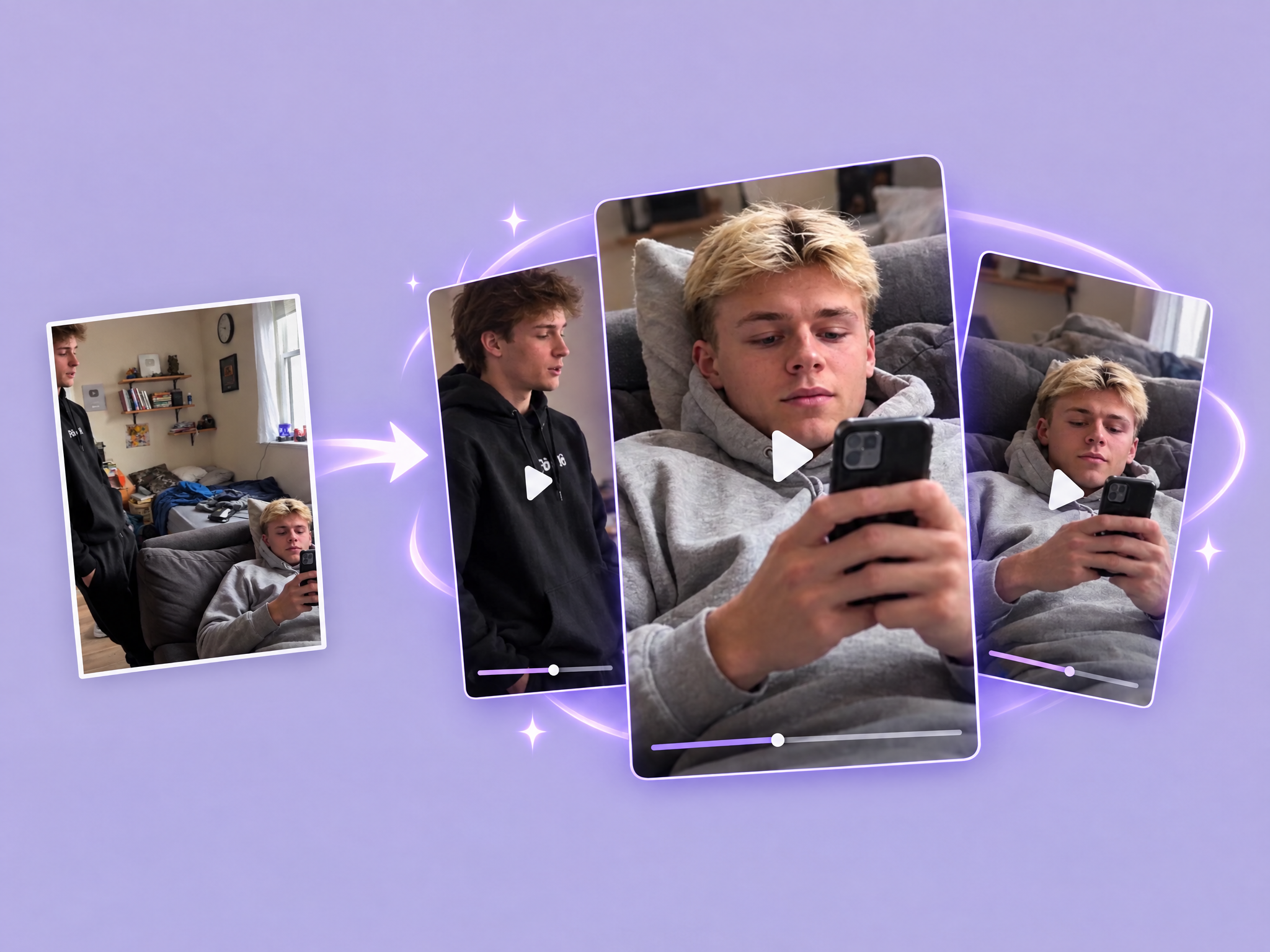
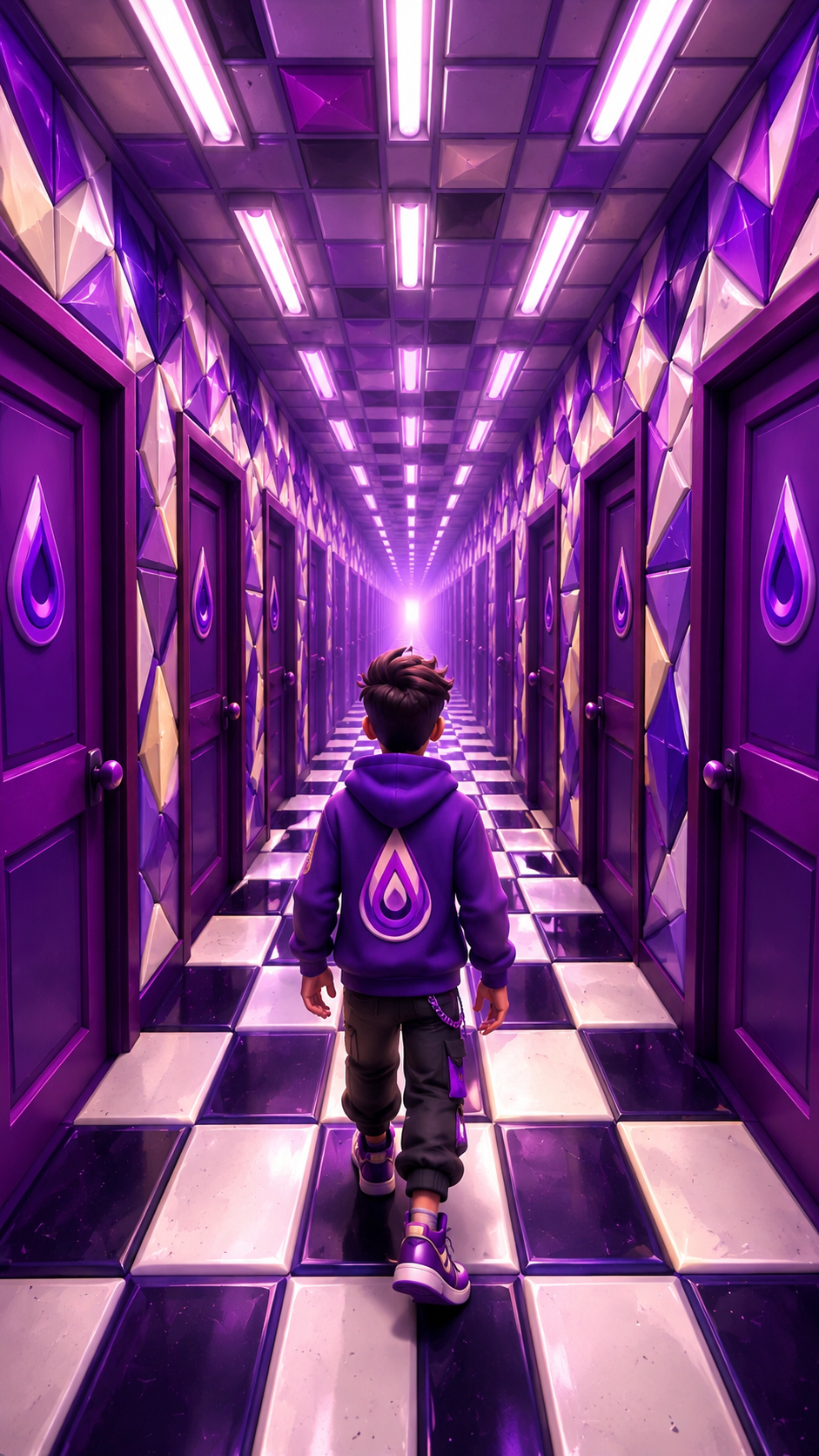
By providing an image and a prompt, generate an infinite loop of a video that can seamlessly be run on repeat. For best results, use an image that has a primary subject and background that can be repeatedly extended, like a hallway, path through the woods, or road. The output videos will respect the aspect ratio of the initial image. The result is a single 8s long video that loops back on itself.
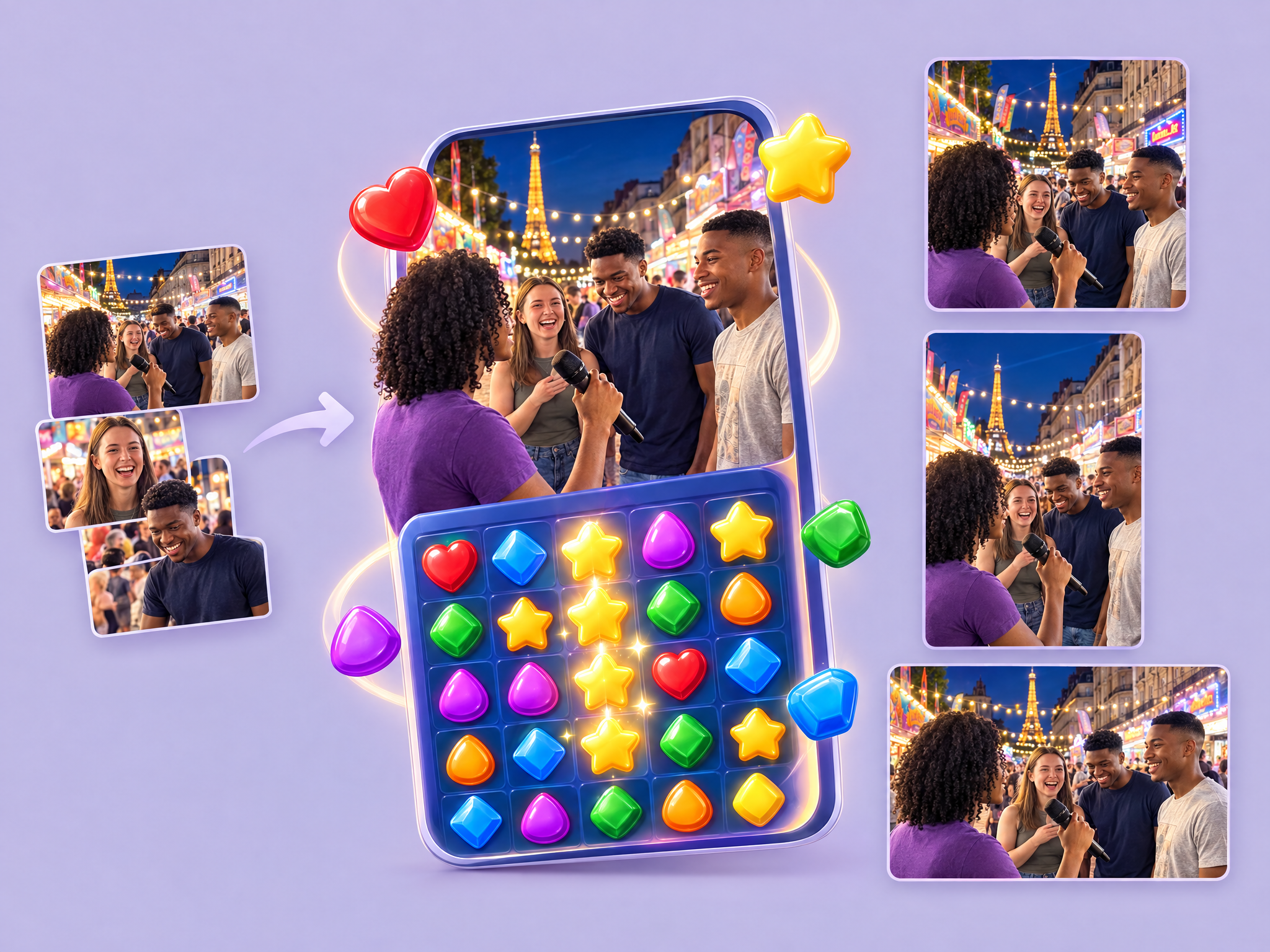
AIGC for a match-3 game with different interviews /scenarios/people, fully customisable. x3 Output Format: Square, Portrait, Landscape
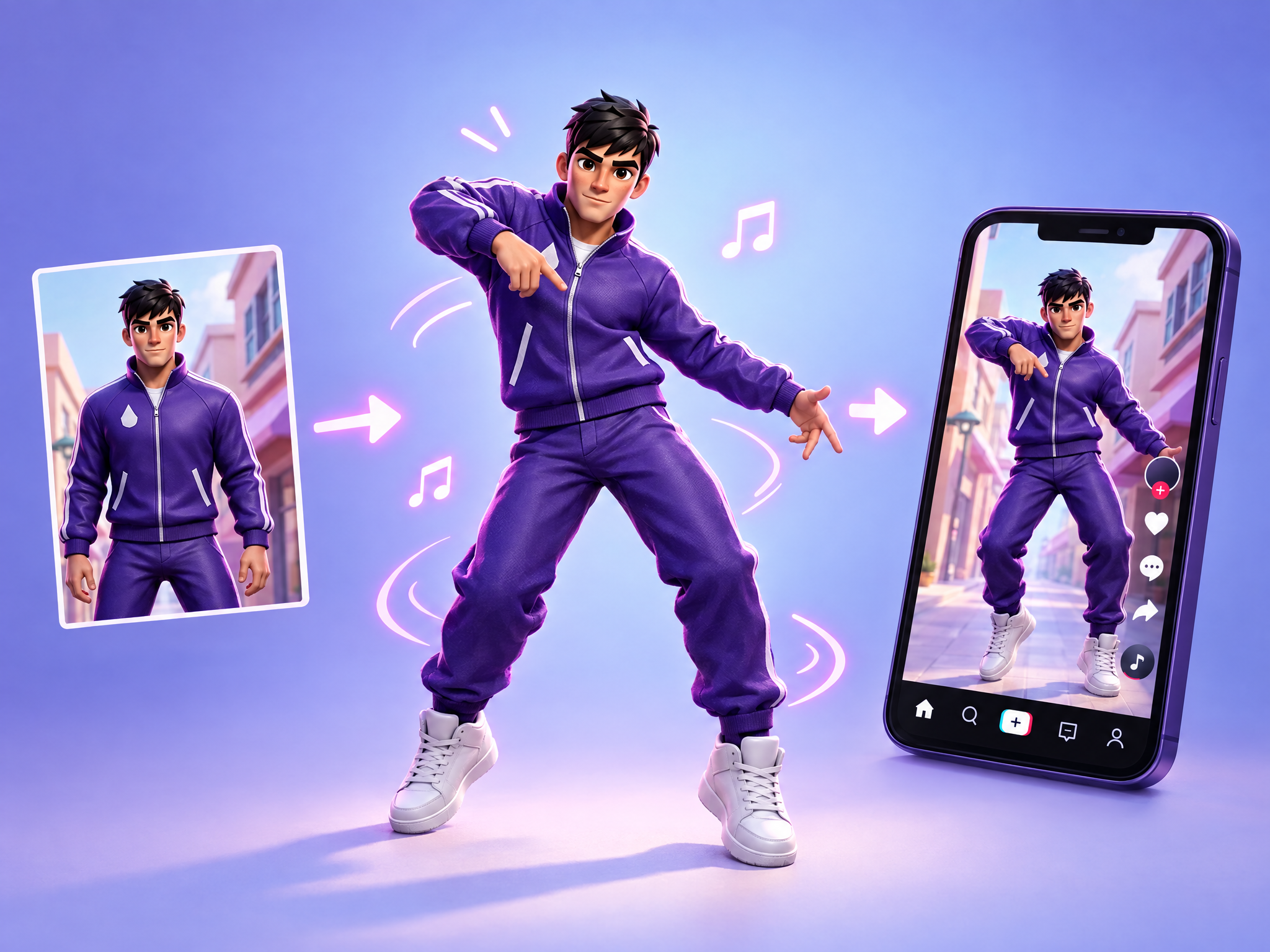
Make your your character dance and post it on TikTok
No tools match your search.
More templates
- Dragon Boom!
- Lantern Hollow
- Stone Giant
- The paladin
- Hamster warlord
- Fizz
- Iggy
- Sneakers ad
- Game reward
- Shy Moth
- Moth & Cat
- The Big Cheese Heist
- Merch Set
- Chef Bruno race
- Mini World
- Game Icon
- Flying Postman
- Flying Postman
- Flying Postman
- Flying Postman
- Happy travels
- Burnt nose
- Turtle
- Croissant
- Pearl-bingo
- Floating Island
- Witch
- Boss
- Red panda
- Logo animation
- Raccoon street magician
- Puffer fish postman
- Raccoon street magician
- Seamless weathered oak timber
- Purple boom
- Seamless blank aged parchment paper
- Hooded graffiti artist
- Mask off...
- Power crouch
- Coffe jump
- Cloud stage
- Flying runner ad
- Arcade Set
- Shopkeeper
- Cheerful young lady
- Jolly 3D
- Easter Reskin Sorting Game
- Astro Meow
- Tiny Worlds
- Belly Slide
- Mini Molly
- Layer Lucky Spin
- Presenter
- Fox
- Grampa
- Cute Farmer Panic
- Cute Farmer Running
- Cute Farmer Walking
- Apprentice Witch
- Sweet Treasure Chest
- create a model of this character
- Game win fanfare
- Puppy Barking
- Wow!
- Victory fanfare
- Stunt-racing music loop
- Game completion fanfare
- Upbeat instrumental loop
- Epic orchestral trailer music
- Mysterious ambient music
- Upbeat electro-pop
- Instrumental future-pop
- Indie-pop instrumental
- Dramatic game-reveal
- Instrumental jazz
- Contemporary instrumental R&B
- Excited Speaker
- Scottish Gangster
- Comedic Female Voice
- Witch voice
- Uplifting indie-pop
- Cinematic game-reveal
- Night Rain
- Tropical garden ambience
- Droppy - Wink
- Hook - Wizards & Demon
- Hook - Football Match
- Hook - Dragon
- Hook - Students
- Hook - Fear
- Hook - Warzone
- Hook - Investigator
- Hook - Football Player
- Hook - Fantasy
- Hook - Firemen
- Hook - Interview
- Hook - Wedding
- Layer gets it
- Purple Potion
- Wizard
- Droppy Situation Room
- Imagination
- Droppy Celebrating
- Droppy 3D Model
- Born in Layer
- Urban Samurai
- Chunky Cat
- Quillwolf
- Foxidoptera
- Create your adventure game hero set
- Character Turnaround Sheet
- Add music to a video
- Upscale a video
- Motion transfer
- Fly through a scene
- Extend a clip
- Add subtitles to a video
- Store preview trailer
- Loot chest opening
- Environment loop
- Boss reveal
- Spell & skill FX
- Reframe for every placement
- Character voiceover ad
- 9:16 gameplay hook
- Bring key art to life
- Create a video
- Creature Generator
- Slack Agent social video
- Same character, many scenes.
- The Unwritten: Check Out
- Word Puzzle Swap
- Purple Nile
- Bio-Core Purge Run
- Winter Camp Warmth
- Recompose as a sprite
- Item and icon set
- Sprite animation sheet
- Retro machine sprite
- Pick a prize
- Slots
- Spin wheel
- Timing combat
- Artillery
- Shooter
- Platformer
- Bingo
- Assembly
- Hidden object
- Knockdown 3D
- Tower defense
- Horde
- Blast
- Merge
- Runner
- Match-3
- Alchemy Shop Tycoon
- Potion Sort
- Decorate the Witch Room
- Treasure Tales
- Merge Keys
- Moonlight Broom Dash
- In-Game Currency Upgrade Chain
- Image To Sprite
- Generate a Sprite Sheet
- Reskin A Map
- Item Evolution Chain