AI Tool
AI Image to Pixel Sprite Converter
Turn any image into a pixel-perfect sprite. Name a machine (NES, Game Boy, C64, SNES) and Layer recomposes your art, then snaps it to that machine's grid.
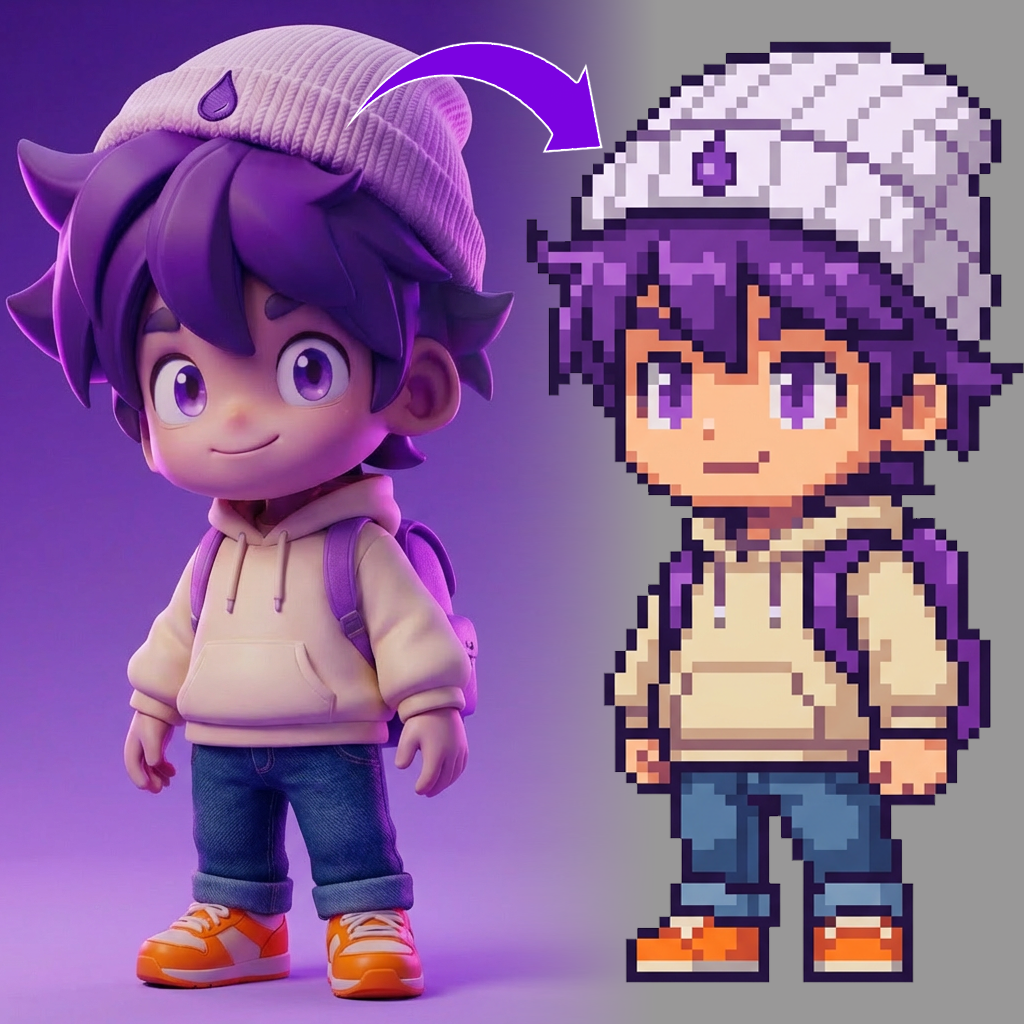
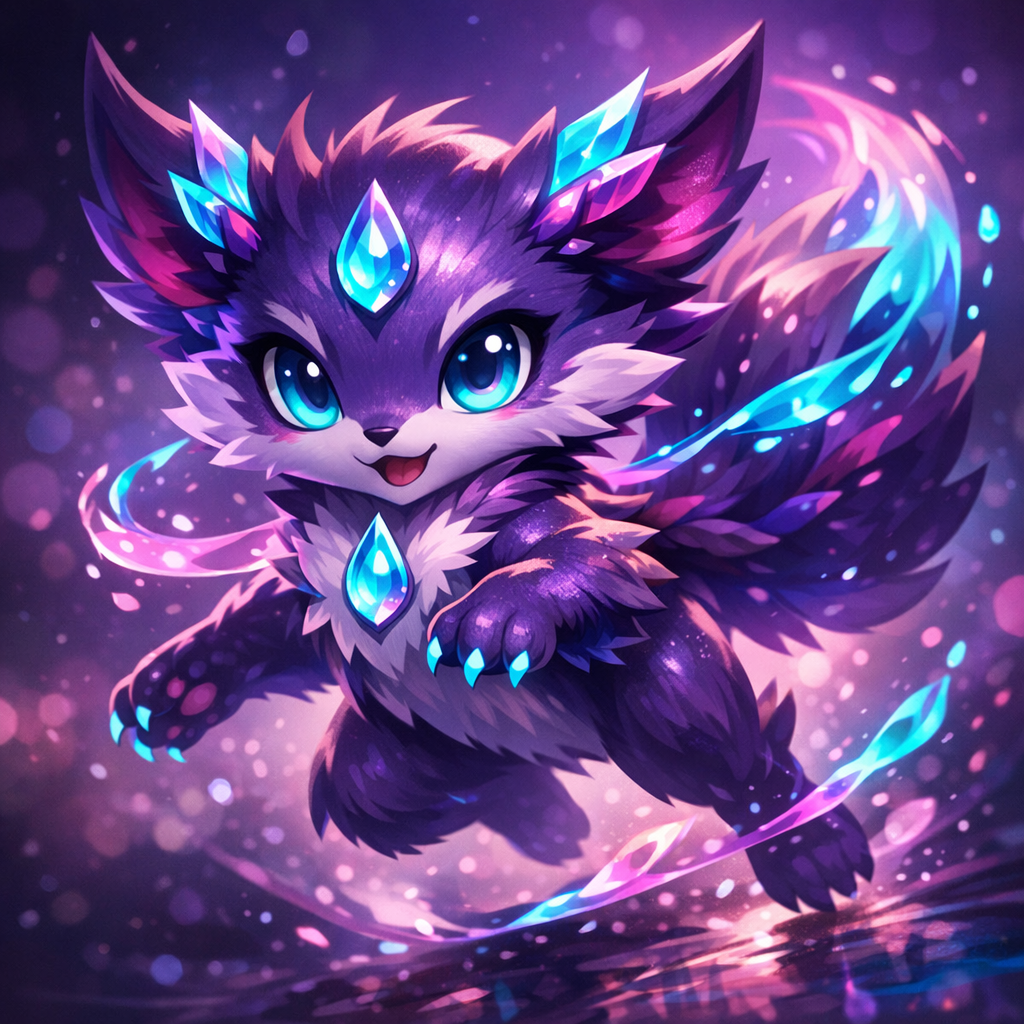
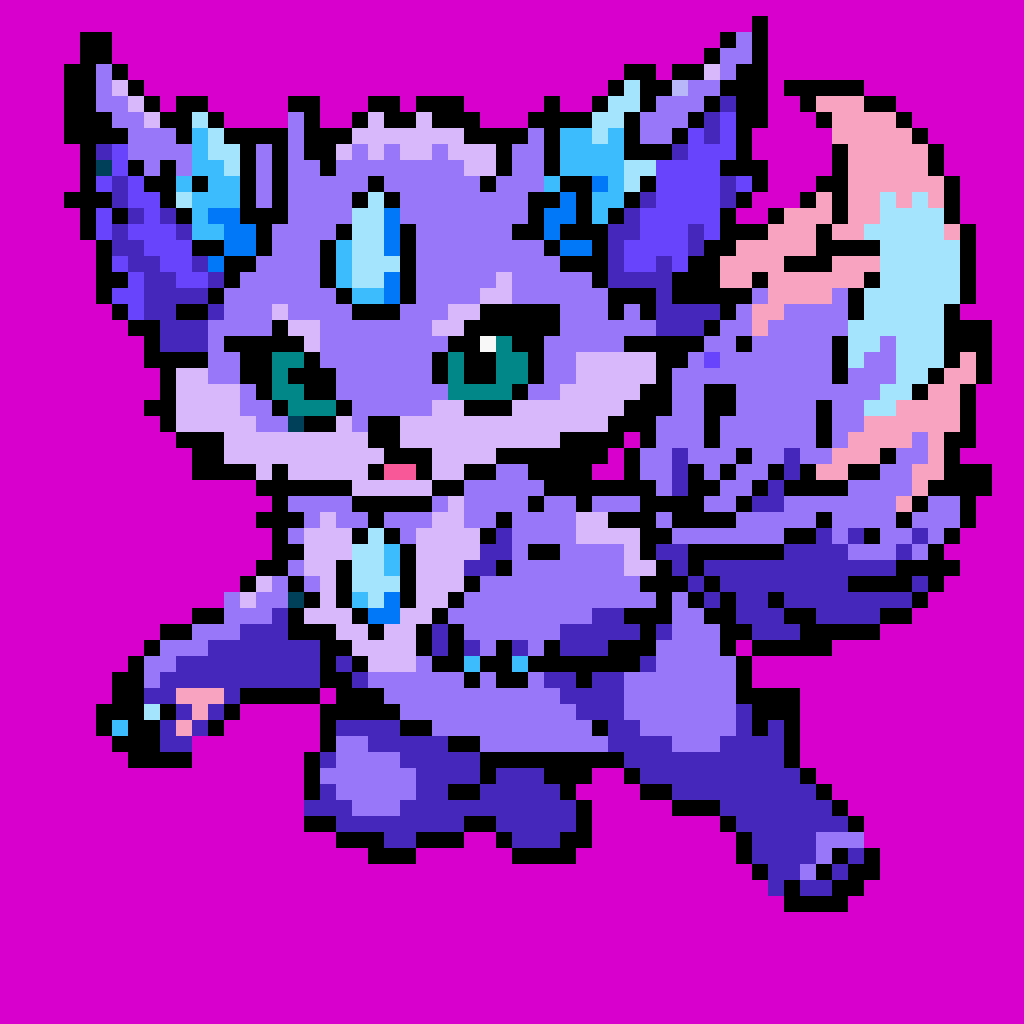
Start From the Art You Already Have
Hand the agent a finished illustration, a piece of concept art, a render or a photo, and name a machine: "recompose this image as a NES sprite." Layer redraws the subject as a sprite for that hardware, keeping its silhouette, its pose and the nearest colors the machine allows, instead of shrinking the original and hoping it survives.
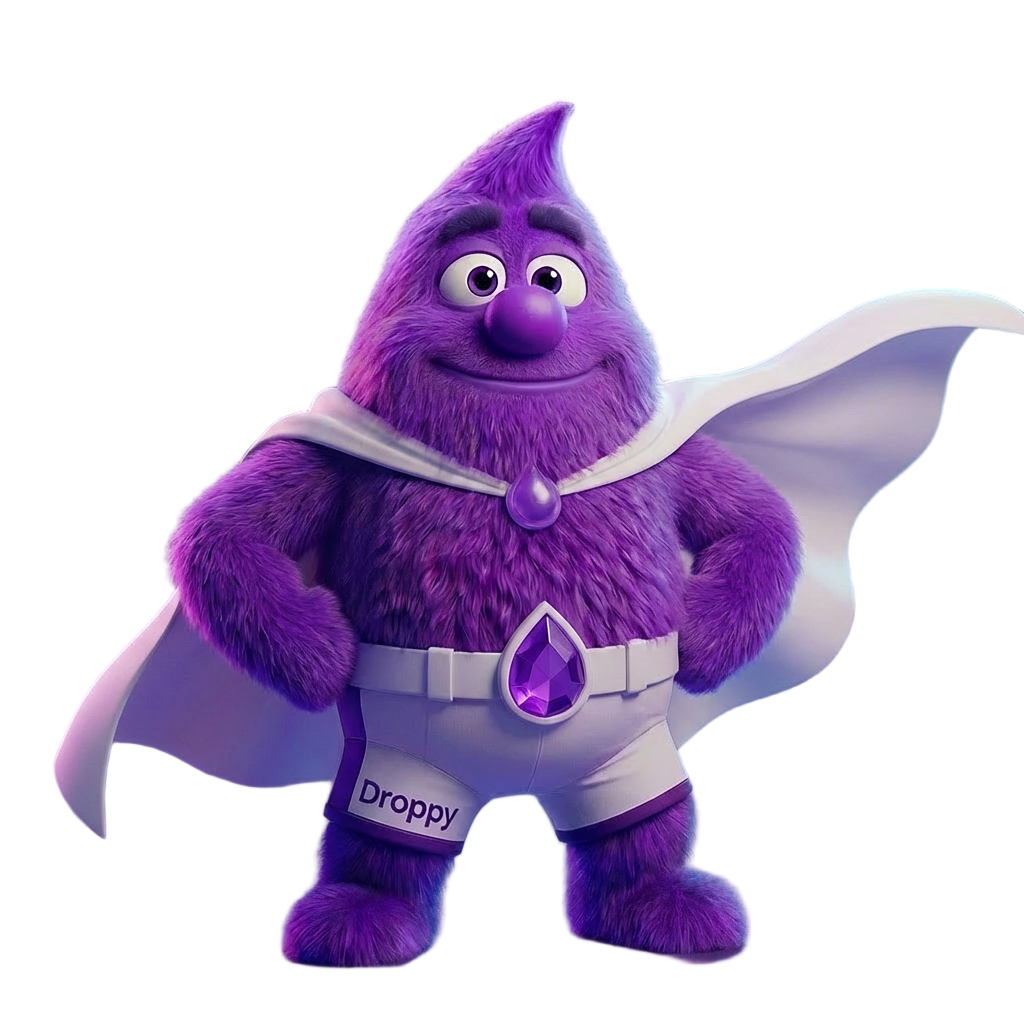
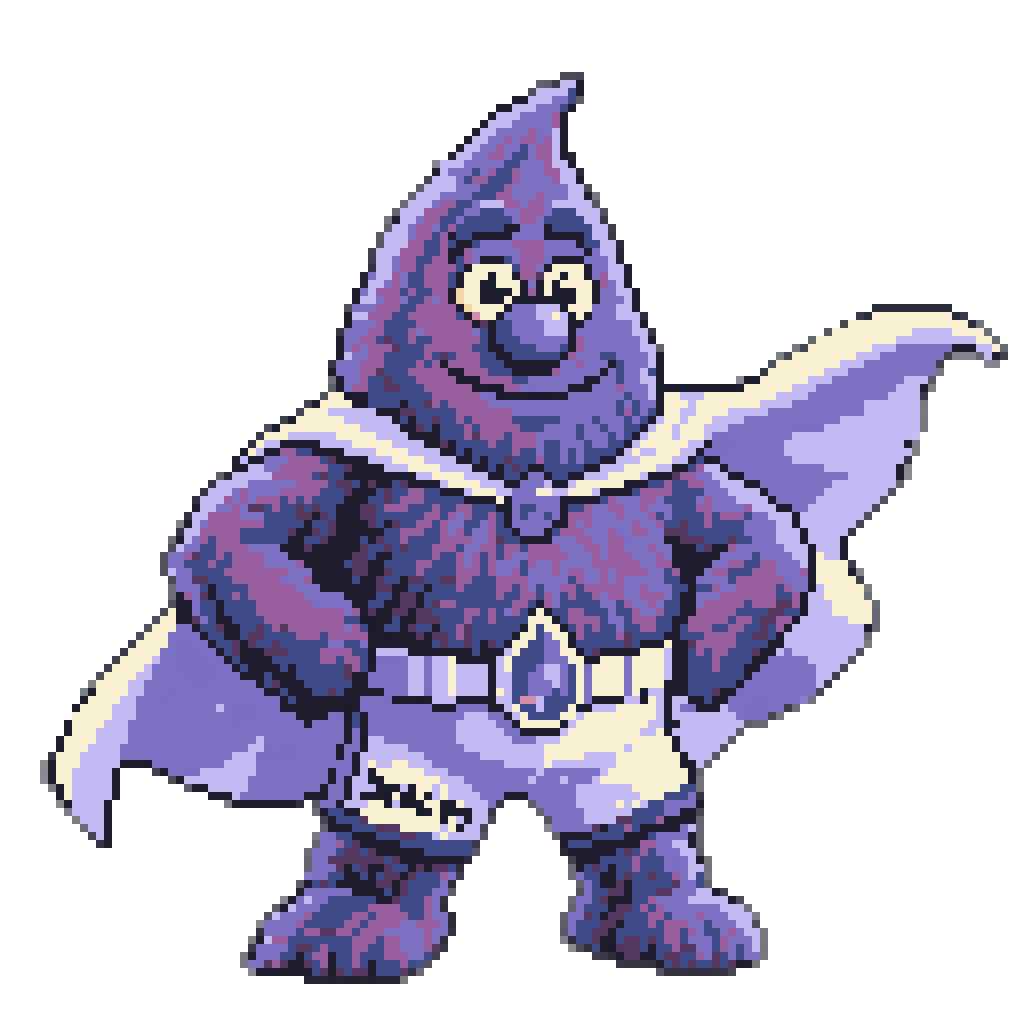
Snapped to Real Pixels, Not Filtered
A filter mimics the look of pixel art, but leaves behind artifacts like anti-aliasing, uneven blocks and a hundred near-identical browns. Layer finds the grid the sprite was drawn on, changes every block to one flat color and rebuilds the image to the declared palette: uniform blocks, hard edges, an exact color count. The snap itself is totally free.
Built to the Machine You Name
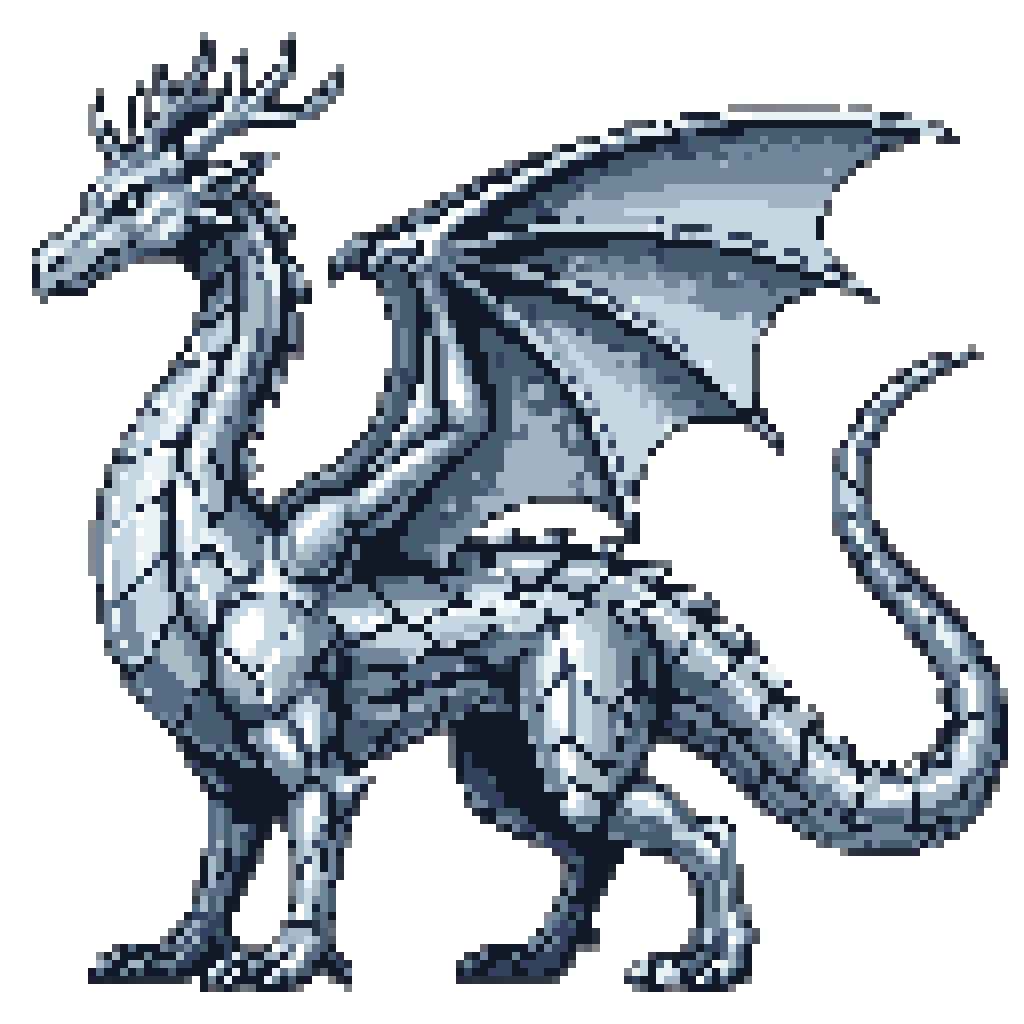
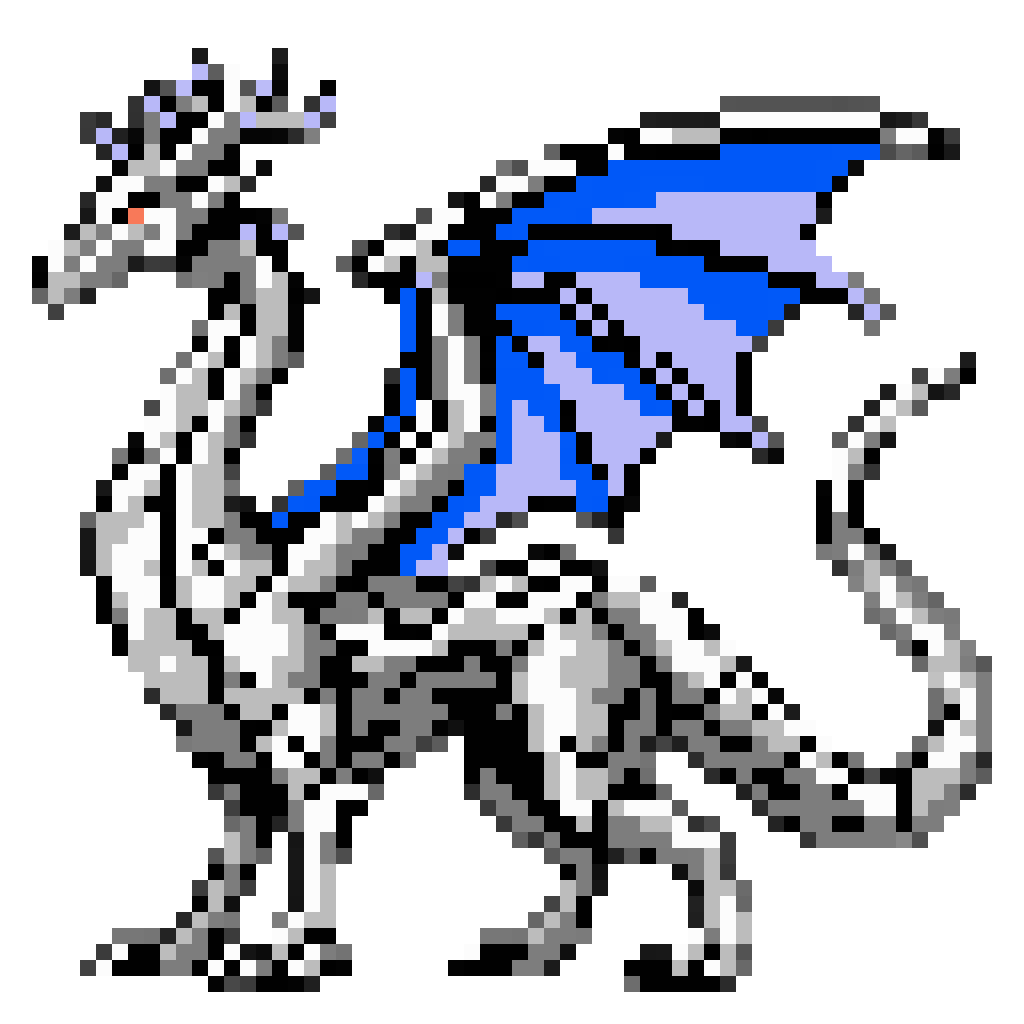
A platform's name is the strongest single instruction you can give sprite art. Naming one sets three things at once: the palette, how coarse the blocks are, and the shape of the pixels. It works on a sprite you already have, too: this Mega Drive dragon, recomposed for the NES, gives up its smooth steel shading for the NES's own colors and coarser blocks. Layer carries registers from the C64 and NES to the SNES, Mega Drive, Amiga and Game Boy Advance, or you can bring your own palette as hex values.
Ready for Your Engine
Sprites export as PNGs with uniform cells, ready to touch up in your pixel editor of choice. Layer reports the grid it snapped to, so you can scale the PNG down to one pixel per block for a true 1:1 canvas. Ask for a flat chroma-key background and the agent runs a background removal pass for a sprite on a transparent background, ready to import into Unity, Godot, GameMaker or any 2D engine that takes PNG sprites.
FAQ
What does the Image to Sprite tool do?+
It takes the subject of your image (a character, a creature, an item or a prop) and recomposes it as a sprite for the machine you name, then snaps it to that machine's pixel grid and a declared palette of hex colors. The result is real pixel art, not a downscaled copy of the original.
Can I turn a photo into pixel art?+
Yes. Photos, illustrations, concept art and 3D renders can all be recomposed. Clear subjects with simple silhouettes convert best; a busy scene gives the agent more to decide about what to keep.
Which machines can I convert my image for?+
Commodore 64, Amstrad CPC, ZX Spectrum, MSX, NES/Famicom, Master System, Game Boy and Game Boy Color, PC Engine, SNES, Mega Drive/Genesis, Amiga and Game Boy Advance. Not sure? Just name what you're looking for, and the agent will figure out the rest. See pixel-perfect sprite art with AI for the same three requests on three machines.
How is this different from a pixel-art filter?+
A filter shrinks the original and cuts its colors, so you get its detail squeezed into blurred edges, uneven blocks and stray colors. Layer redraws the subject for the machine, then finds the grid the art was drawn on and makes every block one flat color from the declared palette.
Will my character still be recognizable?+
Usually. The silhouette and the defining features are what the agent keeps. Because the subject is recomposed for the machine's resolution, small details are simplified the way a sprite artist would simplify them, and the finest ones can drop out.
What size will my sprite be?+
The register sets how coarse the blocks are, so the sprite reads as 8-bit or 16-bit at any output size. The snap reports the grid it found, so you can scale the PNG down to one pixel per block in any pixel editor for a true 1:1 canvas: on a 1024-pixel image, up to 64×64 for an 8-bit machine or 128×128 for a 16-bit one.
Can I use my own palette instead of a machine's?+
Yes. Give the agent your colors as hex values and Layer will convert and snap to them, exactly as it does with a hardware palette.
Do the sprites work in Unity, Godot and GameMaker?+
Yes. Sprites export as PNGs with uniform cells, and with a transparent background when you ask for one, which is what every 2D engine's sprite importer reads. To animate a converted character, generate a cycle with the sprite sheet tool.
Is it free?+
Converting an image is a generation, so it costs Creative Units. The snap, and splitting or packing sprite sheets afterwards, cost nothing extra.