![Made with FLUX.2 [flex]](https://media.app.layer.ai/workspaces/9602107e-865b-47e5-b66e-87b1bec5e3d5/files/e019e909-798f-4491-a39b-9ad984719c9d/flux-2-flex-posted-0_400.png)
Game art pipelines are under pressure from every direction. Live-ops calendars demand fresh content weekly, UA teams burn through creative variations, and art teams are stretched between concepting, production, and polish. Doing it all by hand doesn't scale, and stitching together a different AI tool for every model means juggling subscriptions, inconsistent quality, and assets scattered across accounts.
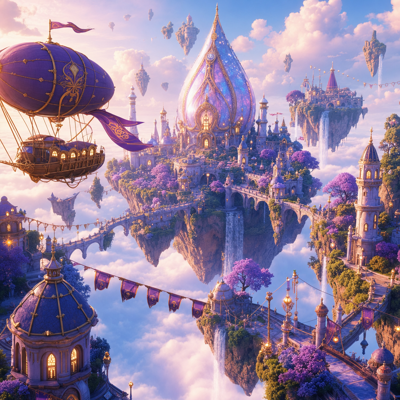
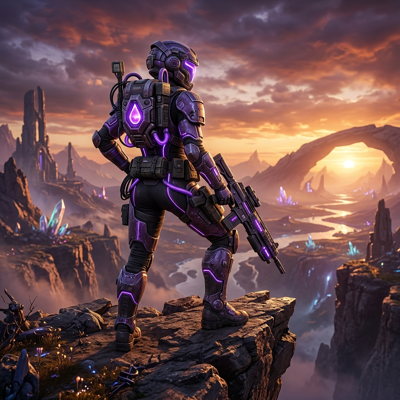
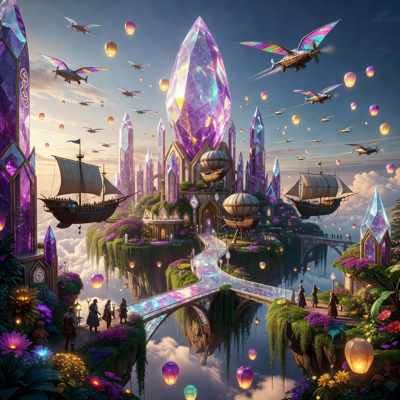
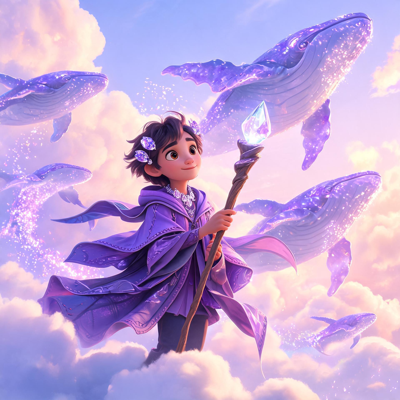
Layer's image generation puts leading text-to-image models — including FLUX, QWEN, and SDXL — and your own custom-trained models in one workspace. Type a prompt, steer with references, and generate at any aspect ratio, all with the control art teams need to ship work that actually matches the game.
Key Capabilities
Every leading model, one workspace Generate with FLUX, QWEN, SDXL, and more of the 300+ AI models Layer offers across image, video, 3D, and audio. Day-0 integrations mean new models are available the moment they ship, so you're never locked into yesterday's quality.
Reference-guided generation Steer output with an init image plus typed guidance: pose, depth, canny/edge, scribble, line art, segmentation, or face. Lock the structure you need and let the model handle rendering, so results land close to your intent on the first pass.
Your style, trained in Custom style training (LoRA) learns your art direction from your own artwork, and Reference Sets pin characters, styles, and objects. Every artist on the team generates in the same visual language.
Text and typography on images Render typographic text directly onto images with font selection — no round trip to a design tool for banners, badges, or ad copy overlays.
Layered compositions and any aspect ratio Build layered compositions and collages from several images, and generate at any aspect ratio to match store listings, ad placements, and in-game surfaces without cropping compromises.
How It Works
Describe or reference what you need Write a prompt, or start from an init image with typed guidance to control pose, depth, edges, or faces. Attach a trained style or Reference Set to keep it on-brand.
Generate and iterate Pick a model — or compare several — and generate variations at the aspect ratio you need. Refine the prompt, swap references, and converge fast.
Refine and ship Add typographic text, compose layered images into a final piece, and export production-ready assets straight from your workspace.
Built for Game Production
UA creative at volume Spin up static ad variations across formats and aspect ratios, with on-image text and consistent characters, so performance teams always have fresh creative to test.
Live-ops content Event art, seasonal reskins, and promotional images on a weekly cadence — generated in your game's trained style instead of rebuilt from scratch every sprint.
Concepting and exploration Explore dozens of directions for characters, environments, and props before committing production time. Reference-guided control makes exploration deliberate, not random.
Game art production From icons to splash art, generate at the exact aspect ratio each surface needs, in a style trained on your own artwork — or, for 2D games, sprites snapped to real retro hardware — the same pipeline trusted by 400+ game studios and entertainment brands, including Zynga, SciPlay, and Huuuge Games.
For game art by job, see game UI kits, game icon sets, game location design and character turnaround sheets.
Pricing is consumption-based with Creative Units and no seat fees — plans start at $10/month for 300 CUs, and 10% of unused CUs roll over. Start free and see what your team can ship this week.