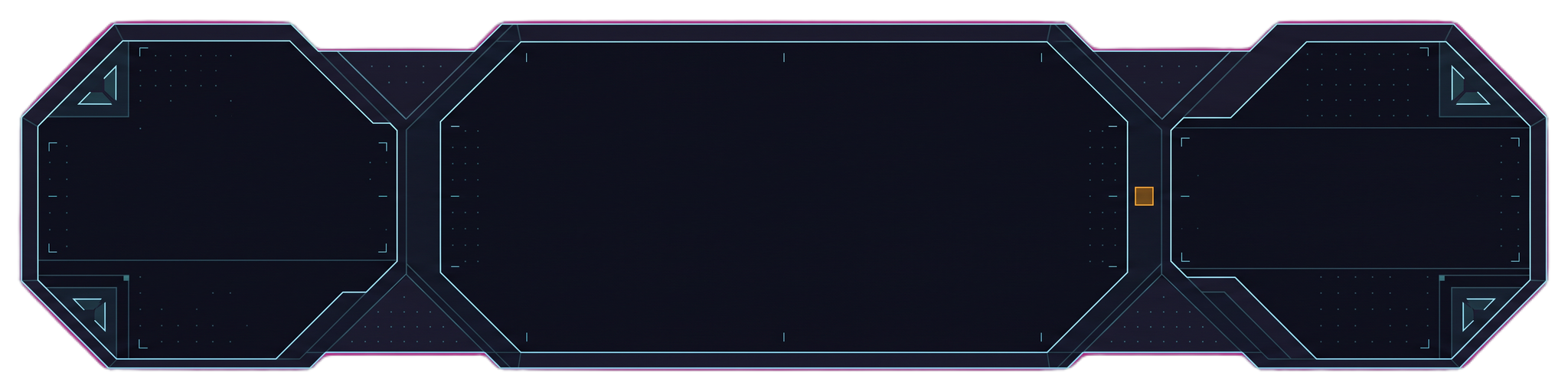
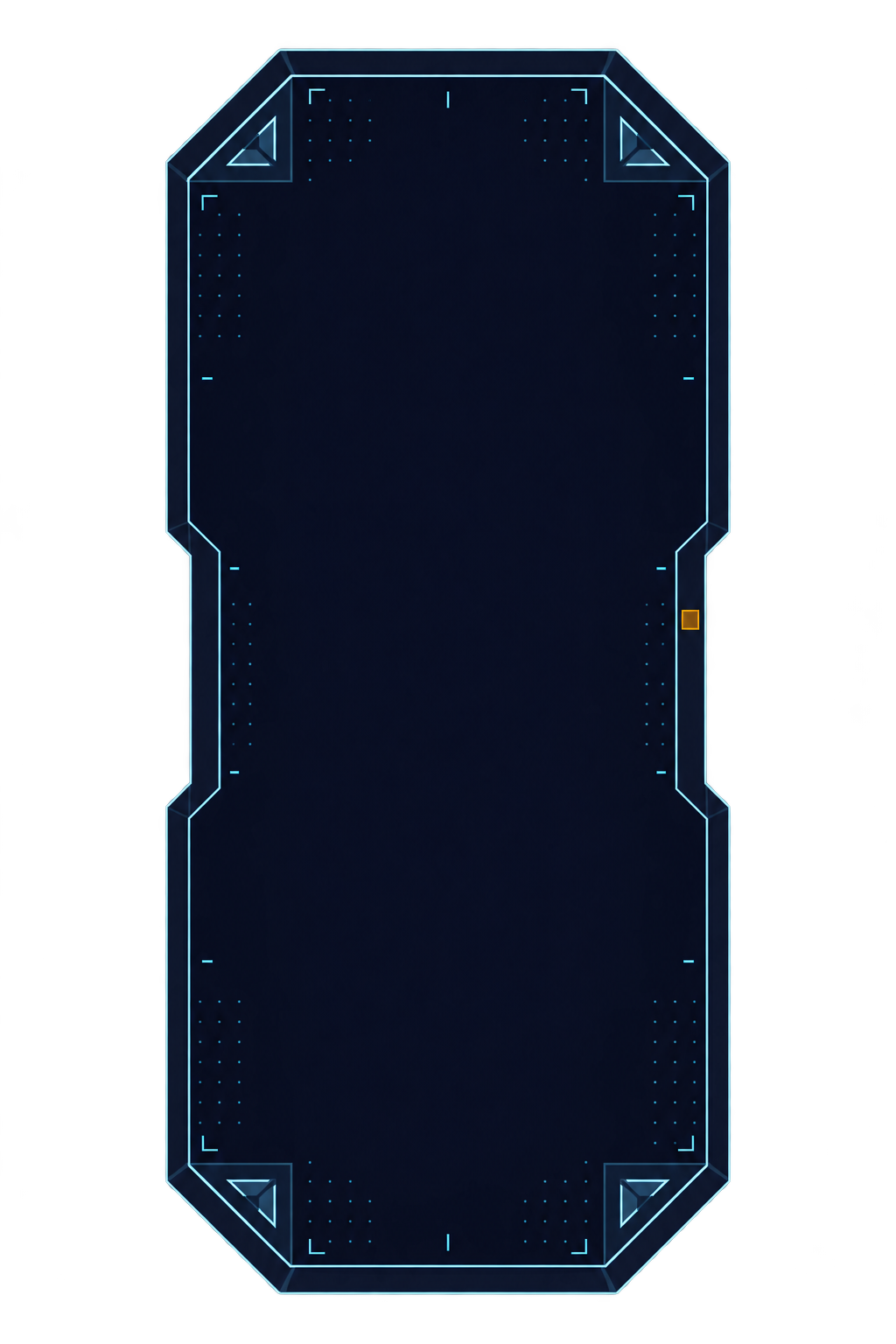
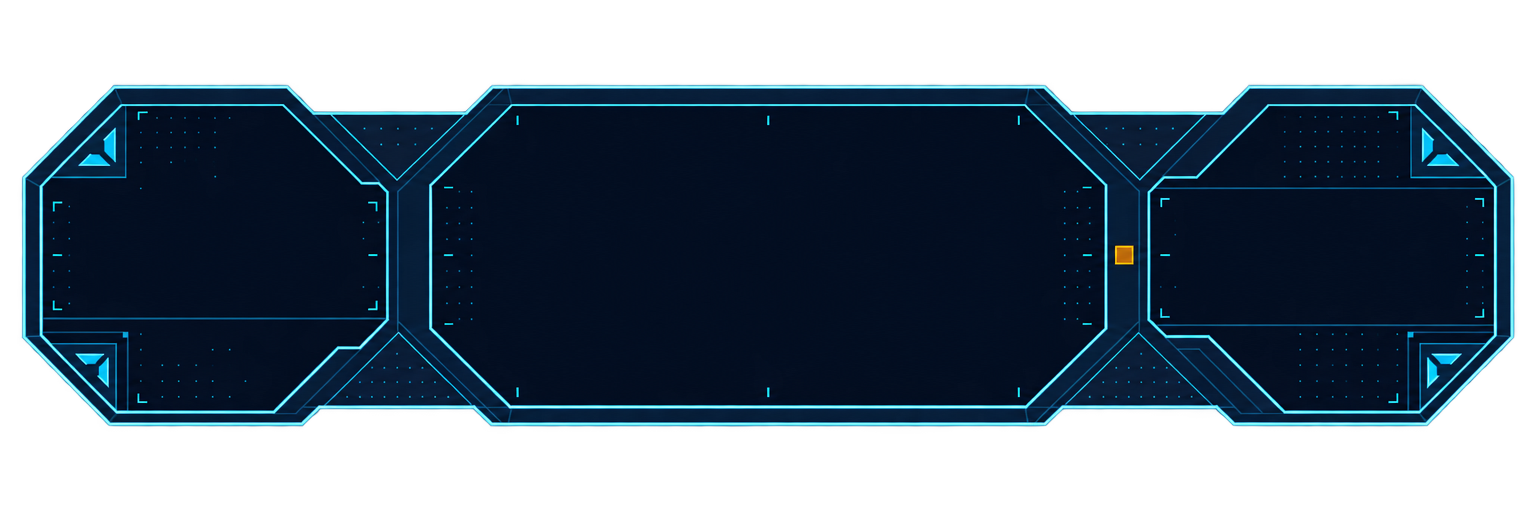
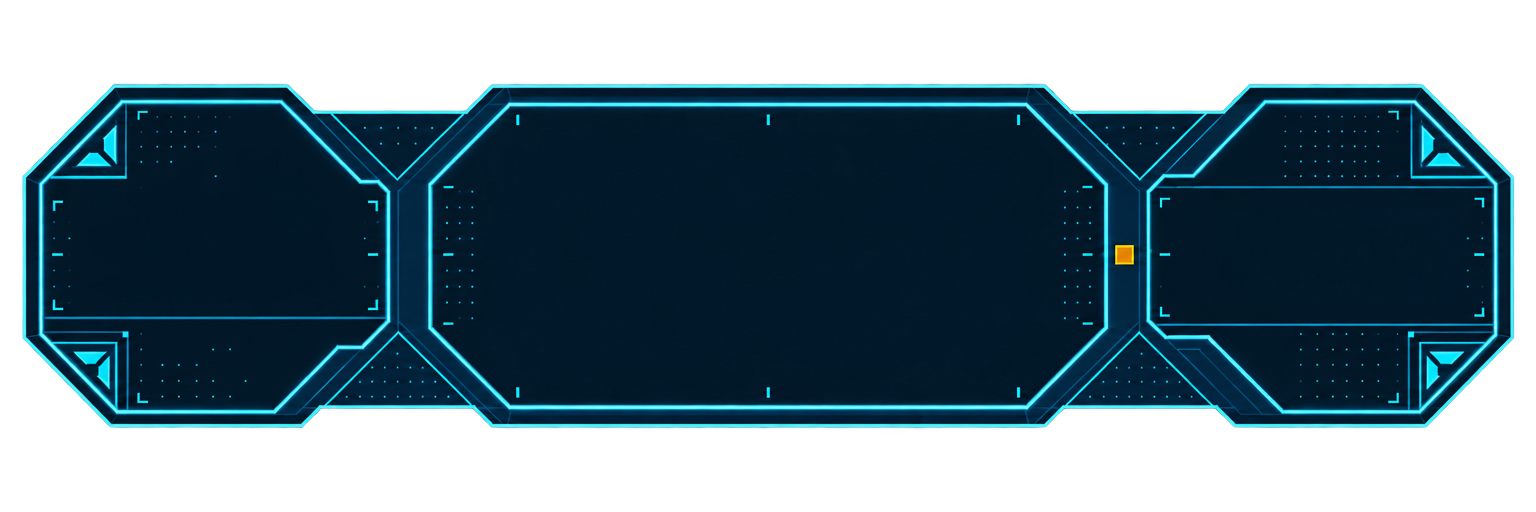
Interface time goes into the same few pieces, drawn again and again. The primary button gets drawn, then drawn pressed, then drawn disabled, then all of it once more when the art direction shifts, and the panel that looked fine at design size smears its corners on a wider screen.
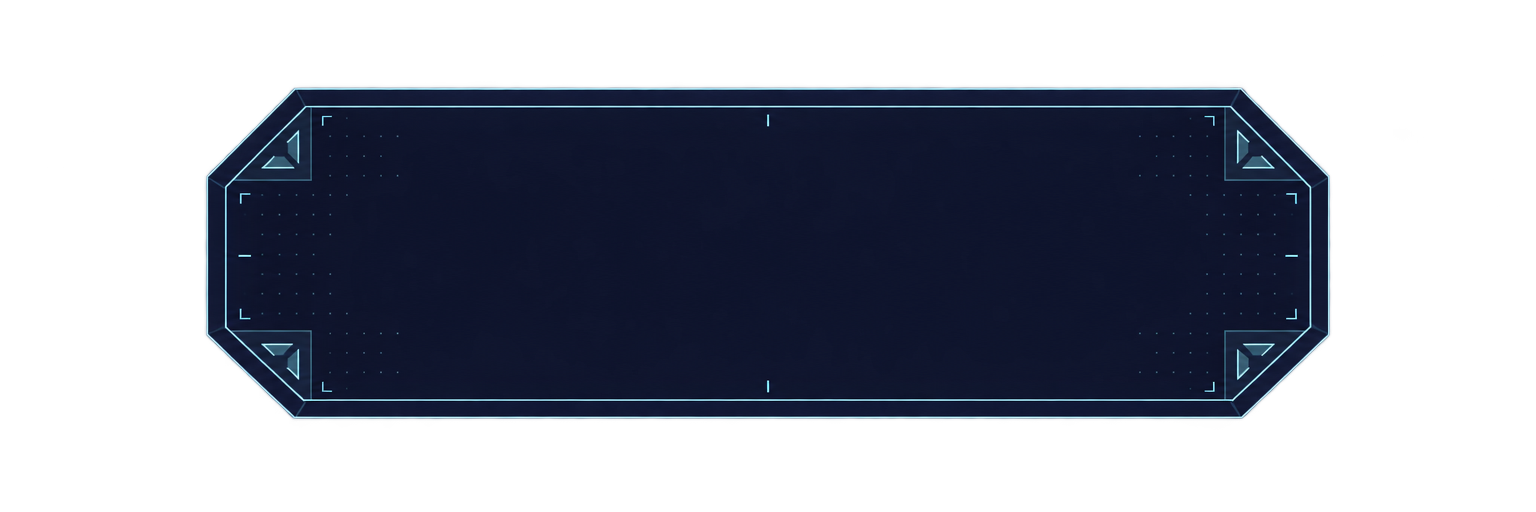
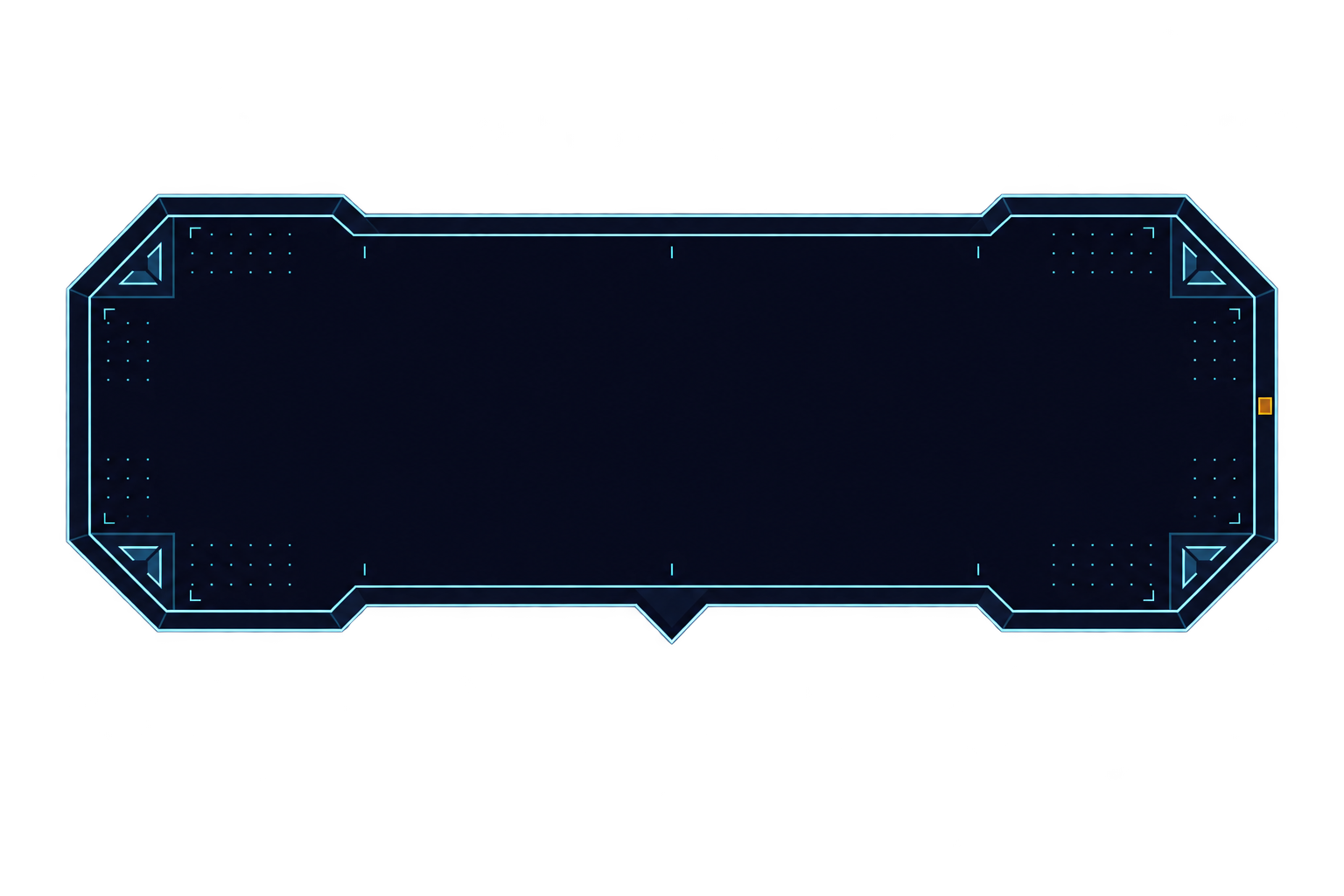
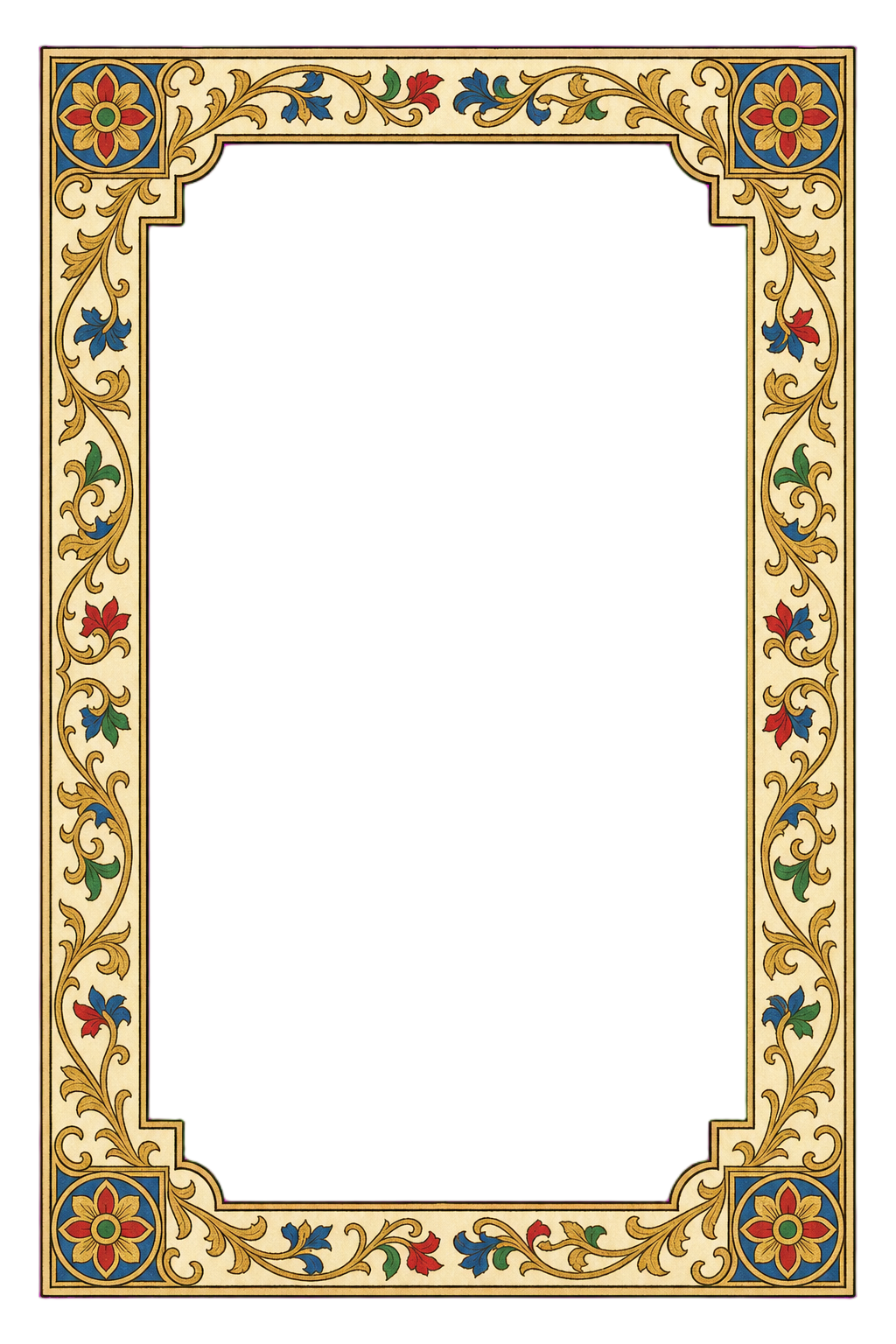
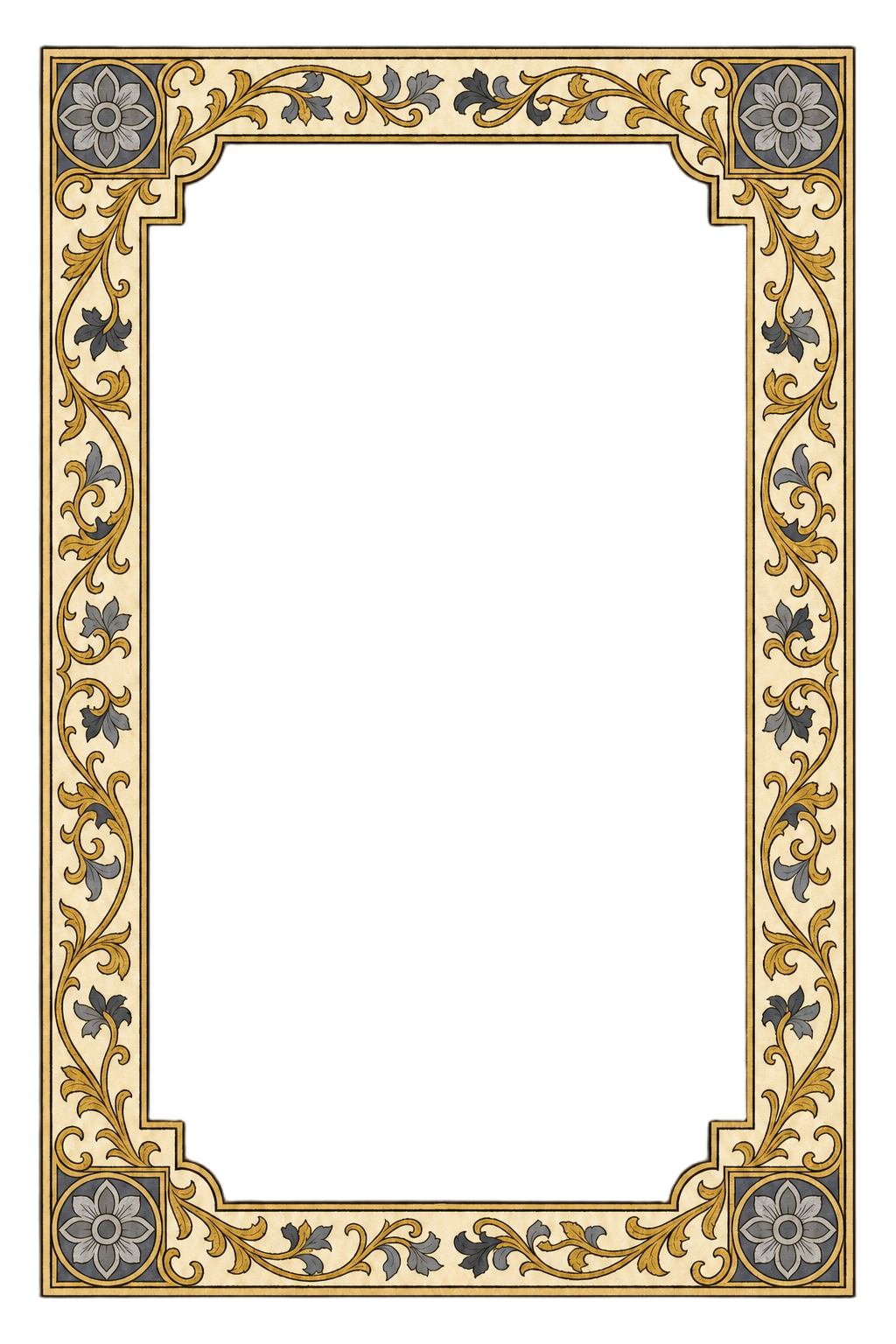
Name the style and the pieces. You type "paper-and-wood" or "sci-fi holographic" and skip the style sheet. Layer turns the material into one kit and draws every piece in the states your screens use.
One Material Across the Kit
Layer draws the first piece, then builds each of the others from it, so the whole kit shares one edge treatment and one color system. A tooltip you ask for a week later still belongs to the same console.
Panels That Hold Their Corners
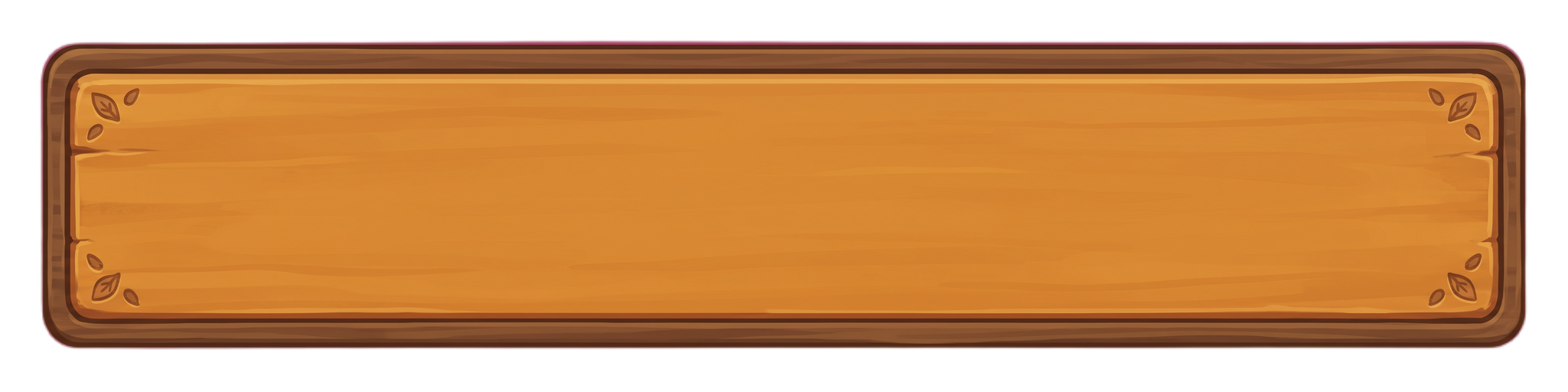
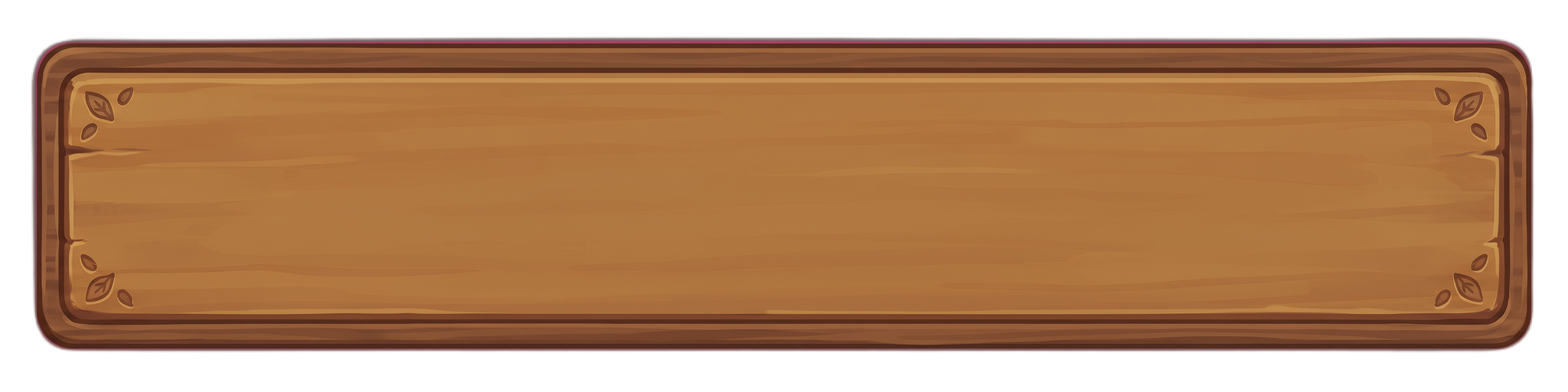
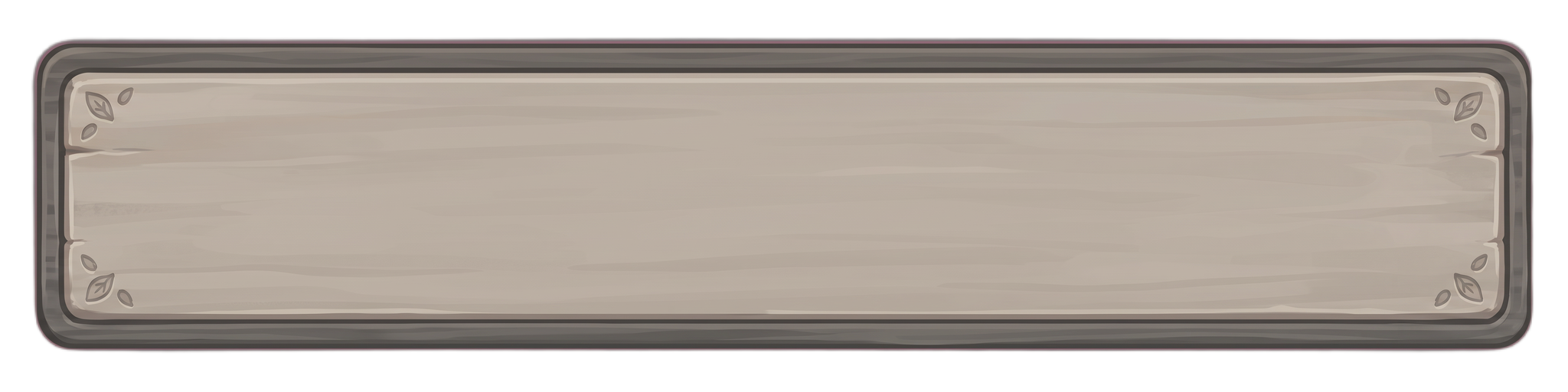
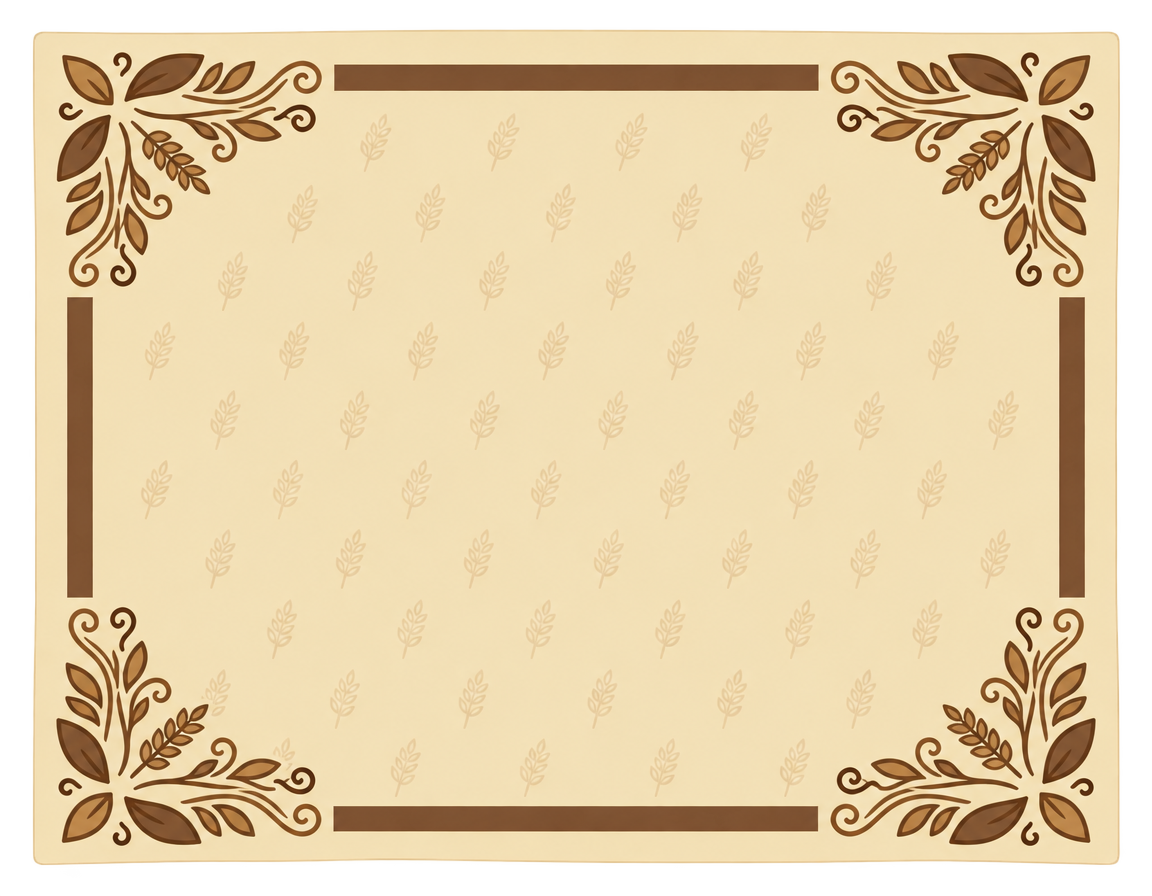
A 9-slice panel keeps its four corners fixed and stretches only the plain edges and the center. Ask for 9-slice and Layer builds each panel that way, then checks it at twice its width before it is delivered. The carving stays in the corners, where the stretch never reaches it.
States Without the Redraw
Same outline in every state Each state is edited from the finished piece, so nothing jumps when a button is pressed or a tab is selected.
Nothing baked in Labels and numbers stay live in your game. Pieces arrive as PNG files, with transparent backgrounds where a piece needs one.
For the in-play layer, see game HUD design. For full screens, see menu and store screens, and for icons, game icon sets.