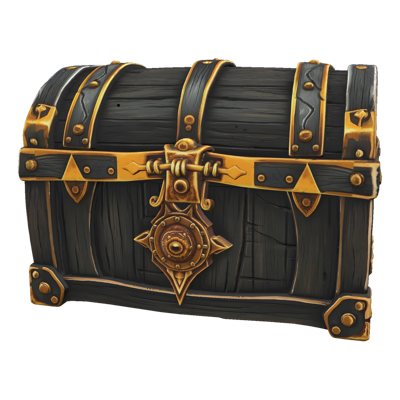
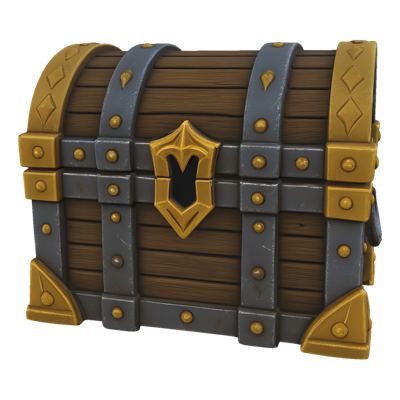
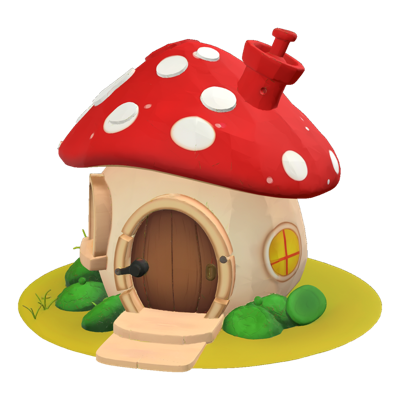
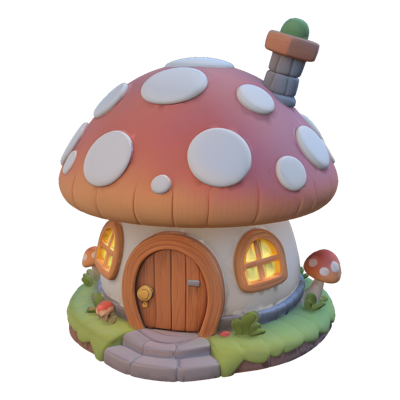
Every 3D asset starts as a 2D idea — a concept painting, a character sheet, a quick prop sketch. But getting from that image to an actual mesh means hours of modeling, UV work, and texturing before anyone can evaluate the asset in context. For teams shipping live-service content on tight cadences, that gap between concept approval and in-engine review is where schedules slip.
Layer's Image to 3D closes that gap. Upload a reference image — or multiple views of the same subject — and generate a textured 3D mesh that captures the shape, proportions, and surface detail of your concept. What used to take days of modeling becomes minutes of iteration, so artists spend their time refining assets instead of rebuilding them from scratch.
Key Capabilities
Single-Image Conversion Turn one reference image into a complete, textured 3D mesh. Concept art, prop renders, or character illustrations all work — the model reconstructs plausible geometry for the sides you can't see.
Multi-View Input Provide several images of the same subject from different angles for more faithful reconstruction. Turnaround sheets and orthographic views give the model exactly what it needs to match your concept from every direction.
Texture-Image Guidance Guide the surface look of your output with a texture reference image, so the generated mesh doesn't just match your concept's shape — it matches its material and finish too.
Concept to Blockout Generated meshes arrive textured and viewable immediately, making them ideal blockout-ready models for level design, look development, and stakeholder review before full production investment.
Standard Export Formats Export as OBJ or GLTF and open your mesh directly in Blender, Maya, or your game engine. No proprietary formats, no conversion pipeline.
How It Works
Upload your reference Drop in a single image or a set of multi-view images of your subject. Optionally add a texture reference image to guide the surface treatment.
Generate the mesh Layer converts your reference into a textured 3D model. Iterate quickly — generate variations, compare results, and pick the one closest to your concept.
Export and refine Download as OBJ or GLTF and bring the mesh into your DCC tool or engine. Pair with Remesh to hit polycount targets or Retexture to explore surface variants.
Built for Game Production
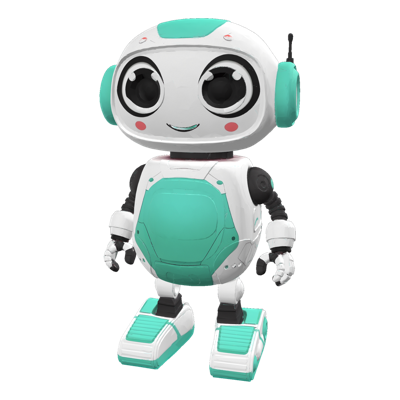
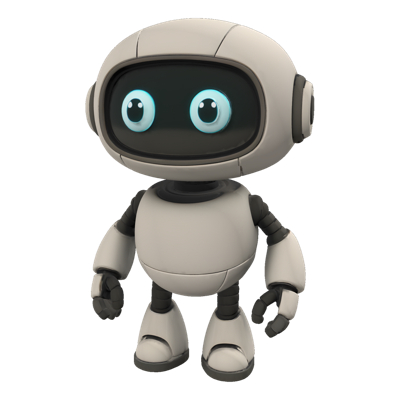
Characters Take an approved character concept from your art team and produce a 3D starting point in minutes — proportions and silhouette intact — ready for topology cleanup and rigging.
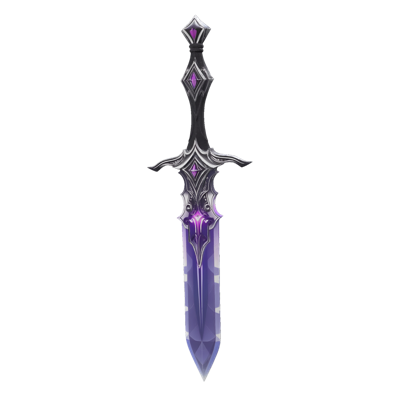
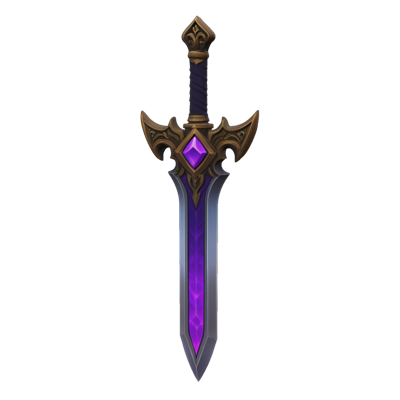
Props and Items Weapons, pickups, furniture, collectibles: convert prop concepts into meshes at the pace live-ops content demands, keeping your item pipeline moving without pulling modelers off hero assets.
Environment Kits Turn environment concept paintings into blockout geometry so level designers can test scale, composition, and readability in-engine before final art begins.
Pipeline Fit With OBJ and GLTF export, Image to 3D output slots into existing Blender, Maya, and engine workflows — and combines with Layer's Remesh and Retexture features for a complete generation-to-game-ready path.
To model a character from its design, see 3D models from four views; for the sheet that feeds it, see character turnaround sheets.
Trusted by 400+ game studios and entertainment brands including Zynga, SciPlay, and Huuuge Games, Layer brings your concepts into the third dimension without slowing your team down.