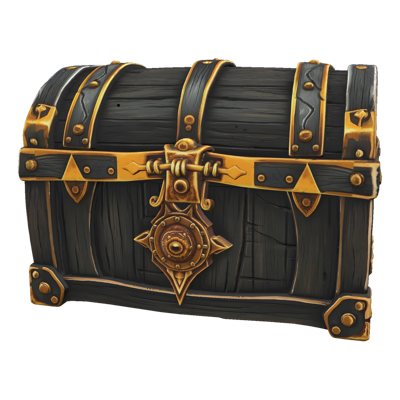
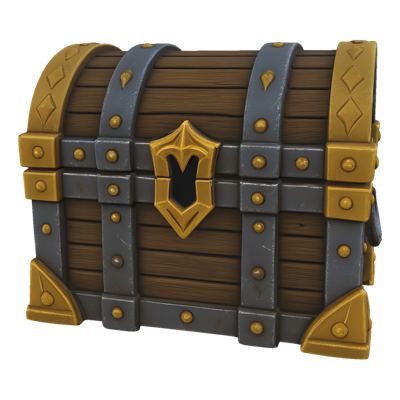
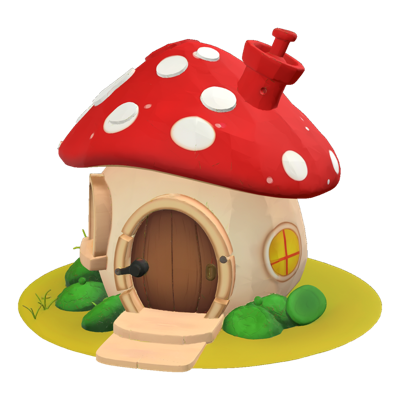
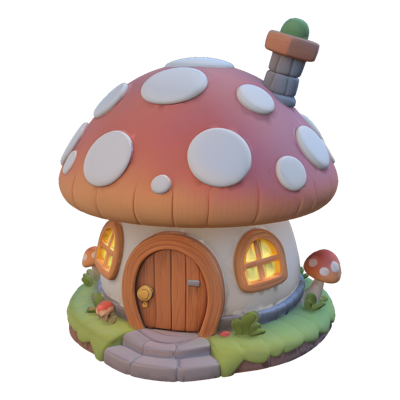
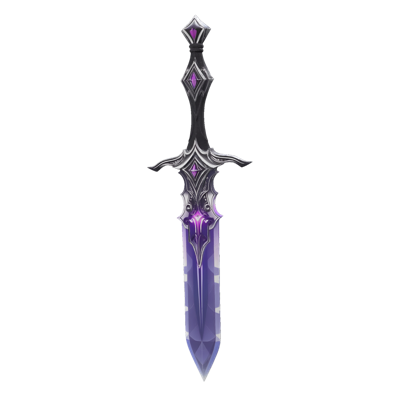
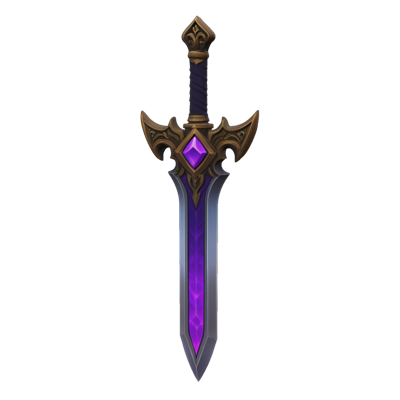
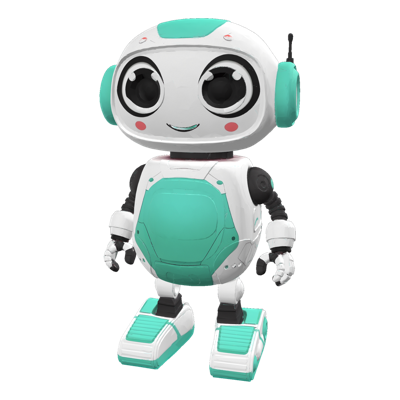
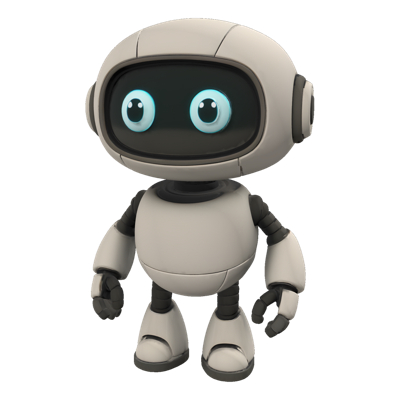
Skins, seasonal events, faction variants — live-service games run on cosmetic content, and every variant traditionally means another trip through the texturing pipeline. Even when the mesh never changes, producing a new surface treatment ties up artists in painting, baking, and material setup for work that's fundamentally repetitive.
Layer's Retexture feature re-skins an existing mesh with entirely new textures generated from a text prompt or a reference image. The same model becomes a winter variant, a legendary skin, or a rival faction's colorway in minutes — with PBR material support so results hold up under real engine lighting. One mesh, unlimited looks, zero re-modeling.
Key Capabilities
Prompt-Driven Texturing Describe the surface you want — weathered bronze, candy-coated plastic, arctic camouflage — and generate a complete new texture set for your mesh directly from text.
Reference-Image Guidance Supply a reference image to steer the result toward established concept art, a style guide, or an existing asset family, keeping variants visually consistent with your game.
PBR Material Support Retextured assets ship with PBR material support, so surfaces respond believably to lighting and reflections in modern engines rather than looking flat-painted.
Variant Production at Scale Because the geometry never changes, one rigged, optimized model can carry an entire catalog of skins. Generate, compare, and iterate on variants at the pace your content calendar demands.
Standard Export Formats Export retextured meshes as OBJ or GLTF and drop them into Blender, Maya, or your game engine alongside the original.
How It Works
Bring your mesh Start with any existing 3D model — a hero character, a weapon, a vehicle, or a mesh generated with Layer's Image to 3D or 3D generation features.
Describe the new look Write a prompt or attach a reference image defining the surface treatment you want. Iterate freely — each variation is a fresh take on the same geometry.
Export the variant Download the retextured asset as OBJ or GLTF and slot it into your engine as a skin, variant, or event asset — the underlying mesh, and everything built on it, stays intact.
Built for Game Production
Skins and Cosmetics Cosmetic monetization depends on a steady stream of skins. Retexture turns one production-ready model into a full catalog of purchasable variants without repeating the modeling and rigging investment.
Seasonal and Live-Ops Content Halloween, winter holidays, summer events — reskin existing characters, props, and environments to match every event on the calendar, keeping live-ops fresh without expanding scope.
Faction and Team Variants Generate consistent colorway sets across an entire asset family so opposing factions, teams, or difficulty tiers read instantly on screen.
Environment Refreshes Give environment kits new life by retexturing modular pieces — the same architecture set becomes a ruined, pristine, or festival-decorated version of itself.
For hero props with full material maps, see PBR 3D models.
Trusted by 400+ game studios and entertainment brands including Zynga, SciPlay, and Huuuge Games, Layer helps art teams multiply their content output — one texture at a time.