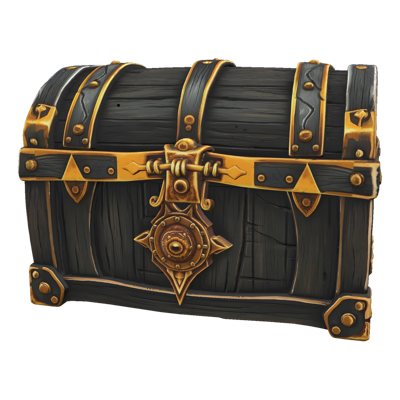
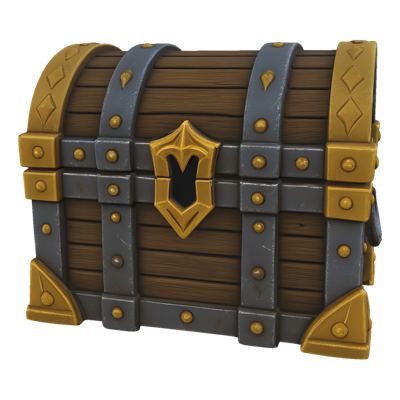


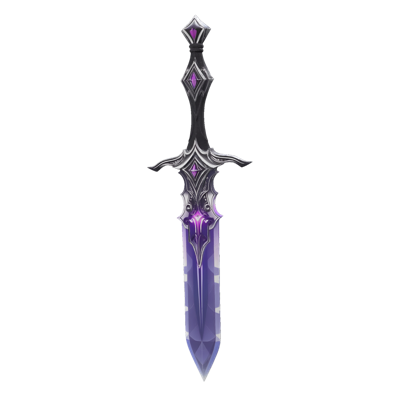
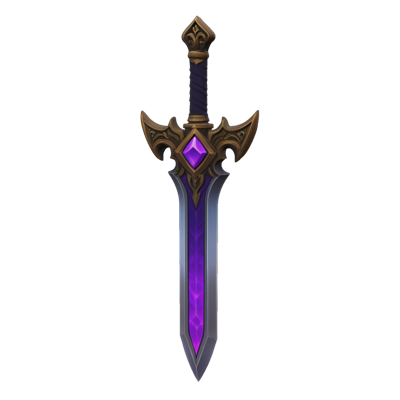


A great-looking mesh isn't a game-ready mesh. Generated and sculpted models routinely arrive with polycounts far beyond any real-time budget, and topology that fights deformation, LODs, and lightmaps. Manual retopology fixes it — at the cost of some of the slowest, most painstaking hours in the entire 3D pipeline.
Layer's Remesh rebuilds a model's topology automatically. Feed it any mesh, choose quad or tri output, set a target polycount, and get back clean geometry that fits your engine budget. It's the step that turns AI generation from an impressive demo into a production pipeline — dense output in, game-ready geometry out.
Key Capabilities
Full Topology Rebuild Remesh doesn't just decimate — it reconstructs the mesh's topology from scratch, producing clean, uniform geometry that preserves the model's shape and silhouette.
Quad or Tri Output Choose the primitive that fits your pipeline: quads for meshes headed to sculpting, editing, or deformation-heavy rigs, or tris for final geometry going straight into the engine.
Target Polycount Control Specify the polygon budget and Remesh builds to it. Hit different targets for hero assets, standard props, and background fill from the same source model.
Generated-Mesh Optimization Purpose-built for the modern workflow where AI-generated meshes arrive dense. Remesh is the bridge between what generation produces and what your engine can actually ship.
Standard Export Formats Export as OBJ or GLTF and continue in Blender, Maya, or your game engine — remeshed models behave like any hand-built asset downstream.
How It Works
Import your mesh Start with any 3D model — a dense generated mesh from Image to 3D, a sculpt export, or a legacy asset that needs a topology refresh.
Set your targets Pick quad or tri output and enter the polycount your budget allows. Different asset tiers can get different targets from the same source.
Export clean geometry Download the rebuilt mesh as OBJ or GLTF. It's ready for texturing, rigging, and engine import — no manual retopology pass required.
Built for Game Production
Engine Budgets Every platform has a polygon budget, and mobile budgets are unforgiving. Remesh lets you hit exact counts per asset, so performance targets are met by construction rather than by late-stage triage.
Character Pipelines Characters need topology that deforms cleanly. Quad output at a controlled density gives riggers and animators geometry they can actually work with — pair it with Layer's Rig & Animate to take a mesh all the way to motion.
Prop and Item Libraries Batch-optimize generated props to consistent budgets so your item library performs predictably, whether a player is holding one pickup or a screen full of them.
LOD Workflows Generate multiple polycount targets from one source mesh to build out level-of-detail chains without modeling each tier by hand.
For assets built to a triangle budget from the start, see low-poly 3D models.
Trusted by 400+ game studios and entertainment brands including Zynga, SciPlay, and Huuuge Games, Layer makes the gap between generated and game-ready a single step.