“Make a health bar for my dark fantasy action game in full, half, low and empty states.”
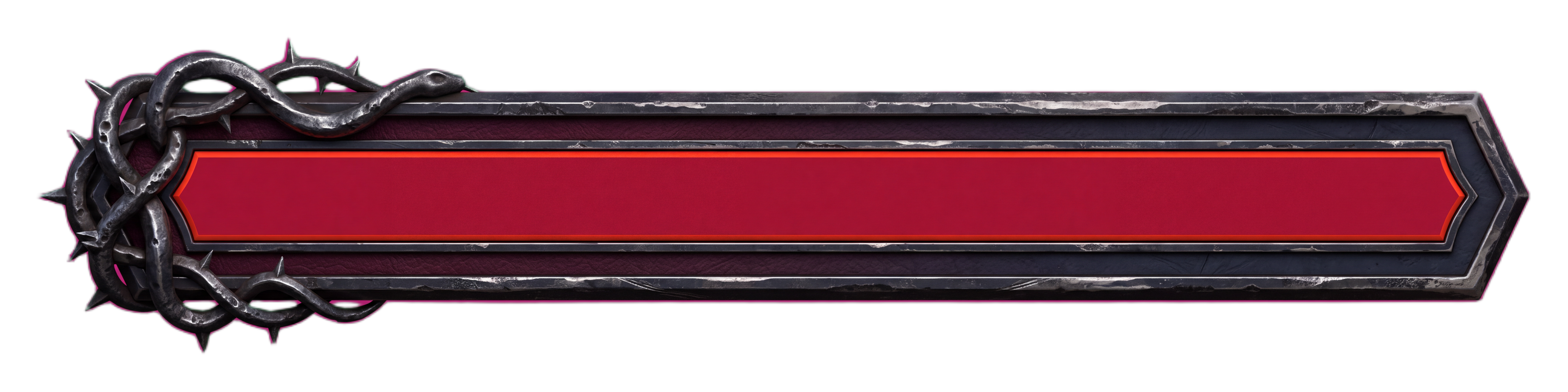
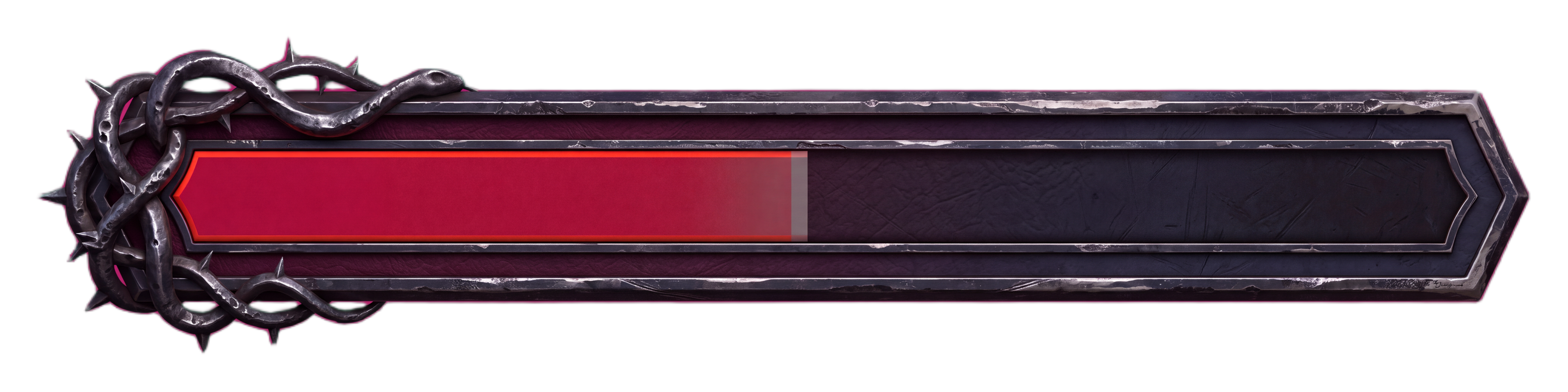
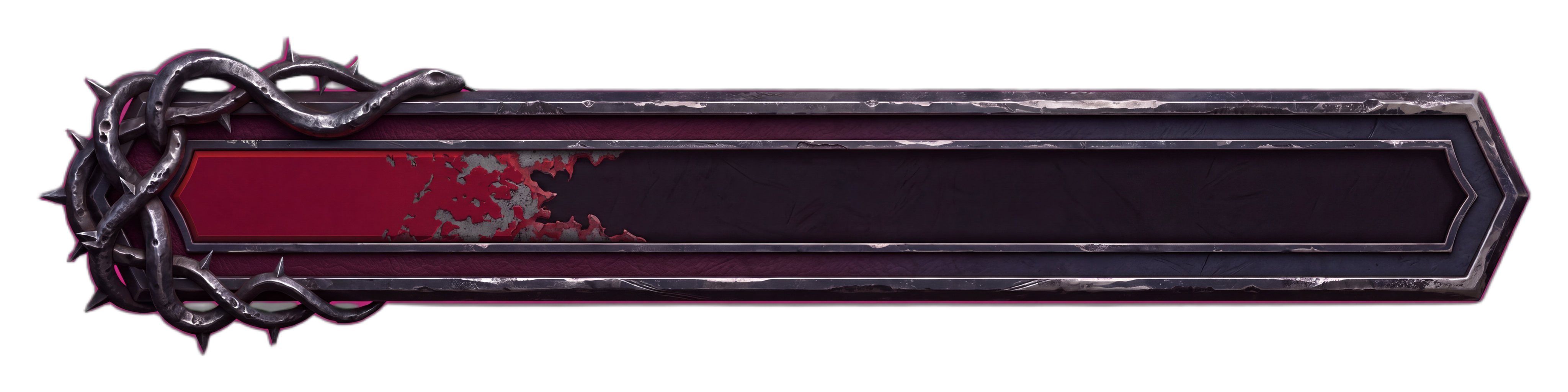
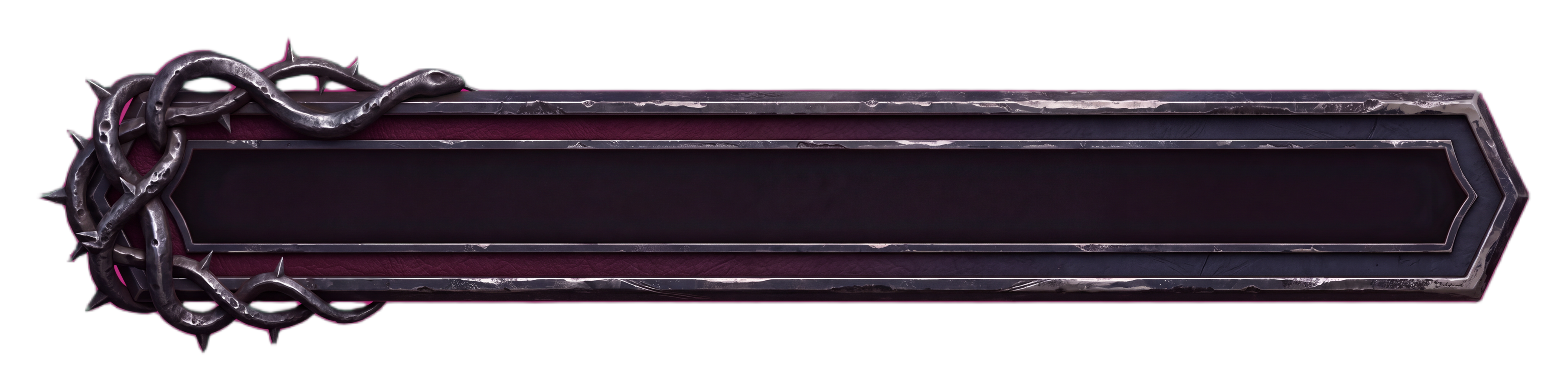
The thorned iron frame is identical in all four states and only the crimson fill moves, so the bar never jumps when your engine swaps one state for the next.
AI Game HUD Design
Name the genre, the platform and what the player tracks, and the layout and the art come back together
“Make a health bar for my dark fantasy action game in full, half, low and empty states.”
The thorned iron frame is identical in all four states and only the crimson fill moves, so the bar never jumps when your engine swaps one state for the next.
“Design the HUD for my PC twin-stick shooter at 1080p: ammo, grenades, score and a wave counter. Give me the layout spec, then generate the widgets in their states.”
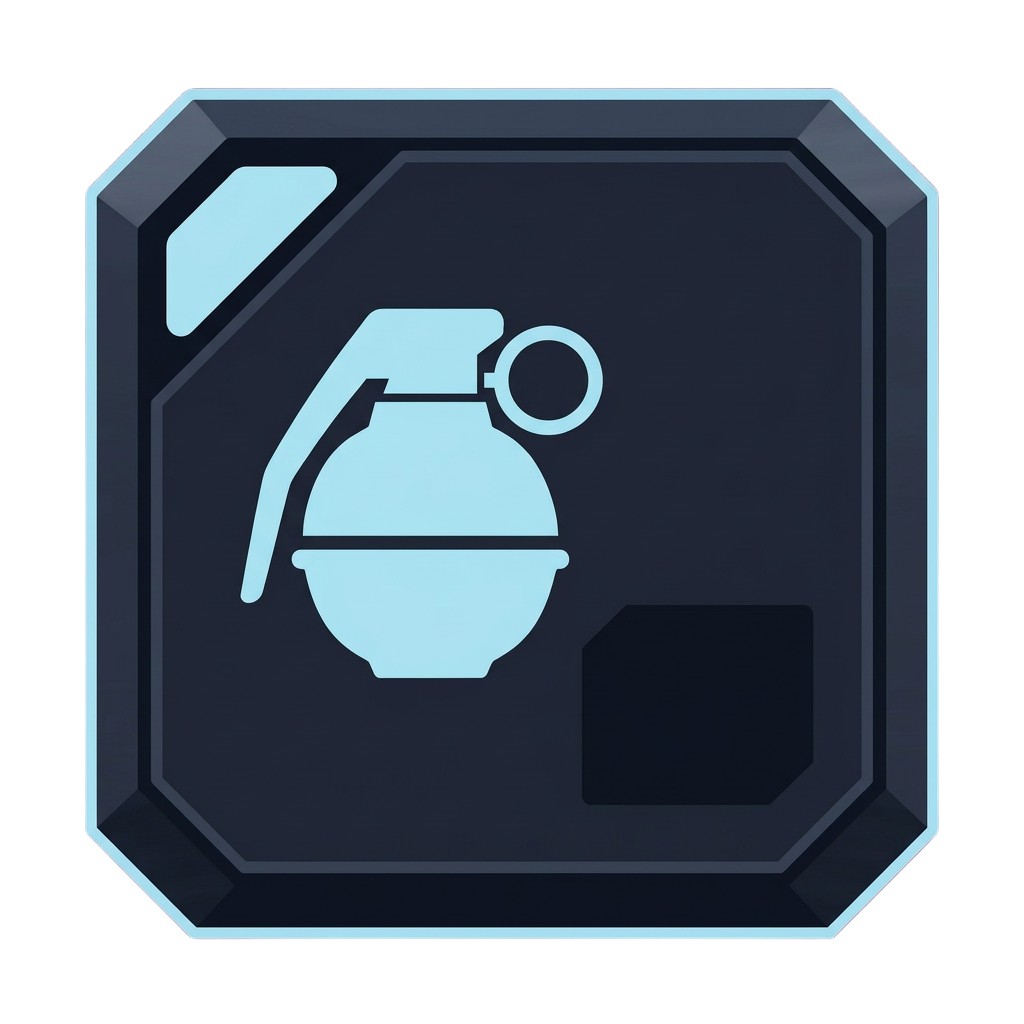
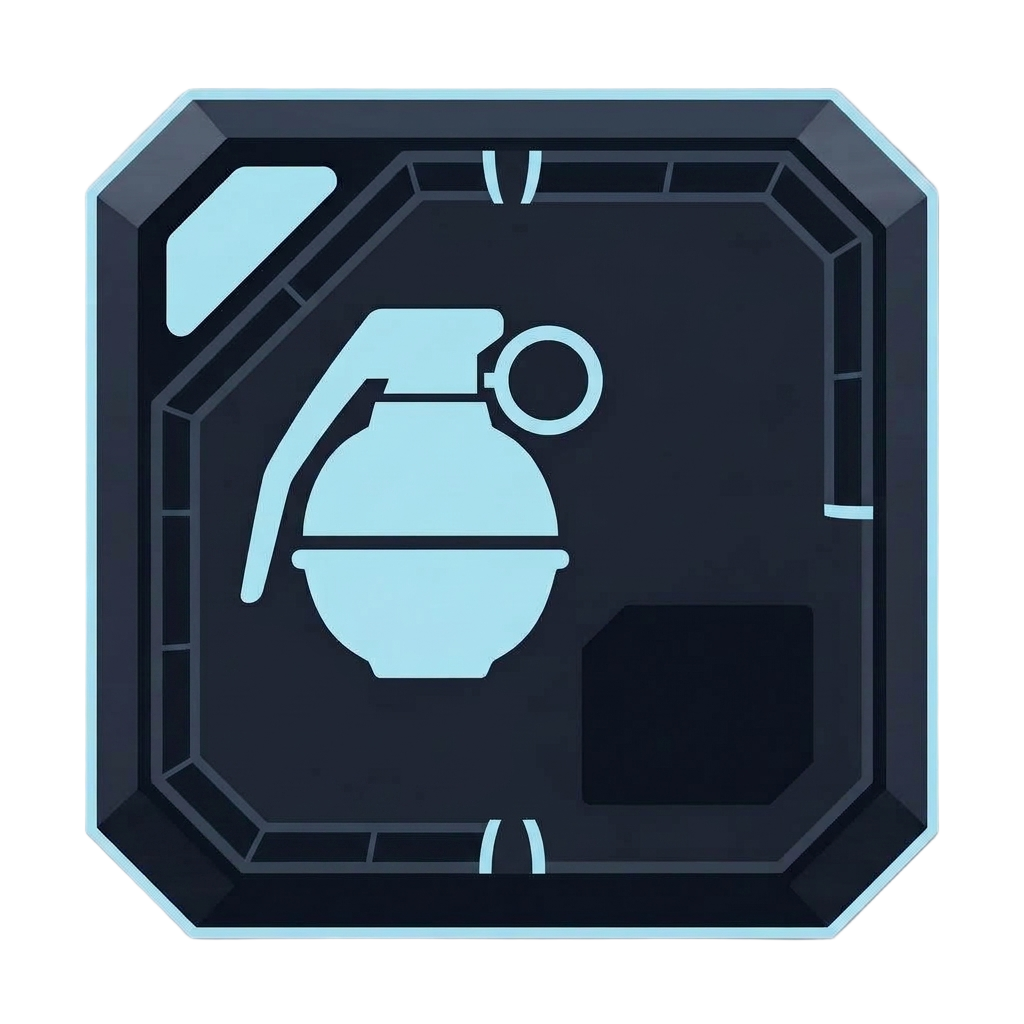
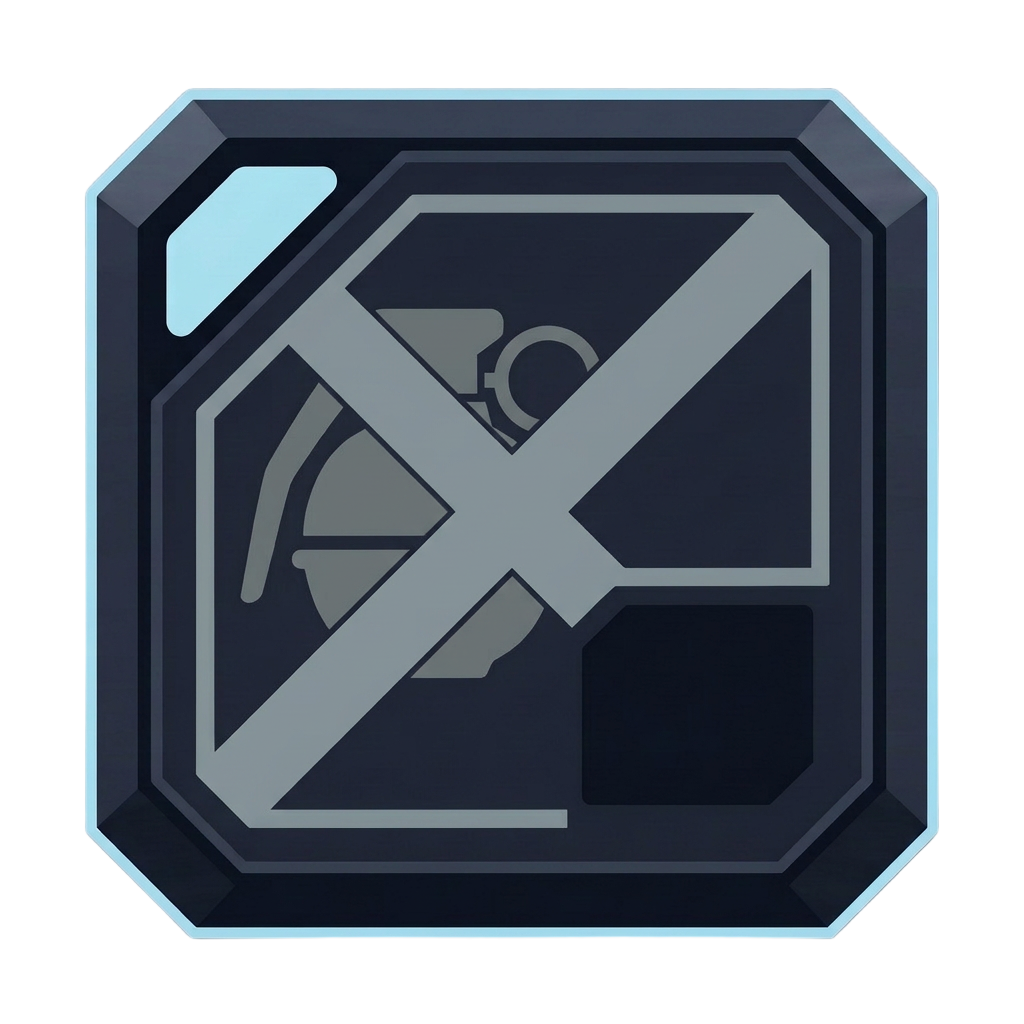
Recharging and unavailable look like different problems, a segmented perimeter for wait and a crossed-out, desaturated readout for empty. The grenade count itself is left for your engine to draw.
“Design the HUD for my portrait mobile roguelite: health, XP bar, skill buttons and a minimap. Give me the layout spec and the widgets in their states.”
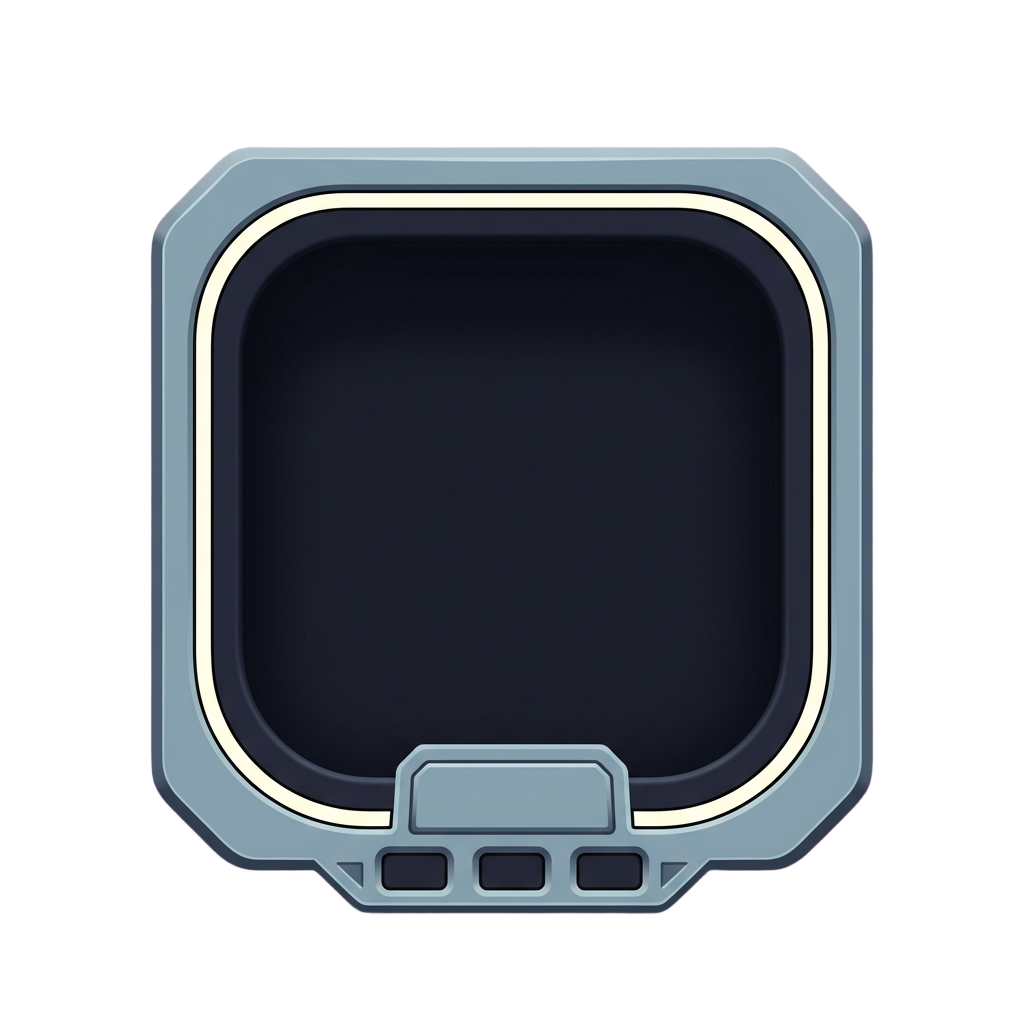
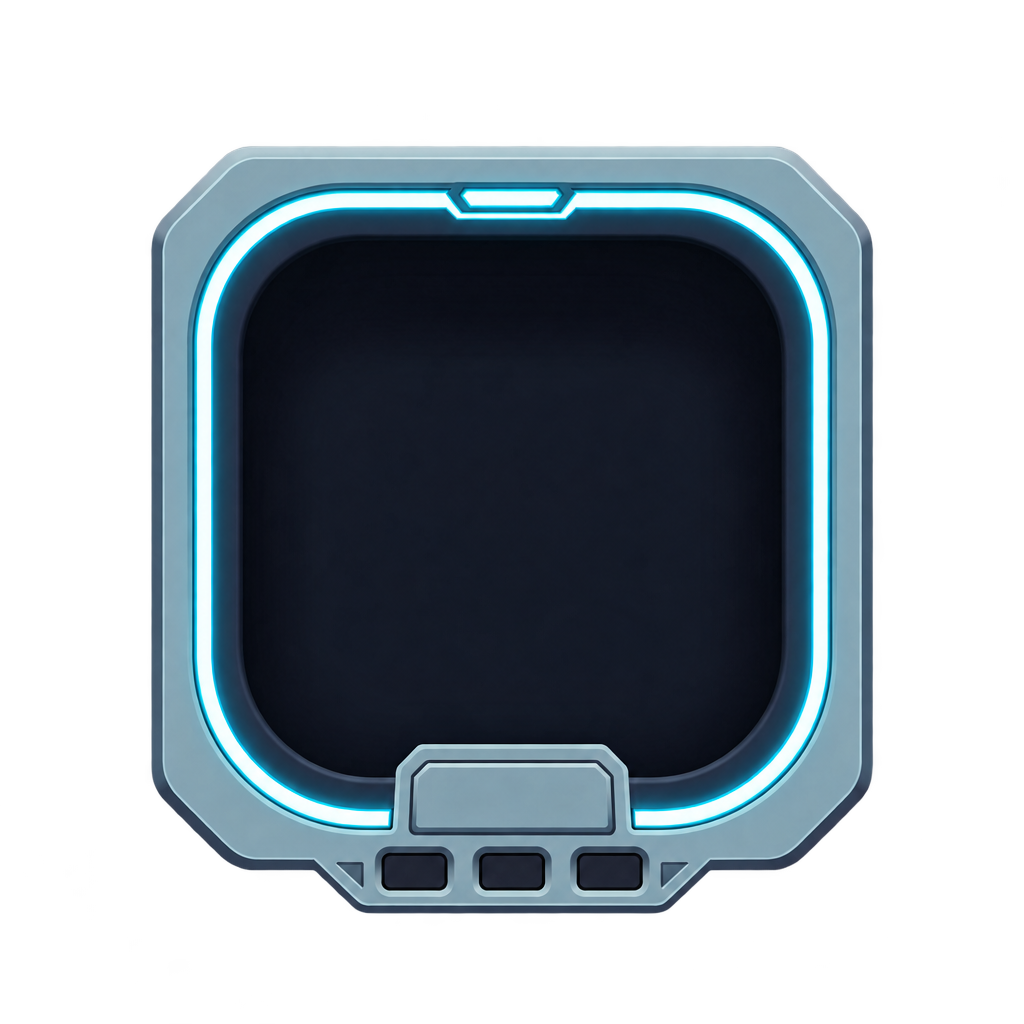
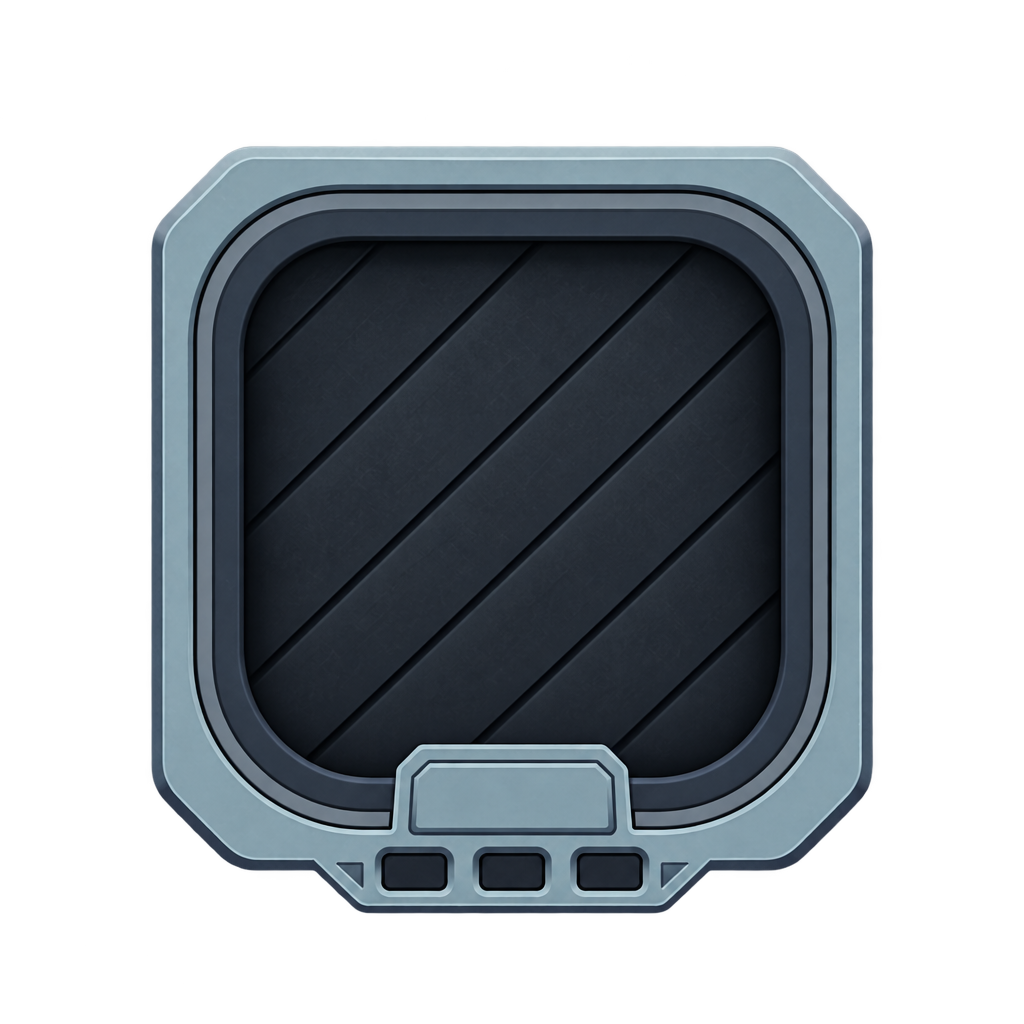


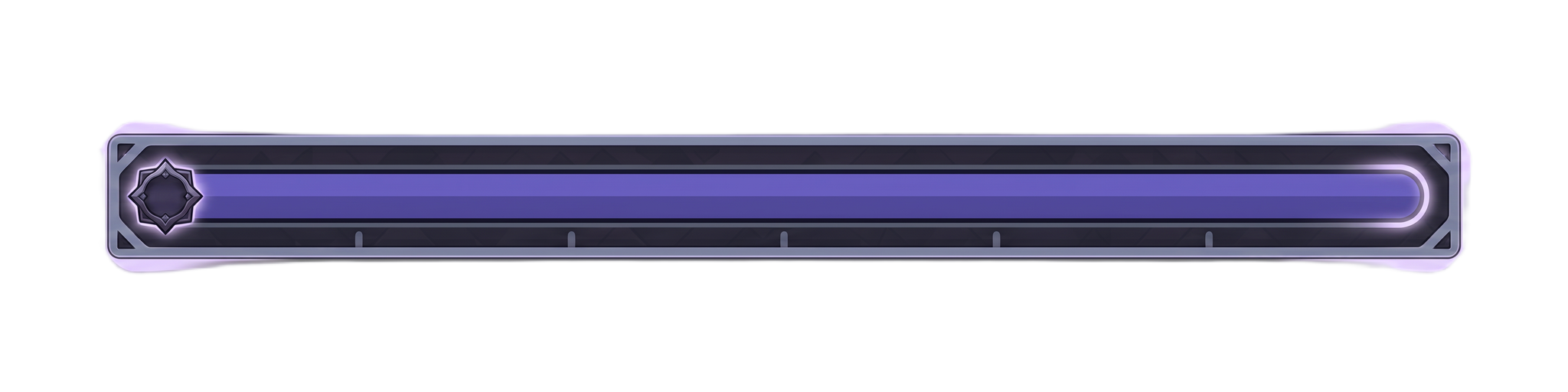
Each skill slot state changes the frame itself, a cyan rim for active and a diagonal shutter for locked. The minimap markers split by role, with ivory for the player, coral red for danger and gold for objectives.
A HUD gets judged in the worst second of a fight. If the health bar jumps a pixel when it drops, or a cooldown looks the same as being out of mana, players lose track of the one number they needed.
Tell Layer the genre, the platform and what the player has to track. You never write a spec or redraw a bar four times by hand. Layer lays the screen out by the conventions players already know for your genre, then draws every widget in the states your engine swaps between.
Placement follows the genre. In a twin-stick shooter, your own vitals and ammo sit along the bottom, where a flick of the eyes finds them between waves, and the score and wave counter take the top edge, where nothing needs touching. A portrait mobile game stacks differently: global state at the top, and the skill buttons in a cluster at the bottom center where the thumb already rests. In every genre the center of the screen stays clear, and the minimap takes a corner instead of a second screen's worth of space.
Layer draws each widget complete at its best state, then edits every other state from that image. The frame never moves, and only the part the state changes does.
Two cues per state Locked, active and recharging each change the shape of the widget as well as its color, since a tint alone gets missed mid-fight.
Wait versus refill A cooling ability and an unaffordable one get different treatments, because players respond to them differently.
Numbers, fill levels, the cooldown sweep and every timer stay live in your game, so the art leaves room for them and never bakes a value in. Widgets arrive as PNG files on transparent backgrounds, one file per state.
For the rest of your interface, see game UI kits, menu and store screens, game icon sets and UI mockups on your screenshot.
Name a style and the pieces you need. Layer draws buttons, tabs, panels and frames as one matching kit, in every state, with panels built to 9-slice.
Shop and Season Pass Mockups That Look Like the Shipped ScreenDescribe a shop, season pass or gacha screen and get a mockup in your game's style, with sample text written in and the main offer leading the layout.
Mock Up UI on Your Screenshot Without Touching the Game ArtAttach a screenshot of your game and get a HUD or menu mocked up on it in your art style, with the scene untouched and the play space kept clear.
Game Icon Sets That Still Read at 32 PixelsList your ability, currency or inventory icons and Layer draws them as one set, sharing outline and light, with silhouettes that hold at hotbar size.
Both, when you ask for both. The layout spec places each element for your genre and platform, with safe zones and the center of the screen kept clear, and the widgets are drawn to fit it. Ask for the spec and the widgets in the same message, as in the examples.
No. Layer draws the complete widget at its full state first and edits every other state from that image, so the frame and backing stay put and only the fill or the state treatment changes.
Yes. Players read one as wait and the other as go get more, so they get different treatments, like the grenade's segmented perimeter against its crossed-out empty state. Each state changes shape as well as color, because a color shift alone gets missed in motion.
Ask for a new layout instead. Portrait stacks global state at the top and puts the actions in a cluster at the bottom center, inside thumb reach, so Layer lays the screen out again rather than shrinking the landscape version.
Create a free Layer account and list what your HUD has to show.