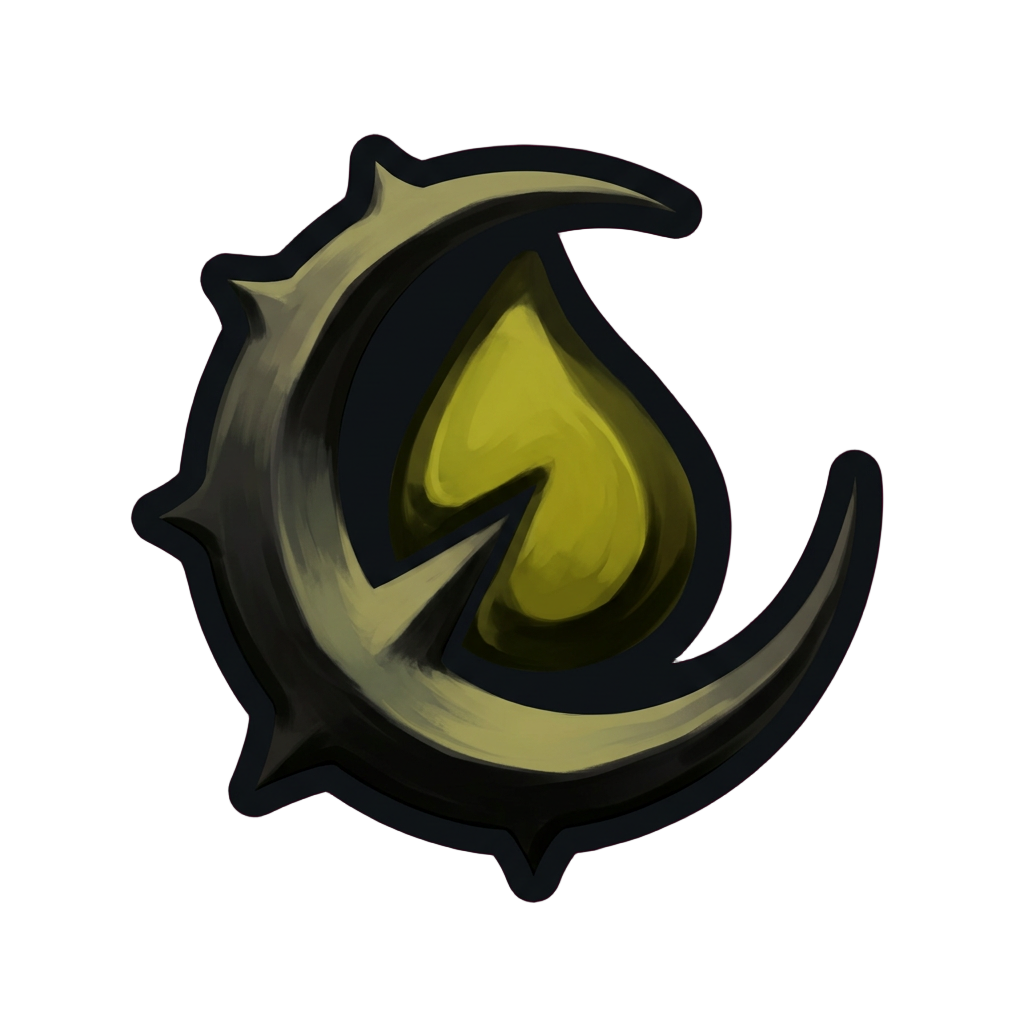
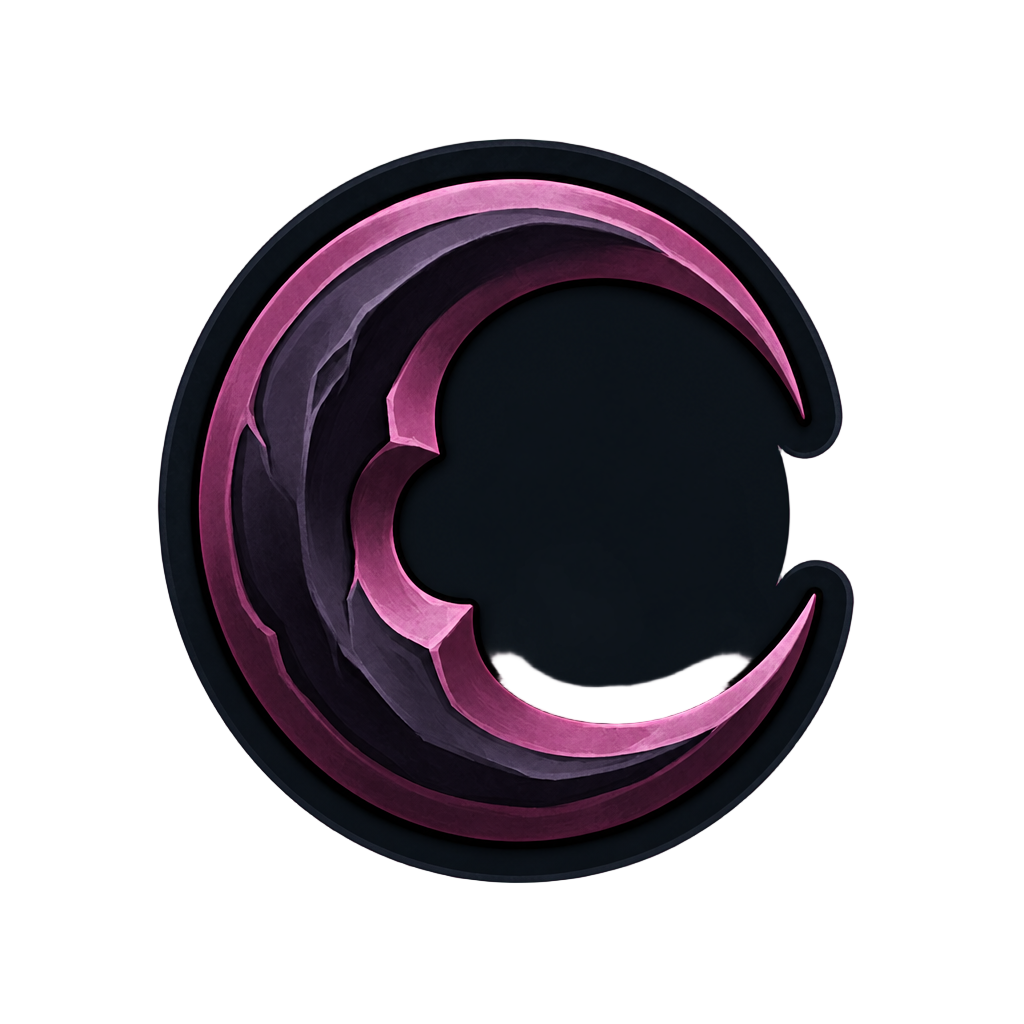
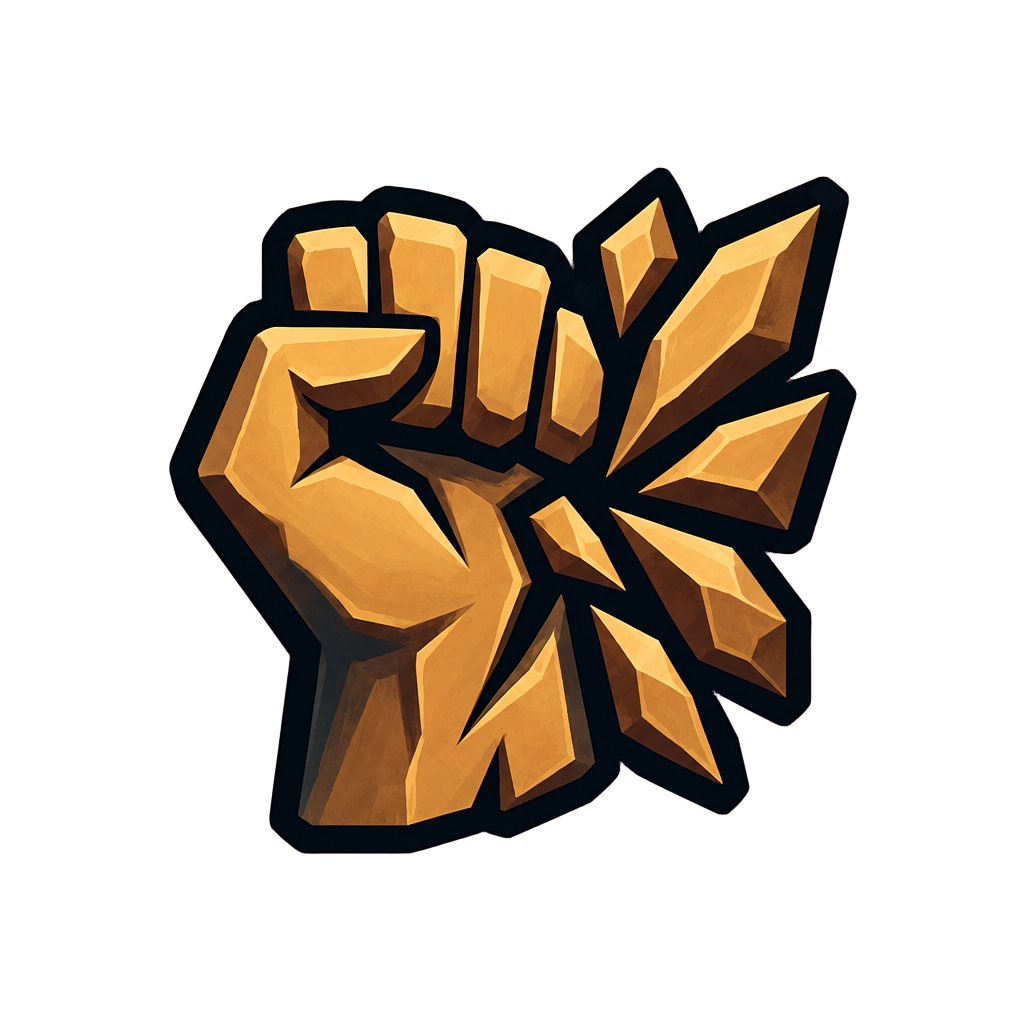
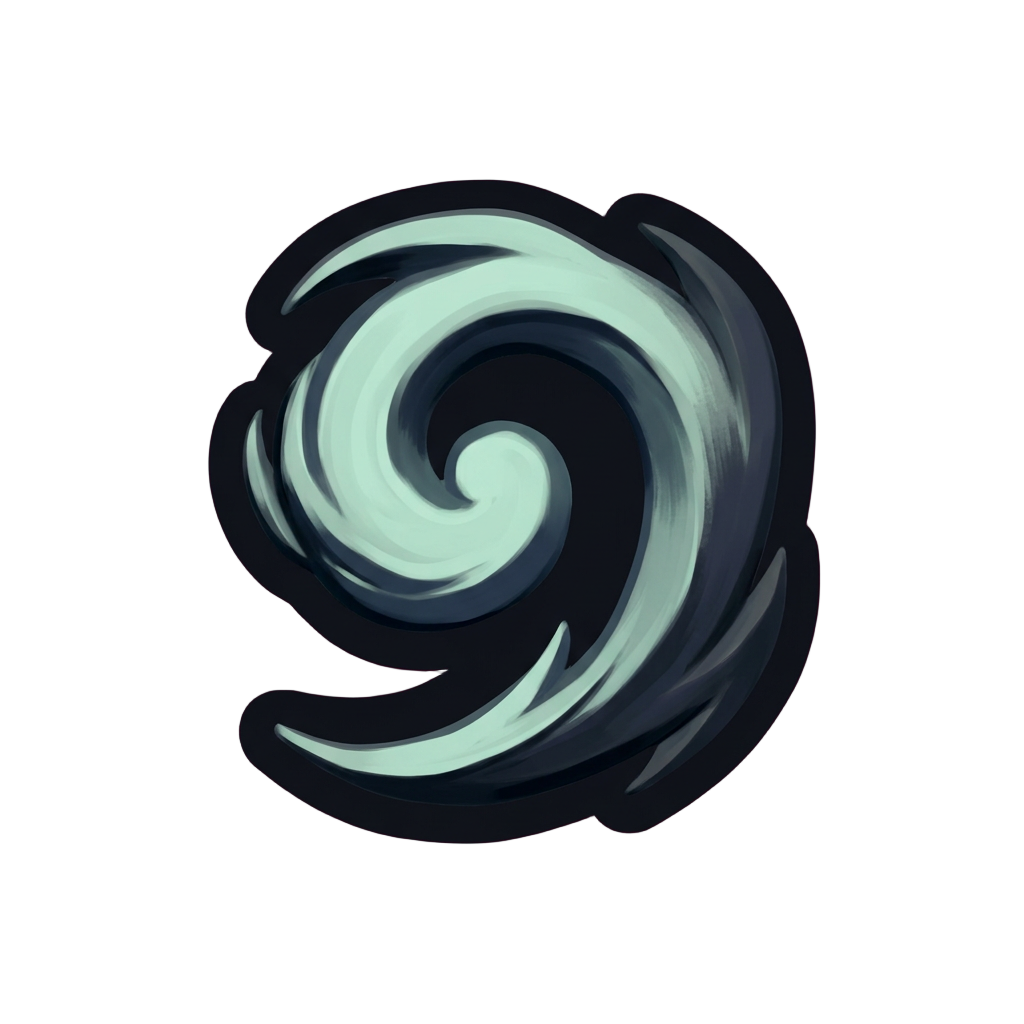
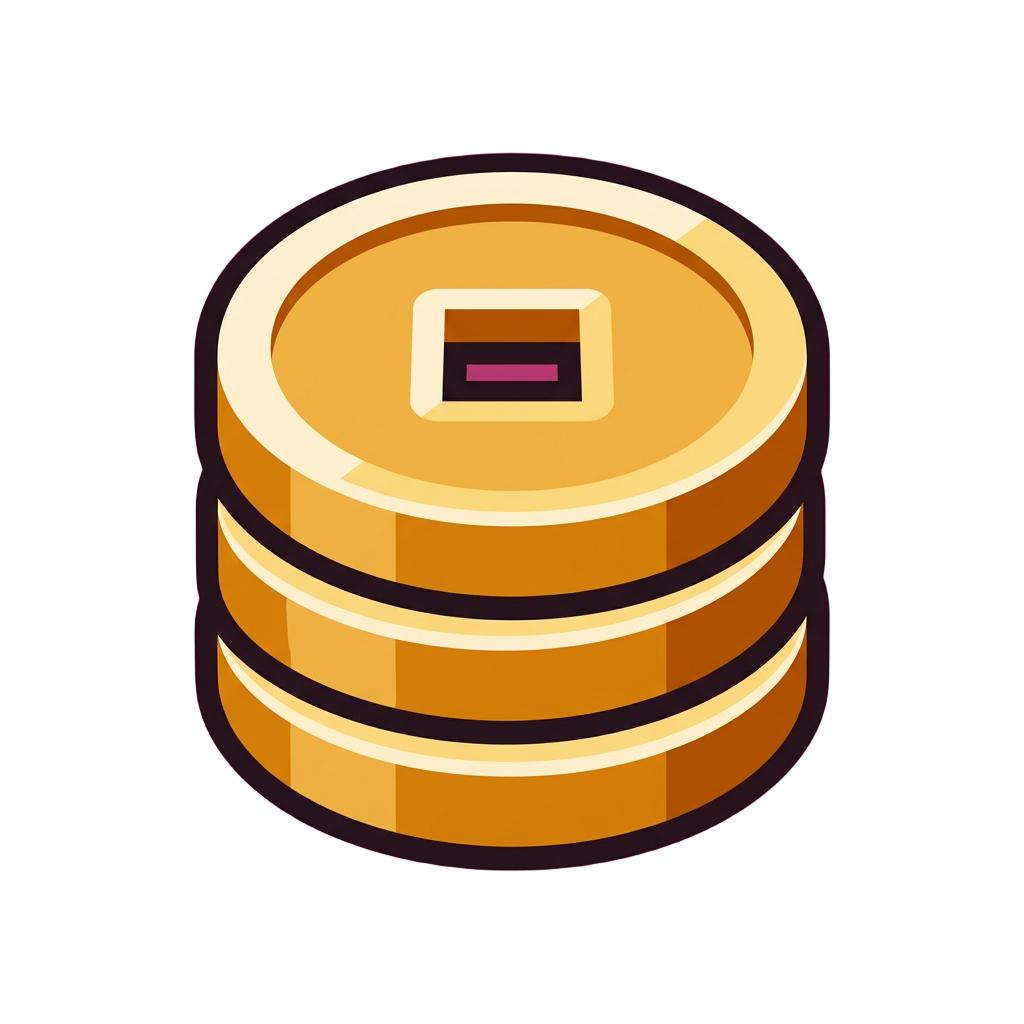
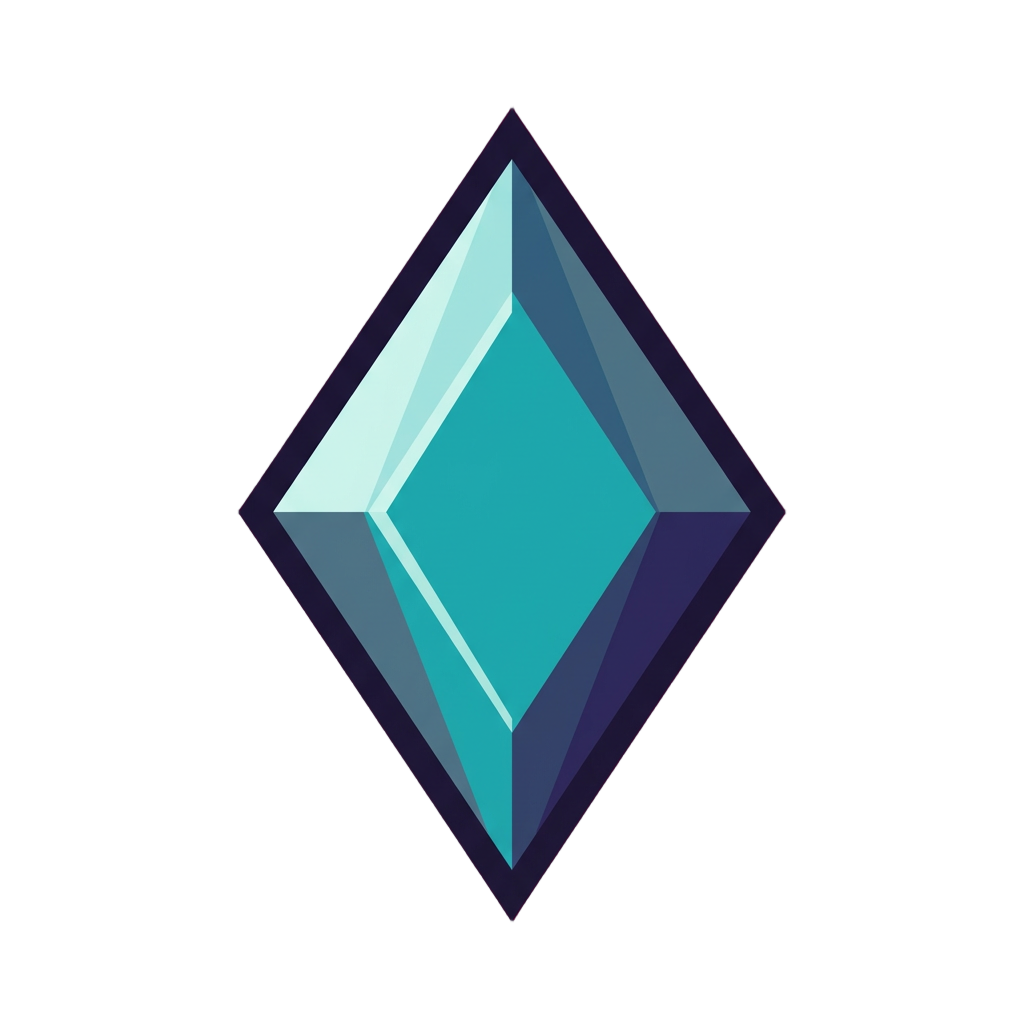
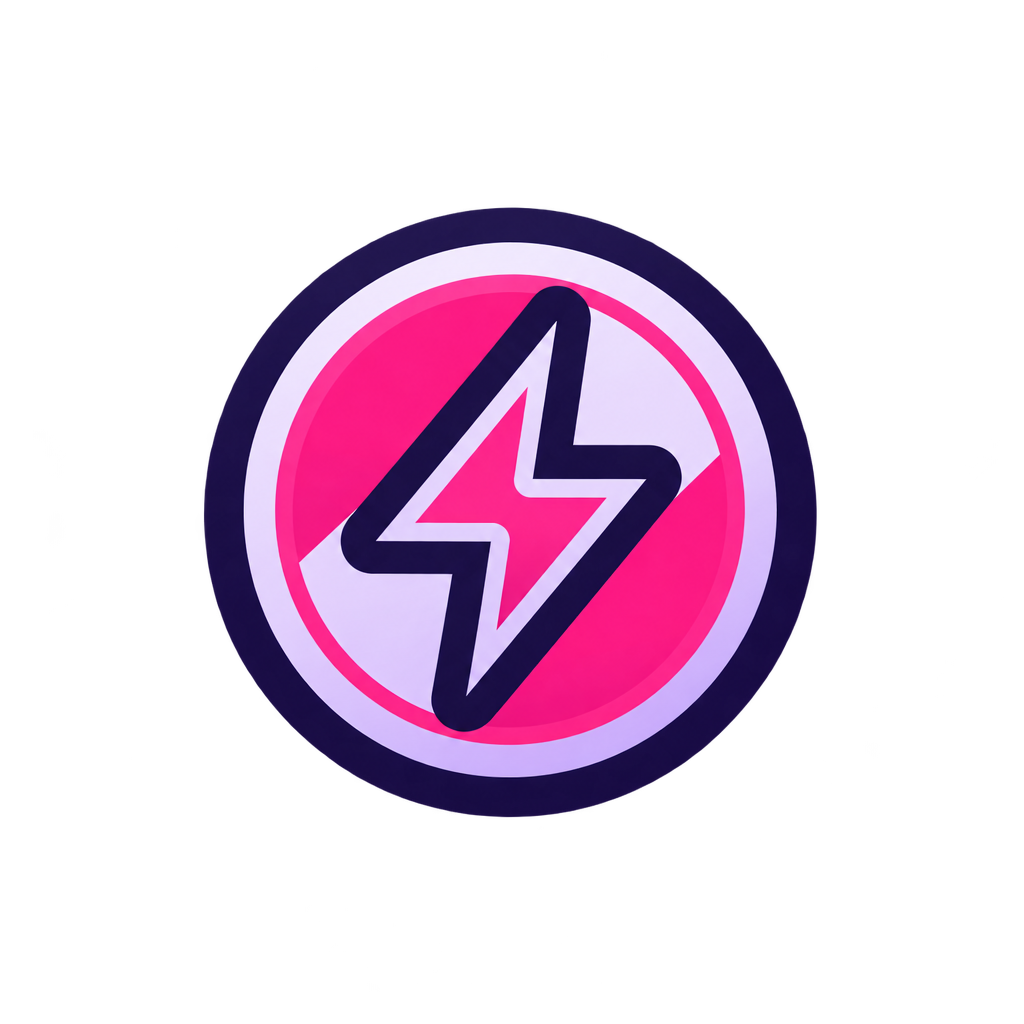
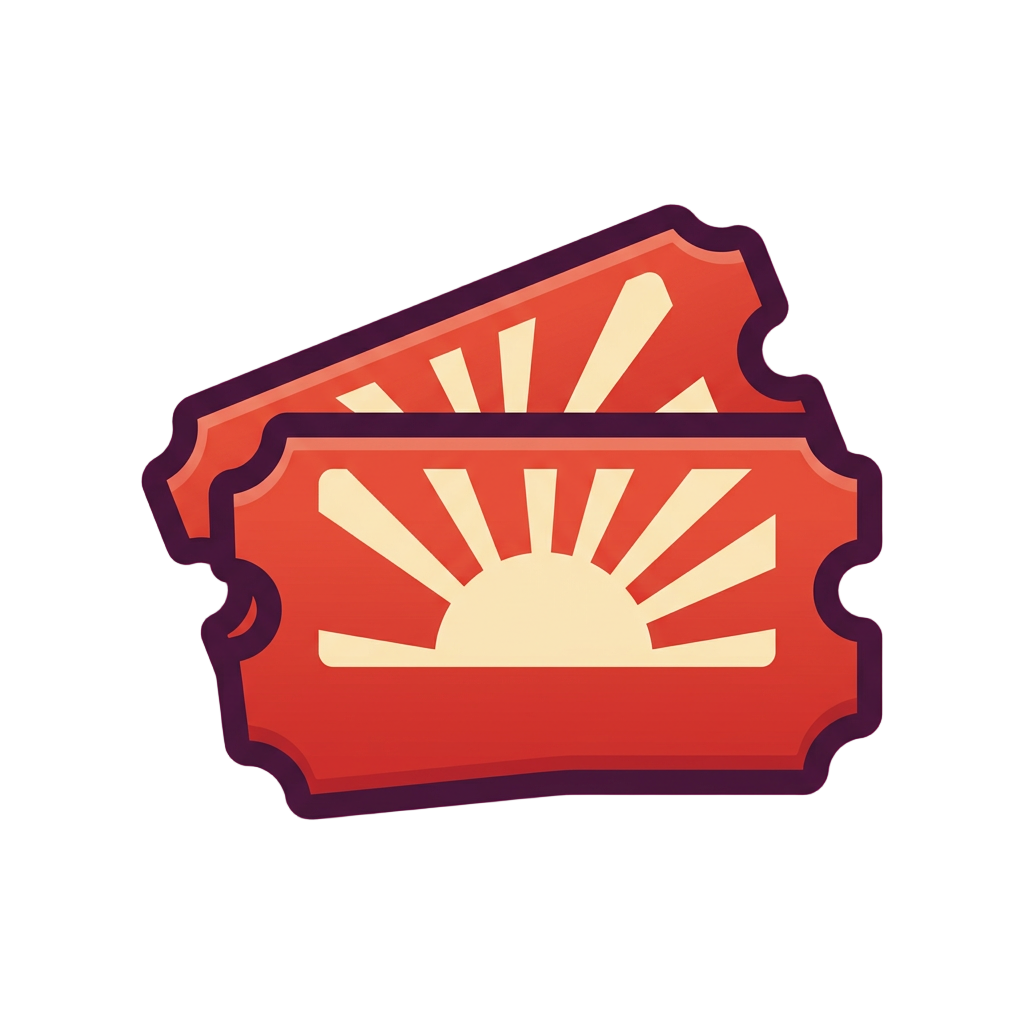
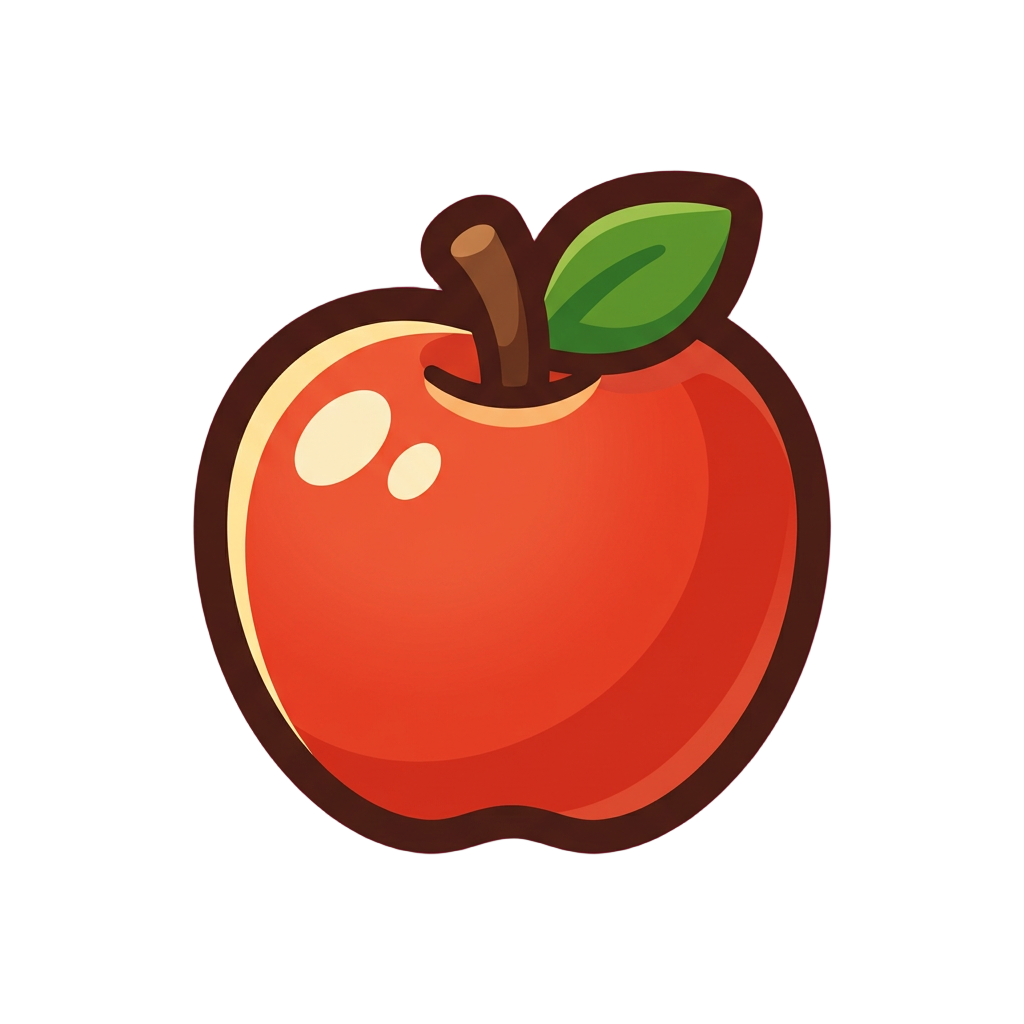
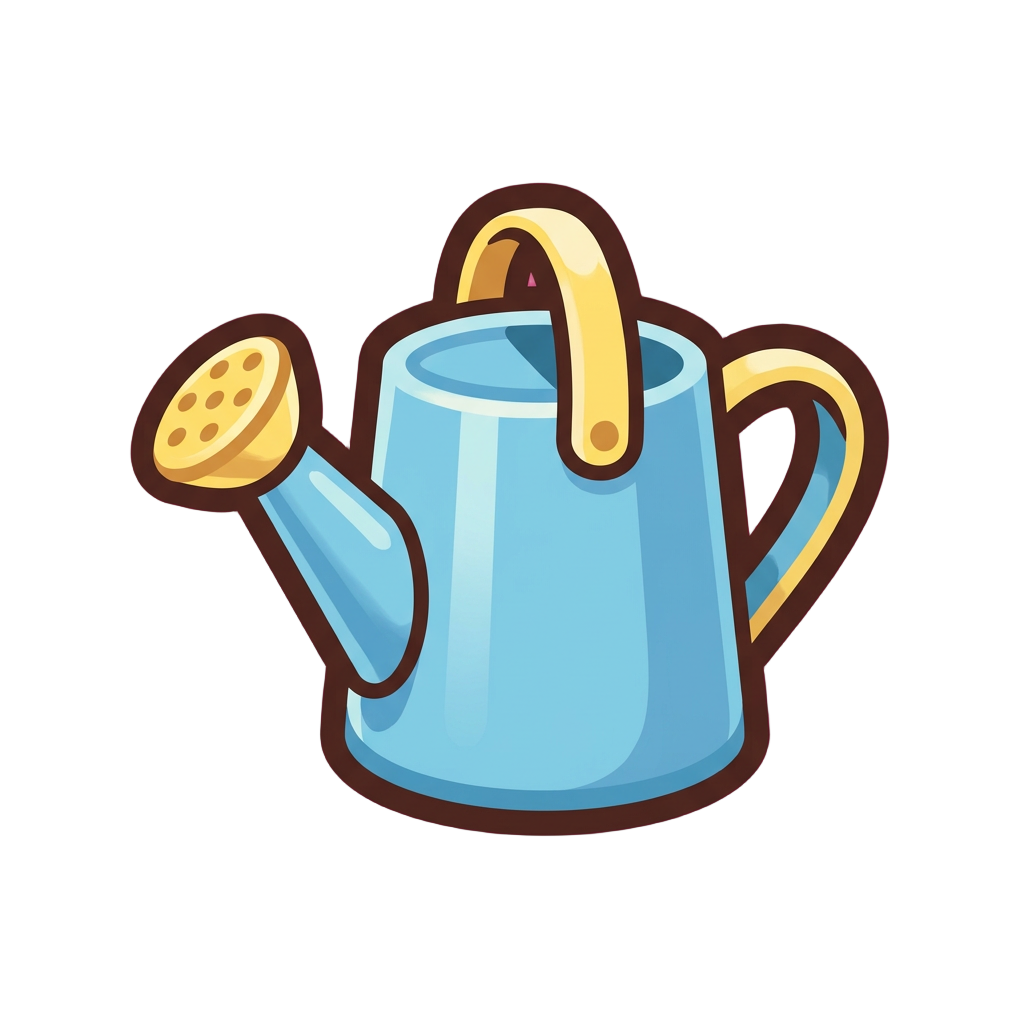
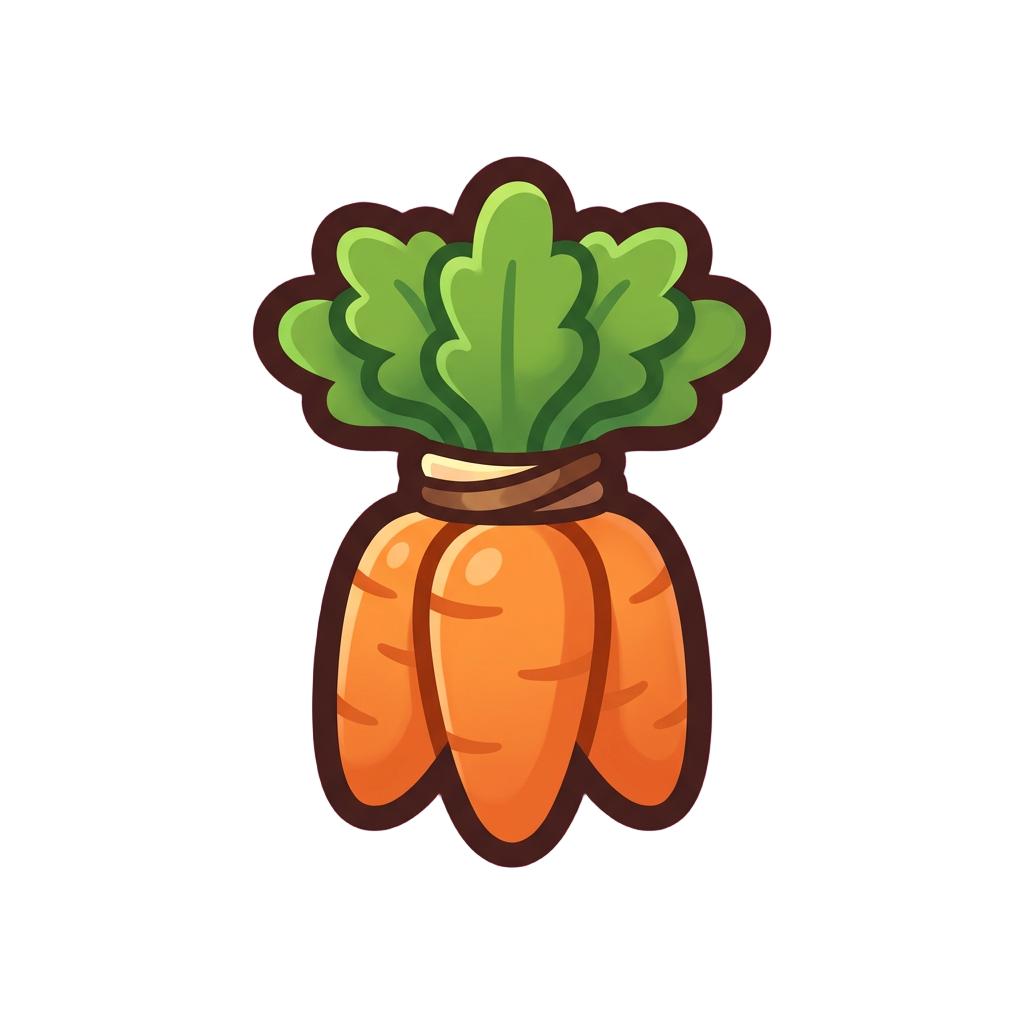
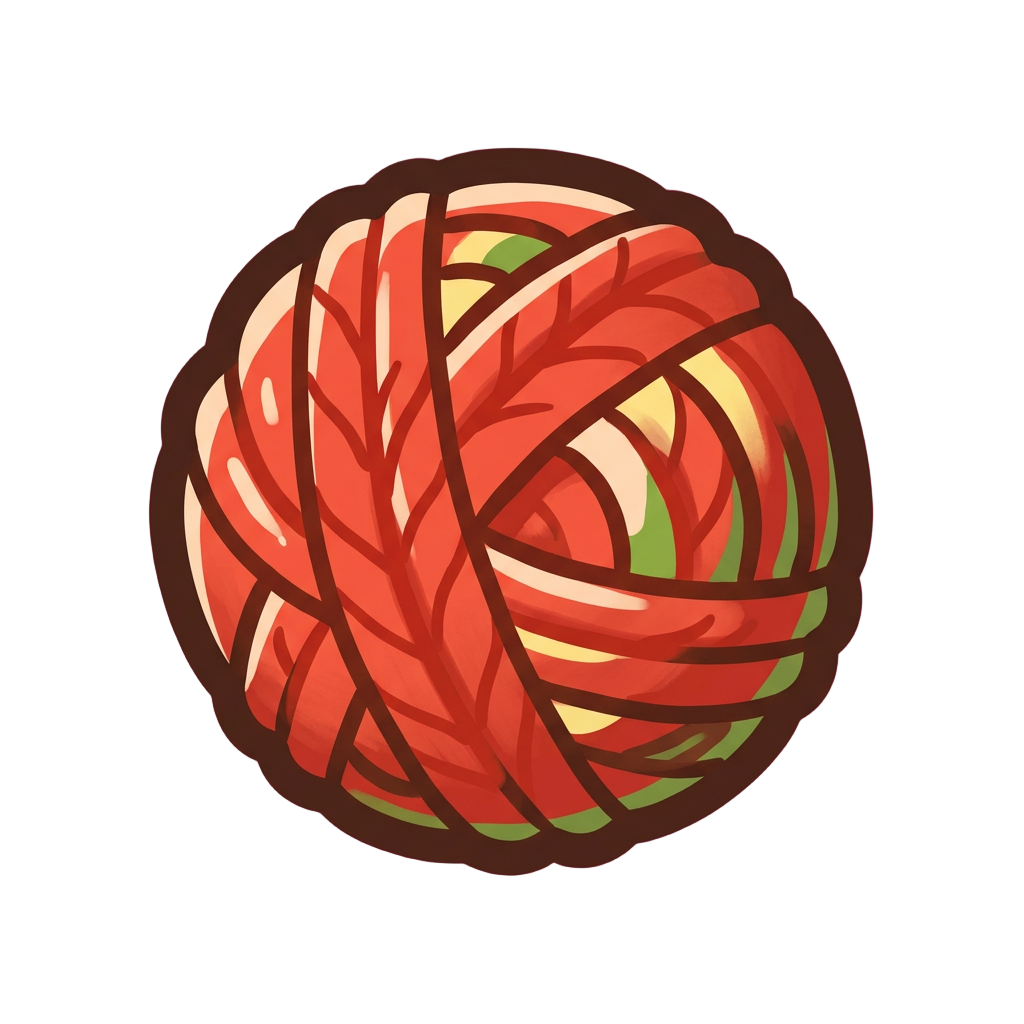
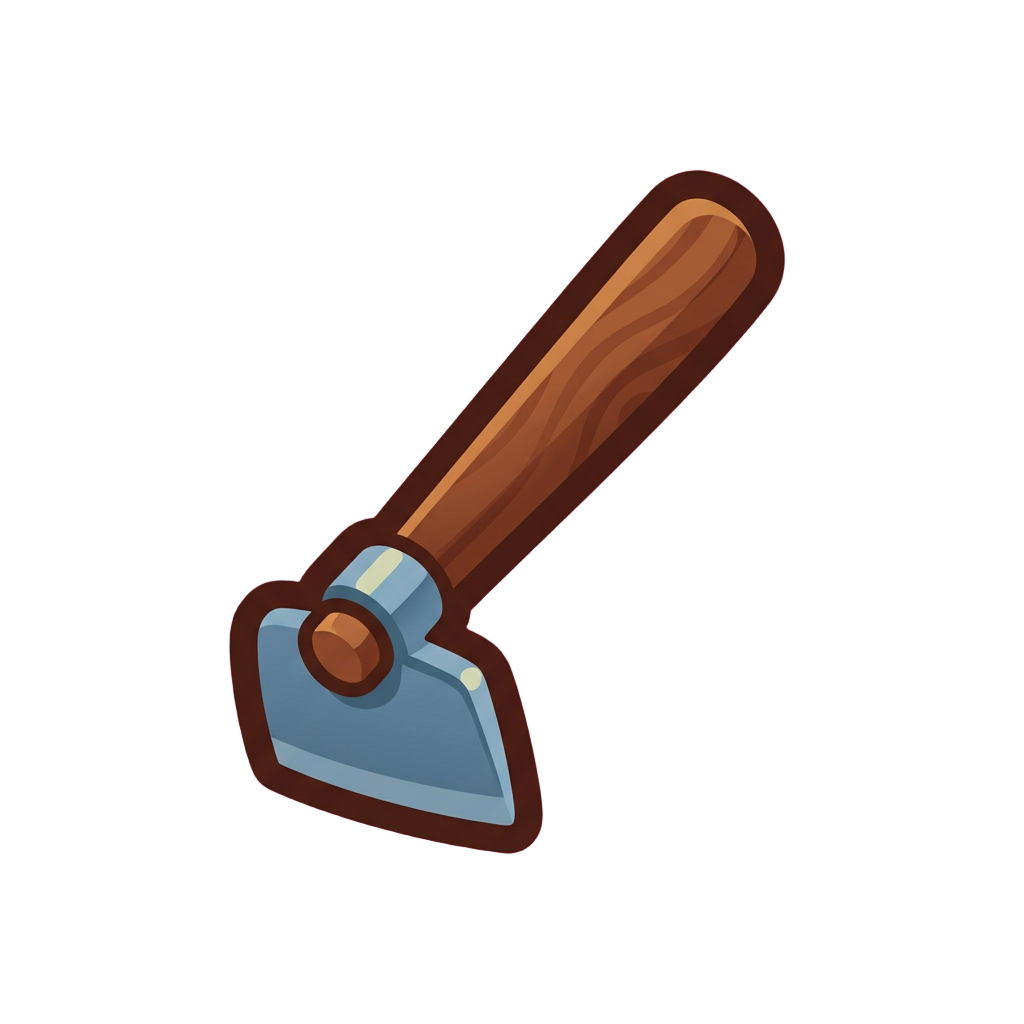
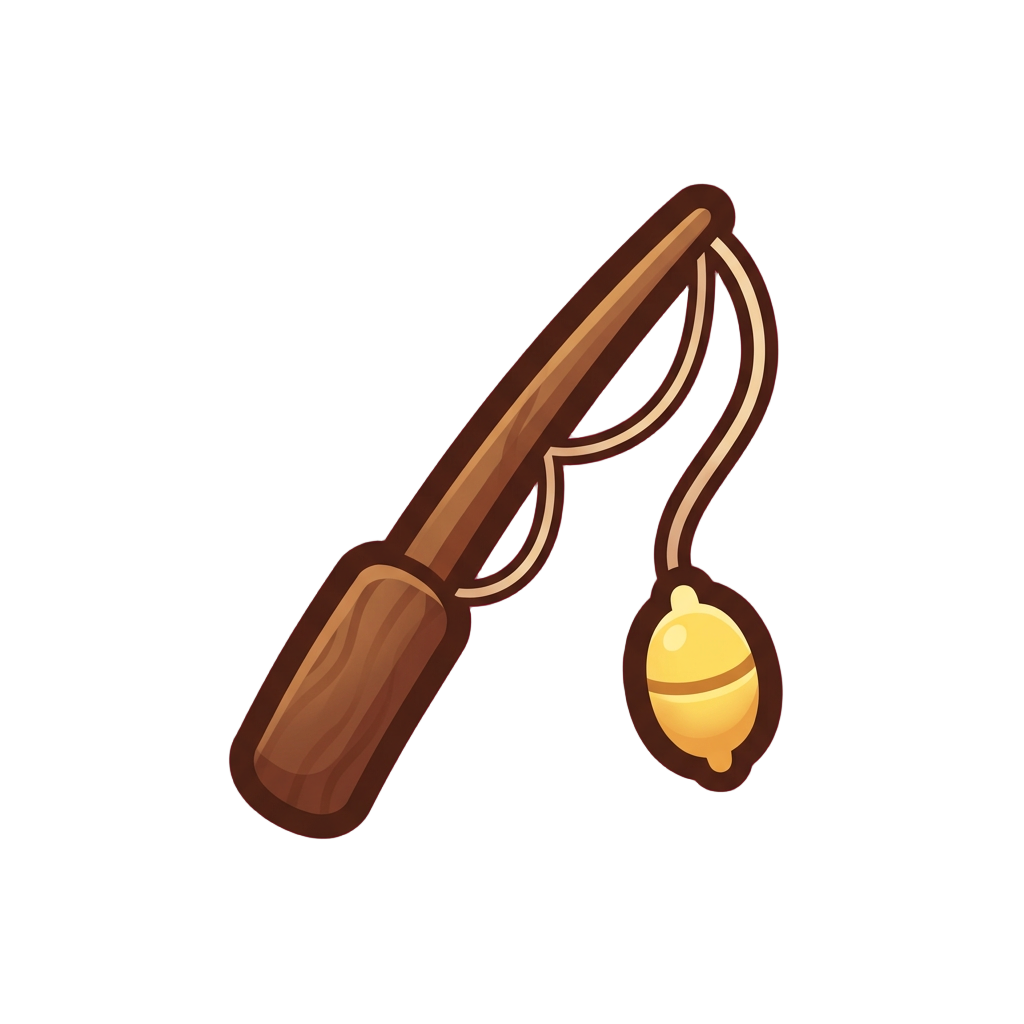
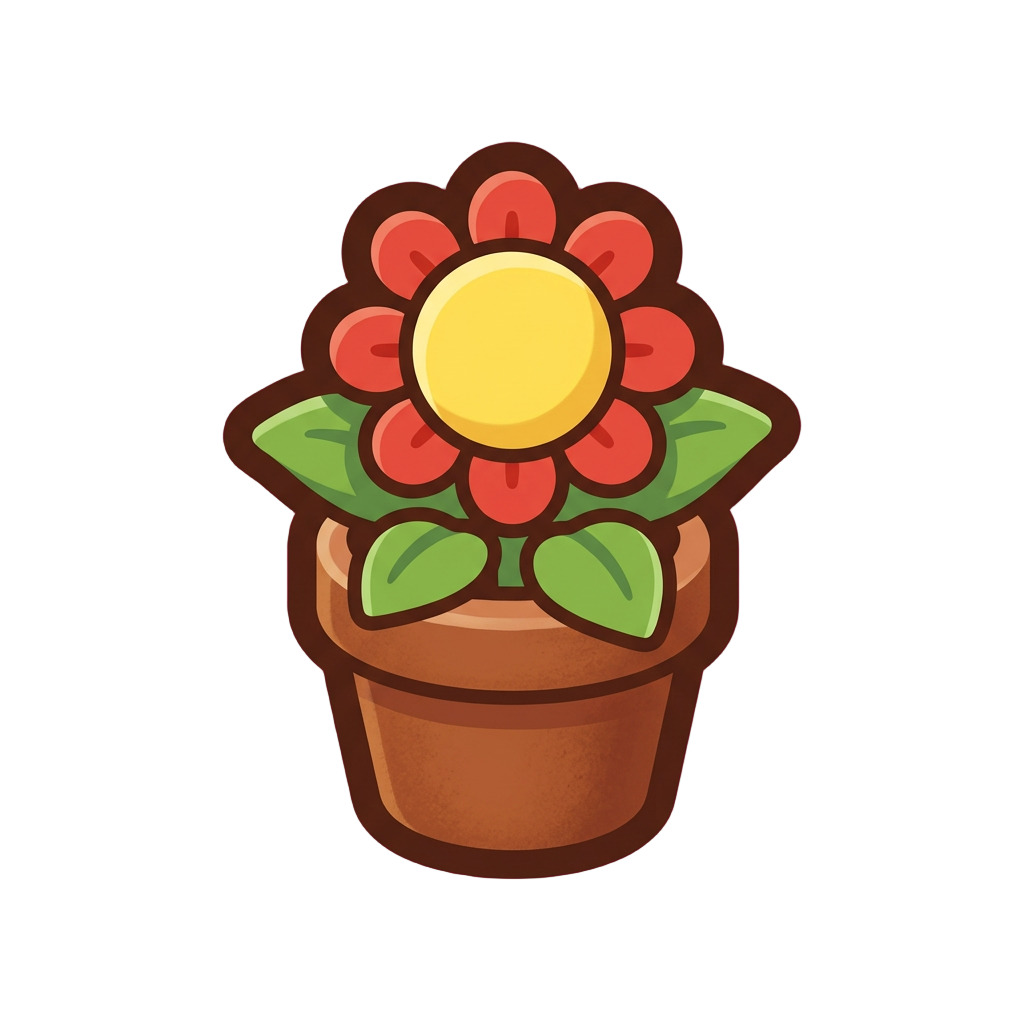
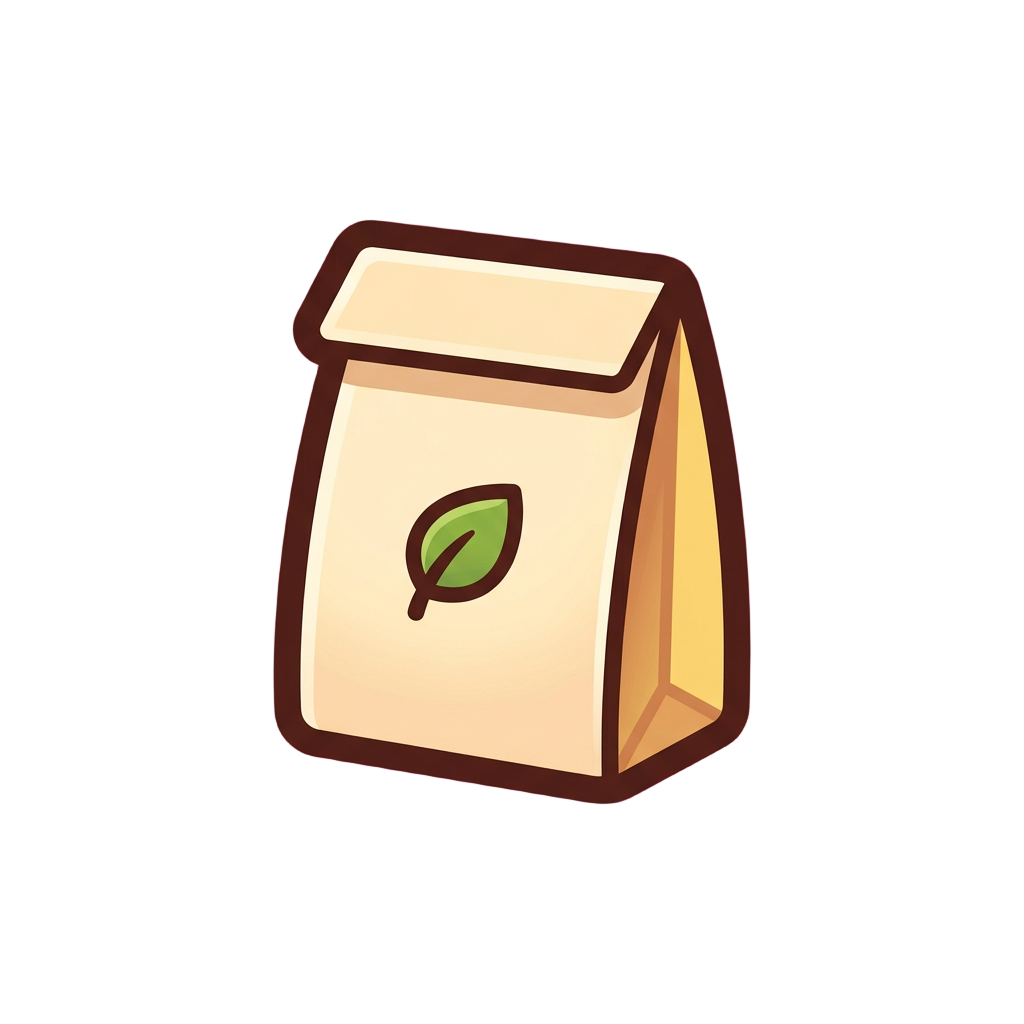
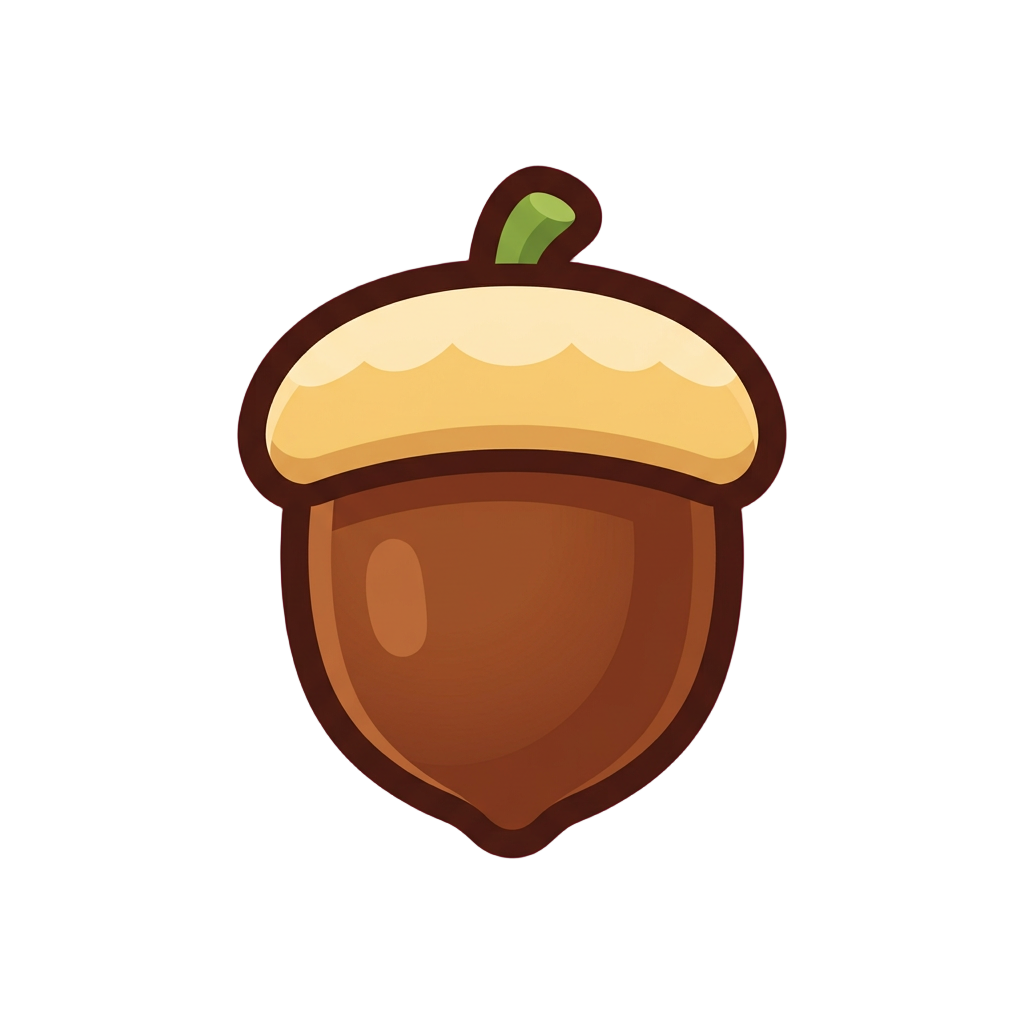
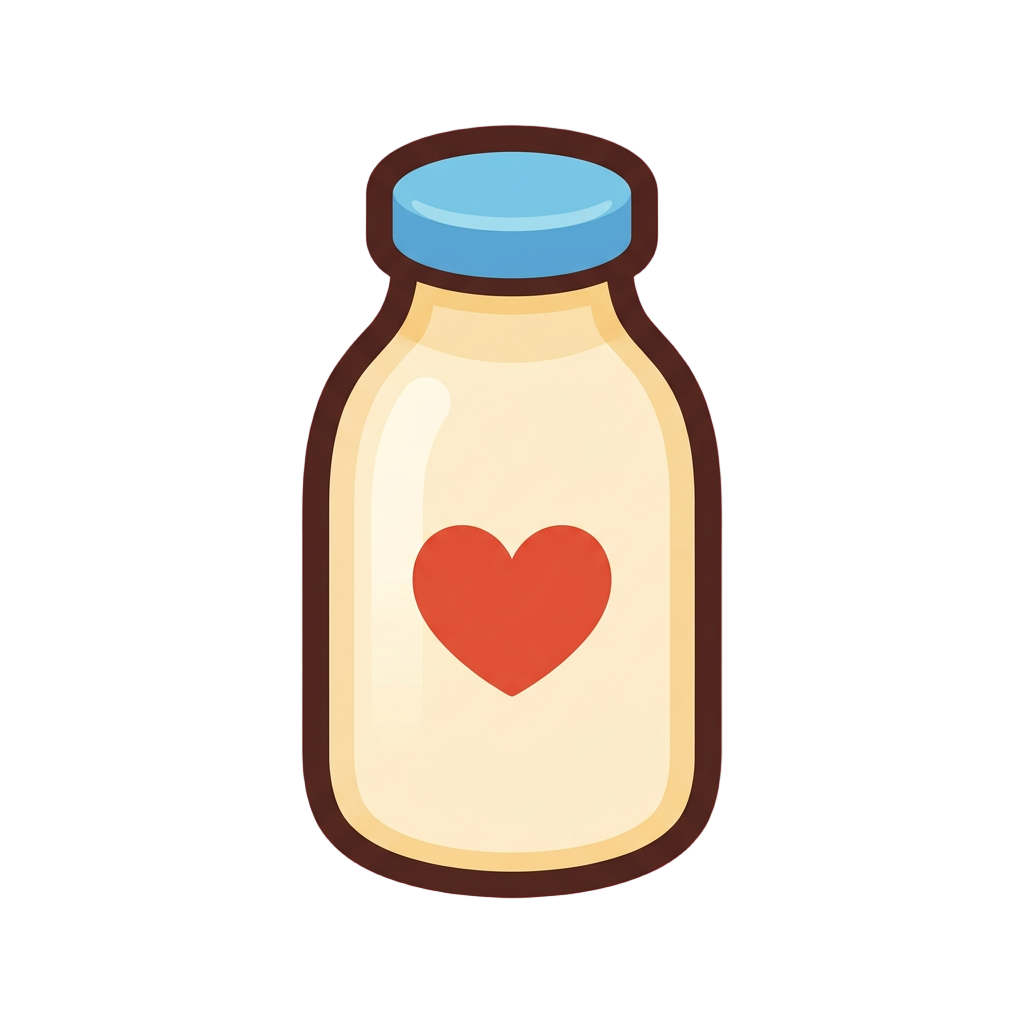
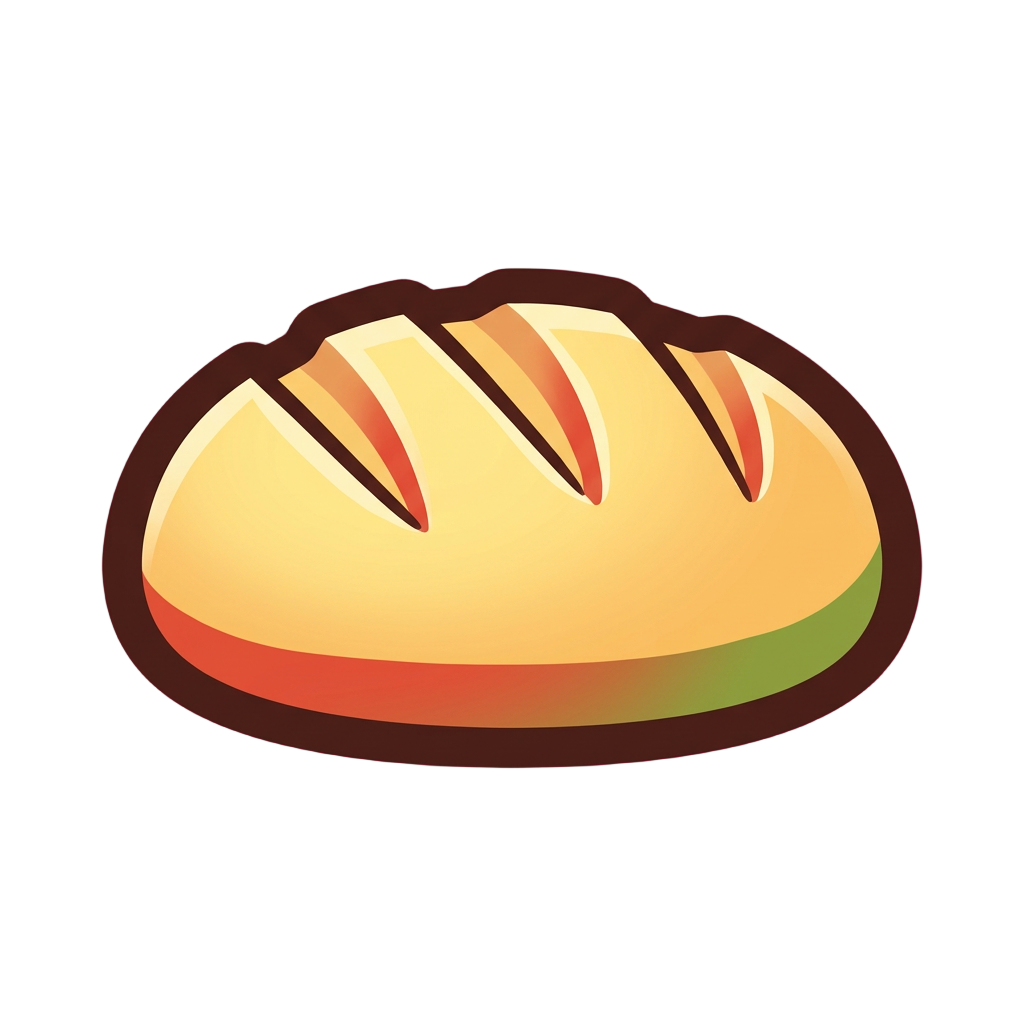
The first eight icons look great. By icon thirty the light has drifted from top-left to overhead, the outlines have thickened, and poison is harder to pick out of the hotbar than fire. Holding a set together by hand is the part that eats the week.
Send the list in plain words, like eight elements for an ARPG or a currency set for a mobile game, with the size your game shows them at. Layer handles the template, the light and the silhouette checks, so you never redraw icon twelve to match icon three.
One Idea per Icon
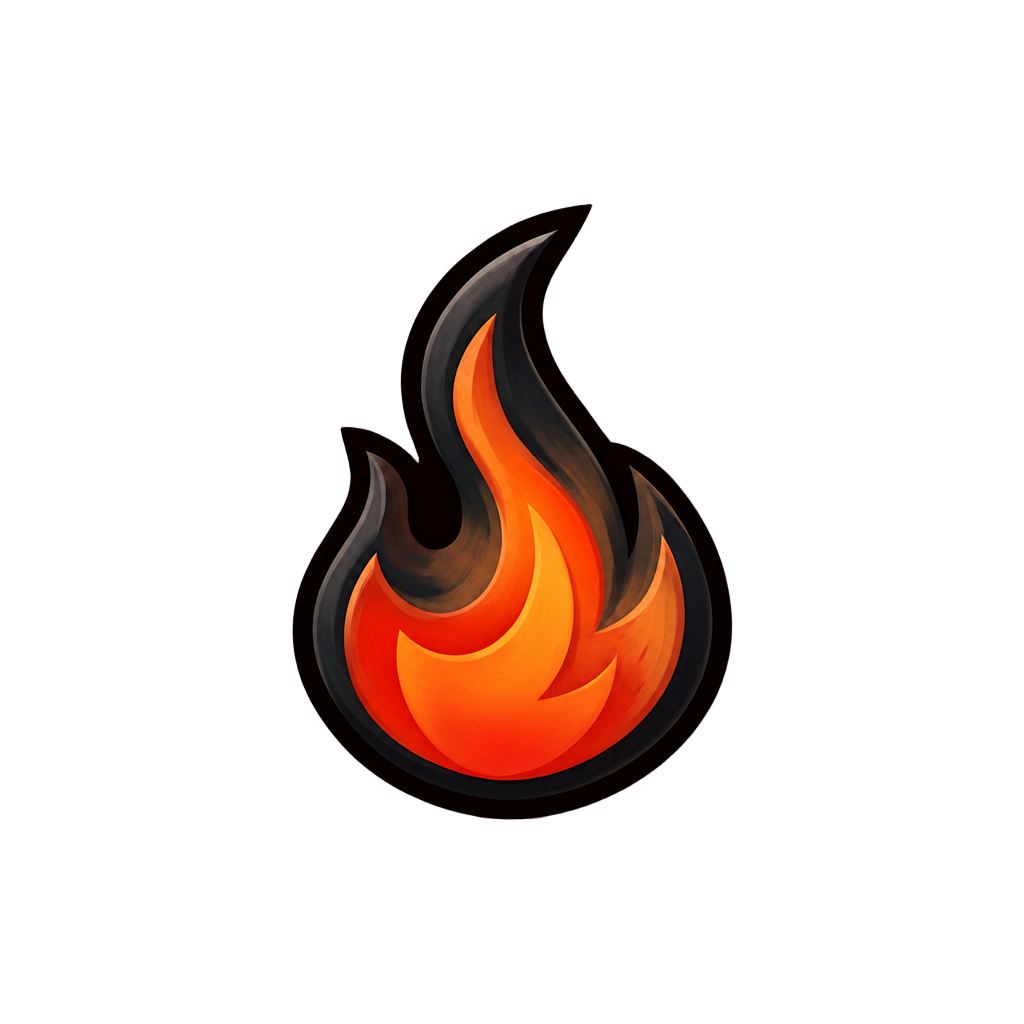
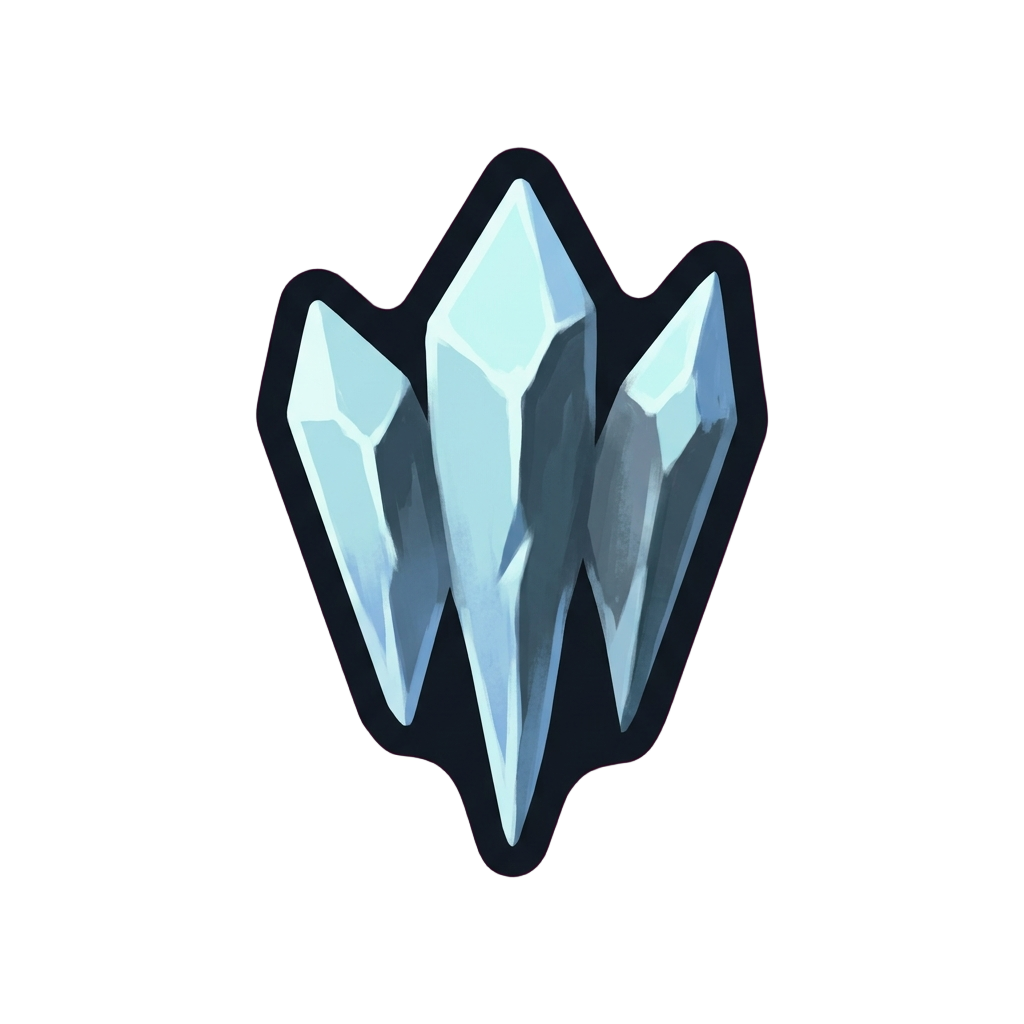
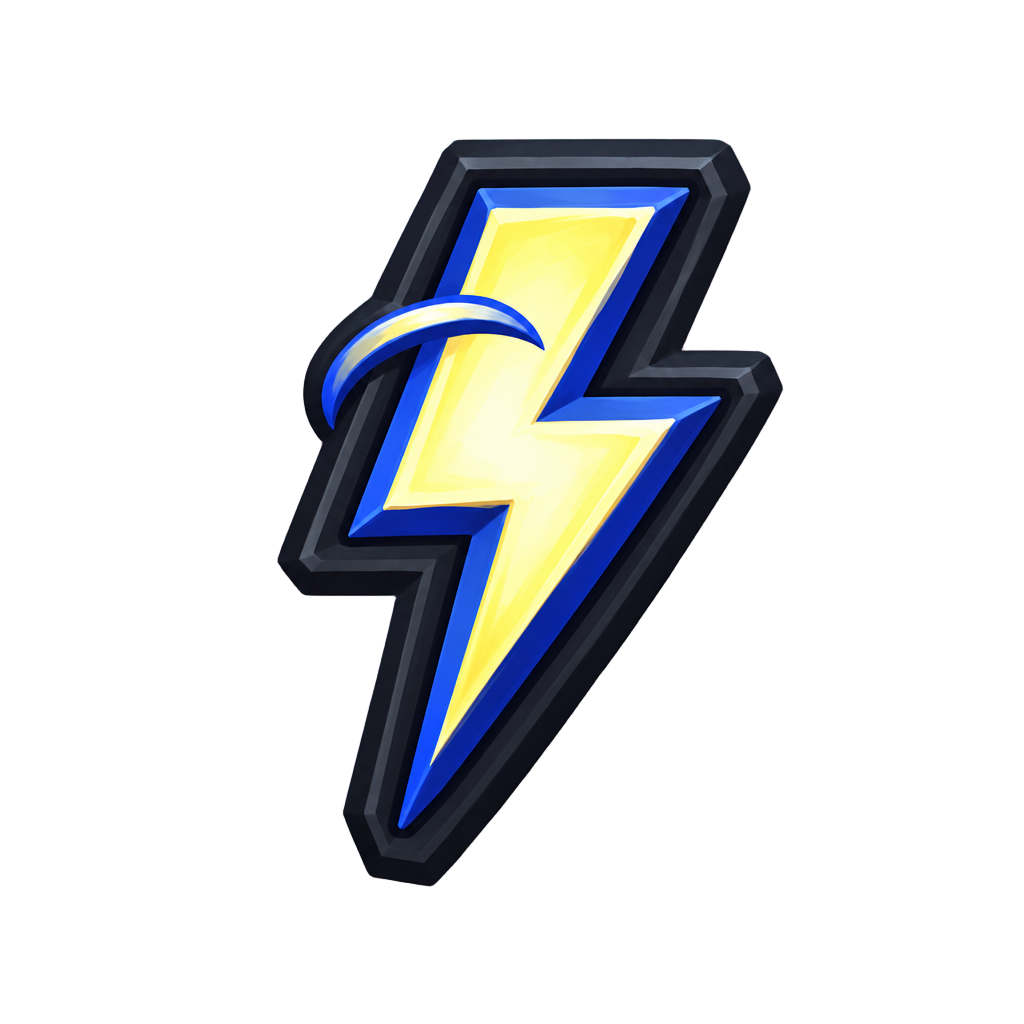
A player scans a hotbar mid-fight, so each icon carries one concept: a flame for fire, three shards for ice, a zigzag bolt for lightning. Below 64 pixels, interior detail turns to noise, and Layer trades it for a bold silhouette and a thick outline. The currency set above was asked for at 32 pixels, and the coins, gem, energy cell and tickets each keep their own outline and their own color.
The Template Comes First
A set stays consistent when every icon repeats the same decisions. Layer settles the frame, the padding, the light direction and the palette before the first icon and holds them for every icon after it, including the ones you add next month. That is how twelve cozy items with different shapes and colors end up with one outline weight.
Where the Engine Takes Over
Icons arrive as transparent PNG files, one per icon, for your inventory, hotbar or shop. Counts, cooldown sweeps, rarity frames and selection highlights stay with your engine, drawn over the icon at runtime. Leave text out too: painted letters rarely hold up at inventory size.
For the rest of your interface, see game UI kits, game HUD design and menu and store screens.