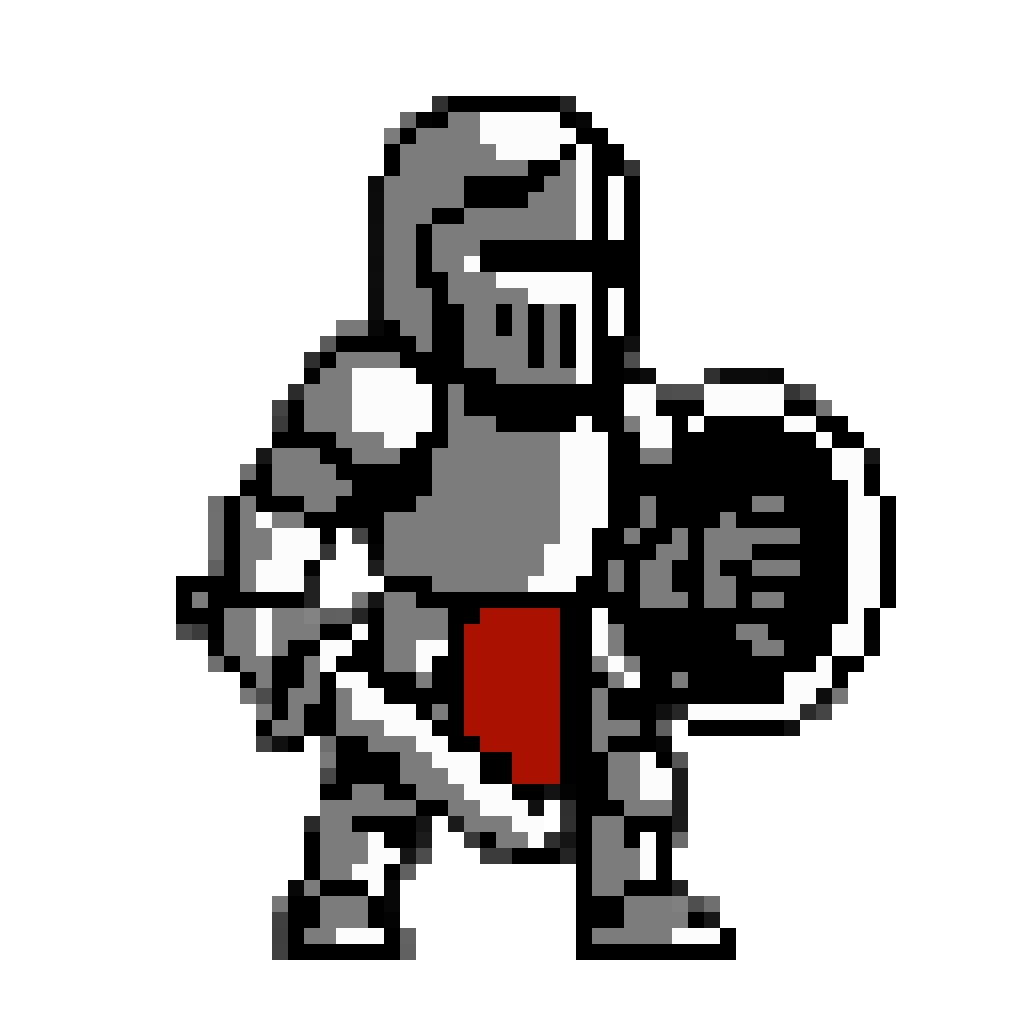

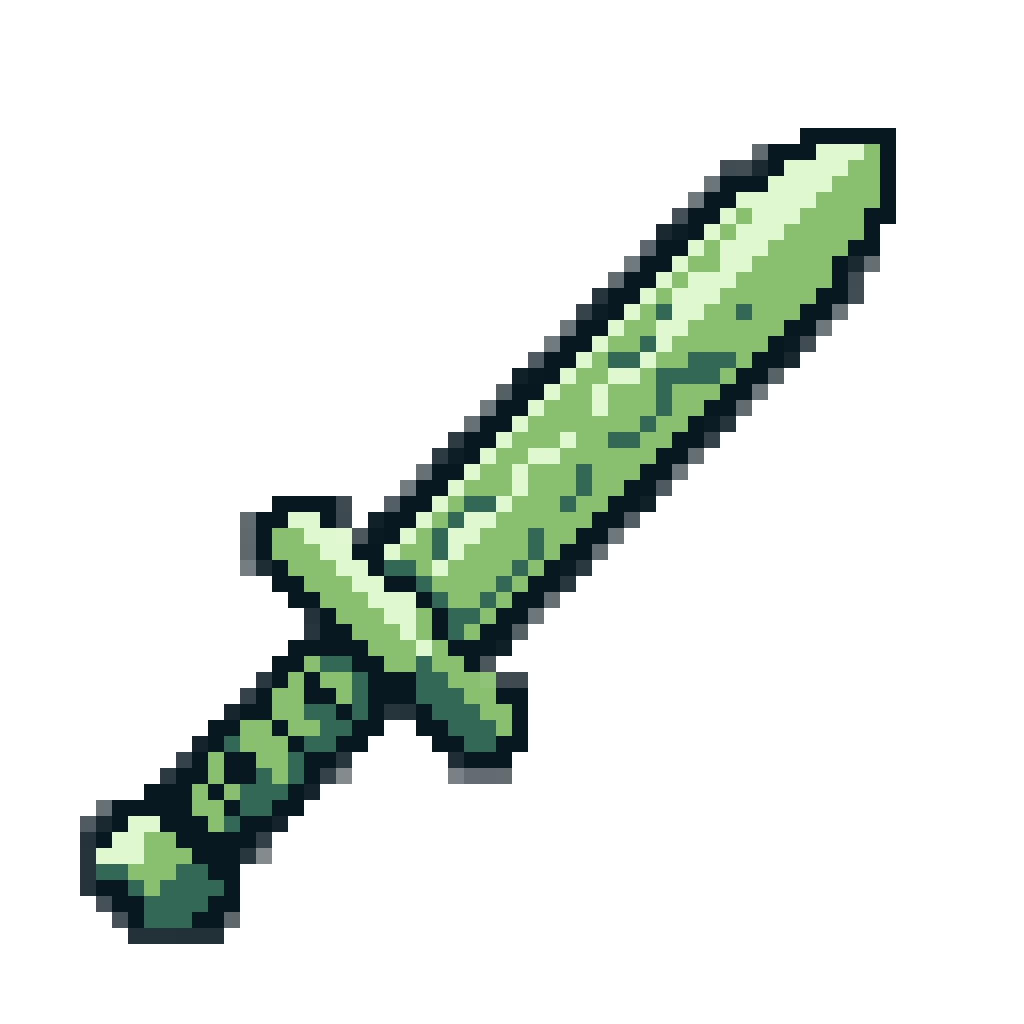

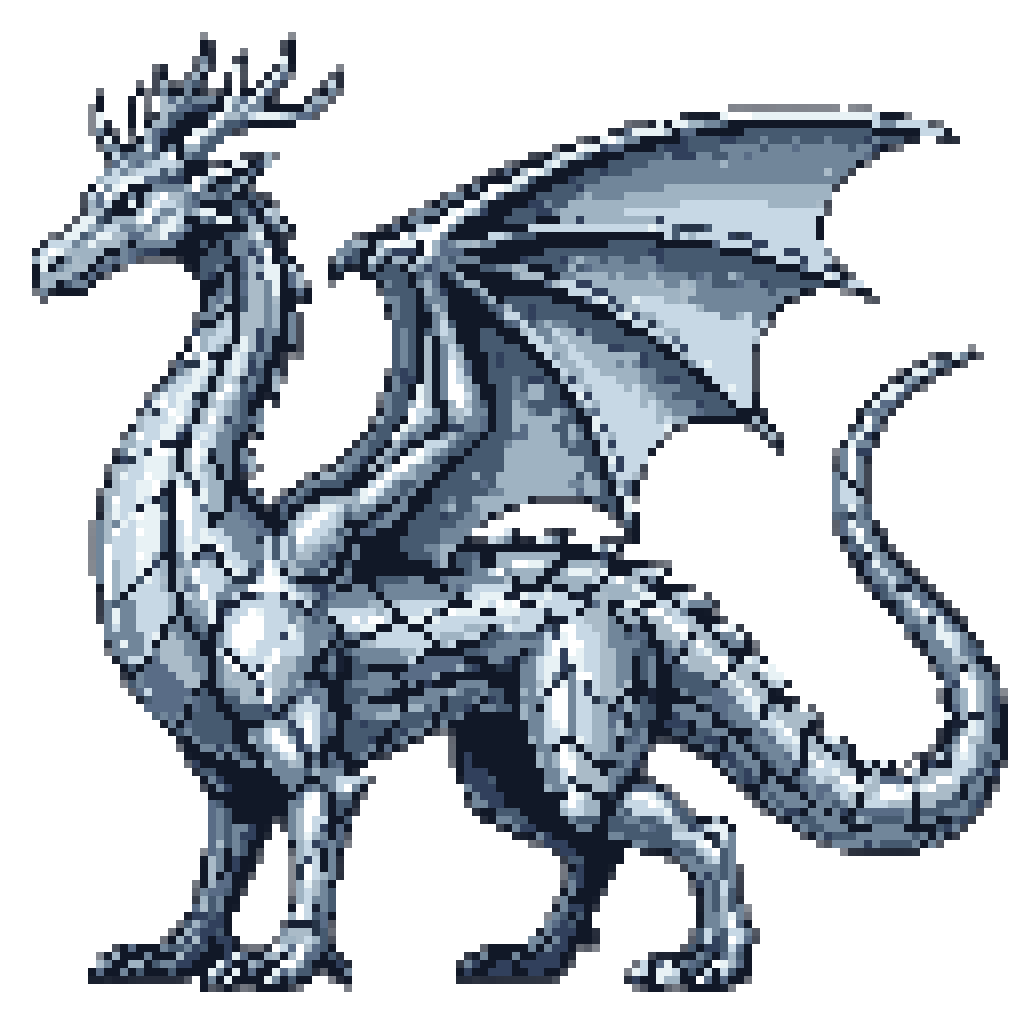
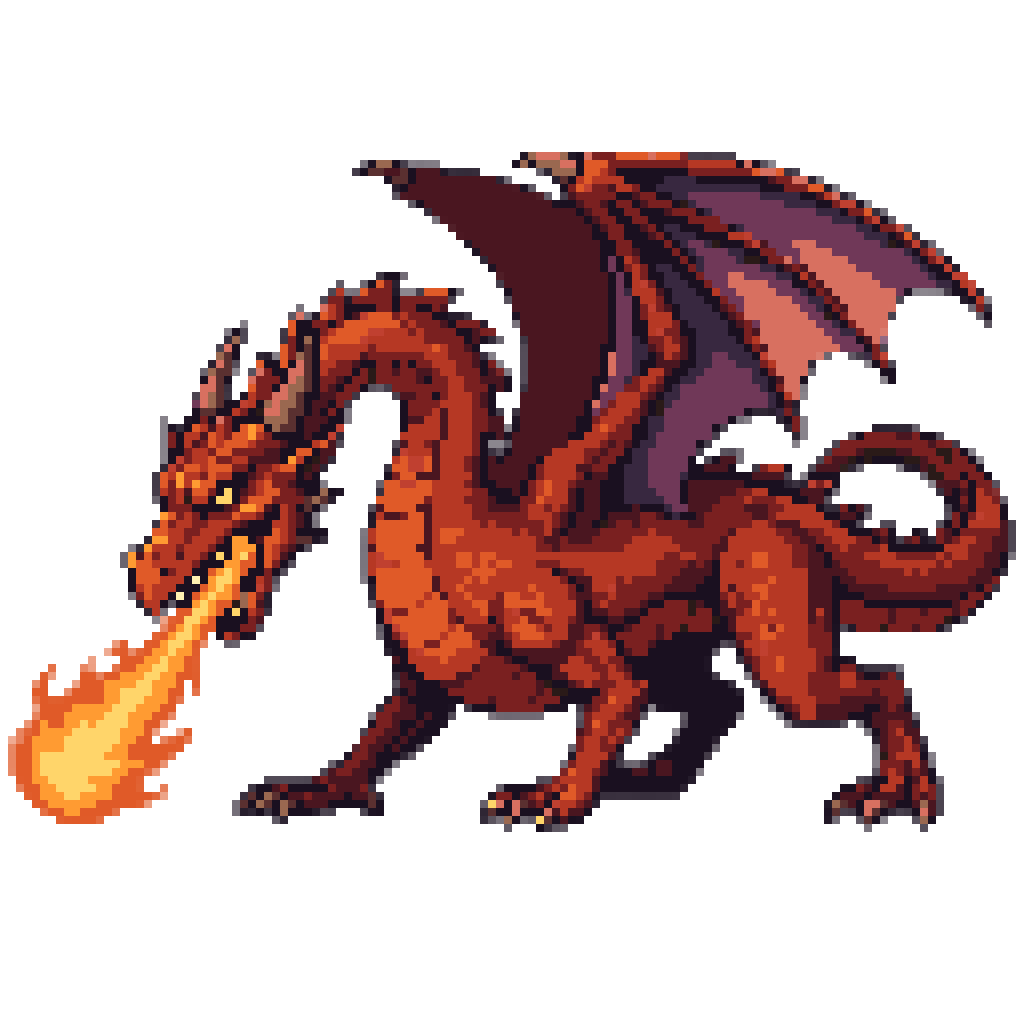
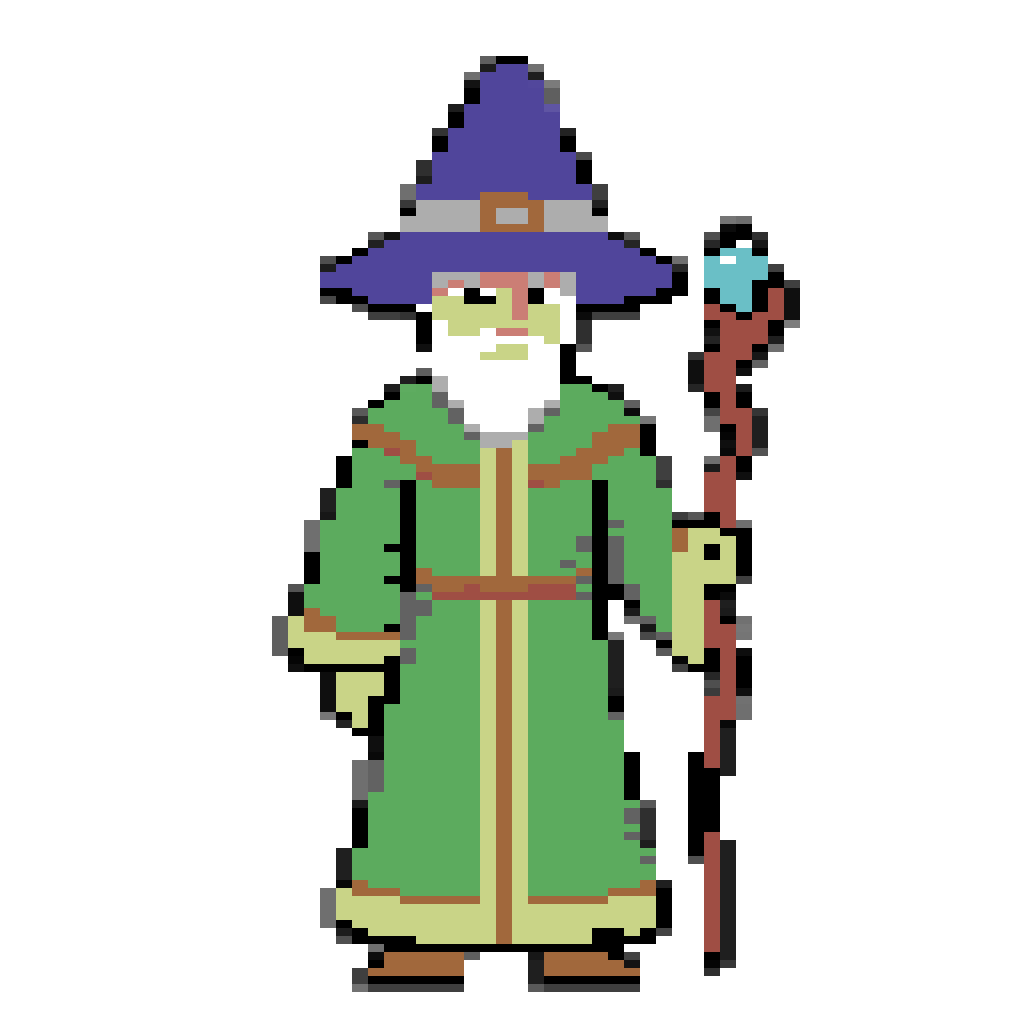
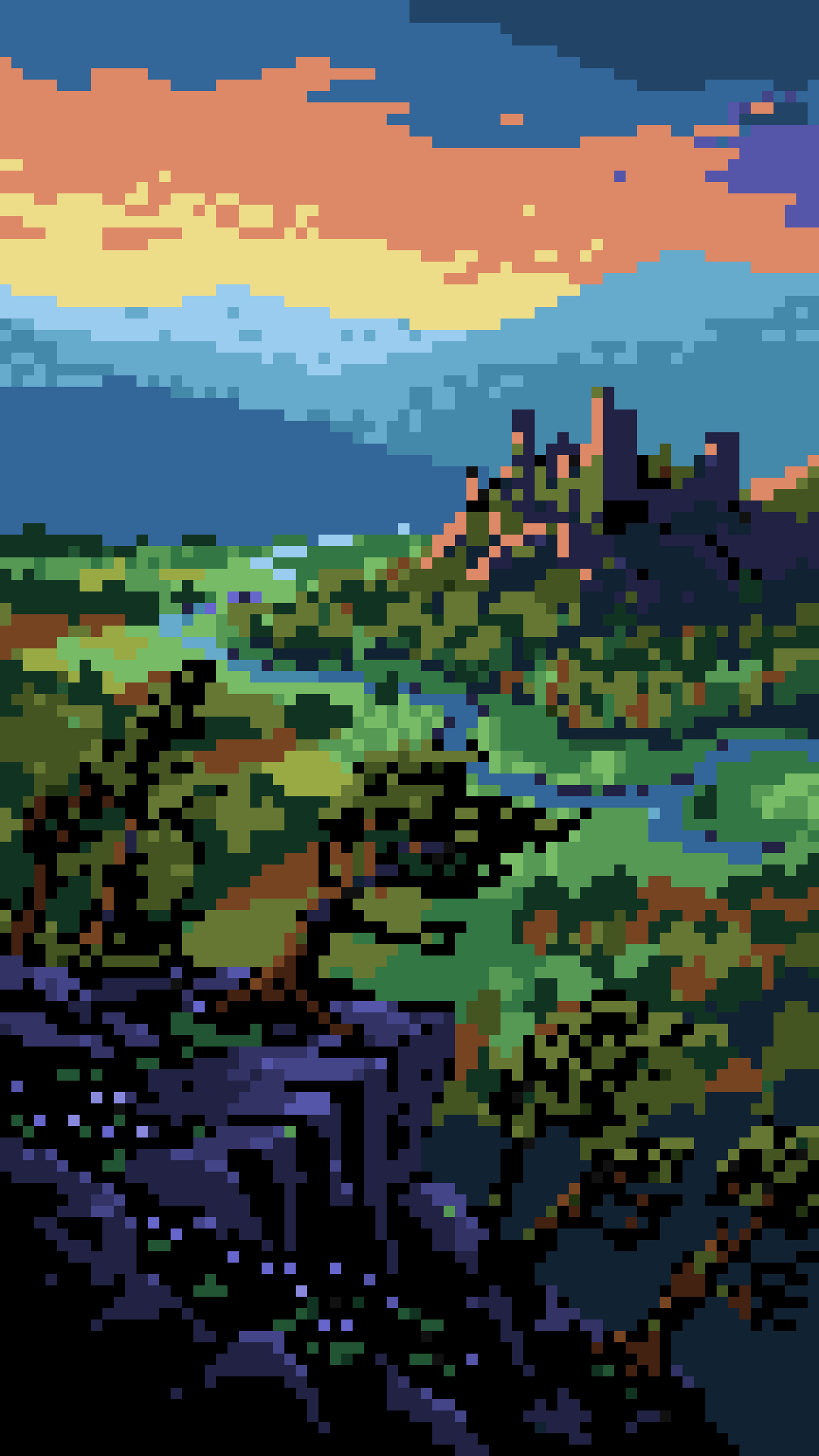
Sprite art is where an idea first becomes a game — a character you can move, an enemy you can read at a glance, an item worth picking up. Layer's sprite generation workflows are one of the fastest ways to get there: describe what you want, or convert a sketch or a reference with the image-to-sprite tool, and generate characters, items, and full sprite sheets in minutes, in your game's own style.
Unlike other tools that place a filter over the art and call it pixelated, Layer also edits what you generate into sharp, pixel-perfect placement — every block on the grid, every color from a palette you declare — against real machine registers. It's the only AI tool built to give you the closest, most authentic pixel art sprites from across video game history, from the Commodore 64 and the NES to the SNES, the Mega Drive, and the Game Boy Advance. Here is how it works.
How Layer Makes Sprite Art
AI image models do not draw on a grid, despite how many times you ask them to. Ask one for "NES pixel art" and you get something that reads as retro from across the room and as mush in-engine: blocks of slightly different sizes, edges half a pixel out of alignment, a hundred near-identical browns instead of one brown color. Layer takes that art and cleans it up for you, saving you time and energy.
Start with the latest AI generations The AI model sets the character, the pose, the silhouette, and the colors for your art. It generates your art so it's close to what you're looking for, then passes it off to Layer.
Then, snap to your pixels Layer finds the grid the art was drawn on, changes every block to the true colors, and rebuilds the image to the palette you declared. The output is truly ready for shrinking and placement in your game: Uniform blocks, hard edges, an exact color count — ready to touch up and import. Best of all, this pass is totally free!
You can also give the agent a finished illustration and name a machine; it'll recompose your art as a sprite for that hardware, then snaps it to the pixels:
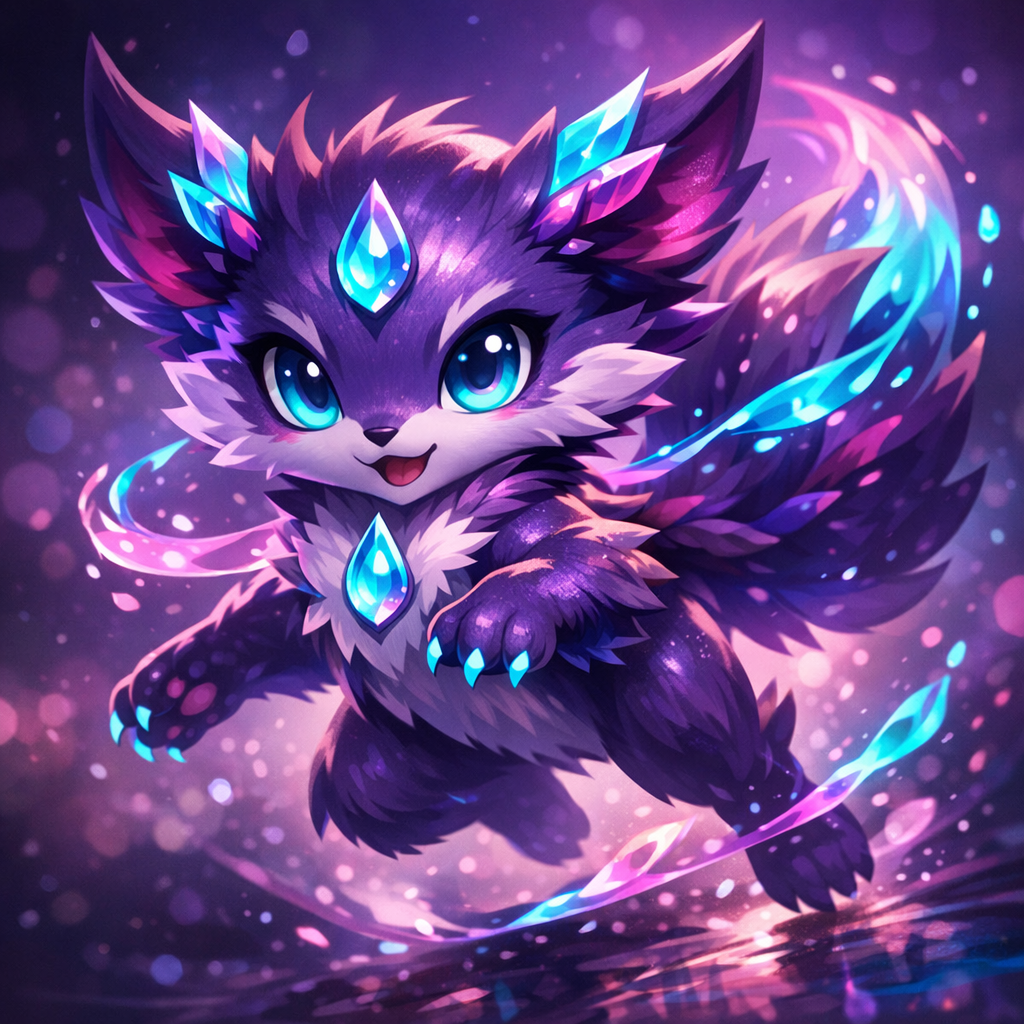
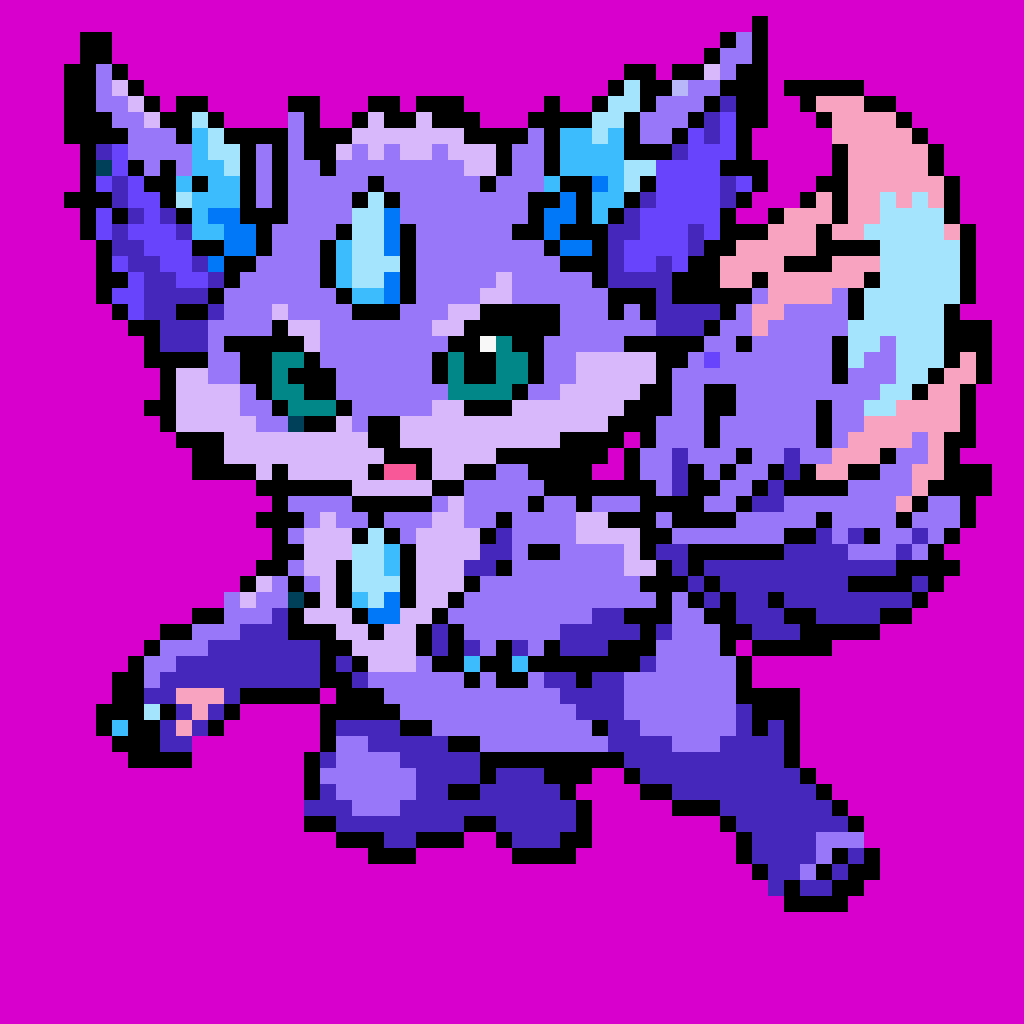
“Recompose this image as a NES sprite”
Retro Machine Registers: NES, Game Boy, C64 and More
A platform's name is the strongest single instruction you can give sprite art. "Commodore 64" is not a mood: it's the 16-color Pepto palette, two-by-two on pixels twice as wide as they are tall. Name the machine and the whole look should arrive with it. Leave it out and you get generic retro "pixelated art."
Naming a platform and our agents sets out three things at once: The palette, how coarse the blocks are placed, and the shape of the pixels. Layer will then work with the AI models to build an image that can snap into the precise pixels artists need.
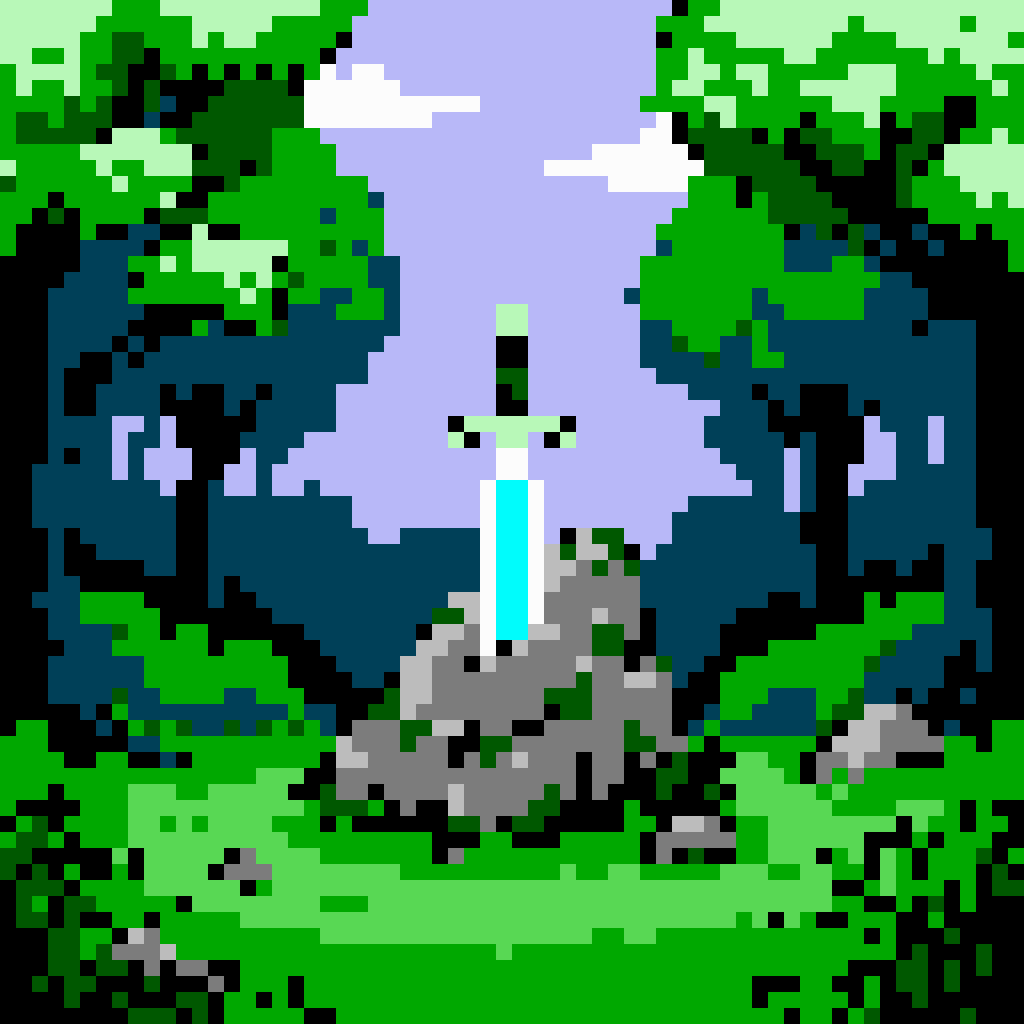
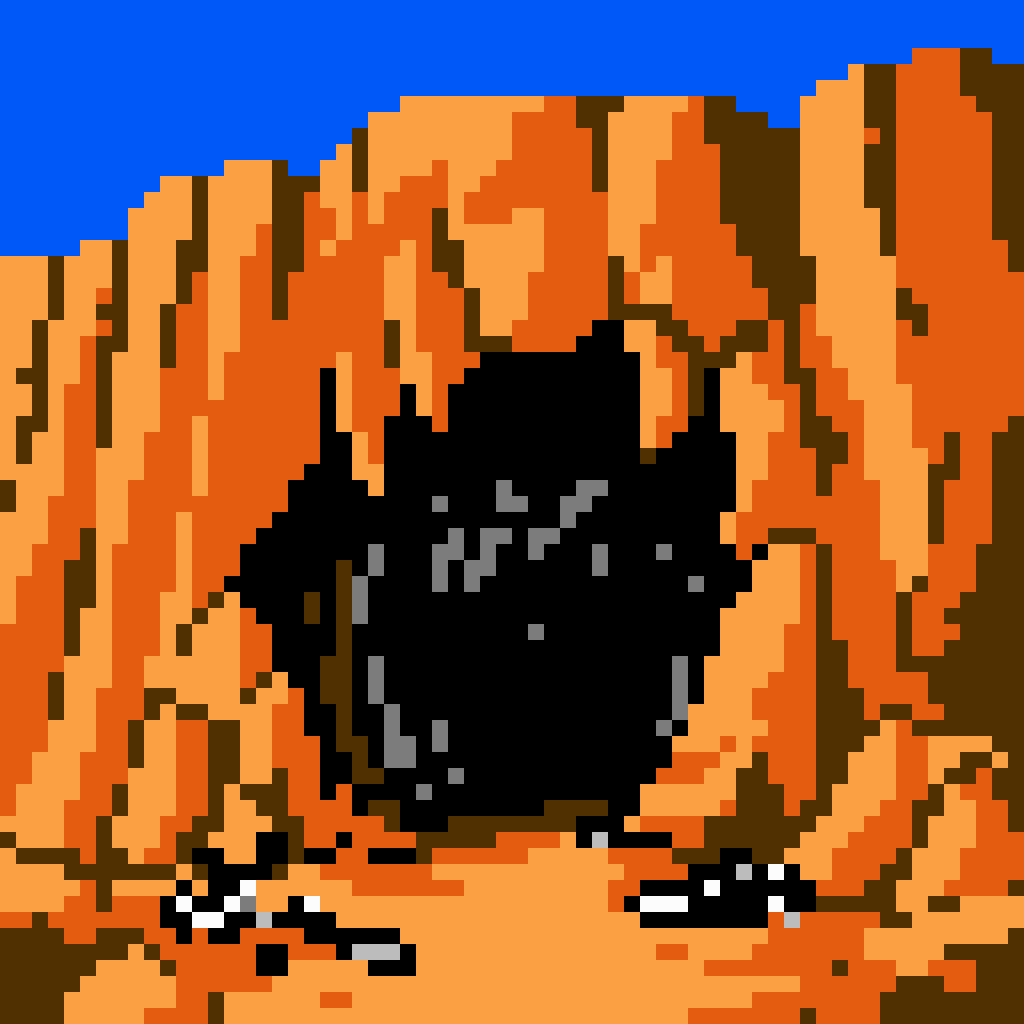
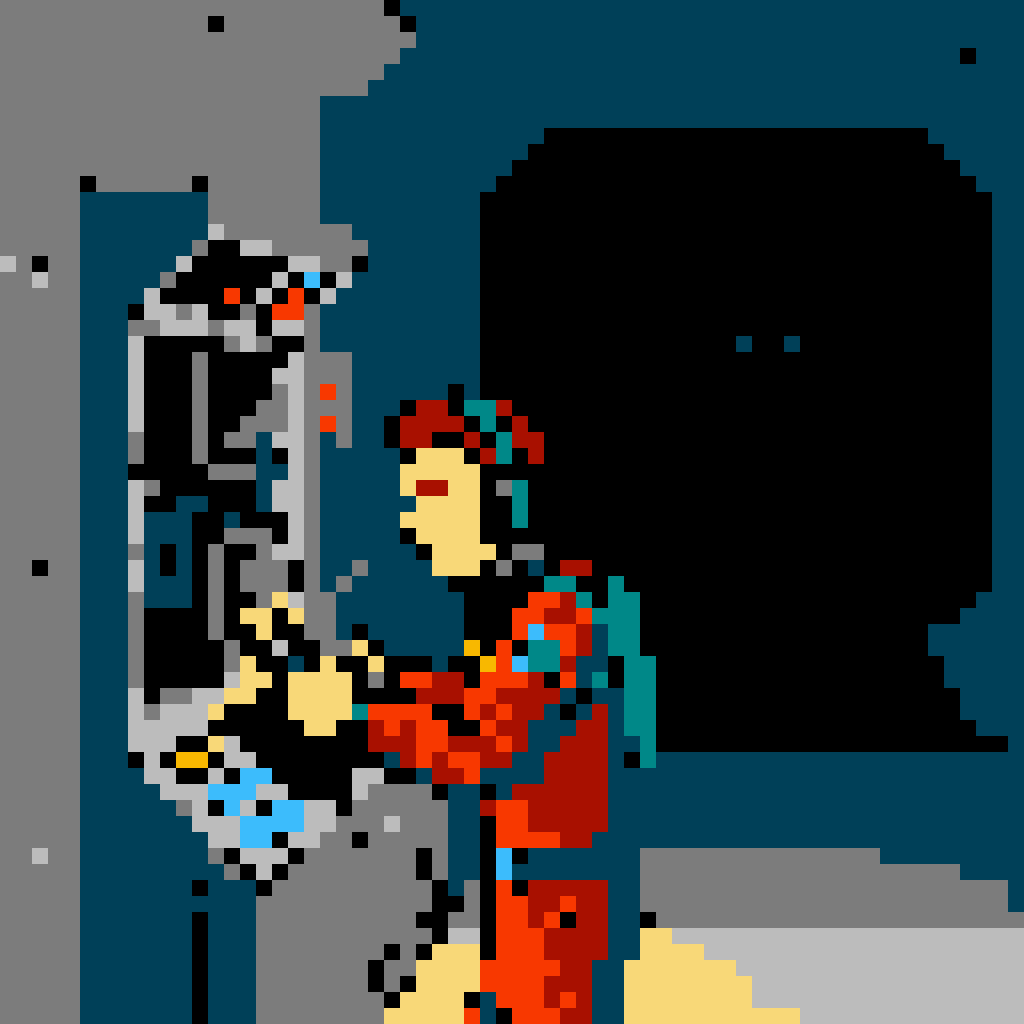
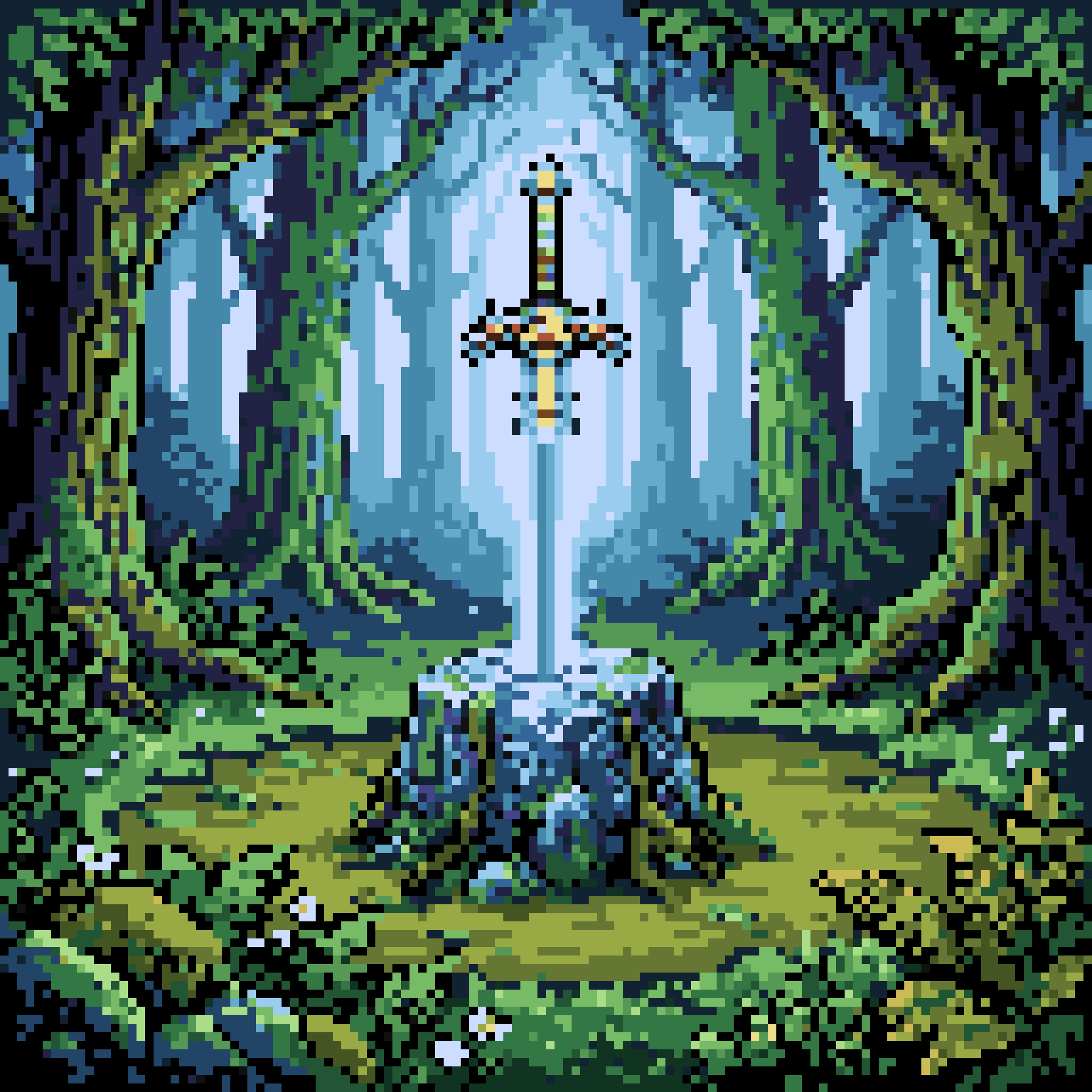
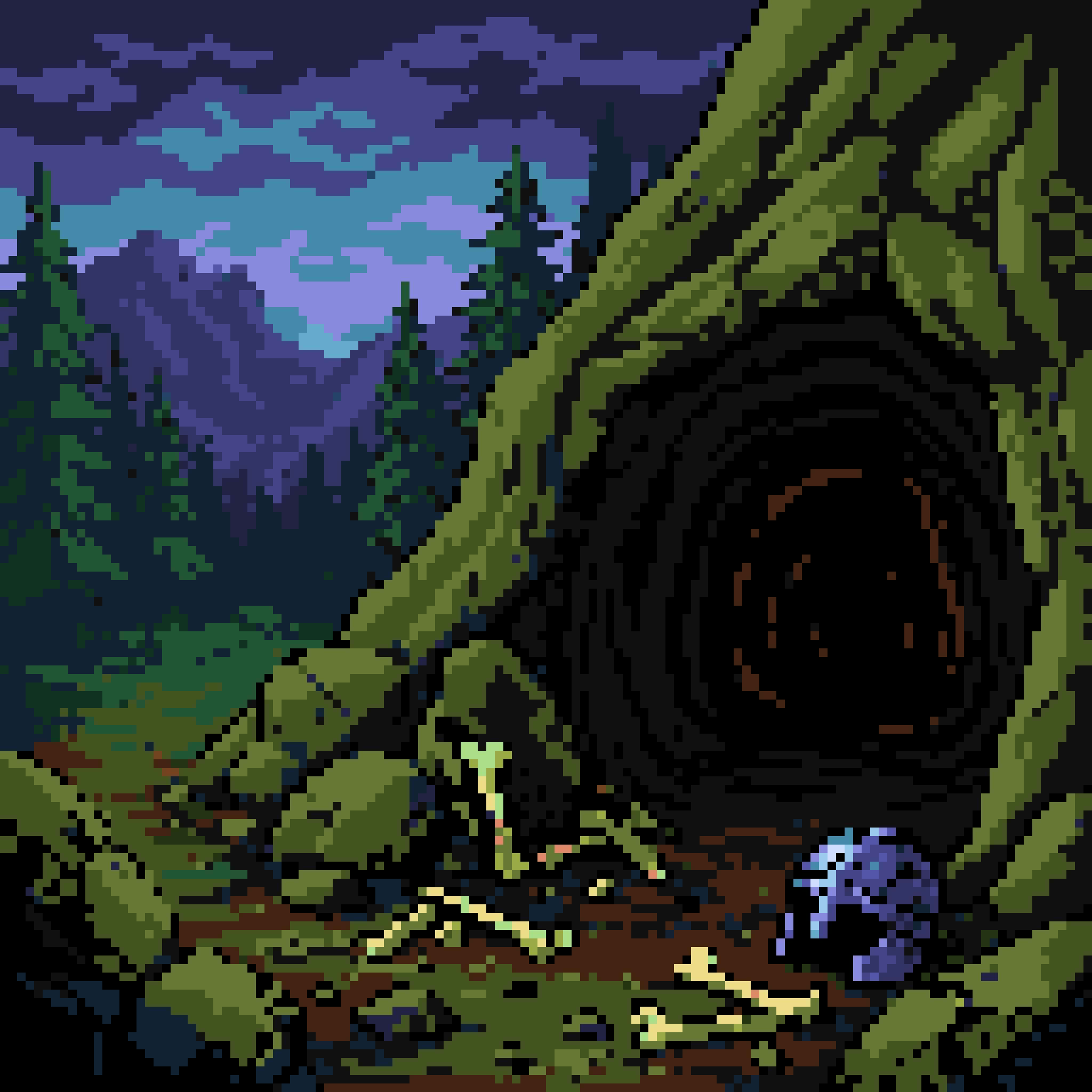
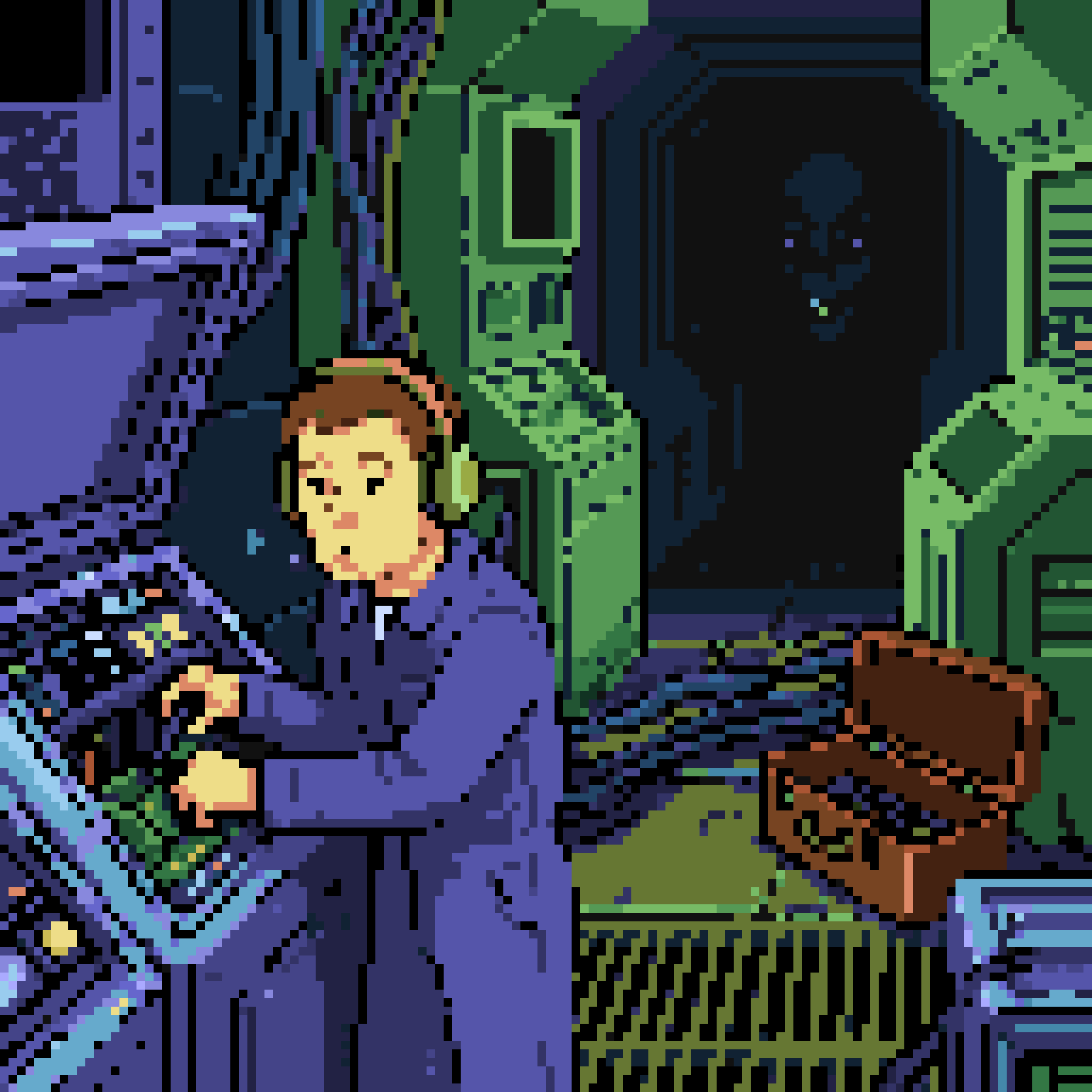
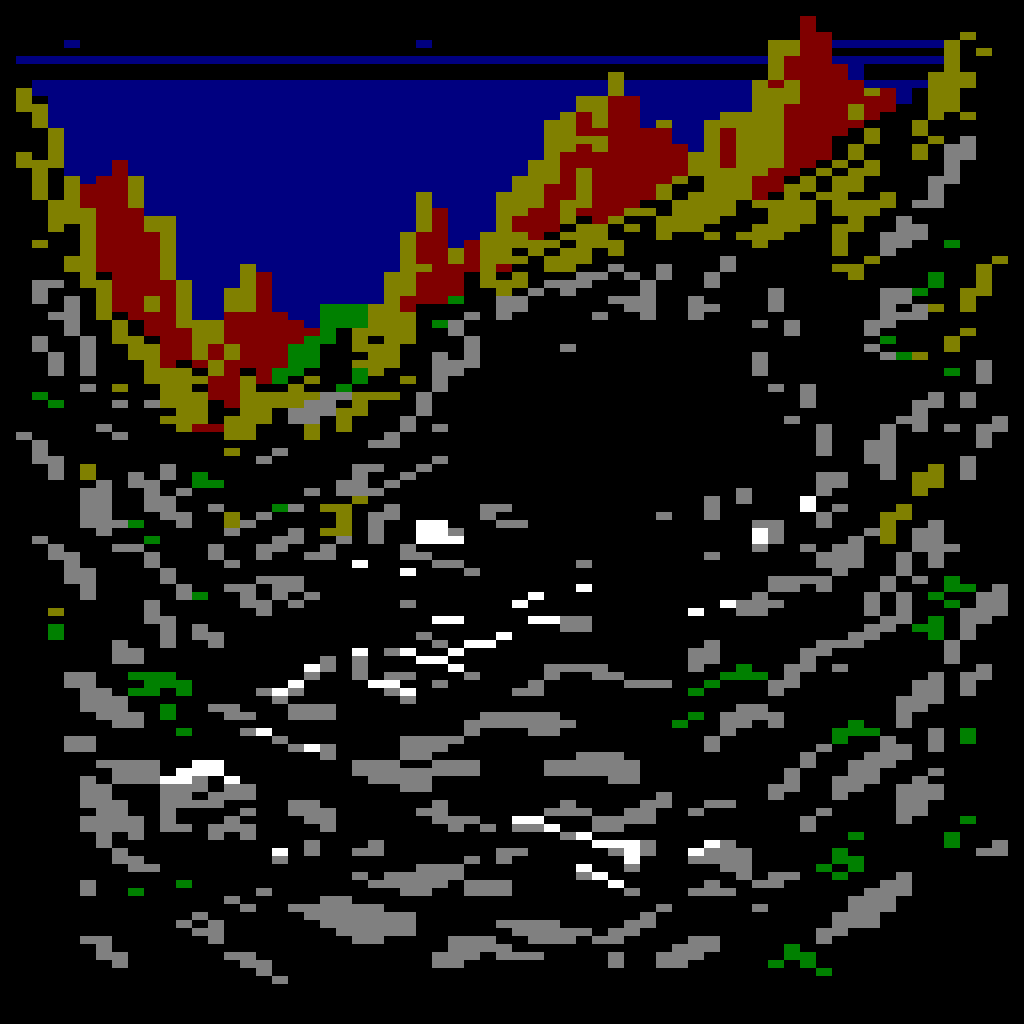
Let's see it in action: The same three requests on three machines, with dramatically different results.
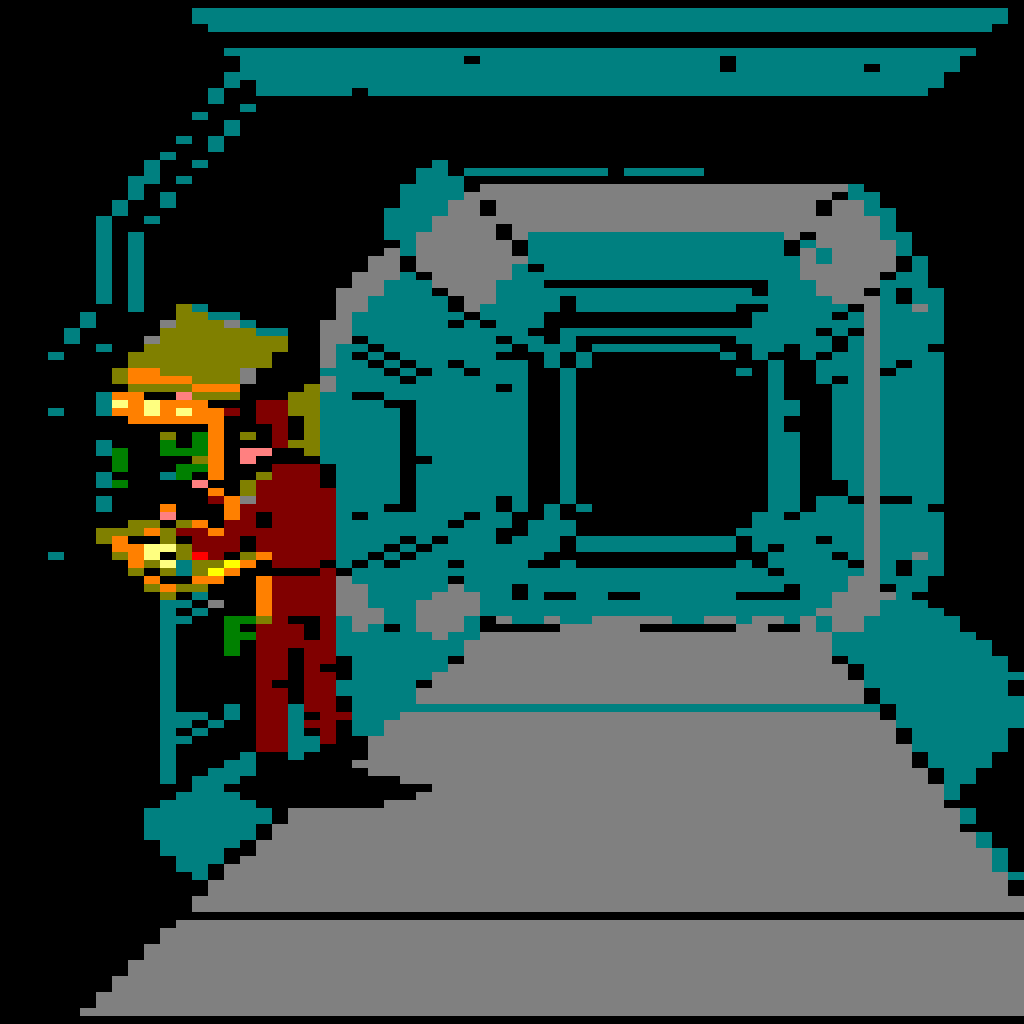
From Request to Prompt
You don't need to write any of these specialized prompts yourself, or know the difference between an electron gun and a chroma-key. Just type one line — "A gleaming magical sword stuck in a rock in a forest clearing" — name a machine, and Layer's agent writes the prompt the model actually needs: the framing, the register with its palette as exact hex values, the pixel layout, the hardware's own style tells, and the exclusion list. Ask for the same sword on two machines and you'll get two different prompts, one for each machine.
How our Agent helps
- The frame — The view, what the focal read is, the visual angle, etc.
- The register — The machine and mode, with its palette as hex.
- The lattice — How many blocks across and down, with every block one flat color.
- The style tells of that hardware — A CPC's flat 8×8 cells; an Amiga's checkerboard dithering and high-bitplane detail.
- The exclusions — No soft or blended edges, no gradients, no sub-pixel detail, no mixed pixel scales, no text.
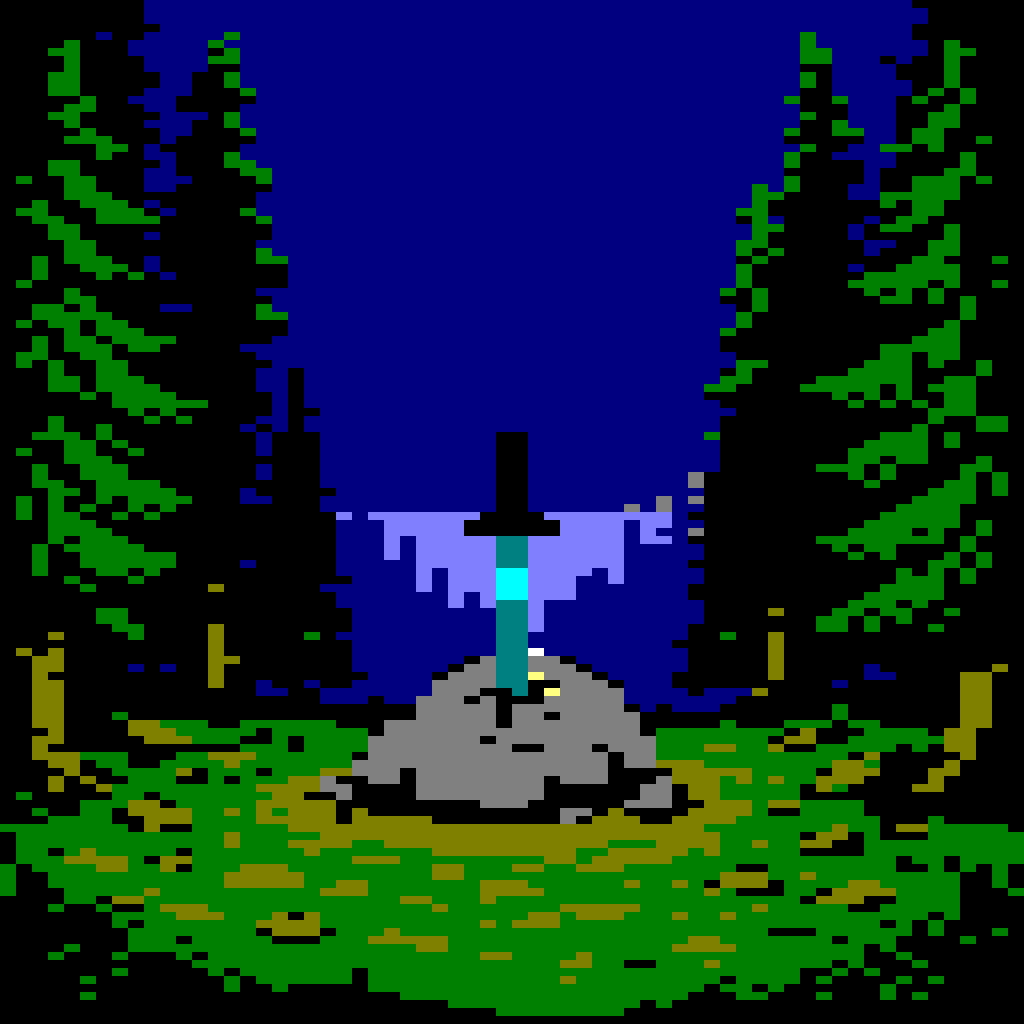
“A gleaming magical sword stuck in a rock in a forest clearing”
The prompt the agent wrote
Game asset: Amstrad CPC Mode 0 pixel-art scene. A gleaming magical sword is embedded upright in a cracked grey rock at the center of a forest clearing; a small saturated cyan core and desaturated cyan halo are painted along the blade, while dark conifers frame the clearing. Low eye-level view, the sword silhouette and its reflected highlight are the focal read. Drawn on a 160-block-wide by 90-block-tall lattice, every block a hard-edged flat 8×8 square of one colour before the register conversion. Use at most 16 simultaneous colours from this exact CPC register subset: #000000 #000080 #008000 #008080 #800000 #808000 #808080 #ff0000 #ff8000 #ffff00 #00ff00 #00ffff #8080ff #ff8080 #ffff80 #ffffff. No soft or blended edges, no sub-pixel gradients, no off-grid alignment, no mixed pixel scales, no soft brushwork, no text.
“A gleaming magical sword stuck in a rock in a forest clearing”
The prompt the agent wrote
Game asset: a square fantasy landscape illustration of a gleaming magical sword embedded in a weathered stone at the center of a quiet forest clearing. Foreground: moss, ferns and small white flowers. Midground: upright jewel-set sword with a saturated pale-blue blade core, faint light reflected on the carved stone, roots around its base. Background: tall trees and cool morning light. Commodore Amiga OCS/ECS low-resolution pixel-art register: exactly 32-color working palette (#000000, #111111, #222244, #333366, #444488, #5555aa, #6666cc, #8888dd, #aaaaff, #112233, #224466, #336699, #4488aa, #66aacc, #99ccee, #ccddff, #113322, #225533, #337744, #559955, #77bb66, #aadd88, #223311, #445522, #667733, #99aa44, #ccbb55, #eedd88, #442211, #774422, #aa5533, #dd8866); square pixel blocks 16×16 output pixels; crisp hard-edged clusters, selective checkerboard dithering, high-bitplane detail. No smooth gradients, photorealism, text, or watermark.
Want to change it up? Go ahead! Supply your own palette, name a block size, and edit the prompt before sending it back. Whatever the prompt declares is exactly what the snap lands on.
AI Sprite Sheet Generator: Walk Cycles and Frames
The agent can also help you generate a sprite sheet or cycle of frames. AI models may have difficulty with this, but the Layer Agent uses the current cutting-edge prompting to get frames to register to each other: The same scale, same ground line, same anchor in every cell. Then, snap the final results.
Split and pack for free Ask the Layer agent to split a finished sheet into frame files, or pack the frames you already have into one uniform sheet on a transparent background.
Transparency by chroma key Ask for a flat chroma-key background, and the Layer agent will run a background removal pass after generating it with a chroma-key, giving you a clean, transparent result for snapping.
Built for Game Production
A cast of characters that reads at game resolution Concept a roster of enemies or NPCs with our other skills — character design and concept art - and create a whole cast that are built to read well no matter how small the screen.
Create an asset library for your sprite dreams Items, props, and tiles that look like they belong to the same game. Custom style training learns your art direction, and our pixel art skills keep every asset accurate: Create a two-hundred-icon inventory set for the Game Boy in an afternoon.
Sheet-ready by construction Uniform-cell PNGs on a transparent background can be used in your sprite editor of choice, or import them directly into Unity, Unreal, Godot, GameMaker, or any 2D engine that reads an atlas — Layer is the pipeline behind 400+ game studios, for game artists and art directors alike.
To turn a painting into a machine-accurate sprite, see concept art to sprite. For one console's limits, see NES, SNES, Mega Drive or GBA pixel art.
Pricing is consumption-based with Creative Units (CUs) and no seat fees — Purchase units for as little as $10/month for 300 CUs. Start free and see what your team can ship this week!