“Recompose this image as a SNES sprite.”
With your character art
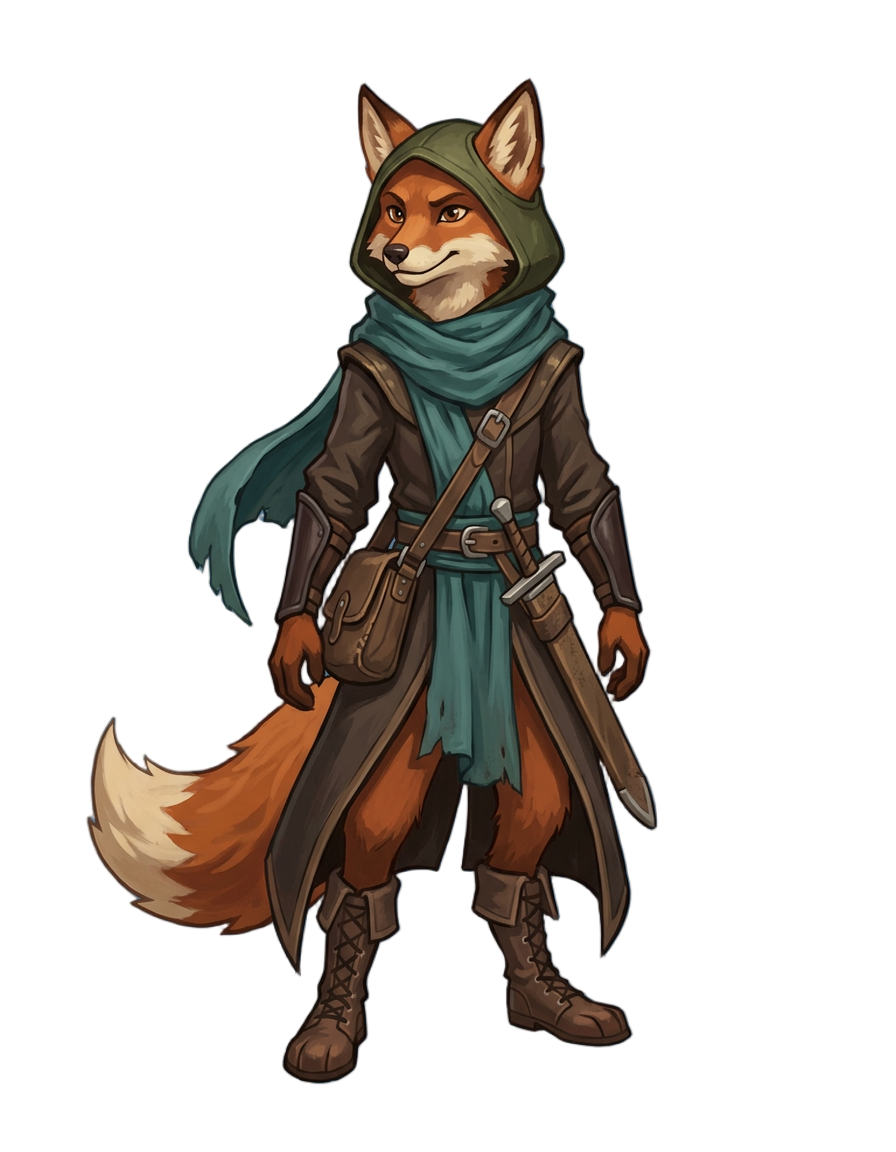
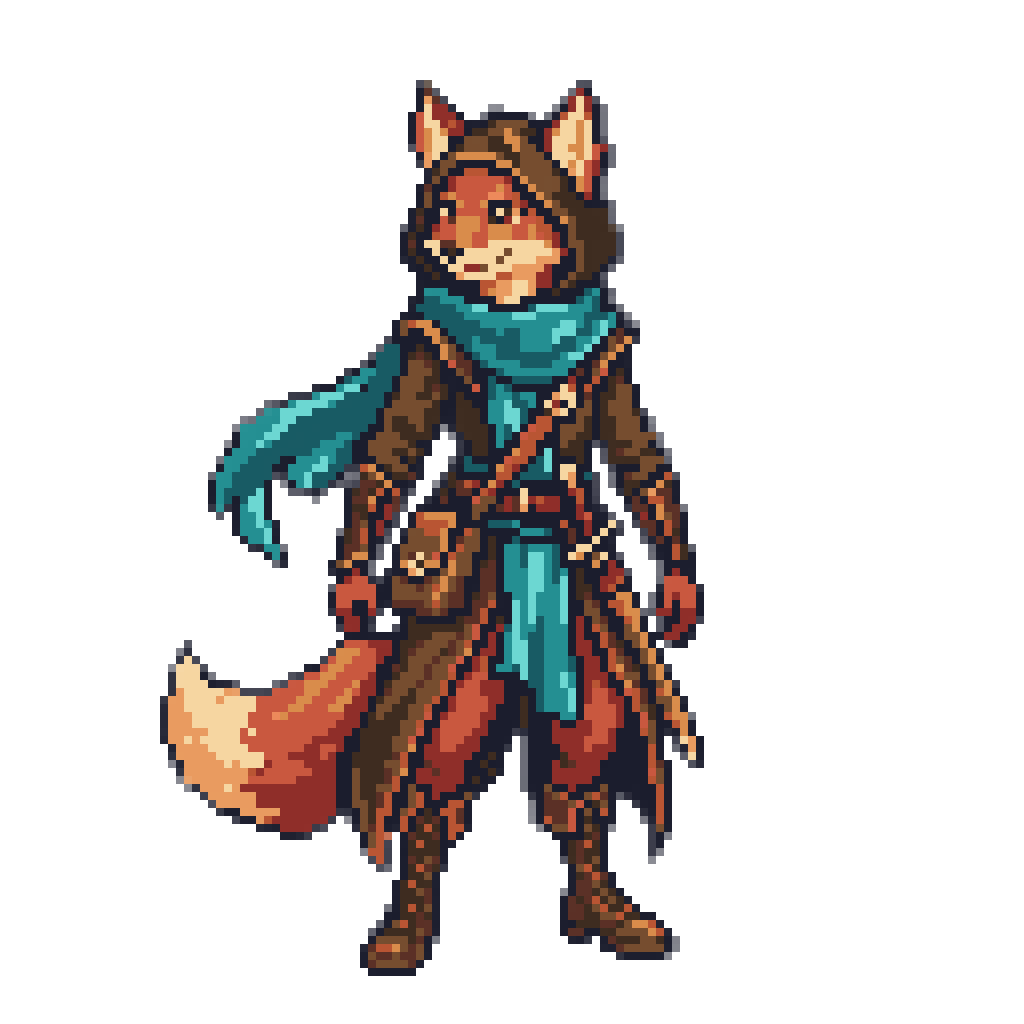
The hood, satchel, belts and sword all carry over, shaded in fourteen colors with smooth SNES ramps.
Concept Art to Pixel Sprite
Attach the painting and name the machine, and Layer decides which details survive at sprite size
“Recompose this image as a SNES sprite.”
With your character art
The hood, satchel, belts and sword all carry over, shaded in fourteen colors with smooth SNES ramps.
“Recompose this image as an NES sprite.”
With your character art
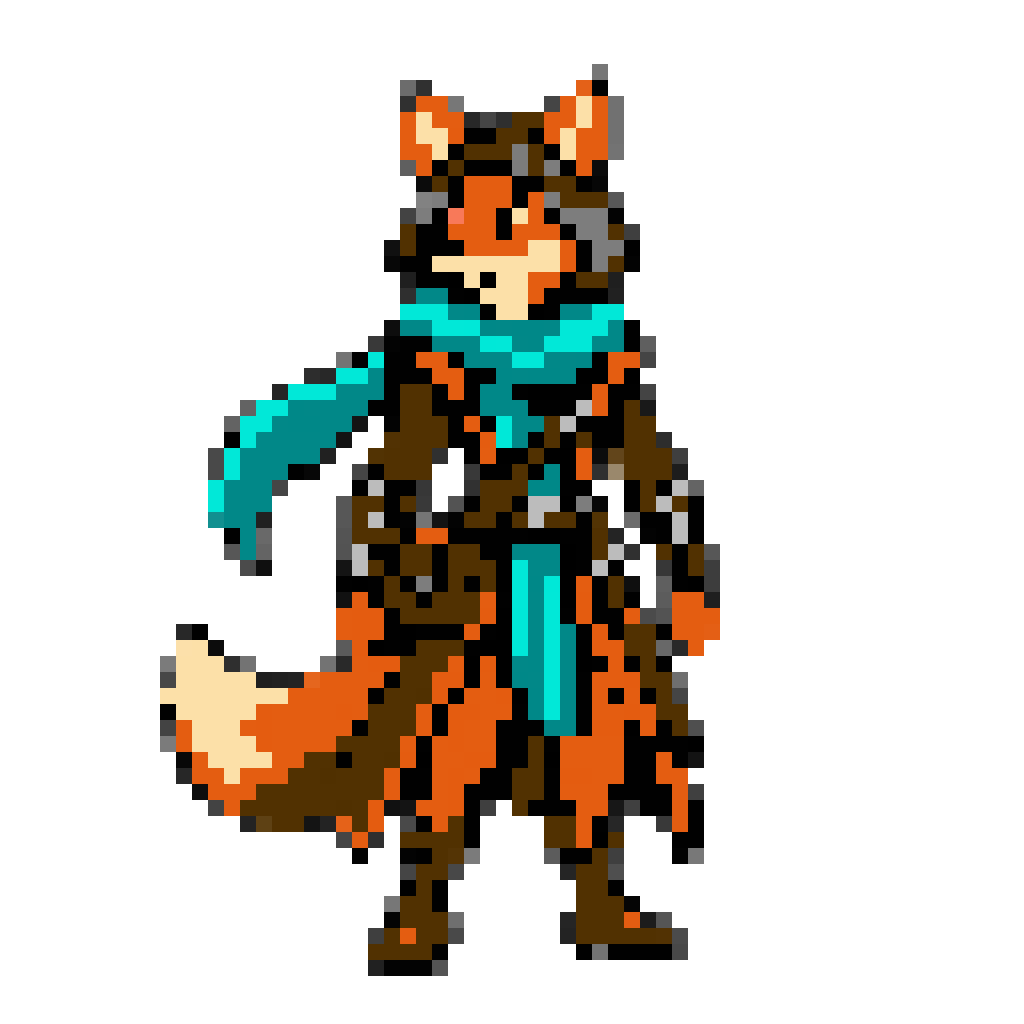
The ears, scarf and tail survive in nine NES colors. On the NES, ask for larger single-color blocks, as here, to keep a detailed painting readable.
Your character already exists as a painting or a concept sheet, and the sprite has to carry it on a grid as small as 64 blocks across. Doing that by hand means redrawing at a fraction of the size and deciding which details earn a pixel, all inside the machine's palette. A downscale filter skips the deciding, which is why it gives you mush.
Attach the art and name the machine. Layer redraws the subject for that hardware, keeping its silhouette, pose and key colors, then snaps it to the machine's grid and palette.
Naming a console fixes the palette and the grid, including how coarse the blocks are and whether the pixels are square. An NES sprite snaps to blocks twice the size of a SNES one on the same image, so it has room for far less. Layer redraws to those rules before the snap, which is the step a filter never takes: it chooses which features to keep at that size, then makes every block one flat color from the palette.
The same painting went to two machines above. The SNES version keeps the satchel, belts and sword, shaded in fourteen colors. The NES version works with nine colors and coarser blocks, and it still keeps the ears, scarf and tail. Compare the two against your game's screen before you commit.
On 8-bit machines the finest details drop out. When the snap has to merge something, Layer says so and suggests what to change, and on the NES the usual fix is larger single-color blocks.
A snapped sprite is a draft already in the right palette and on the right grid, so cleanup starts from a working sprite instead of a blank canvas. Download it as a PNG with a transparent background. In Unity, set Filter Mode to Point and Compression to None; in Godot, use Nearest filtering; in GameMaker, turn off interpolation.
For any image and any machine, including photos and your own palette, use the image to sprite tool. To make sprites from a description instead, see NES, SNES, Mega Drive and Game Boy Advance pixel art.
Name the NES and Layer draws your sprite from the console's own 55 colors in its three-color style, then snaps every pixel to one clean grid.
SNES Sprites in Smooth Ramps, Fifteen Colors a TileSay SNES and Layer shades your sprite in smooth 16-bit ramps from a fifteen-color palette written in hex, then snaps every pixel to one grid.
Mega Drive Sprites Shaded With Dither, in Fifteen ColorsName the Mega Drive or Genesis and Layer shades your sprite with the console's own dither patterns from a hex palette, snapped to one grid.
Game Boy Advance Sprites in Sixteen Colors on a Square GridName the Game Boy Advance and Layer draws your sprite in sixteen hex colors on a square grid, bright as the cartridges hold it or muted on request.
Usually. Layer keeps the silhouette and the defining features, and simplifies small details the way a sprite artist would. On 8-bit machines the finest ones drop out.
A filter shrinks the original and cuts its colors, which leaves soft edges, uneven blocks and stray in-between shades. Layer redraws the subject at sprite size first, deciding what survives, then makes every block one flat color from the palette.
Ask for larger single-color blocks. The NES fox above came out that way, and it keeps its ears, scarf and tail at NES size.
Any single subject with a clear shape, such as a creature, an item or a prop. Attach it and name the machine, the same as for a character.
The NES, SNES, Mega Drive, Game Boy, Game Boy Color, Game Boy Advance, Commodore 64 and more. Name the one you are targeting in your message.
Create a free Layer account and attach your first character.