“Create a sky pirate captain for my tactics RPG as a Game Boy Advance sprite.”
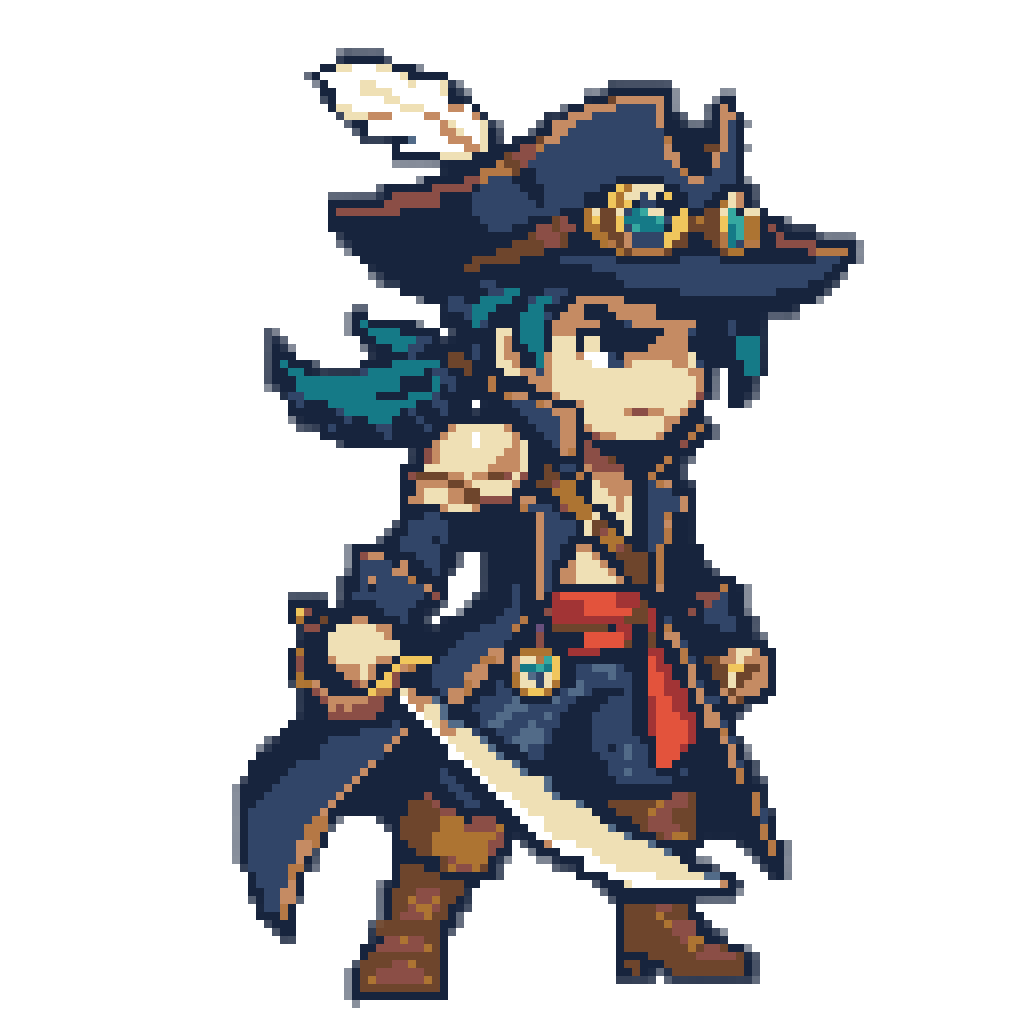
Exactly sixteen colors, the size of one GBA sprite palette, and they stretch across the tricorn, the goggles, the navy coat and the cutlass.
AI Game Boy Advance Sprite Generator
Bright as the cartridges hold them by default, or muted to match the unlit original screen
“Create a sky pirate captain for my tactics RPG as a Game Boy Advance sprite.”
Exactly sixteen colors, the size of one GBA sprite palette, and they stretch across the tricorn, the goggles, the navy coat and the cutlass.
“Create four enemies for my dungeon crawler (a treasure-chest mimic, a mushroom brute, a cave bat and a skeleton knight) as Game Boy Advance sprites.”
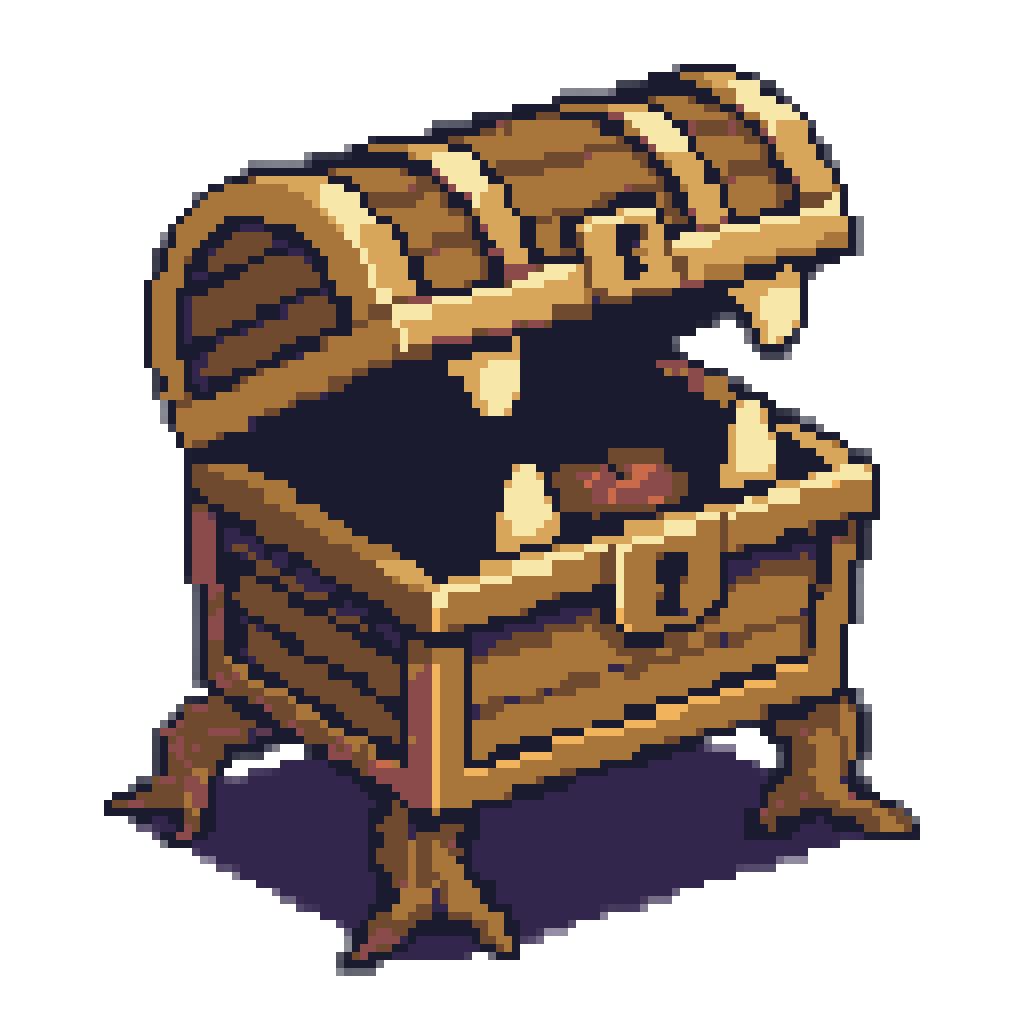

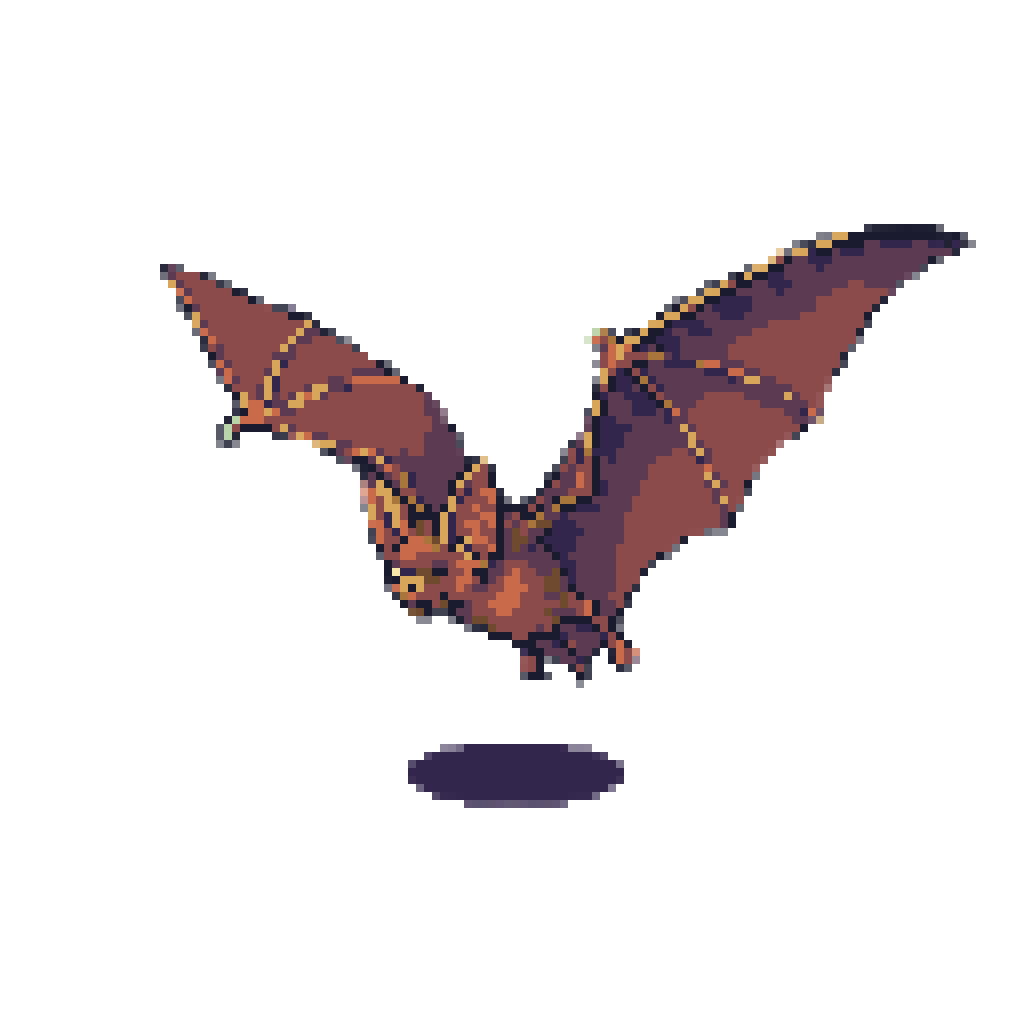
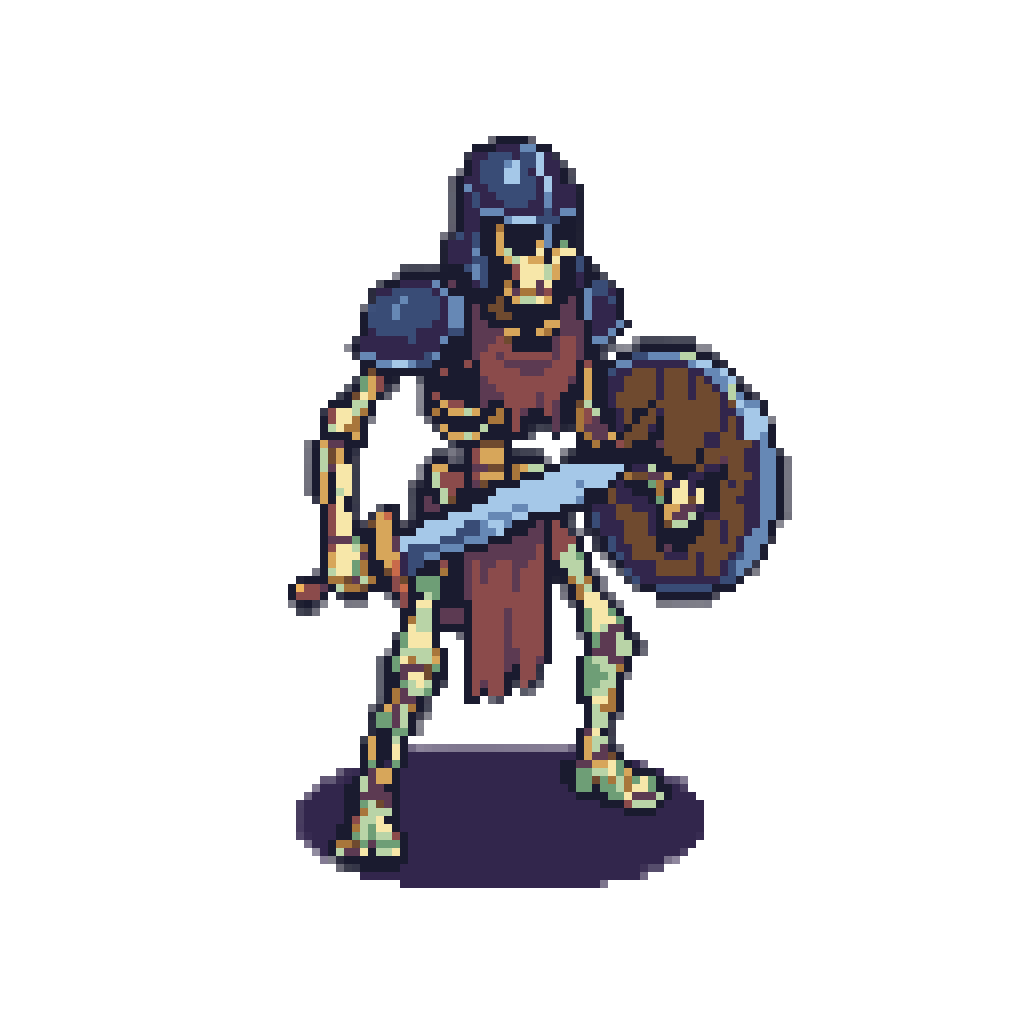
Four separate sprites you can tell apart by silhouette alone, drawn at one scale and lit from one direction so they can share a dungeon floor.
"Game Boy Advance look" means two different things. The first GBA had no backlight, so its artists raised the value and saturation of every palette to survive a dark, reflective screen. What the cartridges hold is bright and punchy, and that is what a backlit screen or an emulator shows today. What players saw on the original hardware was darker and lower in contrast.
Name the Game Boy Advance in your message and Layer settles that question before it draws. It chooses sixteen colors for the subject, writes them down in hex and snaps the sprite to a square grid, with no stray in-between shade left for you to hunt down.
Layer uses the as-authored colors unless you say otherwise, because that is what the ROM contains. Ask for the as-seen look and it mutes the palette to match the unlit screen. The two differ enough that a silent pick would disappoint half the people who ask, so Layer names the one it used.
The four enemies above came from a single request: a mimic, a mushroom brute, a cave bat and a skeleton knight, each its own sprite. They share a scale and a light direction, and their silhouettes differ enough to tell apart at a glance on a crowded tactics grid or dungeon floor. A town's shopkeeper and blacksmith, or a new unit class, work the same way.
The GBA draws 240 by 160 on a 3:2 display, and its pixels are exactly square, so Layer snaps to square 8-pixel blocks on a 1024-pixel image. A sprite palette holds sixteen colors, and the pirate above uses all of them. The console can put up to 511 colors on screen in its tiled modes, but that is a budget for the whole scene, and each sprite still wants its sixteen stated values.
Plan for one hardware limit. GBA sprites top out at 64 by 64 pixels, and a snapped image scales down to a 128 by 128 canvas, so a figure that fills the frame is bigger than one hardware sprite. For a real GBA build, split it across several sprites.
For console 16-bit, see SNES pixel art and Mega Drive pixel art. Have a character design already? Turn your concept art into a sprite.
Say SNES and Layer shades your sprite in smooth 16-bit ramps from a fifteen-color palette written in hex, then snaps every pixel to one grid.
NES Sprites Drawn From the Console's Own 55 ColorsName the NES and Layer draws your sprite from the console's own 55 colors in its three-color style, then snaps every pixel to one clean grid.
Mega Drive Sprites Shaded With Dither, in Fifteen ColorsName the Mega Drive or Genesis and Layer shades your sprite with the console's own dither patterns from a hex palette, snapped to one grid.
Your Character Art, Redrawn to a Real Console's Grid and PaletteAttach your character art and name a console. Layer redraws the design for the NES, SNES or Game Boy Advance and snaps it to that machine's grid.
Because that is what the cartridges hold. The first Game Boy Advance had an unlit, reflective screen, so artists raised the value and saturation of their palettes to survive it. A backlit screen or an emulator shows that authored palette, and Layer draws to it by default and says so.
Yes. Ask for the as-seen look and Layer mutes the palette toward the darker, lower-contrast image of the unlit hardware.
Sixteen, written in hex and picked for your subject. The GBA fixes no palette and can show up to 511 colors at once in its tiled modes, but that is a ceiling for the screen. Give your own hex values to match your game.
Yes. Ask for several characters or enemies and they come back as separate sprites at one scale, lit from one direction.
Yes. A snapped sprite is a PNG on 8-pixel blocks with only palette colors, so scaling a 1024-pixel image down by 8 gives you a 128 by 128 canvas at one pixel per block.
Create a free Layer account and describe your first Game Boy Advance sprite.