Game artists face relentless production demands. Whether you're creating characters, environments, UI elements, or marketing assets, the pressure to produce high-quality work at scale never stops. Layer is the AI operating system built specifically for creative professionals like you—giving you access to the world's best AI models through one intuitive interface, with the team collaboration and asset management tools that professional game development demands.
Unlike consumer AI tools that leave you juggling multiple subscriptions and manually organizing outputs, Layer streamlines your entire creative workflow. From initial concept exploration to final asset delivery, Layer helps you work faster without sacrificing the artistic control that defines your craft. Studios in mobile game development particularly benefit from Layer's ability to scale asset production while maintaining visual consistency.
The Game Artist's Production Challenge
Modern game development operates on tight schedules with ever-increasing visual fidelity expectations. A single mobile game might require thousands of unique assets—characters, props, environments, UI elements, icons, and promotional materials. Console and PC titles demand even more.
Traditional workflows create bottlenecks at every stage. Concept iteration takes days instead of hours. Asset variations multiply workload exponentially. Consistency across large asset libraries becomes a full-time job. And when deadlines compress, quality often suffers.
Game artists need tools that amplify their capabilities without replacing their judgment. That's where Layer comes in.
Access Every Leading AI Model in One Place
Layer aggregates the best generative AI models from Google, OpenAI, Flux, Kling, Runway, and more—all accessible through a single, unified interface. No more switching between Discord servers, web apps, and standalone tools. No more managing multiple subscriptions or learning different interfaces.
For game artists, this means:
- Rapid model comparison: Test the same prompt across multiple models to find the best fit for your art style
- Specialized model selection: Use photorealistic models for marketing assets, stylized models for character concepts, and texture-specific models for environment work
- Future-proof workflows: As new models release, they're added to Layer—your workflows evolve without disruption
Workflow Automation for Repetitive Tasks
Every game artist knows the pain of repetitive asset generation. Color variations for collectibles. Resolution exports for different platforms. Consistent style application across character skins. These tasks consume hours that could be spent on creative work.
Layer's workflow automation transforms these bottlenecks into background processes:
- Batch processing: Generate dozens of variations from a single source asset automatically
- Style transfer pipelines: Apply your established art direction to new assets consistently
- Export automation: Configure once, then automatically output assets in every required format and resolution
- Scheduled generation: Queue up large batches to run overnight, ready for review in the morning
Elite game studios use Layer's automation to scale production by 5-10x without adding headcount.
Asset Management Built for Game Development
Generative AI creates a new problem: asset sprawl. Without proper organization, you'll drown in thousands of generated images with no way to find what you need or track what's been approved.
Layer's asset management system is built for professional game development workflows:
- Project organization: Group assets by game, milestone, or asset type
- Version history: Track every iteration and easily revert to previous versions
- Tagging and search: Find any asset instantly with AI-powered search and custom tags
- Approval workflows: Mark assets as draft, in-review, approved, or shipped
- Usage tracking: Know which assets made it into production and which are still available
Team Collaboration Without the Chaos
Game development is a team sport. Art directors need visibility into what's being created. Lead artists need to share techniques that work. Junior artists need access to approved style references.
Layer provides the collaboration infrastructure professional teams need:
- Shared workspaces: Your entire art team works from a single source of truth
- Prompt libraries: Save and share effective prompts that nail your game's art style
- Comment and feedback: Art directors can annotate directly on generated assets
- Permission controls: Define who can generate, who can approve, and who can export
- Activity feeds: See what your team is creating in real-time
Real Game Artist Workflows
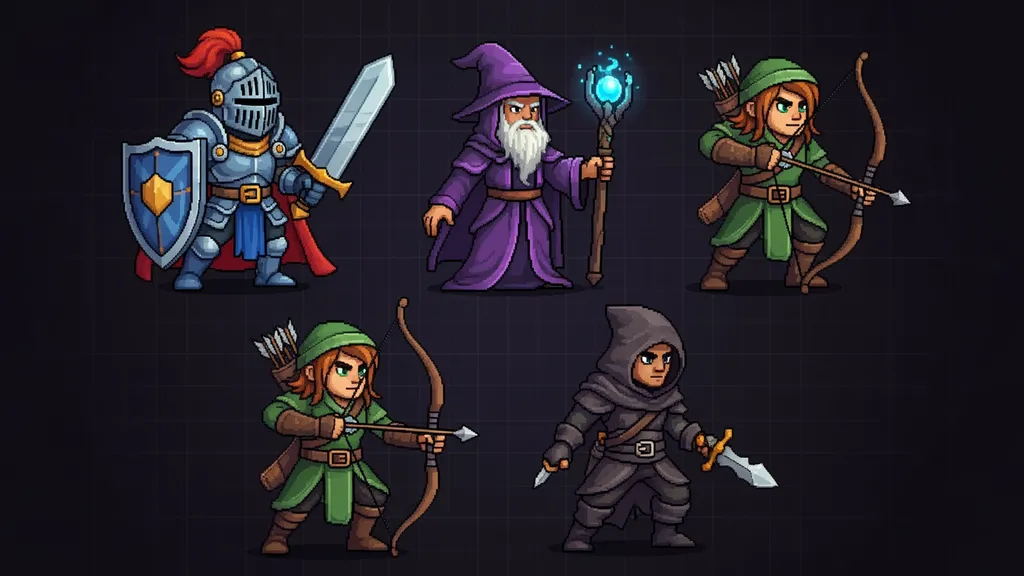
Character Concept Exploration Start with a text description or rough sketch. Layer's character design workflows let you generate 50+ variations in minutes. Refine the best candidates. Hand off polished concepts to 3D modelers with clear visual direction—all in a single afternoon instead of a week.
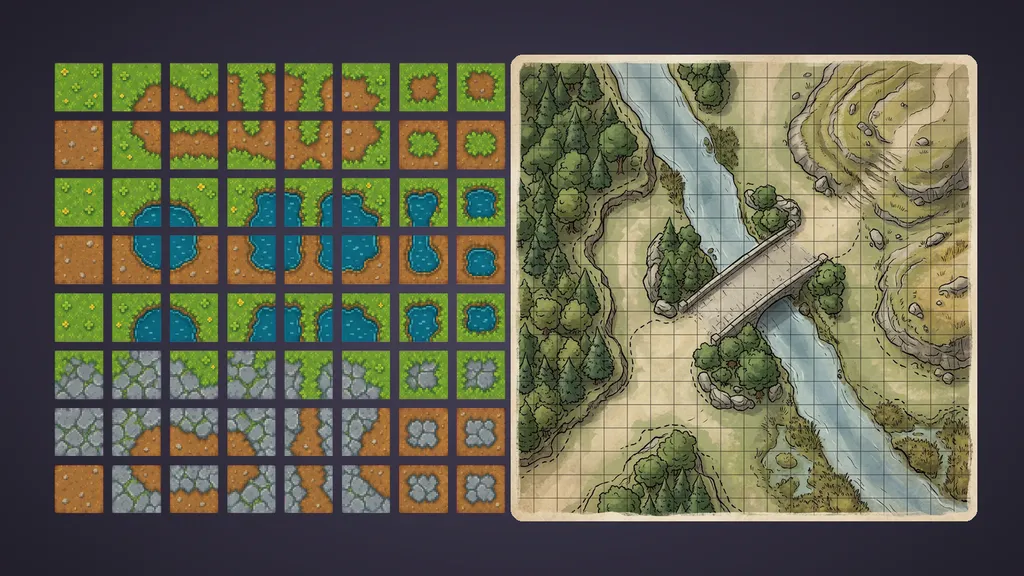
Environment Asset Libraries Build comprehensive prop libraries for your game worlds with Layer's environment art capabilities. Generate base assets, create style-consistent variations, and organize everything by biome, era, or location. What used to take months now takes weeks.
Texture and Material Generation Layer's texture generation tools help you create seamless textures, material variations, and surface details at scale. Generate PBR-ready textures that integrate directly into your game engine workflow.
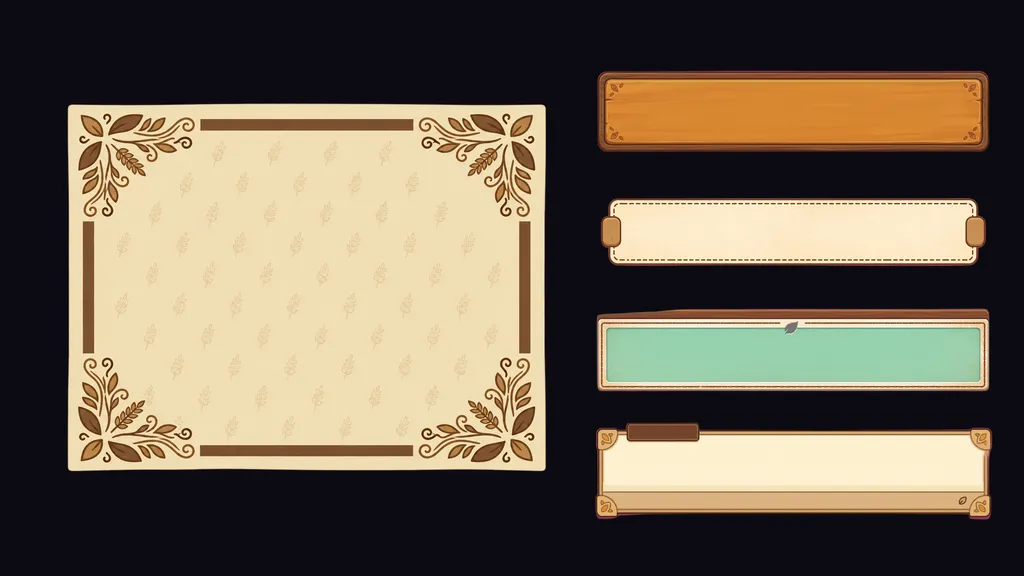
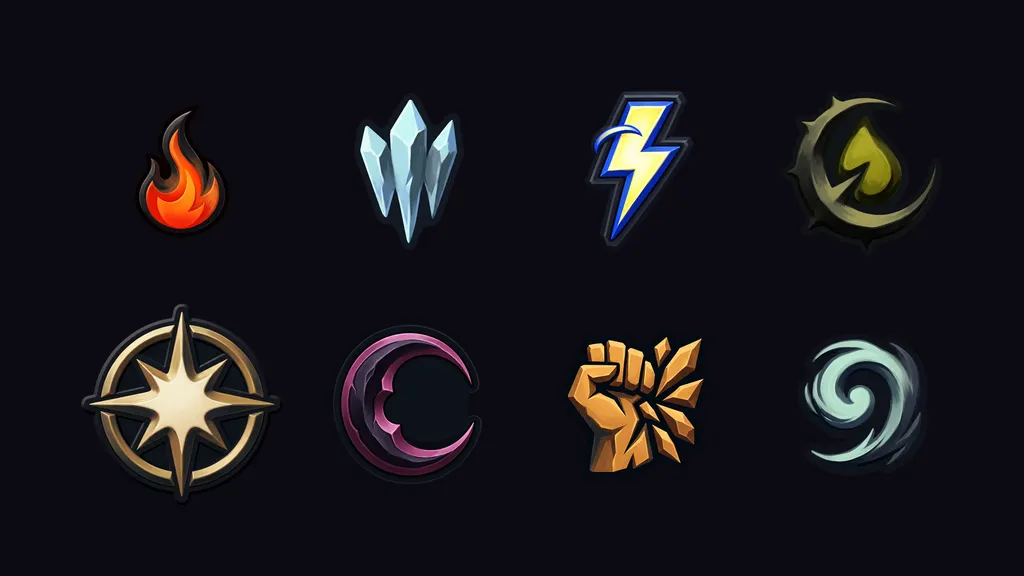
UI and Icon Systems Design your core UI elements, then use Layer to generate consistent icons, buttons, and interface elements across your entire game. Maintain visual coherence even as your UI needs expand.
Marketing Asset Production When the marketing team needs assets yesterday, Layer delivers. Generate promotional images, store screenshots, and social media content that matches your game's visual identity—without pulling artists off development work.
Layer fits into your existing pipeline, not the other way around. Export directly to the tools you already use:
- Adobe Photoshop: Send generated assets directly to PSD for refinement
- Unity: With Unity integration, export game-ready assets directly in engine-compatible formats
- Unreal Engine: Unreal Engine integration provides seamless asset export for AAA workflows
- Figma: Push UI concepts to your design system
- Google Drive and Dropbox: Automatic backup and sharing with stakeholders
- Slack: Get notified when batch jobs complete or assets need review
Enterprise-Grade Security for Studio Work
Game studios handle sensitive IP. Unreleased character designs, story spoilers, and proprietary art styles all need protection. Layer is built with enterprise security standards:
- SOC 2 compliance: Your data is protected by industry-standard security practices
- Data isolation: Your assets and prompts are never used to train models or visible to other customers
- Access controls: Define exactly who can see and do what within your workspace
- Audit logs: Track all activity for compliance and security review