
Gemini 3
Popular
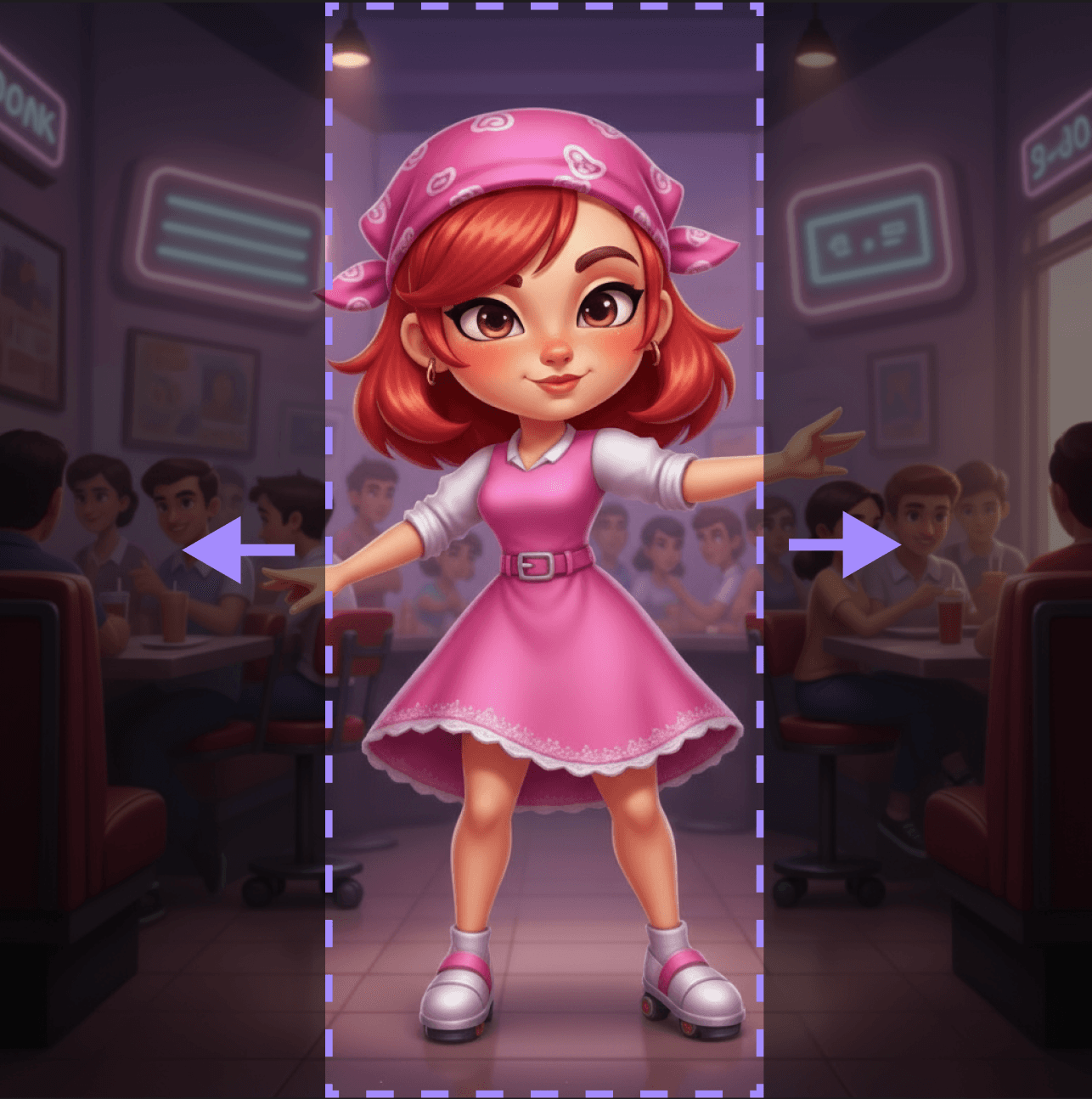
Expand transparent areas in images to create complete, seamless compositions
Quickly address all challenges faced by your team.
Search...
Gemini 3
Popular
Expand transparent areas in images to create complete, seamless compositions
popular
new
Expand transparent areas in images to create complete, seamless compositions
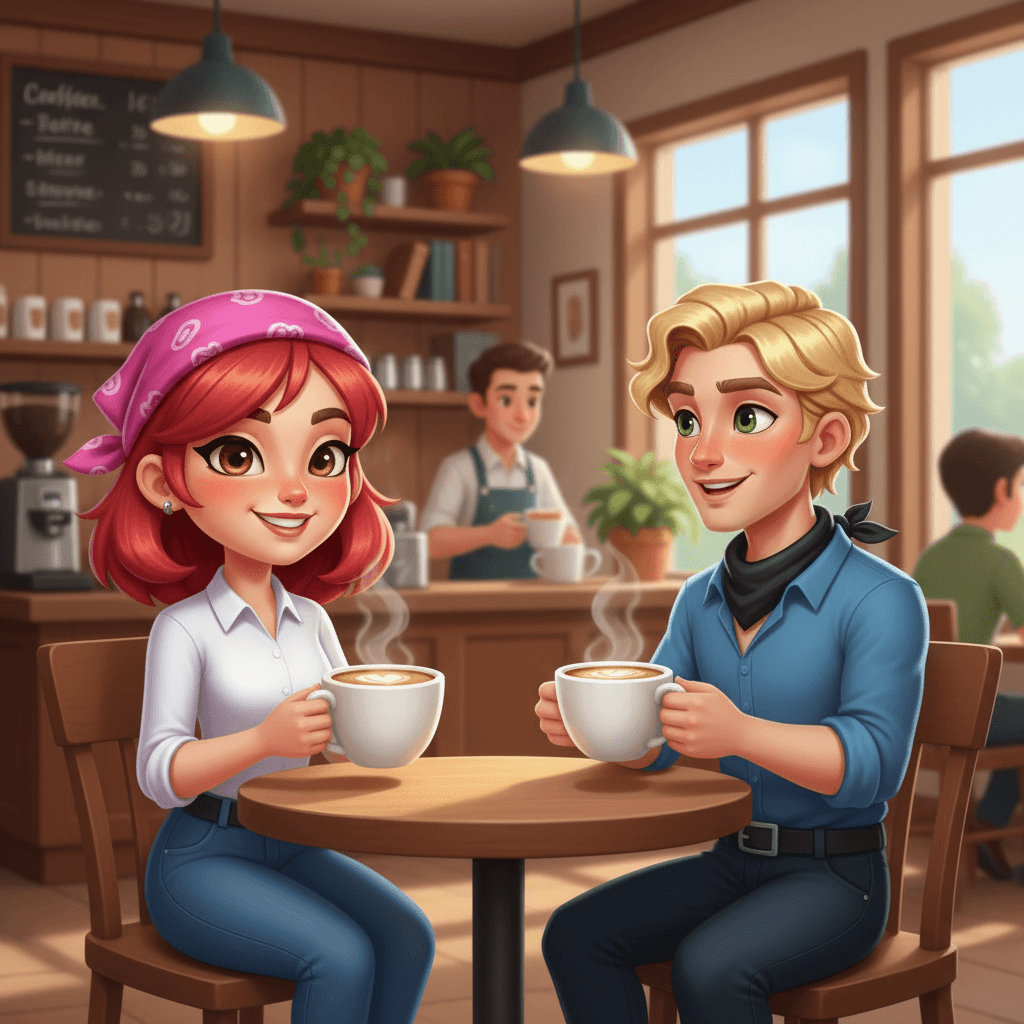
Create style consistent scenes with your characters.
Popular
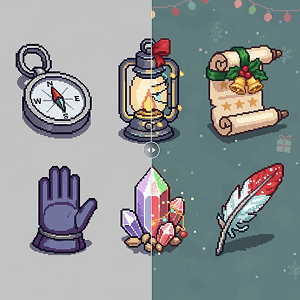
Apply a theme to multiple assets at once.
Gemini 3
Popular
Create style consistent scenes with your characters.
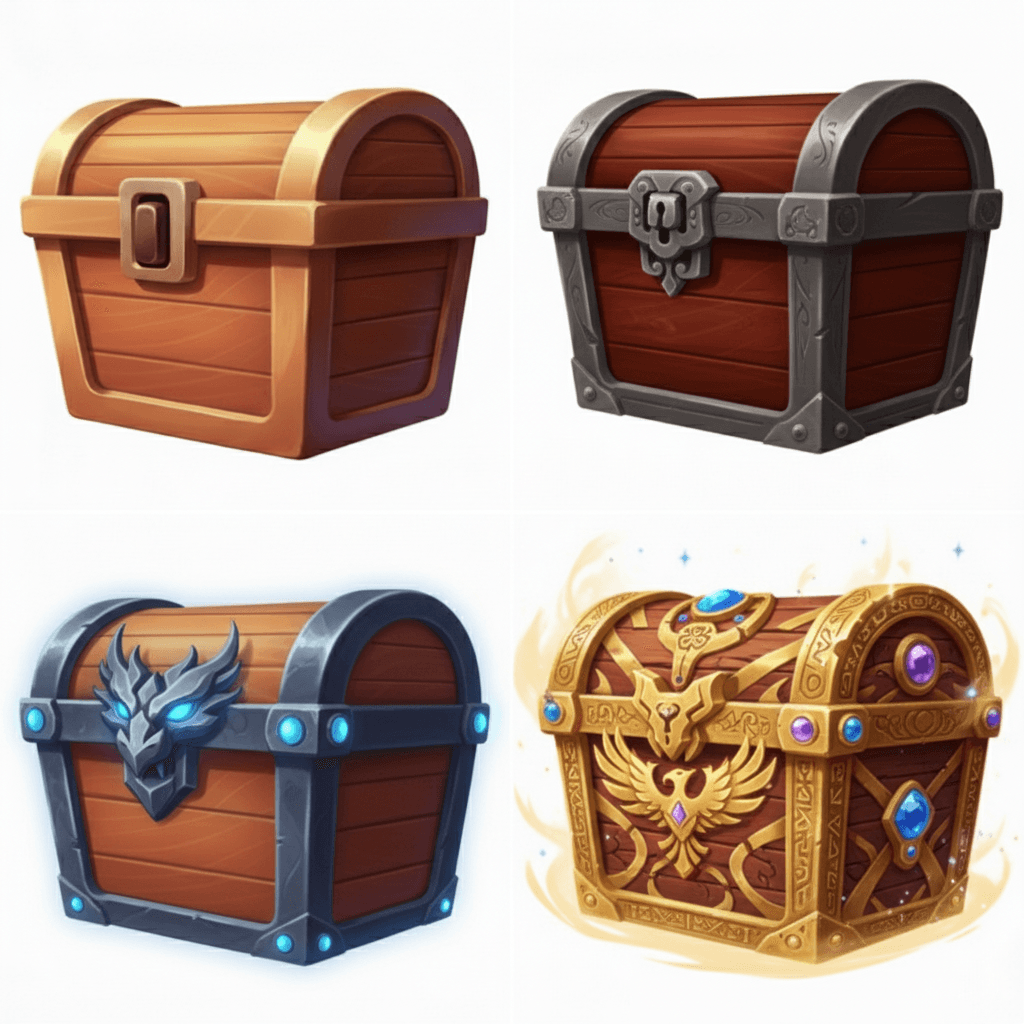
Popular
Create a 4-stage evolution chain of an object.
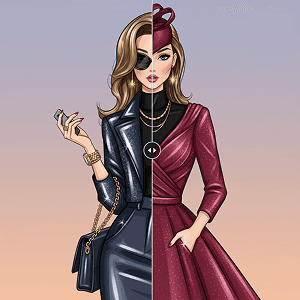
Popular
Apply a new outfit while keeping your character consistent.
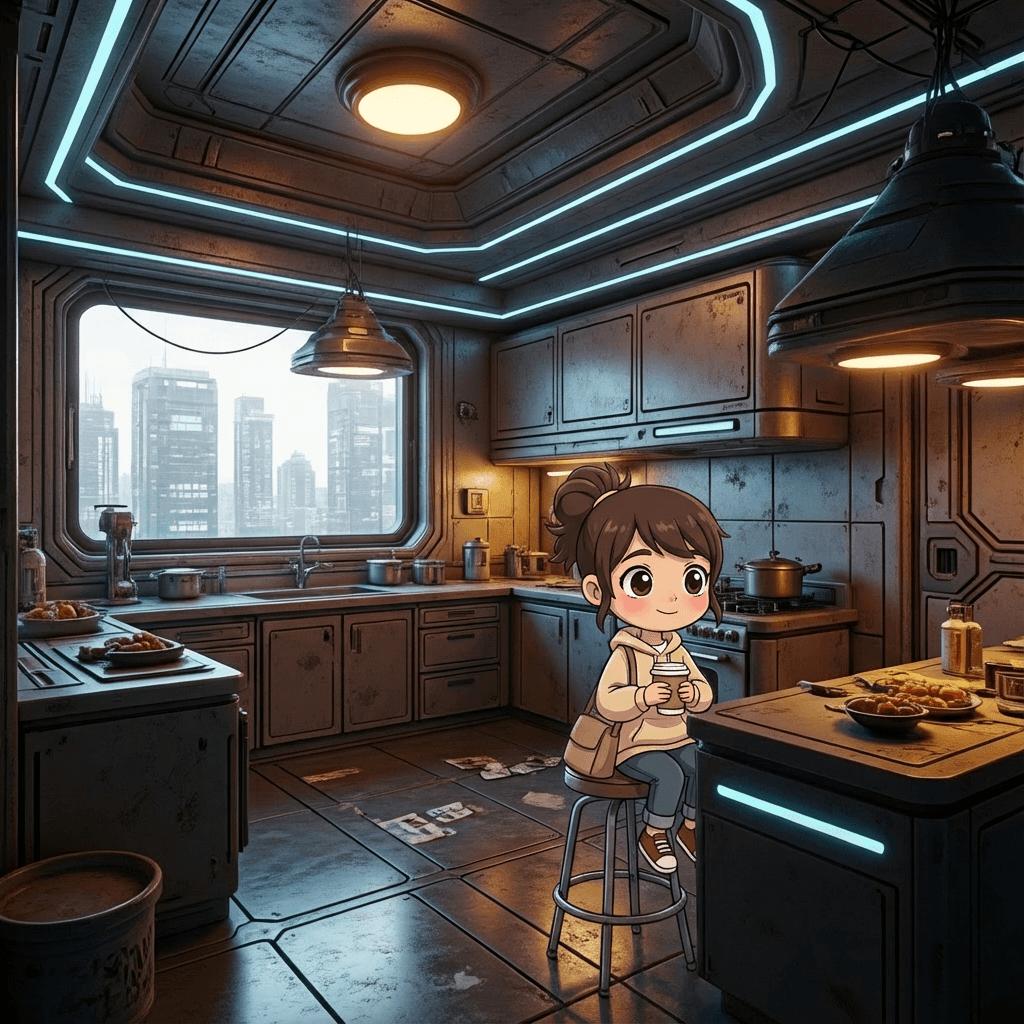
New
Place a character within any scene while keeping their style consistent
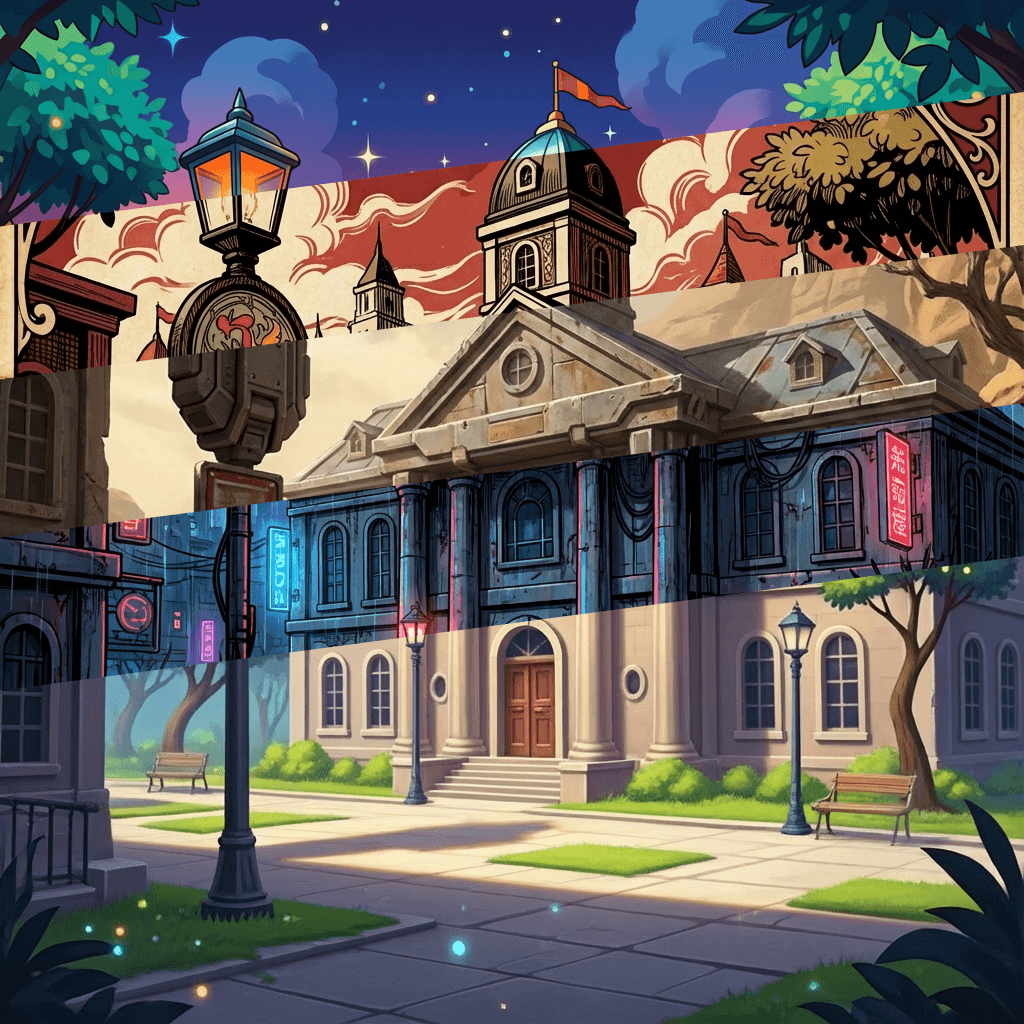
Gemini 3
New
Apply the style from reference images to an entire scene
Gemini 3
New
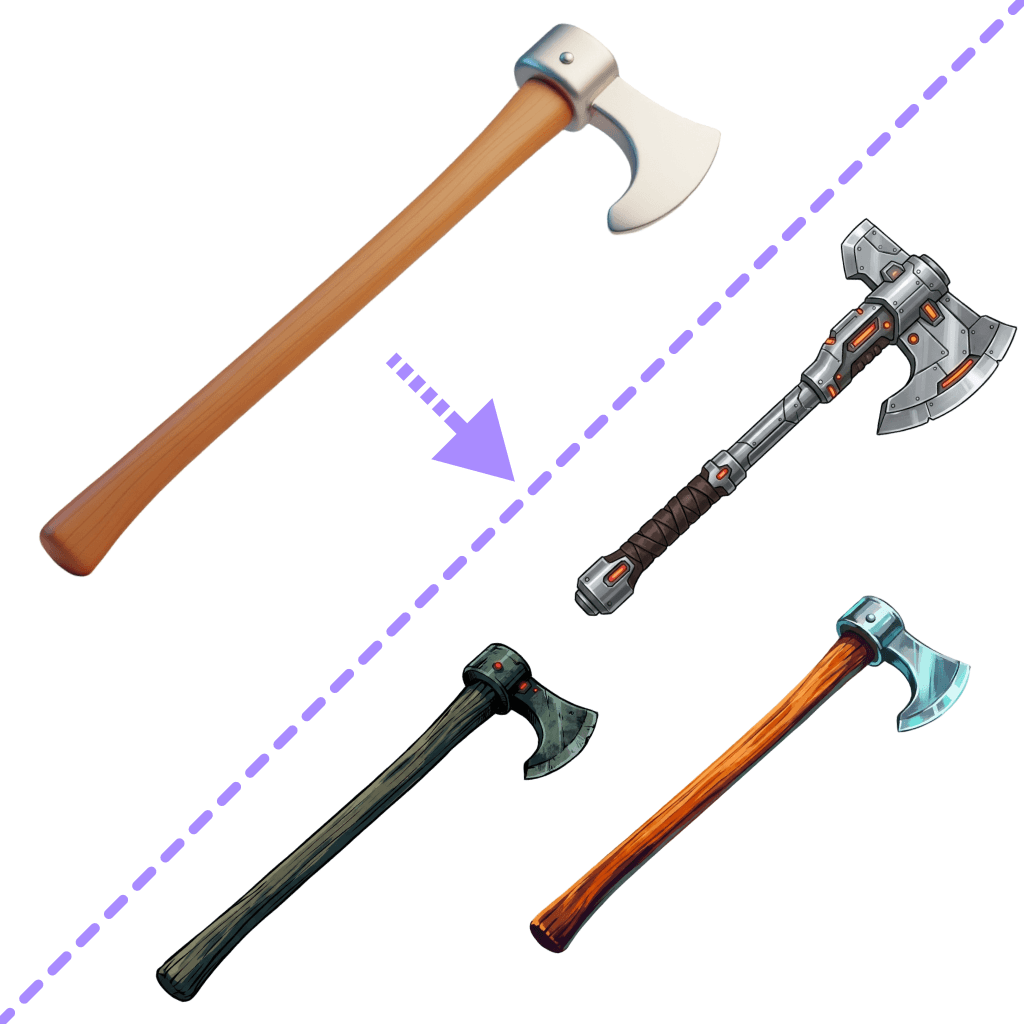
Turn one item into the reference image's art style
Gemini 3
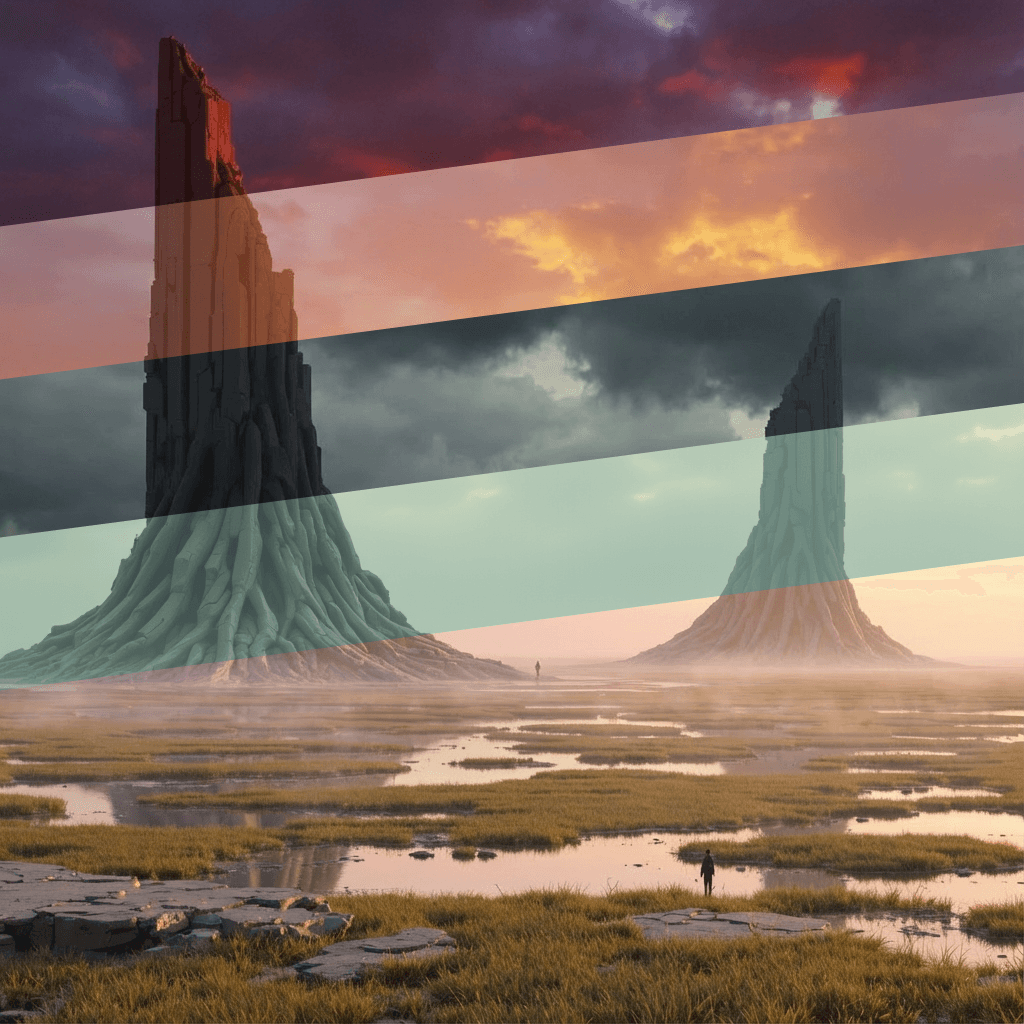
Transform the mood and atmosphere of your scenes
Gemini 3
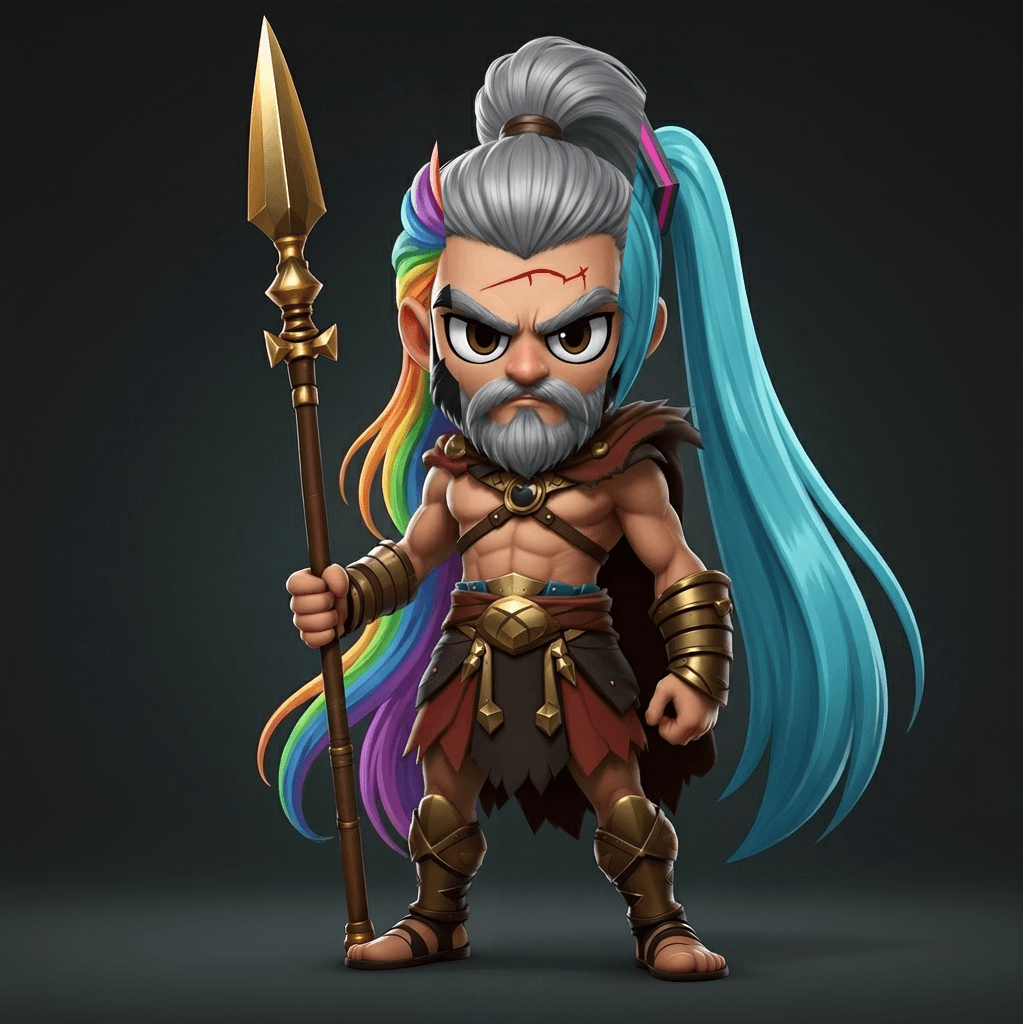
Easily change your character's hairstyles with the click of a button
New
Isolate the items from a scene onto a grid.
Gemini 3
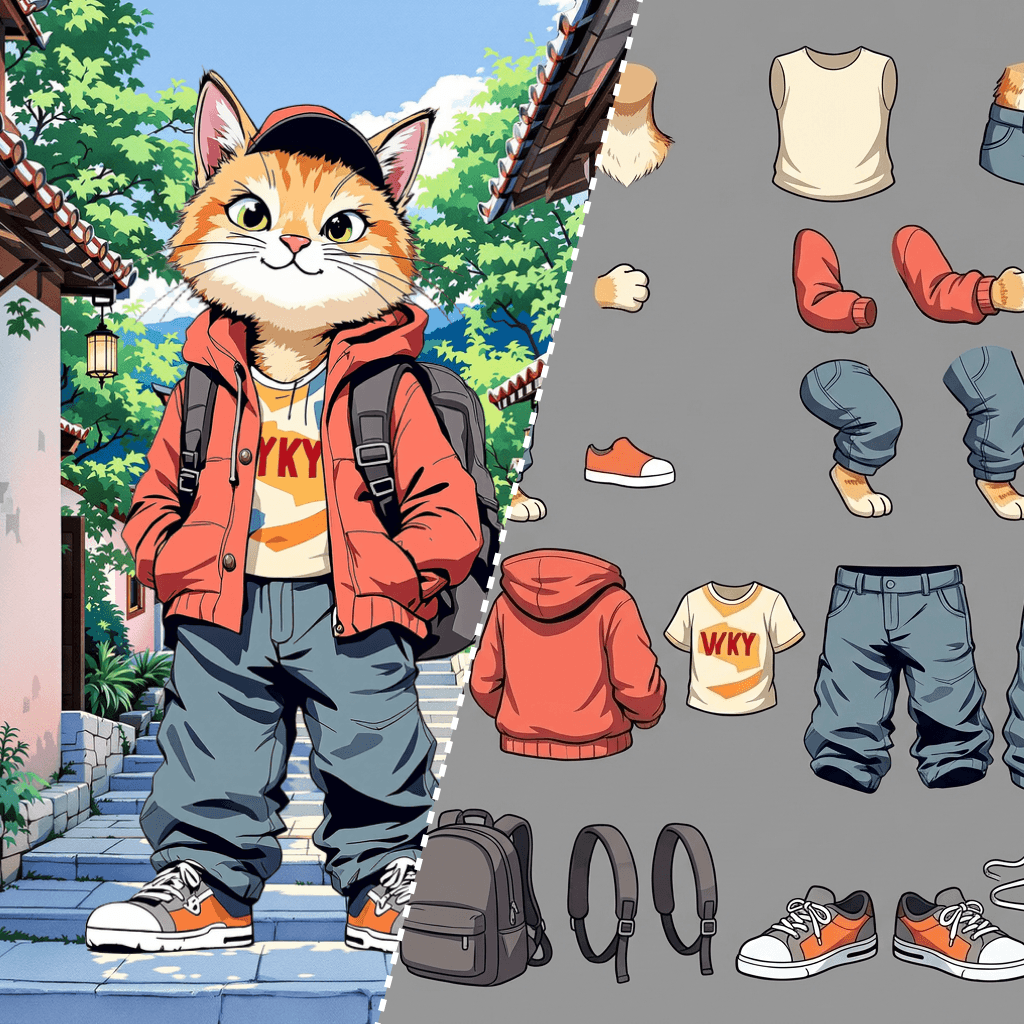
Turn an image into animatable 2D spine components
Gemini 3
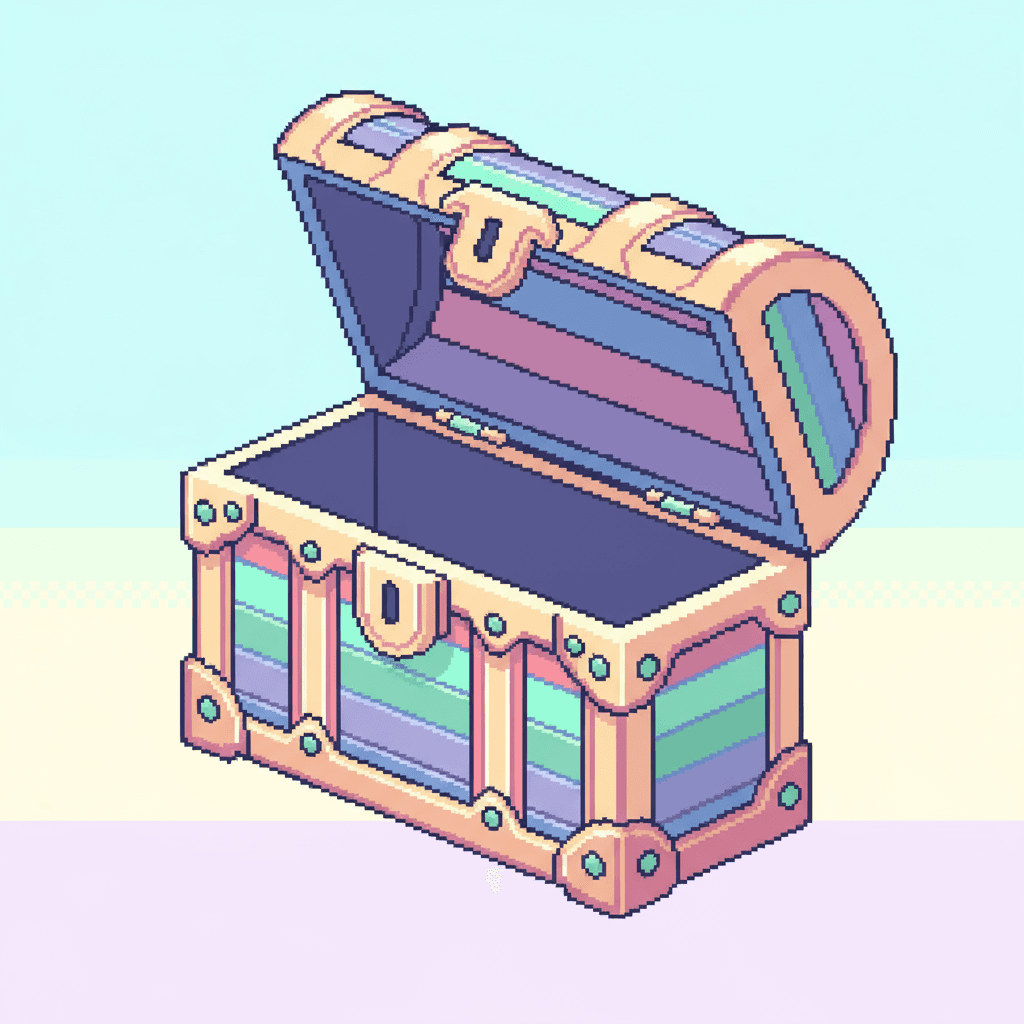
Render different angles and perspectives of your items.
Gemini 3
Isolate the items from a scene onto a grid.
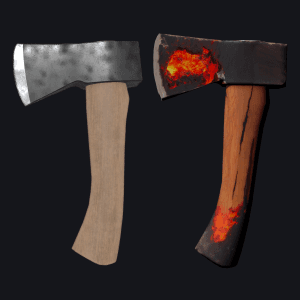
Apply a new texture to your 3D asset.
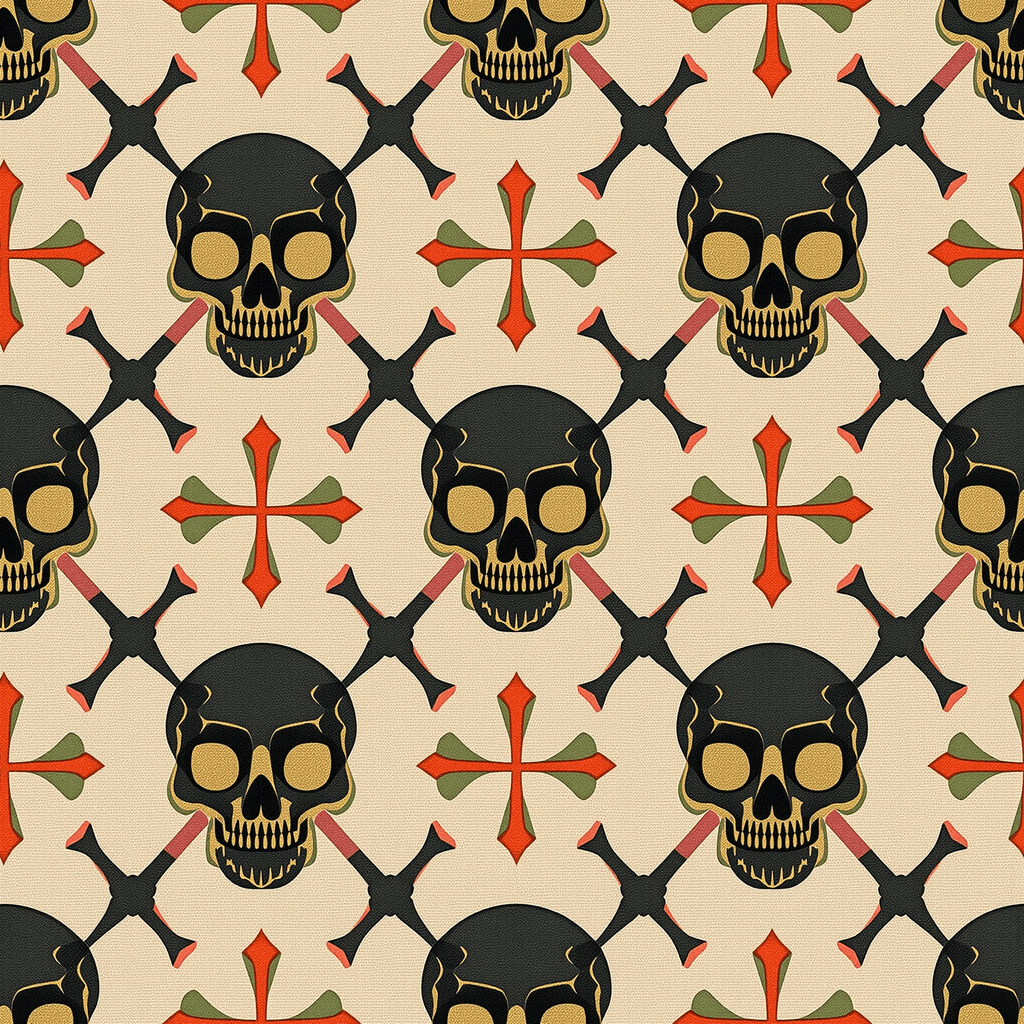
Create a seamless tileable texture with just a prompt.
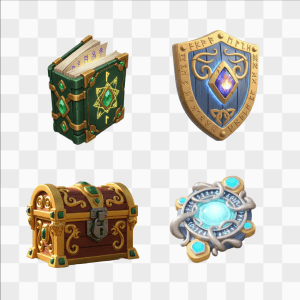
Remove the background from multiple images at once.
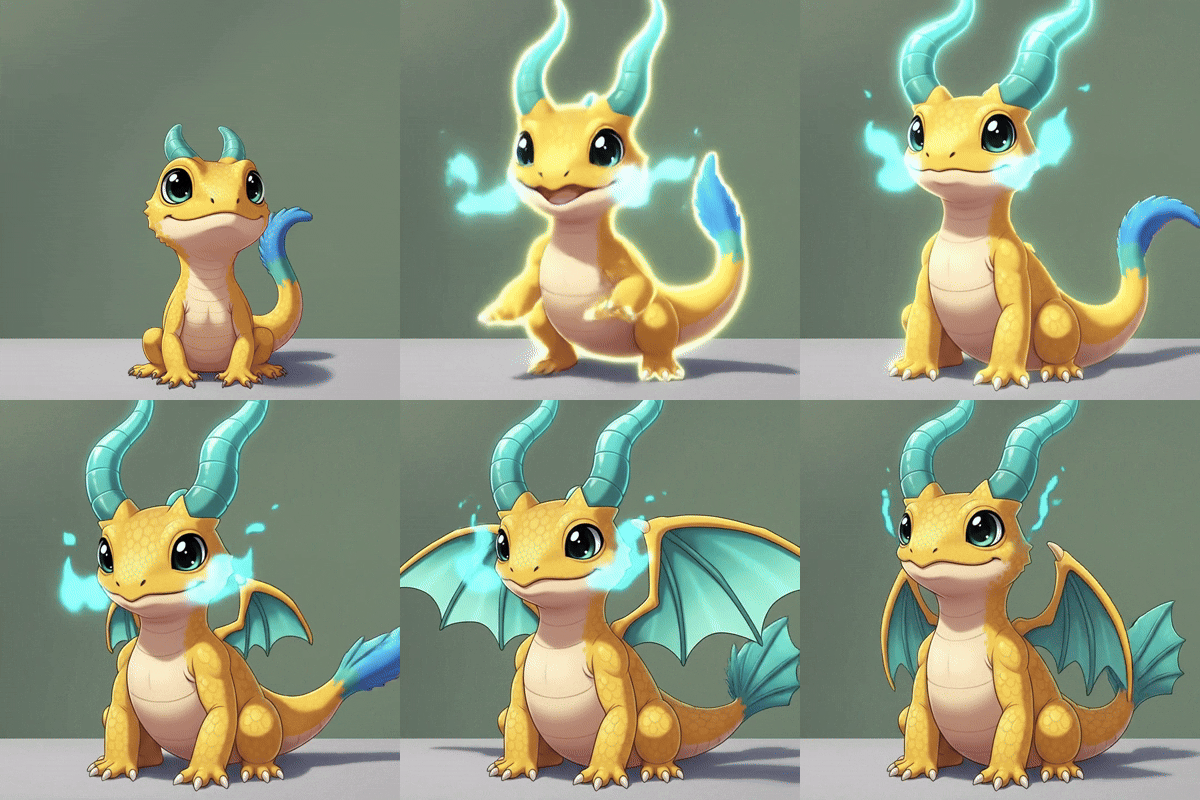
Generate a level-up video for animation inspo.
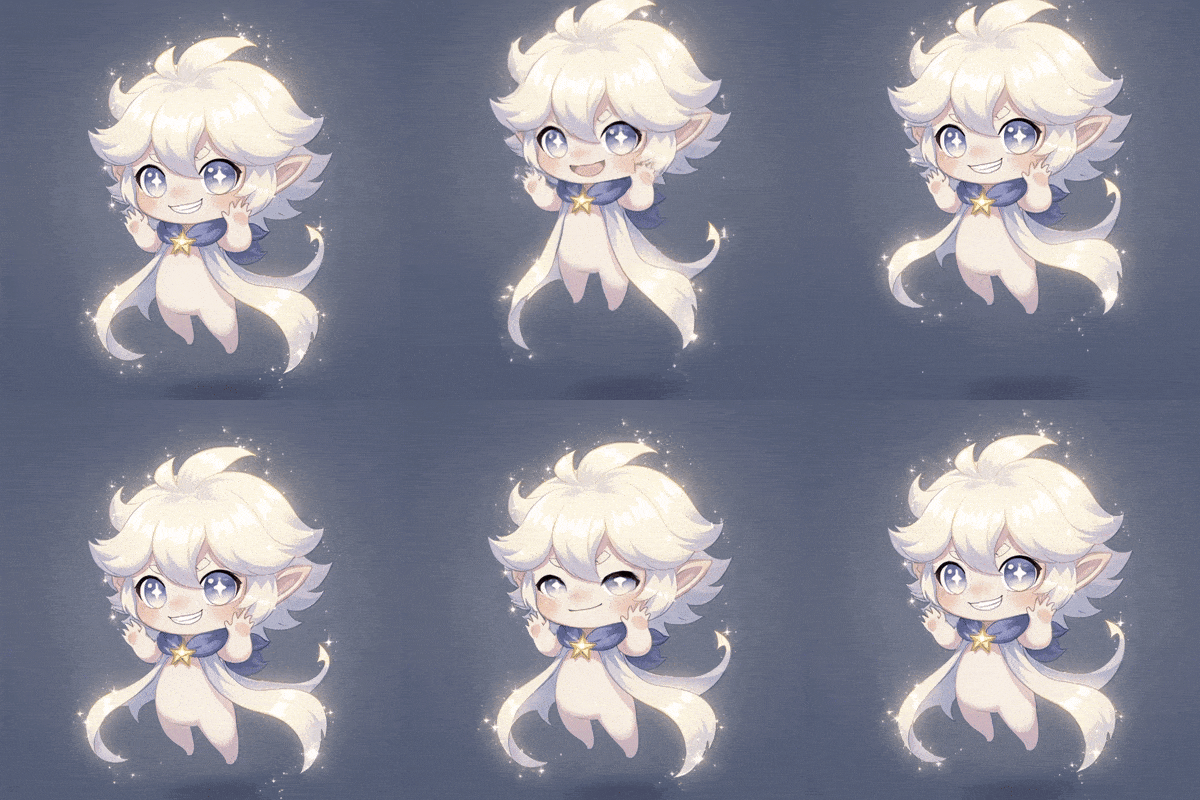
Create a looping idle animation of a character’s subtle motion.
Render different angles and perspectives of your items.
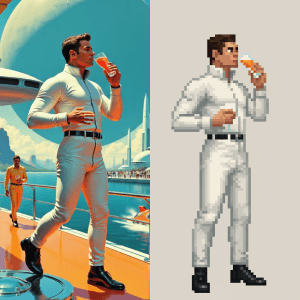
Turn the subject of an image into a retro 2D sprite.
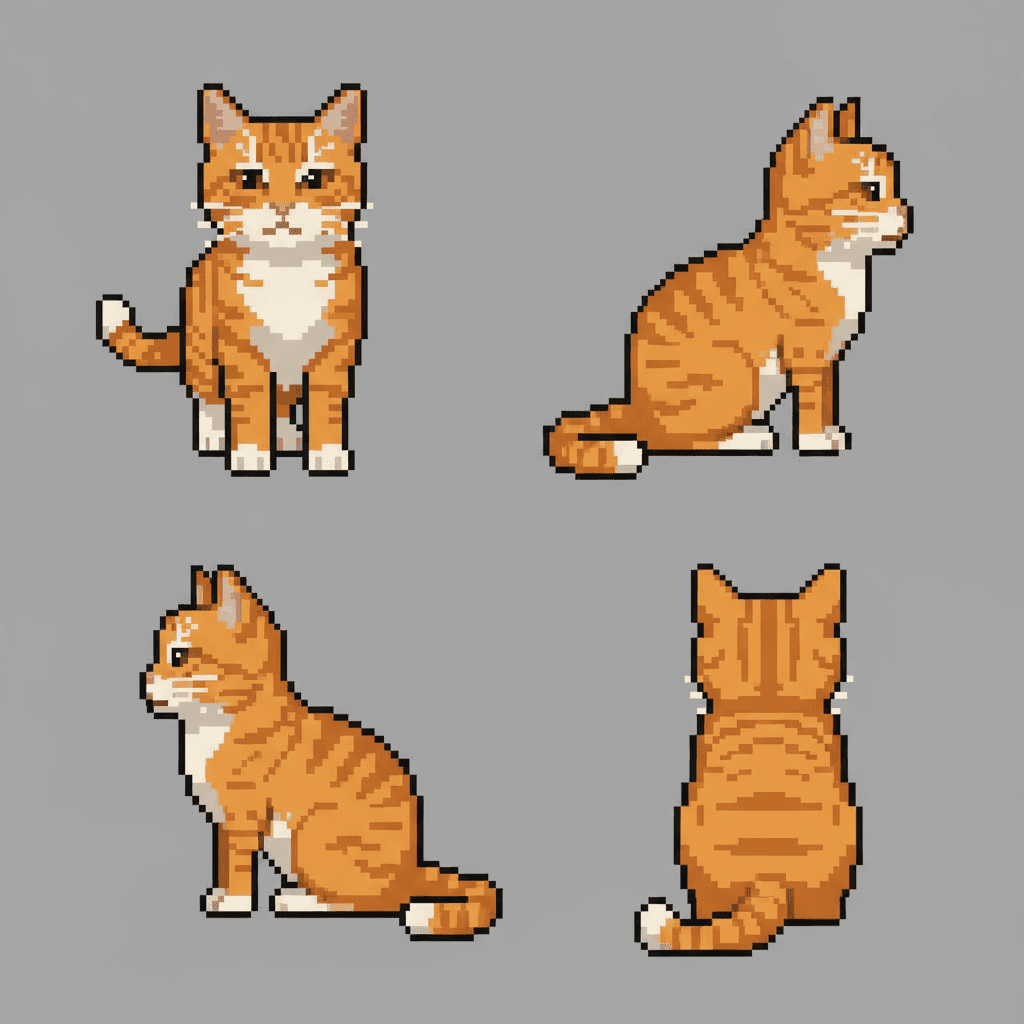
Turn an image into a series of sprites.
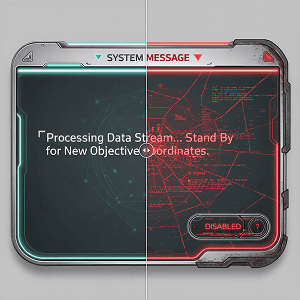
Reskin UI elements while retaining pixel perfect proportions.
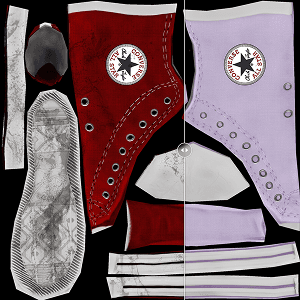
Edit or regenerate a specific region of a texture map.
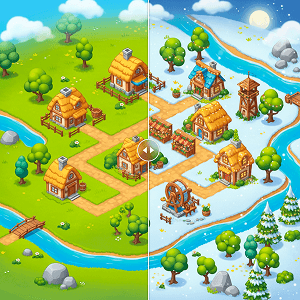
Reskin a map without changing it's structure.
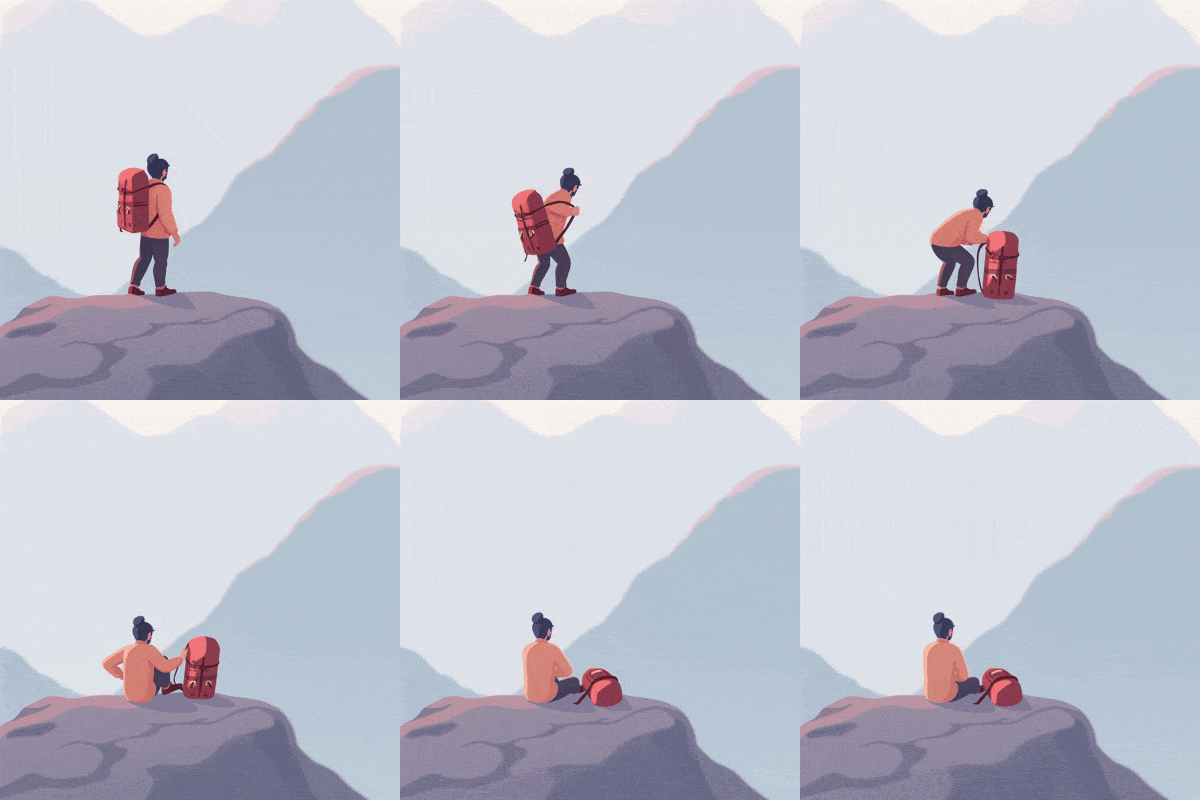
Create a natural feeling animation from an image.
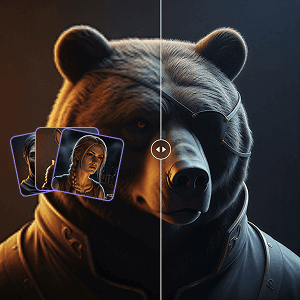
Increase the resolution (upscale) several images at once.
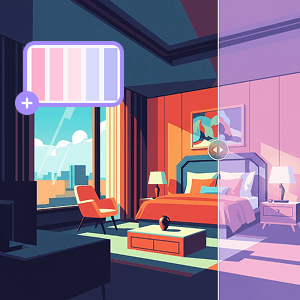
Recolor your image with a color palette reference.
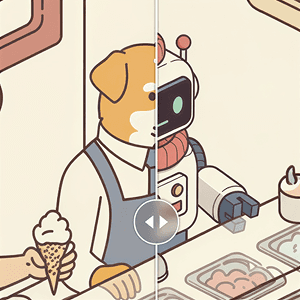
Replace a character with a new one in the same scene.
Create a 16:9 video perfect for TikTok.
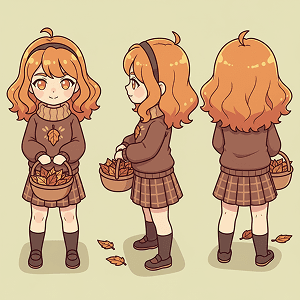
Render different angles and perspectives of your character.

Add sound effects that bring your video to life.
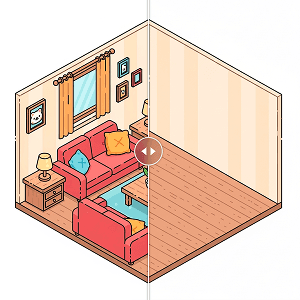
Remove unwanted details without changing the rest.
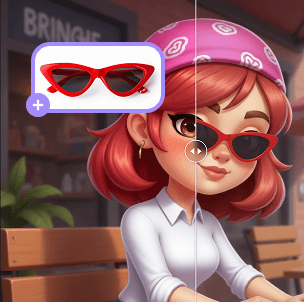
Add objects to your scene with a reference image.
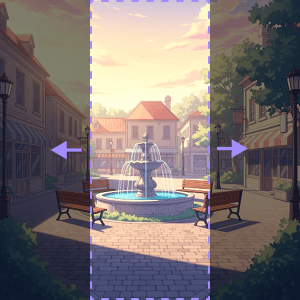
Seamlessly fill in transparent pixels.
Gemini 3
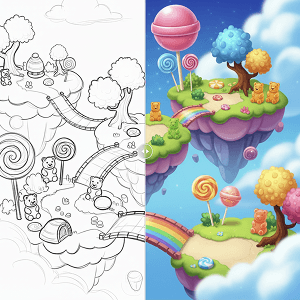
Turn a pencil sketch into a fully rendered image in your style.
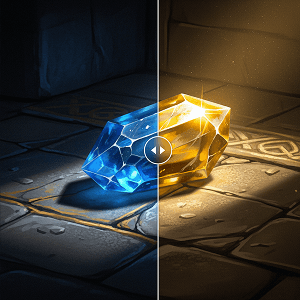
Make global color changes or change the color of specific areas.
Layer is your access point into a curated collection of industry-leading AI models for game development - from 2D and 3D generation to video and audio creation. We select models that deliver high-quality results and fit seamlessly into professional game studio pipelines.
We evaluate every model for speed, quality, creative control, and reliability. Only models that meet the needs of professional game teams and align with our artist-first values are added to the platform. Want a specific model? Just let us know and we'll take a look!
Absolutely. Layer is designed for mixed workflows where you can, for example, generate characters in 2D with one model, create layered environments with another, and finish with AI video or audio tools, all in the same workspace.
All models use Creative Units (CUs), with the price depending on the complexity of the generation. There are no hidden fees - you just pay for what you create, so you can mix and match models freely as your project needs evolve.
Yes. We welcome feedback from all game creators! If there’s an AI model you’d like to see on Layer, reach out to our team and we’ll consider it for future integrations.


