Skip to content

Changelog

What's new on Layer

Product updates, new models, improvements, and fixes — shipped continuously.

SDXL sketch support, prompt length changes, and better forging
SDXL sketch support, prompt length changes, and better forging

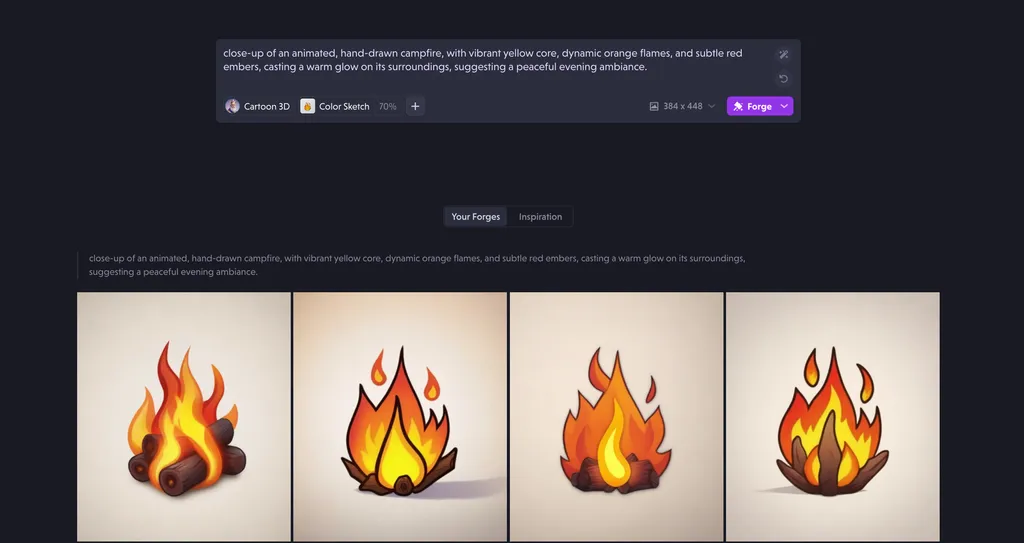
  • Added support for sdxl sketch.
  • Added validation for prompt lengths in style creator.
  • Added more human readable errors to the application.
  • Improved quality of forges by auto-increasing density when selected area is considerably smaller than the wider canvas.
  • Fixed an issue with redo shortcut (ctrl+shift+z)
  • Fixed issues with dark theme blending in with light theme.
  • Fixed an issue with the styles page not showing posted images correctly.
  • Fixed an issue when training prompts could not be easily read or modified.
Streamlined creator wizard, better editing, and Canvas improvements

Streamlined creator wizard, better editing, and Canvas improvements

What's New

  • Mobile Viewport Banner: A notification has been added to inform users that Layer does not yet support mobile viewports, with plans to optimize in the future.
  • Streamlined Style Creator Wizard: The style creator wizard workflow has been simplified with fewer steps, enabling faster style creation.
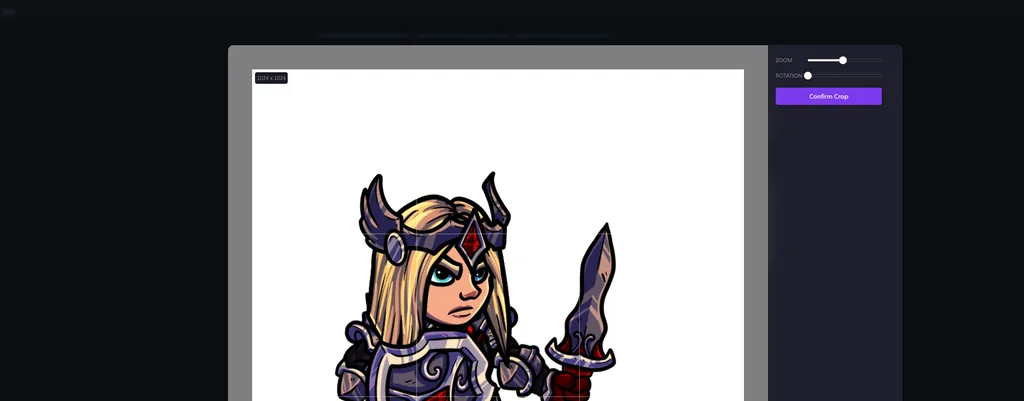
  • Enhanced Cropping Experience: The cropping tool within the style creator wizard has been made more intuitive and user-friendly.
  • Canvas Improvements: The canvas now displays asset properties including similarity and density metrics.
Bug Fixes
  • Resolved unexpected results from existing styles
  • Fixed free plan users' inability to add featured styles to workspaces
  • Addressed non-functioning Manga and Kawaii styles
  • Corrected layout regressions on the explore styles page
  • Solved asset deletion issues in the style creator wizard
  • Fixed interface bug hiding the Accept button behind the toolbar during asset forging
  • Eliminated errors when forging with certain styles
  • Made refill options available for previously unsupported styles

New featured styles, display options, and training

New featured styles, display options, and training

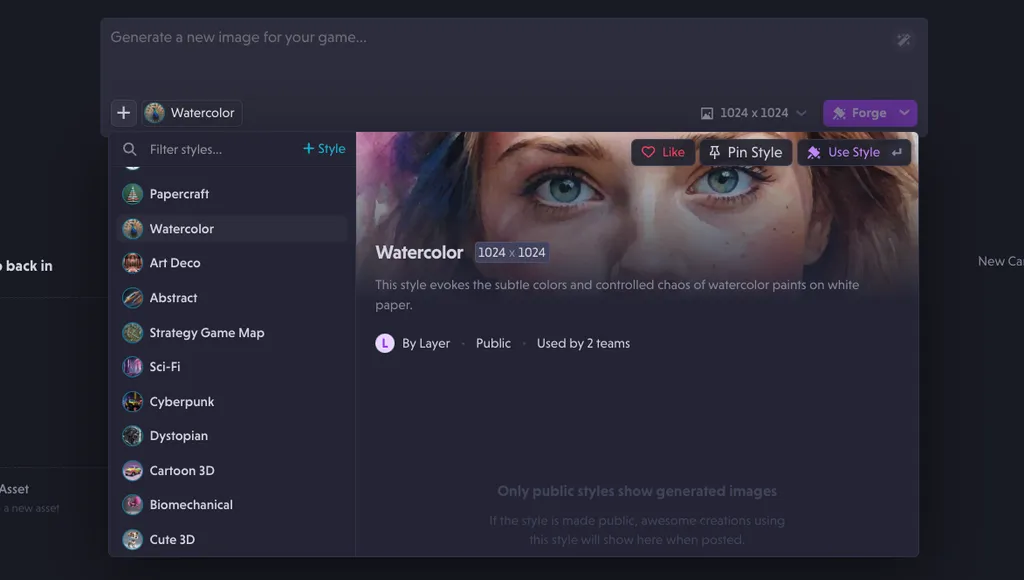
  • Added 40+ featured styles for all users to use for forging.
  • Added display option for Layer's main website to better show Layer's capabilities across different art styles.
  • Added a new prompt box to the Layer home page.
  • Added a new default when no style is selected in the prompt box.
  • Added training of high-resolution styles for pro users and limited the number of styles to 5 per plan.
  • Added training resolution on public styles page.
  • Improved the look and feel of the main navigation for Layer app.
  • Improved image previews throughout the Layer app.
  • Improved stability of image uploads on style creator.
  • Fixed UX regressions in style creator.
  • Fixed a regression in the workspace menu.
  • Fixed a stylistic regression on the upscale button in canvas.
New models2

Ready to scale your creative production?