![Made with FLUX.2 [flex]](https://media.app.layer.ai/workspaces/9602107e-865b-47e5-b66e-87b1bec5e3d5/files/e019e909-798f-4491-a39b-9ad984719c9d/flux-2-flex-posted-0_400.png)
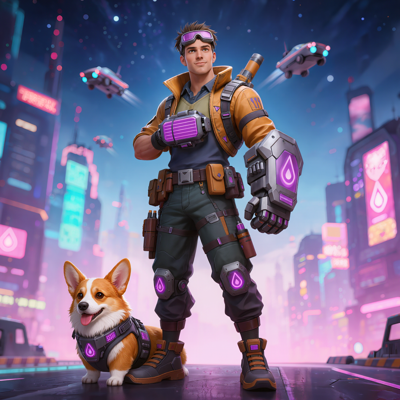
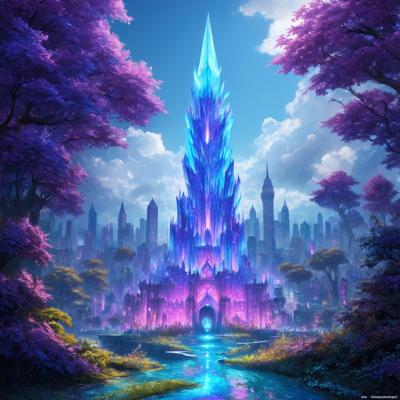
Logos, icons, and UI art lead double lives: tiny in a button, huge on a storefront banner. Raster files can't serve both—scale them up and edges blur, scale them down and detail muddies. Yet AI generation produces raster images, leaving teams to manually retrace promising marks in a vector tool.
Vectorize on Layer closes that gap. It converts raster artwork into clean SVG, with spline or polygon tracing and color or binary output, so a generated mark becomes an infinitely scalable production asset. And when you need pixels again, the Rasterize counterpart bakes vectors back down locally—no model, no Creative Units—so every raster editing tool still applies.
Key Capabilities
Raster to SVG Conversion Turn any raster image into vector paths that stay perfectly crisp at every size, from favicon to billboard.
Spline or Polygon Mode Choose spline tracing for smooth curves—logos, mascots, rounded icons—or polygon tracing for angular, faceted artwork where straight edges are the point.
Color or Binary Mode Preserve the full palette as filled vector shapes with color mode, or produce clean two-tone output with binary mode for silhouettes, stencils, and one-color marks.
Rasterize Counterpart Bake vector artwork back to pixels locally whenever you need it—no model call, no Creative Units—so vectorized assets can flow straight back into inpainting, prompt editing, and every other raster tool.
Batch and Workflow Ready Vectorize whole icon sets at once, or make it a node in a repeatable workflow: generate, vectorize, and export an entire UI kit in one pass.
How It Works
Select your asset Open any raster image in Layer—a generated logo concept, an icon, or uploaded artwork from your library.
Configure the trace Pick spline or polygon mode for the shape language, and color or binary mode for the output. The right combination depends on the art, and switching takes one click.
Generate and refine Layer produces the SVG. Review the paths, adjust modes if the style calls for it, and export—or rasterize back down when a pixel-based edit comes next.
Built for Game Production
UI Art That Scales Game UI ships across phones, tablets, and desktops at wildly different densities. Vector icons and frames render crisp everywhere from one source file.
Logos and Brand Marks Take a generated logo concept to a production-grade SVG that works on an app icon and a conference banner alike.
Marketing and Store Assets Scale badges, emblems, and promotional marks to any placement size without quality loss or re-exports.
Round-Trip Iteration Vectorize a mark, then rasterize it to apply prompt edits or inpainting, then vectorize again—moving freely between the two worlds without leaving Layer.
Layer is trusted by 400+ game studios and entertainment brands, including Zynga, SciPlay, and Huuuge Games. Vectorize turns one-off generations into scalable, reusable brand and UI assets.