UA managers live in a constant tension: the algorithms demand more creative, networks punish fatigue, and every day without fresh variations is wasted spend. But design teams have their own priorities, and the ticket queue means your best campaign ideas sit for days before getting assets.
Layer gives UA managers what they've always needed: self-serve creative production at the speed UA demands. Generate ad variations without filing design tickets. Test hooks, characters, backgrounds, and CTAs across every channel in your media mix. Find winning creative by testing more, not guessing better. Whether you're running campaigns on Meta, Google, TikTok, or ad networks, Layer puts creative production directly in your hands.
The UA Manager's Creative Bottleneck
Every UA manager knows this cycle:
You spot an opportunity. A competitor's creative is fatiguing, a new audience segment looks promising, or a game update creates a fresh angle. You need creative — now.
You file a design ticket. The request enters a queue behind brand campaigns, app store refreshes, and three other UA managers' requests.
You wait 3–7 days. By the time creative arrives, the window may have closed. The competitor refreshed. The trend passed. Your budget sat underperforming.
You get 3–5 variations. Not the 50 you need for statistical significance. Not the diversity you need for multi-channel testing. Just enough to launch — not enough to optimize.
Layer eliminates this bottleneck entirely. Generate the creative you need, when you need it, at the volume UA demands.
Self-Serve Creative Production
Layer puts creative production in the UA manager's hands:
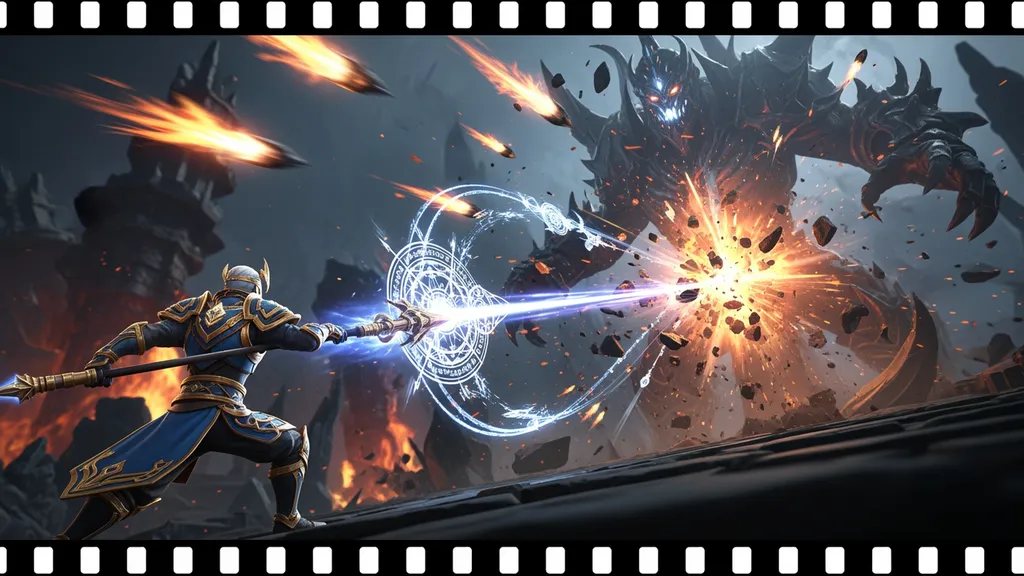
No Design Skills Required Describe what you want in plain language — "dramatic gameplay moment with our hero character fighting a boss, dark background, action-forward." Layer generates production-ready ad assets.
Instant Iteration Don't like the direction? Adjust and regenerate in seconds. Explore 10 visual approaches in the time it used to take to write one design brief.
Multi-Model Access Layer aggregates 300+ AI models. Use photorealistic models for live-action style ads, stylized models for character-forward creative, and specialized models for specific visual effects. Find the model that matches your game's aesthetic.
Production-Ready Output Export assets sized for every platform — 1080x1920 for TikTok/Stories, 1200x628 for Facebook feed, all Google UAC responsive formats, and every ad network specification. No resizing, no reformatting.
Creative Testing at UA Speed
Layer transforms how UA managers approach creative testing:
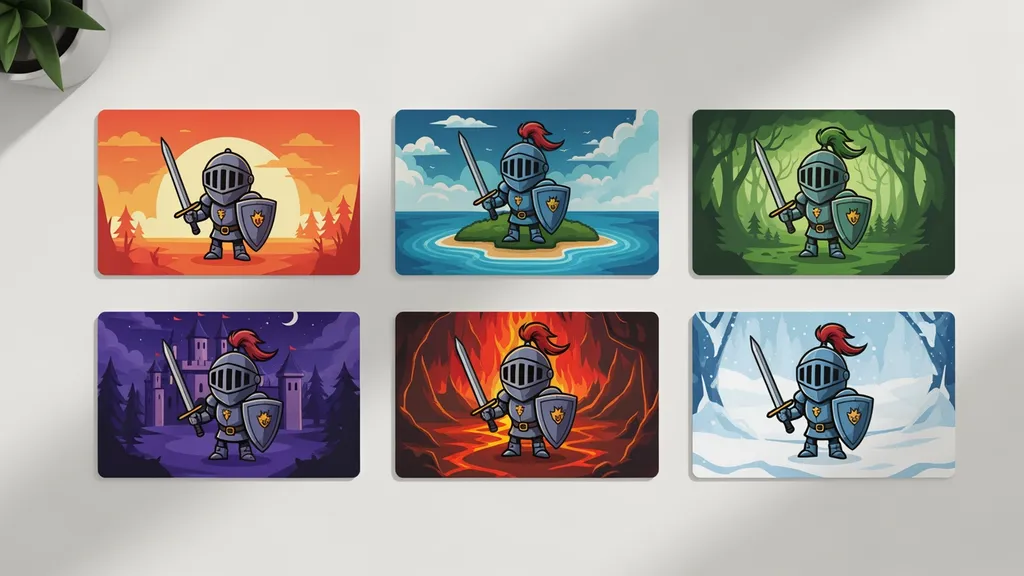
Volume Testing Generate 50–100+ variations per session. Feed Meta's Advantage+, Google's App Campaigns, and TikTok's algorithm with the creative abundance they need to optimize.
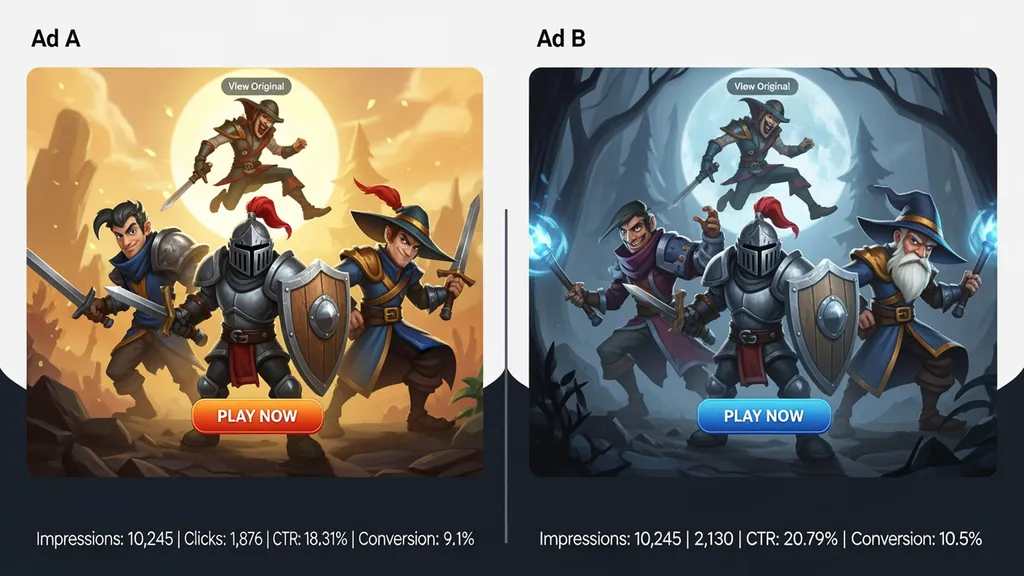
Structured Experimentation Test systematically — isolate one variable at a time (hook, character, background, CTA) while holding others constant. Get clean performance signals instead of noisy multi-variable tests.
IPM Optimization Produce the creative volume needed for systematic installs-per-mille testing. Higher IPM means lower effective CPI across every channel.
Weekly Testing Cadence With Layer, weekly creative refreshes become standard instead of aspirational. Launch new tests every Monday instead of every month.
Channel-Specific Creative Management
UA managers run campaigns across multiple channels simultaneously. Layer covers every one:
Meta (Facebook & Instagram) Generate the visual diversity Advantage+ needs. Feed ads, stories, reels, and carousel formats from a single production session.
TikTok Create native vertical creative that matches TikTok's aesthetic — UGC-style, gameplay-forward, trend-responsive variations.
Google UAC / App Campaigns Supply all responsive formats. Google's algorithm rewards creative volume — give it what it needs.
Unity Ads, ironSource, AppLovin End cards, interstitials, and playable ad assets formatted for every in-app network in your mediation stack.
App Store Screenshots Don't just optimize ads — optimize the store listing every paid click lands on. Generate and A/B test screenshot variations.
Fatigue Management Pipeline
Creative fatigue is the silent killer of UA performance. Layer makes fatigue management proactive:
Pre-Build Replacement Creative When you launch a new winner, immediately generate 20+ variations on that theme. Have replacements ready before the original fatigues.
Performance Monitoring Integration Track which assets are in rotation and their performance trajectory. When IPM starts declining, your replacement creative is already staged.
Theme Evolution Don't just replace — evolve. Generate variations that gradually shift the winning visual while preserving the hook that drives installs. Extend winner lifecycles.
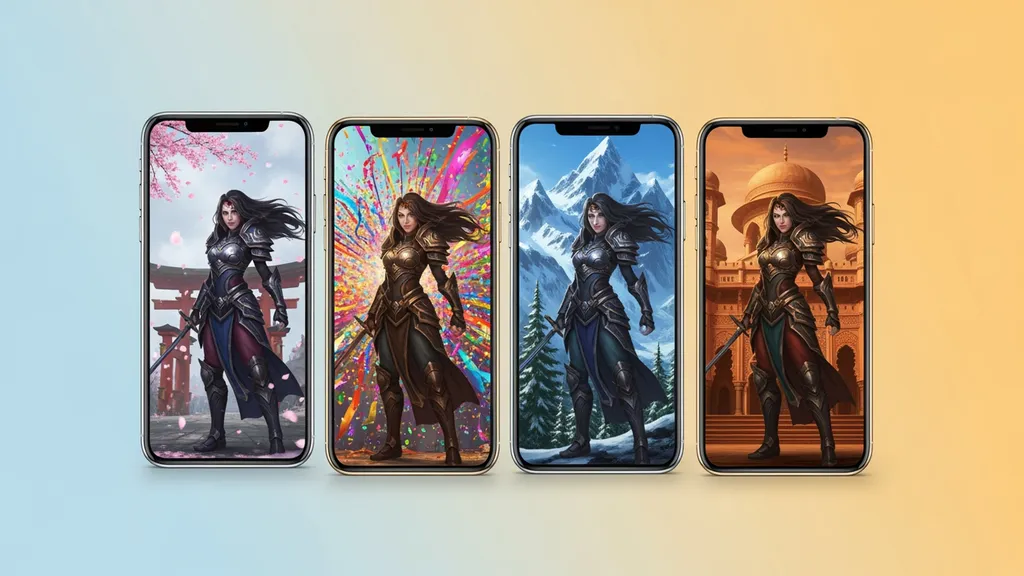
Seasonal Refreshes Quickly adapt winning themes for game events, seasonal moments, and feature updates without starting from scratch.
Collaboration with Creative Teams
Layer doesn't replace your creative team — it changes the collaboration model:
UA Managers Handle Volume You generate the high-volume variation testing creative directly. No tickets, no waiting.
Designers Handle High-Concept Your design team focuses on developing new creative concepts, style guides, and hero creative — the work that benefits most from human creativity.
Shared Style Libraries Designers set up style guides and brand parameters in Layer. When you generate creative, it automatically matches the game's visual identity.
Art Director Approval Route generated creative through approval workflows when needed. Maintain quality standards without creating production bottlenecks.
Campaign Analytics Integration
Layer supports data-informed creative decisions:
Creative Tagging Tag every variation by hook type, character, visual style, CTA, and theme. Map performance data back to specific creative decisions.
Winner Pattern Analysis After 3–5 testing cycles, clear patterns emerge. Layer helps you build institutional knowledge about what drives installs for your game.
Budget Allocation Intelligence Understand which creative approaches deserve more testing budget. Stop wasting spend on visual directions that consistently underperform.
Cross-Channel Insights Compare creative performance across channels. A hook that wins on TikTok might underperform on Facebook — Layer helps you produce channel-optimized variations.