Skip to content

AI Music from Image

Level Themes Scored from the Art You Already Have

Attach the art, and Lyria 3 Pro takes the picture itself as its reference

What do you want to create?

Log in to unlock more features

Attachments, projects, reference sets and voice are part of your workspace.

Messages to send, and what they made

“Score a theme from this level art with Lyria 3 Pro, using the image itself as the reference: match its mood and setting, instrumental, about two minutes.”

With your level art

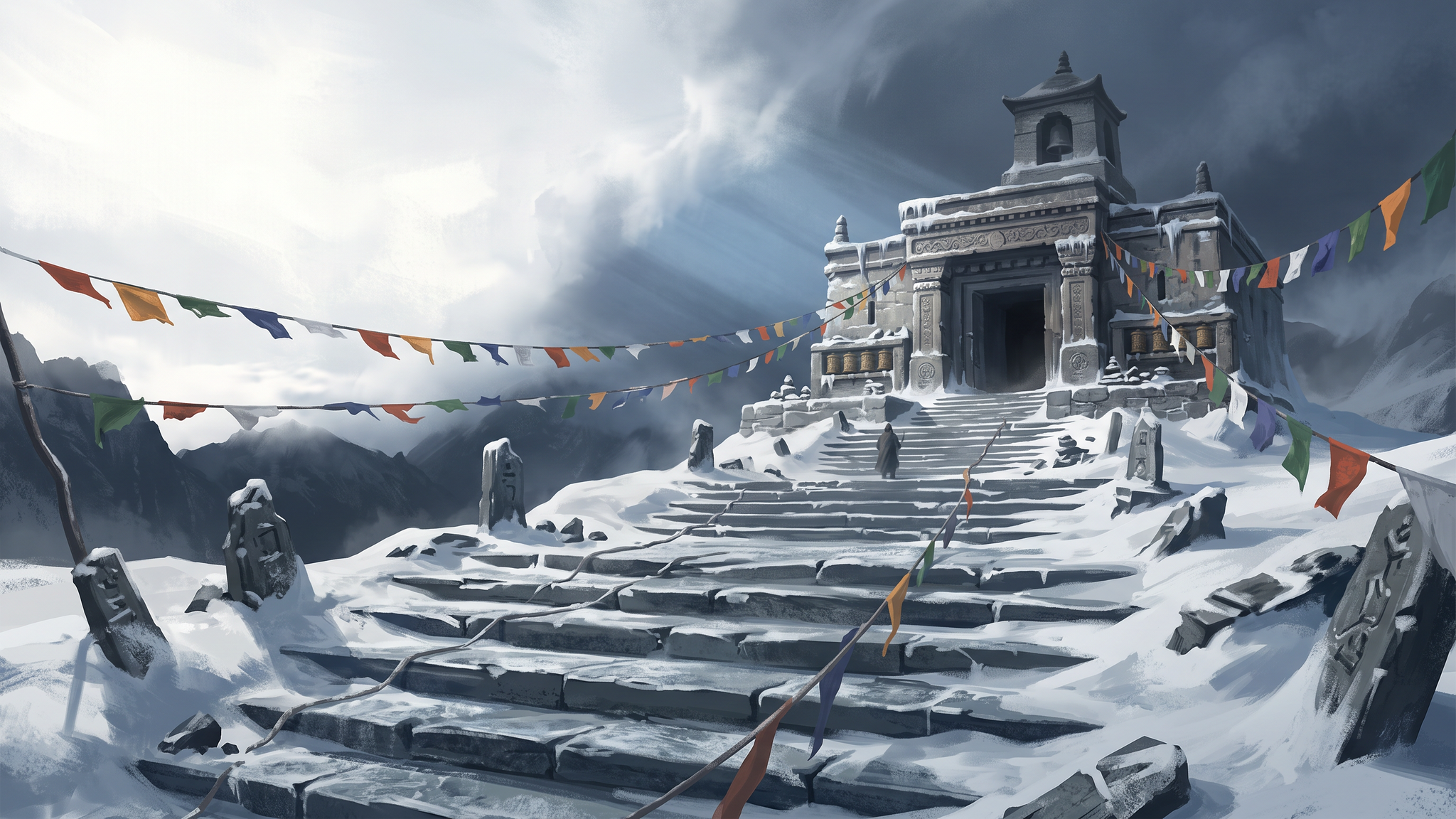
Level art of a frozen mountain temple with prayer flags and a storm rolling in
The level art, a stand-in made in Layer
The theme

The storm rolling in over the temple becomes the build, so the theme starts cold and swells as the weather arrives.

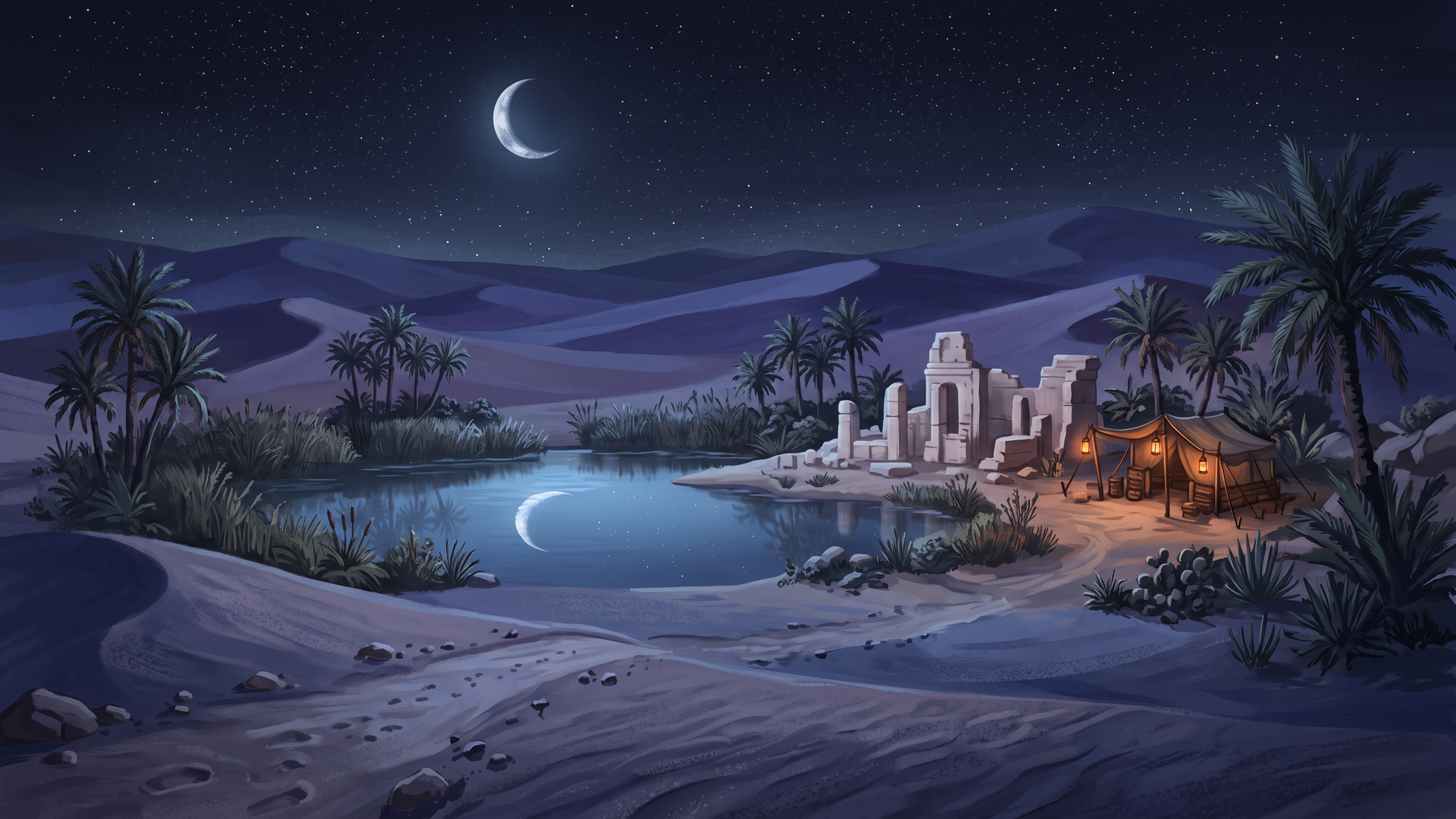
“Paint a moonlit desert oasis for my adventure game, then score it with Lyria 3 Pro using the painting itself as the reference: instrumental, about two minutes.”

A painted moonlit desert oasis with a crescent moon over palms and still water
The painting
The score

The painting and its score come from the same message, and the stillness of the moonlit water carries into a contemplative score.

By the time a level has its art, its mood is already settled. Turning that picture back into a written music brief loses most of what it says, and the level sits silent until someone finds the words.

Attach the art and ask for its theme. Layer scores it with Lyria 3 Pro using the image itself as the reference, so you skip translating a painting into adjectives.

The Picture Settles the Mood Word

A mood word is a weak brief. Haunting covers a music box and a detuned synth pad alike, and heroic covers a brass fanfare and a chiptune march. A picture closes that gap. A frozen temple under a gathering storm points to a cold theme that builds, and a still, moonlit oasis points to something contemplative, which is what the two examples above came back as.

Words still steer it Name instruments, a tempo or a feeling in the message, and the score follows the words as well as the art.

No art yet Ask for the painting and its score in one message, as with the oasis.

A First Theme for Every Biome

Score each level from its art the day the art lands, then play the whole game's range back to back. Hearing the desert next to the glacier tells you early whether the soundtrack has enough contrast, and a theme found this way gives your composer a reference that already matches the picture.

Themes download as MP3 or WAV, for your engine or your editor. See audio generation for more on music generation in Layer.

For music timed to the second, see orchestral game music. For sets that move with play, see adaptive game music.
Music from Your Game Art — FAQ

How does the music follow the image?+

Lyria 3 Pro takes the picture itself as a reference, so the light, weather and setting in the art shape the music directly. Anything you add in the message, such as instruments, a tempo or a feeling, steers it further.

What kind of art works best?+

Art with a clear mood and setting. Level art, key art and concept art give the strongest scores. A character portrait works too, but with less setting in the frame, your message has to carry more of the direction.

Can I set the exact length?+

No. Lyria sets its own length, so "about two minutes" is a target rather than a rule. For music that has to land on an exact second, see [orchestral game music](/use-cases/orchestral-game-music).

Will themes from different levels fit together?+

Not automatically. Each image scores its own theme, so a desert and a glacier scored from their art will usually differ in key and tempo. That suits a level select. For cues your game crossfades between, see [adaptive game music](/use-cases/adaptive-game-music).

Do I need my own art?+

No. Ask Layer to paint the scene first and score the painting in the same message, as in the desert oasis example.

What do I do with a theme once I have it?+

Play it under the level while you build it, or hand it to your composer as a reference that already matches the art.

Attach the art, hear the level

Create a free Layer account and attach the art you want scored.