Skip to content

Changelog

What's new on Layer

Product updates, new models, improvements, and fixes — shipped continuously.

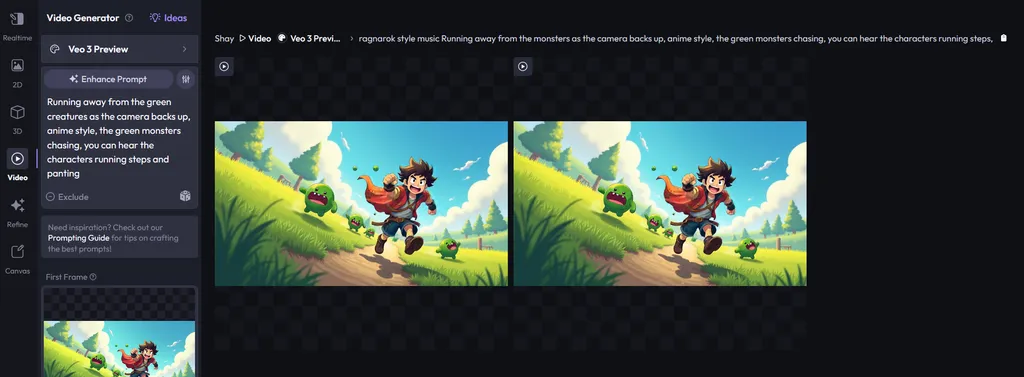
Veo 3 early access and Forge Explorer

Veo 3 early access and Forge Explorer

New Features

  • Intercom-Powered Updates: Replaced the in-app release notes feed with Intercom to surface the latest updates more effectively. (So meta!)
  • Posted Files in Forge Explorer: Added support for "Posted Files" in Forge Explorer, enabling users to replay previous Forges with ease.
  • Improved Tile Responsiveness: Enhanced responsiveness of action buttons on tiles across Activity, Drive, and Forge Session pages.
Fixes
  • Fixed an issue where some 3D previews were not rendering correctly.
  • Fixed a UI issue in Canvas where Brush dropdowns appeared broken on Firefox.
  • Fixed a bug where the eyedropper tool didn't pick colors correctly.
  • Fixed a problem where deleting styles didn't behave as expected.
New models1

FLUX Kontext, Kling 2.1, and UI improvements

FLUX Kontext, Kling 2.1, and UI improvements

New Features

  • Prompt Edit in Canvas: You can now edit prompts directly on the Canvas - just select a region and click the icon in the selection toolbar.
  • Favorited Forges Filter: Easily filter your favorited forges on the Activity page.
  • UI Refresh: Updated and improved the overall look and feel of the application.
Fixes
  • Fixed an issue where Negative Prompt appeared incorrectly as a style setting for Flux.
  • Fixed overlapping Canvas shortcuts that caused interference.
  • Fixed an issue in Session where selecting an asset prevented text copying.
  • Fixed a bug with updating video duration.
New models3

Imagen 4, Prompt Ideas, and Video Gen limits on Pro

Imagen 4, Prompt Ideas, and Video Gen limits on Pro

New Features

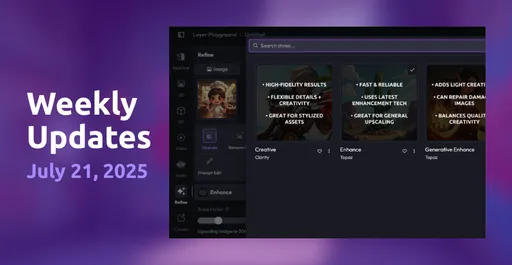
  • Refine Options on Canvas: Fine-tune your generations directly on the canvas with new refinement tools for more control and precision.
  • Introducing "Ideas": Explore inspiration from your past favorite generations and discover what others in your workspace are creating.
  • Video Generation Limits for Pro Plans: Pro users can now generate up to 100 videos every 30 days—helping ensure fair usage and consistent performance.
Fixes
  • Resolved an issue where Art Directors couldn't see user filters on the Activity page.
  • Fixed a bug that caused training failures when too many assets were added.
  • Restored the missing "Unpost from Style" option on the Gallery page.
  • Patched a SCIM issue that occasionally re-enabled disabled users in specific integrations.
  • Fixed preview rendering and right-click menu visibility for directories in Drive.
  • Exporting assets to Drive now works as expected.

New website, smarter filters, and upscale insights

New website, smarter filters, and upscale insights

New Features

  • New Website Launched: We've released our newly redesigned and improved website! Check it out at https://layer.ai.
  • Smarter Filter UX: In the Activity feed, filters now automatically expand when added - making filtering smoother and faster.
  • Upscale Insights: Added visibility into creativity and resemblance scores for upscaled images.
  • Forge Session Feed Enhancements: Introduced a more helpful and visually improved empty state for the Forge Session feed.
Fixes
  • DALL·E Integration: Resolved issues preventing DALL·E from working correctly.
  • SCIM Integration: Fixed a casing issue that affected some SCIM syncs.
  • 3D Viewer Buttons: Repaired functionality for several broken buttons in the 3D viewer.
  • Prompt Edit Re-forge: Fixed bugs preventing prompt-edited images from being reforged properly.
  • Style Breadcrumbs: Corrected breadcrumb behavior in Style Details so users are properly redirected back to Style Studio.
  • 2D Generation Restriction: Disabled image reference for GPT 1 in 2D generation, as it wasn't intended to be available.

AI image editing, batch selection, and new video models

AI image editing, batch selection, and new video models

New Features

  • Prompt Editing: You can now refine images by editing their prompts. Use Refine → Prompt Edit to tweak image details or provide reference images - perfect for tasks like changing outfits on a character.
  • Batch Selection in Activity, Drive, and Session: Select multiple items to refine them in bulk, saving time and effort.
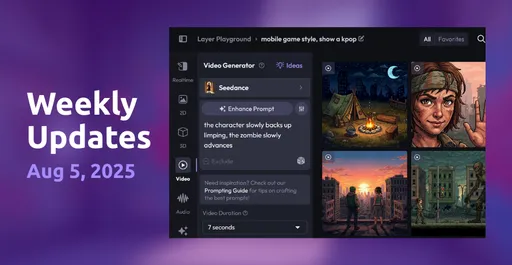
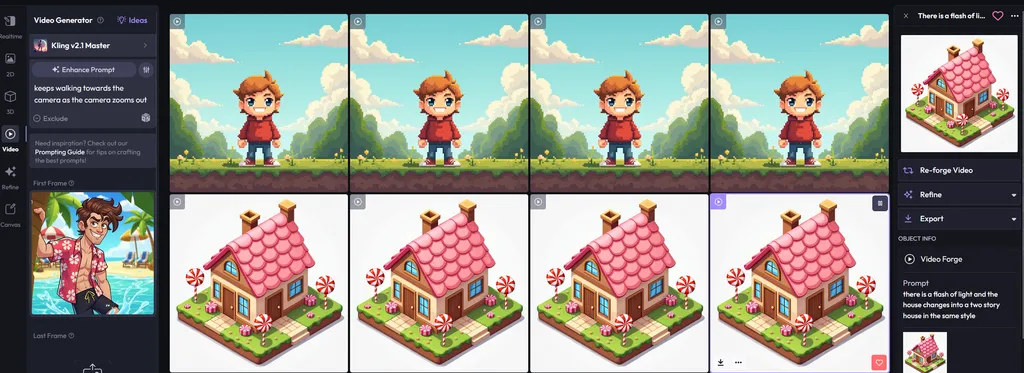
  • Seed Support for Video Models: For models that support it, you can now specify a seed to control video generation results.
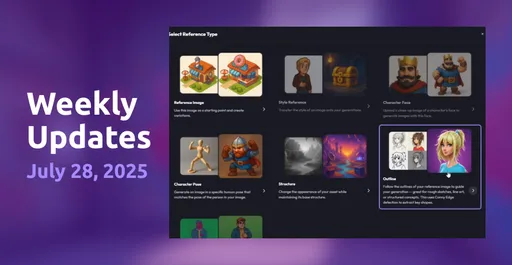
  • Reference Type Memory: The system now remembers your previously selected reference type to streamline repeated tasks.
  • Manual Date Entry in Activity: Directly type in dates for faster and more precise control.
Fixes
  • Fixed an issue where CMD + Enter didn't submit forms in Refine.
  • Fixed a bug where zoom controls appeared on small devices, despite being unusable.
  • Corrected video duration calculation for more accurate playback timing.
  • Fixed an issue where Minimax wasn't forging at the correct ratio.
  • Fixed a bug where Forge errors weren't being displayed when failures occurred immediately.
  • Resolved a rounding issue with decimal values in the density slider.
  • Fixed a layout bug where the uploaded files bar in Drive was clipped by the sidebar info bar.
New models2

New Canvas editor, Activity feed, and batch Refine

New Canvas editor, Activity feed, and batch Refine

New Features

  • Canvas in Session: You can now open images directly in Session without disrupting your workflow. Your earlier assets have been migrated into new Sessions. Starting next week, you'll be able to filter your Canvas creations via the new Activity feature.
  • Activity: A new way to browse your past generations across Sessions. Art directors and admins can filter by user to keep tabs on creative output.
  • Batch Operations for Refine: You can now upscale, vectorize, or remove backgrounds from multiple assets at once.
  • Reference Copying: Copy assets directly from the Session feed to reuse as references.
  • Improved Filepicker: You can now Double-click items to quickly select them.
  • Updated Session Feed Tiles: New visual tiles make browsing more intuitive.
  • Consistent UX: Unified look and feel across 2D, 3D, and Video experiences.
Fixes
  • Fixed pose references not applying correctly.
  • Improved sharpness of poser tool results.
  • Fixed video image references not displaying.
  • Resolved sporadic crash when switching modes in Session.
  • Fixed SCIM integration defaulting incorrectly for new enterprise workspaces.
New models1

New File Picker, Kling 2.0 for video, and Prompt Genie

New File Picker, Kling 2.0 for video, and Prompt Genie

New Features

  • Released a new consolidated File Picker system and Reference selection flow. These will serve as the foundation for more advanced features in the future.
  • Launched Prompt Genie, a tool for enhancing prompts with guided improvements. Check out our docs for more details.
  • Improved reference types support for the FLUX 2D model.
  • Added workspace controls to disable automatic addition of new styles.
Fixes
  • Improved visibility of selected modalities in workspace settings.
  • Fixed an issue where disabled actions appeared in Forge and Drive views.
  • Fixed CMD + Enter not submitting forms.
  • Fixed discrepancies between user management and SCIM integration.
  • Fixed an issue where prompt enhancement altered the prefix & suffix.
  • Fixed suspend user option incorrectly appearing for SCIM-enabled workspaces.
  • Fixed an issue preventing posts to the Style Gallery.
Internal Improvements
  • Replaced moment.js with date-fns.
  • Improved database monitoring.
New models3

New branding, video upscaling, and bug fixes

New branding, video upscaling, and bug fixes

New Features

  • Revamped official Layer branding and refreshed visual design for the app homepage.
  • Added support for video upscaling (more on this soon!).
  • Added the ability for users to update profile pictures.
  • Improved notifications on the Style page to better indicate the maximum number of styles allowed.
Fixes
  • Fixed an issue where users could be manually added to a workspace even when SCIM integration was enabled.
  • Fixed a bug where saving a JPEG image incorrectly defaulted to PNG file extension.
  • Resolved an issue where Forges occasionally failed without clear errors, leading to a broken UI state.
  • Refinement icons now display correctly.
  • Fixed an issue where closing the Drive dialog also closed the breadcrumbs unexpectedly.
  • Flattening the Drive directory now works with a single button click.
  • Resolved transparency issues when generating images with SDXL.
  • Fixed a bug where assets could be exported before saving was complete, causing errors.
  • Fixed a problem where the 3D viewer sometimes failed to open.
  • Corrected the label for Tripo 2.5 Style, which was still showing as 2.0 in the app.

Custom style controls and prompt management

Custom style controls and prompt management

New Features

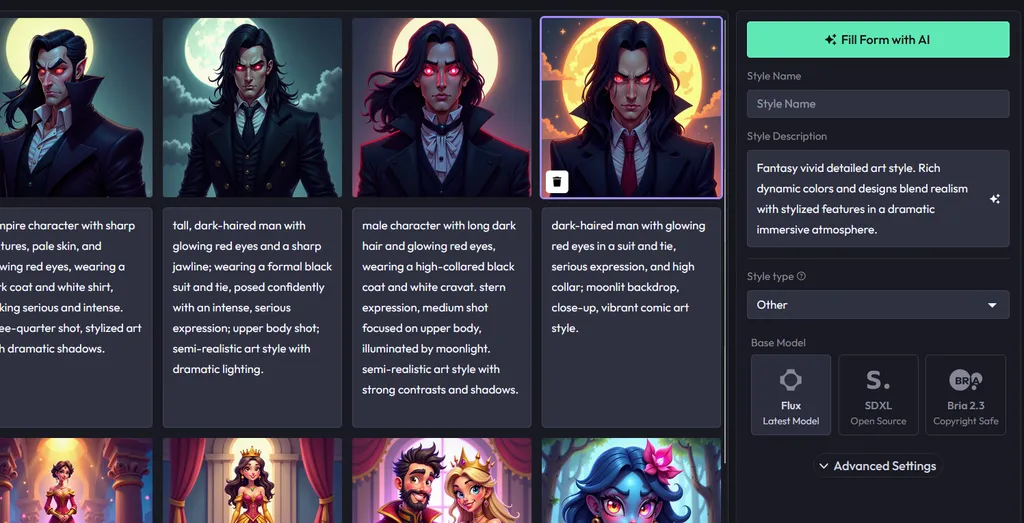
  • Introduced prefix and suffix support for styles, enabling style admins to "define default values to improve output quality."
  • Added the ability to view the full prompt in the session feed through an expandable menu.
Fixes
  • Fixed an issue where Video length settings would revert to their previous value.
  • Resolved a bug where unfinished Forges were not marked as "Failed," causing infinite timers.
  • Fixed a problem with deleting items from the session feed.
  • Addressed a display issue where non-functional refinement options appeared for SVGs.
  • Fixed an error that occurred when exporting Canvas assets with invalid layer names.
  • Resolved a bug where users would see errors when browsing featured styles.
  • Fixed an issue where the Drive view didn't refresh to show newly uploaded files.
  • Addressed an overflow issue with user emails in the user menu.

New product tour and Layer Library

New product tour and Layer Library

New Features

  • Added a new product tour for new customers.
  • Released Layer Library, a new improved experience to improve the discoverability of assets.
Fixes
  • Fixed an issue where renaming a layer and hitting enter resulted in reforge on canvas.
  • Fixed an issue with OIDC users could not login.
  • Improved filenames for assets generated via forging.

Ready to scale your creative production?