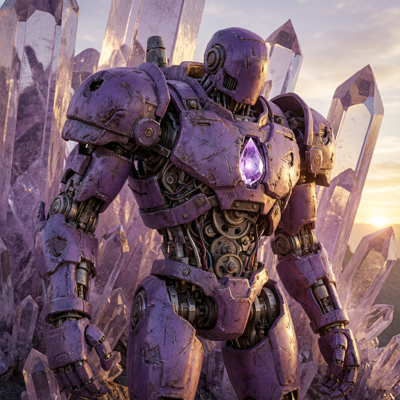
![Made with FLUX.2 [flex]](https://media.app.layer.ai/workspaces/9602107e-865b-47e5-b66e-87b1bec5e3d5/files/e019e909-798f-4491-a39b-9ad984719c9d/flux-2-flex-posted-0_400.png)
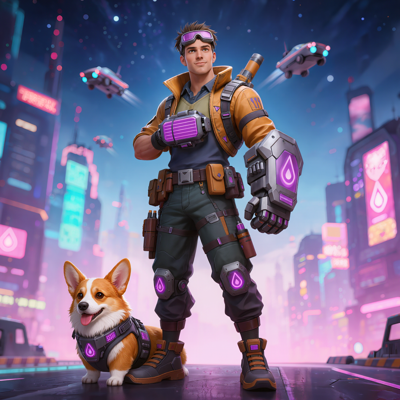
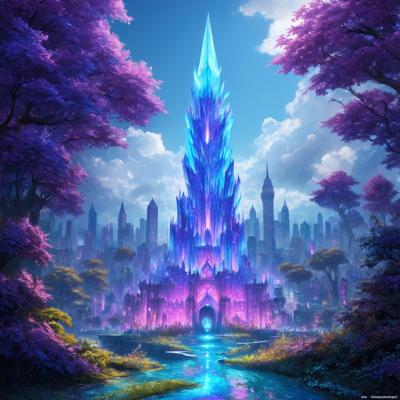
A generation is 95% right: the character is perfect, the composition works, but one hand is wrong, a logo is garbled, or a prop doesn't fit the brief. Regenerating the whole image gambles away everything that already works. Fixing it by hand in a paint tool costs an artist's afternoon.
Inpainting on Layer makes those fixes surgical. Brush over the problem area, describe what should be there instead, and Layer regenerates just that region—blended into the surrounding art so the fix is invisible. When words aren't enough, Draw mode lets you sketch directly on the image to show exactly what you mean.
Key Capabilities
Brush-Based Masking Paint over exactly the region you want to change, from a stray artifact to an entire garment. Everything outside the mask is guaranteed to stay pixel-identical.
Describe the Replacement Pair your mask with a plain-language description—"a leather satchel," "clean grass, no rocks," "an open treasure chest"—and the model fills the region to match.
Draw Mode Sketch directly on the image to indicate shape, placement, or pose, then describe the edit. Your rough strokes guide the generation, so you can art-direct with a stylus instead of a paragraph.
Seamless, On-Style Fills Regenerated regions inherit the lighting, palette, and rendering style of the surrounding image, so fixes read as part of the original asset rather than a patch.
Model Choice Inpaint with leading image models on Layer—including FLUX, QWEN, and SDXL—or with your own trained styles, so fills match the look your team has already established.
How It Works
Select your asset Open any image in Layer—a fresh generation, a work-in-progress, or artwork uploaded from your existing library.
Mask or draw, then describe Brush over the area to change, or switch to Draw mode and sketch what you want directly on the canvas. Add a short description of the replacement.
Generate and refine Layer regenerates only the masked region. Compare results, adjust the mask or wording, and iterate until the fix is seamless.
Built for Game Production
Game Art Cleanup Fix anatomy, hands, artifacts, and off-brief details in otherwise-approved generations, so promising outputs become shippable assets instead of discards.
UA Creative Variants Swap a single element—the featured item, the character's expression, the reward on screen—to produce ad variants from one approved composition.
Live-Ops Reskins Update just the seasonal elements of an existing asset: change the decorations, the featured currency, or the event prop while the familiar scene stays intact.
Marketing Assets Correct details on key art and store creative without going back to the original artist or source files, keeping campaign timelines on track.
Layer is trusted by 400+ game studios and entertainment brands, including Zynga, SciPlay, and Huuuge Games. Inpainting keeps your best generations alive—fix the 5% that's wrong and ship the 95% that's right.