Building successful Roblox experiences requires more than great gameplay—it requires compelling visuals that attract players and keep them engaged. But most Roblox developers aren't full-time artists. You're coding gameplay systems, designing mechanics, managing communities, and somehow also supposed to produce thousands of visual assets.
Layer gives Roblox experience developers the art production capabilities of a professional studio. Generate environment assets, character concepts, UI elements, and promotional materials at the pace your development demands. Whether you're a solo developer or a small team, Layer helps you create visually polished experiences that compete with well-funded studios.
The Roblox Developer's Art Challenge
Roblox development presents unique visual production challenges:
Massive Asset Requirements A single experience might need hundreds of unique assets: environment props, character variants, UI elements, icons, thumbnails, and promotional images. Traditional art pipelines can't keep pace with development speed.
Limited Art Resources Most Roblox developers work solo or in small teams where everyone wears multiple hats. Dedicated artists are expensive, and outsourcing is slow and inconsistent.
Competitive Visual Standards Player expectations keep rising. Experiences with polished visuals attract more players, retain them longer, and monetize better. Basic or inconsistent art hurts your experience's potential.
Rapid Iteration Needs Roblox development moves fast. Features change, content updates ship weekly, events require new assets. Art production that can't keep pace becomes a development bottleneck.
Layer solves these challenges by giving developers professional art production capabilities without requiring professional artists.
Environment Art at Development Speed
Build immersive game worlds without waiting on art resources. Layer accelerates environment art production:
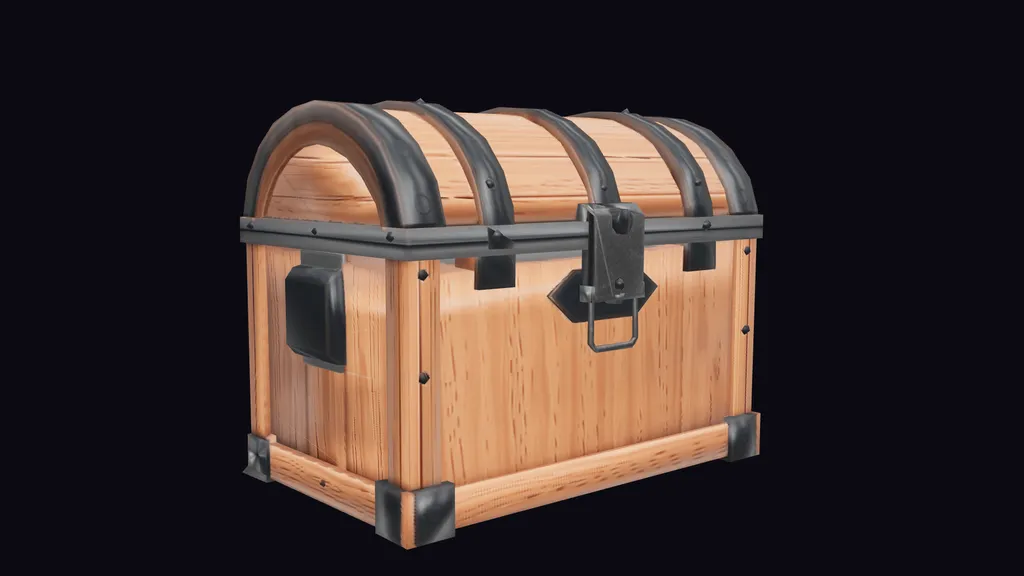
Props and Objects Generate furniture, vegetation, vehicles, tools, decorations, and interactive objects. Build comprehensive prop libraries that make your environments feel alive.
Architectural Elements Create buildings, structures, walls, doors, windows, and architectural details. Maintain stylistic consistency across your game world.
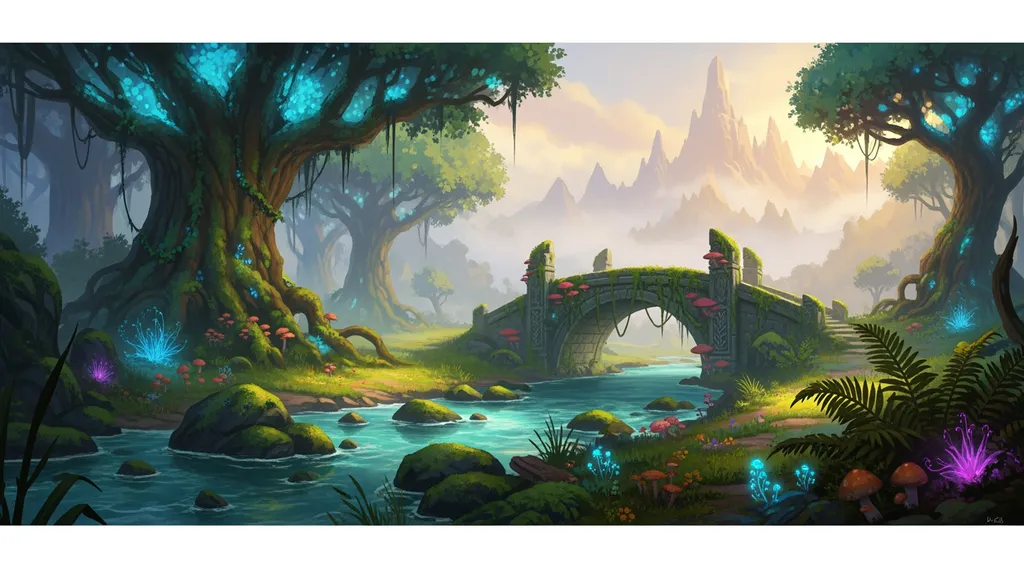
Natural Elements Produce rocks, trees, plants, terrain textures, and natural features. Generate biome-specific asset sets for diverse environments.
Decals and Textures Create signs, posters, billboards, and surface textures that add visual richness without performance cost.
Build environment asset libraries that would take traditional artists months—in weeks.
Character and NPC Art
Populate your experiences with visually interesting characters. Layer helps you create character design assets:
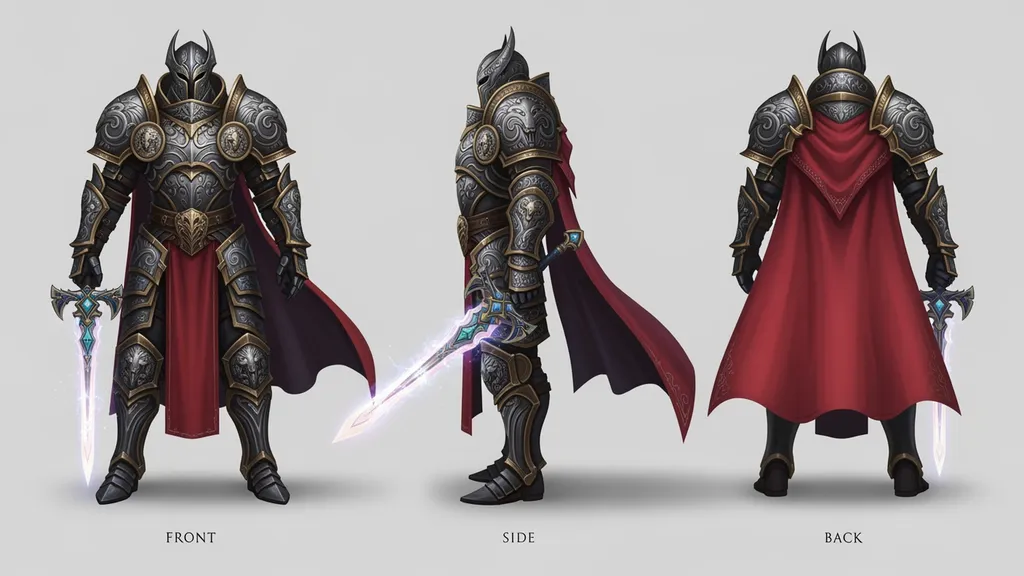
NPC Concepts Generate character designs for NPCs, enemies, and allies. Create distinct visual identities that players remember.
Costume and Outfit Design Produce clothing, accessories, and outfit concepts for character customization systems or NPC variety.
Expression Sheets Create facial expressions and emotes for characters with dialogue or emotional moments.
Character Variations Generate variations of base characters for enemy types, NPC populations, or player customization options.
Your experiences can have the character variety of games with dedicated character art teams.
UI and Interface Design
Professional UI elevates the entire player experience. Layer helps you create polished interface elements:
Icons and Buttons Generate consistent icon sets for inventory systems, abilities, navigation, and interaction prompts.
HUD Elements Create health bars, minimaps, status indicators, and other heads-up display components.
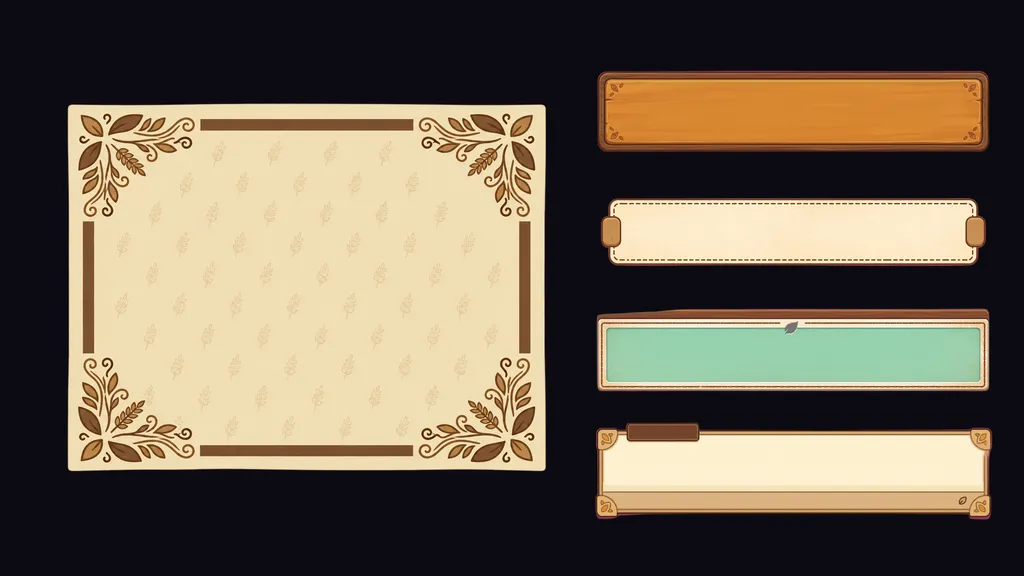
Menu Graphics Produce title screens, menu backgrounds, and interface frames that establish your experience's visual identity.
Notification and Pop-up Design Design achievement notifications, dialogue boxes, and alert graphics that feel cohesive with your game's style.
Consistent, polished UI communicates quality and professionalism to players.
Thumbnails and Marketing Assets
Your experience's thumbnail is often the first thing players see. Marketing assets determine whether they click. Layer helps you create compelling promotional content:
Experience Thumbnails Generate eye-catching thumbnails that stand out in Roblox's browse and search results. Test multiple approaches to find what drives clicks.
Game Icons Create distinctive icons that build brand recognition for your experience.
Social Media Content Produce promotional images for Twitter, Discord, YouTube thumbnails, and other platforms where you market your experience.
Update Announcements Quickly create visual assets for update posts, event announcements, and community communications.
Stop shipping with placeholder thumbnails. Give your experience the marketing polish it deserves.
Style Consistency Across Your Experience
Visual consistency makes experiences feel polished and professional. Layer helps you maintain coherent aesthetics:
Style Libraries Define your experience's visual style and save it as reusable prompts. Every generated asset aligns with your established aesthetic.
Asset Set Generation Create cohesive asset families—furniture sets, biome props, character variants—that feel like they belong together.
Reference-Based Generation Use existing assets as style references for new generation. Maintain consistency as your asset library grows.
Color Palette Management Ensure generated assets use your experience's color palette for visual harmony.
Your experience looks intentionally designed, not randomly assembled.
Workflow Integration with Roblox Studio
Layer fits into your existing development workflow. Generated assets export ready for Roblox Studio:
Export Formats Output images in formats optimized for Roblox import—proper resolutions, transparency handling, and file formats.
Batch Export Export multiple assets at once with consistent naming conventions for organized Studio import.
Iteration Workflow Generate, review, refine, export. Layer's workflow supports rapid iteration until assets are exactly right.
Asset Organization Keep your generated assets organized by project, type, and status. Find any asset instantly when you need it.
Minimize friction between asset creation and Studio implementation.
From Prototype to Production
Layer supports your development journey from early prototyping to polished release:
Rapid Prototyping Generate placeholder assets quickly to test gameplay before committing to final art. Iterate on visual direction without heavy time investment.
Production Art When gameplay is locked, generate production-quality assets that meet your release standards.
Live Updates Keep producing assets after launch. Events, seasonal content, and updates need fresh visuals—Layer keeps you supplied.
Experience Expansion When you're ready to expand your experience with new areas, features, or content, Layer scales with your ambitions.
Your art production capability matches your development ambitions at every stage.