Layer for social media marketing
One brief. A week of posts. Every shape, on brand.
Layer is AI for social media marketing teams. Write the brief once and get the week's posts in every platform's shape, short-form video included, all in your brand's look.
Start free. No seat fees, so everyone on the team can make posts.



The volume problem
Every platform wants fresh posts in its own shape, every week, and the same small design team makes all of them.
- visual posts a week across platforms
- 30-50+
- platform versions of every concept
- 4-6
- image, video, 3D and audio models
- 300+
- production throughput customers report
- 3x to 8x
Every shape
One concept in every platform's shape
Each concept needs 4-6 versions before it ships. Reframe makes them from the art you approved, extending the canvas rather than cropping it, so the subject stays where it belongs.
 9:16Stories, Reels, Shorts4:5Portrait feed post1:1Square feed post2:3Pins16:9Video and X posts1.91:1LinkedIn and link posts
Shapes for Instagram, TikTok, YouTube Shorts, LinkedIn, X, Facebook and Pinterest. Need one that isn't here? Reframe takes any custom ratio.
Images and video
Reframe a clip the same way as a still.
A whole set at once
Run it as a batch across every asset.
Inside a workflow
Make it a step, so every concept gets it.
A week from one brief
Fill the week from one brief
Write the brief once. The agent plans the posts, picks a model for each and runs them as one batch. Save the run as a workflow and next week starts from the same steps.
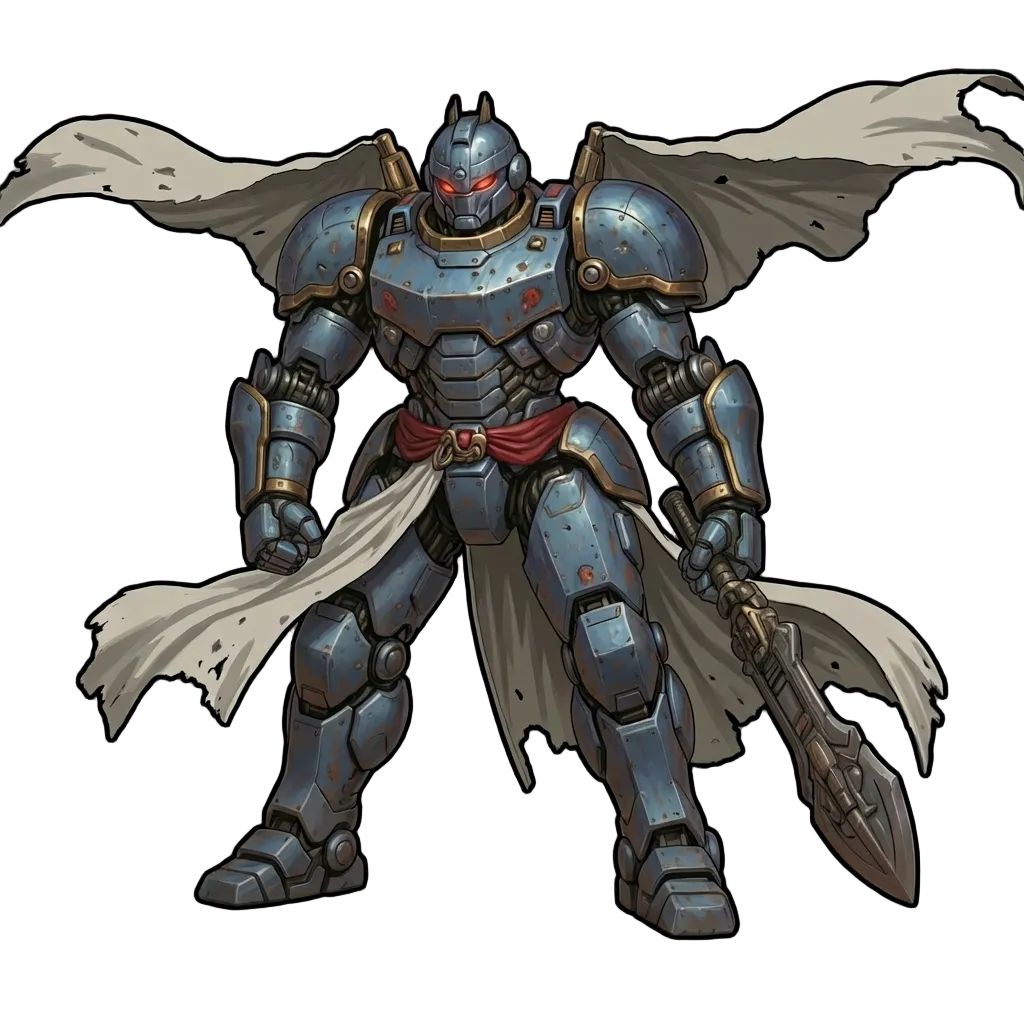
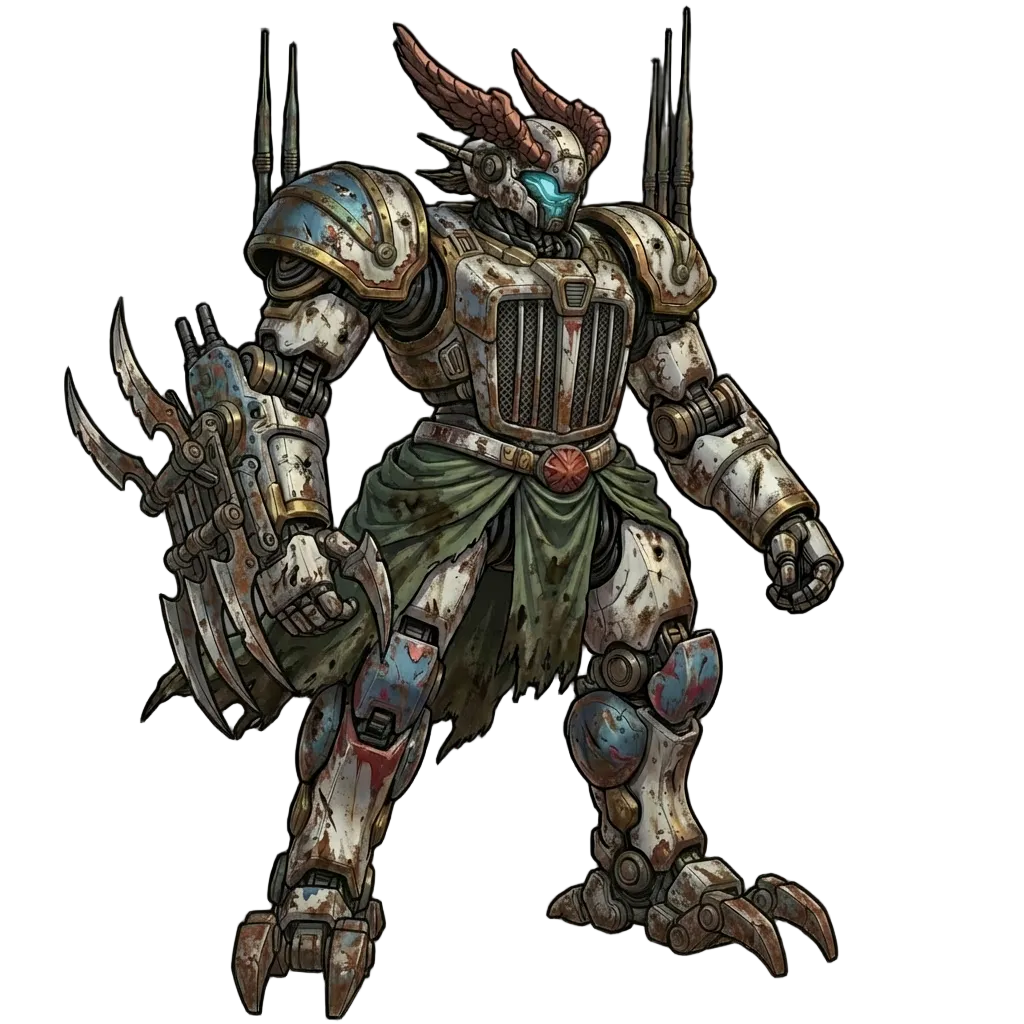
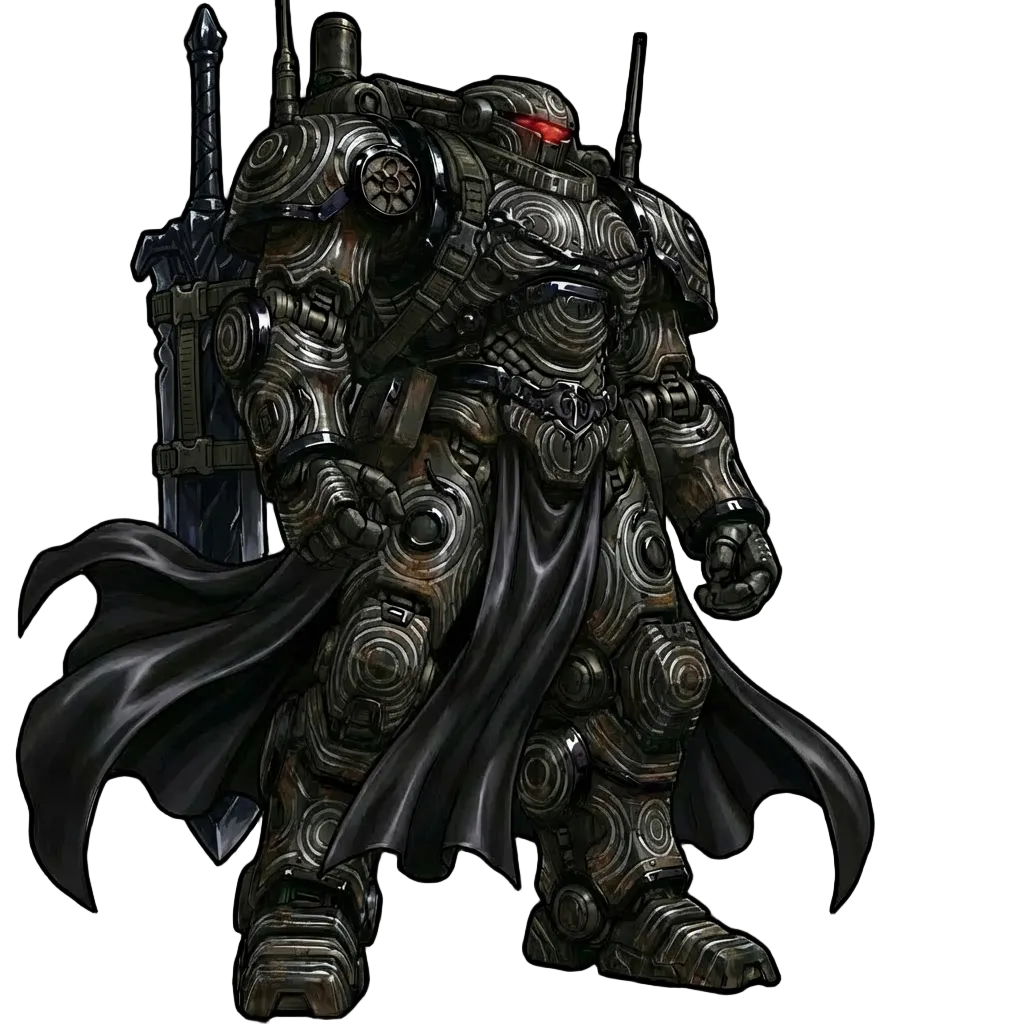
Foster launch week: tease the mechs on Monday, reveal a character a day, launch on Sunday.
One batch · 7 posts · 4 shapesMon

Teaser
16:9
Tue

Character reveal
4:5
Wed
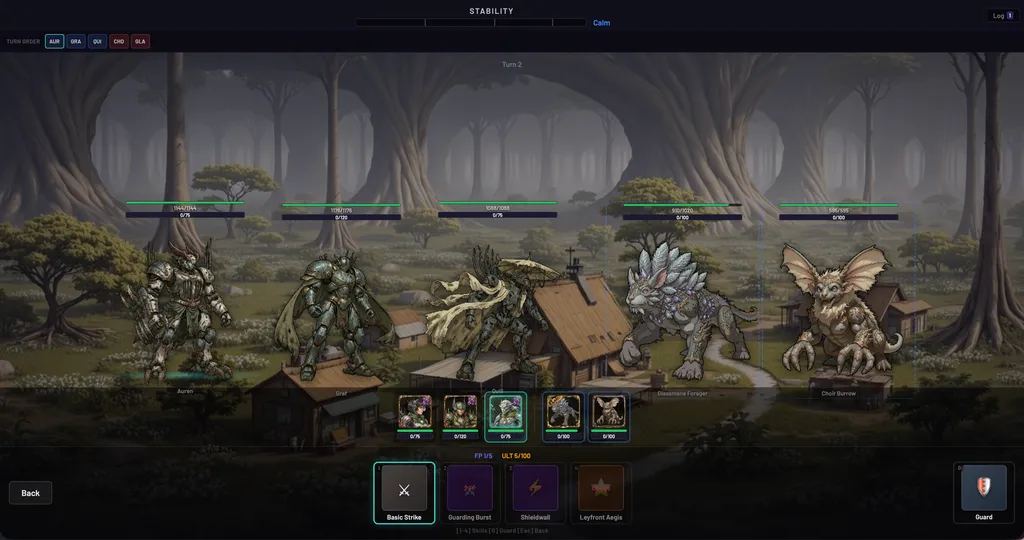
Gameplay reel
9:16
Thu
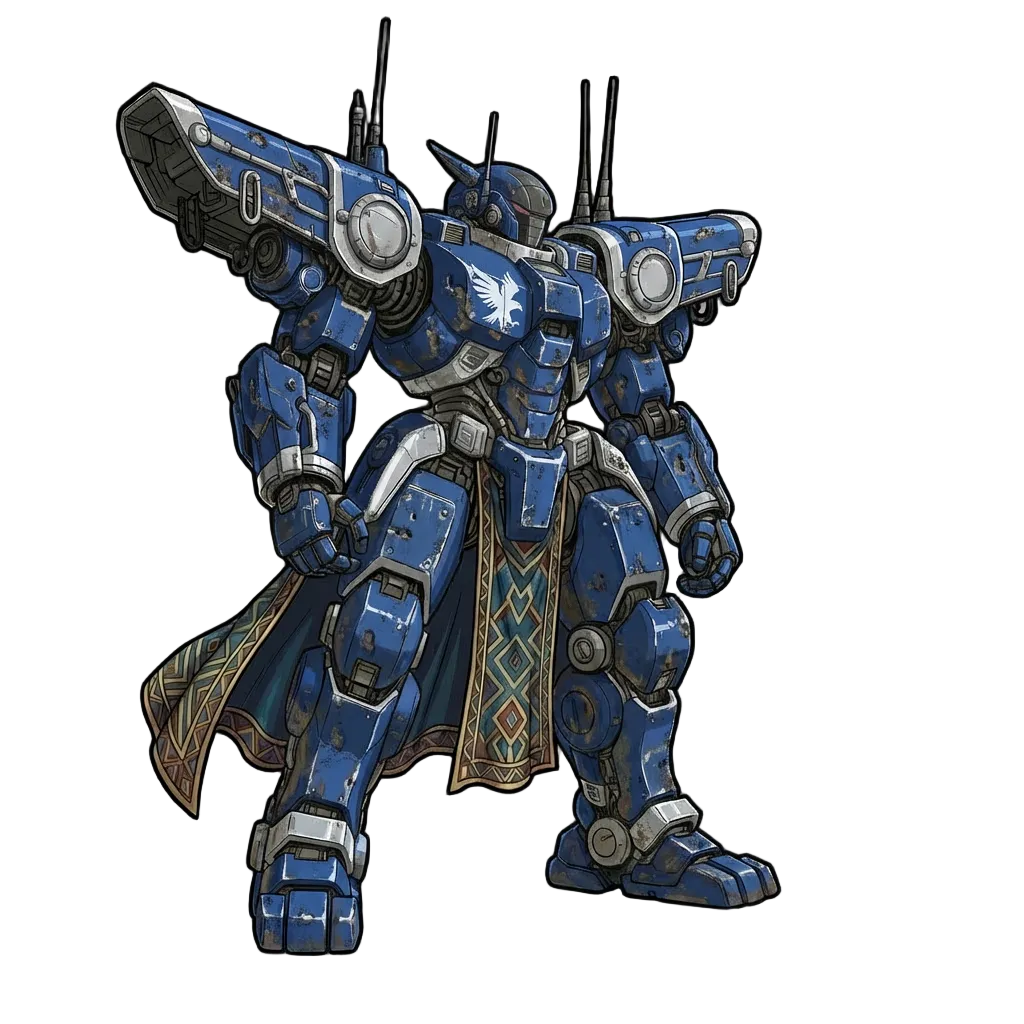
Carousel
1:1
Fri

Story
9:16
Sat

Creature drop
1:1
Sun
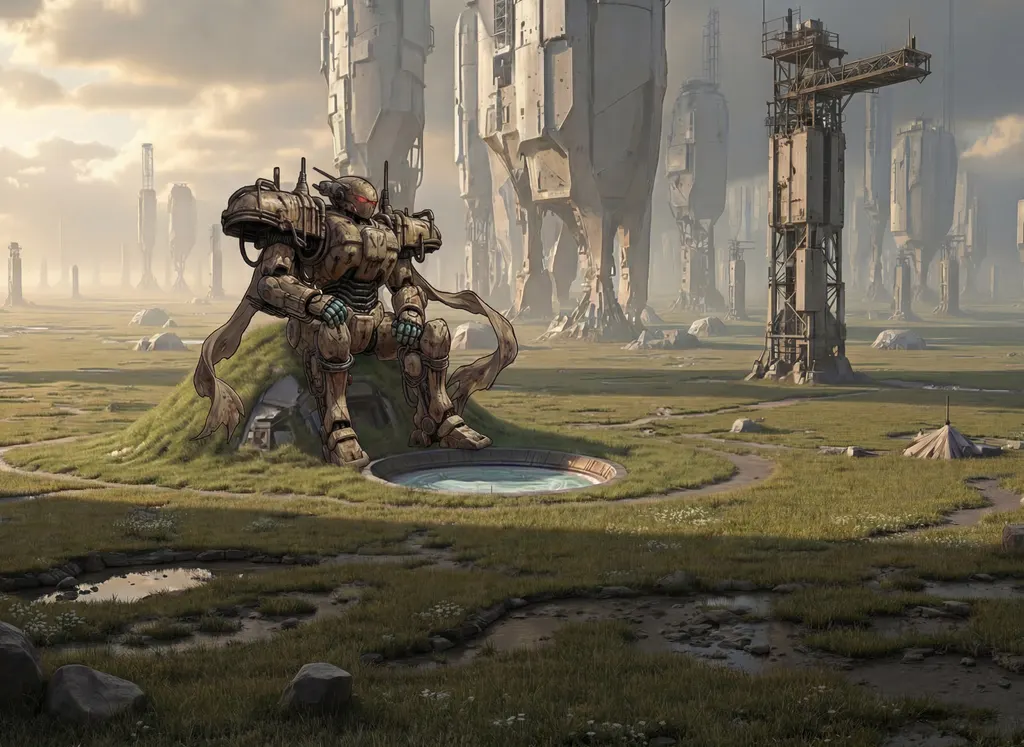
Launch day
16:9
Prompt templates fan out
One prompt with placeholders becomes every combination of character, shape and line, in a single run.
Workflows run every week
Save the steps as a workflow and rerun them with next week's brief: same look, new posts.
Your scheduler stays
Download the finished set and post it with the scheduling tool you already use.
Short-form video
Short-form video without a shoot
Turn a still into a clip, extend it to length, reframe it for vertical and burn in subtitles for sound-off feeds. Every step runs on the asset itself, where you made it.
- Image to video and text to video with leading video models
- Subtitles in the languages you post in, burned in or as a track
- Music, sound effects and lip sync for clips that talk
Brand consistency
A month of posts that look like one brand
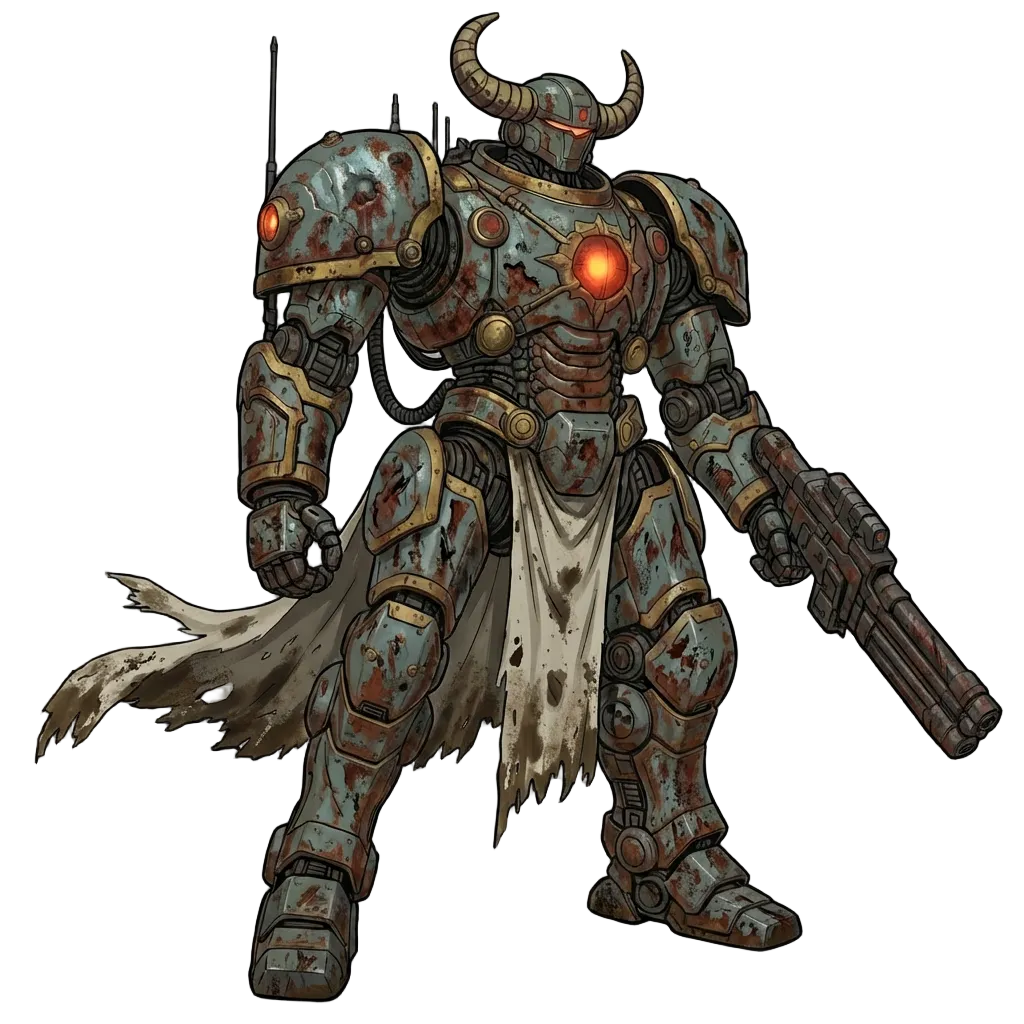
Train a reference set on your approved art and every generation starts from your look: palette, line, lighting and characters. Whoever makes the post, it reads as yours.
- Reference sets for a style, a character or a product
- Workspace skills hold your brand rules, so every teammate's session starts on brand
- Shared projects keep the approved set where the whole team can find it



 4
4Foster mechs
Style




Trends
Catch a trend while it's still climbing
Trends shows what's rising on TikTok, YouTube and Google Trends, and which creative structures are working in ads. Pick a trend, add your own assets and remix it into a new session in your brand's look. Trends is in beta.
- Top trends by platform, from public boards
- Creative trends broken down by hook, scenario and why each works
- Remix with your project assets in one step
Your whole team
Everyone makes posts. Nobody pays for a seat.
Layer is priced in Creative Units for what you generate, not per seat. Invite community managers, copywriters, strategists and outside creators to one workspace, and they all draw on one balance.
- Built-in Admin and Member roles, plus custom roles
- A workspace per brand or client, kept apart
- Usage by member and by model, so you see where Creative Units go
Security
Unreleased campaigns stay private.
400+ studios make their work in Layer.
- SOC 2 Type II
- Customer data is never used to train foundation models
- Customer data is stored in the European Union
- Single sign-on and role-based permissions
- An audit trail of every generation
- Separate workspaces for every client
Related
Where to go next
Roles
4 pages
- Content creators
Original visuals for every post and channel.
- Marketing teams
Campaign art across every channel, on brand.
- Creative directors
Set the direction; review instead of producing.
- Art directors
Keep every output on style at volume.
Use cases
2 pages
- Marketing creatives
Campaign art that works in organic and paid.
- Influencer creative kits
Branded packs your creator partners can post from.
Industries
3 pages
- Digital advertising
The same shapes for paid placements.
- Mobile games
Game content for feeds, stores and ads.
- iGaming
Slot and casino art, every seasonal event.
Questions social teams ask
Will what we make stay on brand?+
Yes. Train a reference set on your approved art and every generation starts from your palette, line, lighting and characters. Workspace skills hold the written rules, so each teammate's session starts on brand. Teams with several brands or clients give each its own reference sets or its own workspace.
Which formats and platforms does Layer cover?+
Every shape the feeds ask for: square, portrait, vertical and landscape for Instagram, TikTok, YouTube Shorts, LinkedIn, X, Facebook and Pinterest, plus thumbnails, stories and carousel frames. Reframe makes each version from one approved image or clip, and takes custom ratios too.
How is Layer different from Canva or Adobe Express?+
Those are layout tools: they arrange elements you already have. Layer makes the elements, new images, video and audio from a brief, a reference image or your trained style. Many teams use both, making the art in Layer and adding text and layout where they already do.
Can we use what Layer makes commercially?+
Yes. Outputs from your workspace belong to your company. Layer is SOC 2 Type II compliant, and customer data is never used to train foundation models.
Can the whole team use Layer without paying per seat?+
Yes. There are no seat fees: you pay in Creative Units for what you generate. Social managers, creators, designers, copywriters and marketing leads can all work in one workspace on one balance.
Does Layer post or schedule content?+
No. Layer makes the posts and your scheduling tool publishes them. Download a finished set, or a single asset, in the shape each platform takes.
Make next week's posts in Layer
Sign up free and make your first set from a brief, or book a demo and we'll walk through it with your brand's art.