
AI Image Denoiser
Clean Images Without Losing the Detail
Clear grain and noise from an image at its original resolution, without smoothing the texture away.



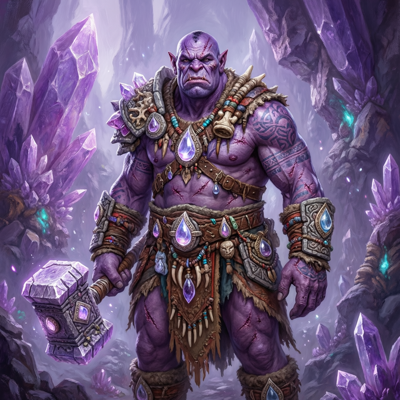
![Made with FLUX.2 [flex]](https://media.app.layer.ai/workspaces/9602107e-865b-47e5-b66e-87b1bec5e3d5/files/e019e909-798f-4491-a39b-9ad984719c9d/flux-2-flex-posted-0_400.png)


Denoise
Noise gets into game art from everywhere: reference photos shot in low light, screenshots captured on noisy hardware, renders stopped short of convergence, scans of traditional work. It reads as grit on a monitor and as mud once the asset is compressed for a store page or an ad network.
Denoise on Layer clears grain and noise from an image and keeps what is actually there. Choose how hard to push, from a light pass for mild grain to a generative model that rebuilds detail as it cleans, and get the result back at the resolution you started with.


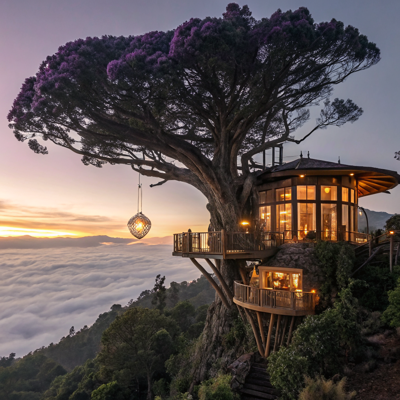
![Made with FLUX.2 [flex]](https://media.app.layer.ai/workspaces/9602107e-865b-47e5-b66e-87b1bec5e3d5/files/2e821e56-5c16-4728-abd0-44509d5667c3/flux-2-flex-posted-1_400.png)



01
Key capabilities
Noise Removal That Keeps Texture
Sensor noise and grain go; fabric weave, brush marks and surface detail stay. The goal is a clean image, not a smoothed one.
Strength Matched to the Source
Pick a lighter model for everyday captures, a stronger one for high-ISO and low-light shots, and the most aggressive for sources where noise dominates the signal.
Generative Detail Recovery
For hero images, a generative denoiser removes noise and reconstructs the detail underneath rather than smoothing it away.
Source Resolution Preserved
Output matches the input size, so a cleaned asset replaces the original without re-cropping or re-layout.
Batch and Workflow Ready
Denoise one image in a session, or make it a standing step in a node-based workflow ahead of upscaling, background removal or export.


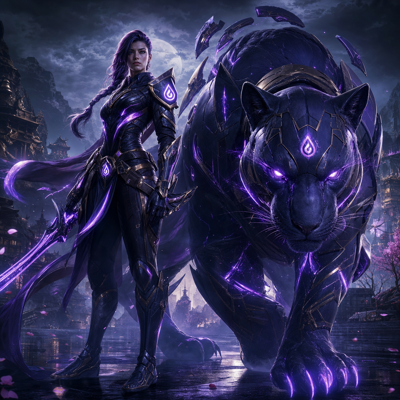
![Made with FLUX.2 [flex]](https://media.app.layer.ai/workspaces/9602107e-865b-47e5-b66e-87b1bec5e3d5/files/79ba057f-77b4-4ad9-88a4-406f8f30aea5/flux-2-flex-posted-2_400.png)


02
How it works
Bring in your image
Upload a capture, a scan or a render, or pick an asset already in your library.
Choose the model
Match the denoiser to how noisy the source is: light for mild grain, heavier for low-light noise, generative when detail has to survive.
Compare and continue
Layer returns the cleaned image at the original resolution. Check it against the source, try a different strength if needed, and send it on to the next step.
The industry's best image models. One platform.




![Made with FLUX.2 [flex]](https://media.app.layer.ai/workspaces/9602107e-865b-47e5-b66e-87b1bec5e3d5/files/2c373b01-2e3b-4e75-99ce-b2d3e15a09f5/flux-2-flex-posted-3_400.png)



03
Built for game production
Reference and Texture Sources
Clean noisy photo reference before it feeds a texture, a material or a reference set, so the grain does not get baked into everything downstream.
Store and Marketing Screenshots
Gameplay captures and in-engine renders often carry noise that compression makes worse. Clear it before the screenshot goes to a store listing or a featuring pitch.
Scanned Concept Work
Traditional sketches and paintings pick up scanner grain. Clean the scan so the artist's marks are what reads.
Pipeline Hygiene
Put Denoise ahead of Upscale in a workflow, so enlargement works from a clean source instead of magnifying the noise.
04
Related features
Questions about Denoise
What does Denoise do?+
It removes sensor noise and grain from an image while keeping the real texture underneath. The output stays at the source resolution, so the cleaned image drops straight back into place.
How do I choose how strong the clean-up is?+
You pick a denoising model to match the source. Lighter models clear mild grain without touching fine texture, heavier ones handle high-ISO and low-light noise, and a generative option reconstructs detail as it cleans for hero images that cannot come back soft.
Will denoising make my image look soft?+
The lighter models are built to keep texture intact. The most aggressive conventional model can soften a badly degraded source, which is why the generative option exists for images where a soft result is not acceptable.
Does Denoise change the image size?+
No. Output keeps the source resolution. If the asset also needs to be larger, run it through Upscale as a separate step.
Can Denoise run on many images at once?+
Yes. It works on single images in a session, and it can sit as a step in a node-based workflow so every asset that passes through comes out clean.
Try Denoise today
Clear the grain from your next asset in one step. Start denoising on Layer.