AI Sketch to Image
Draw a Rough Sketch and Watch It Render Live
Sketch to Image
Concepting is a conversation between the hand and the eye. Typing a prompt and waiting for a batch breaks that loop: the composition you had in mind arrives as someone else's guess, and every adjustment is another round trip.
Sketch to Image on Layer keeps the loop live. Draw on the pad, describe the look you are after, and Layer redraws the image as you draw, stroke by stroke. Move a horizon line and the scene follows; change a word and the style changes with it. When a frame lands, save it and keep going.
01
Key capabilities
Live Redraw as You Draw
Every stroke streams to the model, and the result updates while you work. Blocking in shapes, shifting a silhouette and testing a composition all happen in front of you.
Your Prompt Sets the Style
The drawing decides the layout; the prompt decides the look. Change the prompt mid-sketch to try the same composition as a painting, a cel-shaded render or pixel art.
Draw, Screen, Camera or Text
Sketch on the pad, share a screen, window or tab to restyle a game or a 3D viewport live, point your camera at yourself, an object or a paper sketch, or let the prompt alone drive the image.
Stability Control
Decide how much each frame carries into the next: low to follow your input closely, high for a steadier image that changes more slowly.
Reference Sets and Model Choice
Mention a reference set in the prompt to keep results on your style, and pick the realtime model and aspect ratio that fit the job.
02
How it works
Pick a mode
Choose Draw to sketch on the pad, or switch to screen, camera or text input. Set the aspect ratio for the frame you want.
Describe the look
Write the style in the prompt, and mention a reference set if you want the result on your art direction.
Draw and save
Sketch while the image redraws live. When a frame is right, press Save to keep it in your session, then carry on or take it into the next step.
Images
Characters, environments and key art, on model in every pose.
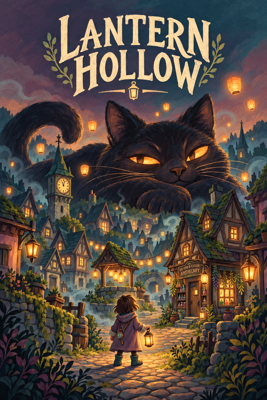
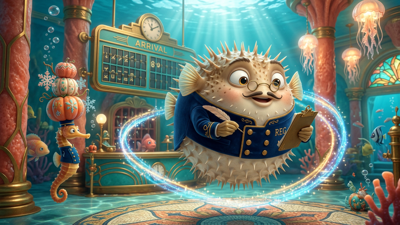
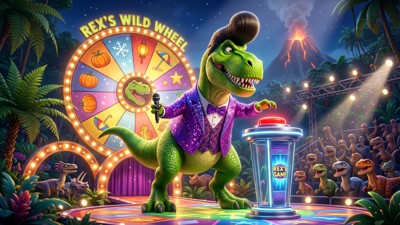
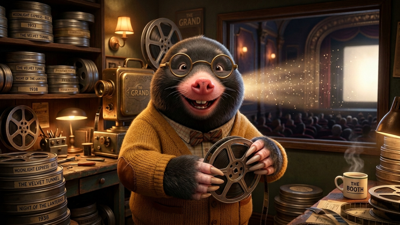
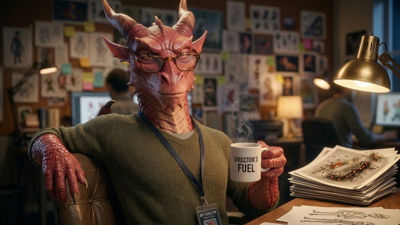
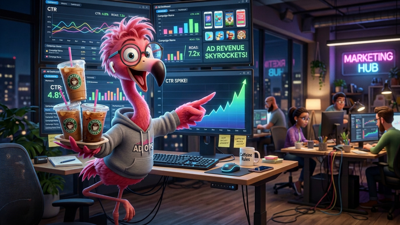
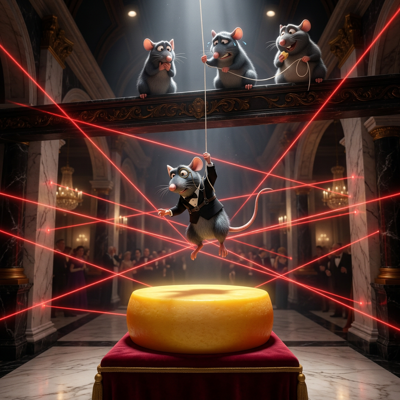
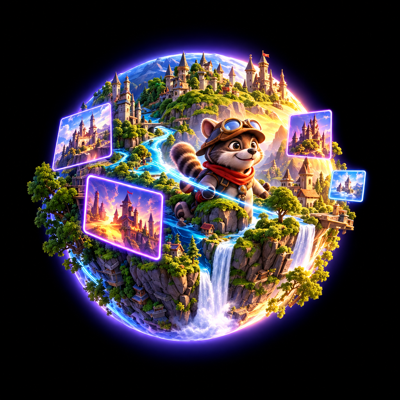

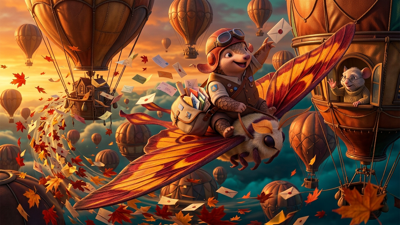
The industry's best image models. One platform.
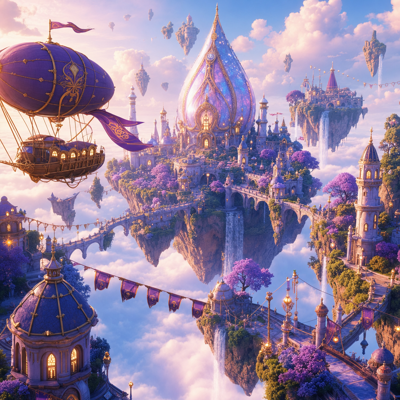
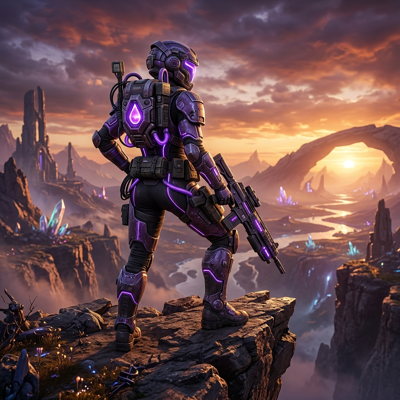
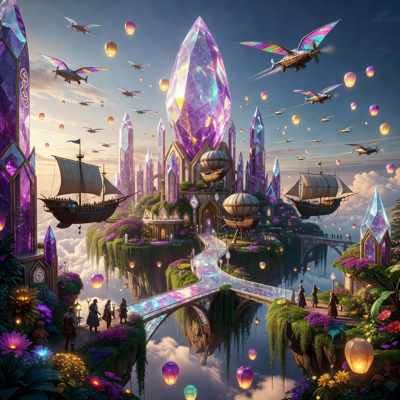
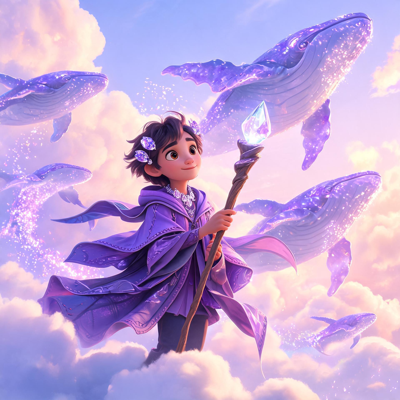
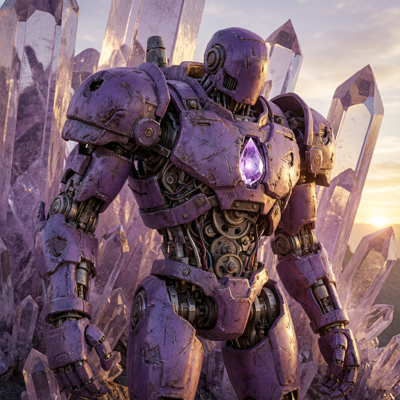
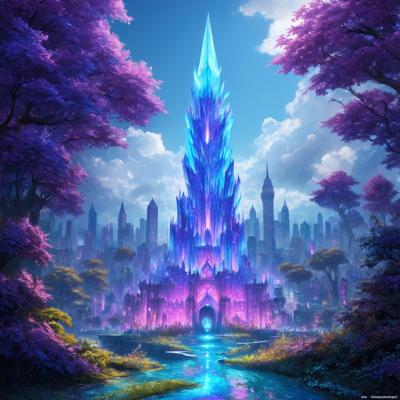
![Made with FLUX.2 [flex]](https://media.app.layer.ai/workspaces/9602107e-865b-47e5-b66e-87b1bec5e3d5/files/e019e909-798f-4491-a39b-9ad984719c9d/flux-2-flex-posted-0_400.png)
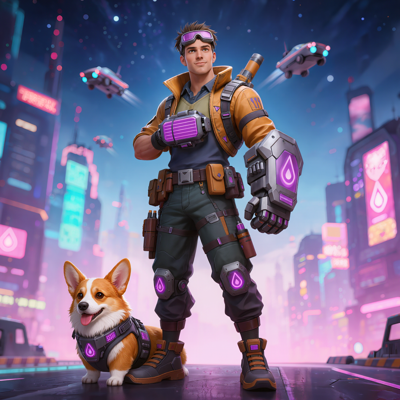
03
Built for game production
Concept Art and Ideation
Explore environments, characters and props at the speed of thumbnails, with each rough sketch already showing how it could look rendered.
Level and Environment Blockouts
Restyle a gray-box scene or a 3D viewport live by sharing your screen, to see a space in the game's art direction before it is built.
Art Direction Reviews
Sketch live in a review and let the room see the idea rendered as it is drawn, so feedback lands on the picture rather than a description of it.
Style Exploration
Hold a composition still and cycle prompts or reference sets across it to compare looks for a new project or a seasonal event.
Sketch to Image keeps the artist's hand on the composition, and lets Layer handle the rendering while the idea is still forming.
04
Related features
Questions about Sketch to Image
How does Sketch to Image work?+
You draw on a drawing pad while a prompt sets the style, and the image redraws itself live as you go. Each stroke updates the result, so you steer composition with the pen and look with the words.
Can I use something other than a drawing as input?+
Yes. Besides drawing, you can share a screen, window or tab, such as a game or a 3D viewport, use your camera to film yourself, an object or a sketch on paper, or drop the input entirely and let the prompt alone drive the result.
How do I keep a result I like?+
Press Save and the current frame is kept in your session, at the aspect ratio you chose, ready to take into the rest of Layer for editing, upscaling or animation.
Can I control how closely it follows my drawing?+
Yes. The stability setting decides how much of each result carries into the next. Low follows your input closely and changes freely; high holds the image steady and responds more slowly to new strokes.
How is it priced?+
The live stream is paid for in Creative Units only while it is generating, and the form shows what the session has spent so far. Pause it by switching the mode to Disabled, and nothing is generated or charged until you pick another mode.
Try Sketch to Image today
Put a pen in the loop and see the idea before it is finished. Start sketching free on Layer.