Your story,on screen.
Cutscenes, trailers, animated shorts and brand spots. Brief Motion Designer like a production team, or direct every shot yourself: cast, camera, voice, score and the cut, in one workspace.
Games, film or a brand. Same crew.
Four worlds on this page, each made in Layer, each in its own look. Pick yours.
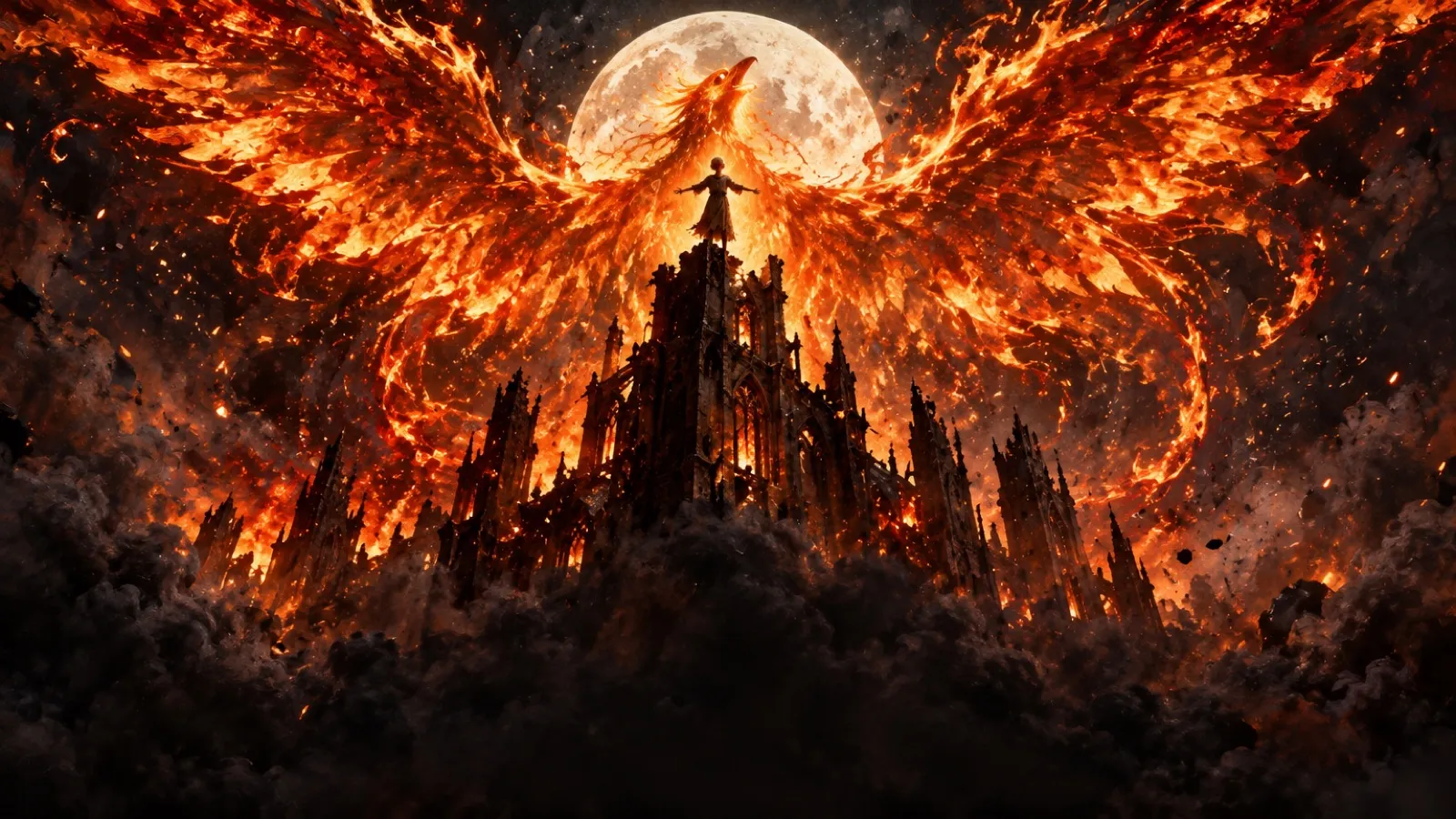
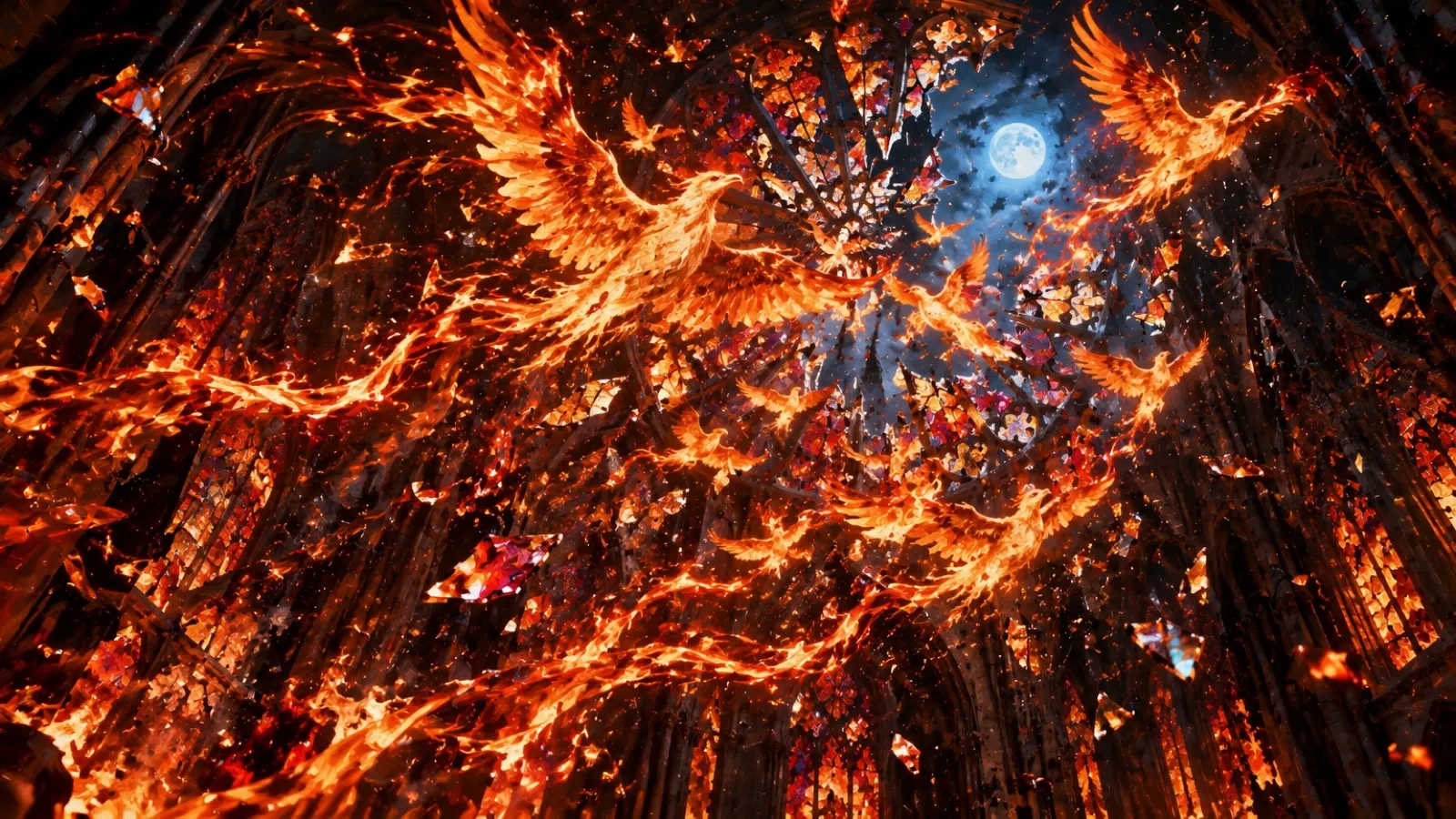
Cutscenes, trailers and dialogue, in your game's look.
Story scenes, level intros and the opening film, framed as the game. Trailers that build to a title or a date. Every speaking character with a face, a voice and lips that match.
- Characters and sets locked with Reference Sets
- Lip-synced dialogue and portraits for every line
- Finish in Premiere Pro, After Effects or DaVinci Resolve
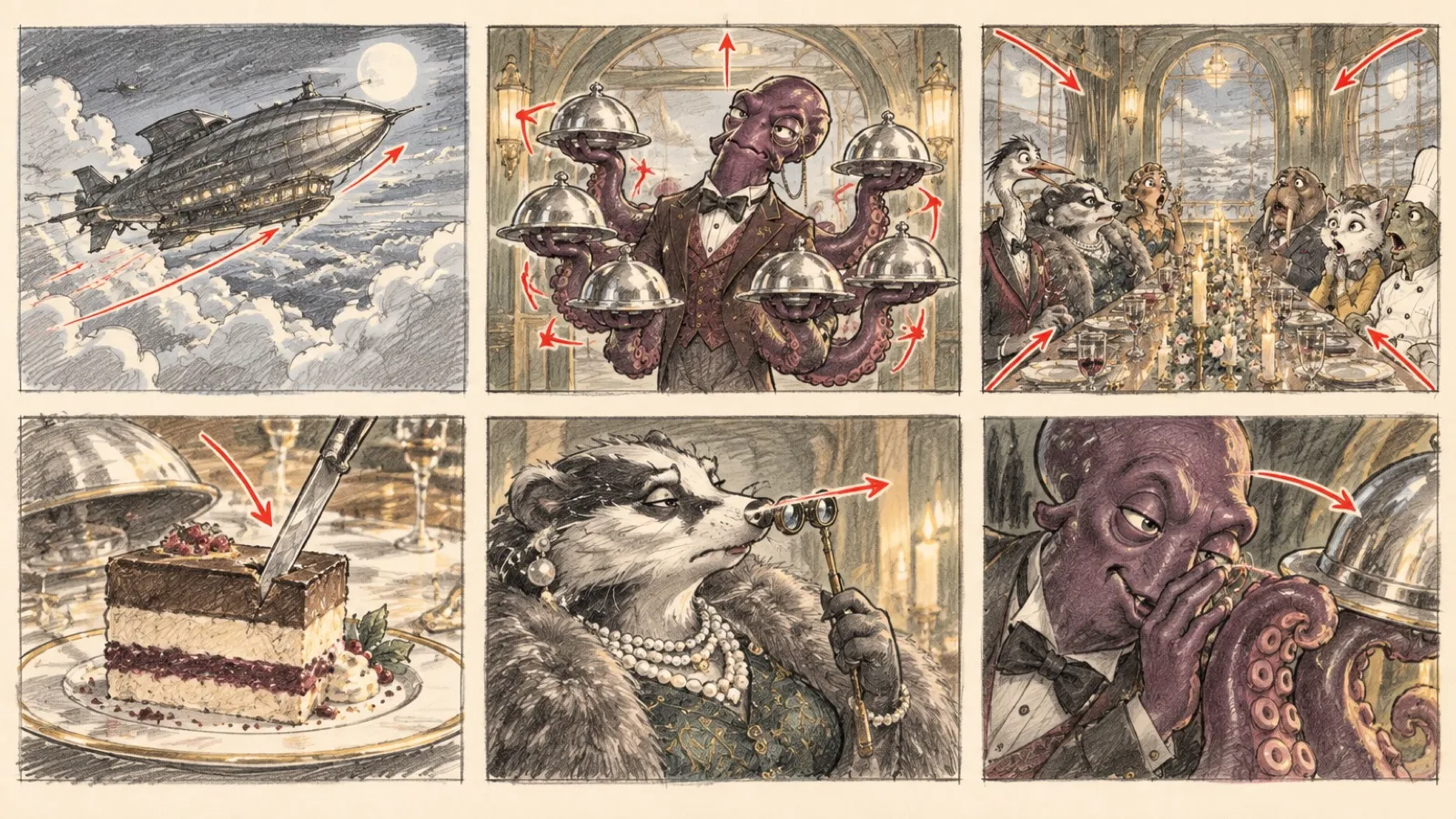
From animatic to picture, with your cast on model.
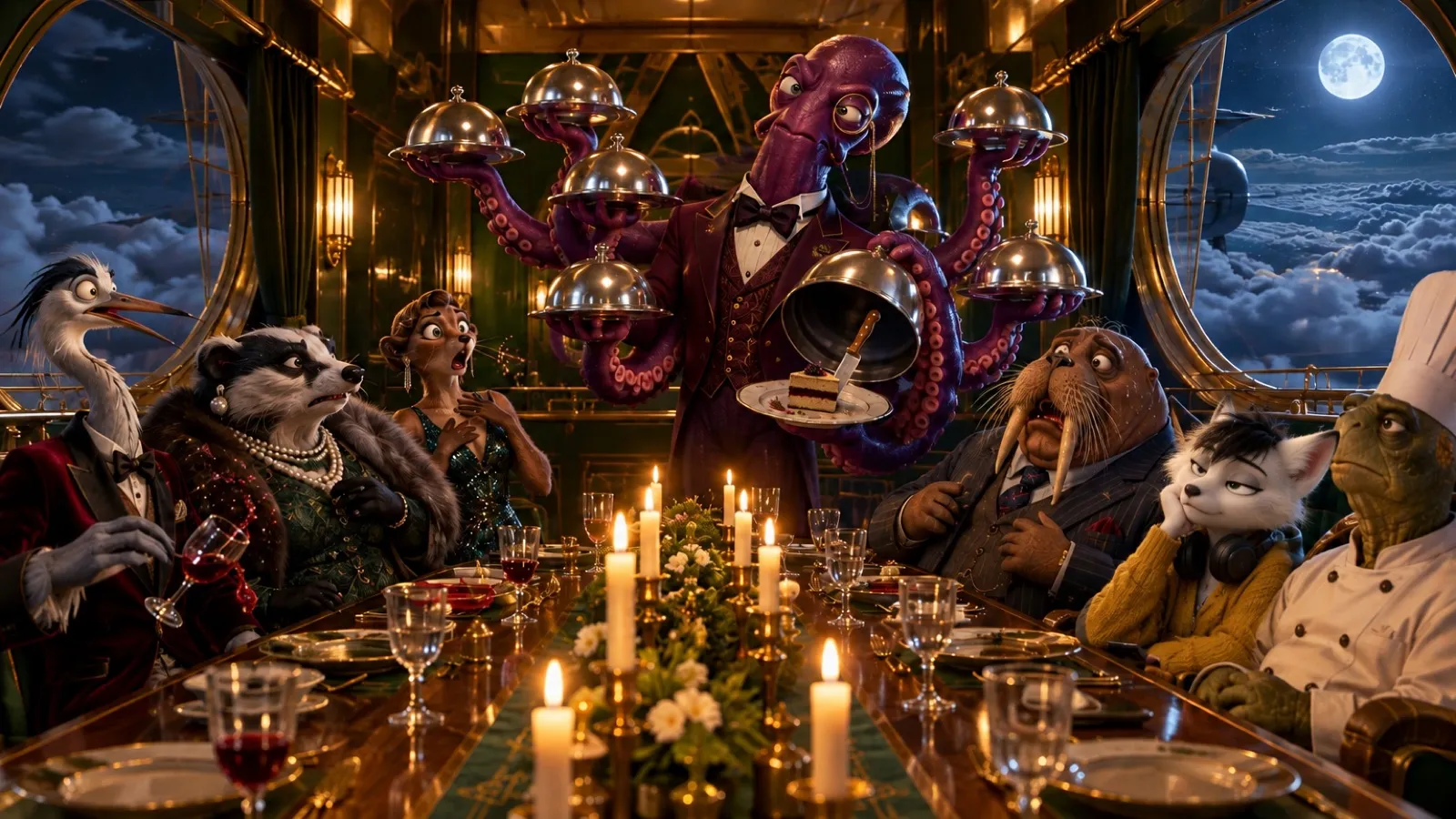
Turn a script into a shot list and storyboard, then into moving shots. Seven characters at one table, and each still looks like themselves in the kitchen, the close-up and the dub.
- Storyboards and animatics in your film's style
- Voices, lip-sync and a score cut to picture
- Dubs in other languages, picture untouched
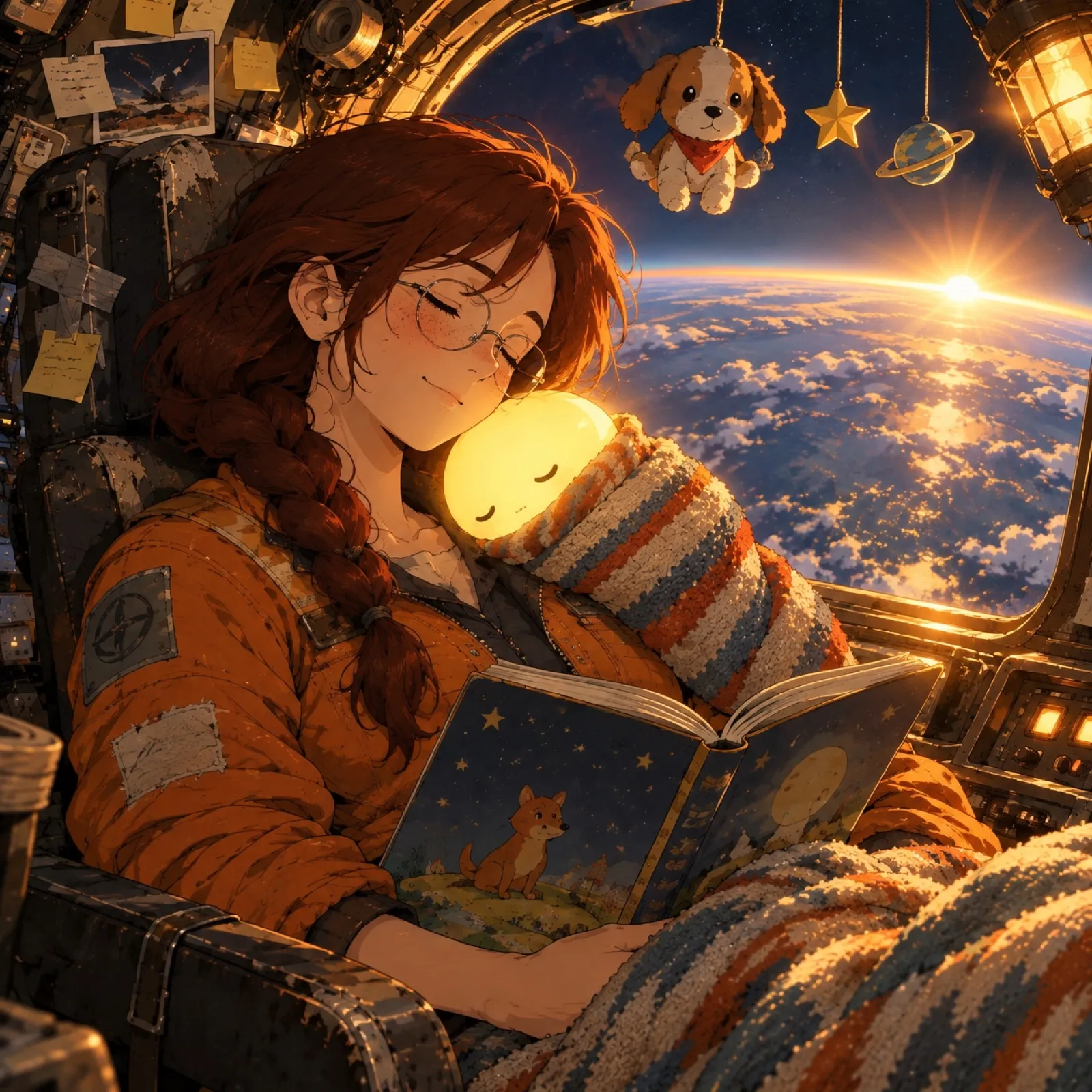
One spot. Every placement. Every market.
Hand over the brand once: logo, fonts, colors and house rules. The film comes back in each placement you need, with hook variants to test. Nothing posts by itself.
- Brand reference set and Workspace Skills
- 16:9, 9:16 and 1:1 from one thread
- Usage limits, roles and audit logs for every client
One brief. A whole film.
Brief it the way you'd brief a production team. Motion Designer writes the script, makes the shots, the voice and the music, builds the edit and re-cuts it for each placement, and stops wherever the call is yours.
How Motion Designer works →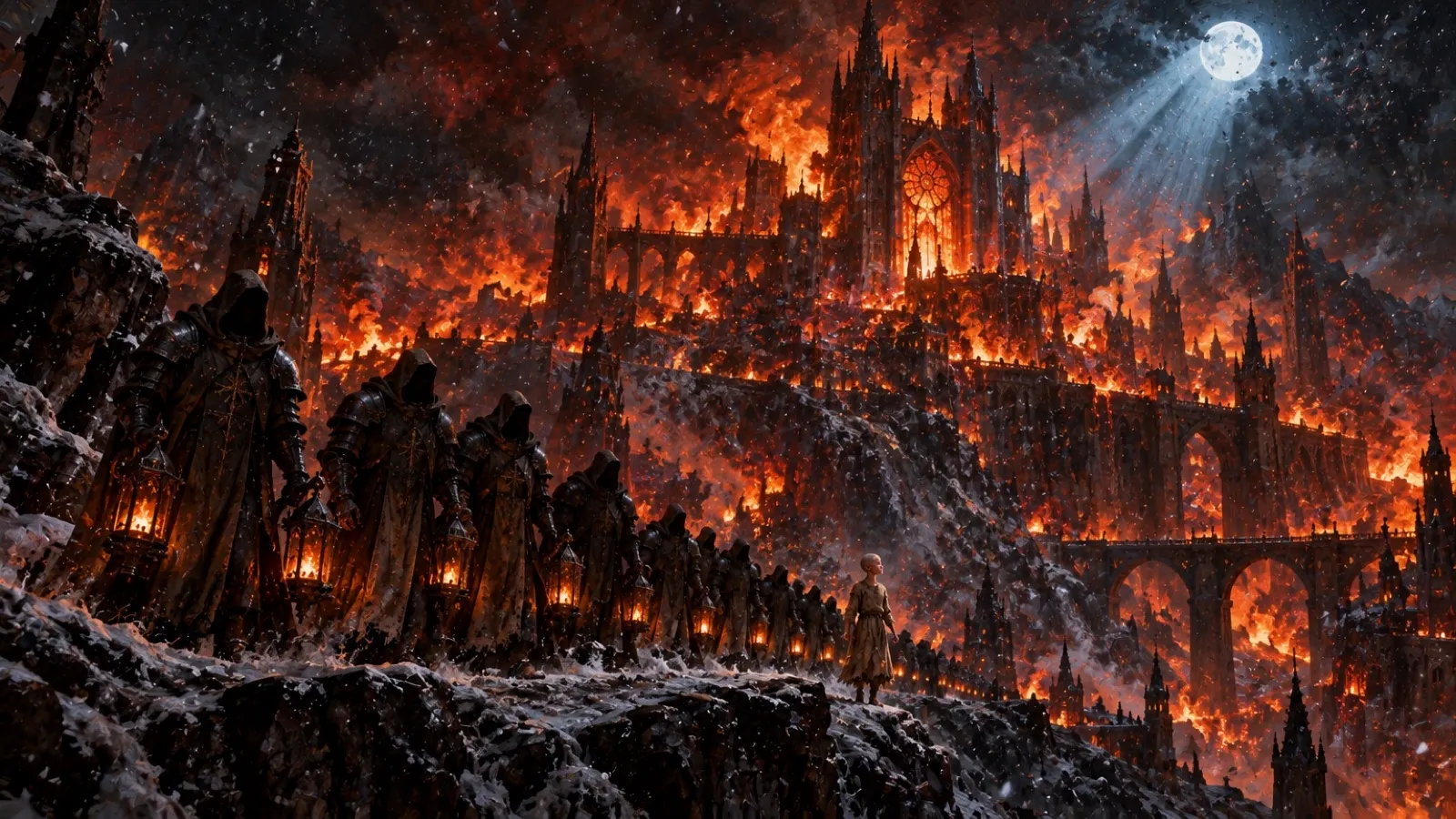
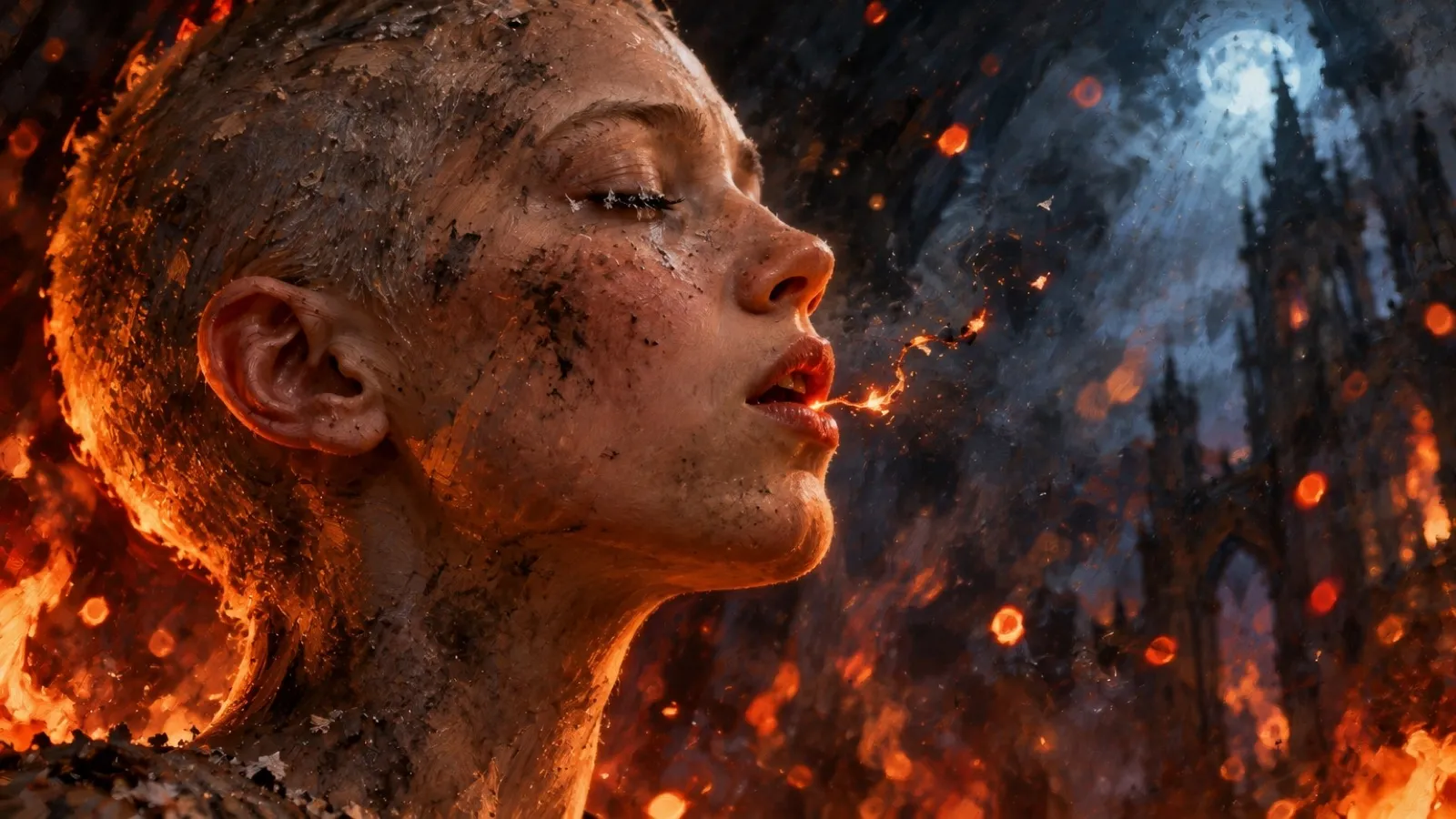
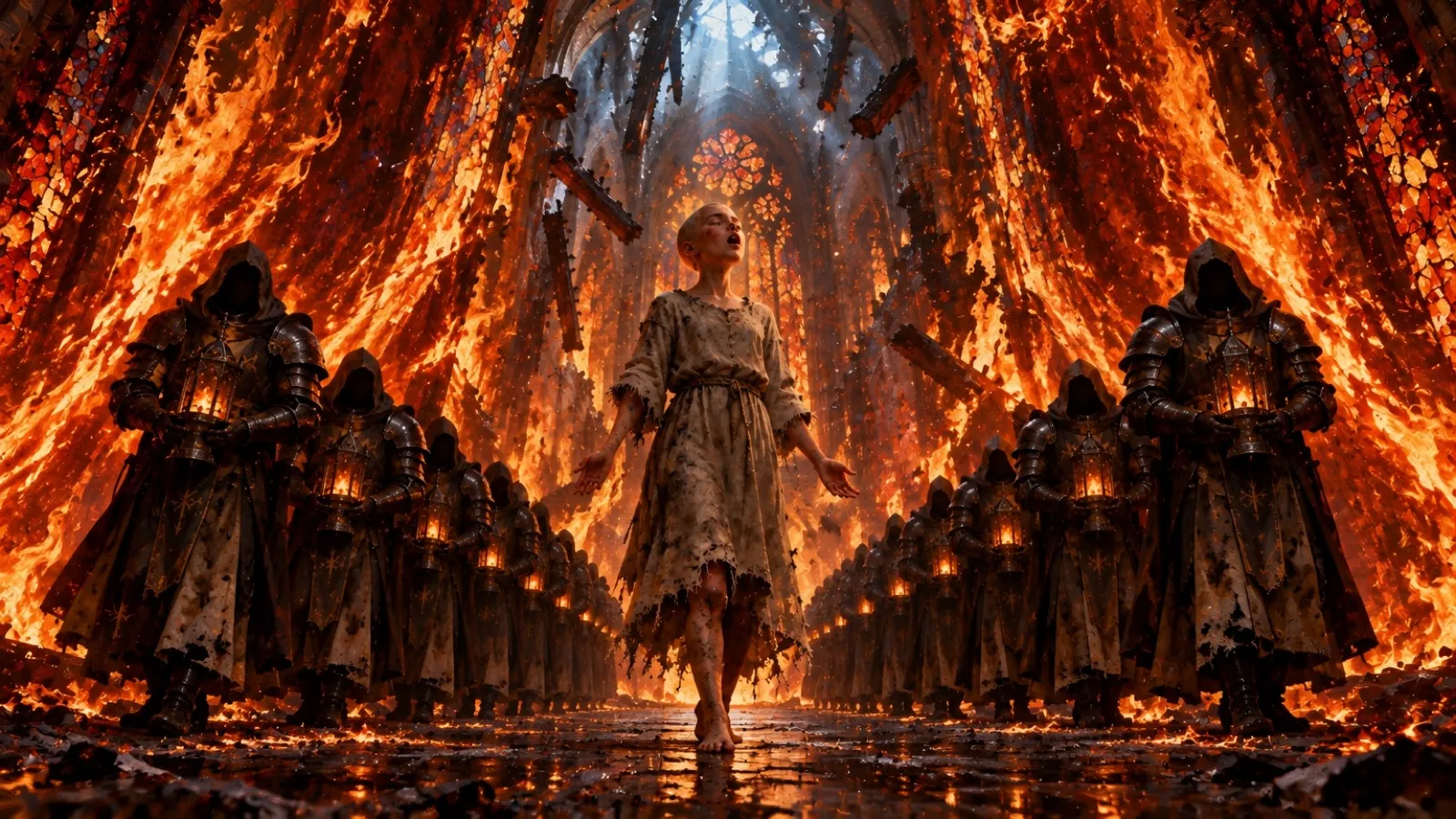
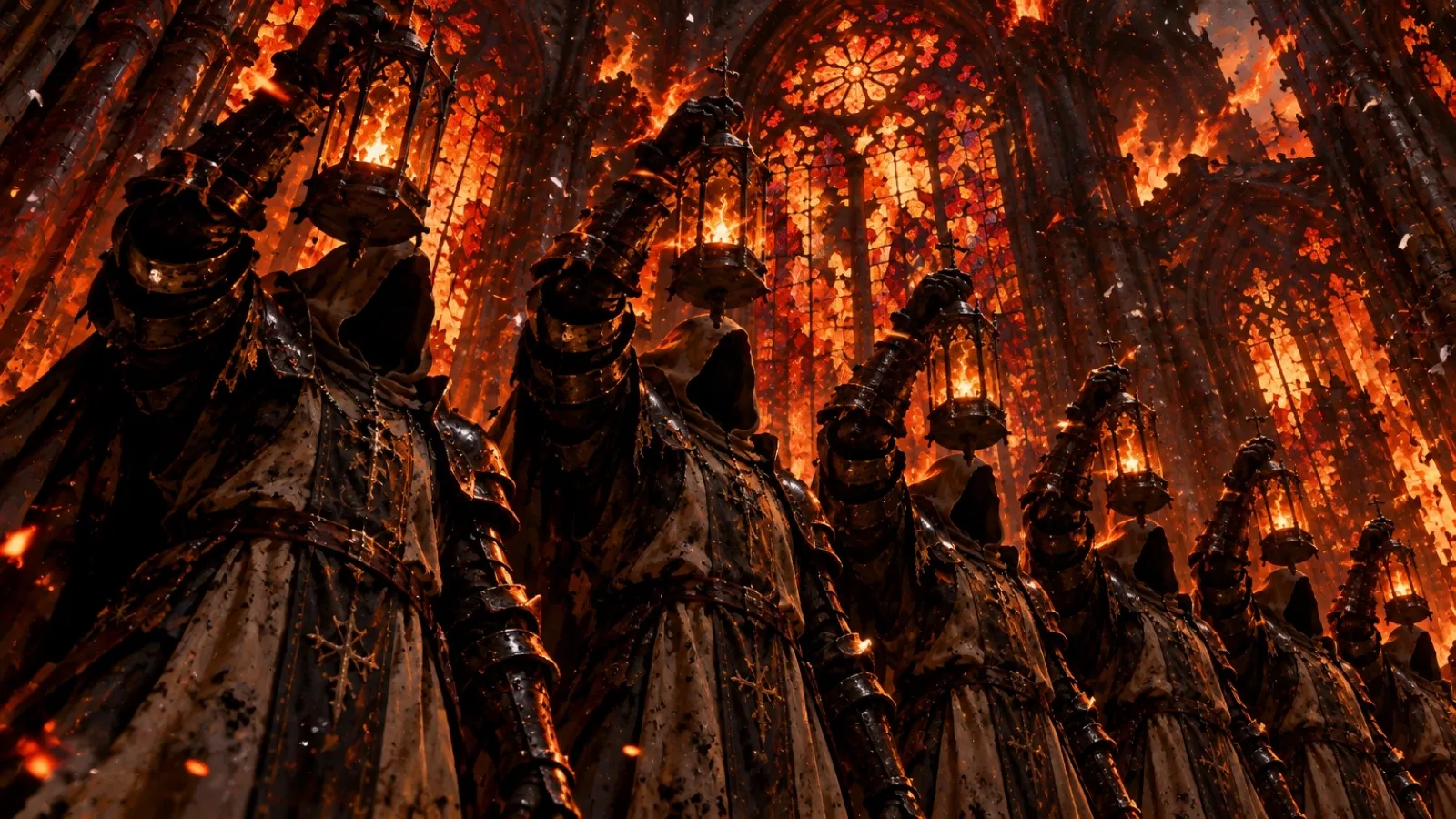
Lock the cast once. Every shot stays on model.
Turn a model sheet into a Reference Set and your characters keep their faces, costumes and quirks from the wide to the close-up, and their voices when they speak.
- Character, style and set references
- Turnarounds and expression sheets in one pass
- Shared with the whole team, no prompt pasting
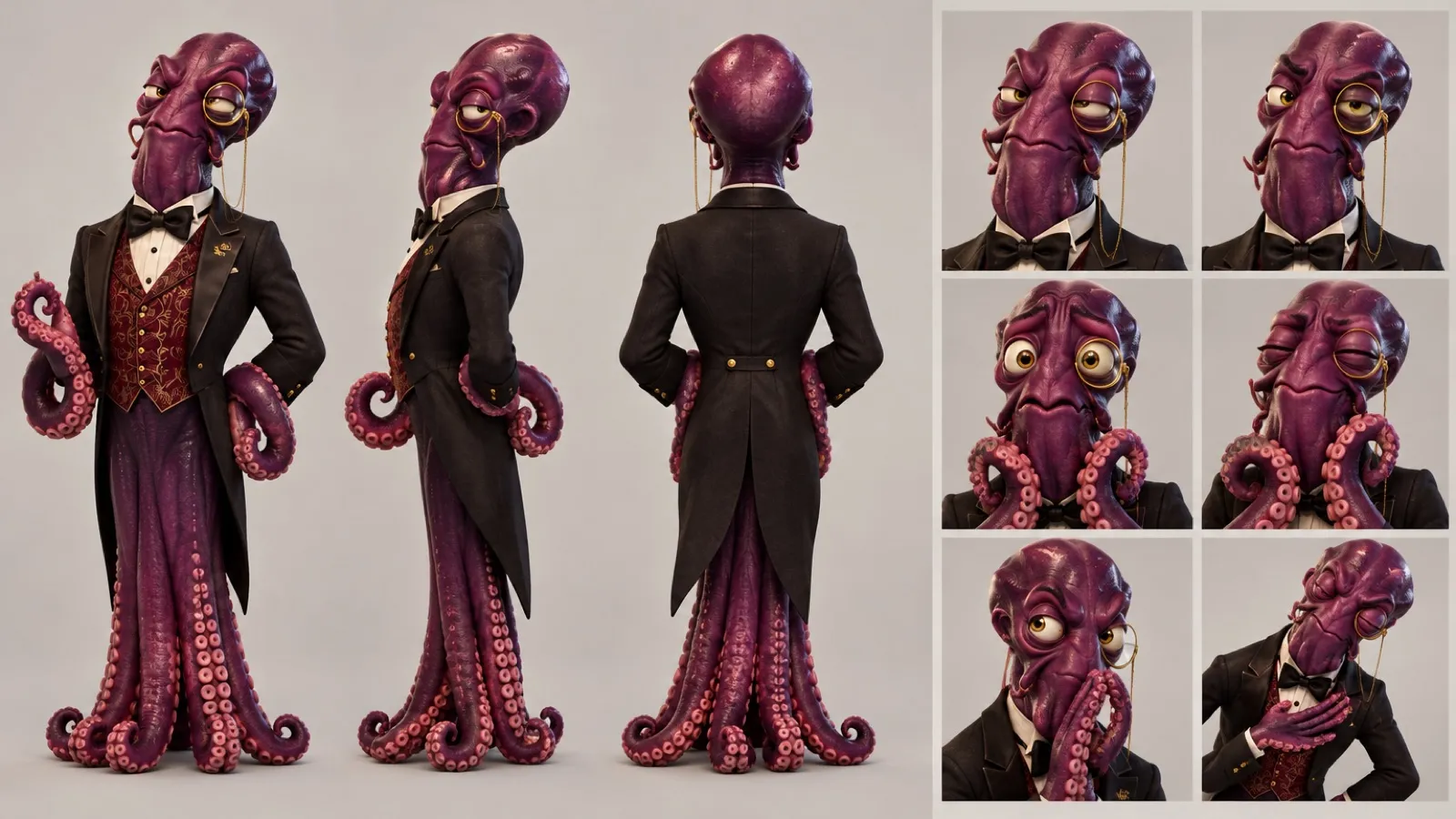 Reference Set · Maître Octave
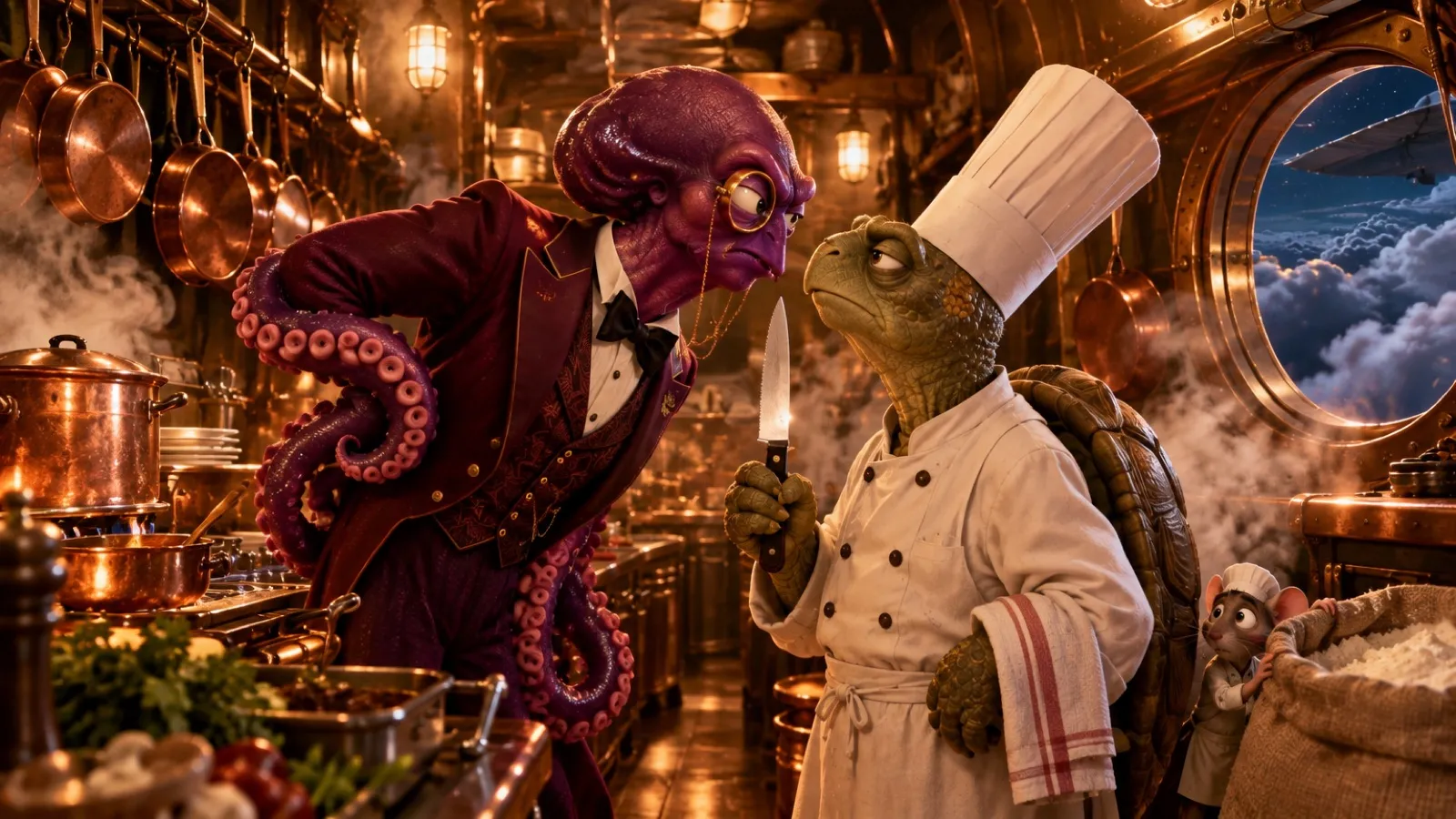 On modelGalley · the evidence
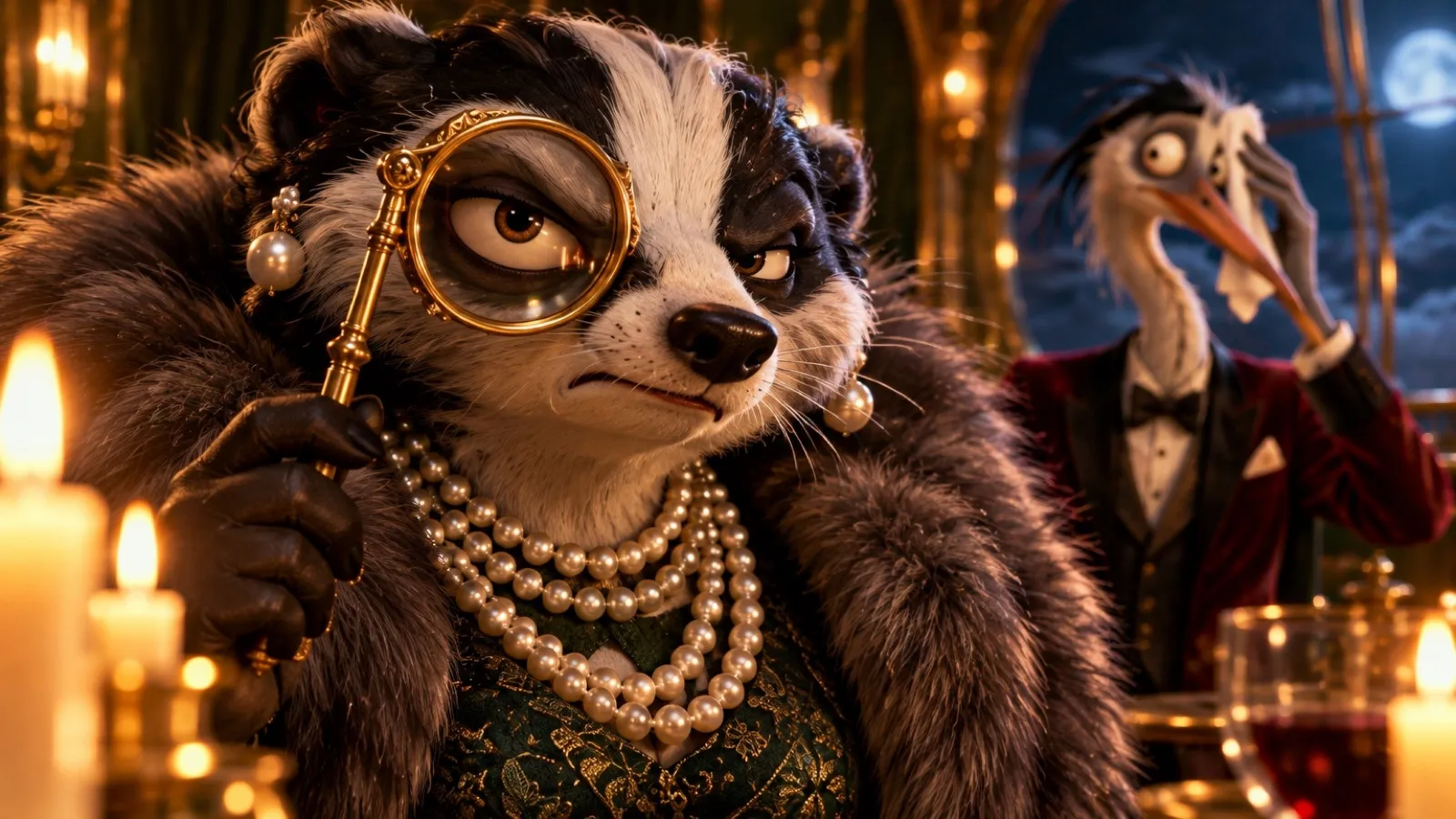 On modelClose-up · the duchess
You're the DP. Same frame, any move.
Start from one still and choose how the camera travels: a quick-set, or your own path of up to twelve keyframes around the subject. Same shot, a different film every time.
Give them a voice. And the lips to match.
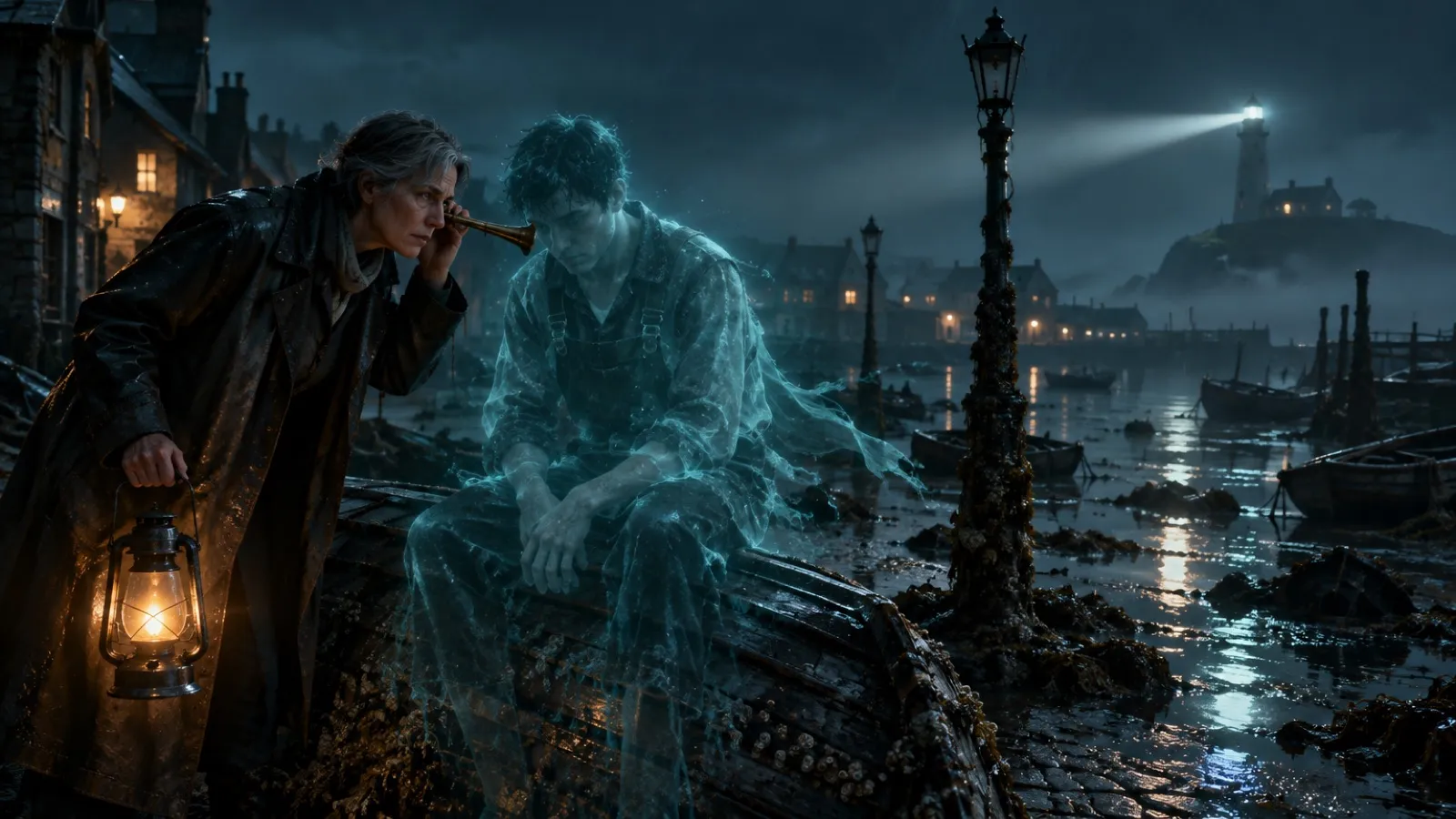
Direct a line like an actor: accent, age, mood, the pause before the question. Lip-sync it to the still you approved, then dub it into the languages you ship in.
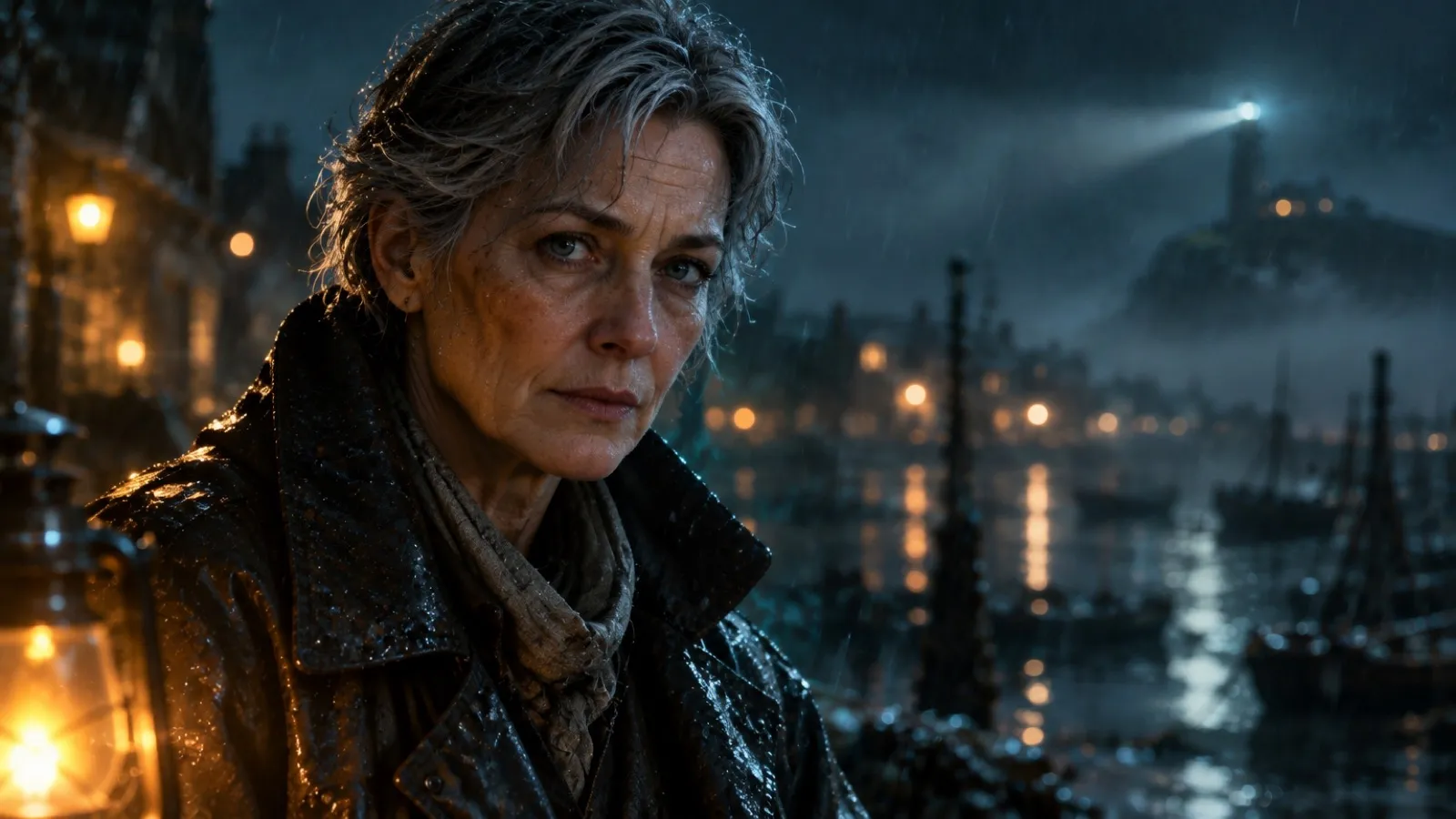
Inspector Wren Halloway
Late fifties · low, gravelly · island accent- Text to speech with direction and pauses
- Voice Changer keeps your actor's take, swaps the voice
- Lip sync on any approved still
- Dubs that leave the picture as it is
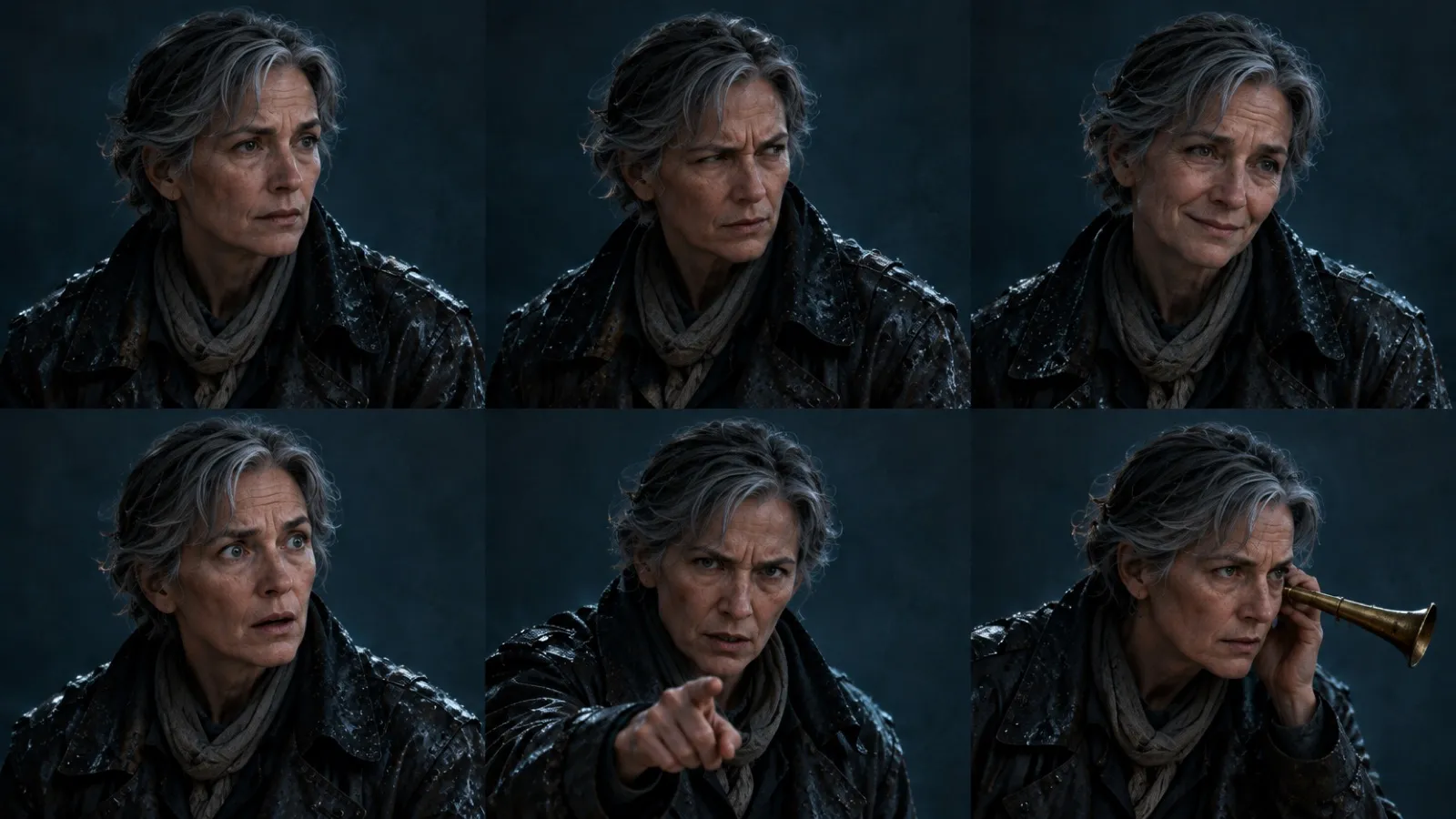 Dialogue portraits · one per emotion
Score it to the cut.
Plan the music the way a composer does: a section per beat, each with its own length and instruments, landing the hit where the title lands. Then sound effects where the action is.
Notes, not reshoots.
Ask for changes in plain words and the revised cut lands on your board. Or take it home: the shots, the score and the stems open in the edit suite you already use.
One spot. Every screen it runs on.
Happy with the first cut? It re-cuts the film for each placement, one after another on the same thread, and dubs it for each market. Every frame below is composed for its own shape, not cropped.
From the first sketch to the one-sheet.
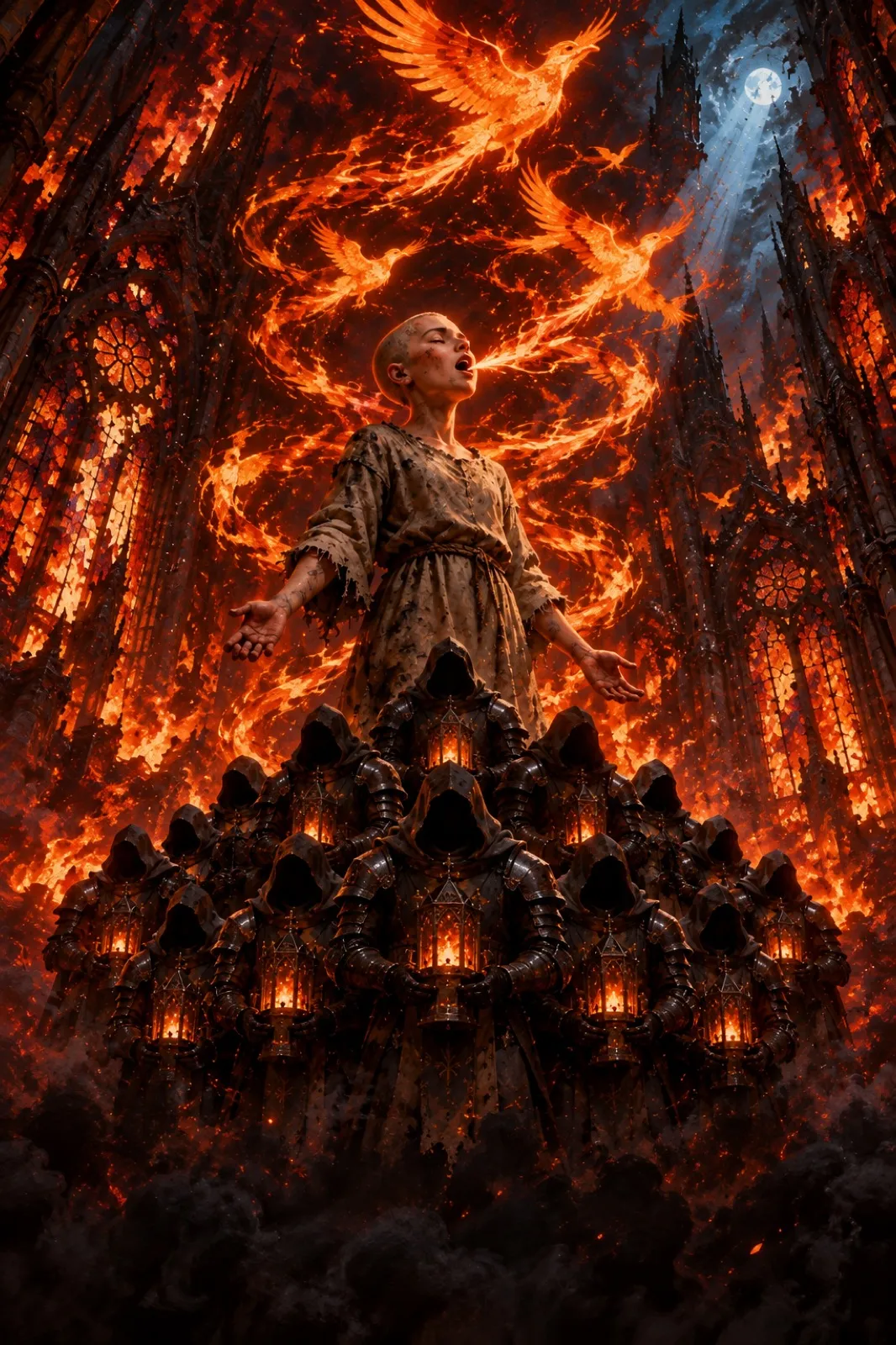
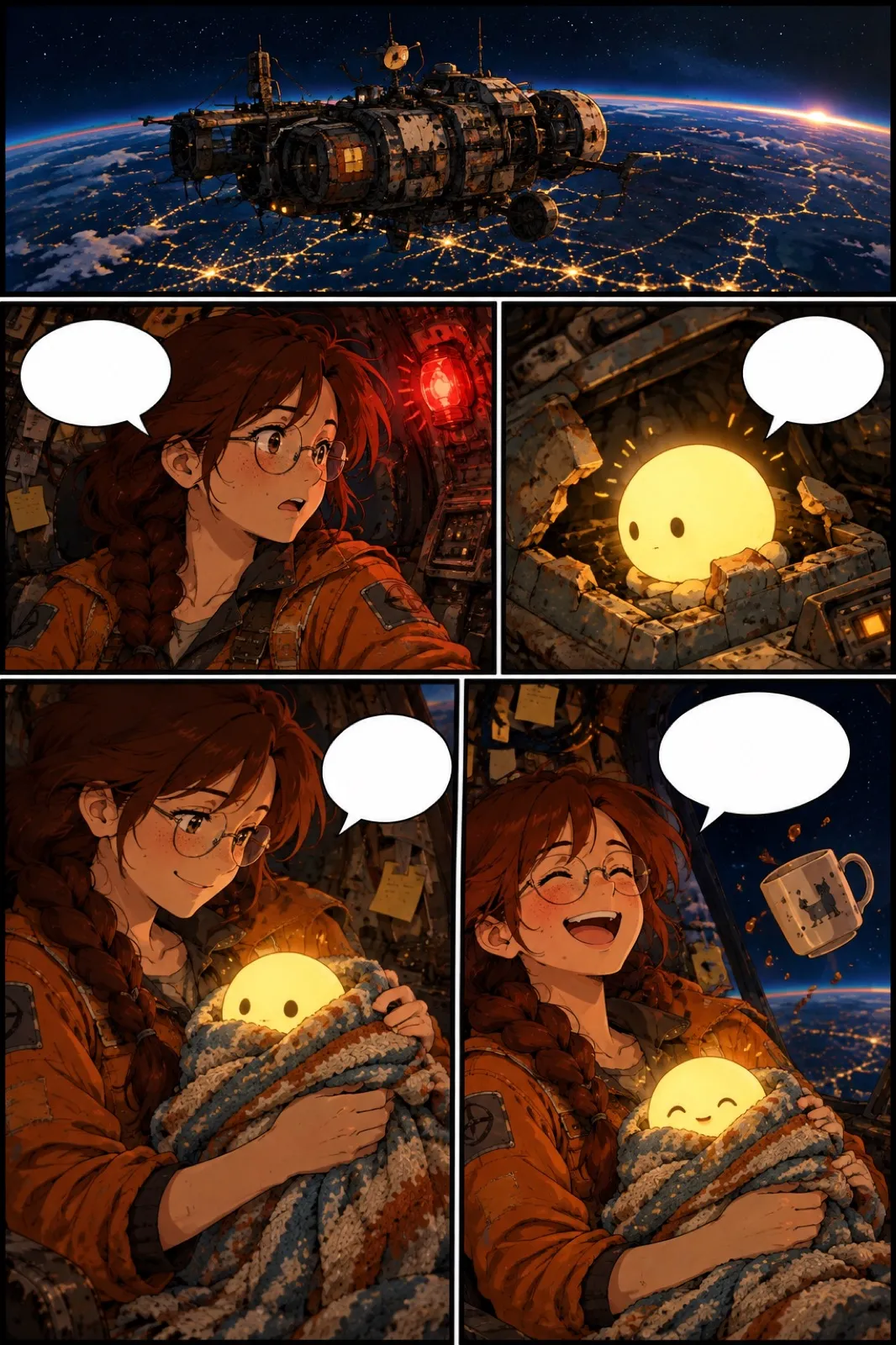
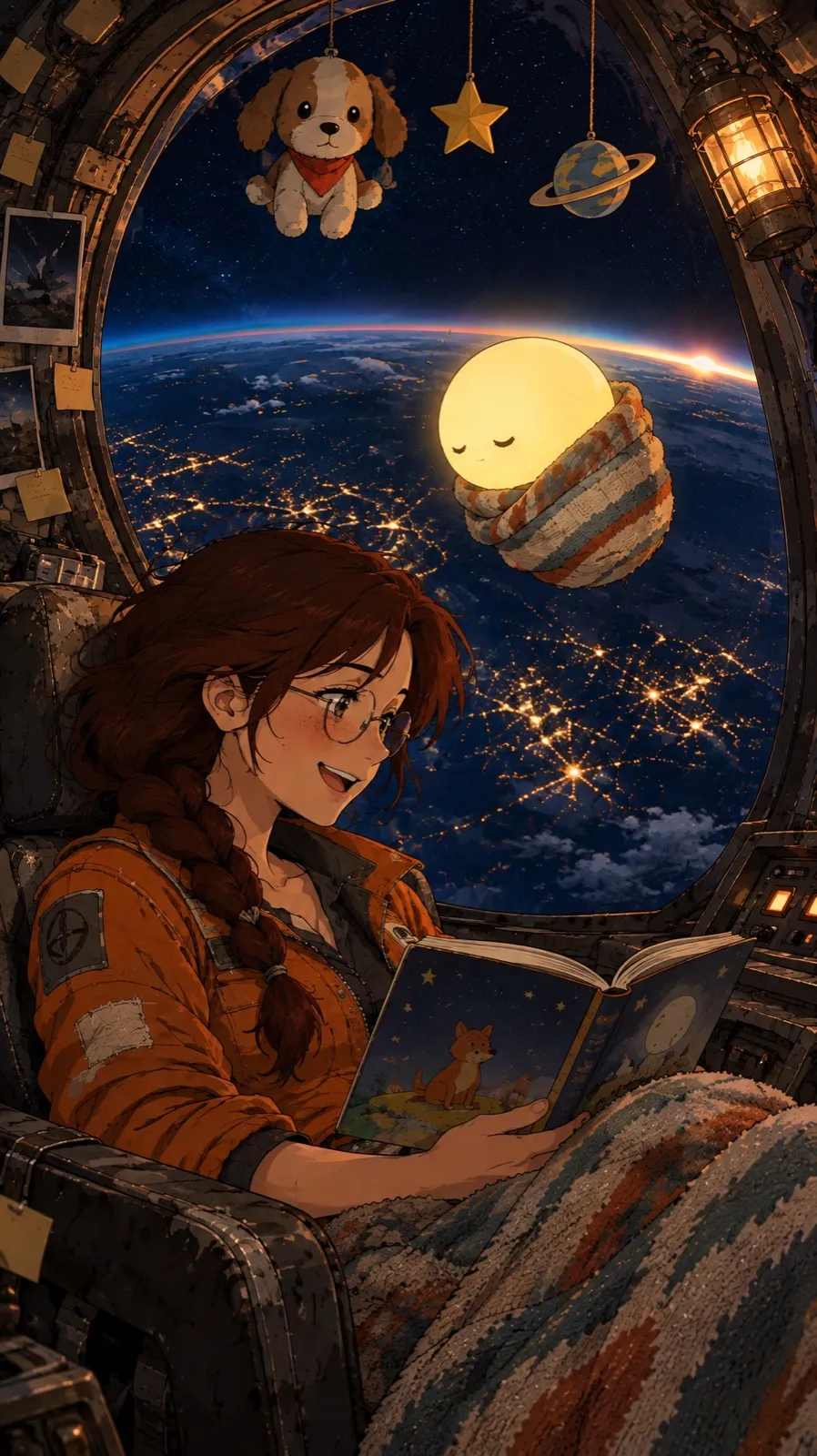
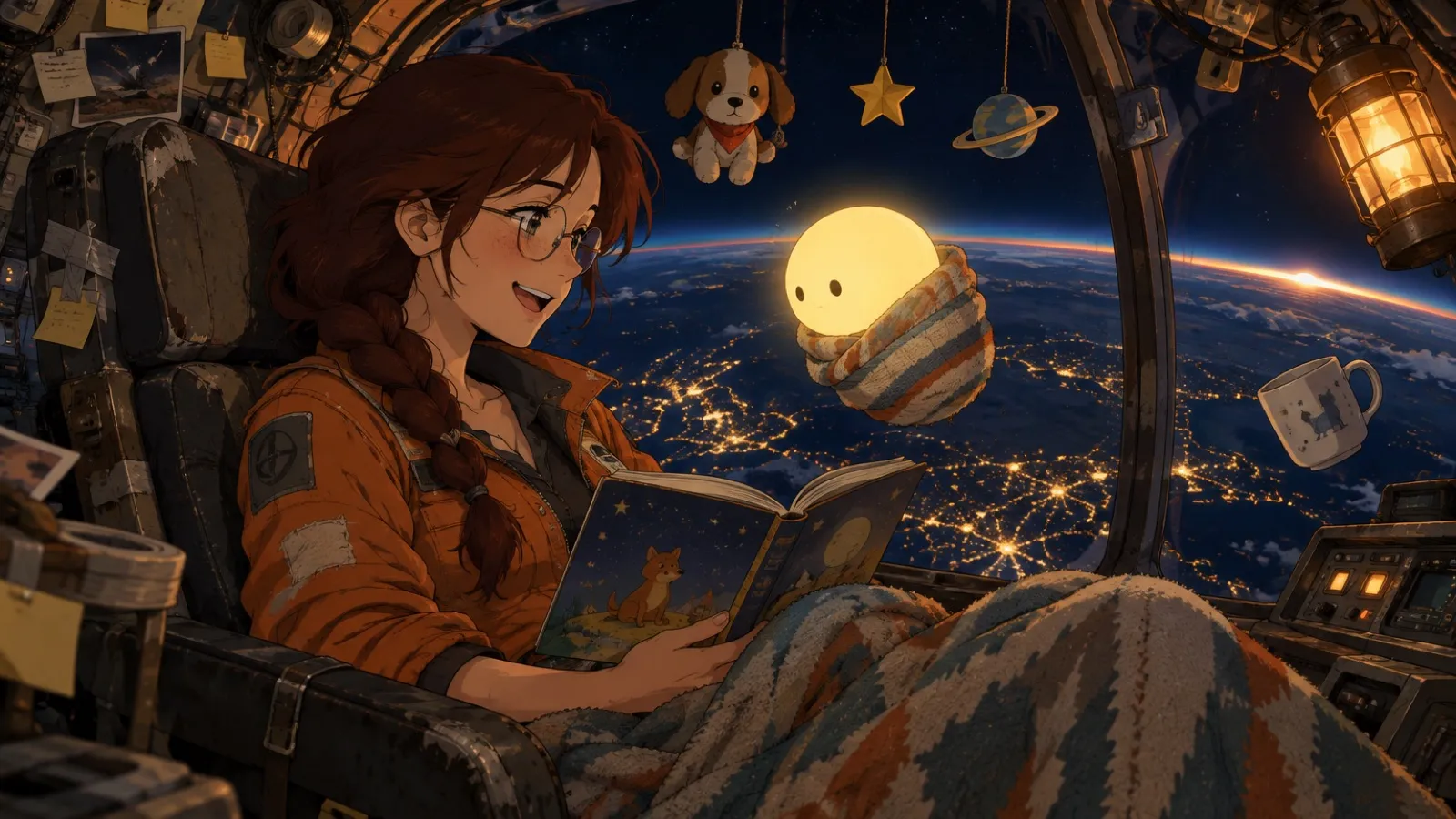
Animatics, motion comics, dialogue portraits, posters and key art, in whatever look the story needs.
Every role, at full speed.
One workspace for the people who write it, shoot it, cut it and ship it. No seats to buy.
In the Wild West that is GenAI land, be more like our partners at Layer. Layer is our partner of choice for all things 2D, 3D, & Video.






Questions story teams ask first.
Do I have to use Motion Designer?
No. Brief Motion Designer for a finished film, or work shot by shot yourself: images, video with camera moves, voices, lip-sync, music and the timeline are all there as separate tools on the same board.
Will my characters stay consistent across shots?
Turn approved art into a Reference Set: a character, a style or a set. Every teammate generates from it, so faces, costumes and props hold from the wide to the close-up.
Does it work with my edit suite?
Yes. The Layer panels for Premiere Pro, After Effects and DaVinci Resolve bring generation into the project you already have open, and every file exports at full quality.
Can I use the outputs commercially?
Yes, on paid plans you own what you make. Customer data is never used to train foundation models, and every asset is traceable in the audit log.
How is it priced?
Pay for what you generate in Creative Units. You see the cost before a run, there are no seat fees, and admins can set usage limits per team or per client.
Your story.
On screen.
Bring a script, a sketch or a single sentence. Layer brings the crew.